Inspiration Dispatchers at trucking companies assign loads largely on gut feel and static maps — ignoring the variables that actually predict delays and cost: driver fatigue, hours-of-service limits, route familiarity, and live congestion. We wanted a tool that reasons the way a great senior dispatcher would, for every load, in seconds.
What it does Given a load, RouteGuard AI ranks driver + route pairings and returns the best option with a plain-language explanation, plus 2-3 alternatives so the dispatcher can see the trade-offs — for example, a faster route that carries more delay risk. It also includes a fleet dashboard, a driver risk view (fatigue, hours-of-service, historical performance), and a natural-language dispatch assistant dispatchers can ask questions like "Which driver should take load 1042?"
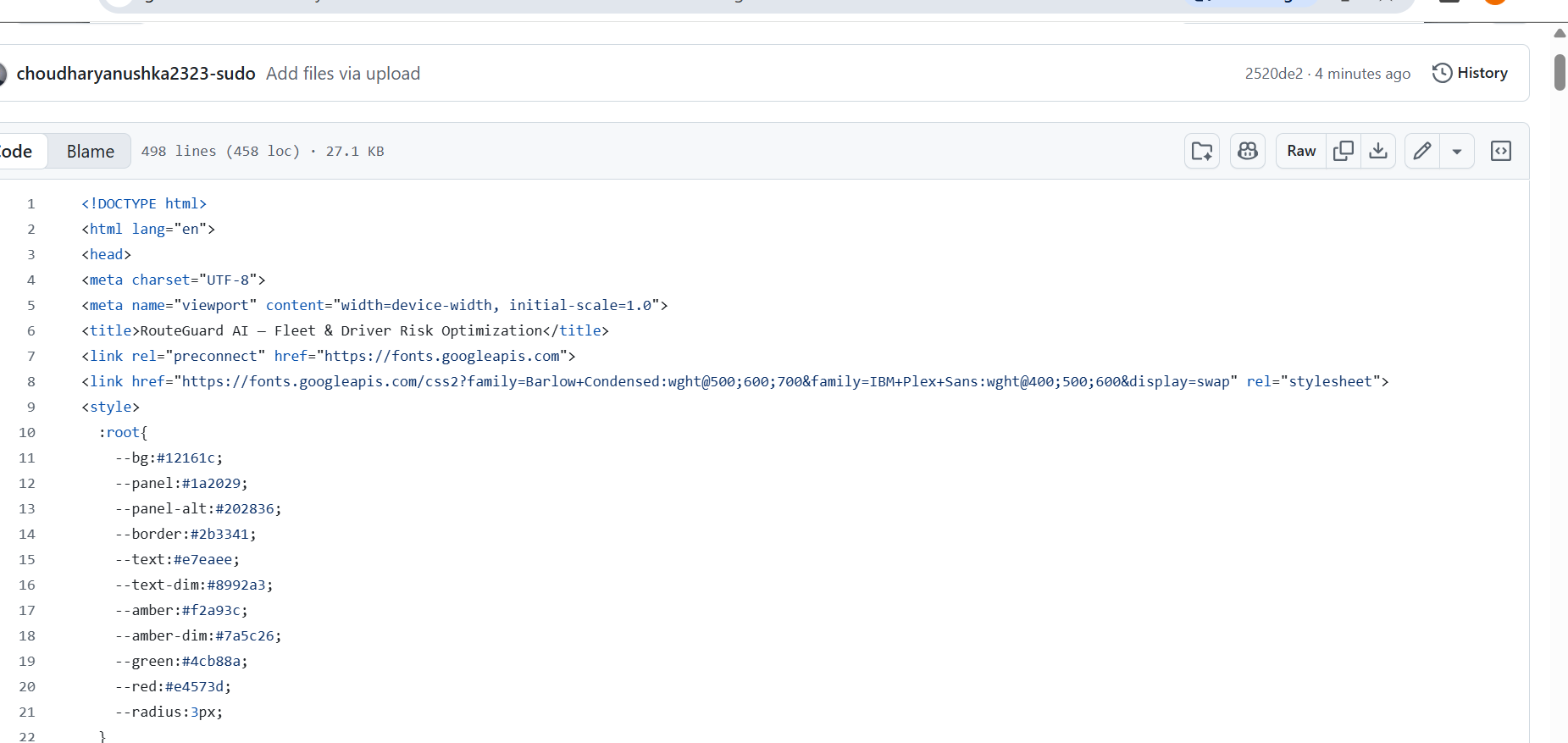
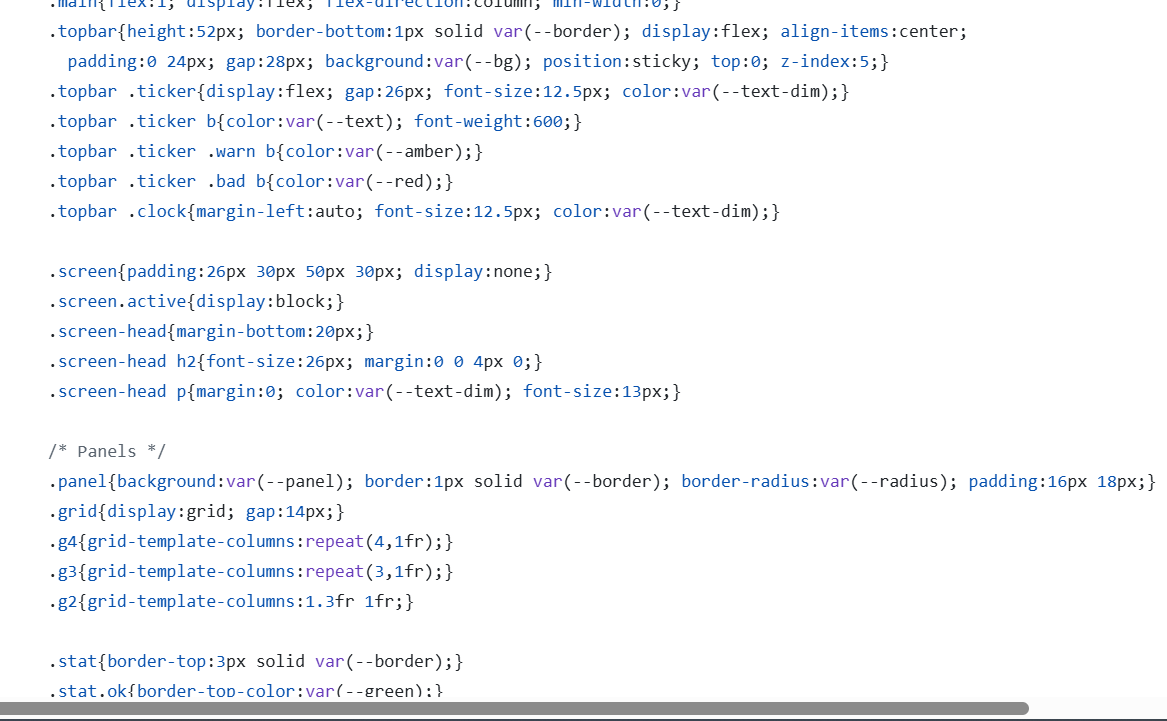
How we built it The frontend is an interactive demo covering all 5 core screens: Dashboard, Load Matching, Route Optimization, Driver Risk, and the AI Dispatch Assistant. The backend is a FastAPI service with a real /recommend/{load_id} endpoint, backed by a transparent weighted-scoring engine — on-time rate, fatigue, HOS adequacy, route familiarity, and incident history — rather than hardcoded numbers. It's a genuine, runnable recommendation engine, not just a mockup.
Challenges we ran into Scoping an ML-flavored idea down to something real and demoable in hours, without it reading as fake. We chose a transparent, explainable weighted-scoring model as v0 instead of a trained model with no real training data behind it, and designed its API contract so a trained XGBoost or Random Forest model can drop in later without touching the frontend.
Accomplishments that we're proud of A working backend that actually computes the headline recommendation shown in the demo, and a UI that surfaces AI reasoning — not just a score — which is what separates this from a generic CRUD fleet dashboard.
What we learned The highest-leverage feature is Load Matching, not the map. The recommendation card with a reason attached is the actual product; everything else supports it.
What's next for RouteGuard AI Wire the frontend to the live backend, move mock data into PostgreSQL, train a real model once historical delivery outcomes exist, add live Mapbox routing and traffic, and replace the canned assistant with an LLM layer over the scoring engine's structured output.
Built With
- css3
- fastapi
- html5
- javascript
- python
- rest-api
- uvicorn


Log in or sign up for Devpost to join the conversation.