-
-

-
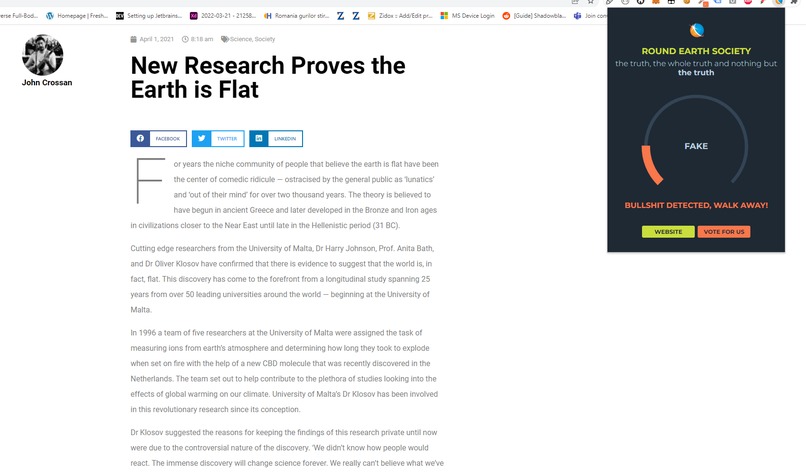
Who knew?
-

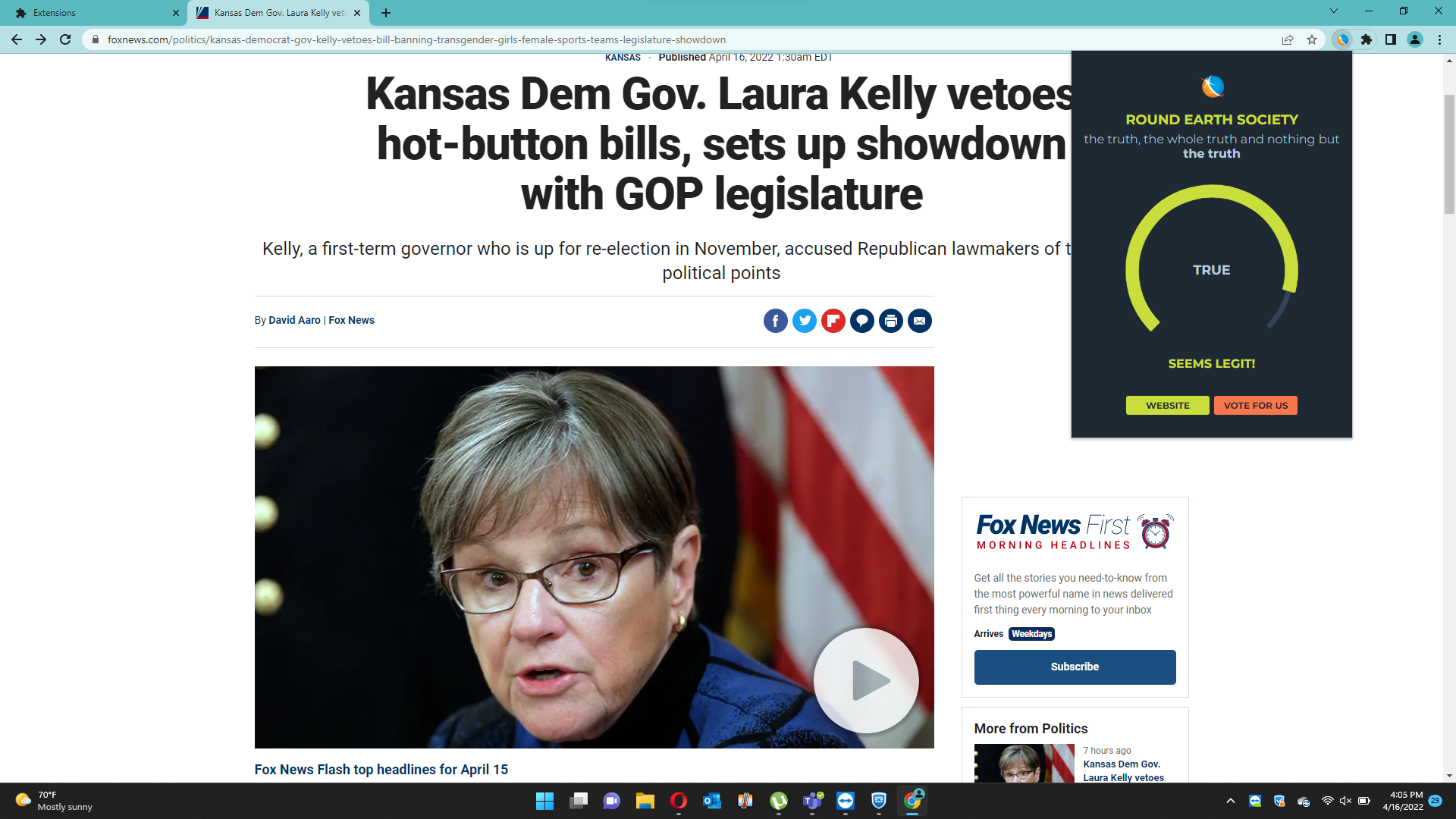
Extremely believable
-
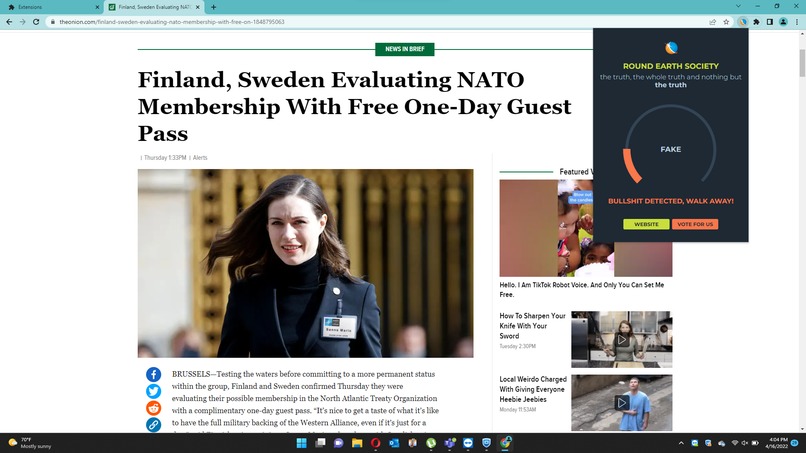
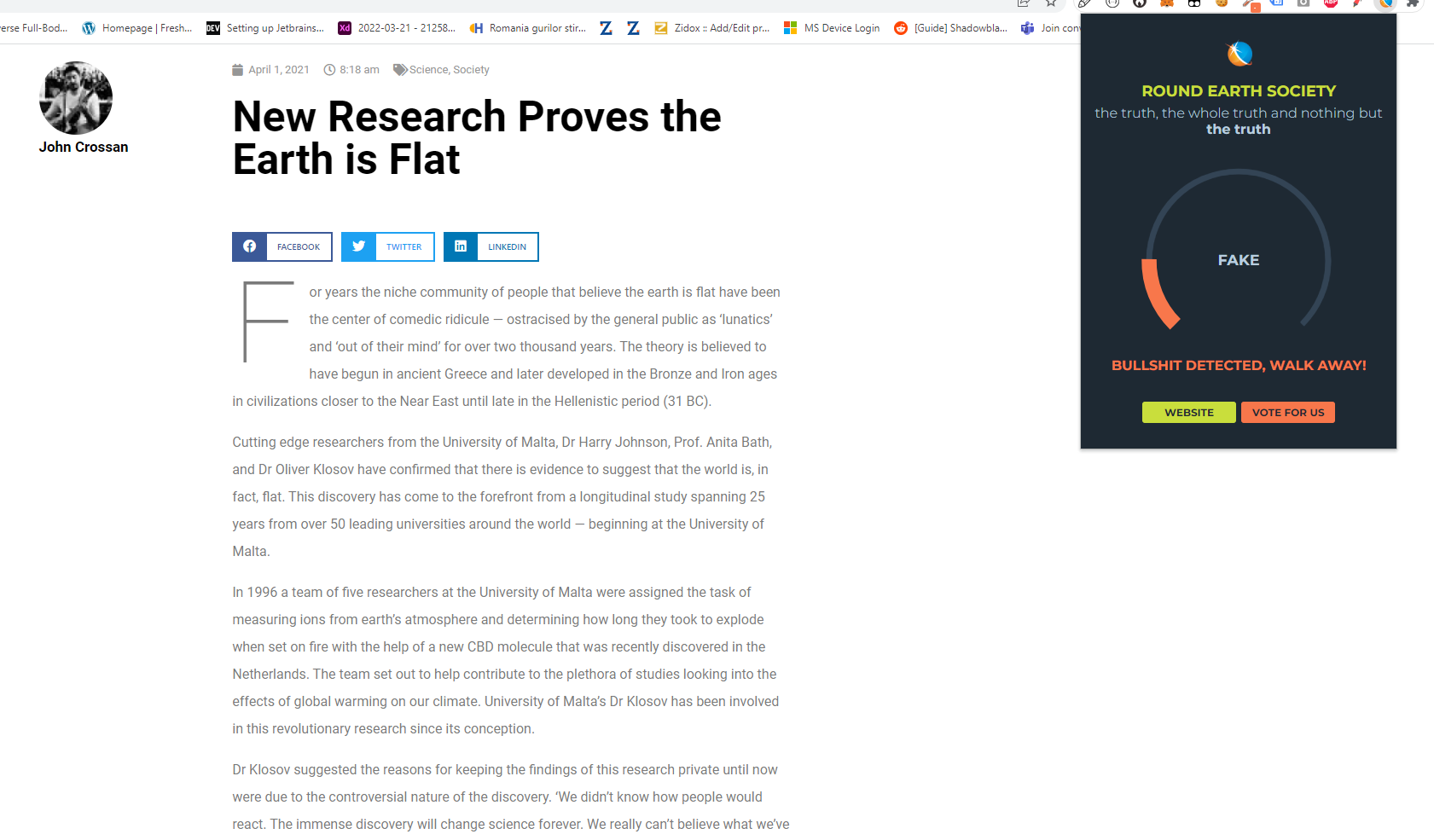
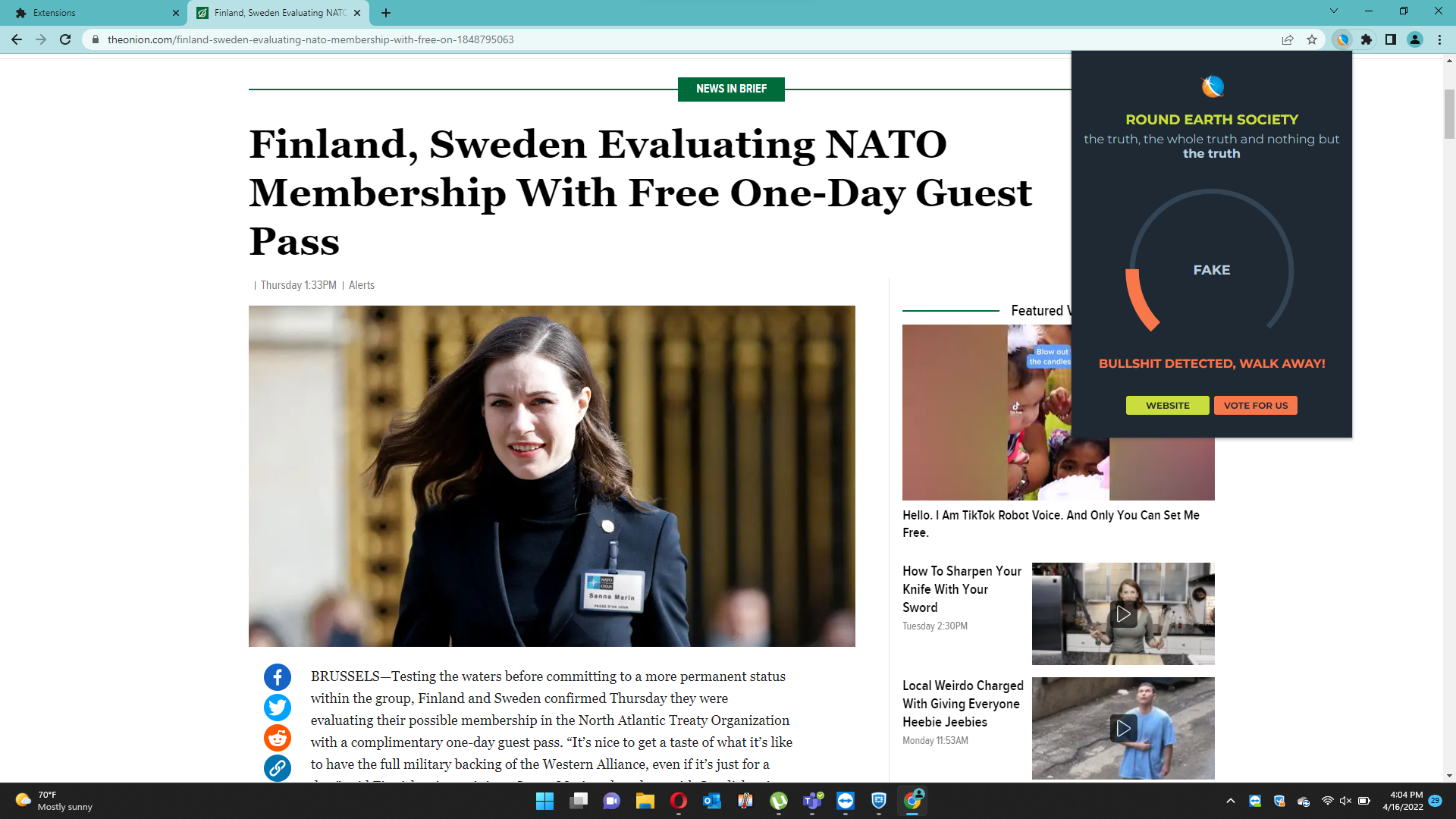
Whole bag of nope
-
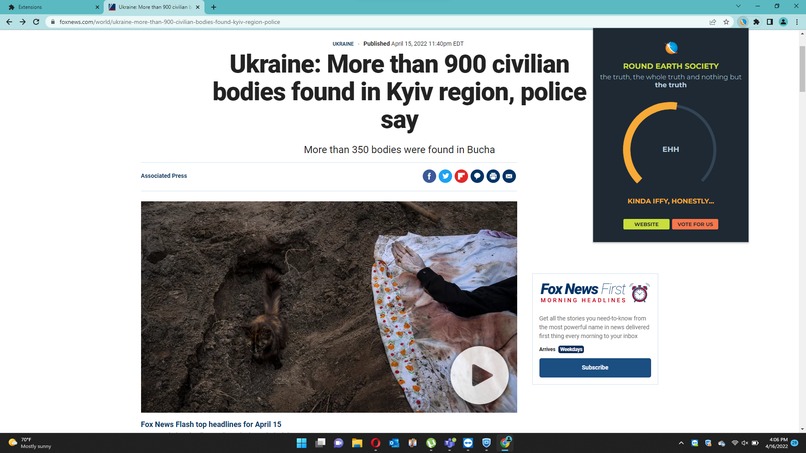
Take it with a grain of salt
-
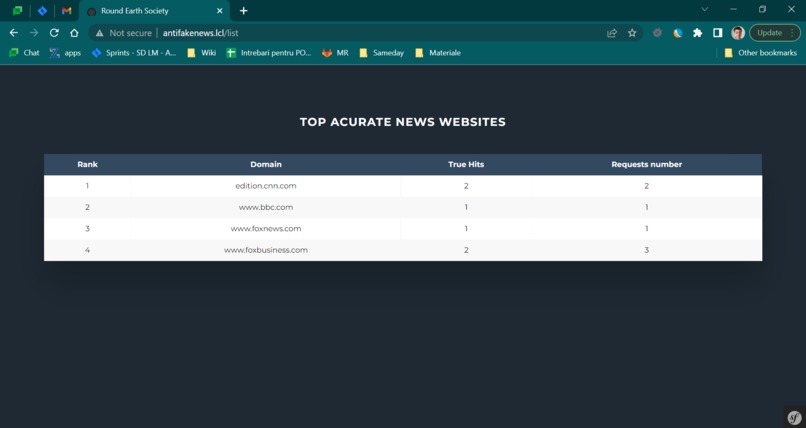
Our recommendations
-
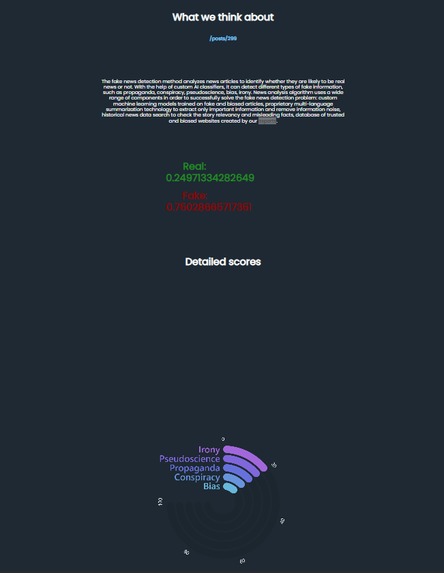
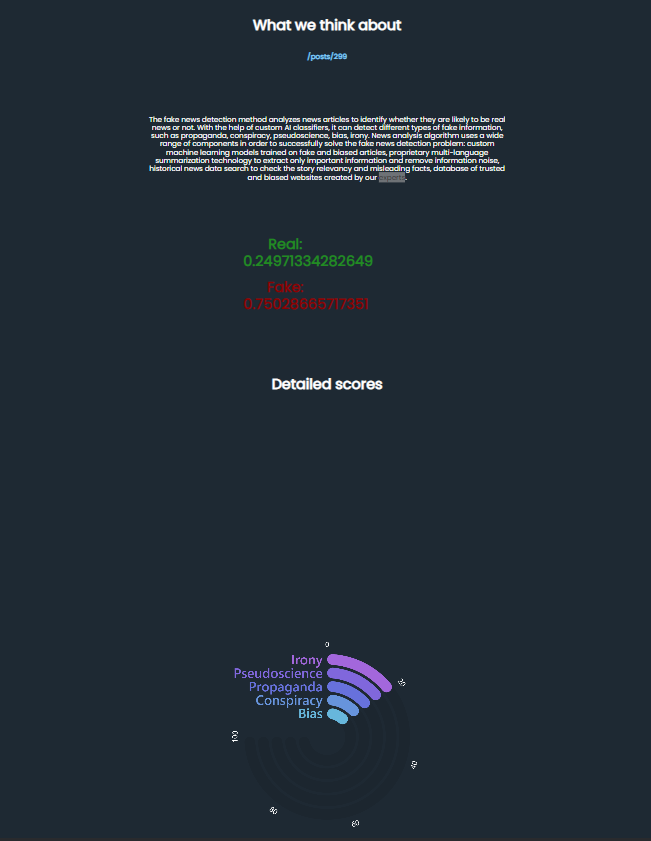
Result details


Inspiration
Fake news can seriously impact your health and the health of those around you.
What it does
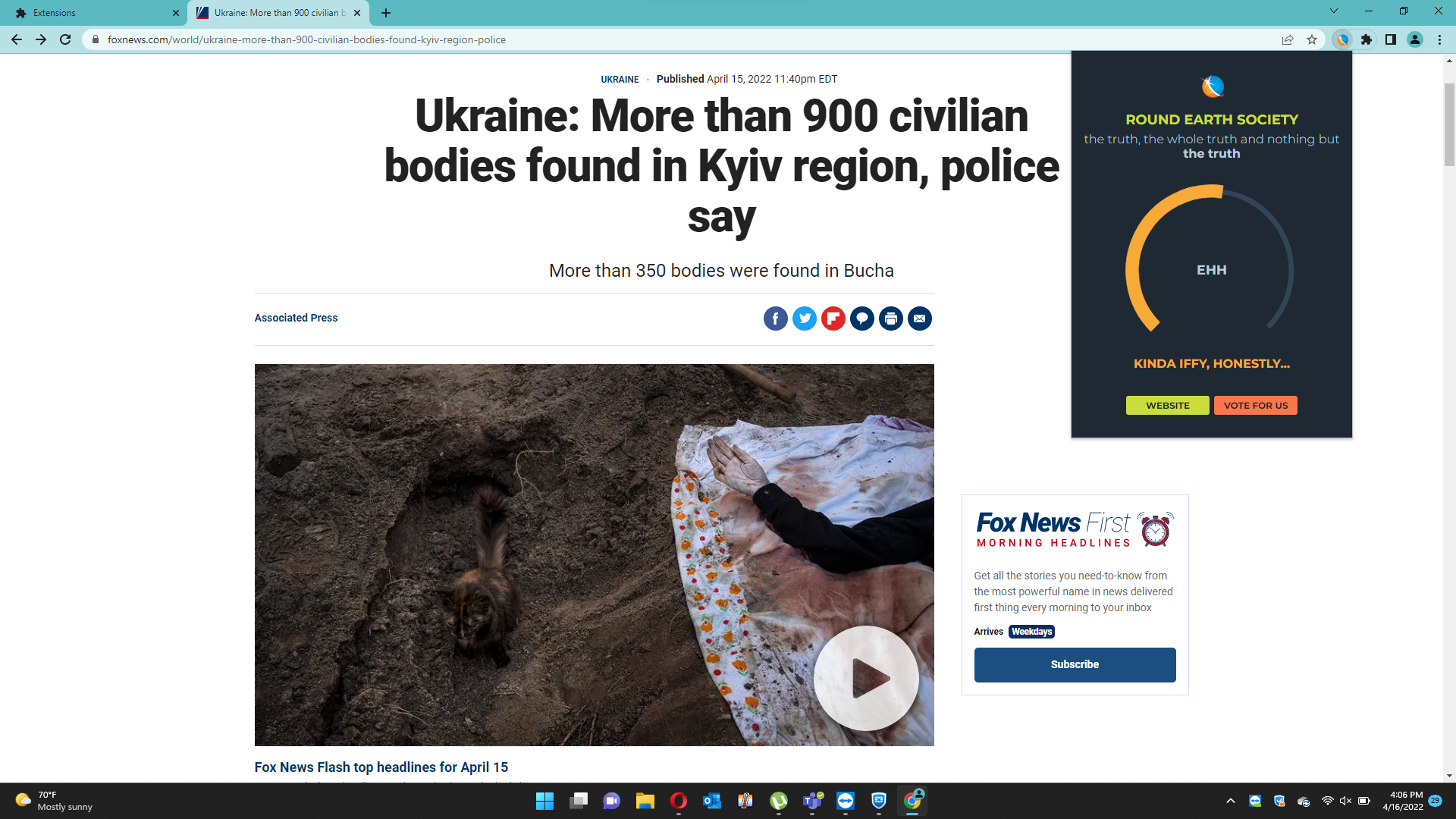
Detects fake news and saves you from a life of misinformation. Our Chrome extension is capable of evaluating the page you're on, regardless of language, and giving you a score based on which you can tell whether the article is true, fake, or at least questionable. Our website is capable of displaying complex results, of allowing you to input URLs or plain text (less reliable, obviously) and of displaying a sort of "leaderboard" of web domains based on the recently identified patterns. We save this data in the back for further processing that we plan to do in the future.
How we built it
With a classic but elegant recipe of PHP, Javascript and a handy machine learning API that gives us several scores based on analyzing the text.
Challenges we ran into
We didn't know how to build a Chrome extension. We hate coding in vanilla JS. We had to translate all the articles in English so that any type of website could be evaluated. We had to share our extenstion with other people so they could test it, but that's not really possible unless you publish to the Chrome store which takes a few weeks. Our JS just stopped working out of nowhere. We had no alcohol (for a while).
Accomplishments that we're proud of
I mean... It [used to] work[s]
What we learned
How to build a Chrome extensions. How to evaluate data scores intelligently. That all news about Elon Musk are true no matter how crazy they sound.
What's next for Round Earth Society
Promote our brand as a badge of honor that reputable websites can display on their front page. We also plan to present people with more trustworthy versions of their currently searched article. Also, we plan to develop a machine learning system of our own in order to allow users to vote yes or no on our assessment - the machine learning would allow us to identify malicious patterns when it comes to voting, so that we're not spammed by bots or neo Nazis.
YouTube Links:
https://www.youtube.com/watch?v=nE1uCJDnwDY
https://www.youtube.com/watch?v=z1b1JUGDDUU
https://www.youtube.com/watch?v=7aJEsza2ync
Chrome Extension:
Download: https://drive.google.com/drive/folders/1V0JtwVlWIt_3tPYehLziA9YELX6h9g6g
Instructions for installing: https://docs.google.com/document/d/1B9Jb-el7D5xy4a6a7Bn3Xkrw7G4S91dOySFvl4fuFPc/edit?usp=sharing


Log in or sign up for Devpost to join the conversation.