-
-

What Rouge looks like/Logo
-
Functionality with the Ribbon - Circle feature

## Inspiration
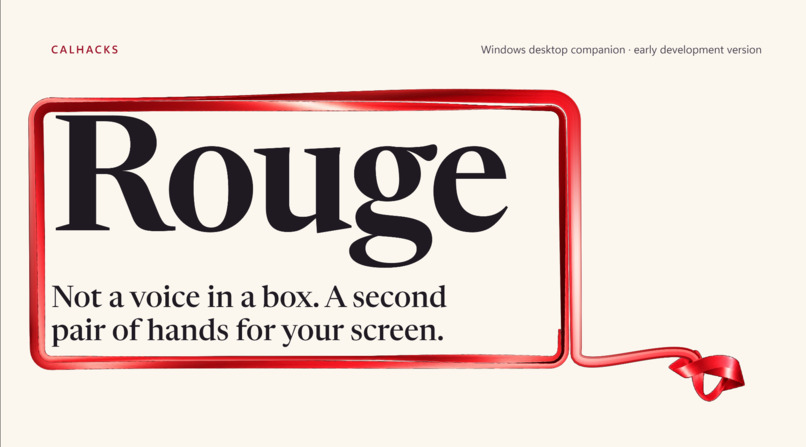
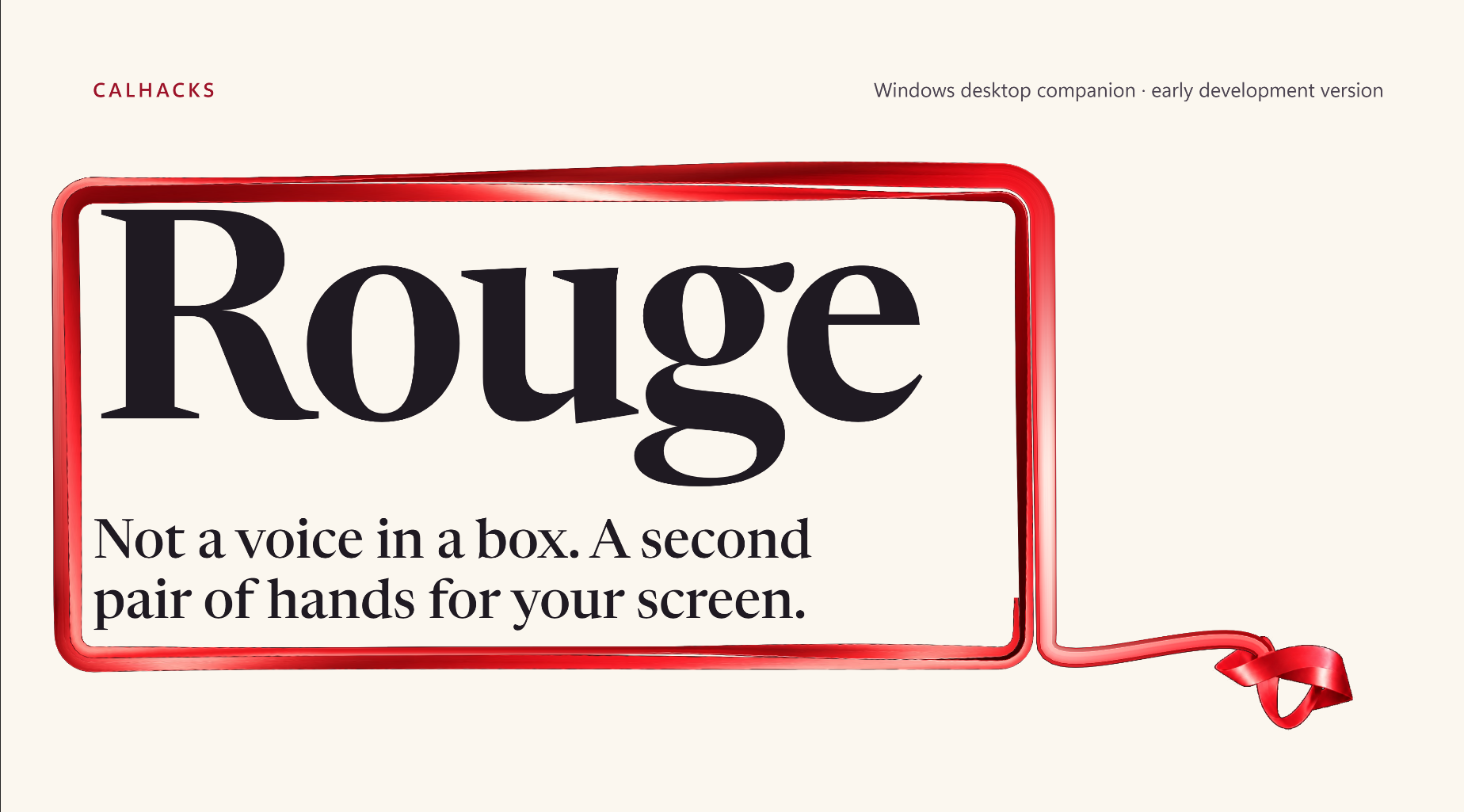
A voice assistants talk to you about your work. We wanted one that does your work with you on the screen you're already looking at. So, Rouge isn't a voice in a box. It's a small, sentient red ribbon that lives in the corner of your desktop and works alongside you.
What it does
- Points at things. If you ask where something is on your PC, the ribbon unwinds from its corner, winds around the exact button, and follows it as the page scrolls. It stays long enough for you to read what it says about it.
- Does the clicking. If you say "find me the cheapest flight to Madison," it opens Chrome, fills in Google Flights, reads the results, and circles the winner. However, it never books or buys.
- Explains anything. It holds a hotkey over any error, menu or slide and gets an explanation on the spot.
- Knows your stuff. It points at folders of PDFs, Word files and notes, and answers from them. Indexing and search happen locally.
- Watches out for you. It reminds you before meetings on your calendar and can flag a conflict if you schedule at the same time. It also offers price comparisons, look-ups of highlighted text, form autofill, and a shelf that holds files while you switch windows. It runs on your own API keys. Keys are encrypted on your PC. It asks before anything that sends or deletes, and it is built to hide password and card fields from the AI.
How we built it
An Electron app in plain JavaScript. A persistent PowerShell and C# helper reads Windows UI Automation: control names and text, not screenshots. It also clicks, types and watches hotkeys. Claude does the thinking, with a local check choosing Haiku for simple replies, Sonnet for lookups and computer work, and Opus for hard reasoning, all in one call. A bounded agent loop inspects the screen, acts, and verifies the result before it reports back. The ribbon is drawn with Canvas and WebGL.
Challenges we ran into
- Safe control of a real desktop. The agent checks the window in front before acting. It uses references that expire after each snapshot, and it limits turns and time.
- Pointing at the right thing. We match the agent's answer to the correct control on screen and keep the wand locked on it as the page moves.
- Staying light. A companion that's always on has to be nearly free. We cut its idle cost from about 34% to about 7% of one CPU core, and made window lookups about 35× faster (71ms to 2ms).
Accomplishments that we're proud of
- A ribbon that shows and does, not just answers.
- The behavior and speed changes are covered by automated tests, and we ran the old and new helper side by side on the same window to confirm identical results.
What we learned
Pointing builds trust. People accept an assistant acting on their screen much more readily when they can see exactly what it's looking at.
What's next for Rouge - A Desktop Assistant
A packaged installer, deeper control of the user's own Chrome through a browser extension, and a stricter credential filter.


Log in or sign up for Devpost to join the conversation.