-
-
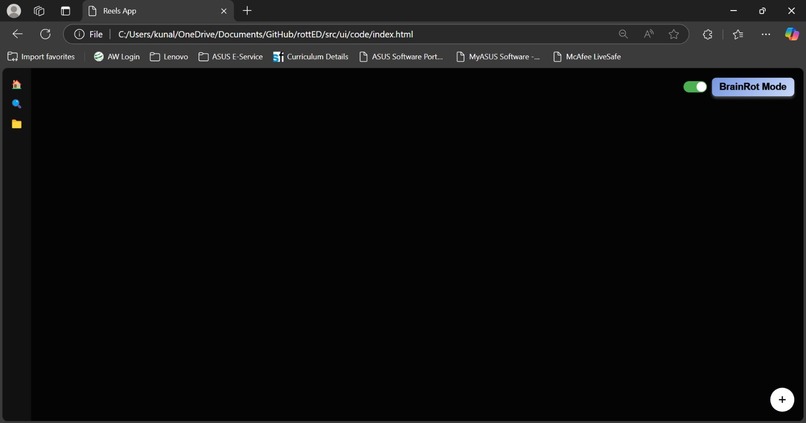
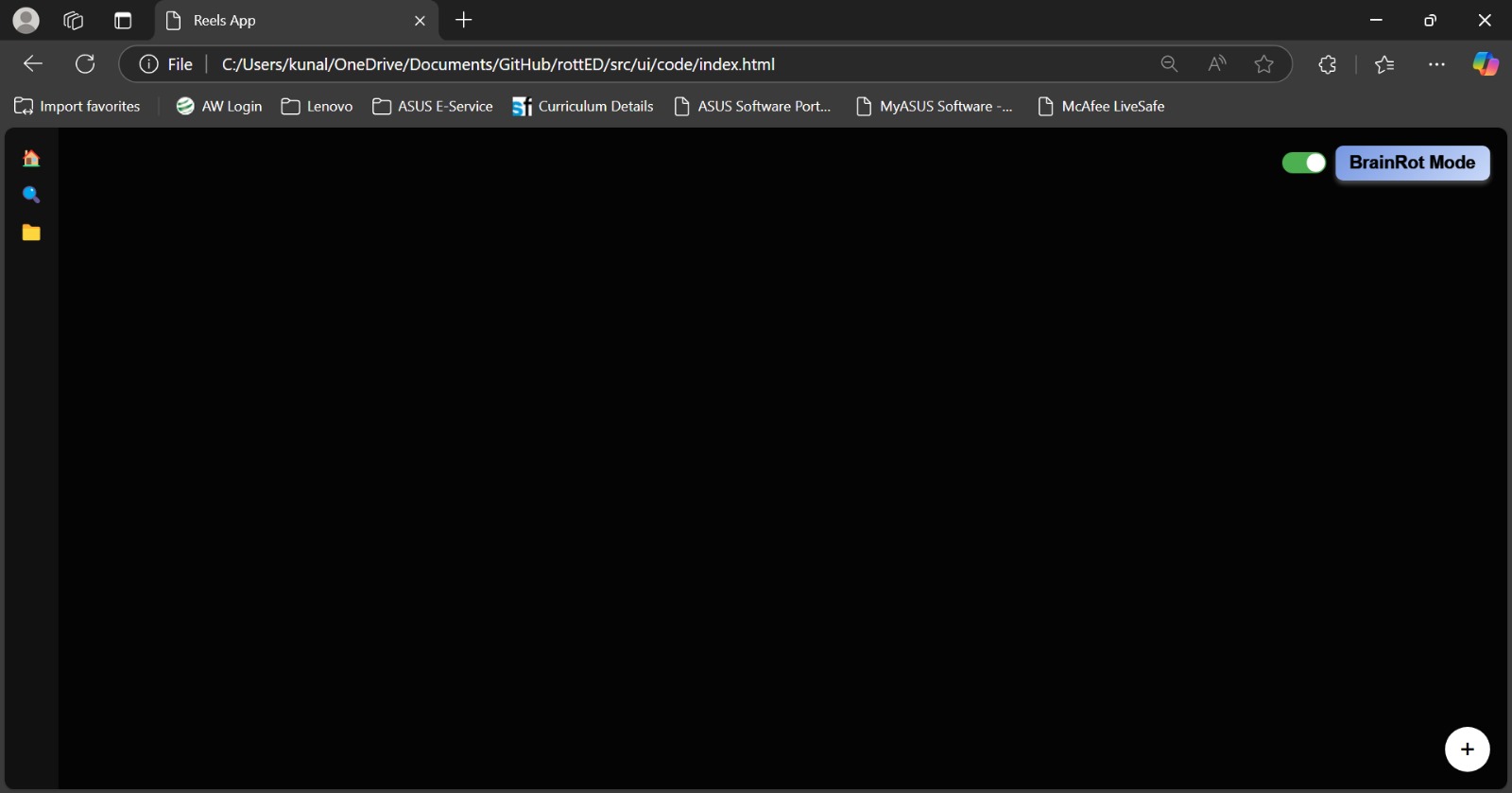
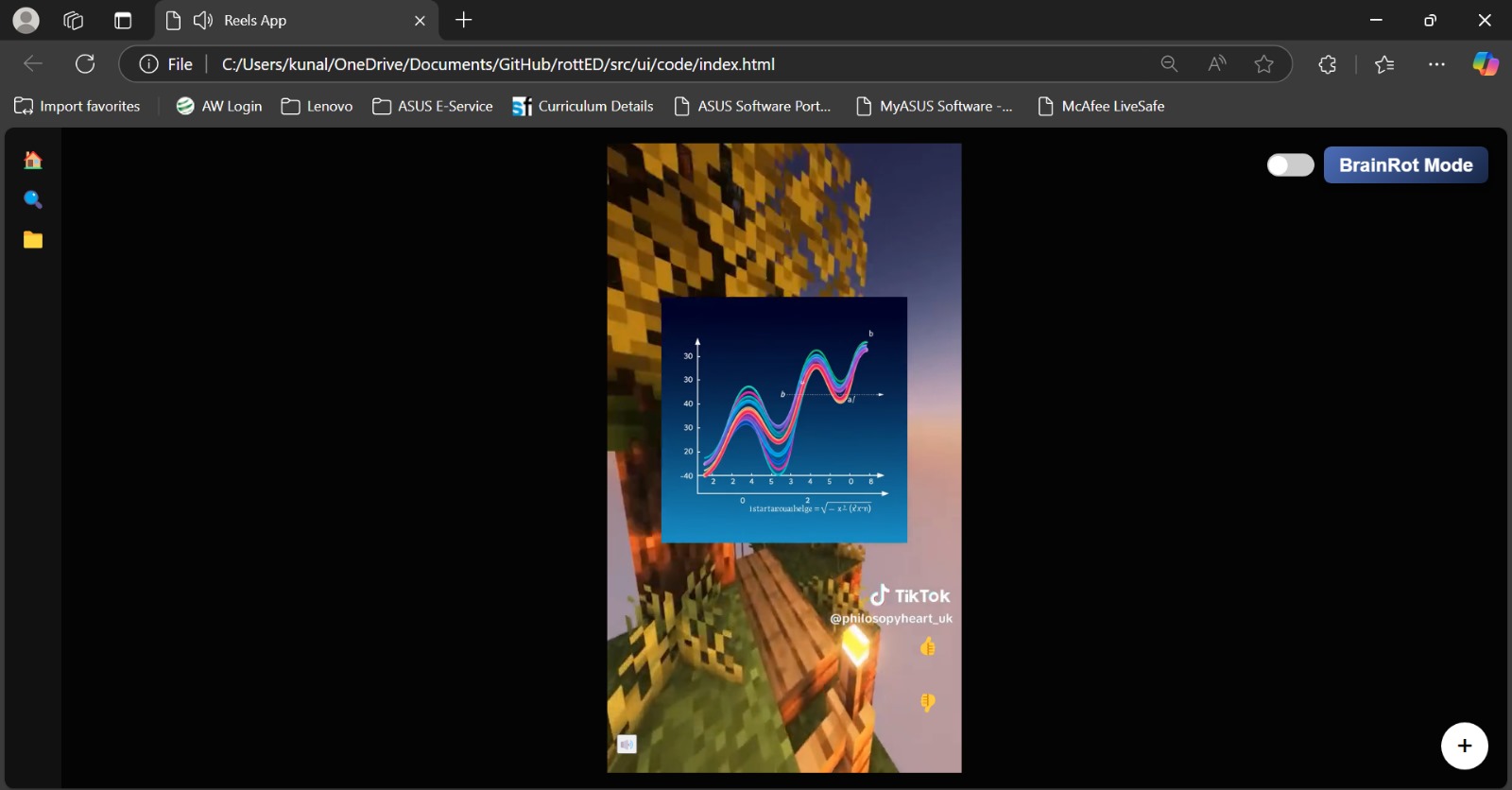
Empty Reel Just modes Selection Case
-
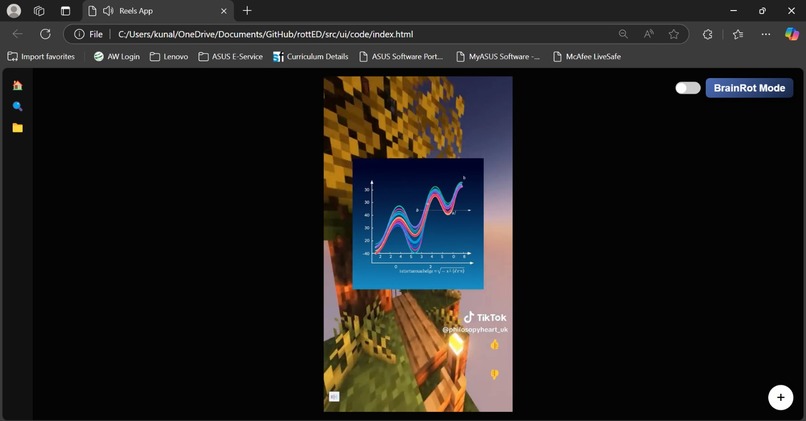
View of one reel on the platform
-
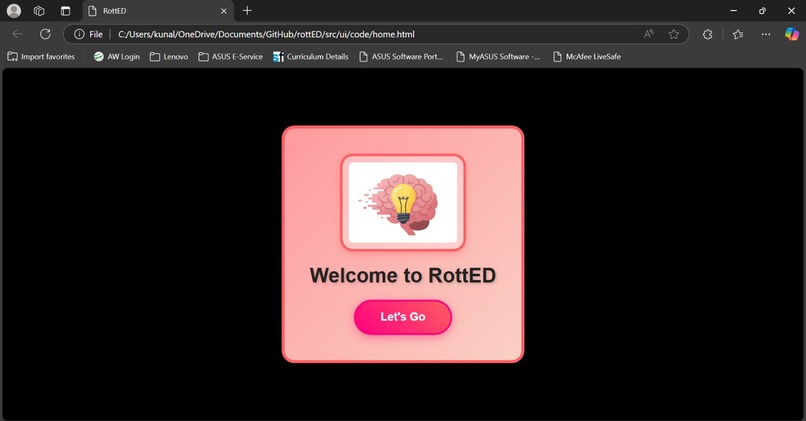
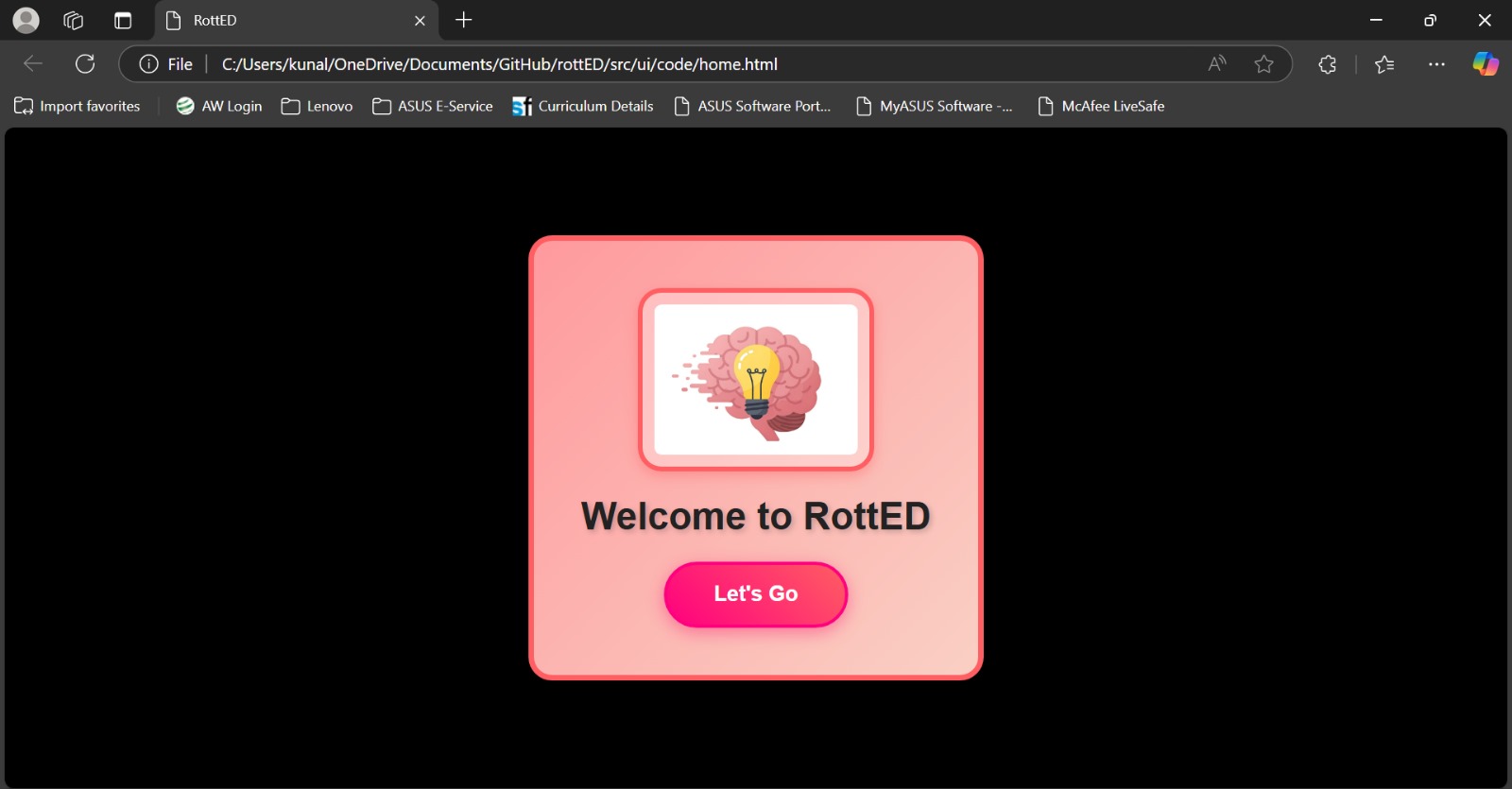
Home Page
-
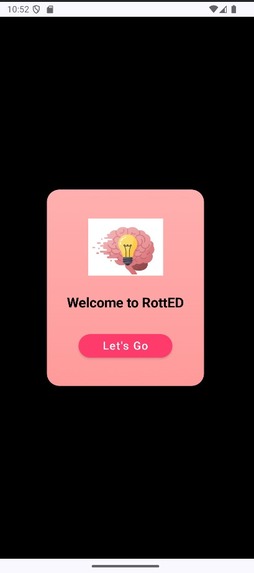
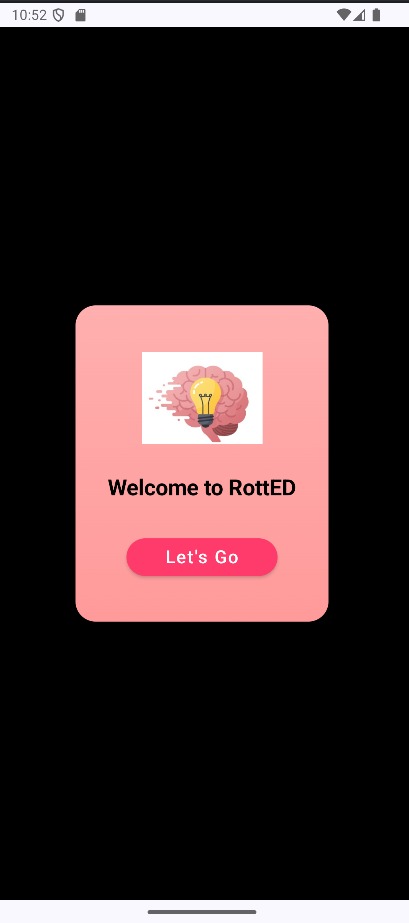
Home Page Phone
-
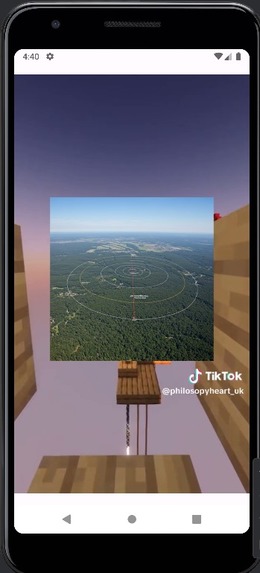
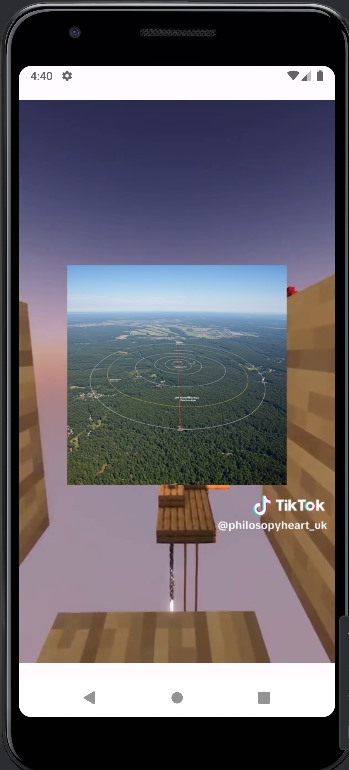
Phone A with Reels loaded
-
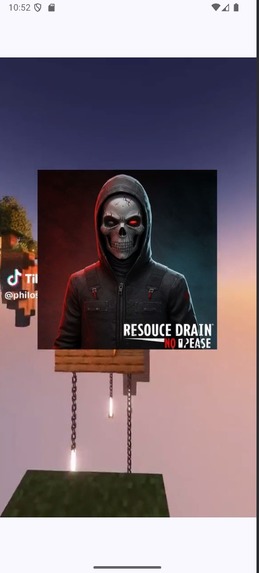
Phone B with Reels loaded
-
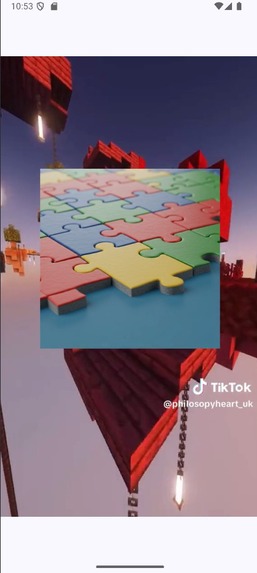
Another Phone B with Reels loaded
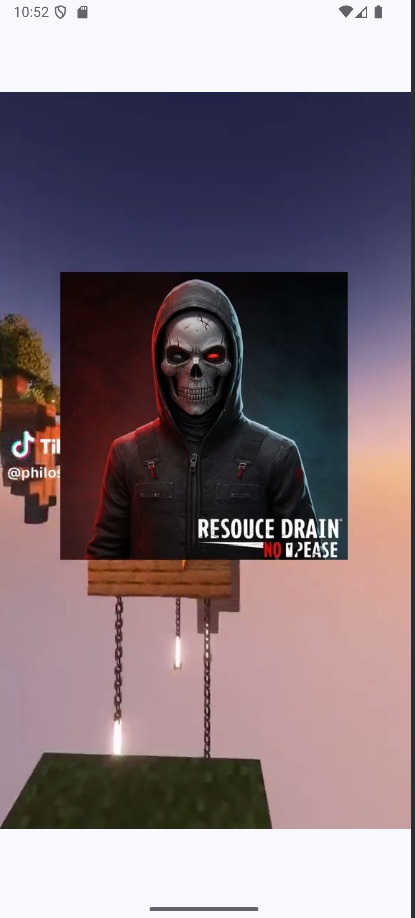
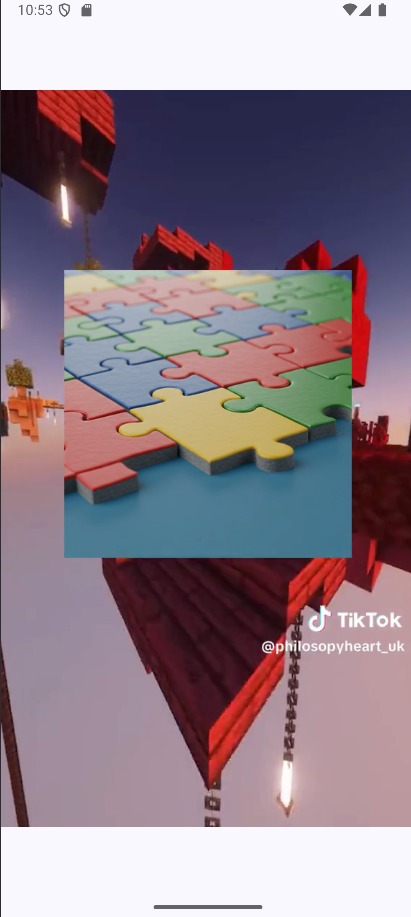
📌 RottED
📖 Description
RottED is an innovative hackathon project to revolutionize academic content consumption by transforming PDFs into engaging, TikTok-style videos. In a world where people often consume brain-rotting content with little to no educational value, RottED bridges the gap between entertainment and learning. By leveraging AI-powered API calls for advanced summarization, intelligent image generation, and seamless audio synthesis, this project automates the creation of concise, visually compelling, and informative short-form educational videos. Designed for dynamic learning, RottED enhances accessibility and retention by presenting complex concepts in an engaging and digestible format.
🌟 Inspiration
With the rise of short-form video content, we noticed that most people spend hours consuming unproductive "brain rot" videos. We wanted to change this by providing a platform that makes learning engaging, visually stimulating, and just as addictive as scrolling through TikTok. RottED was born from blending AI-powered automation with entertaining educational content, making complex topics accessible to all.
📚 What We Learned
Throughout the development of RottED, we gained insights into:
- AI-powered text summarization: Utilizing Google Generative AI to extract meaningful content from PDFs.
- Image generation: Creating relevant visuals based on academic summaries.
- Video editing and automation: Merging videos, AI-generated images, and text-to-speech audio.
- Frontend UI development: Crafting a TikTok-inspired interface for a seamless user experience.
- Backend API integration: Implementing efficient API calls to handle AI-based processing.
- Flask Local Servers: Implementing Flask to bridge user-specific servers to operate between HTML and Python was a new experience.
🏗 How We Built It
- Backend Development
- Used Python to process PDFs and extract key information.
- Implemented Google Generative AI API for text summarization and prompt-based image generation.
- Integrated
gTTSfor audio synthesis andMoviePyfor video creation. - Built a Flask-based API to handle requests between the frontend and backend.
- Frontend Development
- Designed a responsive UI using HTML, CSS, and JavaScript.
- Developed a reel-like video player for seamless content scrolling.
- Integrated interactive buttons for engagement and accessibility.
🚧 Challenges We Faced
- AI Model Limitations: Ensuring accurate and concise academic summaries required fine-tuning prompts and handling edge cases.
- Video Synchronization: Matching generated images, audio, and video backgrounds required precise timing adjustments.
- Performance Optimization: Processing large PDFs efficiently while maintaining responsiveness posed a challenge.
- Frontend & Backend Communication: Implementing smooth data exchange between Flask and the UI required structured API endpoints.
📂 Project Contents
- 📌 Backend: Handles PDF processing, generates summaries, creates images, converts text to speech, and assembles videos.
- App.py: Server script to exchange info
- Main Script:
main.pyfor executing backend functions. - Dependencies:
requirements.txtfor managing necessary libraries.
- 🎨 Frontend: A simple HTML/CSS/JavaScript-based interface that displays the generated videos in a TikTok-style format.
- UI Code: Contains
index.htmlandhome.html. index is the main page, and home is the landing file. - Assets:
images/and test_videos/ directories to store generated content. - Mobile Version: We have attached another repo that has the emulated mobile version of the same as an Android app (Could not push in the same due to the huge project size)
- UI Code: Contains
📁 File Structure
RottED/
│ ├── app.py/ # Core Server Processes
│ ├── main.py # Main script handling PDF processing and video generation
│ ├── API_KEY.txt # Stores the API key (not included in repo)
│ ├── requirements.txt # Required dependencies
├── frontend/
│ ├── ui/
│ │ ├── code/
│ │ │ ├── home.html # Homepage UI
│ │ │ ├── index.html # Main UI
│ │ ├── images/ # Stores supporting images like the logo
├── .gitignore # Git ignore file
├── README.md # This file
🔮 Future Enhancements
- Enhanced UI/UX for better interaction: Improve the overall design and usability of the website, ensuring a smooth, modern, and engaging user experience with intuitive navigation and optimized accessibility. Support for multiple video backgrounds**: Allow users to choose or generate different background videos for their content, adding variety and customization to their learning experience.
- User authentication for personalized content: Implement login and user profiles, enabling personalized learning paths, progress tracking, and content recommendations based on user activity.
- Cloud-based deployment: Deploy the platform on cloud services like AWS, Google Cloud, or Firebase for seamless access, scalability, and better performance.
- Interactive quizzes for engagement: Integrate short quizzes within the platform to reinforce learning, test comprehension, and provide immediate feedback to users.
- Personalized learning roadmap: Develop a feature that allows users to track their progress through structured learning paths, unlocking new content based on their achievements.
- Web-based dashboard for insights: Create a user dashboard where learners can view analytics, track their quiz scores, measure time spent on content, and gain insights into their educational journey.
👥 Contributors
Sagar Patel\ Kunal Pandya\ Devarsh Joshi\ Tanish Singla\
Built With
- android-studio
- css
- flask
- gemini-2.0-flash
- html5
- imagen3
- javascript
- kotlin
- python


Log in or sign up for Devpost to join the conversation.