-
-
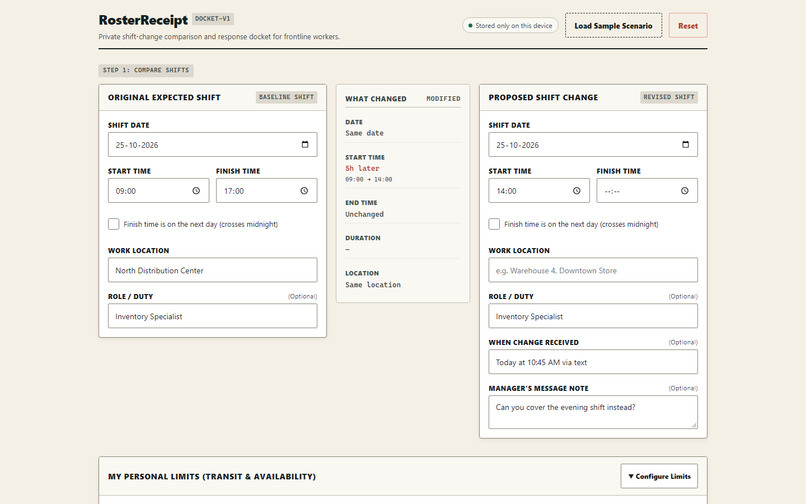
Not ready to respond: missing proposed shift details.
-
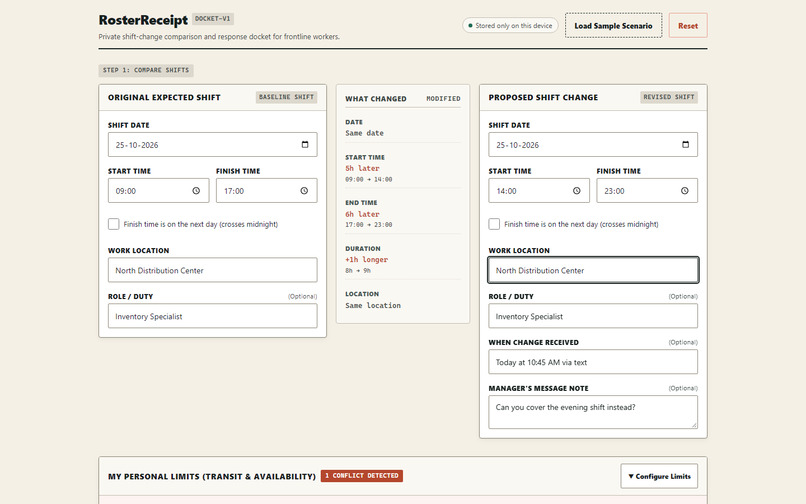
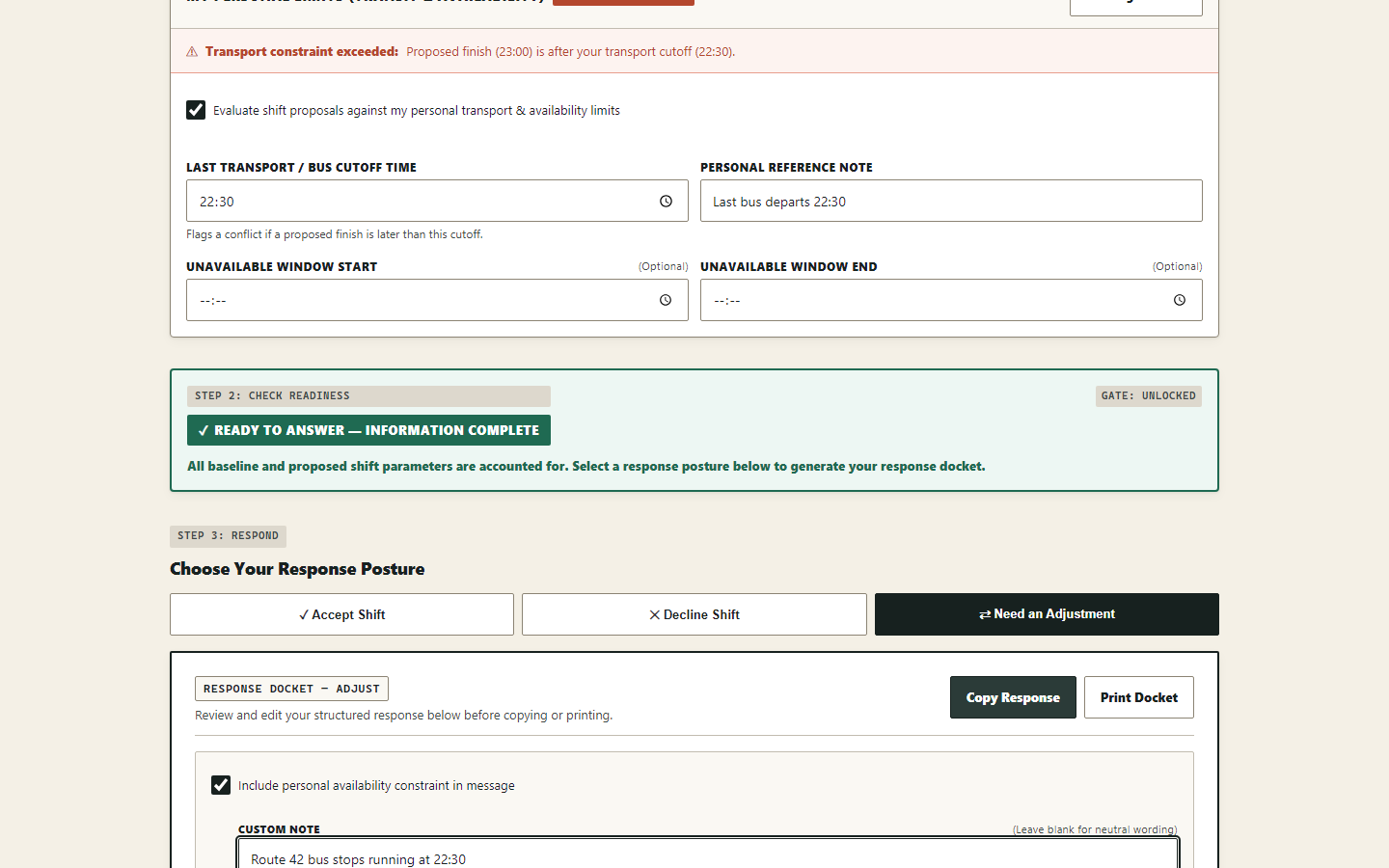
Ready to answer: transport cutoff conflict is visible.
-
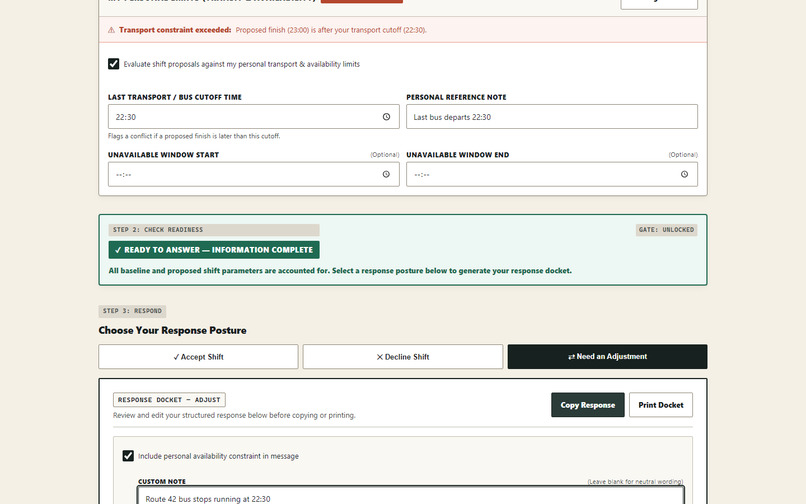
Response Docket: an editable reply built from local-only data.
The worker's problem
Frontline workers get roster changes all the time — through a text, a screenshot, or a quick message. But these updates rarely explain what actually changed or what it means for your day. You're expected to say yes or no, often without enough information to make that call.
What RosterReceipt does
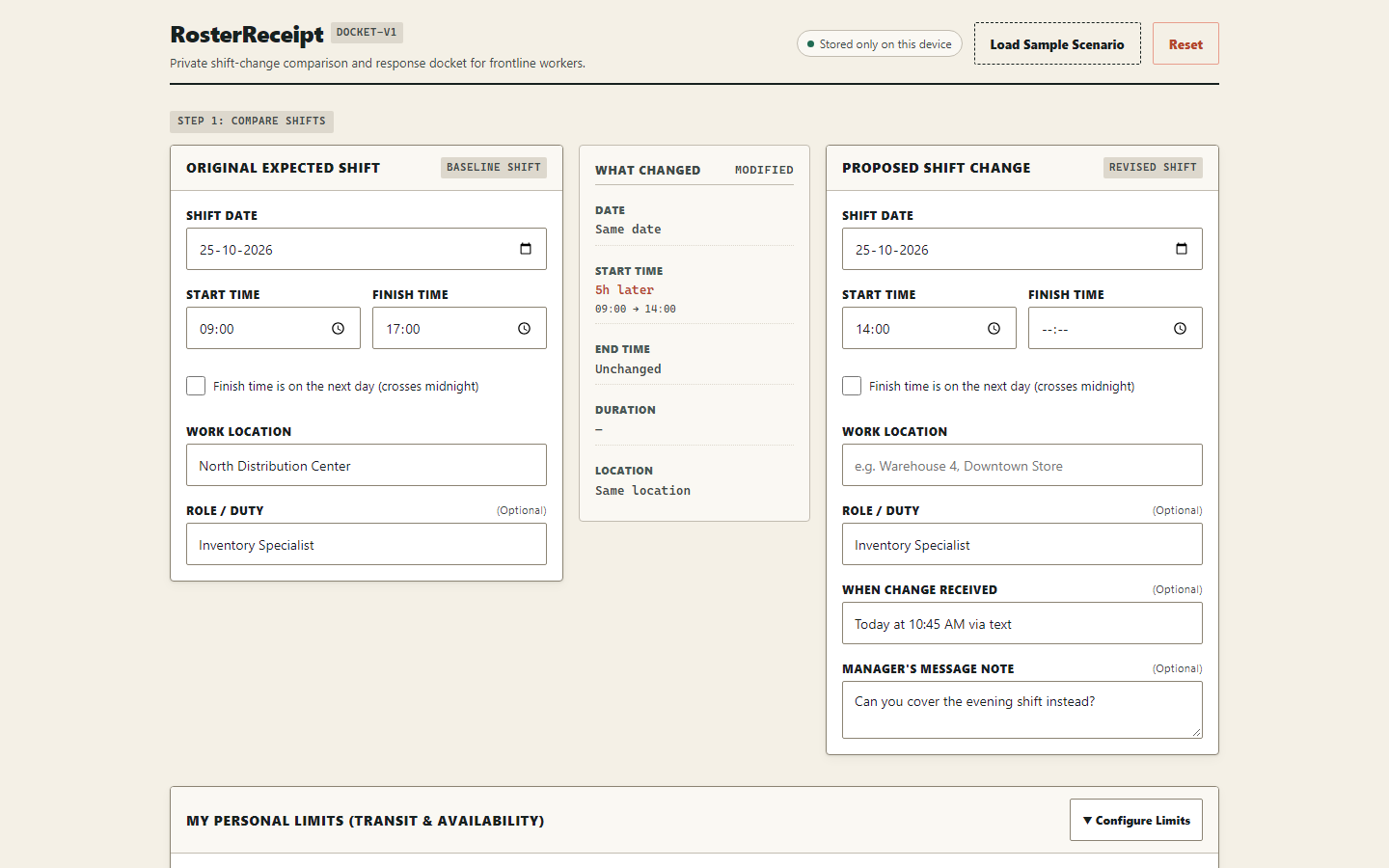
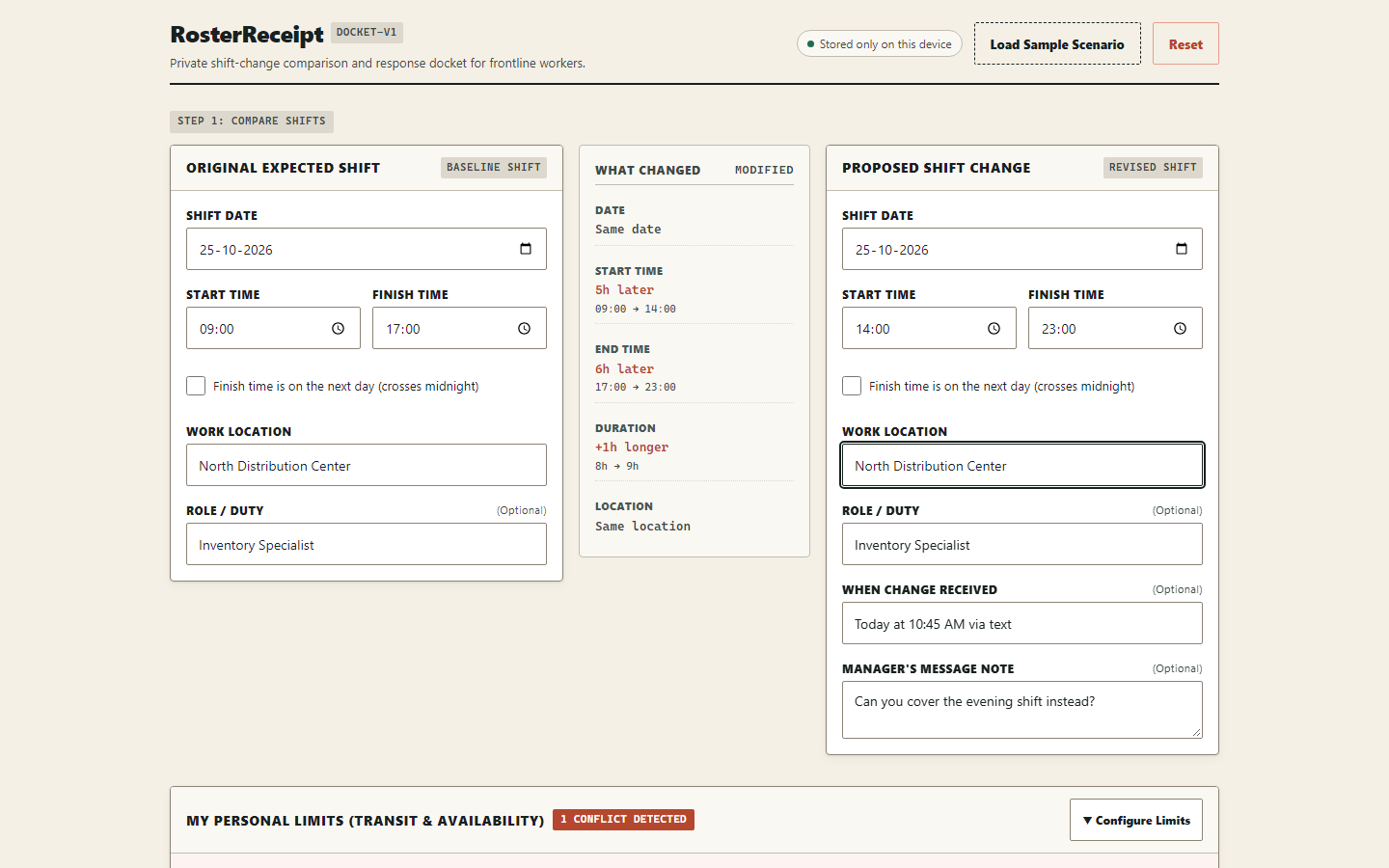
RosterReceipt lets you enter the shift you already agreed to, then enter the change being proposed. It compares the two, shows you exactly what's different, and checks those differences against limits you've set — like a transport cutoff or a caregiving commitment.
Why incomplete information blocks a response
Here's the key thing: if the proposed change is missing a finish time, a location, or which original shift it's replacing — RosterReceipt shows “Not ready to respond.” It tells you exactly what's missing and generates the clarification questions you need to send back. It won't let you accept or decline something that's incomplete.
What happens after the missing details are added
Once all the required fields are filled in, the readiness gate clears. If there's a conflict — say, the new shift ends after your transport cutoff — that's shown clearly. You can then choose your response posture: accept, request changes, or decline.
How the Response Docket helps
The Response Docket generates a plain-text reply card based on everything entered. It includes the shift comparison, any conflicts, and your response — ready to copy and send. Nothing is sent anywhere. Everything stays on your device.
What I personally learned
The most valuable thing I learned was that the interesting part of this problem isn't the AI — it's the gate. Deciding when not to answer is harder than generating a reply. Building the readiness logic first, with deterministic rules and no ambiguity, made everything else fall into place cleanly.
Built With
- axe
- css3
- localstorage
- playwright
- react
- typescript
- vitest


Log in or sign up for Devpost to join the conversation.