Roots: Finance From the Ground Up
Teaching Financial Independence With Real Accounts, Investments, and Transactions
Authors
| Name | GitHub | Role | |
|---|---|---|---|
| Venn Reddy | GitHub | Developer | |
| Stephen Sulimani | GitHub | Developer | |
| Rocco Ahching | GitHub | Developer | |
| Andrew Hernon | GitHub | Developer |
🌟 Why Roots?
Why is Roots needed?
With a thousand different fintechs and financial applications vying for audience attention, many people are bombarded with information overload when trying to take charge of their finances. Roots cuts through the noise by consolidating all the key financial services users need into one platform.
🌍 Tackling the "Root" Issue
How does Roots solve this problem?
From a high level overview, Roots breaks its services into 3 key services: Budgeting, Investing, and Credit Cards
Our strategy is to teach users by relating these topics to their OWN transactions and real life budget. No vague "sandboxes" -- our platform fully integrates customer data and preferences to make finance relevant to them. We've made it easy to learn and manage personal finances by adding these specific tools:
Key Features
- Full User Authorization, Financial Account Creation, and Detailed Transaction History:
- Personalized Budgeting Dashboard With Recommended Savings:
- Deatiled Investment Questionnaire and Fully Functional Investment Portfolio:
- AI-Recommended Portfolios (For New Investors) With Explanations
- Credit Card Recommendation and Application Tool
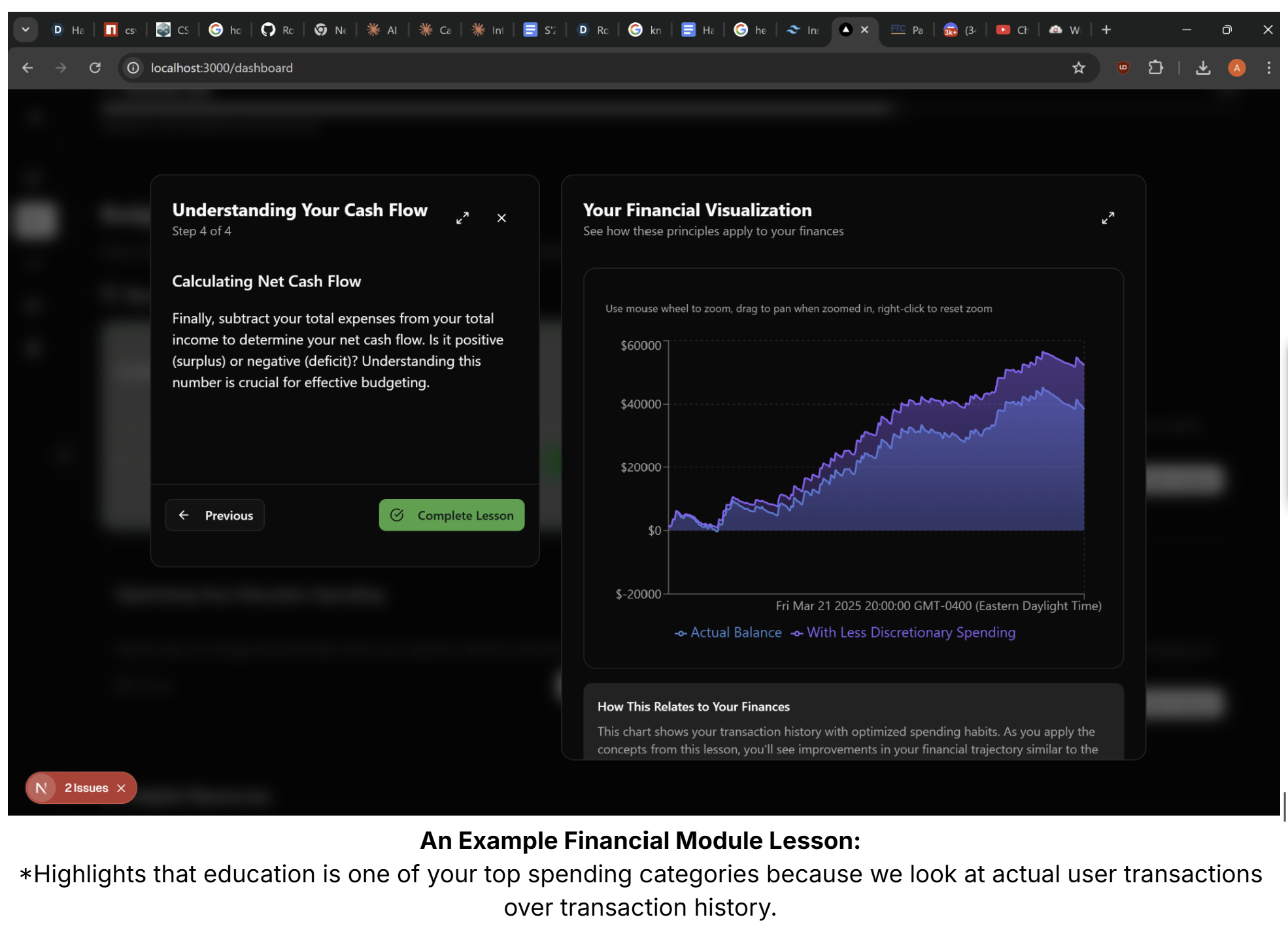
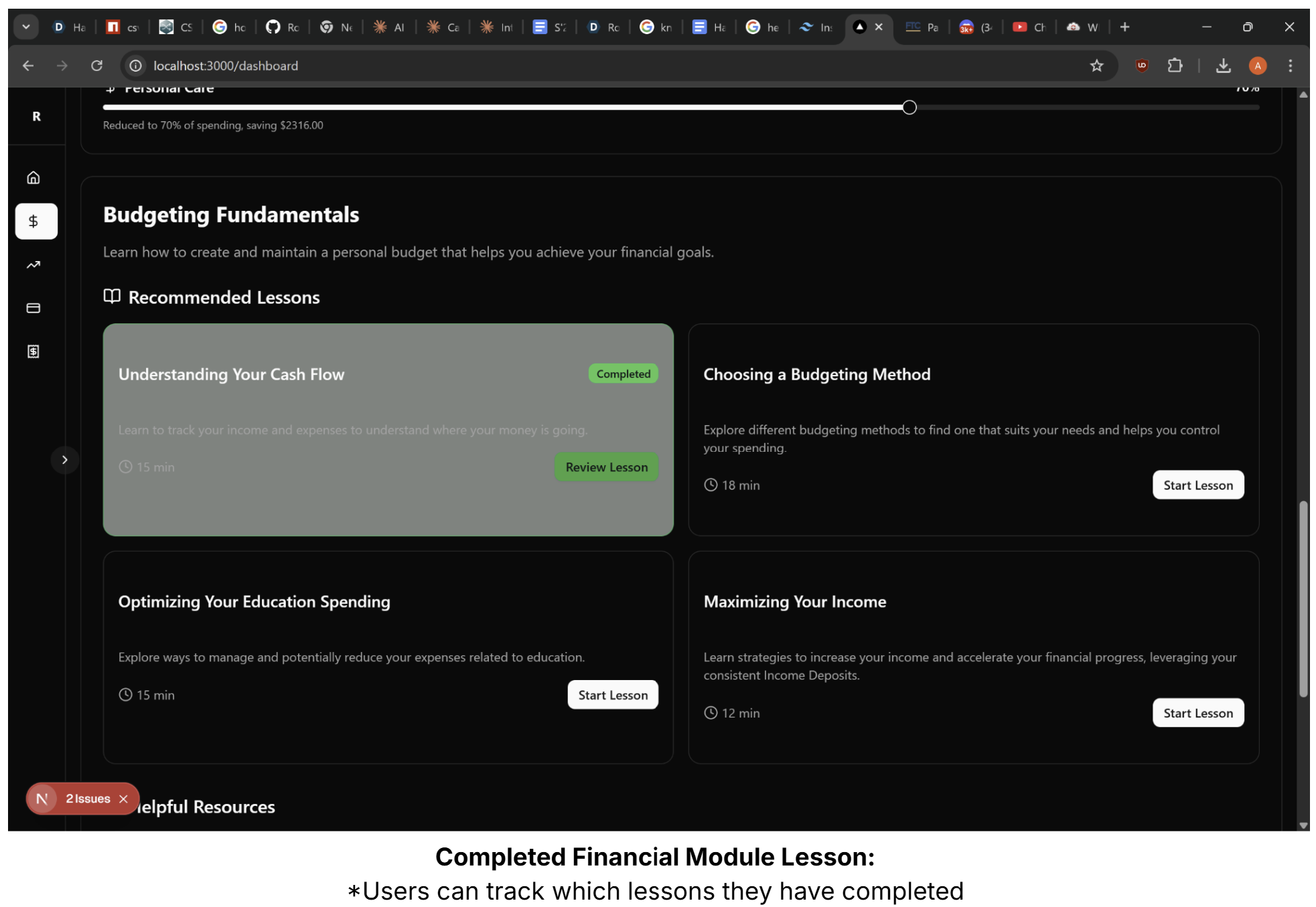
- Personalized Lesson Modules on Budgeting and Investing Personalized based on User Transactions
🛠️ How We Built It
How is Roots implemented?
We tried to make Roots with the idea of production in mind. So, we tried to integrate transaction APIs, authorization, database storage, and a clean user experience from the beginning. We've included a functional implementation of our application, as well as our formal tech stack below.
Functional Implementation
We start with the API to interact with Nessie to create a checking, savings, and credit card account for each new user. We then populate these accounts with transaction history. Afterwards, we create API routes to determine discretionary spending from a user's transactions and present sliders for the user to customize their budget manually, OR, have their budget customized by AI to optimize spending.
Next, we're able to take the amount of money potentially saved from these cuts and determine how much money would have been saved from their account inception to present day.
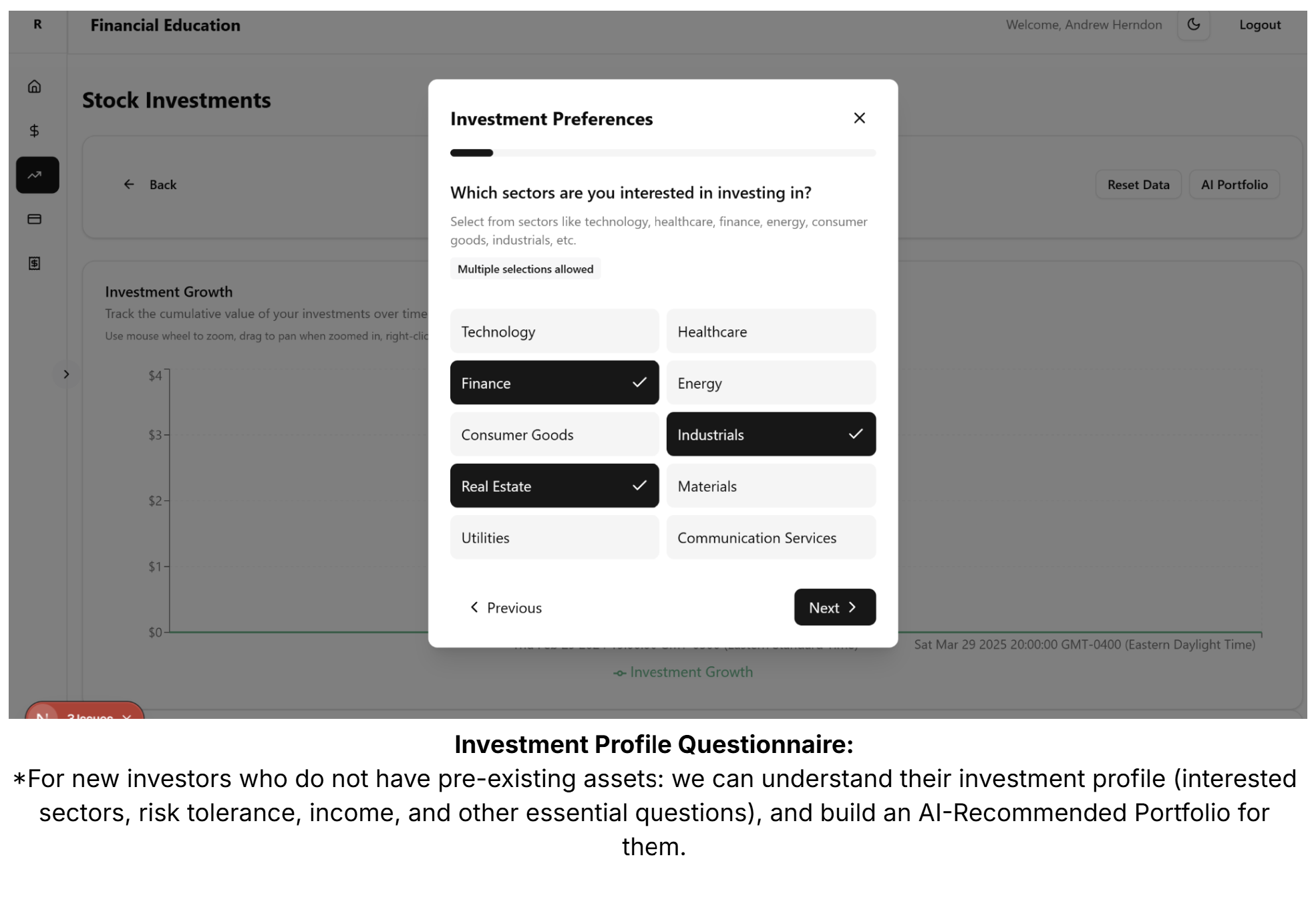
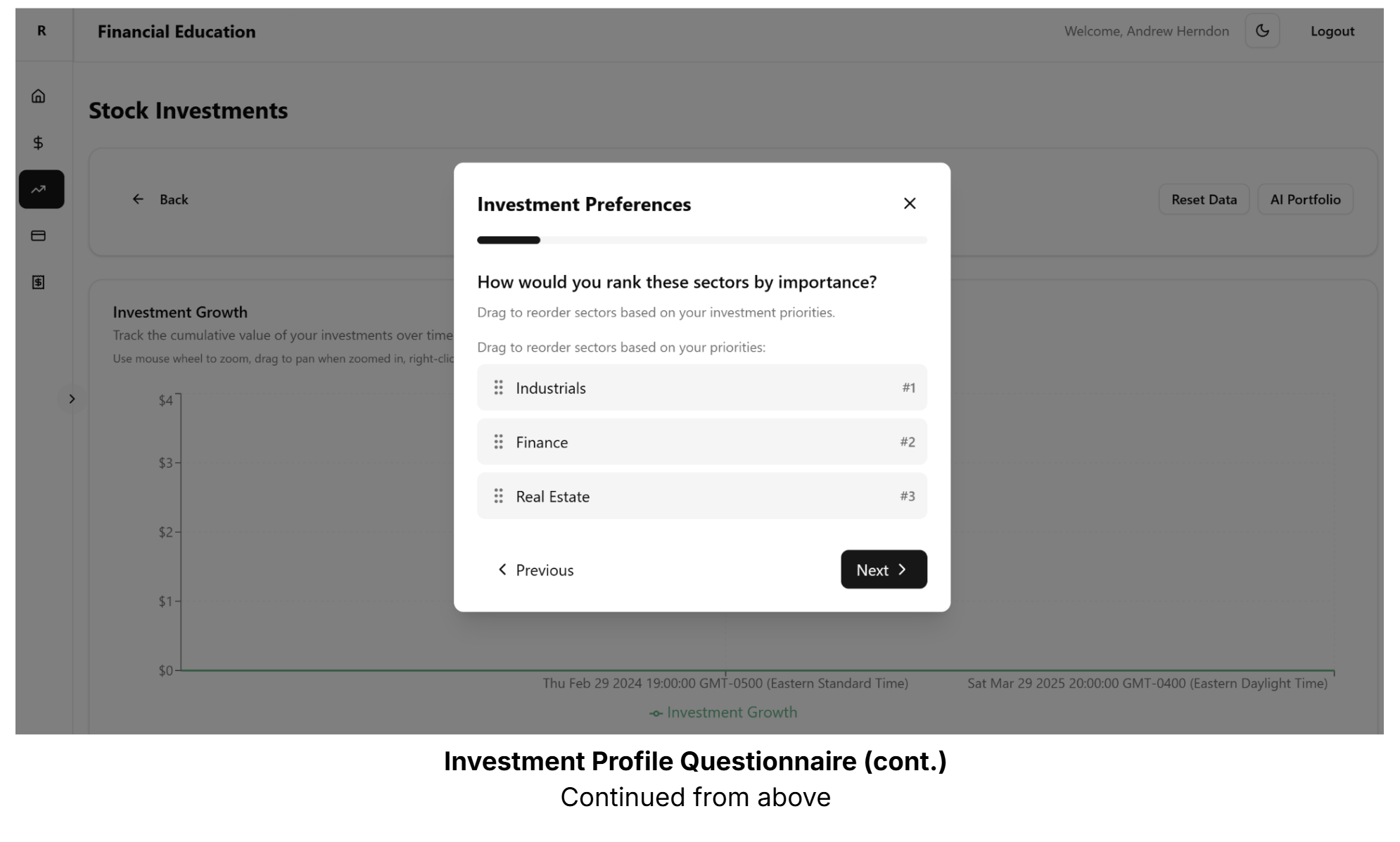
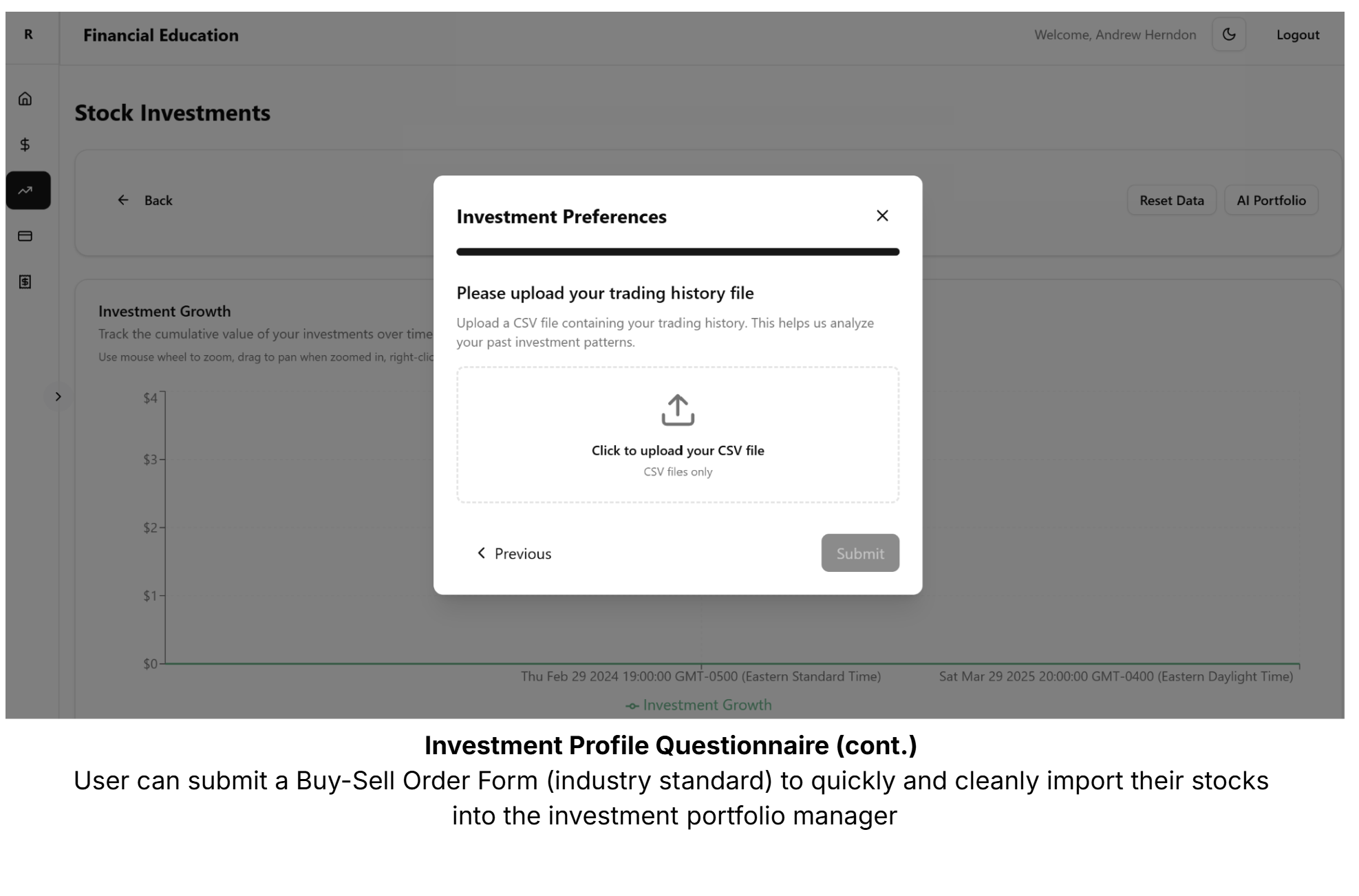
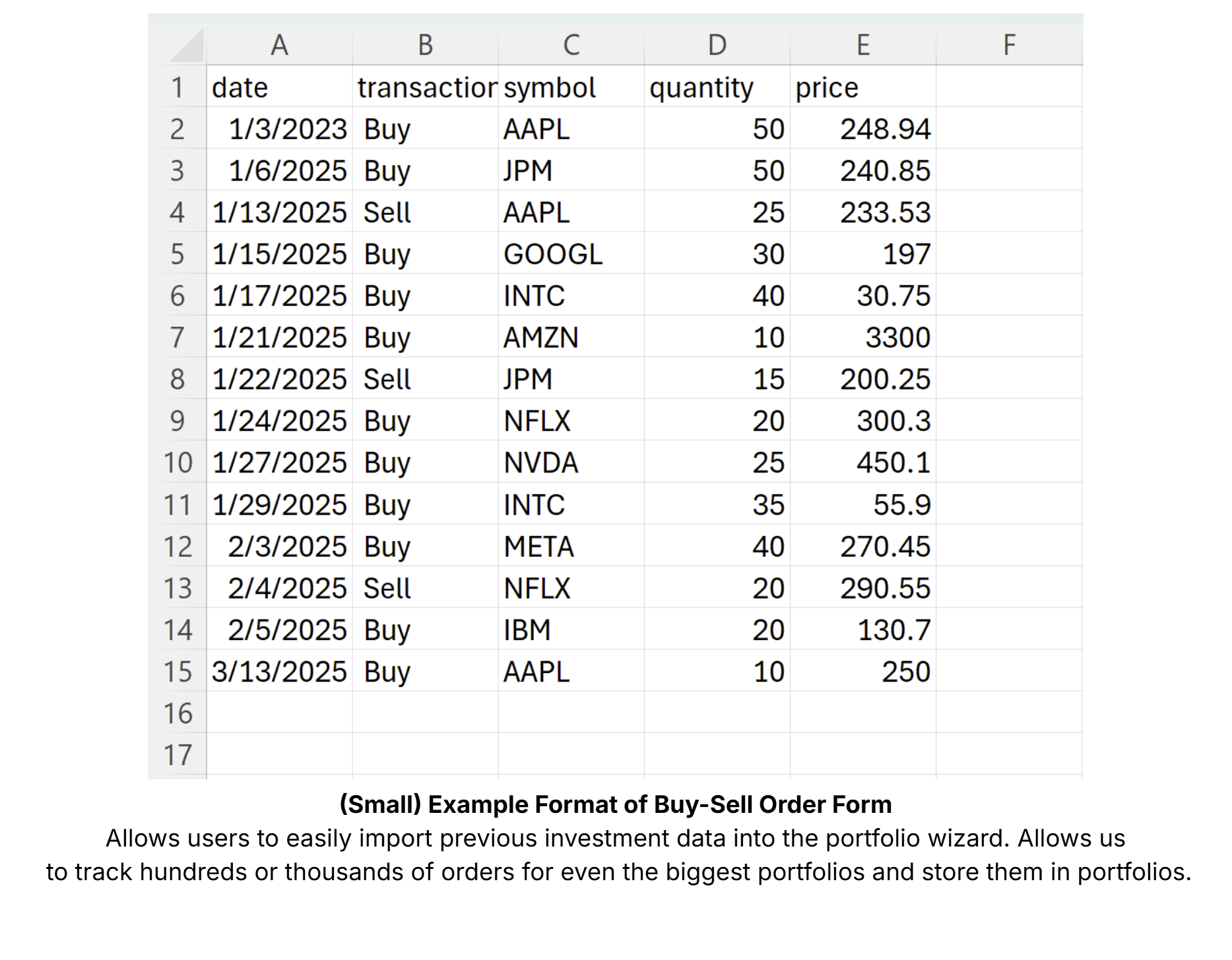
We then show the user that instead of just saving that money, they can see the benefits of investing it on our Investments page. We have the user fill out a detailed questionnaire about their investment profile and goals, and upload their previous trade history by uploading a buy-sell order form. We then leverage Gemini to consider these characteristics to generate users a personalized AI-Recommended portfolio based off their budget savings.
Since we cater to both newer investors and more experienced ones, we have a dynamic Investments page based on if a user has pre-existing investments.
New Investors (No Pre-Existing Assets):
| Portfolio Visualization | Description |
|---|---|
| AI-Recommended Portfolio | Created from user investment profile and questionnaire. Shows their hypothetical returns using only the monthly savings from our optimized Budgeting page. |
Experienced Investors (Pre-Existing Assets):
| Portfolio Visualization | Description |
|---|---|
| Current Portfolio vs. Optimized Portfolio | Visualizes the user's current investments, compared to their hypothetical returns if they had re-invested the monthly savings from our optimized budgeting page. |
| AI-Recommended Portfolio | Created from user investment profile and questionnaire. Shows their hypothetical returns using only the monthly savings from our optimized Budgeting page. |
We have two main goals. First, to show new users that just starting to invest, even with small amounts, can still have important returns. And second, to make it usable by tying it to user's own transaction data, so they can understand how investing works with their unique budget and situation.
"Compound interest is the eighth wonder of the world. He who understands it, earns it; he who doesn't, pays it." \ - Albert Einstein
Our last major feature is our Credit Card Recommendation system. We scraped, researched, and manually extracted dozens of credit cards and stored them in relational databases based on cashback rewards for different spending categories.
We then personally identify the best credit card for a user based on their individual transacation history, leveraging Nessie for the transactions. We calculate the cashback amount each credit card would offer across a user's entire transaction history, so that they can get the best deal and better understand their spending. In our Cards page, we've built a clean UI to allow a user to easily apply for these different cards and compare their rewards individually as well.
Tech Stack
Backend:
| Technology | Use Case |
|---|---|
| PostgreSQL | We needed PostgreSQL because we had a complex web of relations between objects. Additionally, we needed types like JSONB to store JSON in our database. |
| SQLAlchemy | We wanted to move as fast as possible and we chose SQLAlchemy to make SQL queries without complicated database connection setup. |
| Flask | We used Flask to run our backend API routes because it was easy to setup and elegant. |
APIs:
| API | Use Case |
|---|---|
| Nessie by Capital One | We decided to use Nessie because it allowed us to simulate user accounts, transactions, realistic spending, as mentioned above. |
| Gemini | We used Gemini to help generate AI models with user preferences on investment data, and to help generate personalized financial lessons (with human oversight)! |
| Auth0 | We used Auth0 to simplify our registration and login flow, and create user IDs to act as keys in our database, and pull specific user data because we had such a large amount of data. |
Frontend:
| Technology | Use Case |
|---|---|
| Next.js | We chose Next.js because of React's vast component support. |
| React | We chose React (in choosing Next.js) because it is the frontend framework our team is most experienced with and allowed us to make reusable components. |
| TailwindCSS | We used TailwindCSS because it has a lot of cool pre-made CSS classes to make a beautiful UI efficiently. |
Built With
- auth0
- flask
- nessie
- next.js
- postgresql
- react
- sqlalchemy
- tailwindcss

Log in or sign up for Devpost to join the conversation.