-
-

App logo (drawn on ProCreate)
-
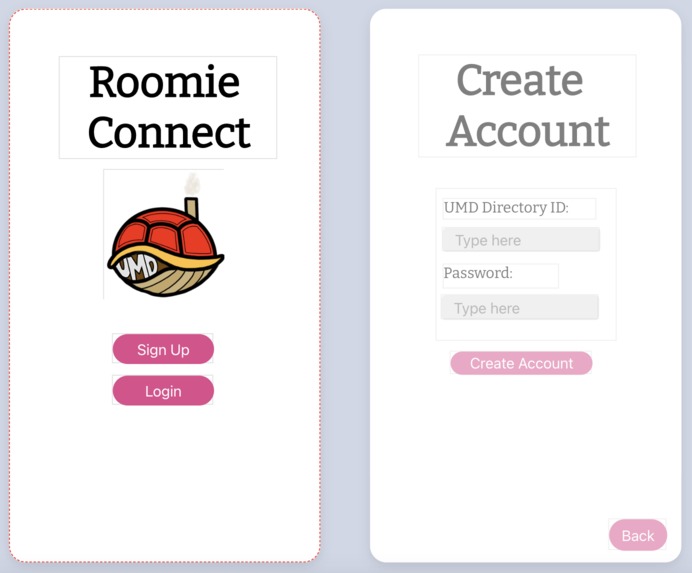
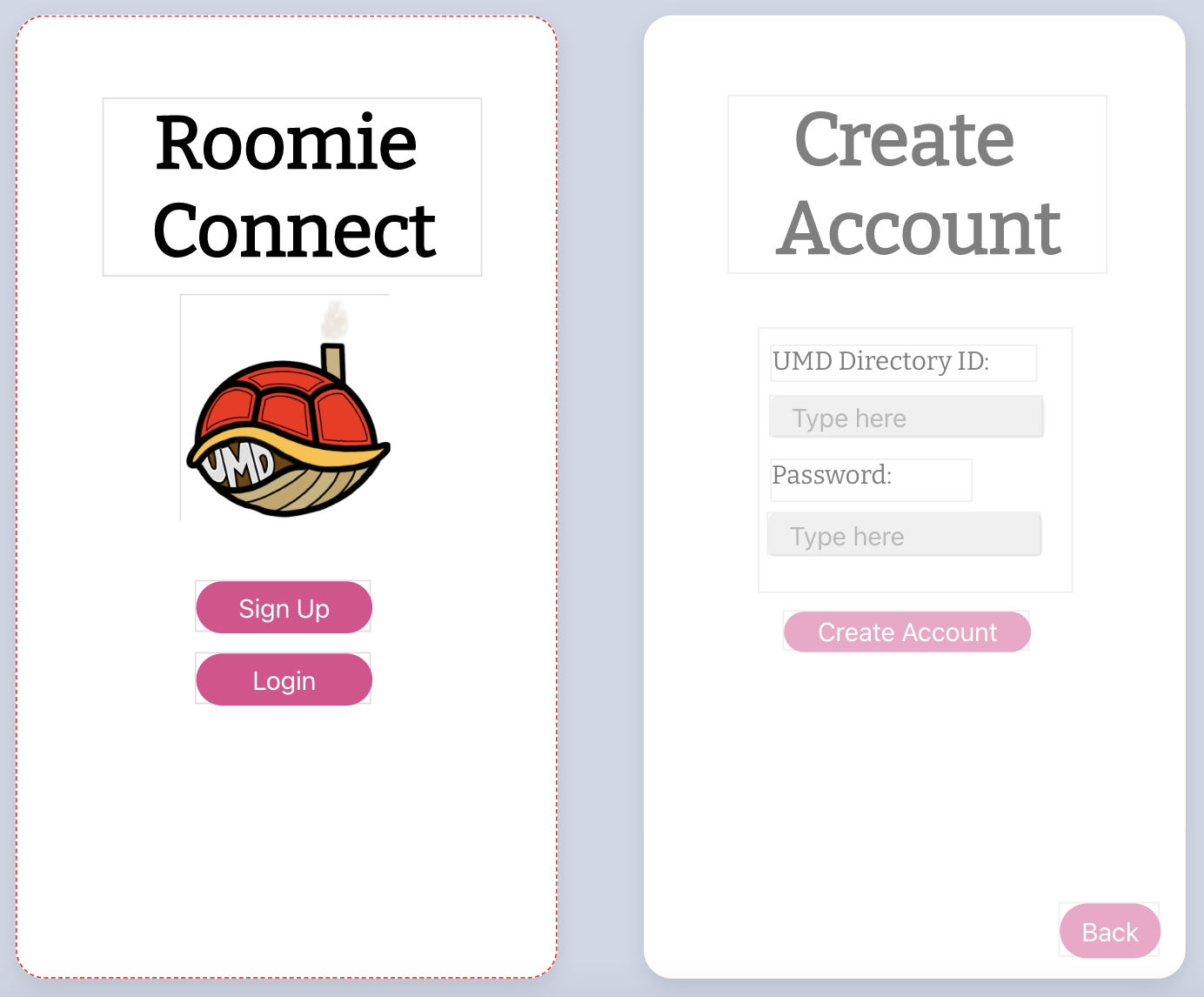
Starting screen and SignUp screen
-
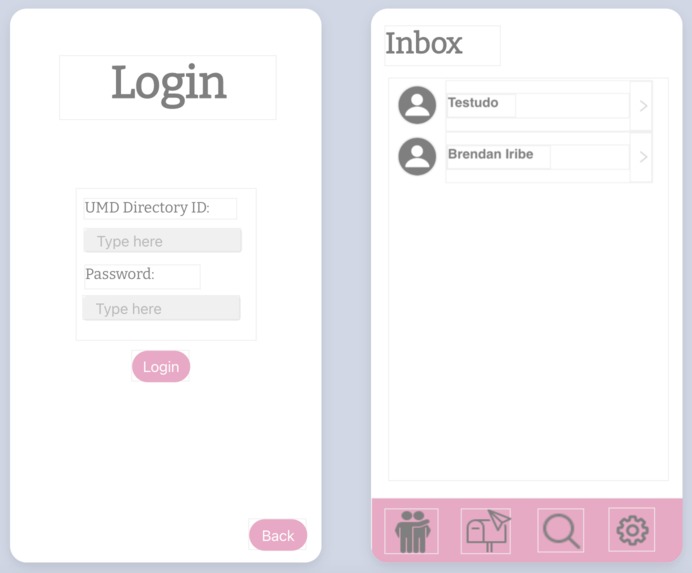
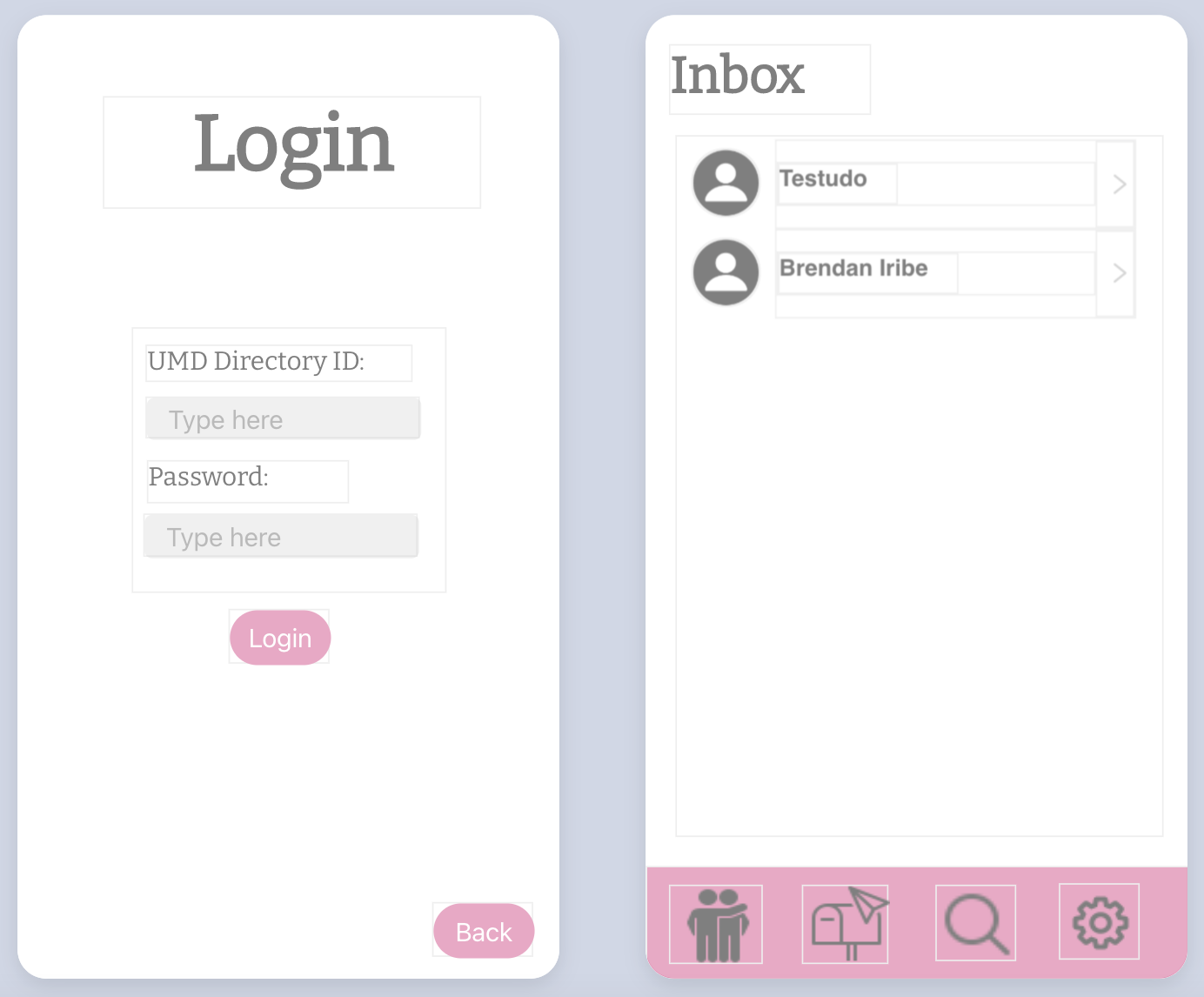
Login screen and Inbox screen
-
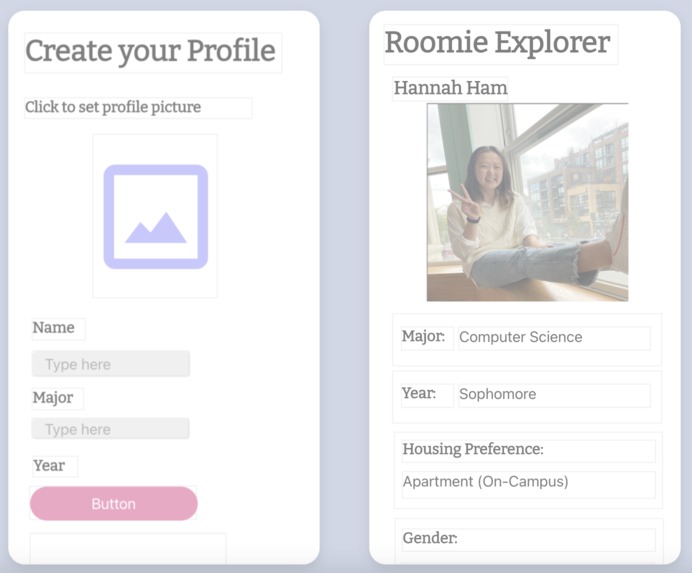
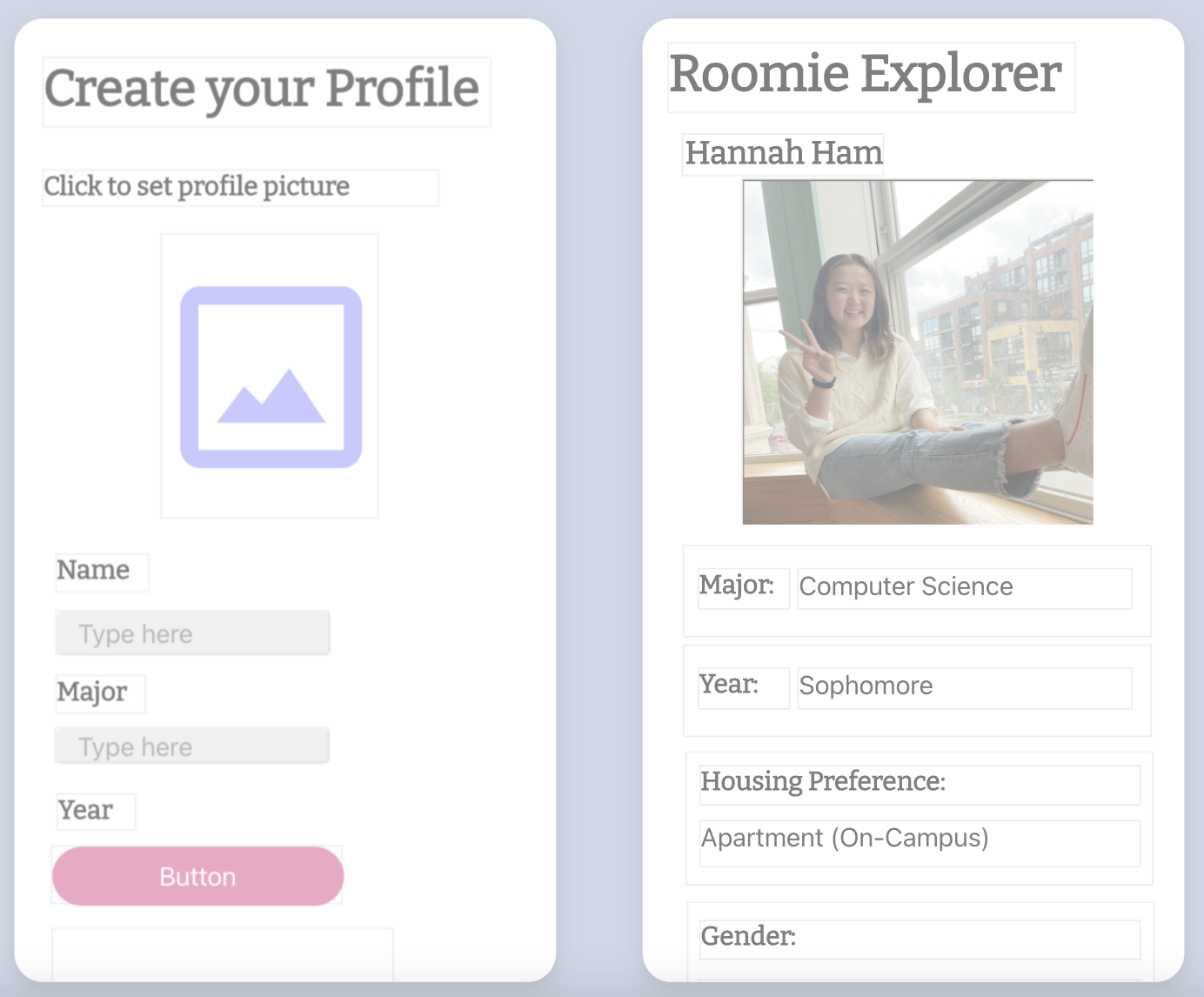
Create screen and Explorer screen
-
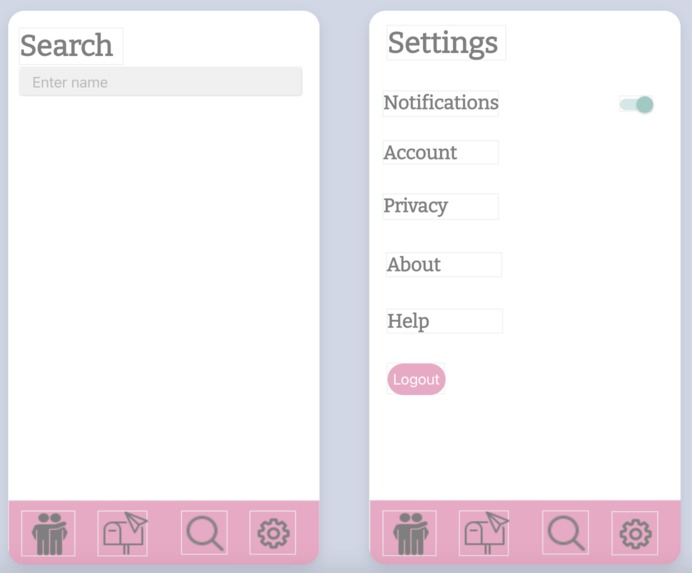
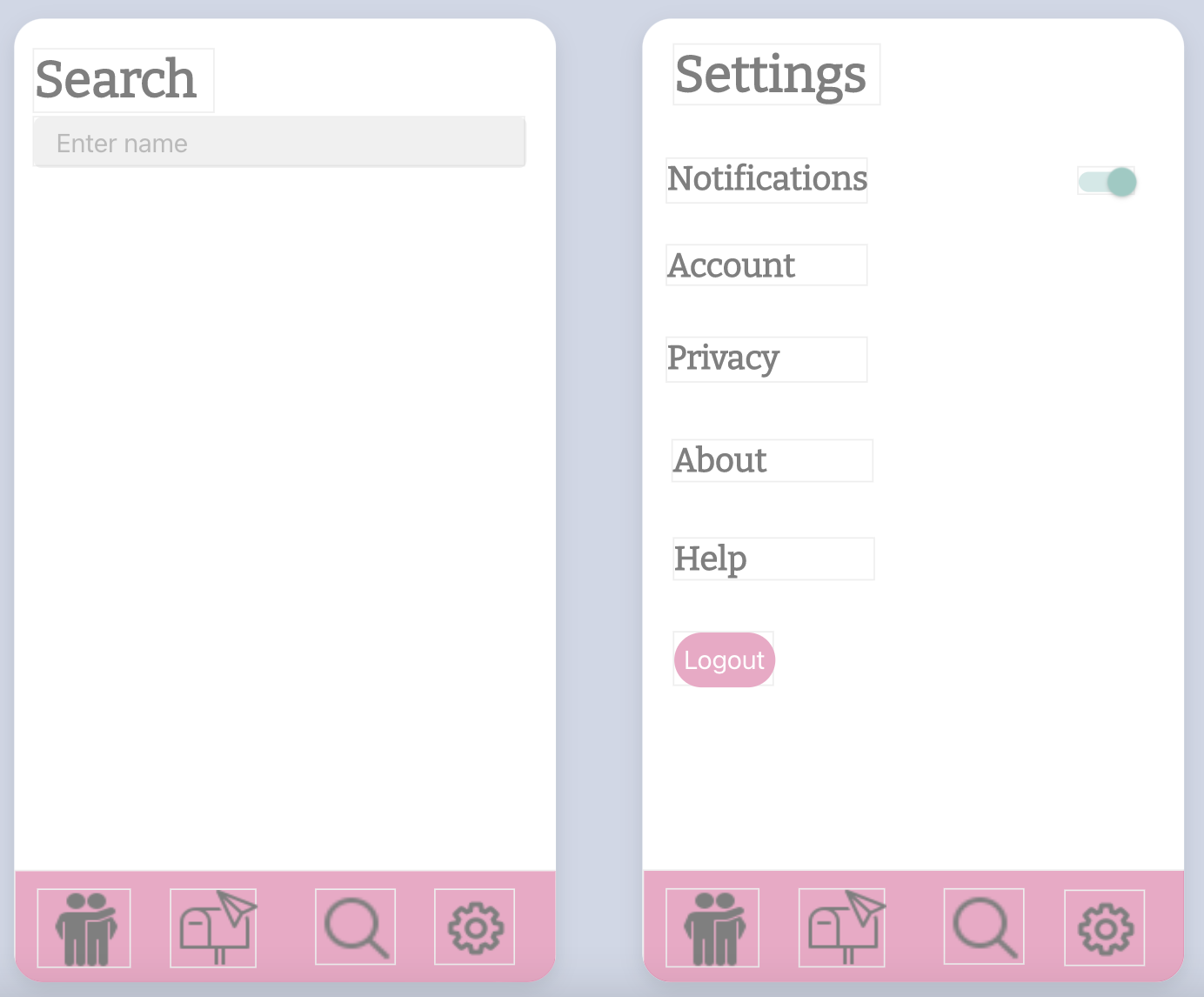
Search screen and Setting screen
-
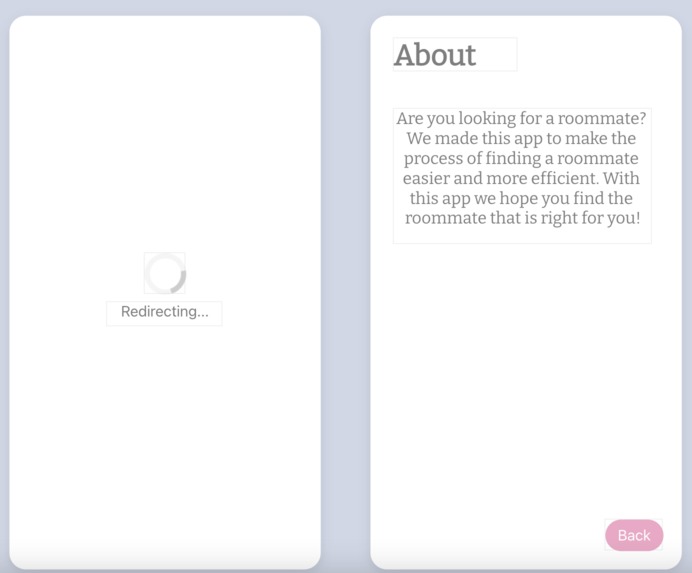
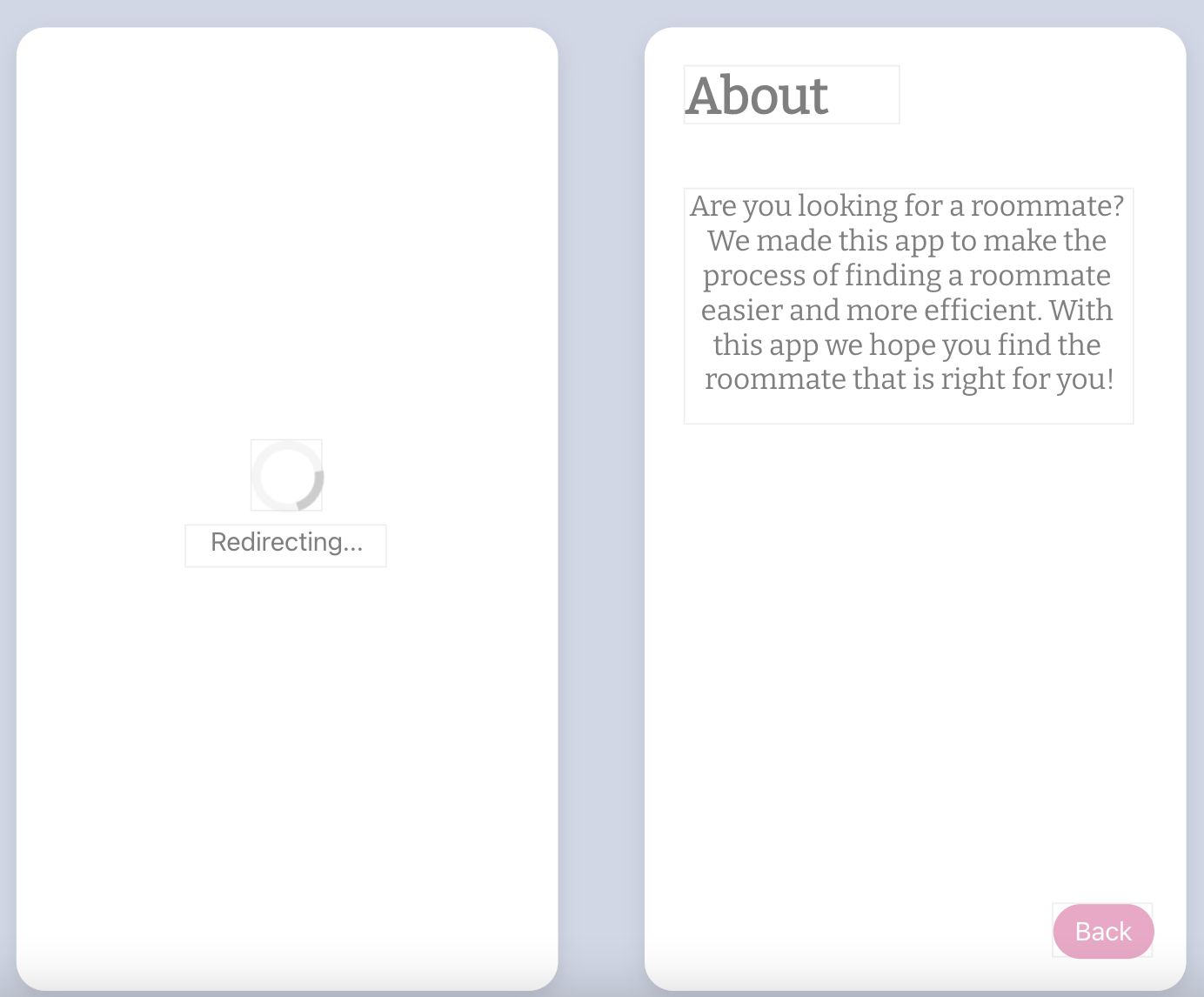
Loading screen and About screen
-
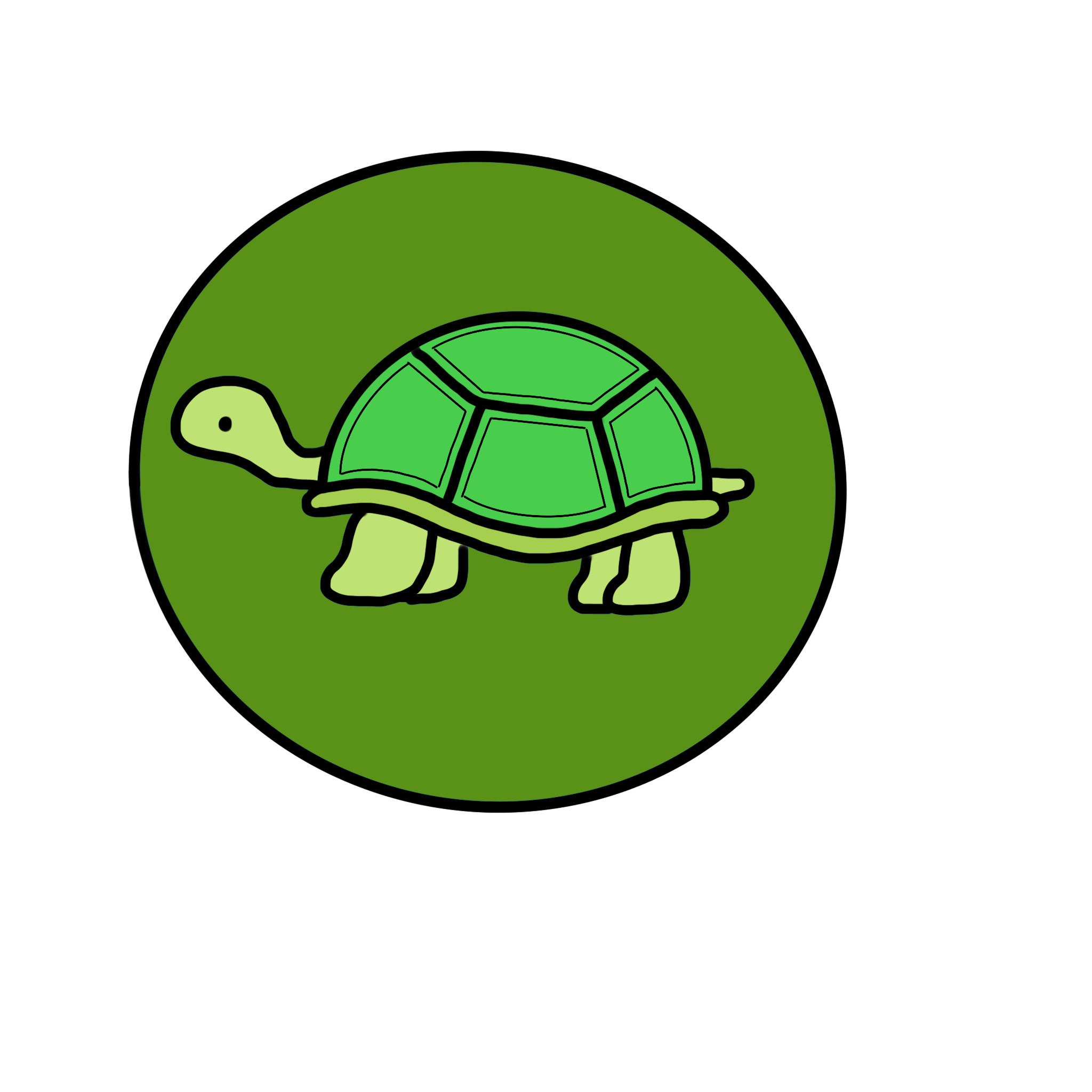
Yes button for matching (drawn on ProCreate)
-
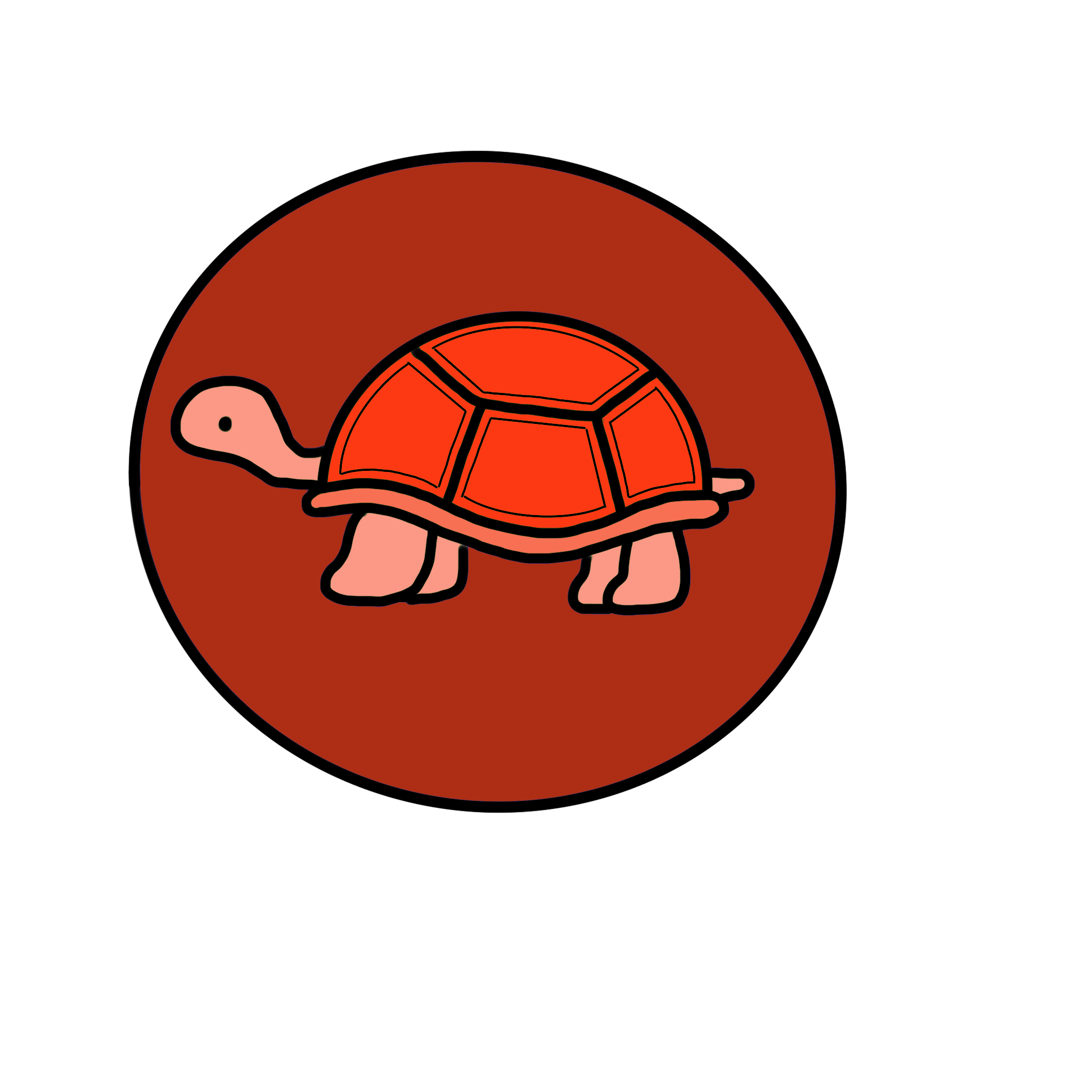
No button for matching (drawn on ProCreate)

Inspiration
(The words of Egypt Butler) I remember when I first got accepted to UMD I was excited but continuously had this feeling of worry when it came to thinking about who my roommate would be. I tried meeting people through group chats but it seemed as though everyone already had a roommate or no one seemed interested in being my roommate. Reslife (the housing website for UMD) lacked the ability to be matched with people. You typically use Reslife once you have already picked your roommates. After being at UMD for a year now I still tend to hear bad roommate stories and freshman stressing about finding a roommate. To eliminate worry and make the match process of picking a compatible roommate easier and more efficient I thought to create a roommate finder.
What it does
This project allows you to find people on your campus that are also looking for a roommate. The user has the ability to click yes to a person if they have similar interests or no if they do not. The user will be able to see the candidates information about them such as major, year ,name, housing preferences, interests, and etc... under the candidates picture. If both users click yes, then we have a match and that is when they get added to each users inbox and they can begin the conversation to get to know each other better.
How we built it
We built this app using the app builder Thunkable. For design, we drew things such as the logo and the yes and no turtle on the match page using the app Procreate.
Challenges we ran into
The main challenge we ran into was figuring out what to use to build our app because we did not have experience in app building. We were able to overcome this by talking to Technica mentors to get recommendations on the types of languages and resources we could use and we ended up using Thunkable. After choosing a builder, we had to learn how to use the builder and figure out how to implement certain components of our app such as a drop down menu. We ran into some bugs and errors when coding and designing out app, but we pushed through and figured out how to debug our code. Also, since we did not have access to a database to connect inputted data, so it was a little difficult to code around that. Unfortunately, we could not implement all the features we wanted to our app and we plan on further developing our app to incorporate those features in the future such as having a database to store usernames and passwords as well as contact information.
Accomplishments that we're proud of
Learning how to work as a team to create our first app and really enjoying the process!
What we learned
Our app development process was rather haphazard. Instead of moving from one development step to the next, we jumped back and forth to fill in the gaps and fix bugs. In the future, we will have a more solid plan on how to go about developing the app before starting to code.
What's next for Roomie Connect
We'd like to create a user database that stores each user's login and profile information. Secondly, we will add a filter in the search page which will then go through the user database and present candidates that match the desired gender, year, housing preference, and/or lifestyle. An algorithm can be created that recommends ideal candidates based on the user's preferences and interactions with past candidates. For user safety, we want to use the school's SSO to authenticate if the user is a current student. Only students with an active, school provided email can be added to the school's user database. This process can be applied to any school.
Built With
- google-sheets
- icons8.com
- procreate
- thunkable


Log in or sign up for Devpost to join the conversation.