-
-

Homepage
-
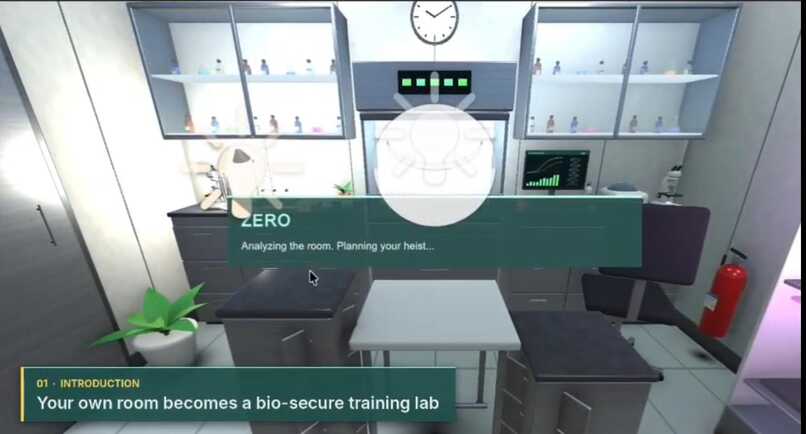
Room Zero Lab
-
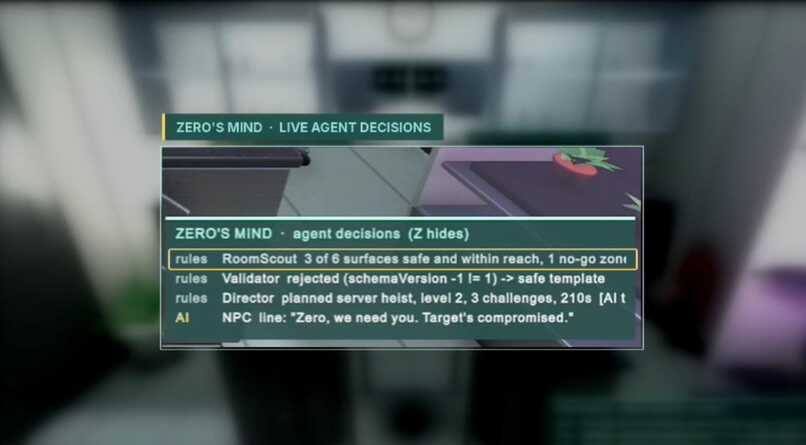
Room Zero AI agents
-
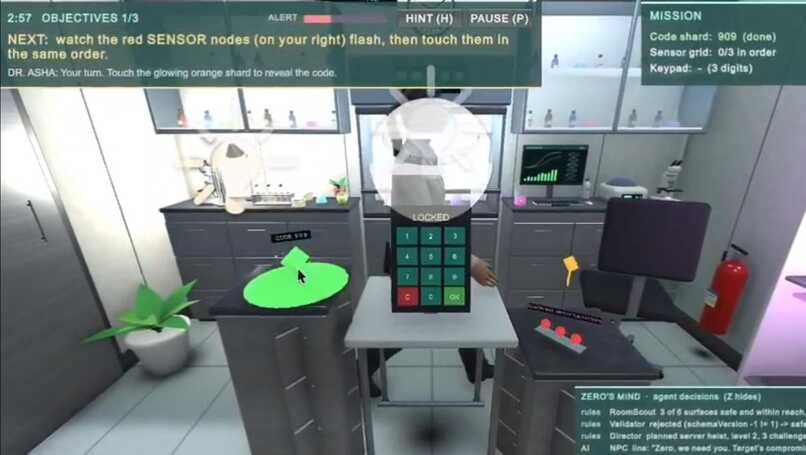
Room Zero Levels
-
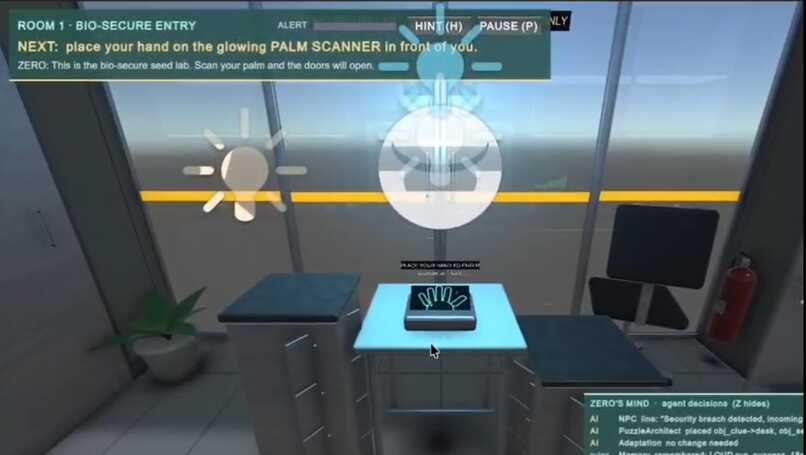
Room Zero Bio-Security
-
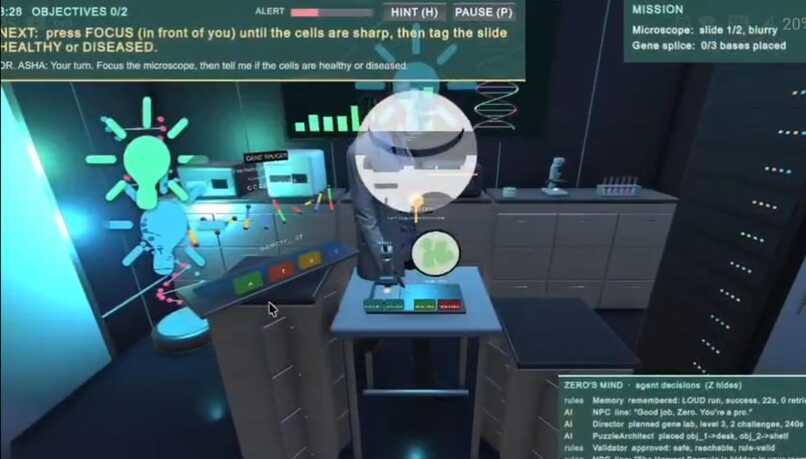
Room Zero Levels Objective
-
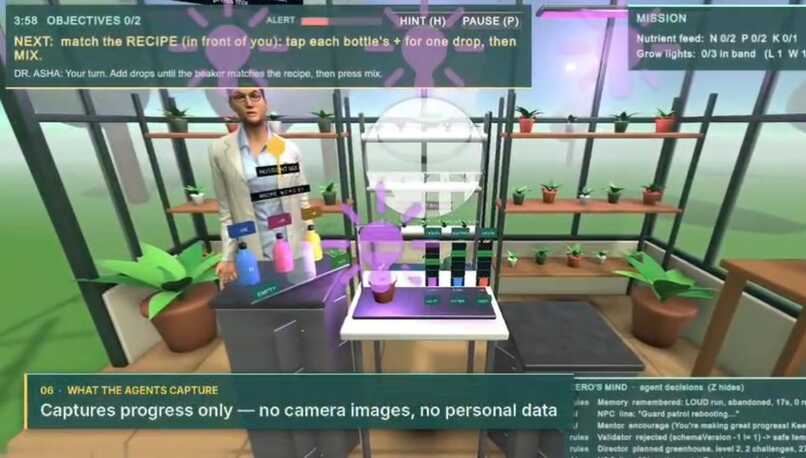
Room Zero Capturing
-
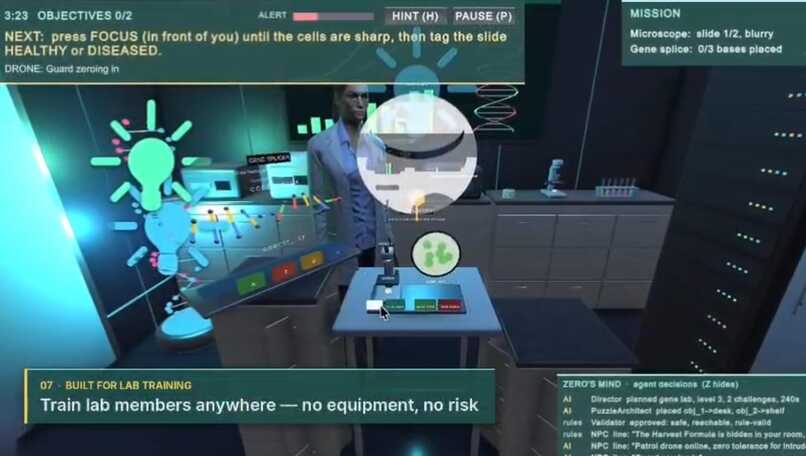
Room Zero Lab Training

Inspiration
As a software developer passionate about spatial computing and immersive environments, exploring how virtual elements can seamlessly coexist with physical spaces sparked the vision for Room Zero. The goal was to bridge the gap between abstract virtual worlds and tangible room layouts, creating an experience where spatial design feels natural, responsive, and deeply integrated into your immediate environment.
What it does
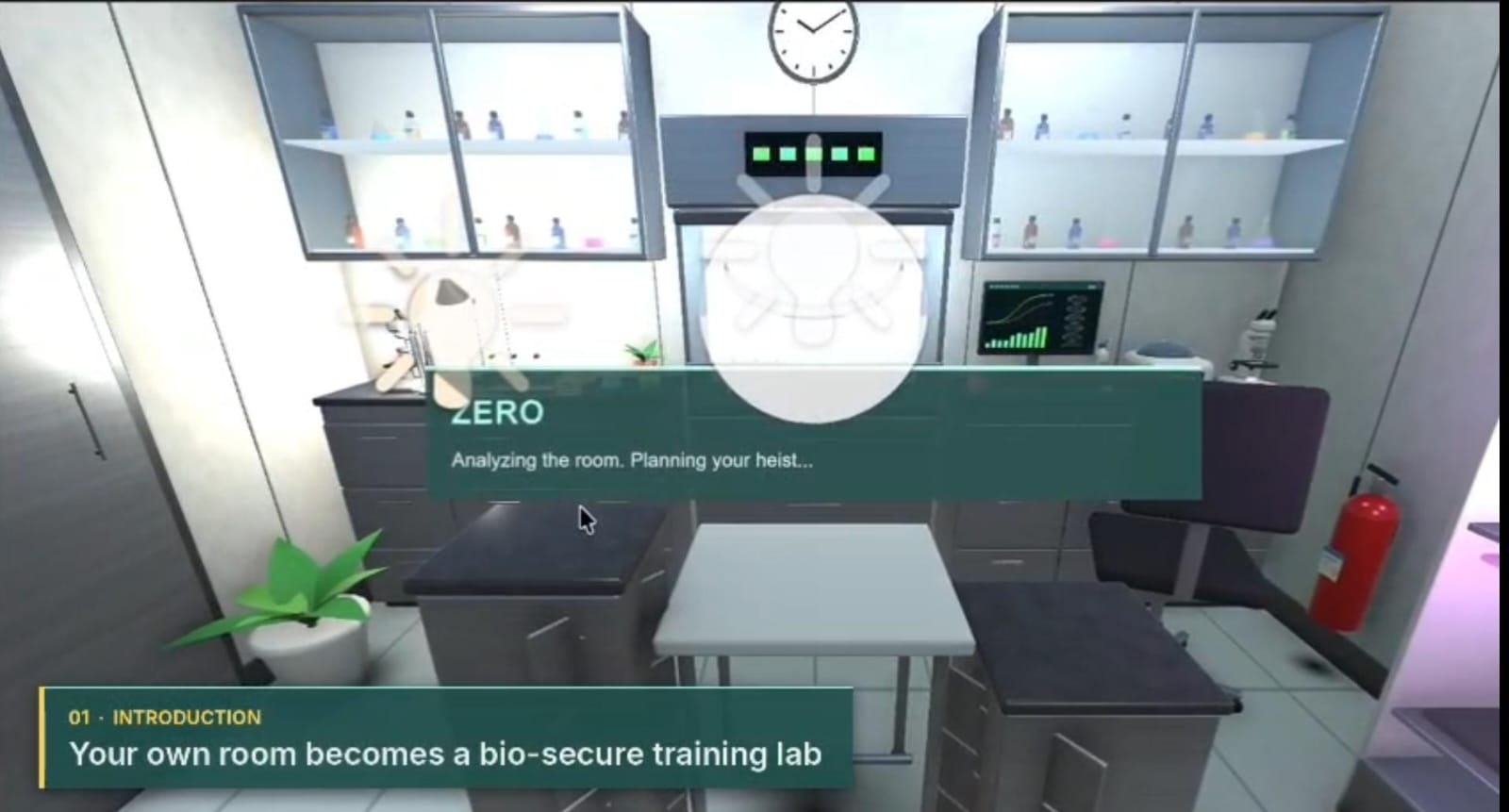
Room Zero is a mixed-reality application that transforms physical spaces into interactive digital environments. Users can interact with spatial anchors, experience dynamic room-scale tracking, and explore custom-built virtual elements mapped directly to their physical surroundings. It serves as an experimental platform for spatial interaction, offering a seamless blend of virtual immersion and real-world awareness.
How we built it
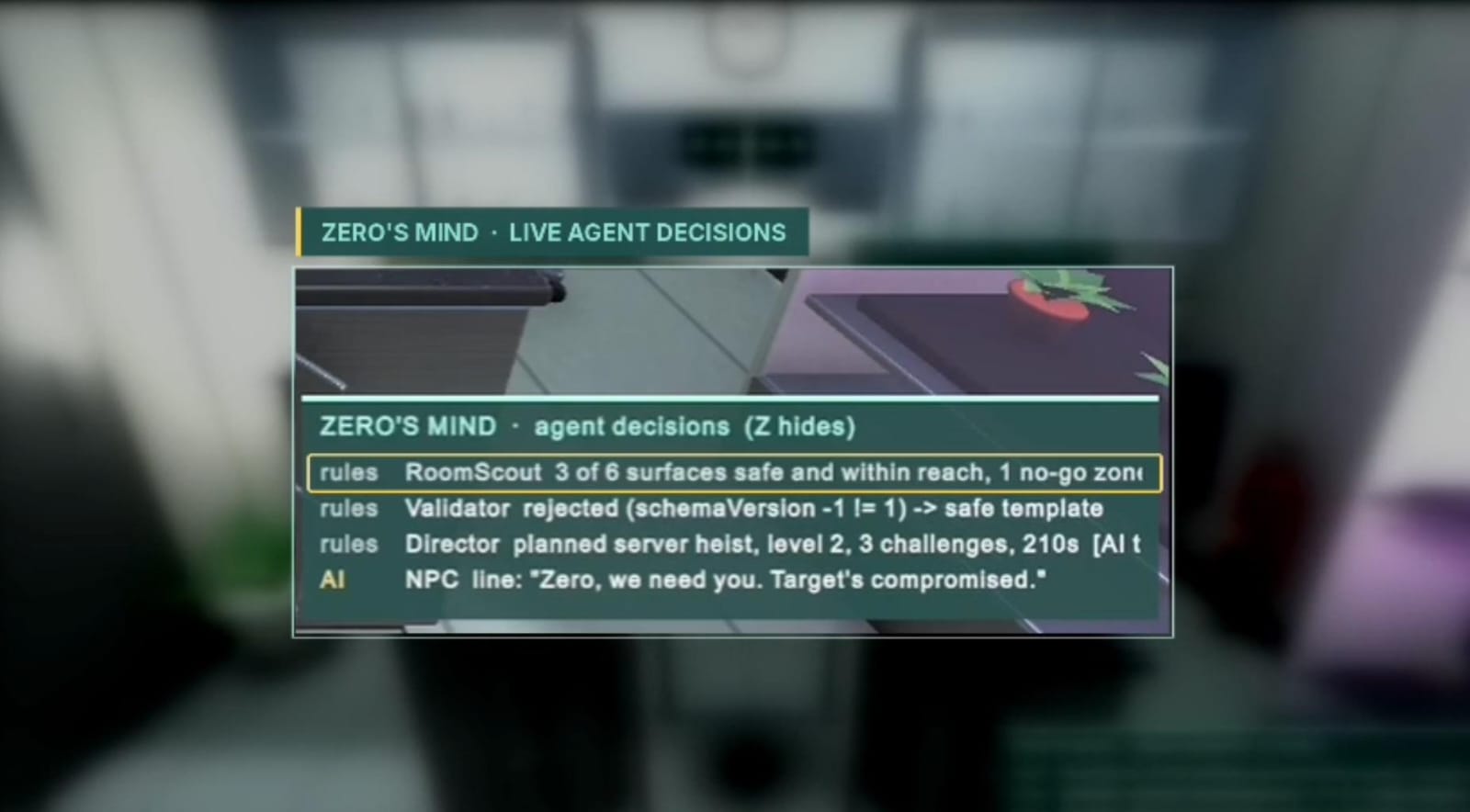
ROOM//ZERO combines a Quest 3 Unity-based mixed-reality environment, Meta XR integration, and an interactive mission system:
- Meta XR and OpenXR power the immersive mixed-reality experience with passthrough and hand tracking
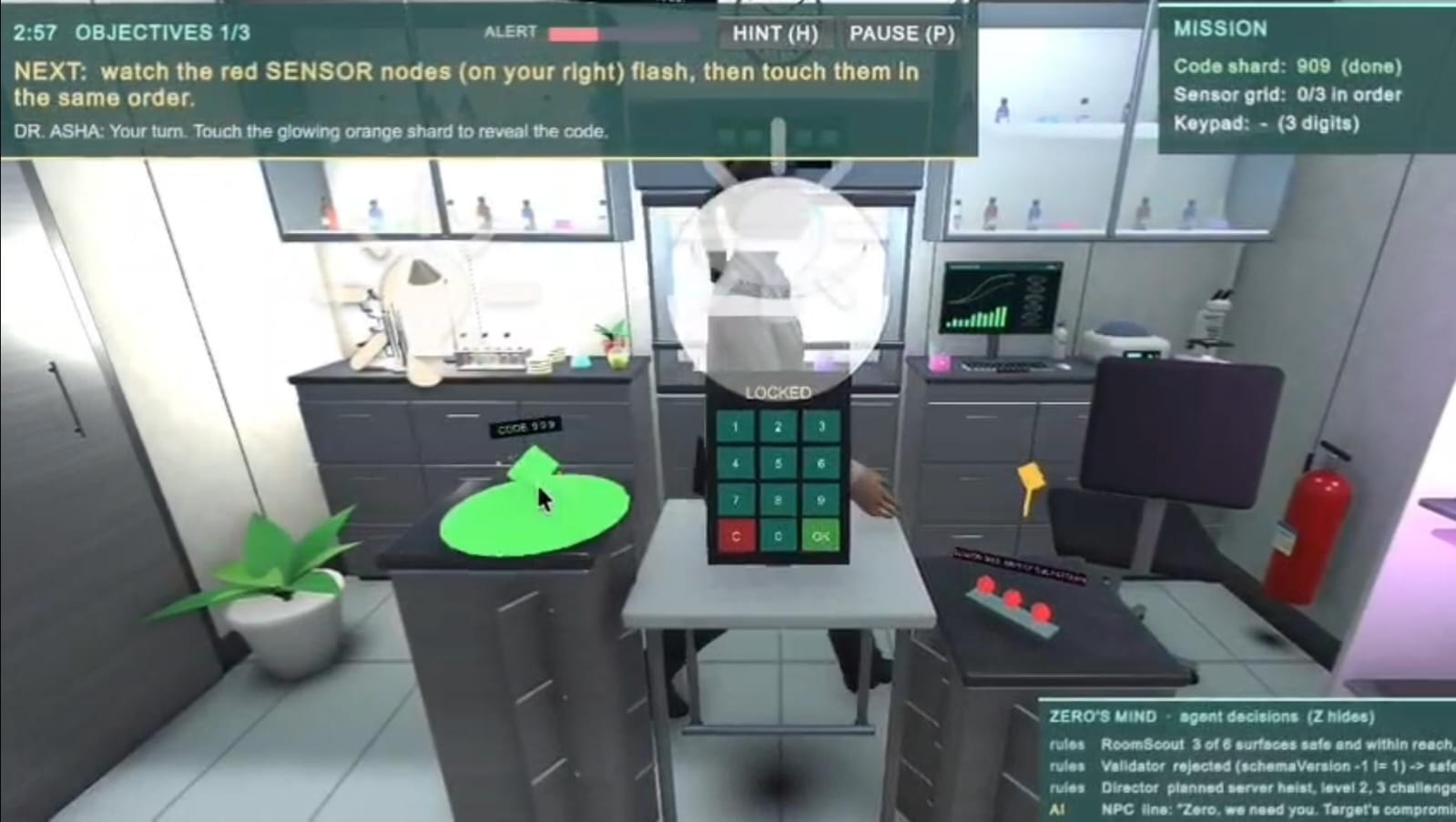
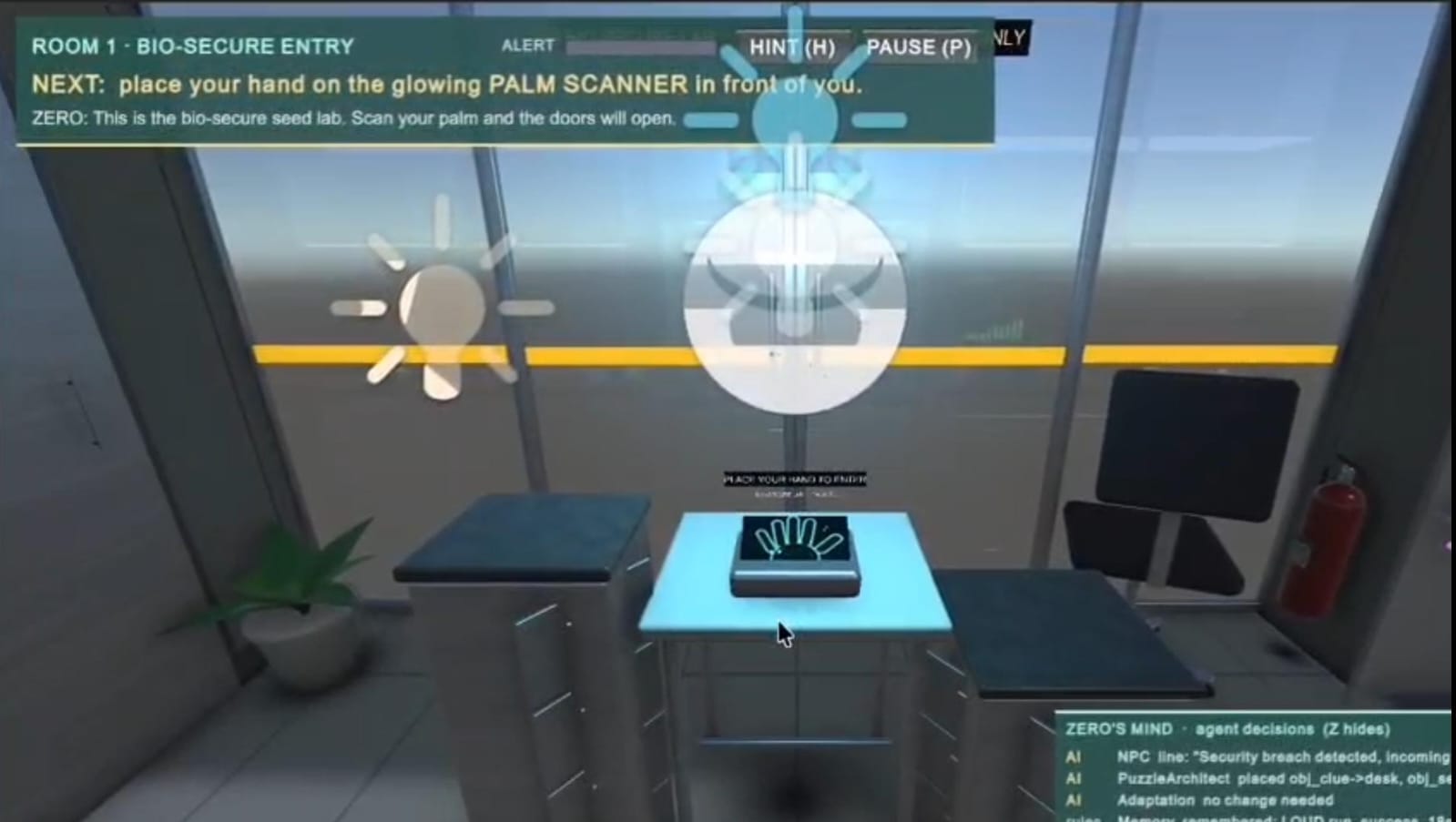
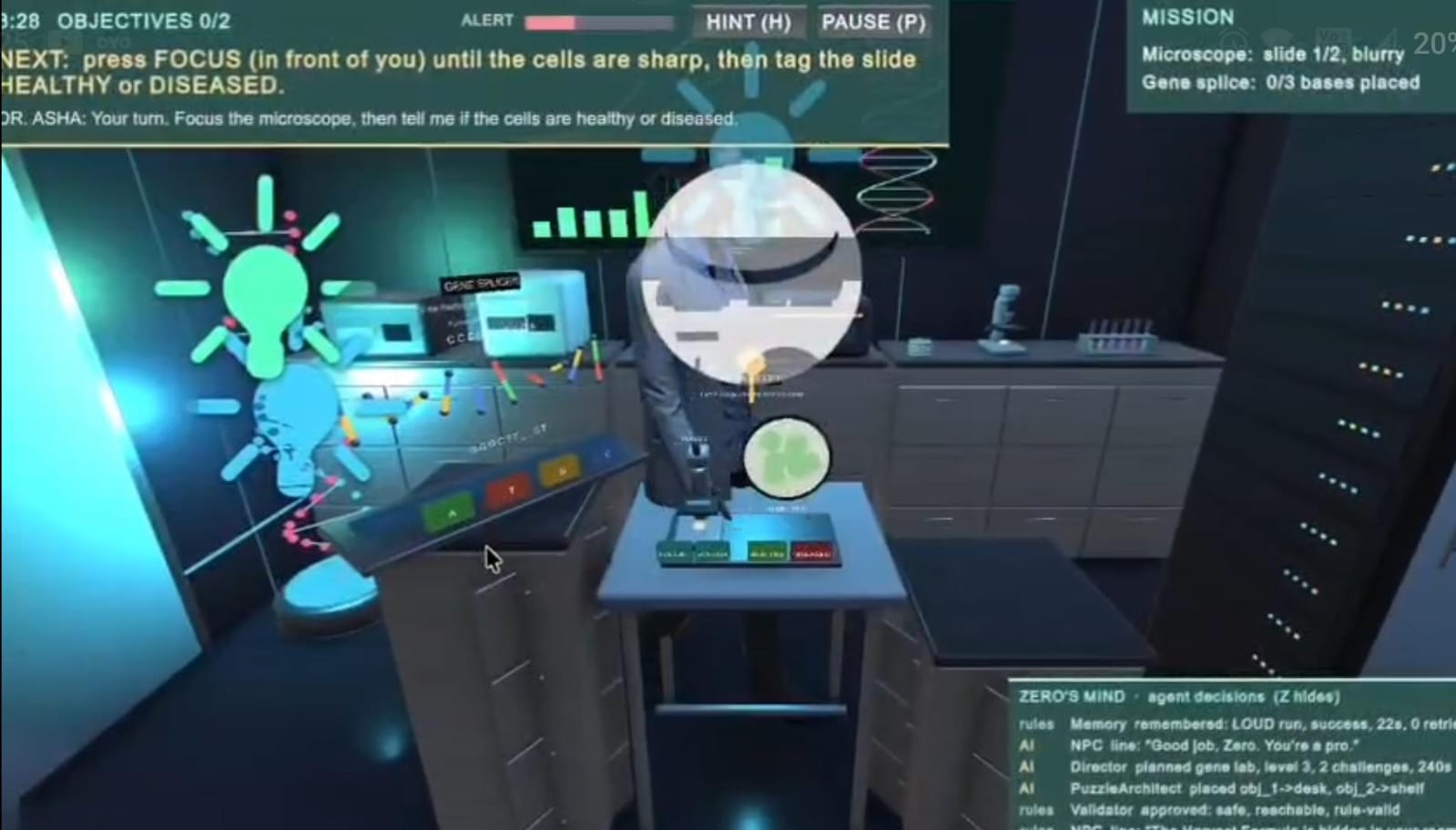
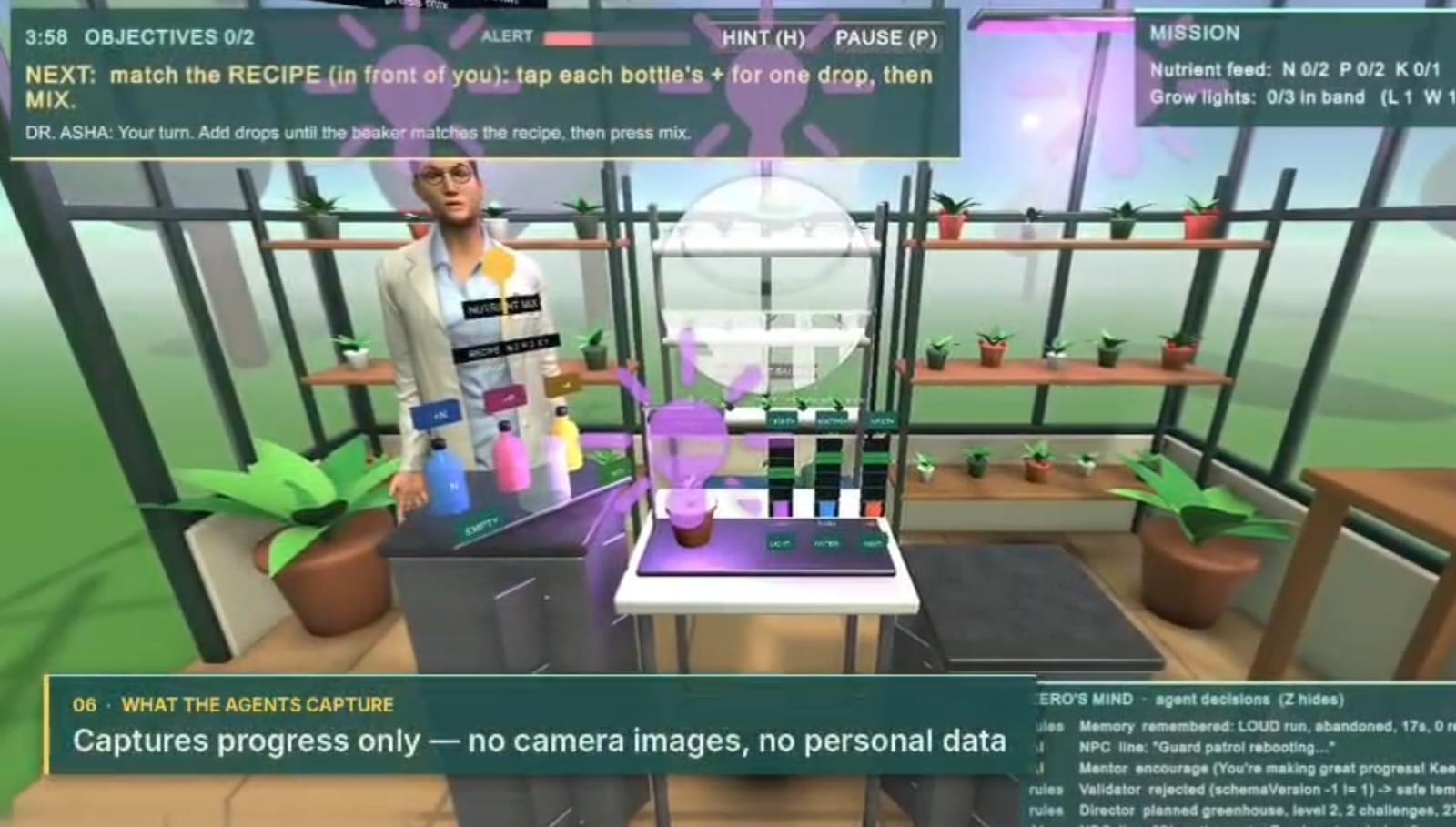
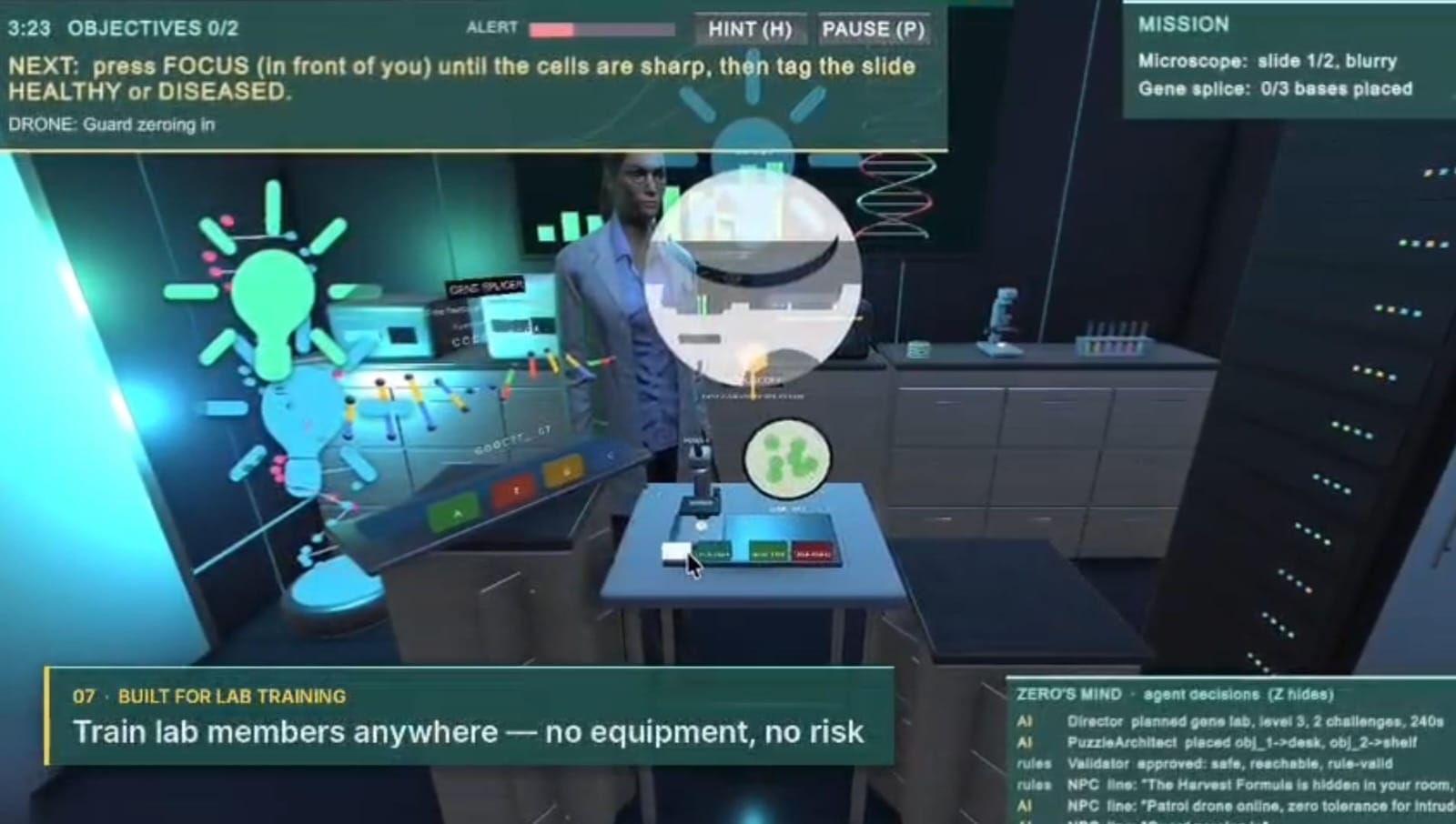
- A three-room scientific lab provides a narrative-driven mission with interactive puzzles and challenges
- Hand-based interactions let players manipulate objects, scan interfaces, and interact with lab equipment without controllers
- Dr. Asha acts as an AI-assisted virtual lab guide, providing instructions, hints, and mission progression
- Each room features unique challenges, from recovering formula fragments to balancing hydroponics and solving gene-lab puzzles
- A desktop fallback and Meta XR Simulator support development, testing, and demos without a physical headset
- Modular room configurations, mission data, and runtime scripts make it easier to build and extend the experience
The project uses Unity 6, C#, Meta XR SDK, OpenXR, hand tracking, and a modular mixed-reality interaction system.
Challenges we ran into
- Accurately aligning virtual content with dynamic physical room boundaries
- Managing performance overhead for spatial tracking on standalone hardware
- Designing intuitive input mechanics for mixed-reality interactions
Accomplishments that we're proud of
- Successfully implementing room-aware spatial elements that adapt to physical layouts
- Creating a fluid workflow for spatial placement and interaction
- Building a modular codebase for handling mixed-reality states
What we learned
- The critical importance of precise spatial calibration in mixed-reality UX
- How environmental constraints shape user interaction design in spatial computing
- Techniques for optimizing rendering performance in mixed-reality standalone applications
What's next for Room Zero
- Expanding multi-room spatial mapping support
- Introducing richer interactive objects and persistent virtual decorations
- Refining user interface layouts for streamlined in-air interaction
Built With
- csharp
- mixedreality
- quest-3
- spatialcomputing
- unity
