-
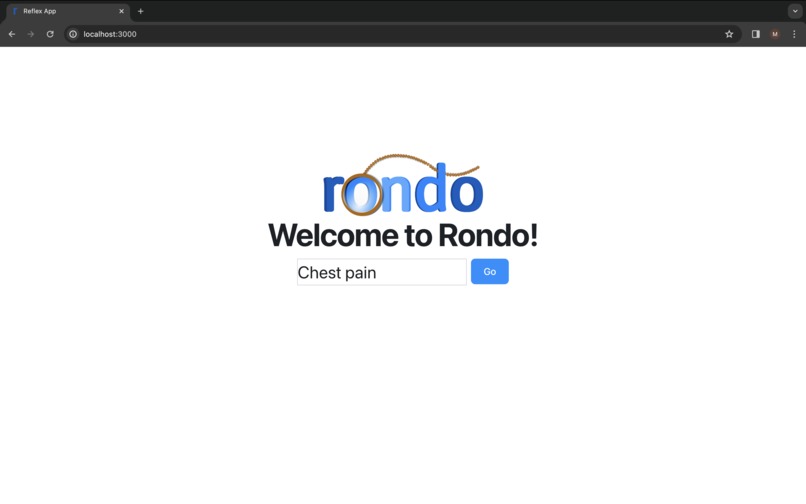
Landing page
-
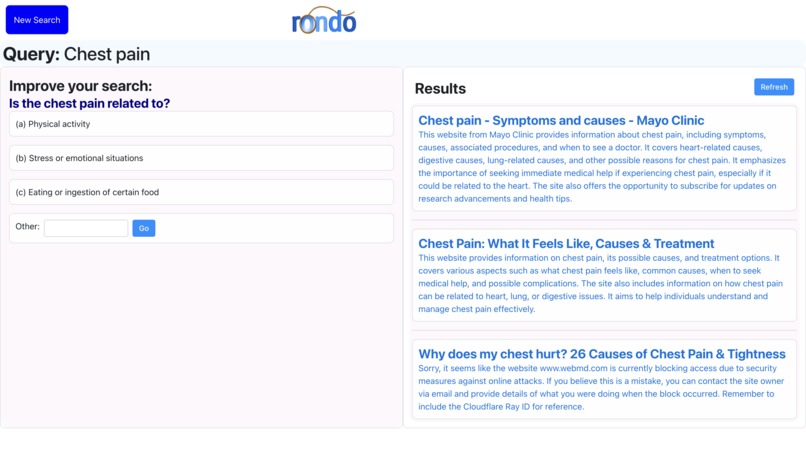
Example of search results on right with specificity prompt on left
-
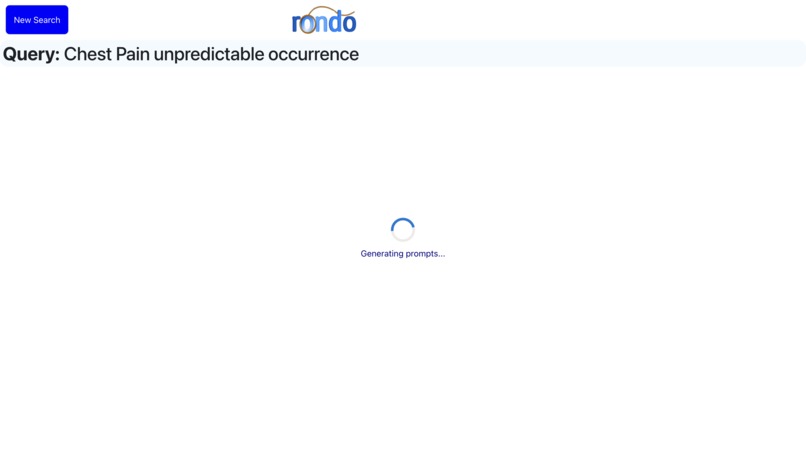
After selecting a response to the prompt, more results are scraped
-
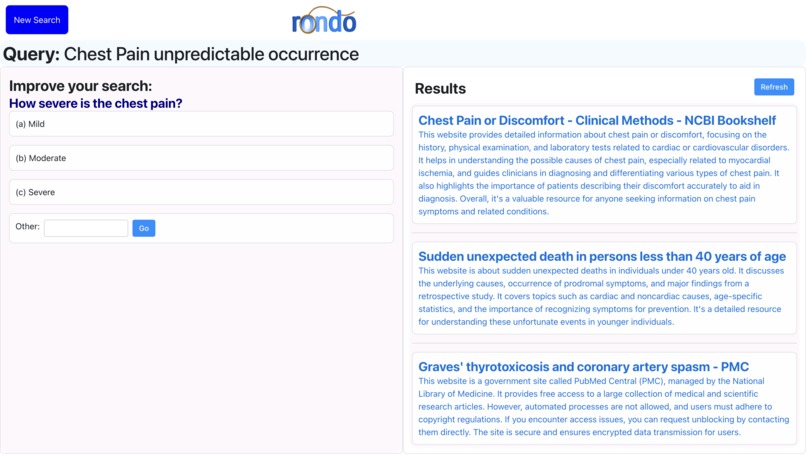
More specific results based on the input


Inspiration
As of today, over a third of the US population is over the age of 50 and this number is rapidly rising. One of the biggest issues facing today's elderly is an inability to understand and effectively utilize modern technology such as the Internet. As they did not grow up with these tools, many seniors find technology to be intimidating and become averse to its usage entirely. As a result, the elderly population suffers from an inhibited access to information and services, limiting their autonomy. This can be particularly impactful when seniors are unable to access important health-related information. For example, a senior may be experiencing chest pain and want to learn more about their condition. Simply searching "chest pain" on Google returns over three billion search results, many of which are long articles about general chest pain and the possible causes, symptoms, and treatment options. While this may be helpful and digestible for someone who has grown up with the Internet, for the elderly, such a wide scope of information may be daunting and difficult to parse through. There are so many different possible causes for chest pain and each has its own set of symptoms and conditions. It would be much more effective for them to include in their search query more specifics about their situation (ie, 'sharp upper chest pain lasting for three weeks'). We hope to help them leverage the Internet in the ways that they would like, but don't know how to.
What it does
Rondo is an AI-powered search-engine tool that makes the Internet truly accessible for the elderly population. Rondo takes in a query input from the user like any other regular old search engine. However, based off the specificity of the query, Rondo will prompt the user to answer a specific, well defined multiple choice question related to the original query in order to generate a more specific, better defined search query with more tailored results. Along with the question prompting, Rondo also automatically summarizes the top ten search results from the current query in order to make the content of each link more digestible to the user, who can read the brief summaries and decide which link to click on. These two functionalities run in parallel with question prompting on the left half of the screen and the article summaries on the right hand side. This way, the user can see what the current search query returns and can click on an article they find to be appropriate at any time. If the search results are still too broad or not what they are looking for, they can continue along with the prompted question to generate a better search query. Once the query reaches a certain level of specificity, Rondo will stop asking follow up questions.
How we built it
For the frontend, we used Reflex -- an open-source framework for building web applications in pure python. For the backend, we leveraged Python along with the OpenAI API, constructing prompts to elicit relevant responses, and dynamically updating queries based on iterative user input.
Challenges we ran into
- Fine tuning GPT-4 for optimal query updating and follow-up question generation required persistent experimentation and tactical prompt engineering.
- Balancing the efficiency needs of a search engine with the processing time of our openai summarization tool.
- Integrating free-form GPT-4 responses into a highly structured frontend.
Accomplishments that we're proud of
We are immensely proud of how much we were able to accomplish in such a short timeframe, especially given the context of our lack of front-end development experience. We were able to quickly pick up and leverage Reflex in order to create a fully functional product. We also put a lot of time and careful thought into our ideation process and we are very proud of the human-centered design we were able to create.
What we learned
Through our fully operational implementation of Rondo, we gained a rich and thorough understanding of sophisticated language processing tools such as ChatGPT and more specifically how to adapt and fine-tune such powerful models for our specific applications. We also gained many insights into user experience design through our design process which aimed to create a user-friendly interface with the target audience of the elderly population in mind.
What's next for Rondo - A Search Engine for the Elderly Made Easy
- Faster information retrieval and summary recall using more efficient LLMs and GPT prompts
- "Query Quality" bar to measure the specificity of the prompt and incentivize continued prompt specification
- More accessible summarization tools depending on the user's reading level
Try it out:
- Clone and cd into the Git repository
- From the root directory, run
pip install -r requirements.txt - Replace the
secret_keyinsummarizeWebPage.pyandopenai.keyinfollow_up_question_generation.pywith your openai key
Built With
- openai
- python
- reflex


Log in or sign up for Devpost to join the conversation.