-
-
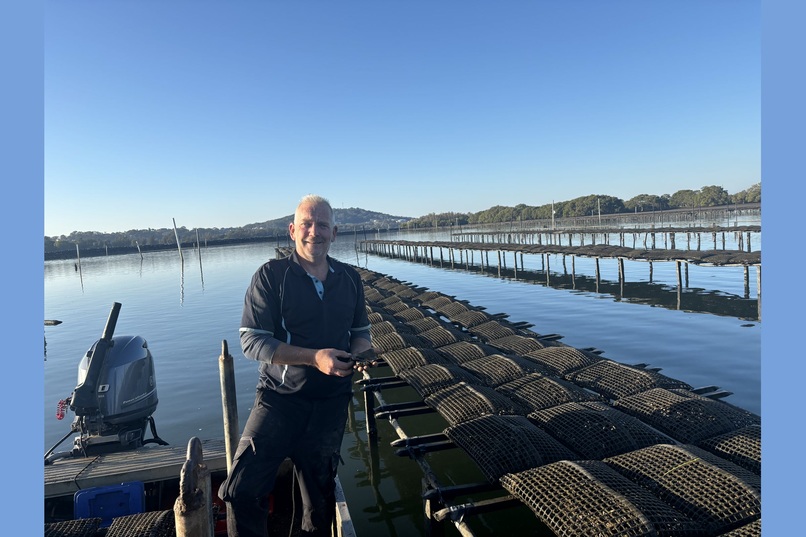
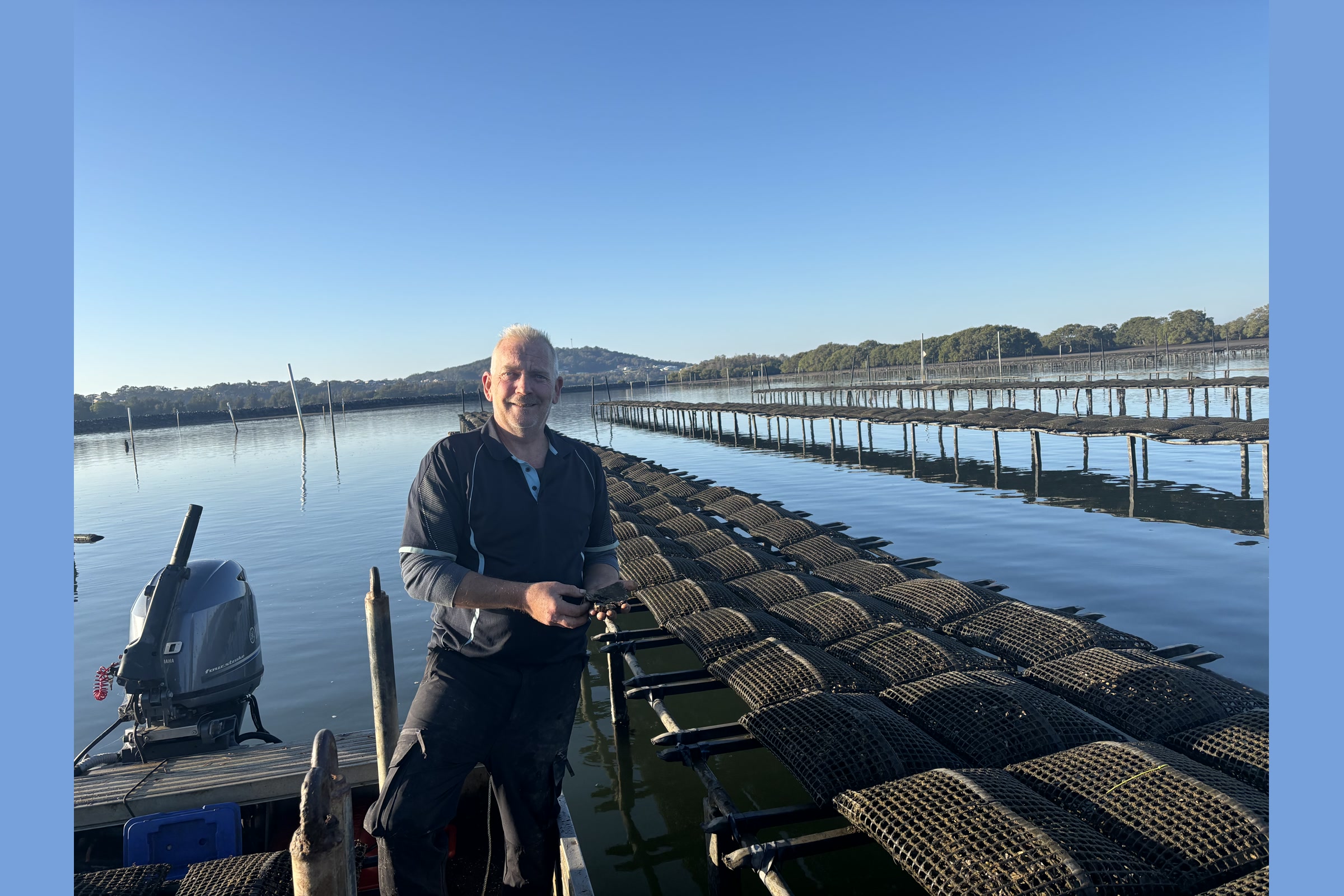
Me on the oyster lease at South West Rocks. RollGuard is my first app
-
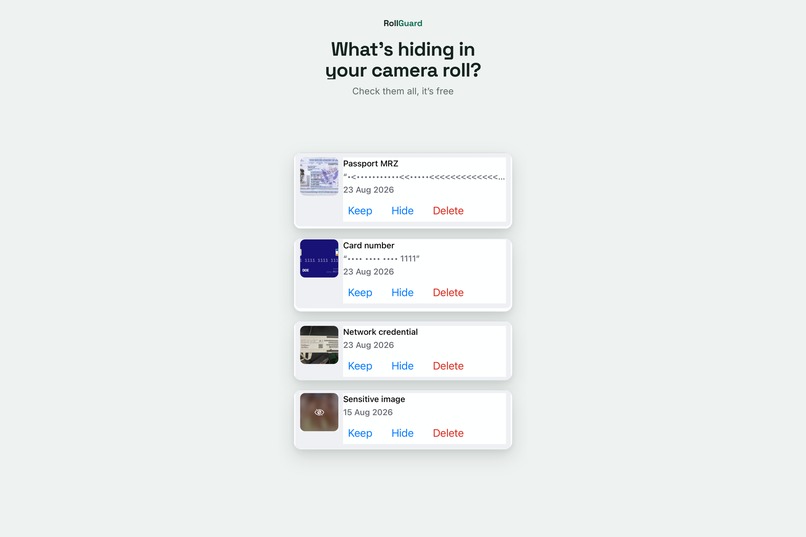
Most people have no idea what's sitting in their camera roll.
-
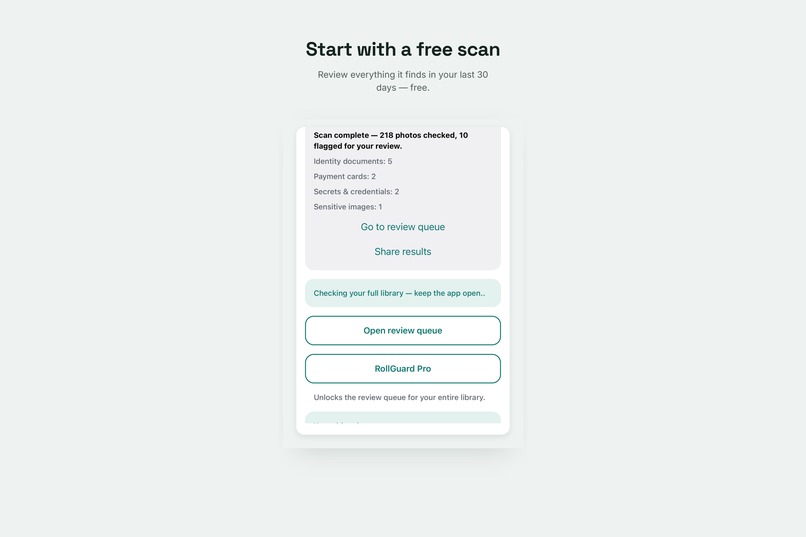
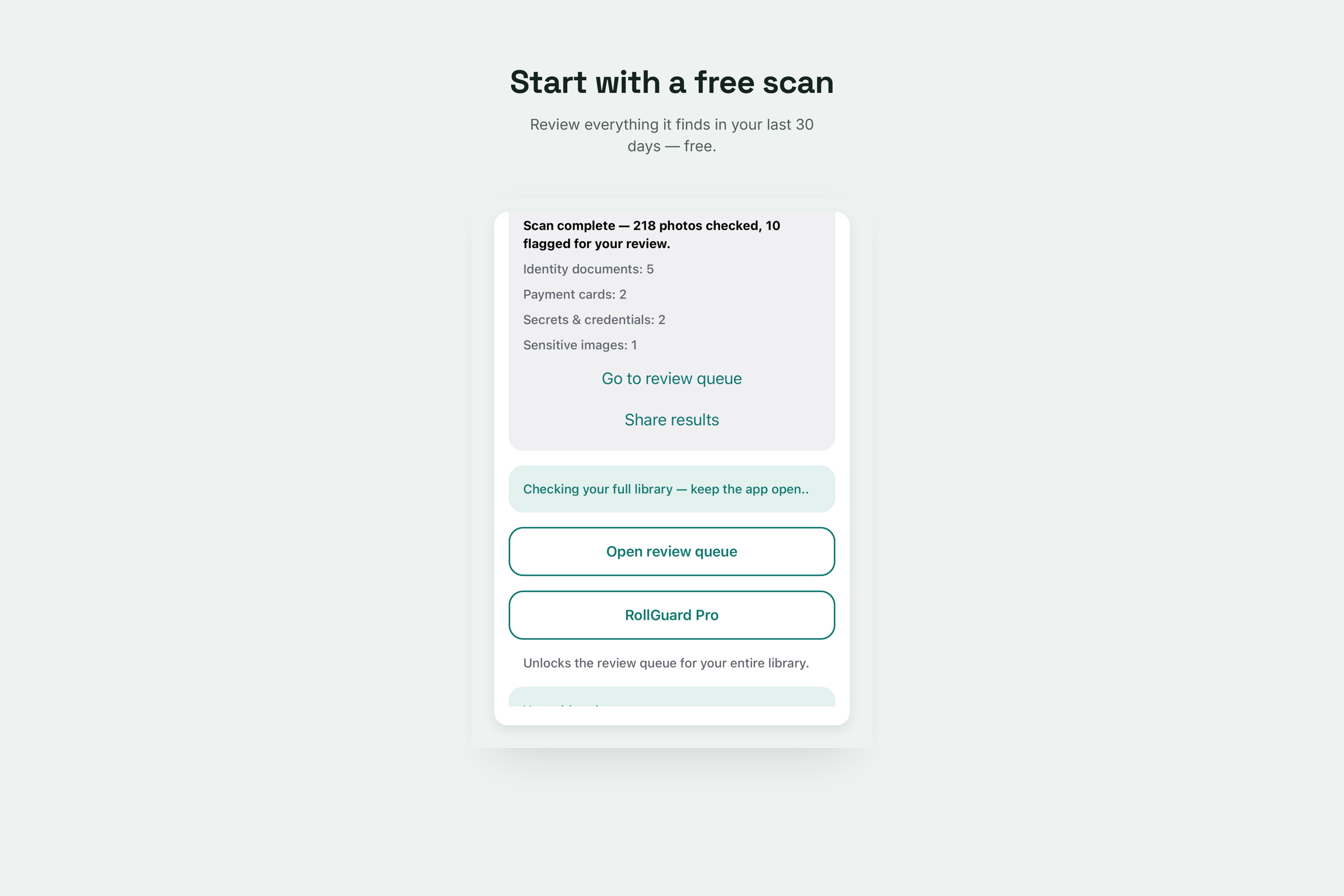
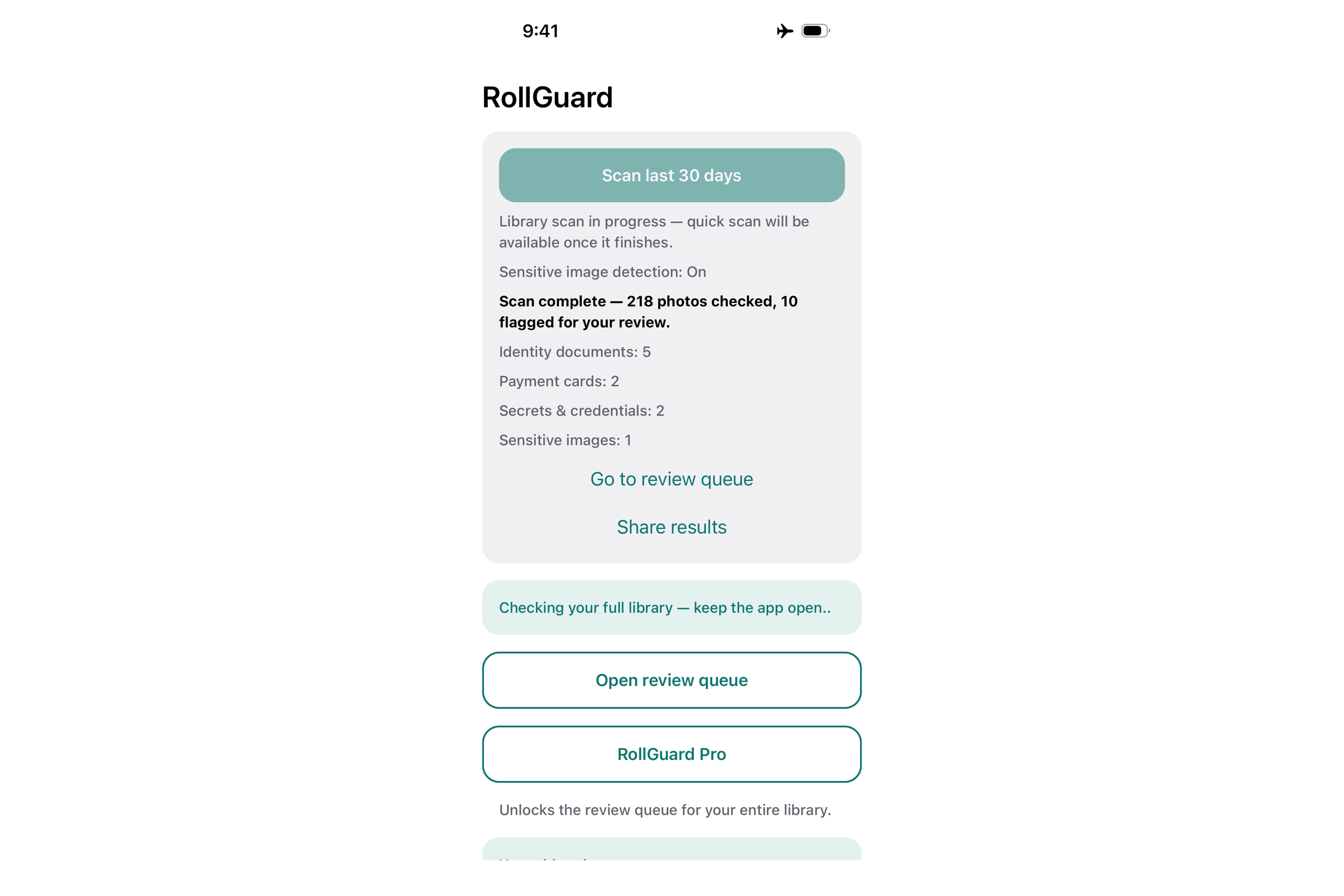
The free tier scans your last thirty days completely. Every category, every action, no limits inside the window.
-
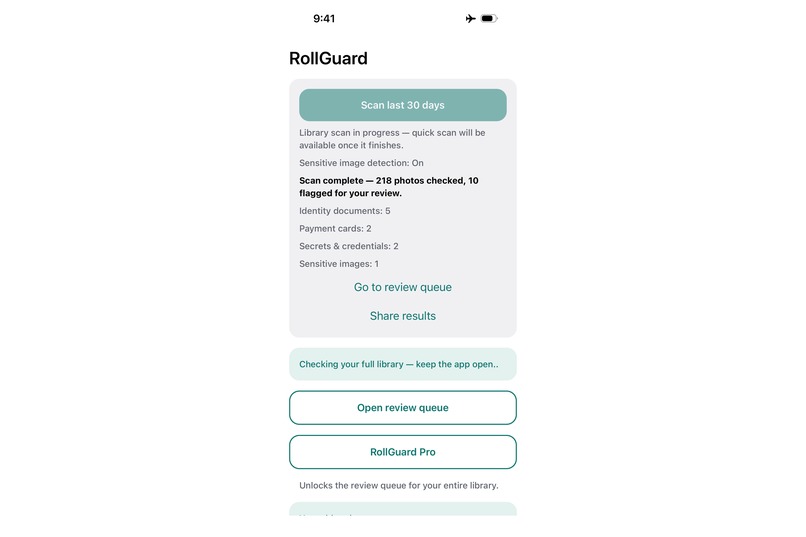
A finished free scan: 218 photos checked, 10 flagged for review.
-
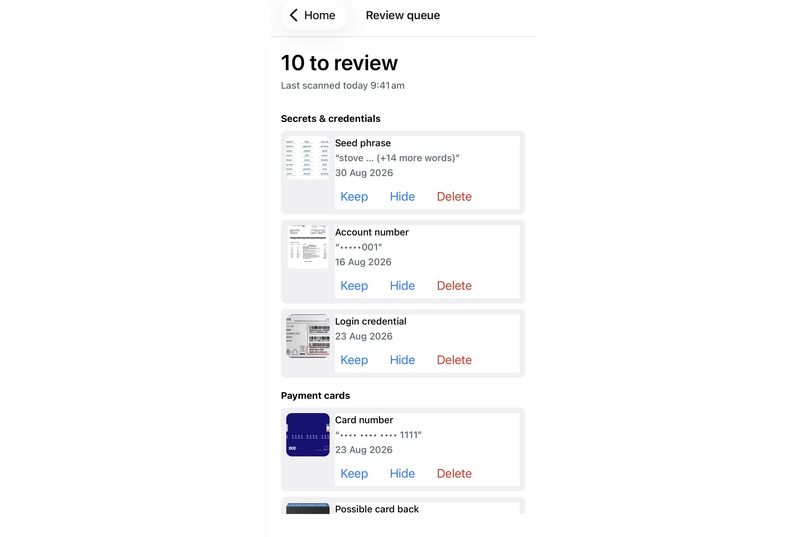
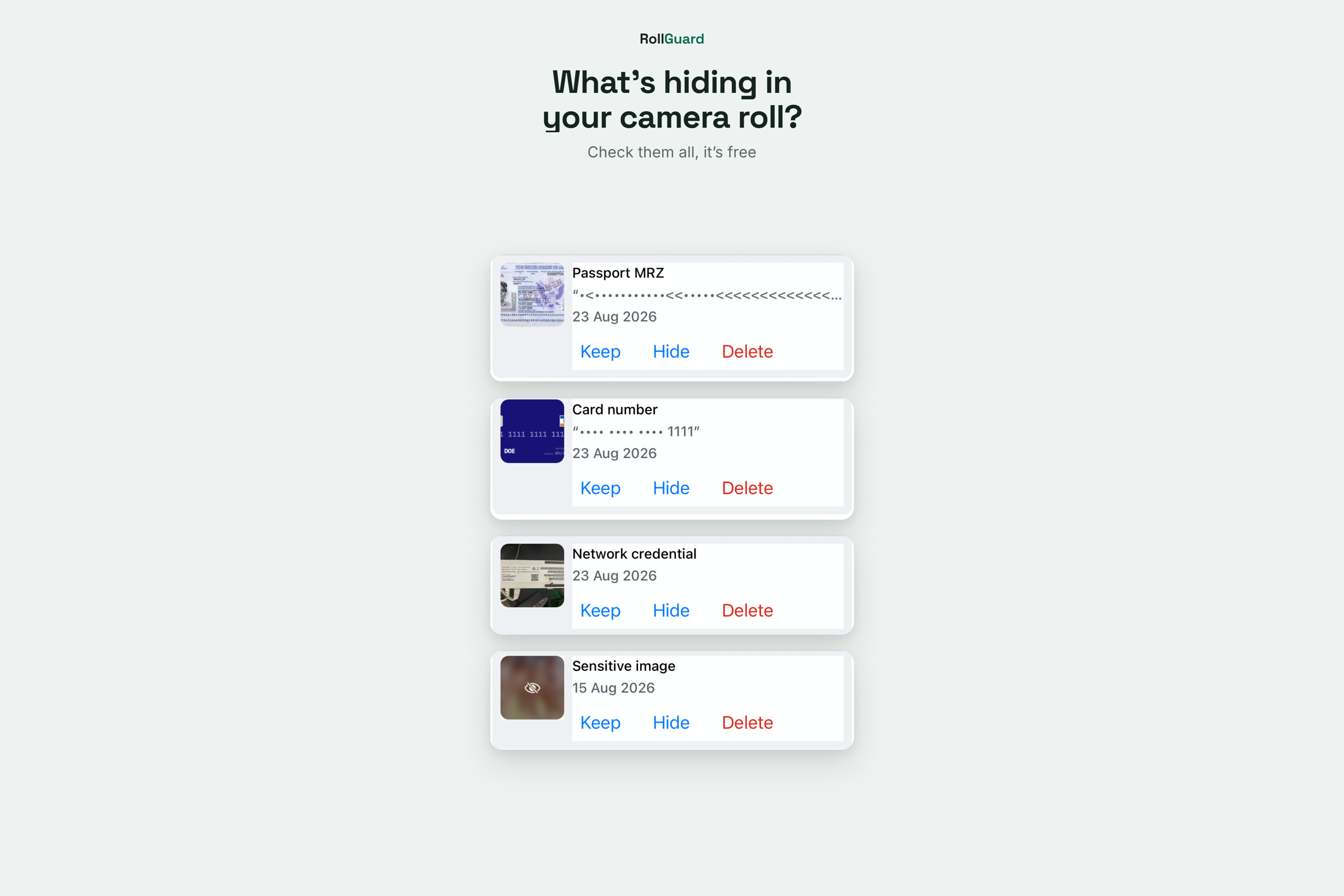
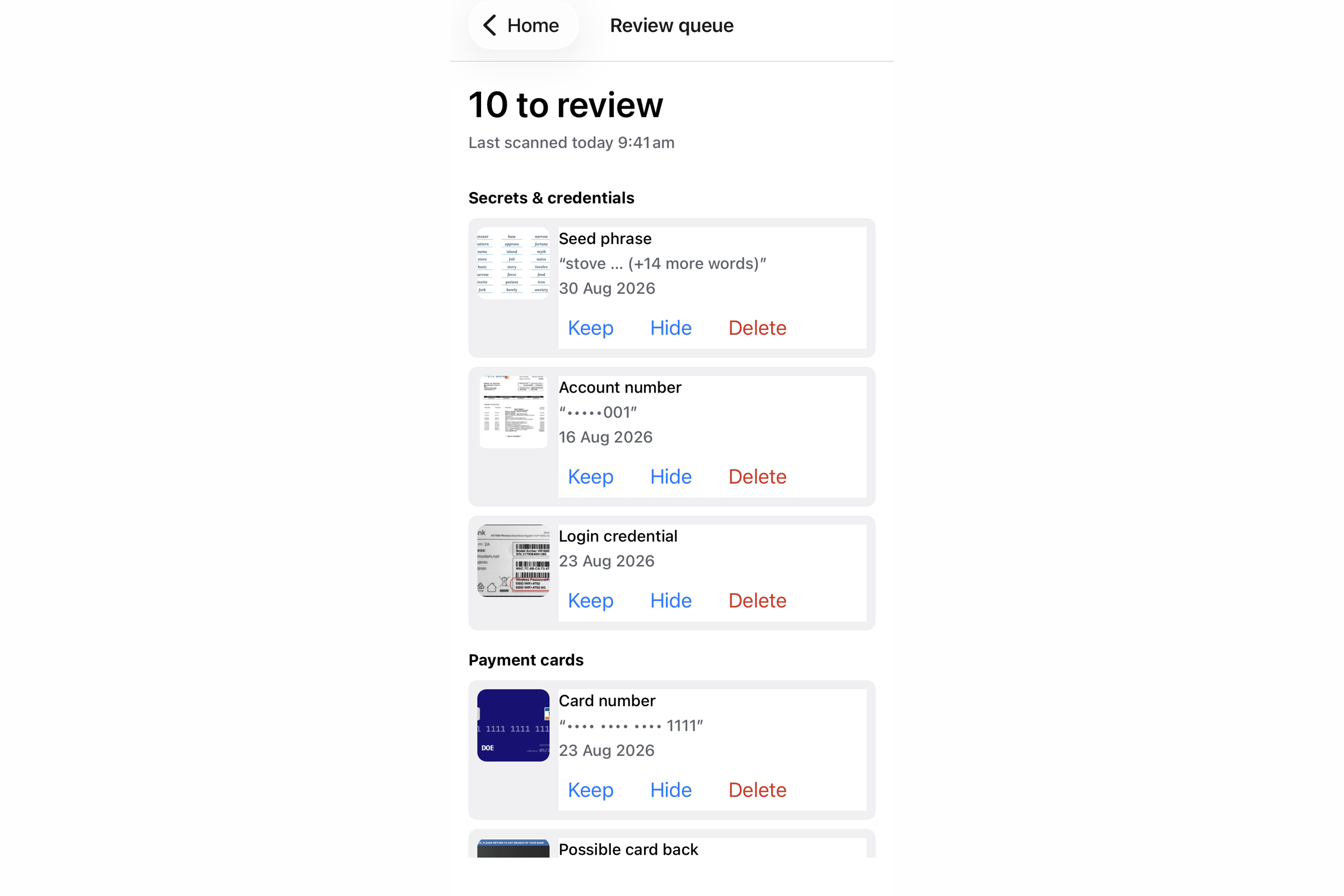
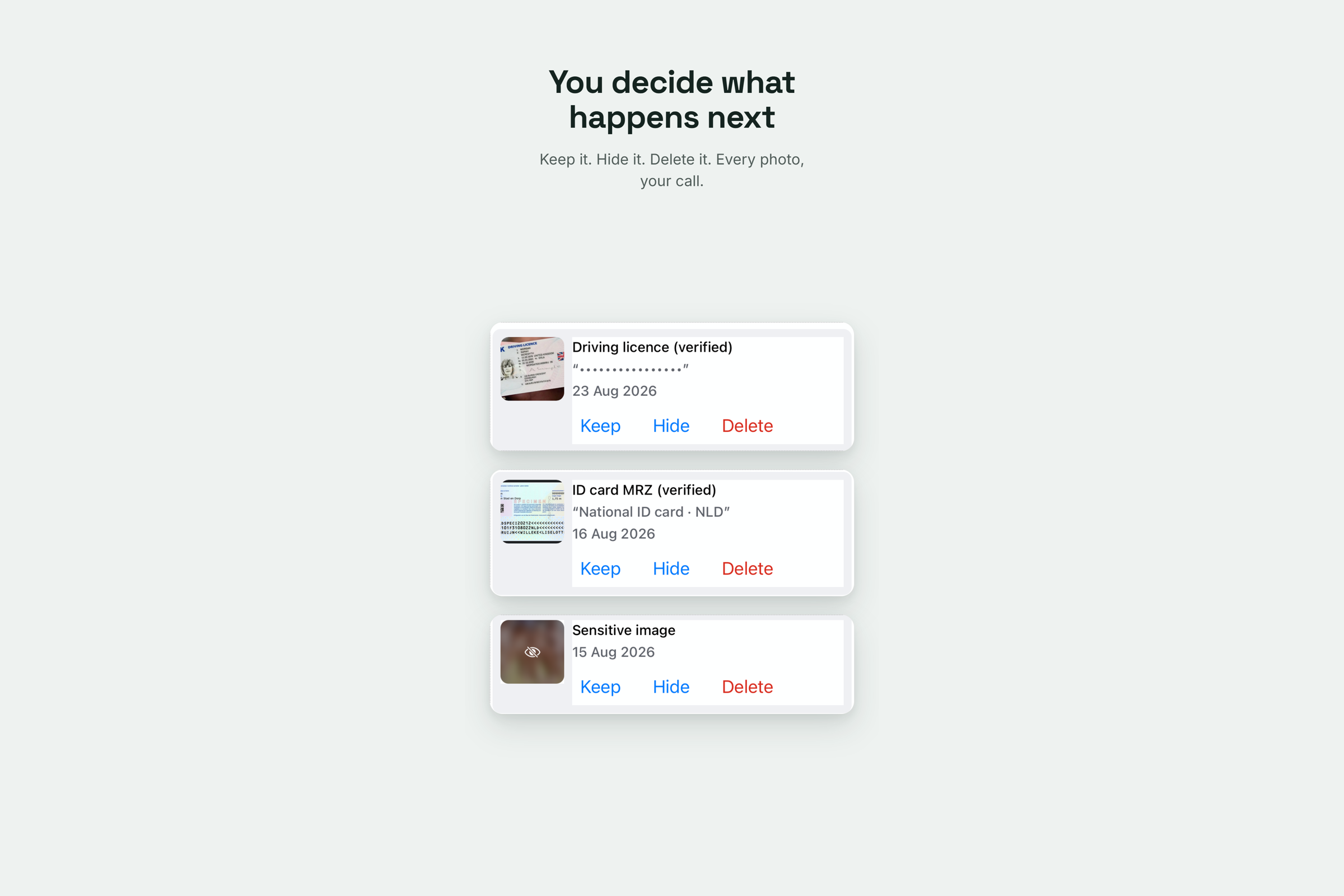
The review queue. Thumbnail, masked value, and three choices: keep, hide, delete. Nothing is decided for you.
-
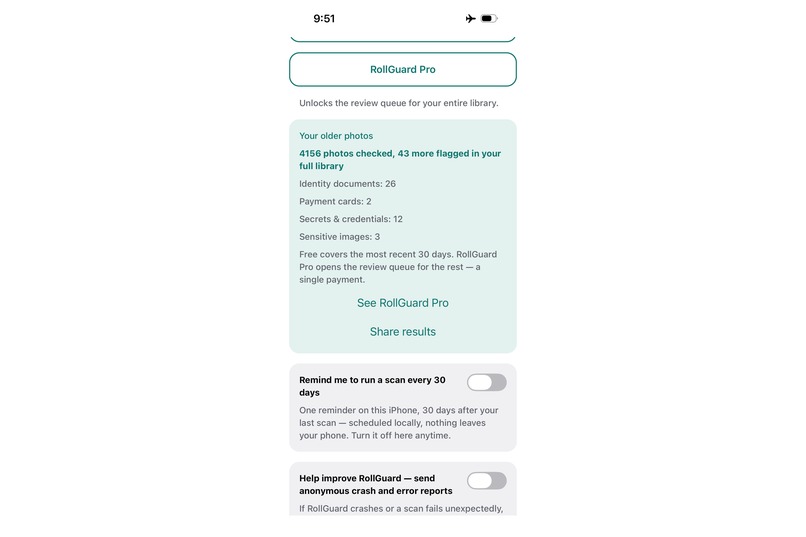
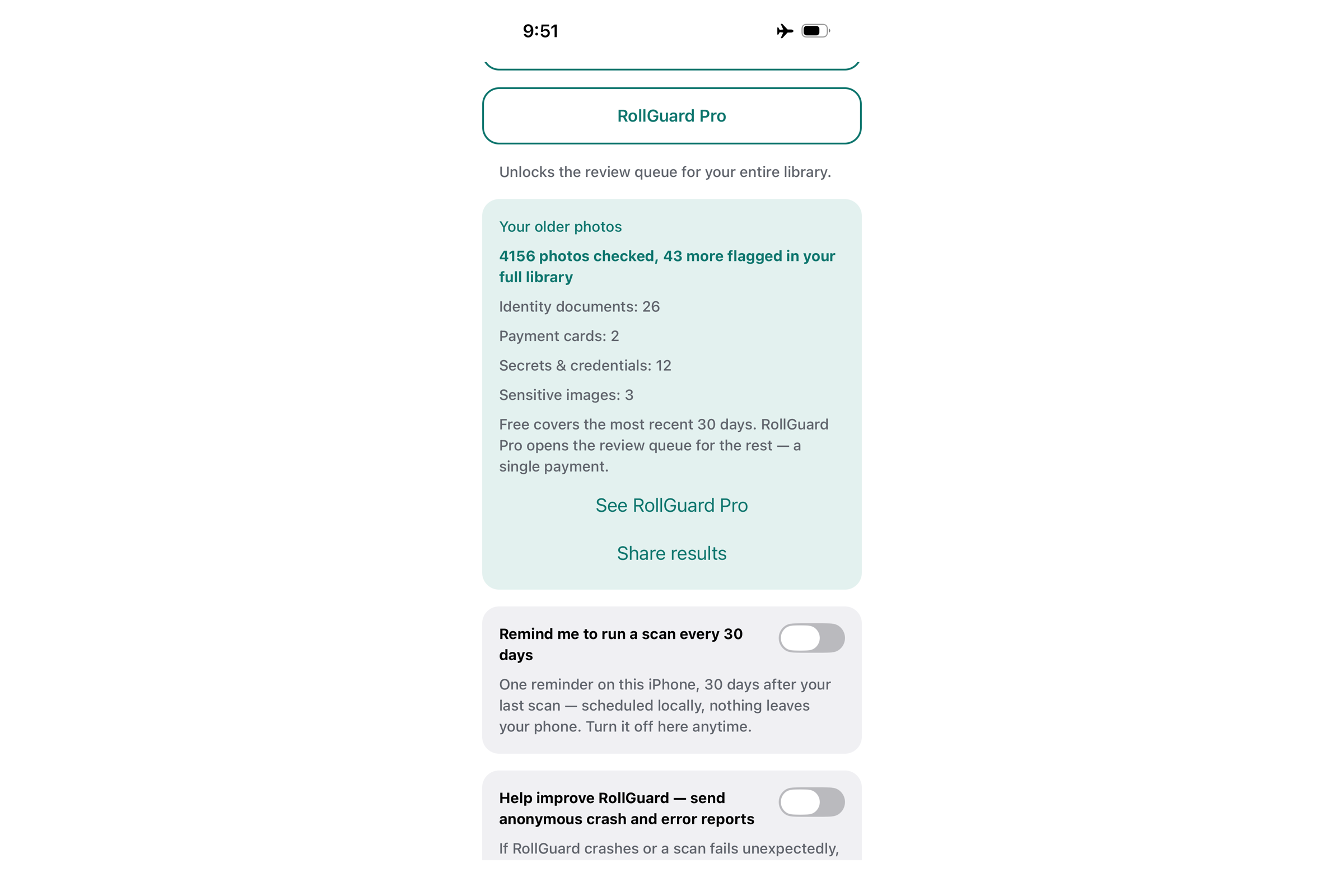
4,156 older photos checked, 43 more flagged. It reports what it found and what it couldn't reach.
-
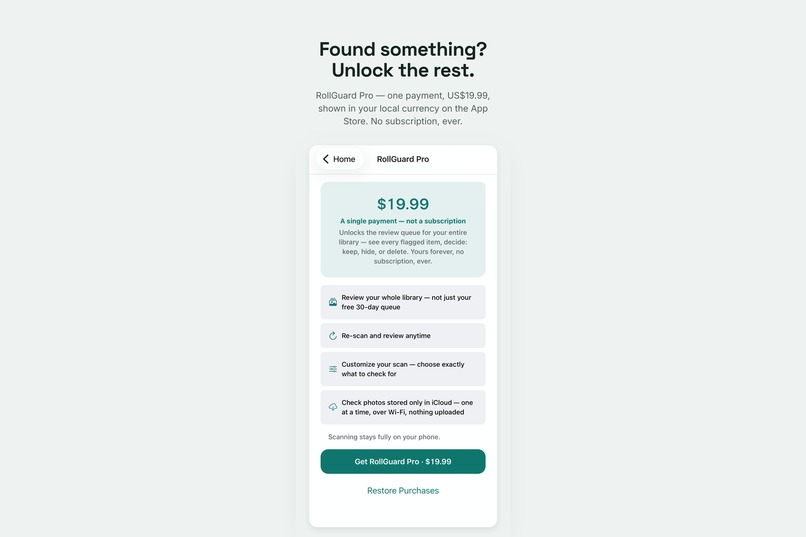
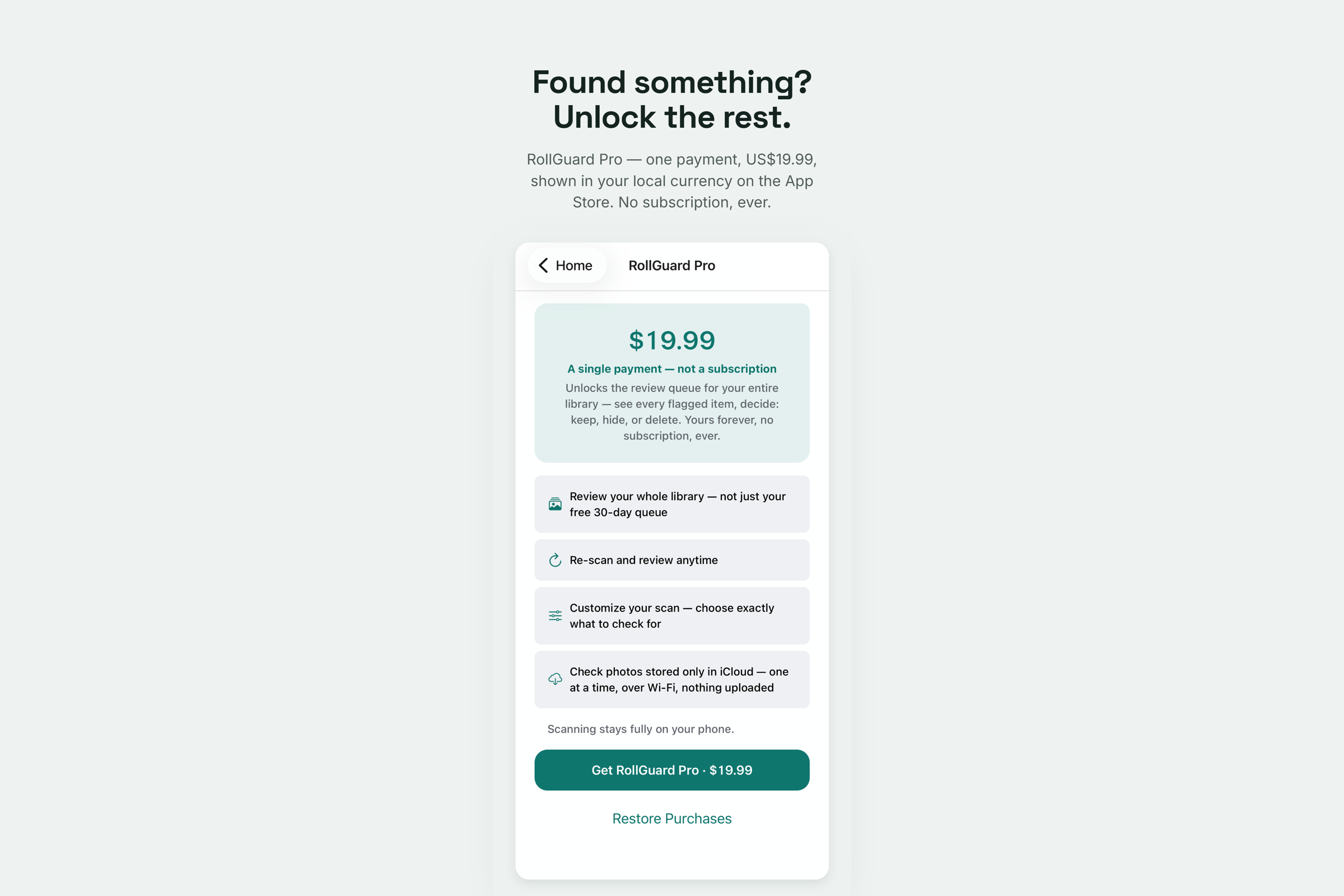
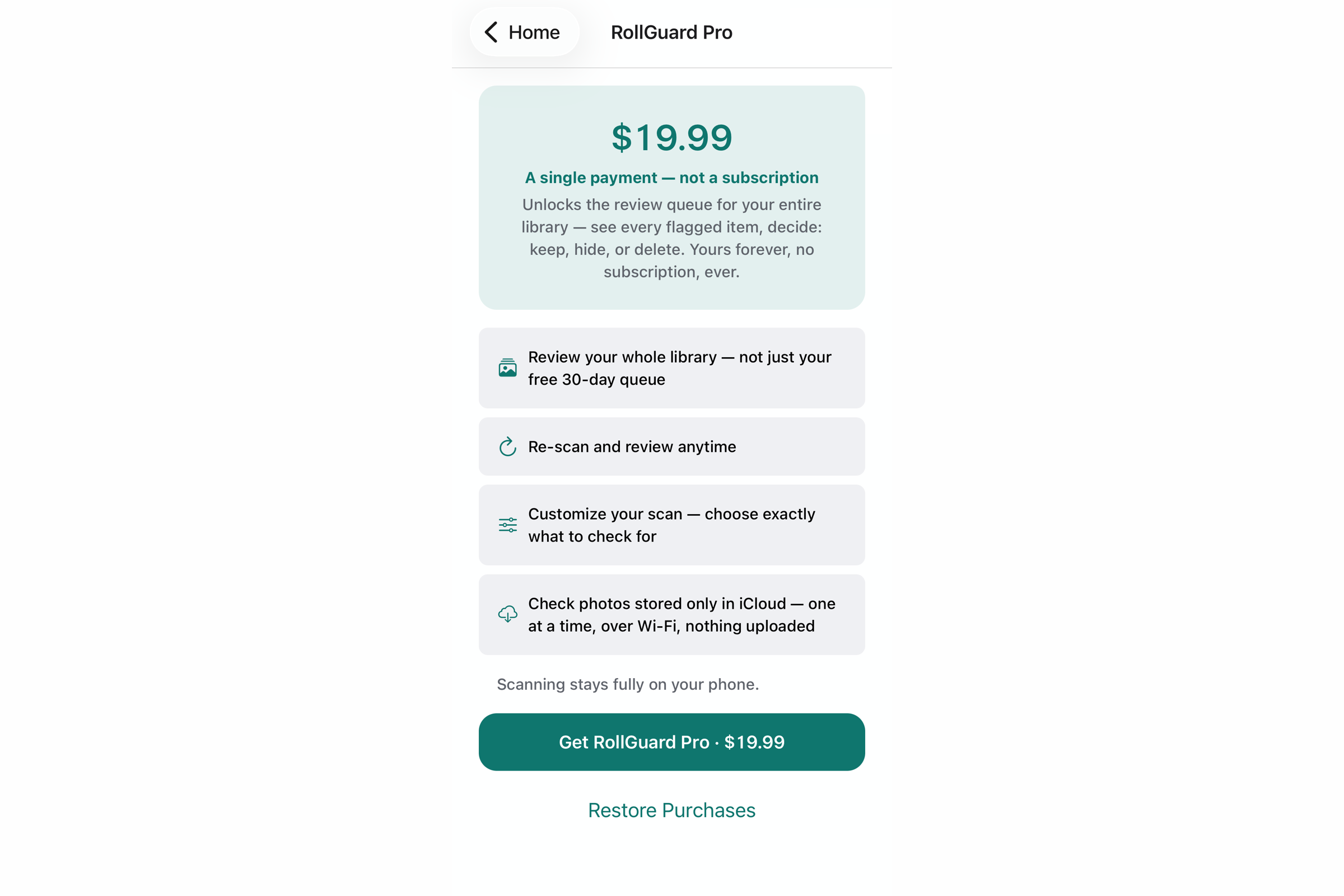
One payment, once. No subscription, no ads, no data business.
-
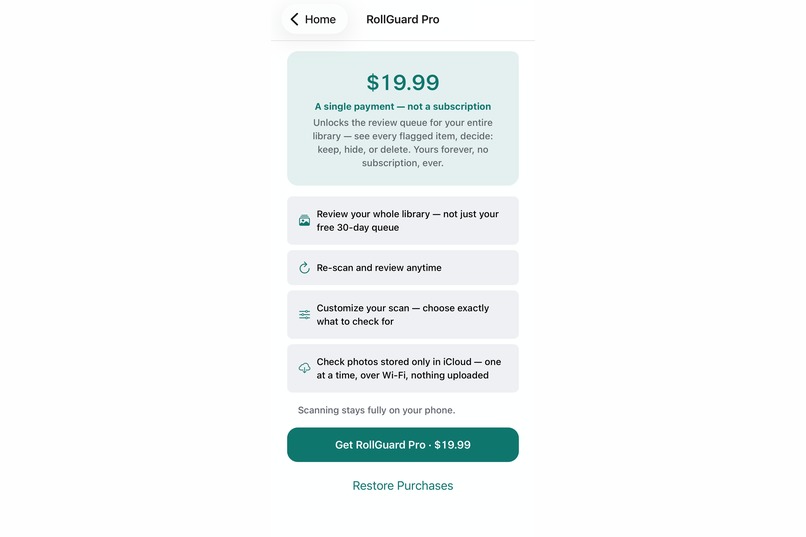
The purchase screen, reachable from the home screen at any time, with or without a scan.
-
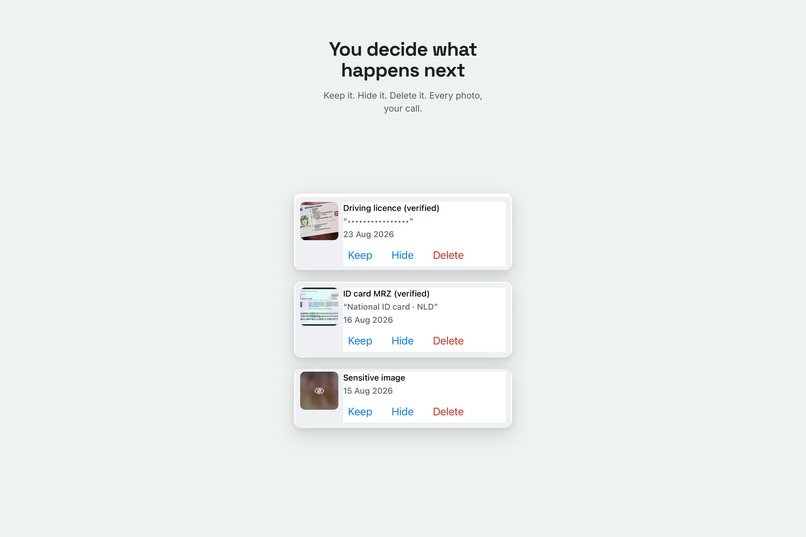
A flag is a question, not an accusation. Every decision stays with the person whose photos they are.
-
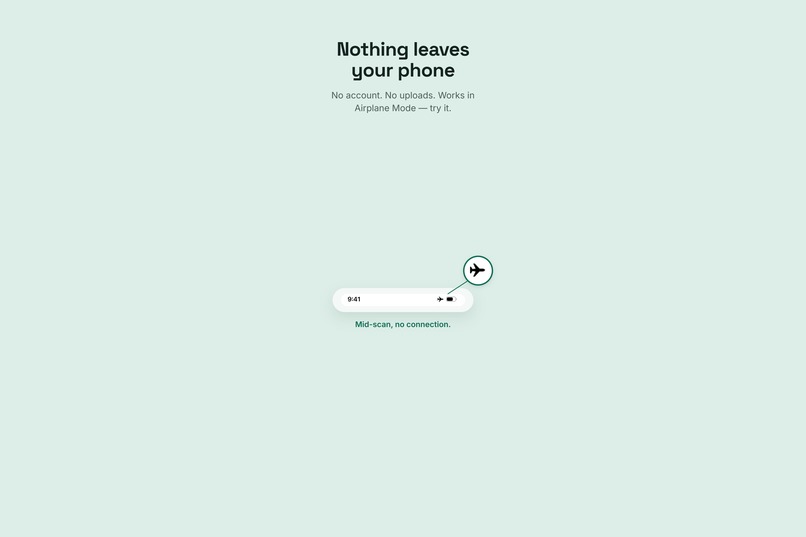
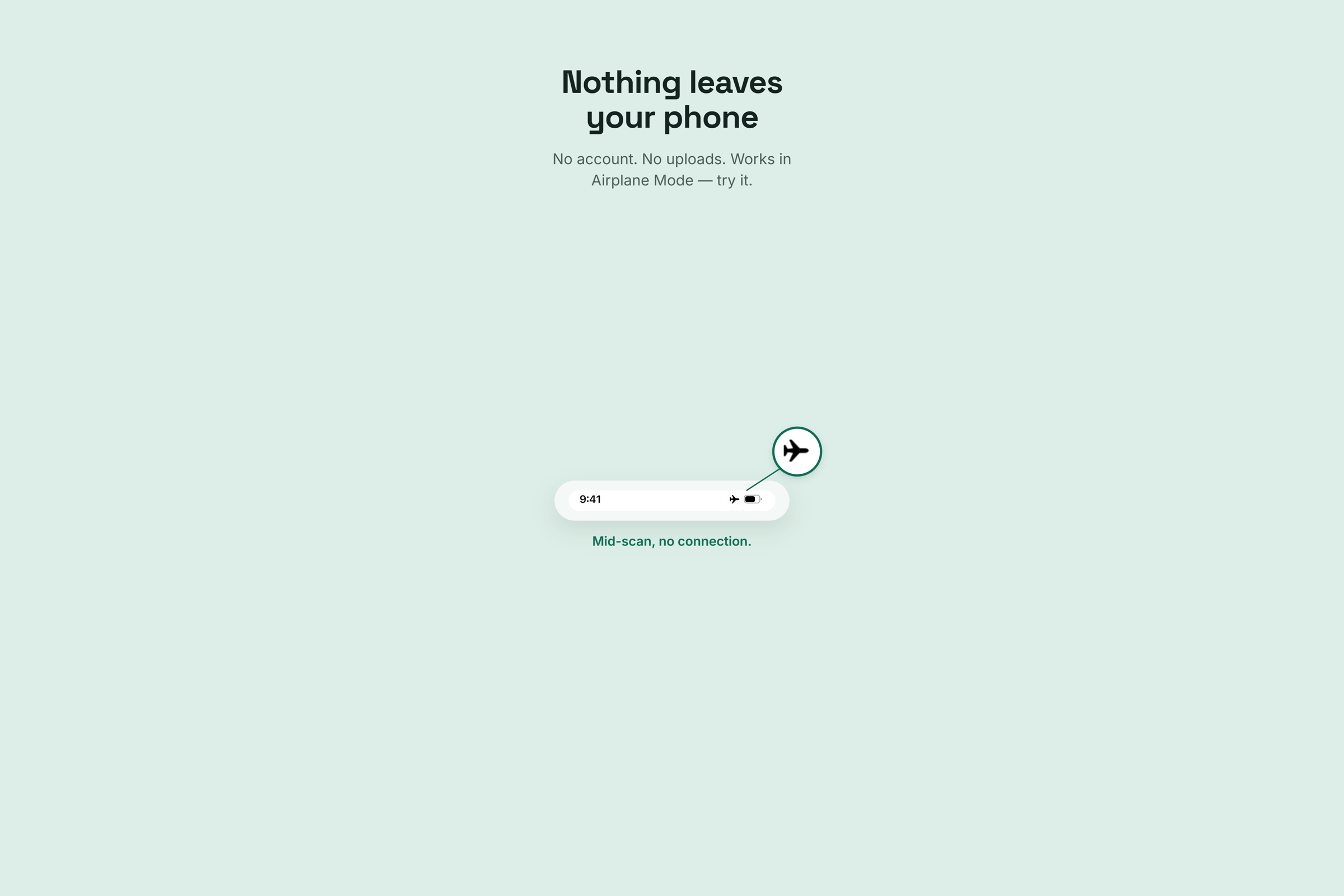
Everything runs on the device. Put the phone in Airplane Mode and it still works.
-
Rollie, who does the looking so nobody else has to.
Inspiration
I needed to know my sons' phones were clean before we crossed a US border.
I wasn't willing to look through them to find out.
Border officers can ask to see what's on a phone. I wanted to be able to say honestly that all our phones had been checked. But going through a teenager's camera roll myself was the one thing I wasn't going to do. That's their privacy and it should stay theirs. A teenager's photos hold private things of every kind, not just documents.
What I actually needed was for each of them to run a check on their own phone, on their own, and show me one screen. Nothing flagged. Neither of us looking at anything else.
That constraint is the entire product. It's why everything runs on the device, why nothing is uploaded, and why I can't see what RollGuard finds on anybody's phone. Not as a policy I promise to keep. There's no mechanism by which I could.
Then I looked through my own camera roll, which was the part I hadn't thought about. Years of photos taken to send to someone and never deleted. A passport page for a booking. A license for a car hire. A card, front and back, for a form.
The problem was much bigger than travel.
I went looking for something that would do the simple thing. Look through your photos, on your phone, tell you plainly what's there. Don't send them anywhere. Don't let anyone else see them. There wasn't one.
So I built it. I'm an oyster farmer. I'd never written a line of code.
What it does
RollGuard finds the things you photographed once and forgot. Passports, national ID cards, driving licenses, payment cards including the backs, screenshots of passwords and recovery phrases, photographed WiFi labels, sensitive images.
Everything happens on the device. Put the phone in Airplane Mode and it still works, which is the fastest way to check the privacy claim rather than take my word for it. No account. No login. No server.
Free scans your last thirty days completely. Every category, the full review queue, real thumbnails, keep or hide or delete. It keeps counting through everything older so you can see what's out there before you decide whether to pay. Pro is a one-time purchase that opens the review queue for the rest.
Pro also checks the photos that aren't on your phone at all. iOS offloads older photos to iCloud to save space, so on most devices a large share of the library isn't physically present. RollGuard fetches each one over Wi-Fi, checks it on the device, and lets iOS clear the download. Nothing is uploaded at any point.
It never tells you you're safe. The word "secure" doesn't appear anywhere in the app. It tells you what it found, what it couldn't check, and leaves every decision to you.
How I built it
React Native and Expo, with a native Swift module for the scanning. Vision for text recognition and document segmentation, Apple's SensitiveContentAnalysis for the sensitive-image checks, RevenueCat for the one-time purchase.
Detection is layered rather than a single model. Text first, then phrase matching against a corpus built from real specimen documents from 180 countries and territories in more than thirty languages. Passports and modern ID cards get read against their own machine-readable rules. A hundred states' passports have checked out against their own check digits in testing. Payment cards are validated by Luhn. Anything that can't be verified is still flagged for you to decide about.
I built it with heavy AI assistance, which I'd rather say plainly than have anyone wonder. What that actually meant was less "write me an app" and more a four-week argument in which every claim I wanted to make had to survive being checked. A lot of what I wanted to do turned out to be wrong. The useful part was finding that out before it shipped instead of after.
Most of it was built in the hours either side of the tide.
Challenges
Half the camera roll isn't on the phone.
I didn't see this coming. iOS quietly offloads older photos to iCloud to save space, so on most devices a large share of the library isn't physically there. An on-device scan can't read a photo that isn't on the device.
The easy thing would have been to scan what I could reach and report a clean result. Nobody would ever have known.
Instead the free tier counts them and says so. "3,483 photos were stored only in iCloud when scanned, so they couldn't be checked." Pro then fetches each one through PhotoKit over Wi-Fi, runs exactly the same on-device checks, and leaves the download for iOS to clear when it needs the space. Nothing is uploaded at any point.
It has to be resumable, because it runs for hours on a big library. It needs a free-disk floor so it doesn't fill your phone with downloads. And a scan interrupted at photo 800 of 3,300 has to keep those 800.
A crash I couldn't fix, in someone else's code.
I bought a six-year-old iPhone specifically to be the worst hardware I support. It earned its money. Full scans crashed on it roughly one run in three.
Four different crash signatures. One in Vision's text decoder, one in the Neural Engine's result copy, one in the text detector, one in CoreImage. Not a single frame of my own code in any of them.
I went through seven theories. Memory pressure, until the device turned out to have 1.2 GB of headroom at the moment it died. One poison image, until the crash site moved between runs. Accumulated state, until it fired on a fresh launch. An OS update landing mid-session, which contaminated an entire day's evidence and had to be thrown away.
Apple's own developer forums document an iOS-18-only crash from passing multiple requests to one Vision handler. The workaround is one request per handler. I implemented it. I verified from the crash reports' own thread census that the concurrency it targets was genuinely gone. Two threads before, one after.
It crashed anyway. Three runs out of four.
So I raised the app's minimum iOS version, which drops that entire device class. It was the last thing I did before submitting and it cost me users. Shipping a scan that fails one time in three wasn't something I was prepared to do.
The rest of it was deciding what the app is allowed to say.
Far more of four weeks went on this than on features.
It can't claim completeness, because it isn't complete. Which means the architecture has to track what it didn't cover, not just what it found. It can't say "safe", because nothing verifies that anyone is safe.
And a line reading "N photos **are* stored only in iCloud"* becomes false the moment you download them. So it reads "were* stored only in iCloud when scanned"*. Anchored to the moment of measurement, and true forever.
That's a one-word change. It took an afternoon to get to.
What I learned
Test on the oldest thing you support, early. Every serious problem was found on a six-year-old phone. Not one of them appeared on a current one.
A test you've never seen fail is a test with no evidence behind it. I ended up with about 2,870 automated checks, and every fix gets mutation-tested. Break the code deliberately, confirm the test catches it by name. Roughly a third of the ones I wrote early passed happily while the code was broken.
Proving something shipped tells you nothing about whether it works. I published an App Store badge on launch day that was an unnamed link in the accessibility tree. The bytes were perfect. The experience was broken. Only rendering the page and reading the accessibility tree found it.
Verified claims rot without being touched. A privacy-policy sentence about data retention was true when I wrote it and false three weeks later, when a service plan lapsed underneath it. Nobody edited anything. The world moved.
A description is not the thing it describes. A search can't see inside a binary. A line number isn't the content at that line. A label on a test isn't the thing the test checks. Nearly every wrong turn in four weeks came from trusting a description over the artifact it stood for.
What's next
More issuing authorities. A section documenting the real cases that prompted all this, repair-shop snooping and border device searches, sourced and linked rather than asserted.
But mostly I want this in front of the people who need it and don't know it. Someone selling a phone next week. Someone handing a device to a repair shop. A parent who wants their kids to be able to check for themselves, the way mine now can, without anyone having to look through anything.
Most people have never once thought about what's sitting in their camera roll. They don't need to be frightened about it. They just need to be able to find out, on their own phone, without trusting anyone with the answer.
That's what I set out to build. It's what I'd like it to do for other people now.
Built With
- core-image
- core-ml
- eas
- expo.io
- hermes
- ios
- on-device
- on-device-ml
- photokit
- privacy
- react-native
- revenuecat
- sensitive-content-analysis
- sentry
- sqlite
- storekit
- swift
- typescript
- vision-framework
- xcode

Log in or sign up for Devpost to join the conversation.