-
-
Roll-a-Ball
Inspiration
This game recalls the childhood game that we have played throughout primary school. We would love to build this game by ourselves since now we have the programming skills . After the tutorial with Building a game on Unity, we looked into developing Roll-a-ball game and decide to finish building it.
What it does
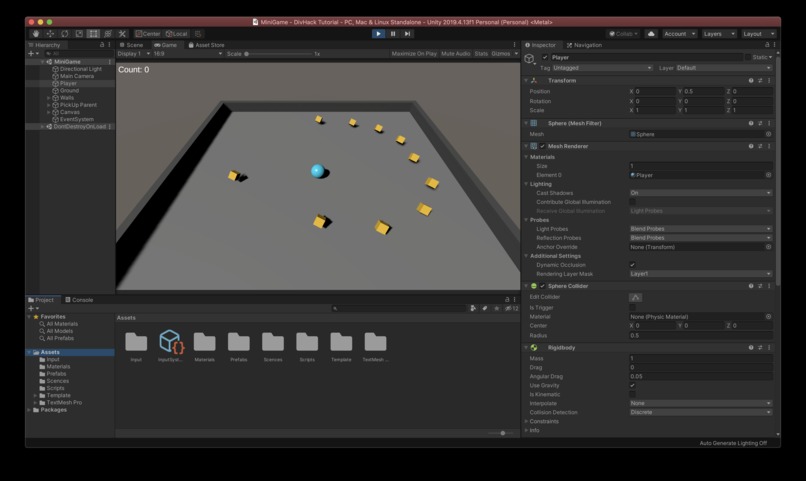
Users can roll the ball bevy using arrow keys on keyboard to collect yellow coins. The realtime score appears on the top left corner on the screen. A congratulation message will appear when the user collects all 10 coins.
How we built it
We built this game on Unity and programmed in C#.
Challenges we ran into
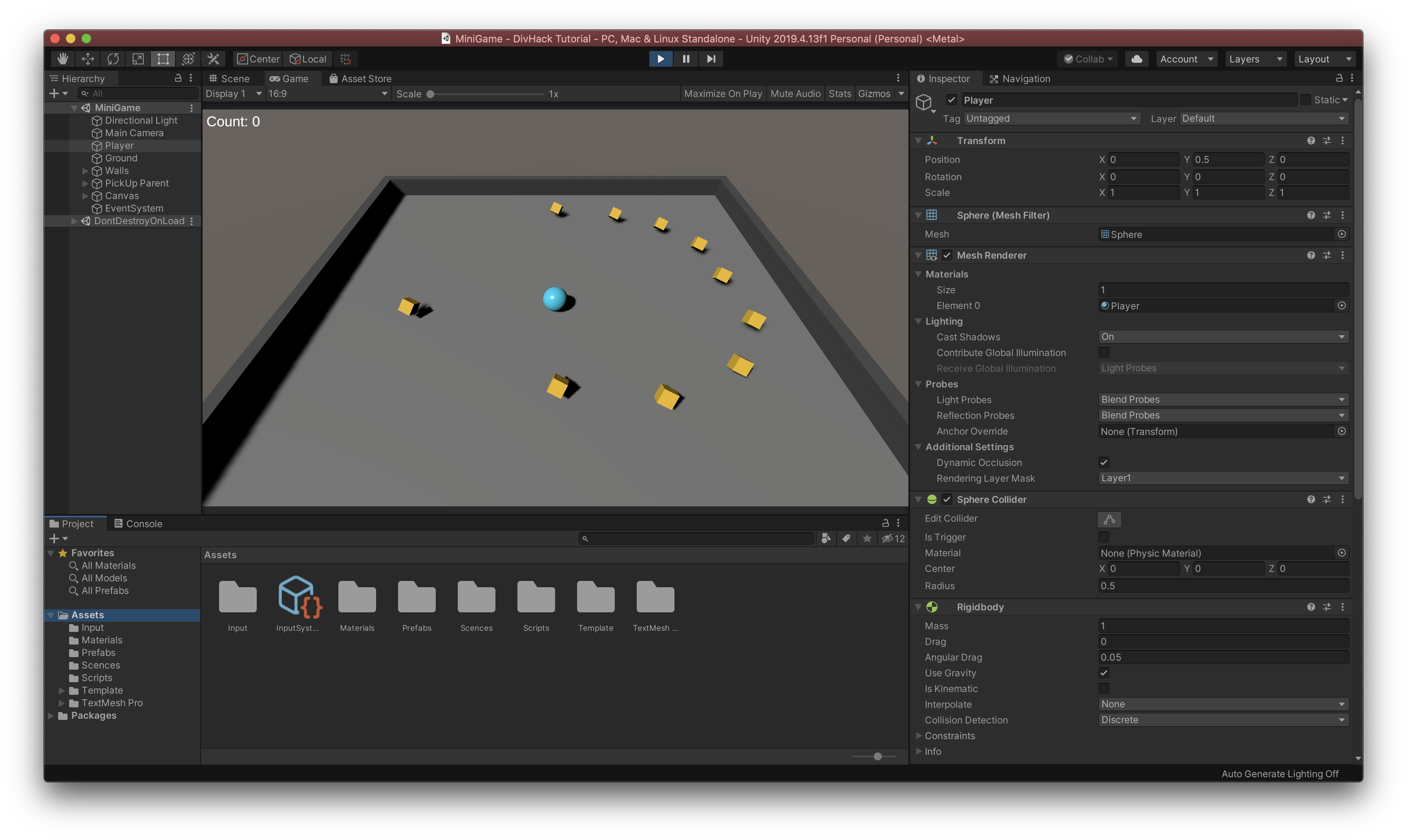
Challenge 1: The yellow coins we wanted to build were static, so they act like walls when the ball hit them. In order to handle this situation, we tried to add the gravity influence of the coins. However, this resulted in the immediate falling of the coins. This makes sense since gravity leads to falling in the real world. So we tried another approach by adding the rigid-body and changing the parameter into kinematic.
Challenge 2: When we try to show the real-time score, the score did not appear on the upper left screen. We looked into coding and settings, but could not find any errors. After carefully inspecting the scale of the window, we found that our window was zoomed in and the score was left out of the current window. Finally, we changed our window to the correct scale.
Accomplishments that we're proud of
We add walls to this game to prevent the ball for falling off. When we played the childhood game, the ball always fall from the ground and it was threatening and scary for little girls like us. We are proud that we improve the user experience by modifying this feature.
What we learned
We learned how to build games on Unity and the importance of being patient when it comes to debugging.
What's next for Roll-a-ball Game
We would like to add more features and graphics to this game. More levels can be added to attract more players and retain them to continue playing our game.


Log in or sign up for Devpost to join the conversation.