-
-
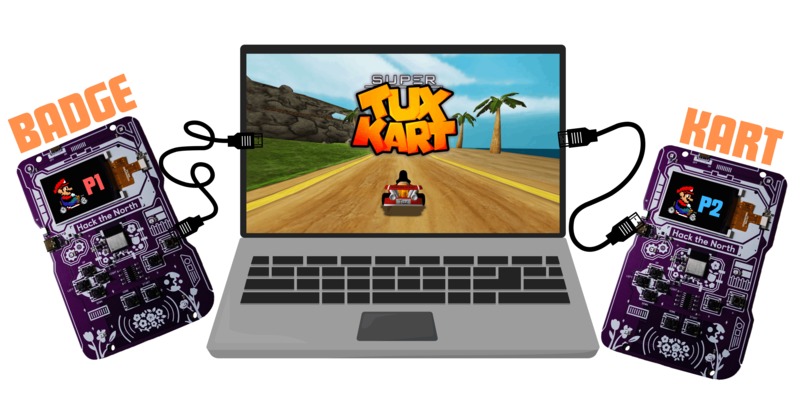
2 player!
-
Tears of joy
Inspiration
We looked at our badges and asked the only question that matters: can we play mario kart on this? The answer was yes. The answer is always yes. We didn't ask if we should.
What it does
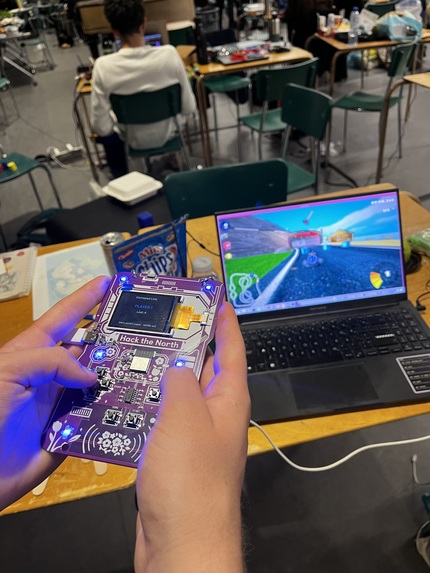
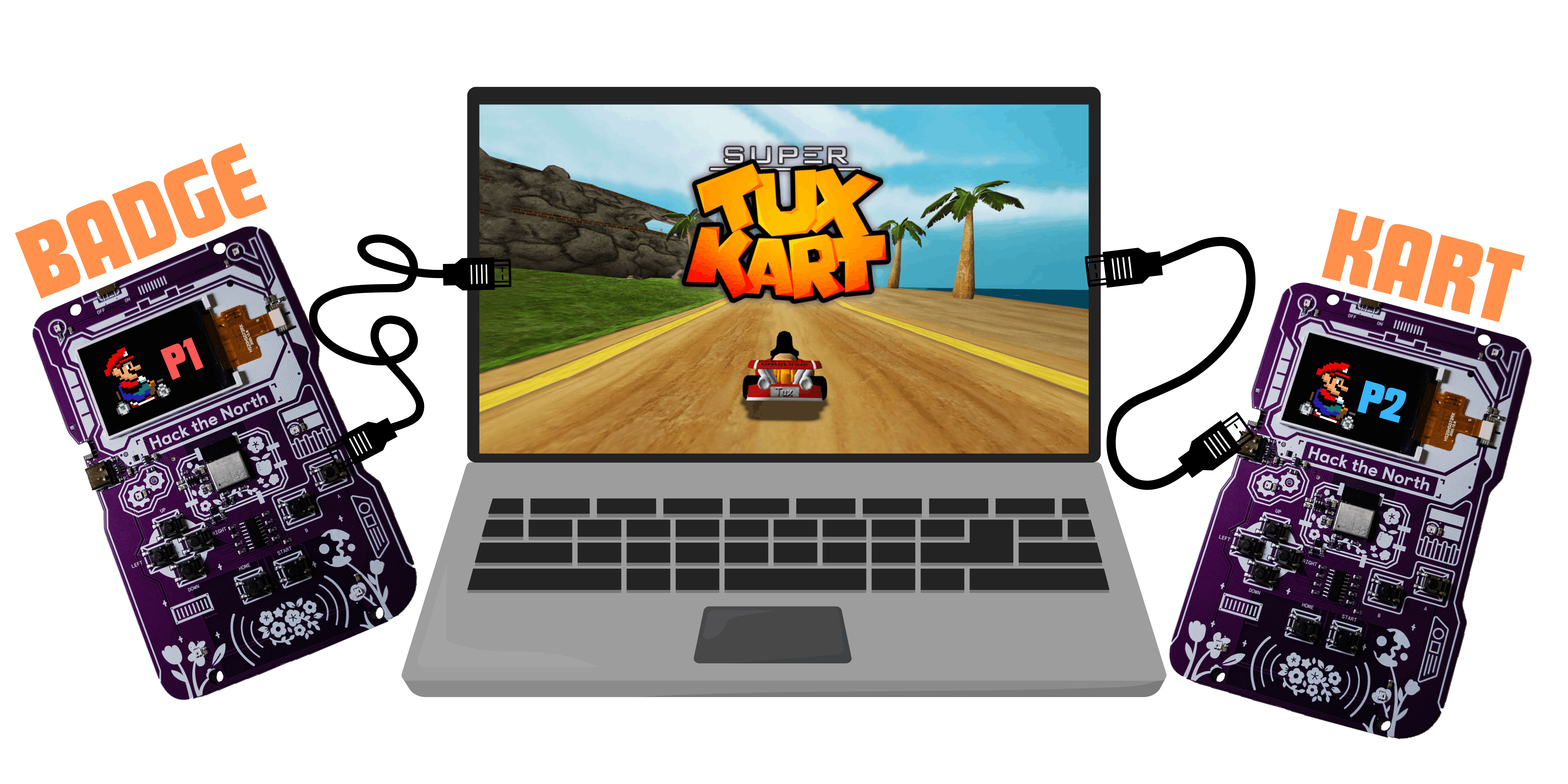
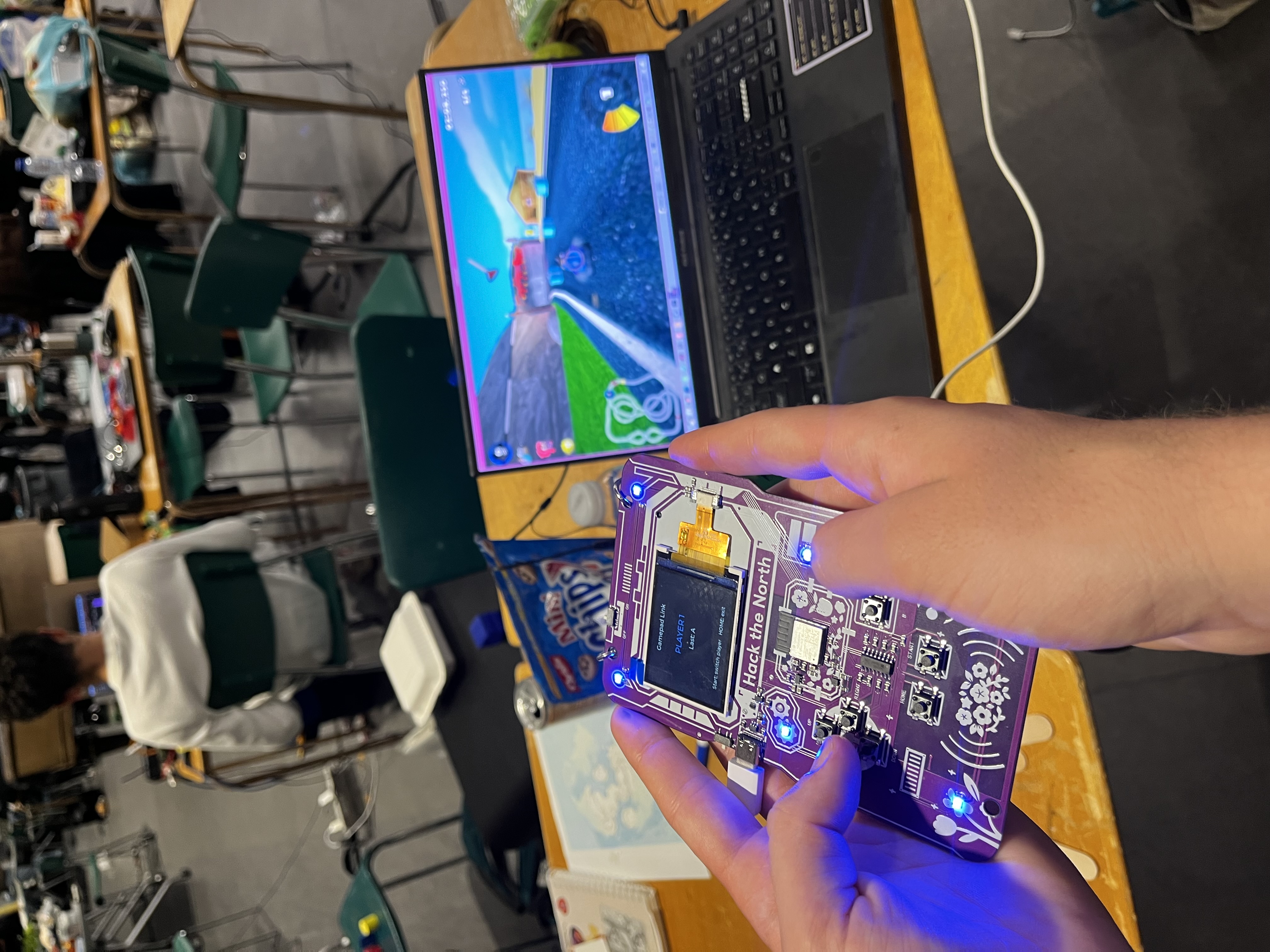
Badge Kart turns two Hacker Badges into wired game pads for SuperTuxKart, which runs on a regular computer in split-screen. Plug both badges into the PC, and now your name tag is a steering wheel.
- Press Start on a badge to switch it between P1 and P2 (blue or orange, so you know who to blame). - - - Steer, accelerate, brake, drift, and use items with the badge buttons. A is gas, B is reverse.
- SHAKE FOR NITRO. Physically shake your badge to go faster. Yes, this is scientifically the correct way to play a racing game. Nitro stays on until 1 second after you stop shaking, so you can vibrate like a maraca in peace.
- The LEDs react to how you drive. Steer left and the left side glows brighter. Reverse lights up red. Shake and the whole badge floods neon green. It's basically a tiny rave that only exists to tell your opponent how they're losing.
How we built it
The game itself runs on the computer. The badges just tell it what your thumbs are doing.
Each badge runs our custom Lua app. Every time you press or release a button, the badge prints a line over its USB cable that looks like GAME:P1:LEFT:1.
That's it. That's the protocol. It's a printf.
On the computer, a Python script listens to both badges, reads those lines, and turns them into real keyboard presses that SuperTuxKart understands:
Challenges we ran into
NOT ENOUGH MEMORY. The badge only has so much to work with, and the Lua app already eats a huge chunk of it. We wanted Bluetooth so we could go wireless. We dreamed of Bluetooth. But turning on Bluetooth would have left the badge with roughly the memory of a Tamagotchi, and the whole app would have died on startup.
So we went WIRED.
And since we couldn't send real commands the fancy way, our controller protocol is literally debug print statements. Every button press is a log line. The badge is just yelling its feelings down a USB cable and the computer is interpreting them as gameplay. We're not saying it's the intended use of the debug console. We're saying it's the best use of the debug console.
Other tragedies:
- Opening the serial port reset the badge. Turns out toggling DTR/RTS reboots the ESP32, so we had to tell it, very politely, to stop.
- Key conflicts. If two badge buttons map to the same key, releasing one would release both. We had to add reference counting, which is a phrase we never expected to type about a kart game.
- Naming things. The shake color variable in our code is called PURPLE. The color is neon green. The comment says "Actually neon green." We've decided to leave it as a monument to our struggles. ## Accomplishments that we're proud of We were told the firmware isn't open source so we can't modify it... Never tell a hacker "no" guys.. bad things will happen afterwards. We used the only, THE ONLY way out (debug prints) to our advantage which we're proud of.
What we learned
NEVER USE HACKATHON 3DPRINTERS, they're unreliable. Shaking a badge for 90 seconds is a real workout. Racing games are cardio now.
Sponsors keep distracting us, staking locked in has become harder.
Built With
- badge
- python
- supertuxkart


Log in or sign up for Devpost to join the conversation.