-

Paper
-
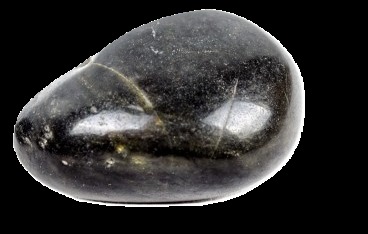
Rock
-
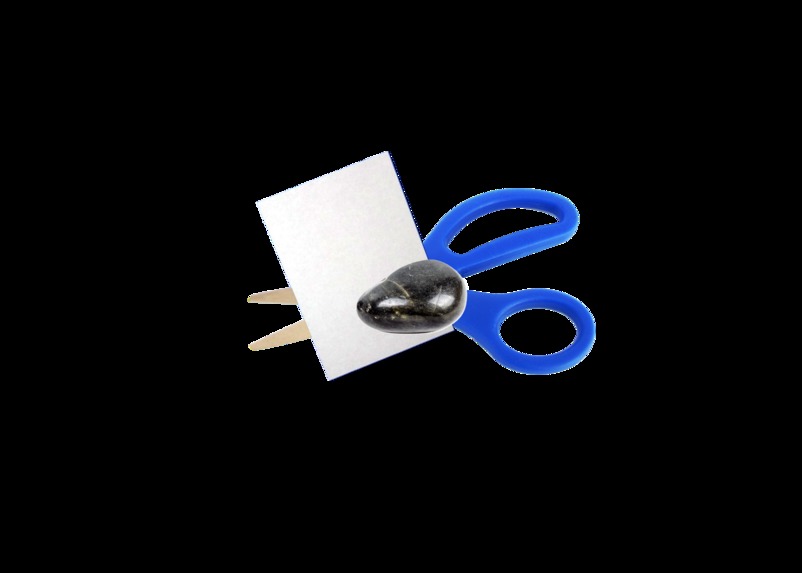
Logo
-
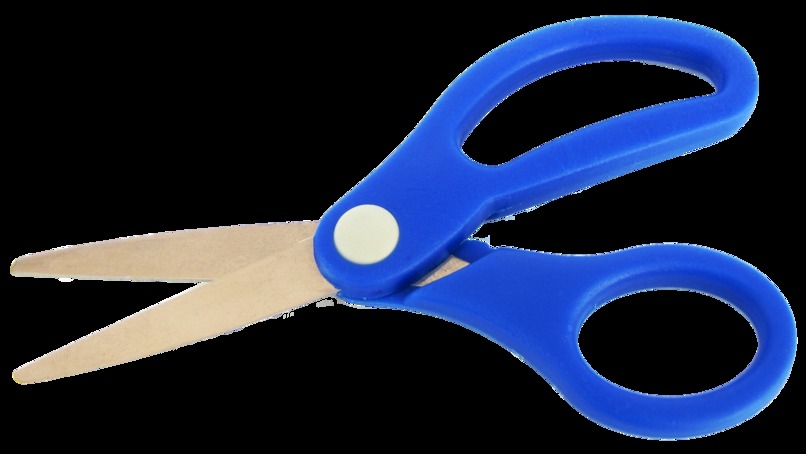
Scissors

About the Project
For this project, I made a Rock Paper Scissors game using HTML, CSS, and JavaScript. I picked this idea because it is a simple game that pretty much everyone already understands, so I could focus more on building it and making it work instead of having to come up with complicated rules. Even though the game itself is simple, it still gave me a chance to practice a lot of important coding skills like using buttons, updating the screen, keeping score, and making the page interactive.
What Inspired Me
What inspired me to make this project was wanting to build something familiar but still fun. Rock Paper Scissors is one of those games that everybody knows, and I liked the idea of turning it into a working browser game instead of just leaving it as a basic console game. I also thought it would be a good project for practicing JavaScript, because the rules are easy to follow: [ \text{Rock beats Scissors}, \quad \text{Scissors beats Paper}, \quad \text{Paper beats Rock} ] Since the rules are so straightforward, I could spend more time focusing on how to make the game look better and feel more interactive.
How I Built It
I built the project using three main parts: HTML, CSS, and JavaScript. The HTML was used to set up the page. I made areas for the title, the Rock, Paper, and Scissors buttons, the result text, and the score display. The CSS was used to style everything and make it look cleaner. I worked on things like spacing, layout, and making sure the game did not look too messy on the page. One of the things I had to fix was the spacing between the buttons and the score section because there was too much empty space there at one point. The JavaScript is what made the game actually work. I used it to create the button actions, track the player’s choice, generate the computer’s choice, compare the two, and update the result and score after every round. The basic game logic worked like this: [ \text{Outcome} = \begin{cases} \text{Tie} & \text{if player = computer} \ \text{Player wins} & \text{if player beats computer} \ \text{Computer wins} & \text{otherwise} \end{cases} ] I also included animation work, which helped make the game feel less plain and more engaging.
What I Learned
I learned a lot from this project, even though it seems small at first. One big thing I learned is how HTML, CSS, and JavaScript all work together in a real project. HTML gives the page structure, CSS makes it look better, and JavaScript makes it interactive. I also learned how to: -use arrays to store choices -create and control buttons with JavaScript -use event listeners for user input -update text and score on the page -test logic to make sure the game is working correctly -fix layout and spacing problems in CSS This project also helped me realize that even a simple game can take more work than it seems. There are a lot of little parts that all have to come together for the final result to feel complete.
Challenges I Faced
One challenge I faced was making sure all of the game outcomes worked correctly. Since each choice can match up against the others in different ways, I had to make sure the player wins, computer wins, and tie conditions all worked the way they should. I did not want a long else if statements or even a switch statement. I wanted something clean and simple. Another challenge was the layout. I found it very difficult to get everything where I wanted. I had an issue where there was too much space between the Rock, Paper, Scissors section and the score section, so I had to go back and adjust the styling to make the page look more balanced. That showed me that just because the code works does not always mean the project feels finished. I also had to work through combining the game logic with animation. I wanted the game to be more than just text changing on the screen, so adding animation made it more fun, but it also added another layer I had to manage.
Final Thoughts
Overall, I liked this project because it was a good mix of logic, design, and interactivity. It took a really simple game idea and turned it into something I could actually play in the browser. It helped me practice coding, problem-solving, and fixing small details that affect how the final project looks and feels. Even though Rock Paper Scissors is a basic game, building it taught me a lot about how web projects come together. It was a good project for learning because it was simple enough to manage, but still had enough parts to challenge me.
Built With
- chatgpt
- css
- html
- javascript

Log in or sign up for Devpost to join the conversation.