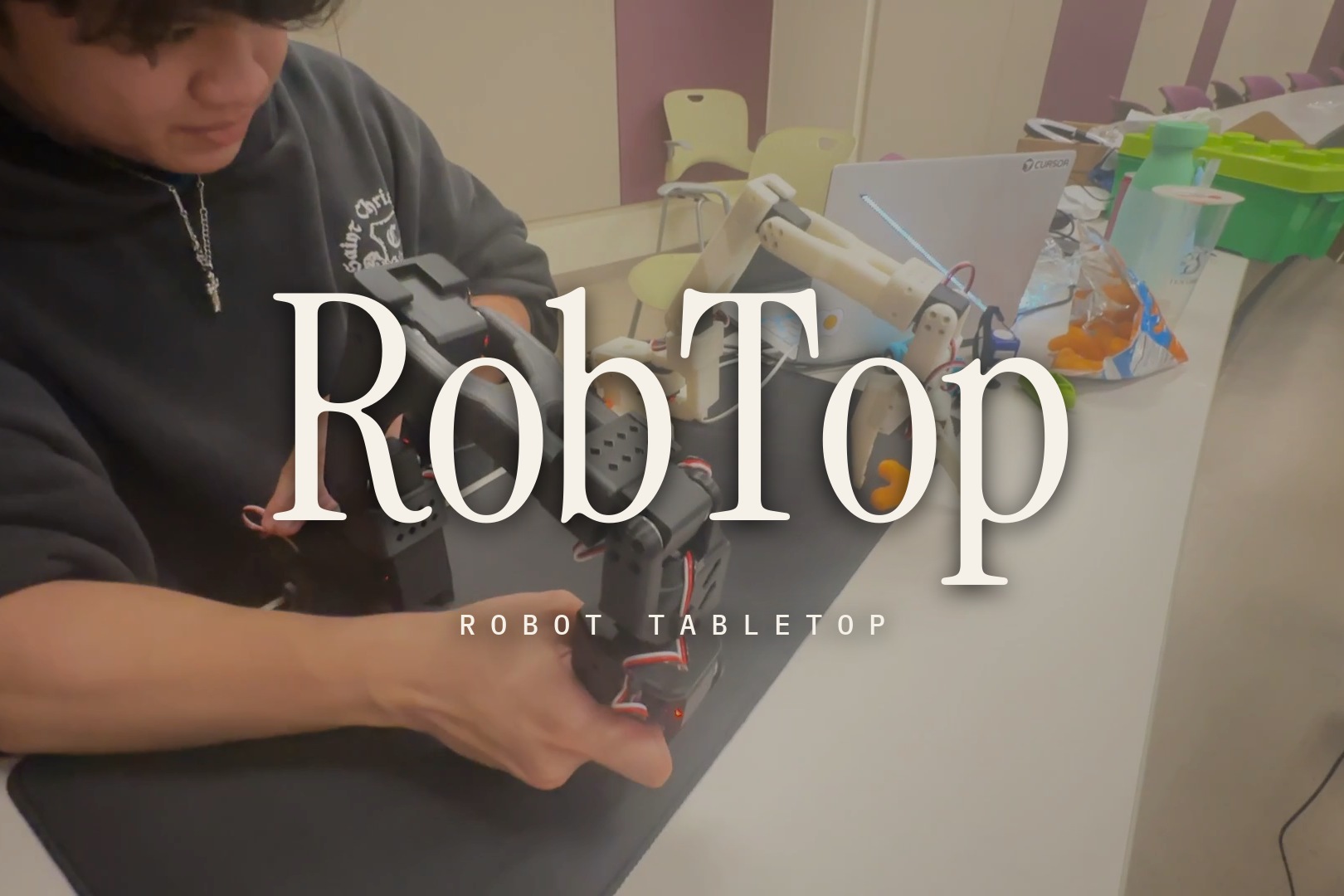
RobTop is an extra arm for your desk.
Inspiration
A robot arm on a factory line does one job ten thousand times. The arms that can switch jobs live in research labs and cost thousands of dollars, and the ones you can build in a weekend usually learn exactly one trick. We wanted the arm in between: one that sits next to your laptop and takes whatever you hand it. So we built RobTop, short for Robot Tabletop.
What it does
Imagine a third hand on your desk that doesn't care what the job is. RobTop is a pair of 3D-printed SO-101 arms with a webcam looking down at the table. The big arm does the work, and the small one is for you to hold. Put something in front of it and it gets on with it.
- An artist with a Sharpie. Tell it what to draw and an AI sketches the plan. RobTop draws it, a camera checks the ink against the plan, and the arm corrects its next attempt. On our house, the lines sit about a millimetre from the planned shape. Then we asked for a flower, and it took 50 seconds.
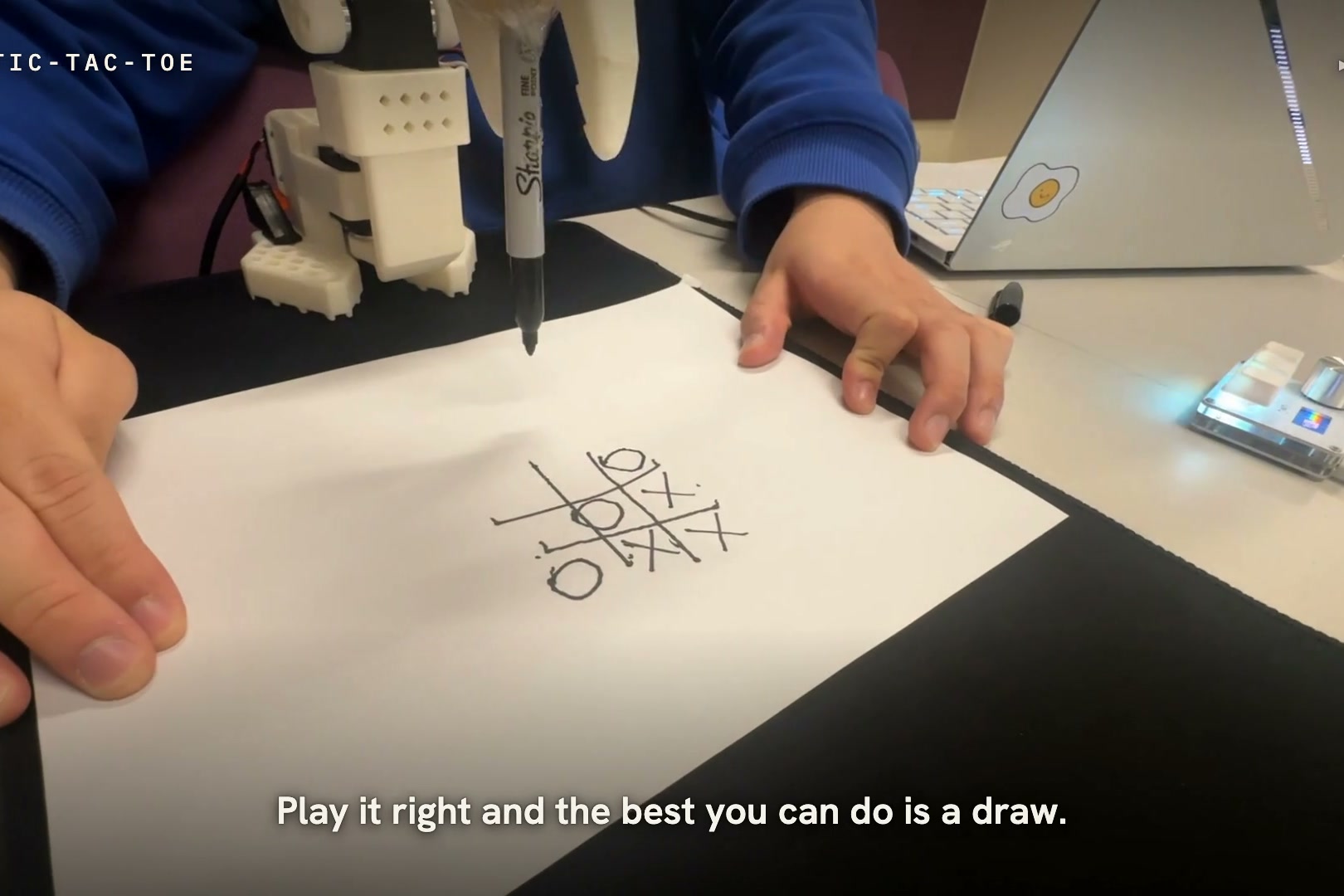
- A tic-tac-toe player you can't beat. It draws the grid, then waits for you. It sees your X on the paper, thinks through every possible game and draws its O. We played it four times and lost four times. Play it right and the best you can do is a draw.
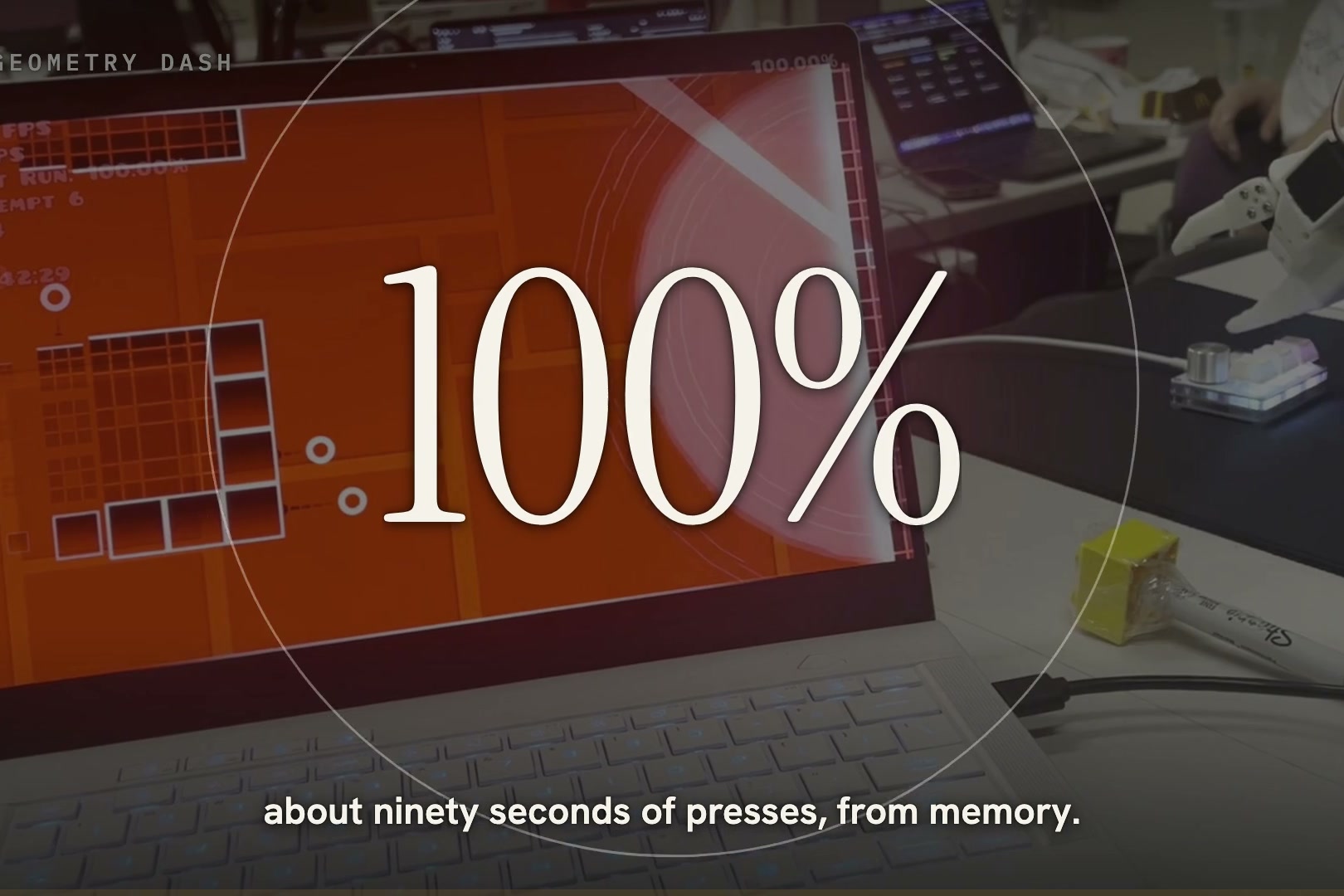
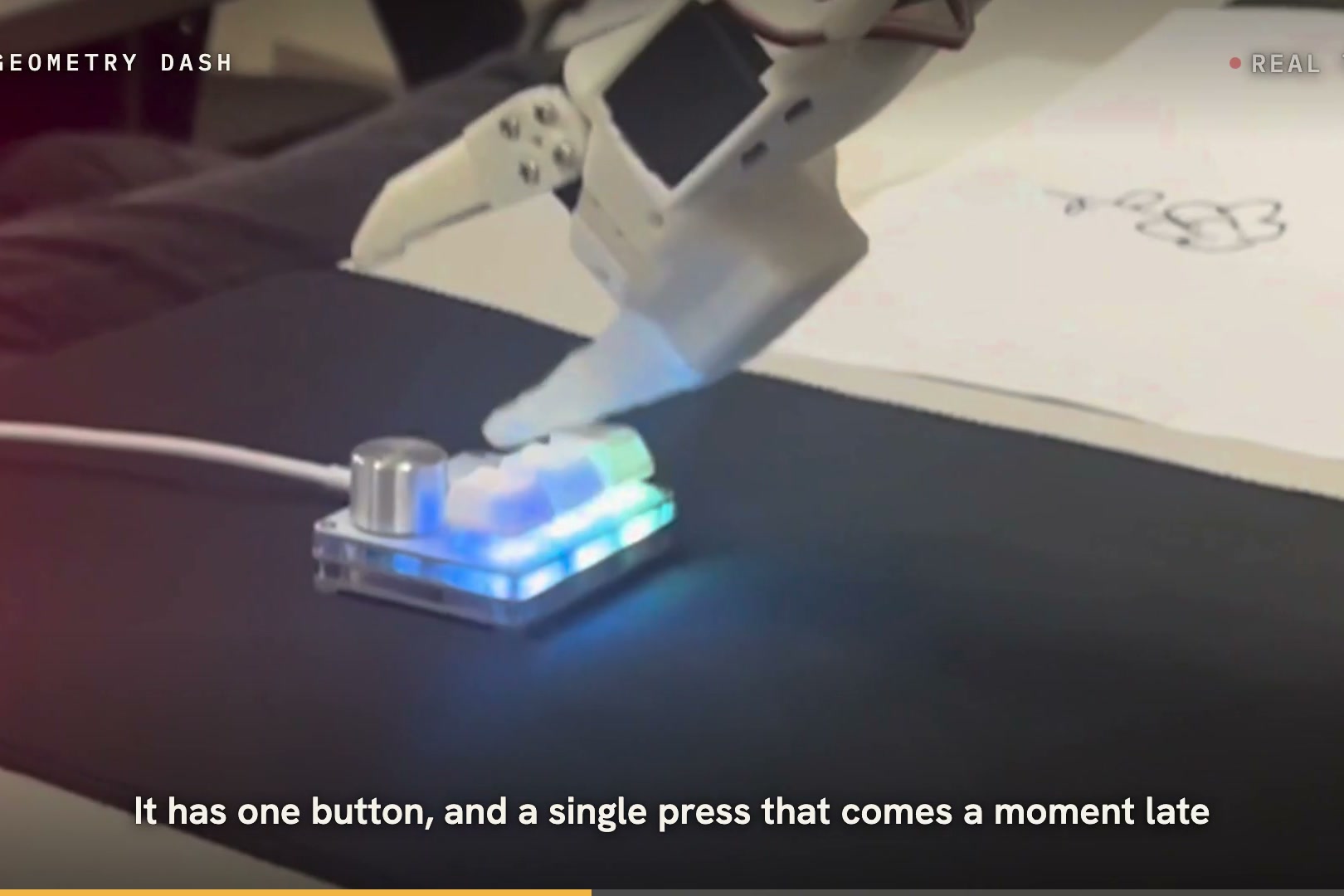
- A gamer with one finger. Geometry Dash has one button, and a single press that comes a moment late sends you back to the start. RobTop presses a real key with its claw and has cleared Stereo Madness, the first level, three times: about ninety seconds of presses, from memory.
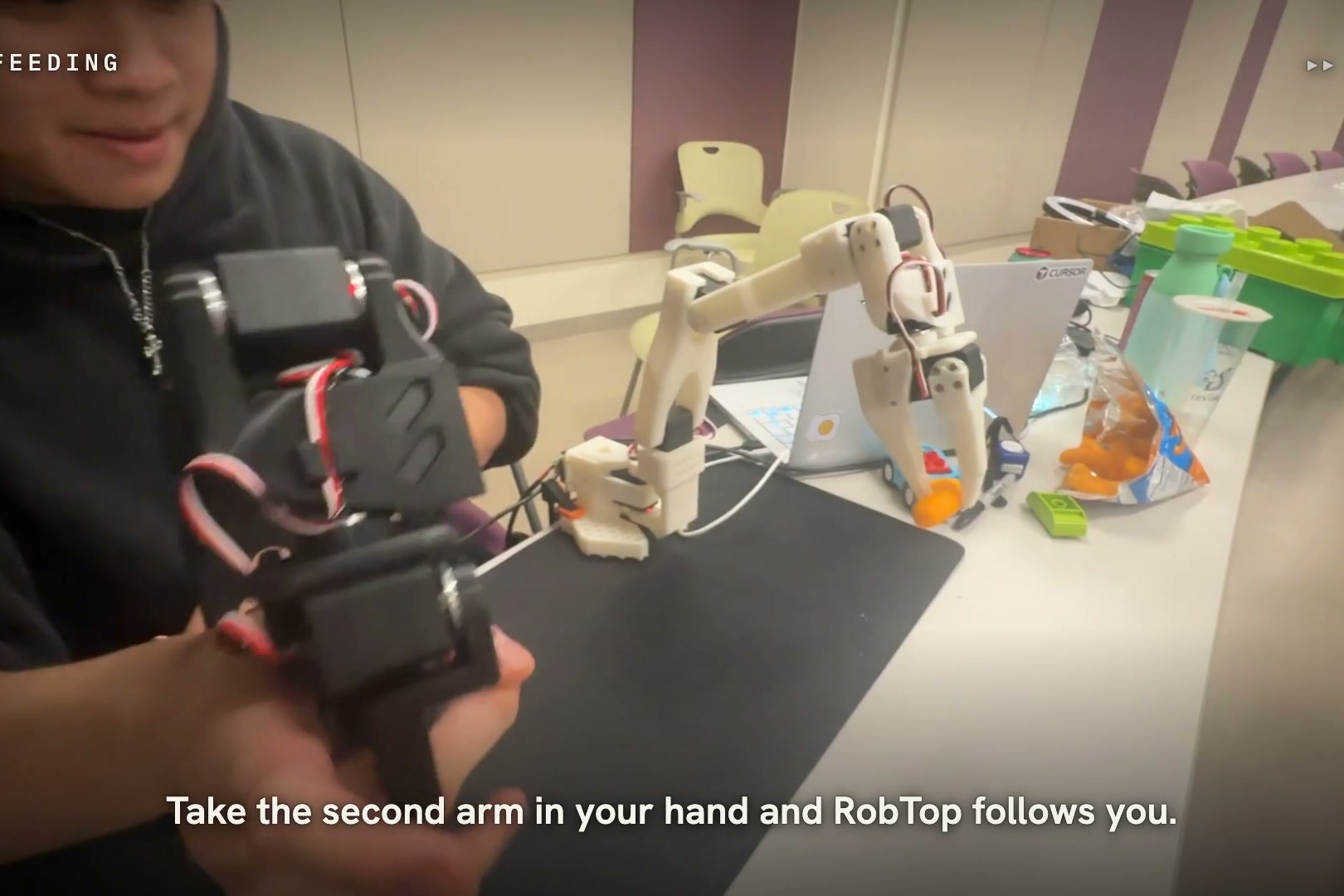
- A second pair of hands. Take the small arm in your hand and the big one follows you, joint for joint. That's how it fed Daniel a Cheeto.
- A bit of a show-off. Tap a key on the pad next to it and it says hi, nods, fist bumps, strikes a victory pose or dances. All on cue!
- It takes requests. Type "wave at me" and it works out which move you mean.
How we built it
- Hardware: two 3D-printed SO-101 arms that we assembled at the event, twelve Feetech STS3215 servos, a 1080p USB webcam, a SayoDevice O3C three-key pad, a Sharpie wrapped in duct tape, and a Windows laptop.
- Motion: Python on LeRobot's motor drivers. One program owns the arm and runs one move at a time, and the keypad, the game player and typed requests all talk to it over a local socket.
- Teaching: we place the arm by hand on the corners of the paper and the top of the key. It saves those joint angles and blends between them to reach any point in between.
- Eyes: OpenCV finds the sheet's four corners, flattens the photo to millimetres and compares the ink with the plan.
- Drawing: Claude turns a request into strokes, with Google's Quick, Draw! doodles as its guide. The pen starts each stroke 3 to 4.5 mm early to cancel the slack in the joints.
- Tic-tac-toe: the same camera looks for new ink in each of the nine squares, and a full search of the game picks the reply.
- Geometry Dash: we recorded the key presses for a level, measured how long the arm takes to press and release a key (105 and 116 ms), and send every press early by that much.
- Second arm: the two arms were calibrated differently, so RobTop adds a measured offset to every joint, 30 times a second.
- Brains: Claude reads a one-line description of every move and picks the one you asked for. OpenAI turns speech into text.
- Simulation: a MuJoCo model of the arm from MuJoCo Menagerie and a model of the keypad from SayoDevice Visualizer, where new moves get tried before they touch the real thing.
- Testing: a lot of paper.
Challenges we ran into
Every circle came out as a 6. Hobby servos have slack in every joint, so the pen lands a few millimetres from where it was sent, and each small circle started with a straight tail while the joints caught up. We measured the slack, started each stroke early and let the pen run in along the stroke before it touched the paper. Our 14 mm circles went from 8.5 to 39% out of round down to 5.7 to 12.5%.
A Sharpie is too thin to hold. The claw was plenty strong, but the marker was too skinny for it to get a grip. The fix was a trip back to the dorm for duct tape, wrapped around the barrel until it was thick enough.
One motor kept passing out. The wrist-roll servo hit 63 C and stopped answering for minutes at a time, and because every program checked all six motors, it took everything else down with it. Drawing and tic-tac-toe don't need that joint, so now they switch it off the moment they connect.
Geometry Dash doesn't forgive. The arm takes about a tenth of a second to press a key, and that number changes every time someone nudges the keypad. We measure it again whenever the pad moves.
By Sunday morning the same arm was drawing, winning at tic-tac-toe and clearing a Geometry Dash level on one table. After everything above, that's what we're proudest of.
What we learned
- Cheap servos have slack, and you can measure it and plan around it.
- A camera looking at the result fixes more than a better model of the arm does.
- Geometry Dash is the strictest timing test we could find.
- Before you redesign the gripper, try duct tape.
What's next for RobTop
The very next thing is teaching by showing. Guide RobTop through a job once with the small arm, and it repeats the job by itself. The recording code is already in the repo, and it turns "what else can it do?" into "whatever you show it."
After that:
- Asking out loud. Typed requests work today, and speech runs through the same code.
- Writing anything you type, in single-stroke lettering. It already runs in our simulator.
- Picking things up by sight. The webcam already finds the paper and the ink on it, and next it finds the object.
- A kit anyone can build: print the parts, clone the repo, and have a desk arm that draws and plays games by the end of the day.
Individual Contributions
Daniel owned the real arm. He wrote the program that runs it, the drawing loop that checks every stroke with the camera, the tic-tac-toe player, the gestures and the second-arm control, and he tuned the Geometry Dash timing on the hardware.
Jonathan (Quan) owned Geometry Dash. He recorded the levels, built the player that replays them through the arm, and built a simulated keypad to test the timing before the real arm tried it.
Eddy built the plain-English control, the sketch generator that turns a request into strokes, and the MuJoCo simulators. He owns the demo video and this Devpost.
Ben wrote the demo and the pitch, and gave RobTop its personality: the nod, the shake, the celebration and the dance.
How RobTop fits each prize
[HARDWARE] BEST MECHANICAL HACK
RobTop is twelve hobby servos and two 3D-printed arms, and almost everything we fought this weekend was mechanical.
Slack. Every joint has play, so the tip lands a few millimetres from where it is sent. We measured it, and the pen now starts each stroke 3 to 4.5 mm early and runs in along the stroke before landing. On the house drawing, 97.6% of the planned line has ink within 2 mm.
Grip. A bare Sharpie is too thin for the claw, so the pen is built up with duct tape to a width the jaws can close on, and the claw is taught its grip around the pen itself.
Timing. A key press is a physical motion: the wrist lifts, drops and waits for the key to register. We measured it at 105 ms to press and 116 ms to release, and every Geometry Dash command leaves early by that much.
Heat. The wrist-roll servo reached 63 C and the claw 62 C while gripping the pen, so each job switches off the joints it doesn't need.
Two arms, one motion. The small arm and the big arm were calibrated differently, so RobTop adds a measured offset to every joint, and the big arm takes the same shape as the one in your hand.
Code: core/, demo/, keypad/geometry_dash/.


