-
-
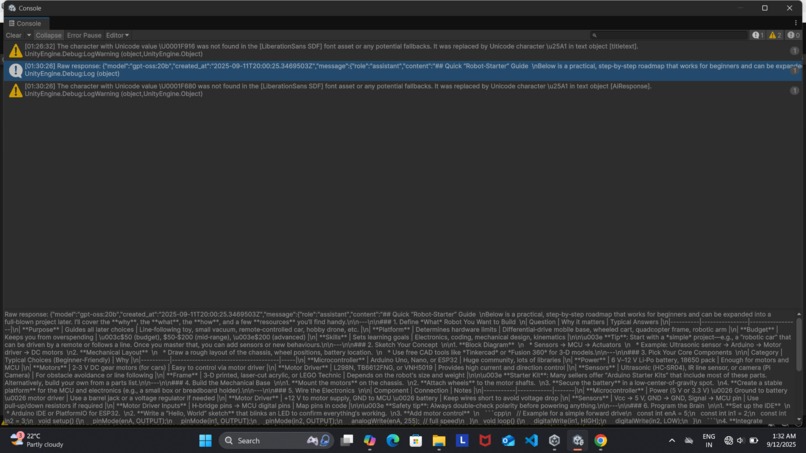
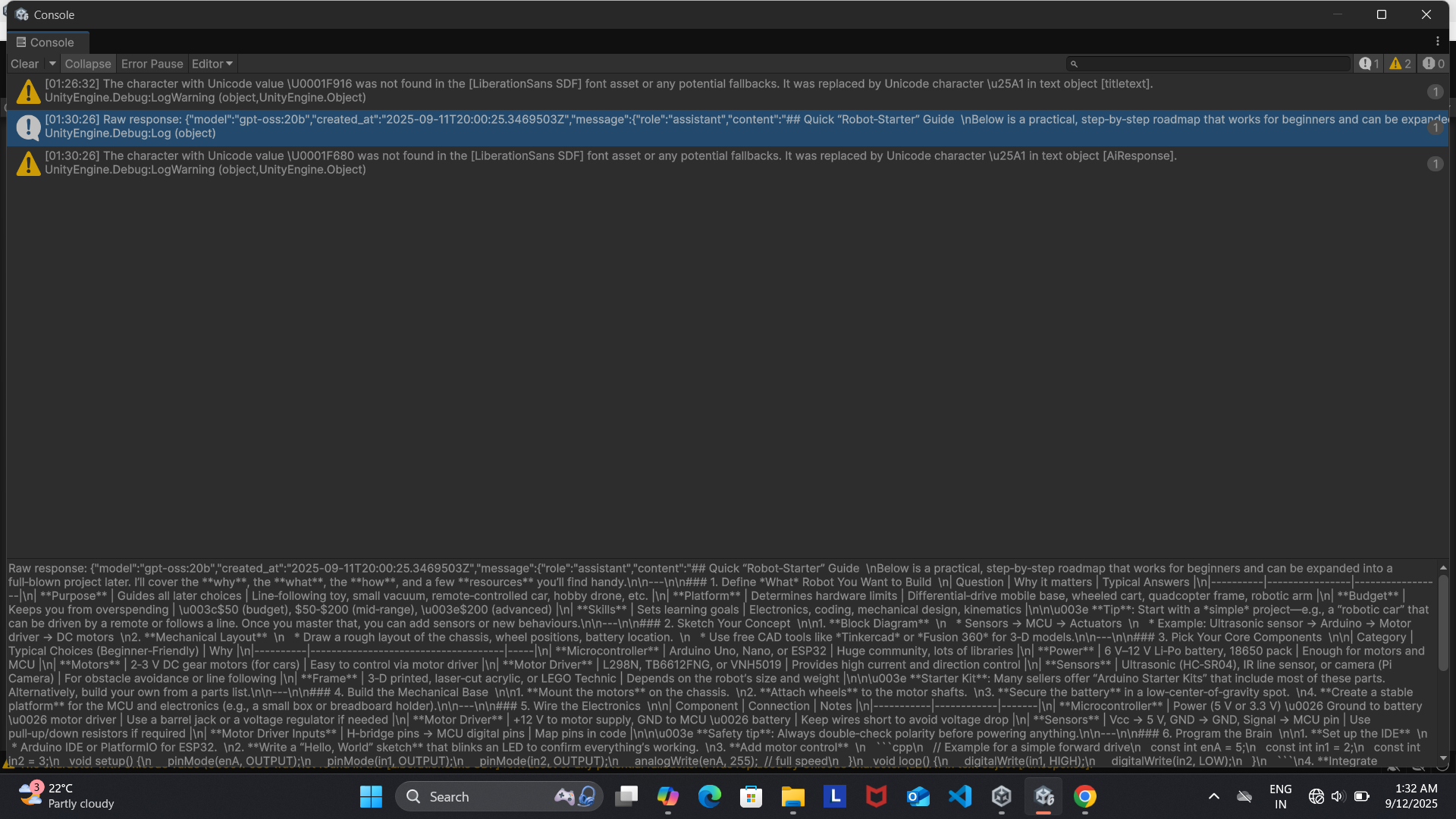
this is console in unity which shows the response by ai mentor
-
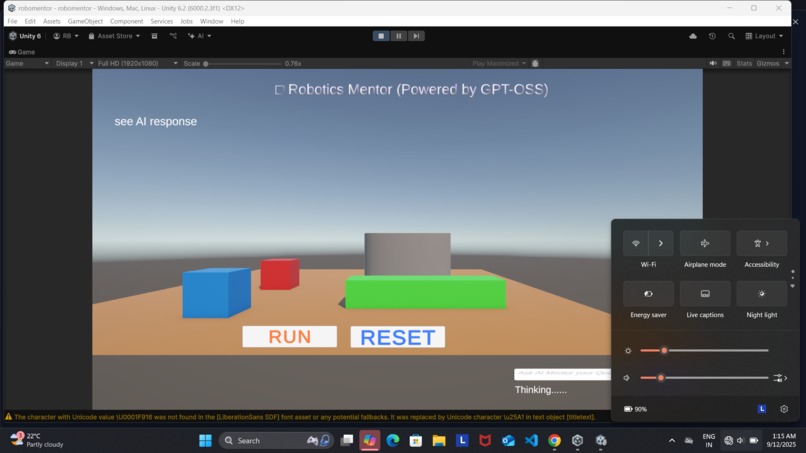
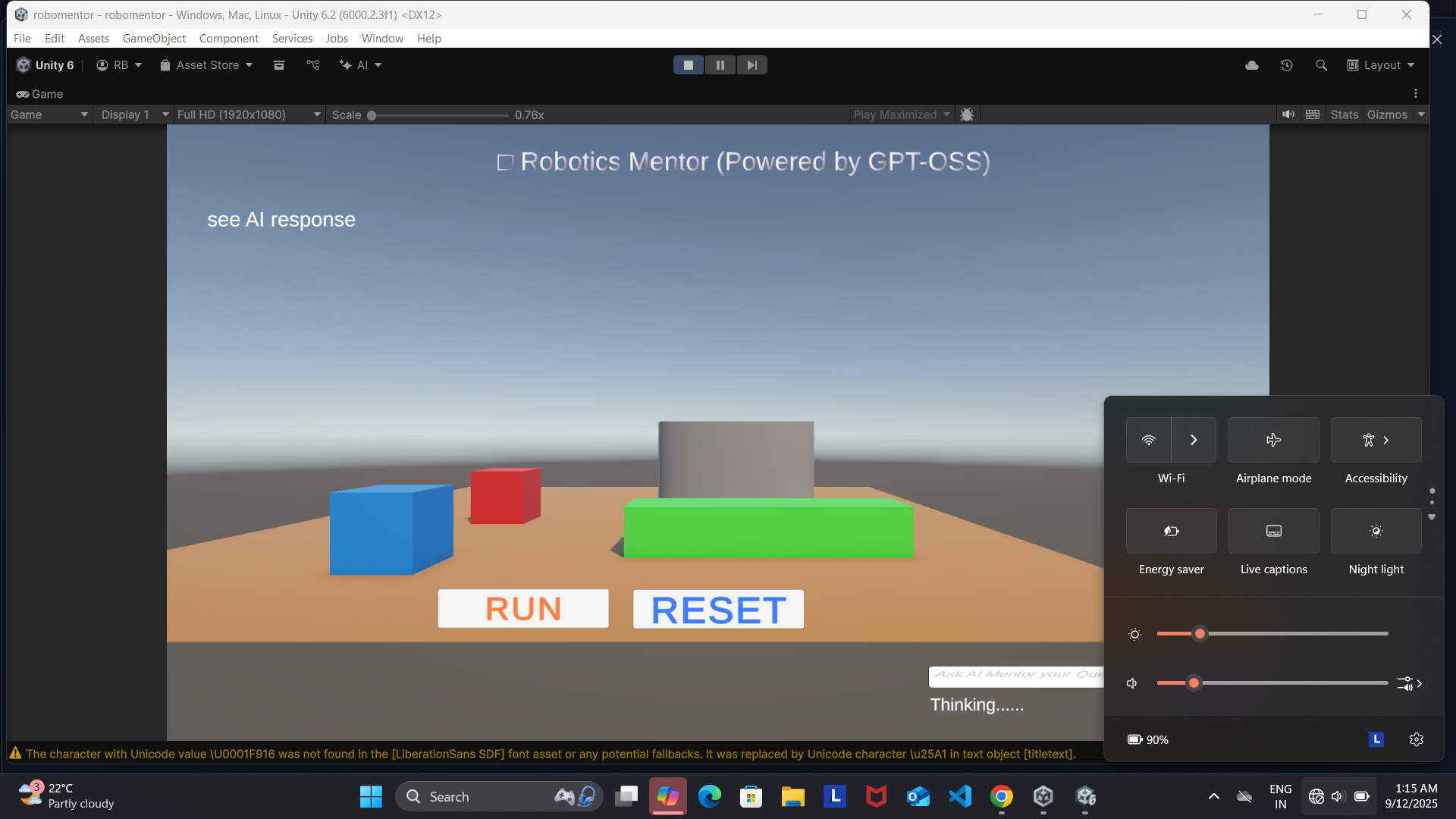
it shows that system works offline
Inspiration
As someone passionate about robotics , I’ve always wanted to make technical learning more accessible—especially for beginners. I noticed that most robotics tutorials are either too abstract or require constant internet access, which isn’t ideal for classrooms, labs, or remote learners.I was not able to understand much about robotics because it was not in natural language and i was beginner that time. So I asked myself: What if a beginner could ask questions directly to an AI tutor—without needing the cloud? That idea sparked the creation of AI Mentor: a fully offline, interactive robotics tutor built in Unity and powered by GPT-OSS.
🤖 What It Does RoboMentor is a Unity-based app that combines:
- A chat interface powered by GPT-OSS for answering robotics questions
- A robot arm simulation game where users pick red blocks and place them in green zones
- Full offline functionality, so learners can explore robotics concepts without internet access It’s designed to feel like a personal tutor .
🛠️ How I Built It This was a solo build, combining multiple technologies:
- Unity (C#) for UI, simulation, and logic
- Ollama to run GPT-OSS locally
- UnityWebRequest to send prompts and receive JSON responses
- Custom scripts for robot arm control, prefab reset, and UI flow
- Screen recording and editing with Xbox Game Bar, and Canva The AI mentor responds to natural language questions, while the robot arm game reinforces learning through interaction.
⚠️ Challenges We Ran Into
- Memory issues with large models like gpt-oss:20b
- Unity prefab reset logic for the robot arm → Required custom scripting and iterative debugging
- Timing the demo video to exactly 2:39–2:40 → Took multiple iterations to align voiceover, visuals, and pacing
- Explaining technical concepts clearly → Focused on beginner-friendly language and visual feedback
🏆 Accomplishments That I am Proud Of -That as this is my first project i was able to complete it and execute it properly.
- Built a fully functional, offline AI mentor from scratch
- Designed a robot arm game that reinforces learning through play
- Created a polished demo video with clear narration and pacing
- Wrote beginner-friendly documentation and UI for accessibility
- Delivered everything solo—code, design, branding, and video
📚 What I Learned
- How to integrate open-weight LLMs with Unity using local APIs
- How to parse and display JSON responses in a game engine
- How to design educational tools that balance clarity and engagement
- How to manage scope, polish, and storytelling under time pressure
🚀 What's Next for RoboMentor
- Add voice input and speech synthesis for a more immersive experience
- Expand the robot arm game with sensors, scoring, and challenges
- Package the app for offline classroom use with preloaded prompts
- Open-source the project to help others build their own AI mentors
- Explore integration with Raspberry Pi or Arduino for real-world robotics

Log in or sign up for Devpost to join the conversation.