Inspiration
Currently, libraries and universities have stacks upon stacks of textbooks and old papers, very few of which have been digitized. Currently, scanning textbooks or notebook is a very frustrating and manual process, where a human must flip pages and scan each set of pages individually.
What it does
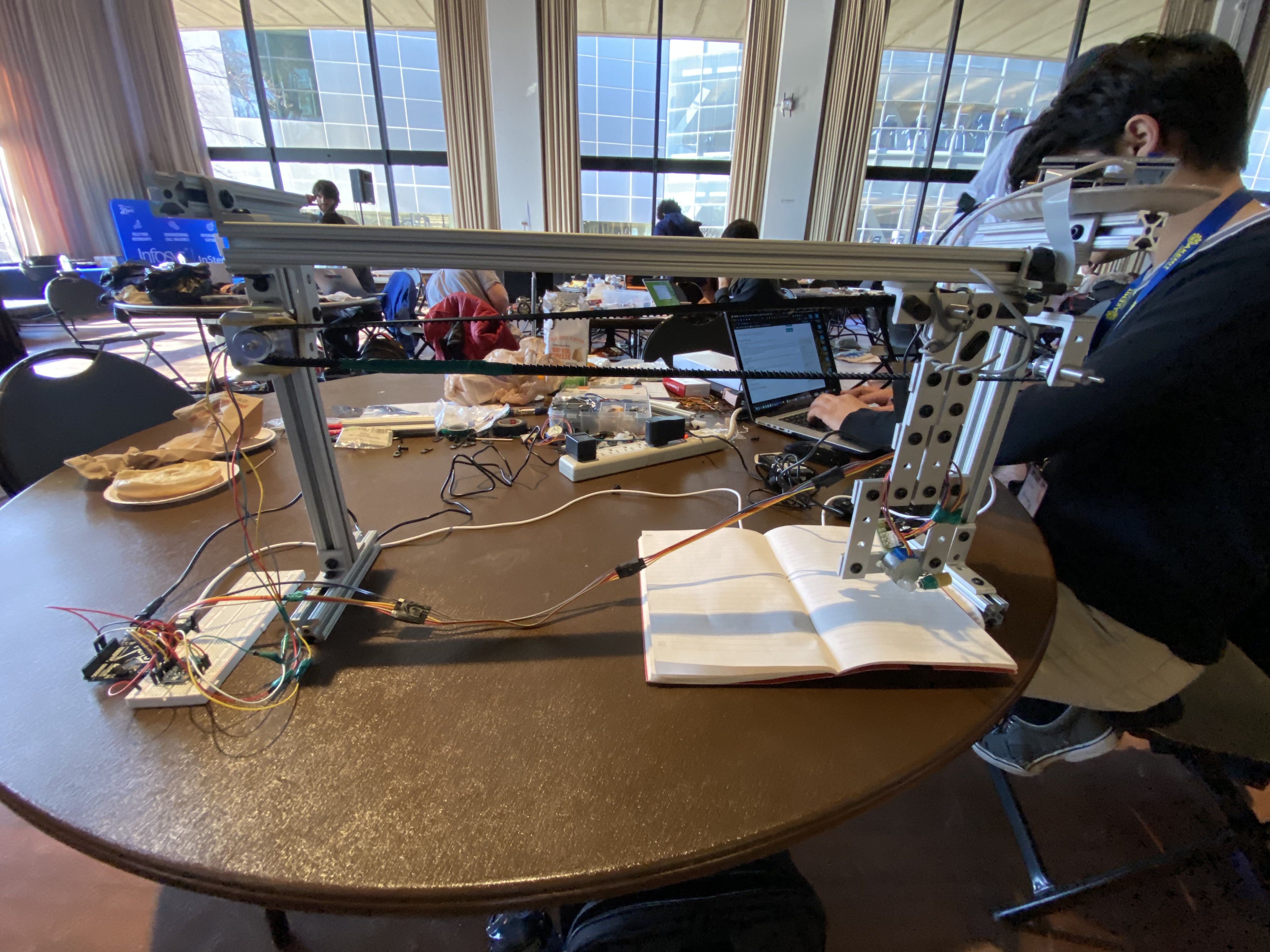
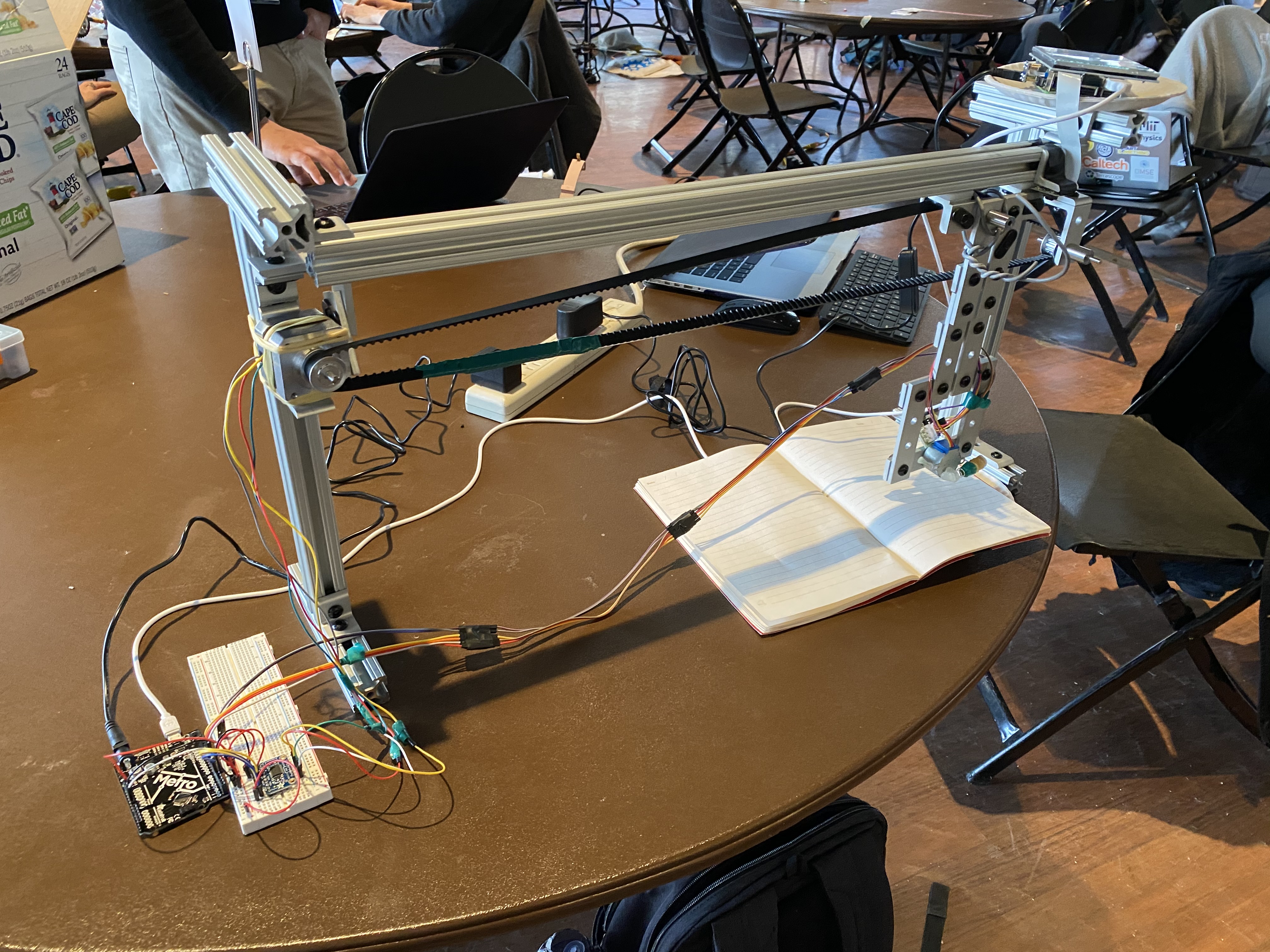
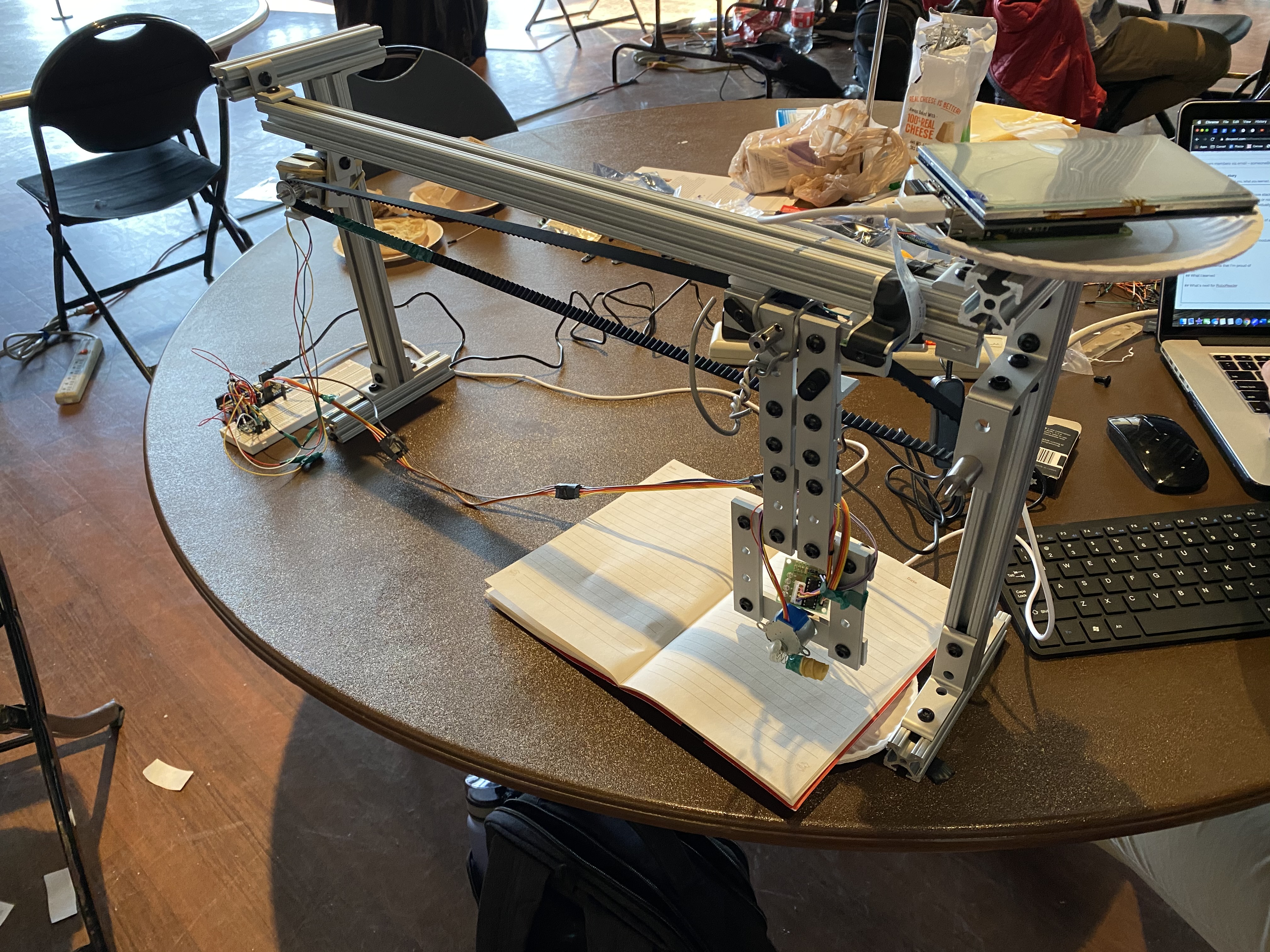
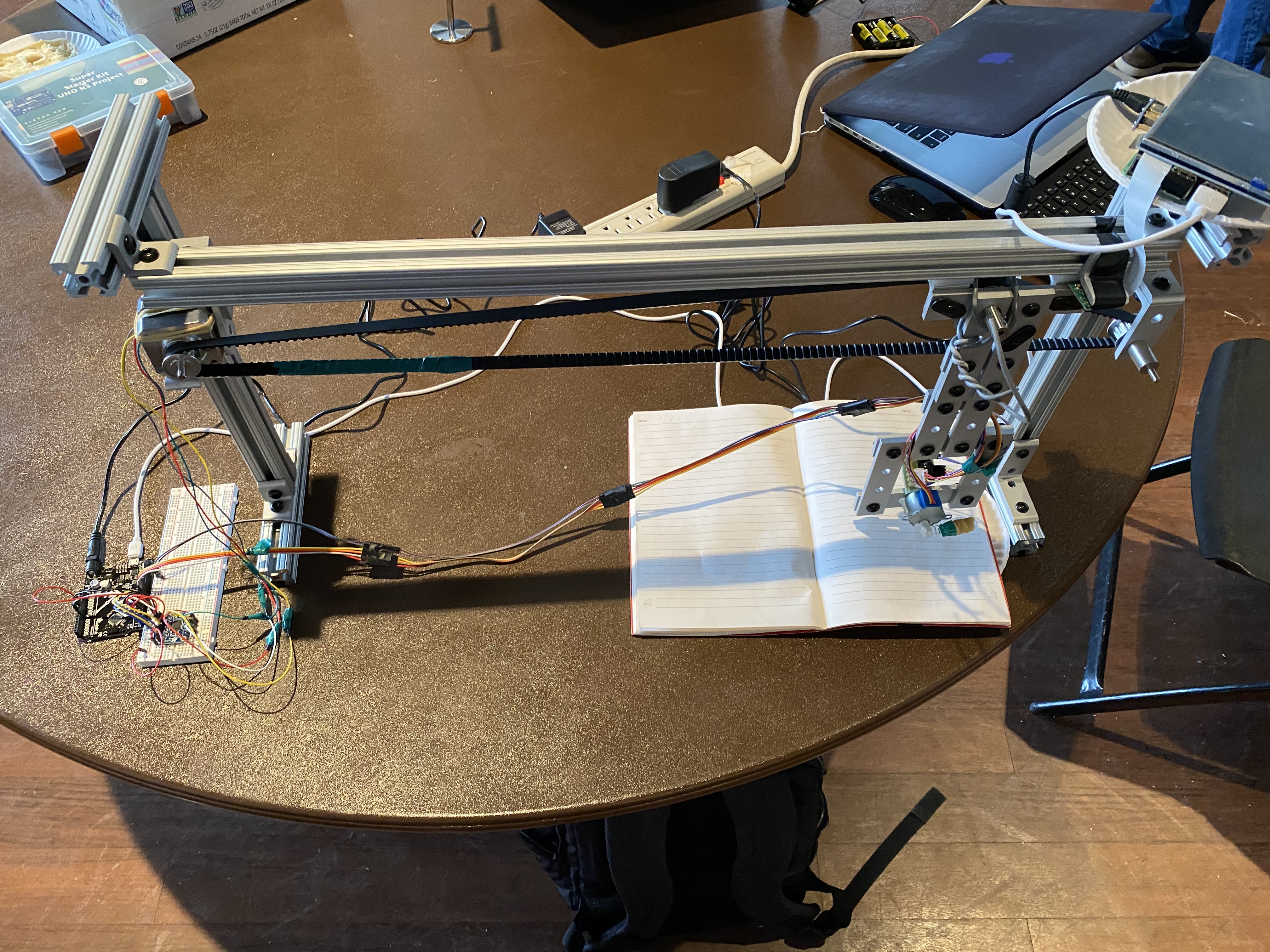
RoboReader automatically turns the pages of a placed notebook or textbook, takes and outputs a pdf when done reading!
How we built it
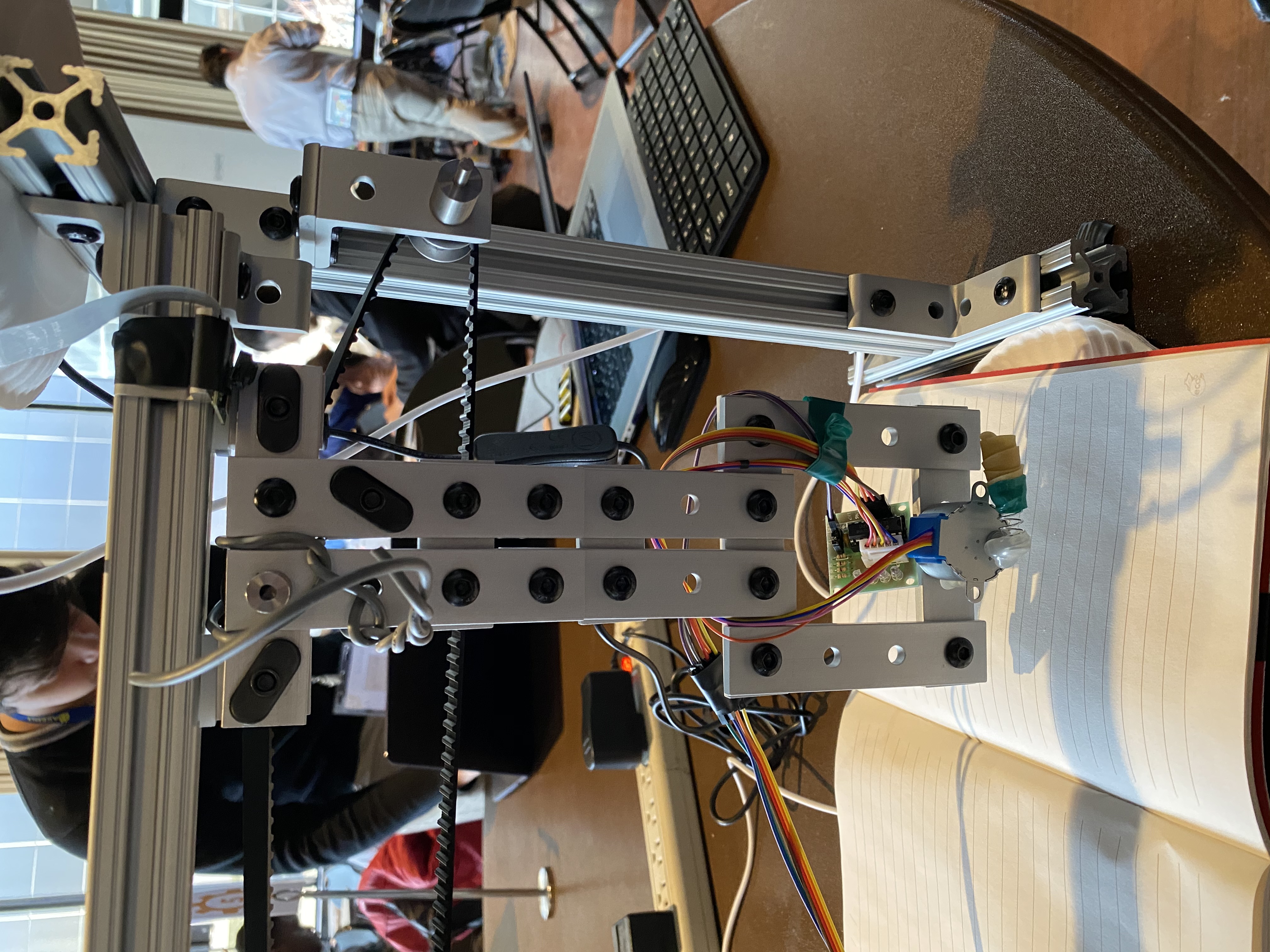
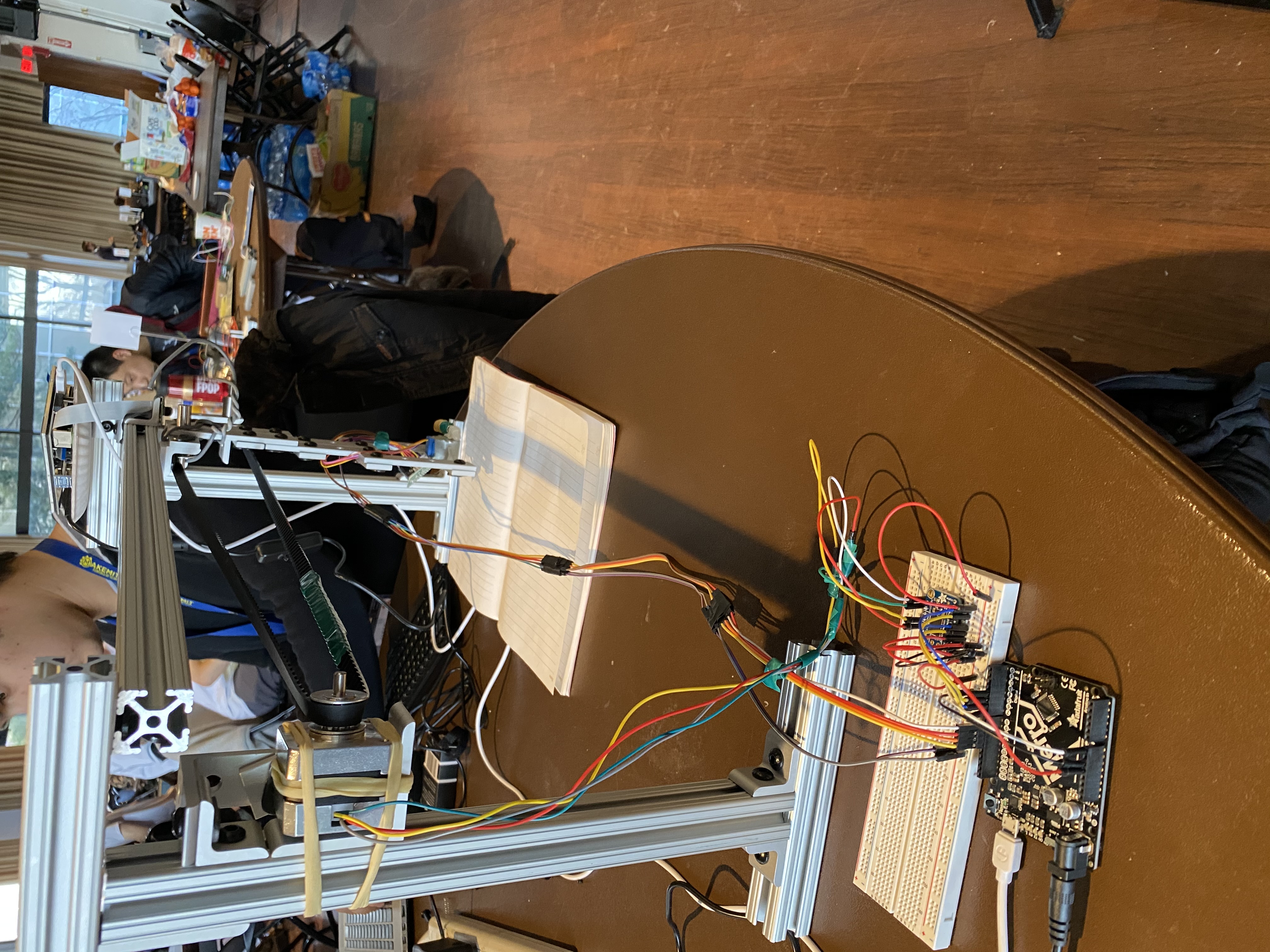
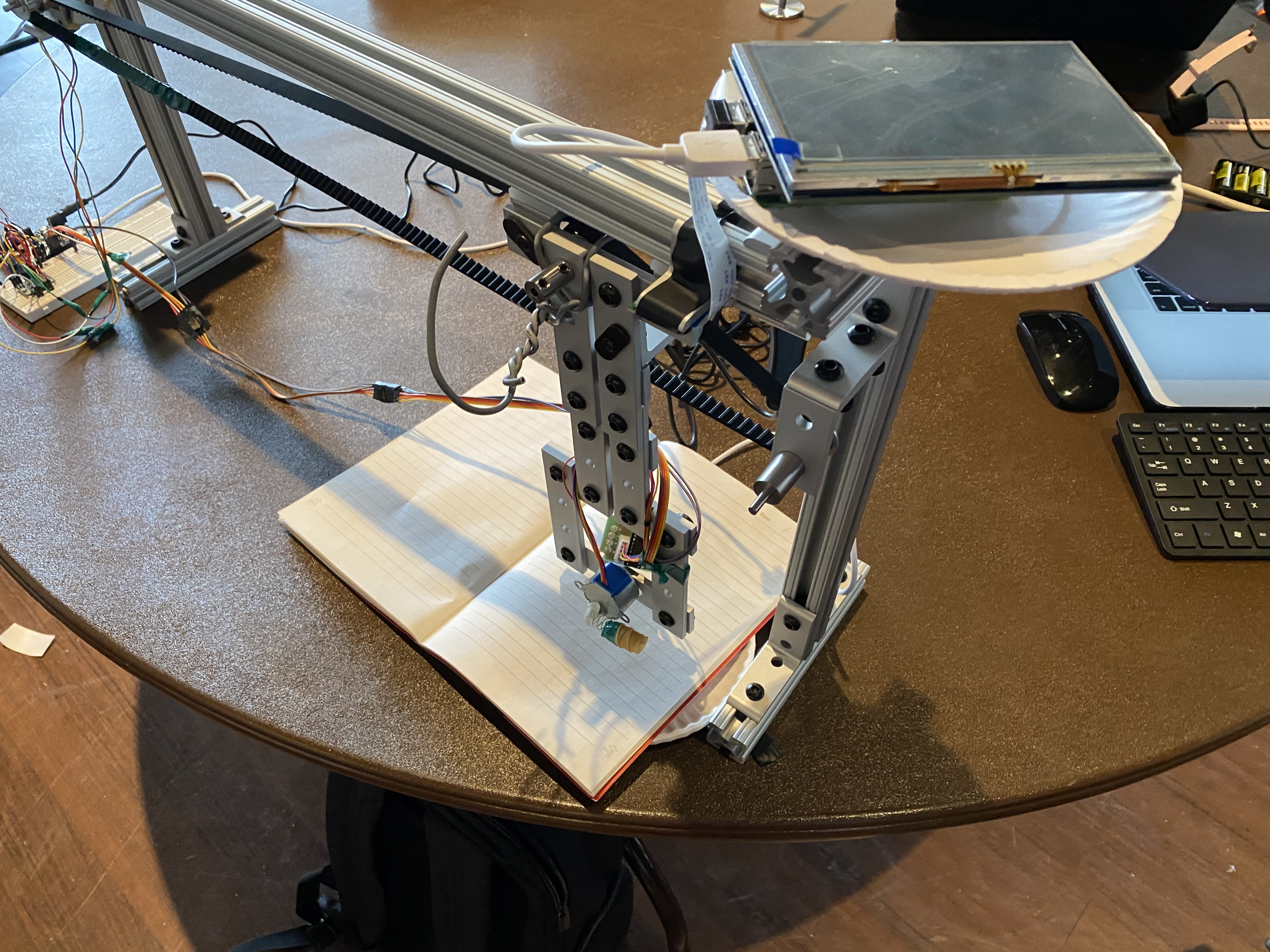
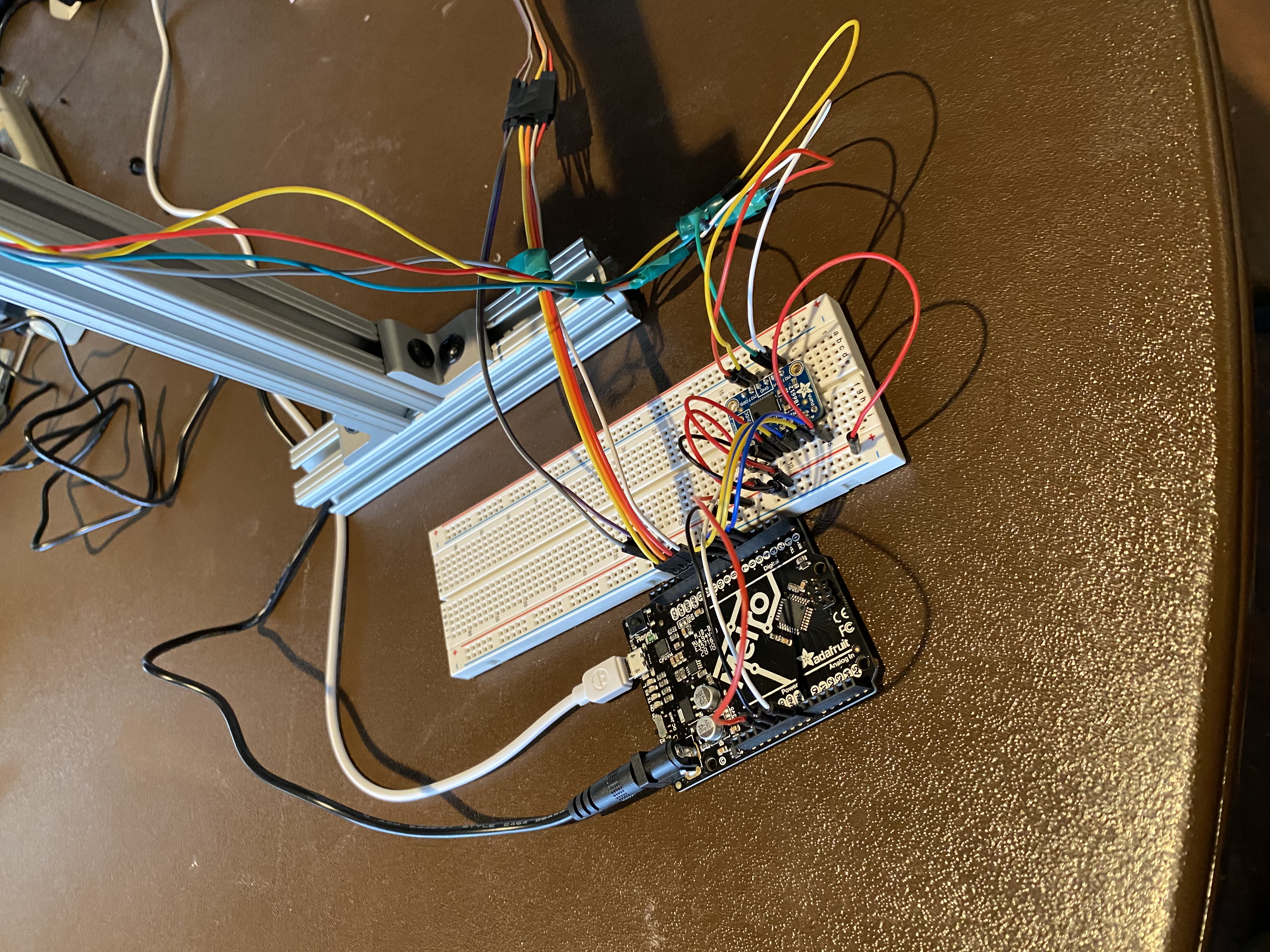
We utilized a Raspberry Pi and a camera module to take pictures and construct a pdf when done reading. An Arduino is used to send signals to the motors responsible for turning the pages, as well as to the Raspberry Pi to indicate to take a picture. The frame is made of 80/20 T-slots with gliders on the top bar for the left-to-right motion of the arm. A stepper motor with a pinion runs a belt that pulls the arm. The arm's end-effector has a stepper motor with a rubber-coated spring so that when it spins to the downward position, the spring applies pressure and is able to drag the page to the left.
Challenges I ran into
Building a frame and arm to actually turn a page was quite frustrating, as existing motors are not designed for this kind of movement. Additionally, we lost a lot of time trying to install a library to process the images, but in the end we decided that the library wasn't necessary.
Accomplishments that we're proud of
The fact that we have a fully functional prototype is exhilarating for us. RoboReader can turn a page, take a picture, and output a pdf document. This "proof of concept" makes us excited that with even just another day, RoboReader might be able to read an entire book.
What we learned
We learned how to communicate between a Raspberry Pi and Arduino, as well as translating motion with belts while minimizing friction.
What's next for RoboReader
Currently, RoboReader only flips one page and takes one picture for the sake of the demo. However, the "read loop" is fully compete, and making the Raspberry and Arduino continue is very simple. However, the book being read is likely to move out of position, so we would look to build a more consistent mechanical frame. Additionally, image processing so that the outputted pdf looks like a properly scanned document would be an excellent improvement. Lastly, adding a light to the frame would greatly improve the quality of pictures taking.
Built With
- 80/20
- arduino
- belt
- metro
- python
- raspberry-pi
- serial
- spring

Log in or sign up for Devpost to join the conversation.