-
-
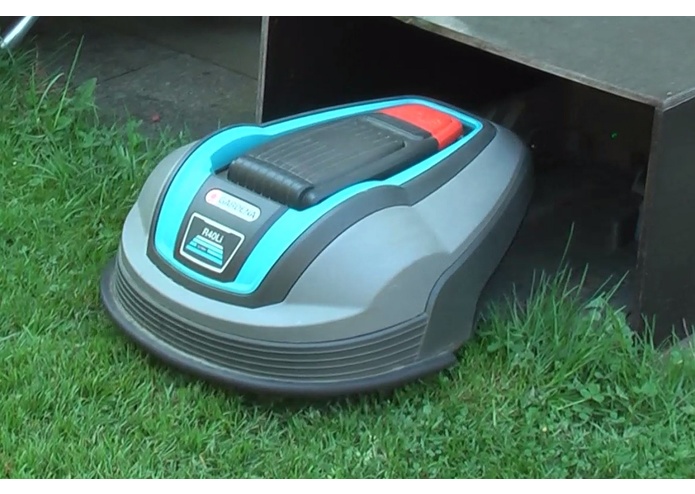
Gardena R40Li robotic lawn mower starting to mow
-
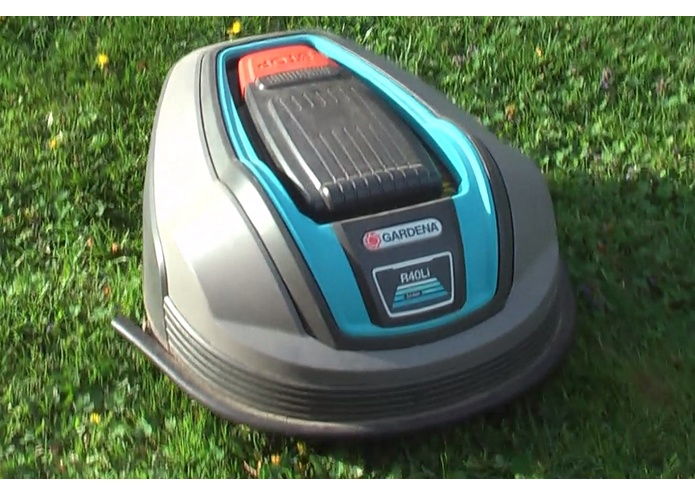
Gardena R40Li robotic lawn mower mowing
-
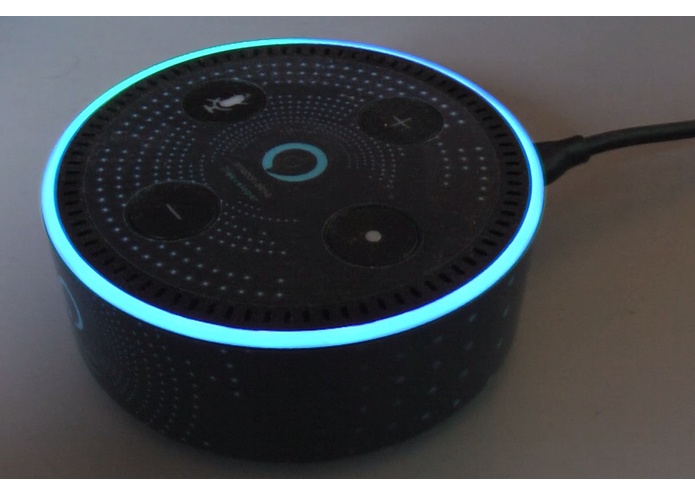
Alexa on Echo dot listening to voice commands


Does your robotic lawn mower do a good job mowing your lawn, but it just won't listen to you?
With the "Robonect lawn mower" Alexa skill, it is possible to make your robotic lawn mower* follow voice commands.
(*) Robonect module (compatible with models from Husqvarna, Gardena, Flymo and McCulloch), or Husqvarna/Gardena "smart" model robotic lawn mower (e.g. "Sileno smart") required.
How did it all start?
Last year, I bought a robotic lawn mower (model: Gardena R40Li). I read about a custom 3rd party upgrade module called "Robonect" that allows to control the (otherwise) non-smart lawn mower through a web interface. Since it also offers an open API, I quickly had the idea to build an Alexa skill for it. And so I did.
What Alexa commands are currently available?
- "Alexa, start lawn mower" or "Alexa, ask lawn mower for the status" to request the current status
- "Alexa, tell lawn mower to set the mode to auto|manual|home|end of day" to set the mode to auto|manual|home|end of day
- "Alexa, tell lawn mower to call it a day" to set the mode to end of day
- "Alexa, tell lawn mower to start mowing" to assign a job and set the mode to end of day afterwards
- "Alexa, ask lawn mower for help" sends a list of commands to your Alexa app
(and some variations of these commands)
How does the skill work?
The original skill accessed only the Robonect-API to get status information and change the mode of the device. For this challenge, I have enhanced the skill to also be able to communicate with Husqvarna's/Gardena's Smart System directly (i.e. the "smart" lawnmower models, e.g. "Sileno smart") through the use of their own API. Accessing the Husqvarna API is quite different to accessing the Robonect API. Nevertheless, I kept the Alexa commands identical, however their meaning had to be slightly adapted according to the Smart System's functionality:
- "Alexa, start lawn mower" or "Alexa, ask lawn mower for the status" to request the current status
- "Alexa, tell lawn mower to set the mode to auto|manual|home|end of day" to set the mode to auto|manual|home|end of day with: auto=according to timer settings, manual=mow for one hour, then continue according to the timer settings, home=park until further notice, end of day=park until next timer-driven start
- "Alexa, tell lawn mower to call it a day" to set the mode to 'park until next timer-driven start'
- "Alexa, tell lawn mower to start mowing" to set the mode to 'mow for one hour, then continue according to the timer settings'
- "Alexa, ask lawn mower for help" sends a list of commands to your Alexa app
What were the major challenges?
Since every Alexa user wants to control their own robotic lawn mower (instead of everyone controlling the same lawn mower), there has to be a connection between the Alexa user and their robotic lawn mower. As I only need to map user credentials (either to Robonect or the Husqvarna/Gardena Smart System), I did not want to force my users having to create another username/password and apply Alexa account linking to that. Instead, upon first start (and/or through the skill's help) the Alexa skill just spells out its current Alexa-ID (last 16 digits), which has to be entered on a linking website together with the Robonect or Husqvarna/Gardena account information. Everytime when the skill is started, it first makes a request to this linking website to determine if a linked entry is available and - in case there is, get the account information for the Robonect (or Husqvarna/Gardena) API. Only afterwards, the Robonect (or Husqvarna/Gardena) API is accessed. If no linked entry is found, the user is asked to link his/her own Alexa-ID (also being spelled out and sent to the Alexa app) and the Robonect/Husqvarna credentials through the linking website.
Demo instructions
"Alexa, activate lawn mower", visit the account linking website (https://robonect.michael-eckel.de) and enter your Alexa-ID and "demo" as Robonect-URL

Log in or sign up for Devpost to join the conversation.