-
-
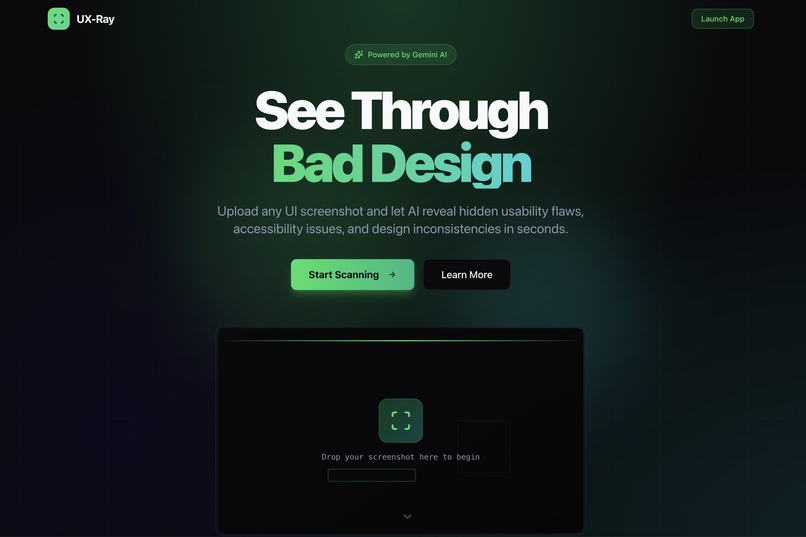
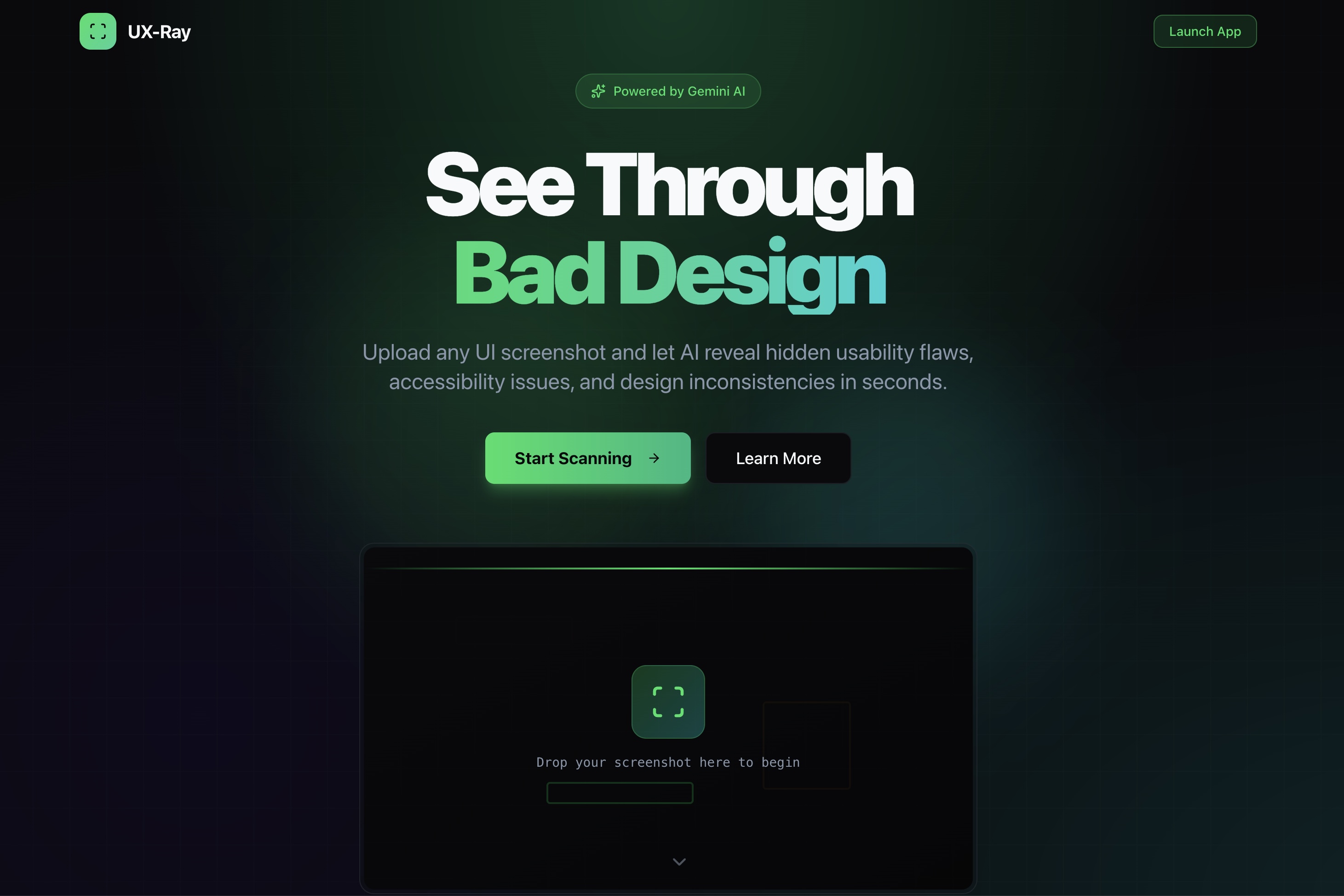
UX-Ray Landing Page
-
-
-
-
-
-
-
Inspiration
It's 4:00 AM. The backend logic is flawless, the database is optimized, and the API is lightning-fast. But there's one problem: the UI looks like it was designed in 1998.
As hackers, we've all been there. We spend 90% of our time on logic and only 10% on design. The result? Great projects getting ignored by judges because of poor contrast, confusing layouts, or "developer art."
We wanted to build a tool that embodies the spirit of "Hacks for Hackers". We didn't just want a text generator; we wanted a visual expert. We wanted to give every backend developer a senior designer sitting right next to them, roasting their bad choices and helping them fix it instantly.
Enter UX-Ray.
What it does
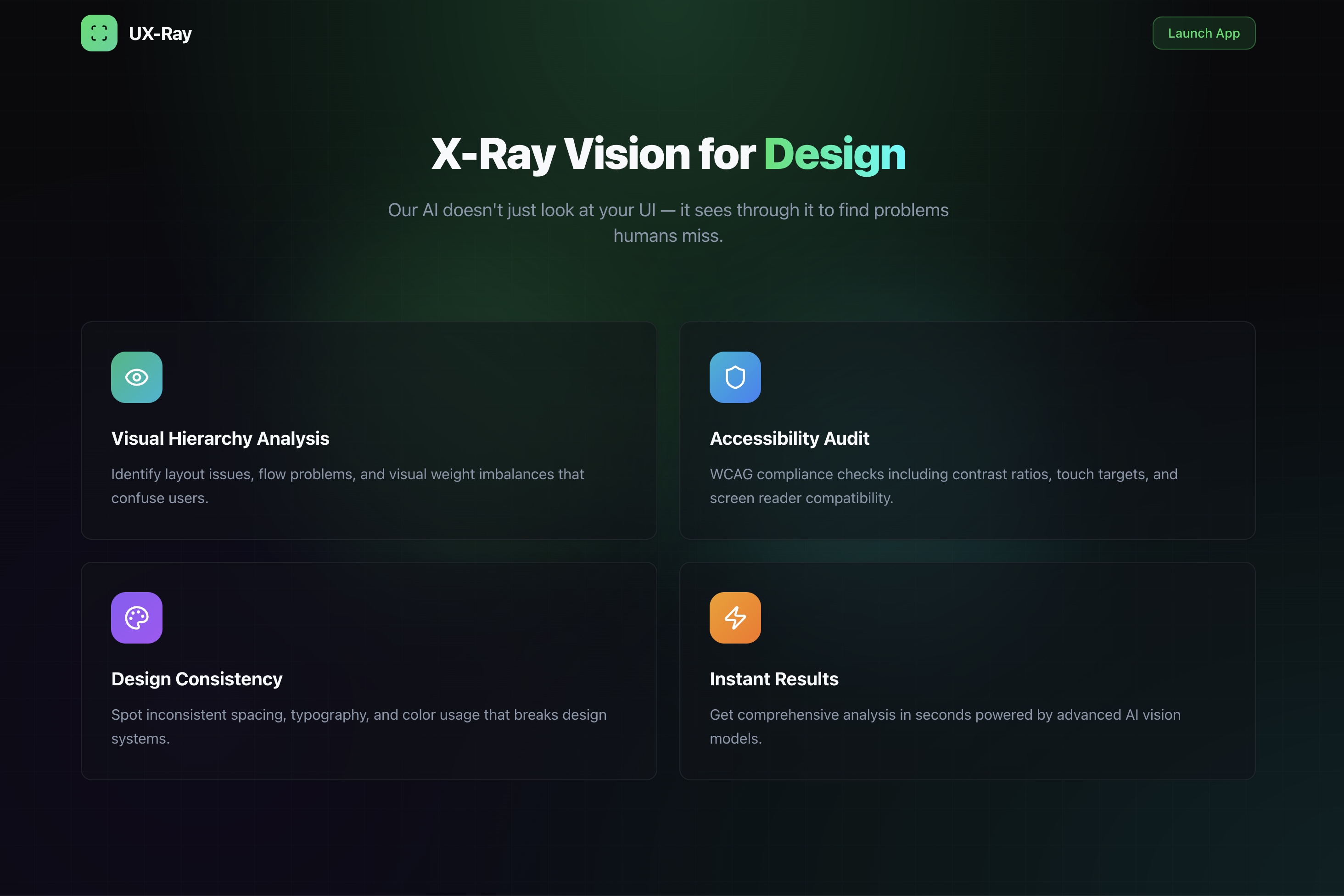
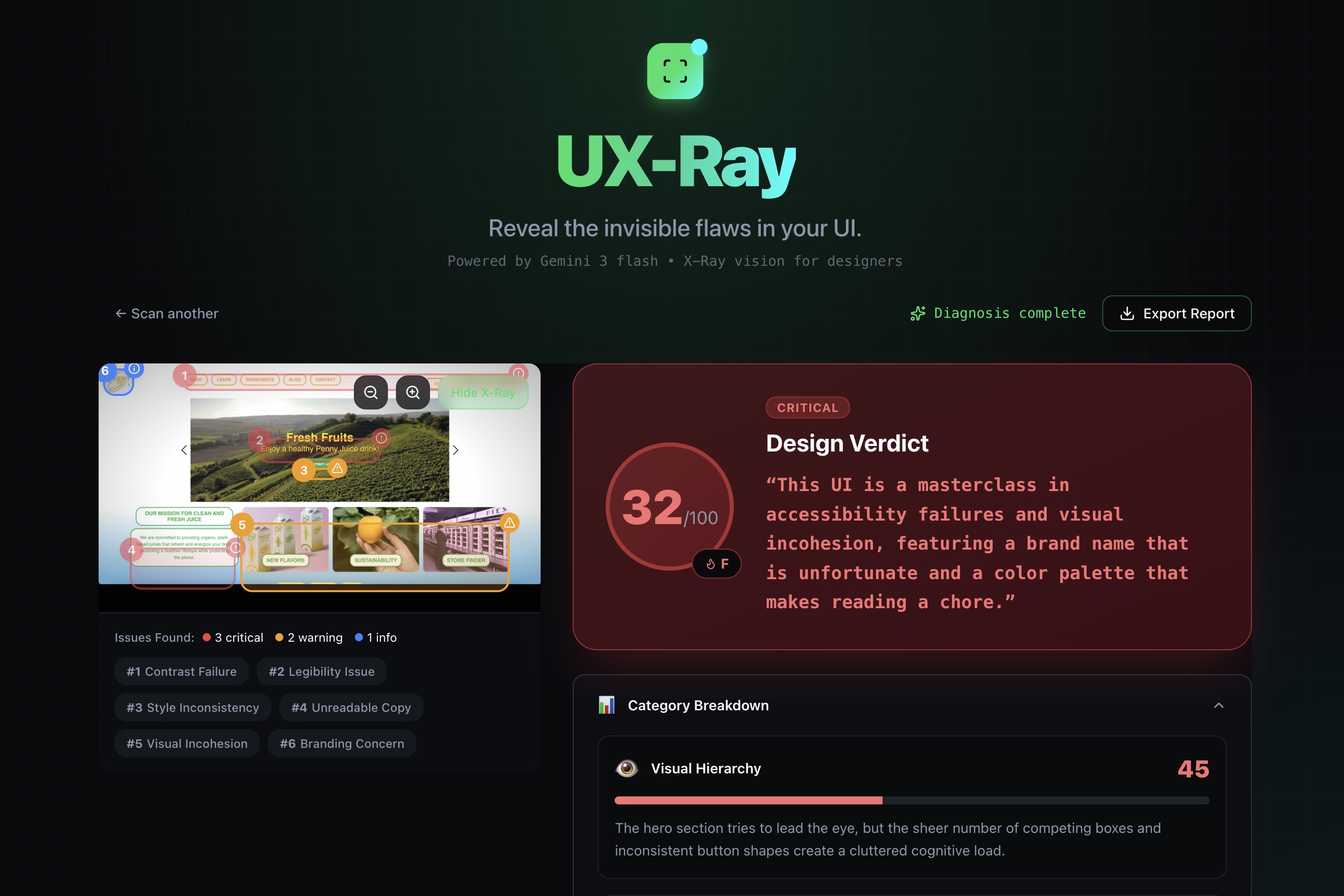
UX-Ray is an AI-powered design auditor that gives you "X-Ray vision" into your interface's invisible flaws. It turns a static screenshot into an interactive debugging session.
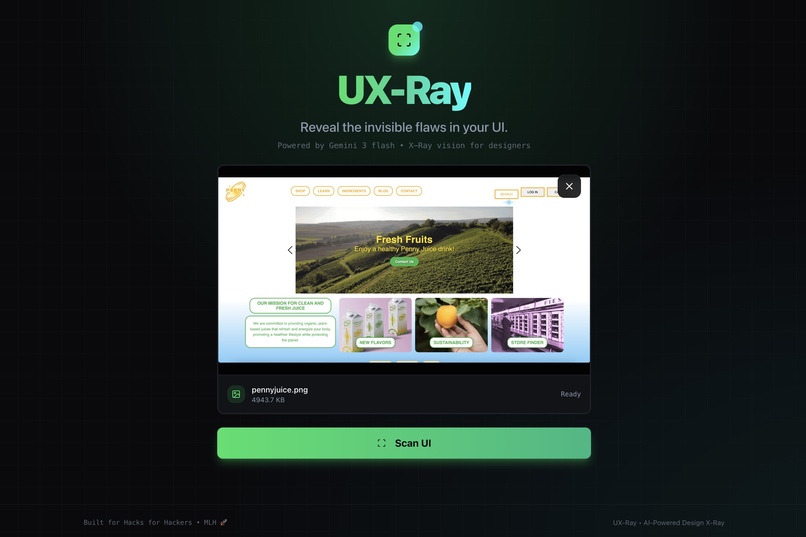
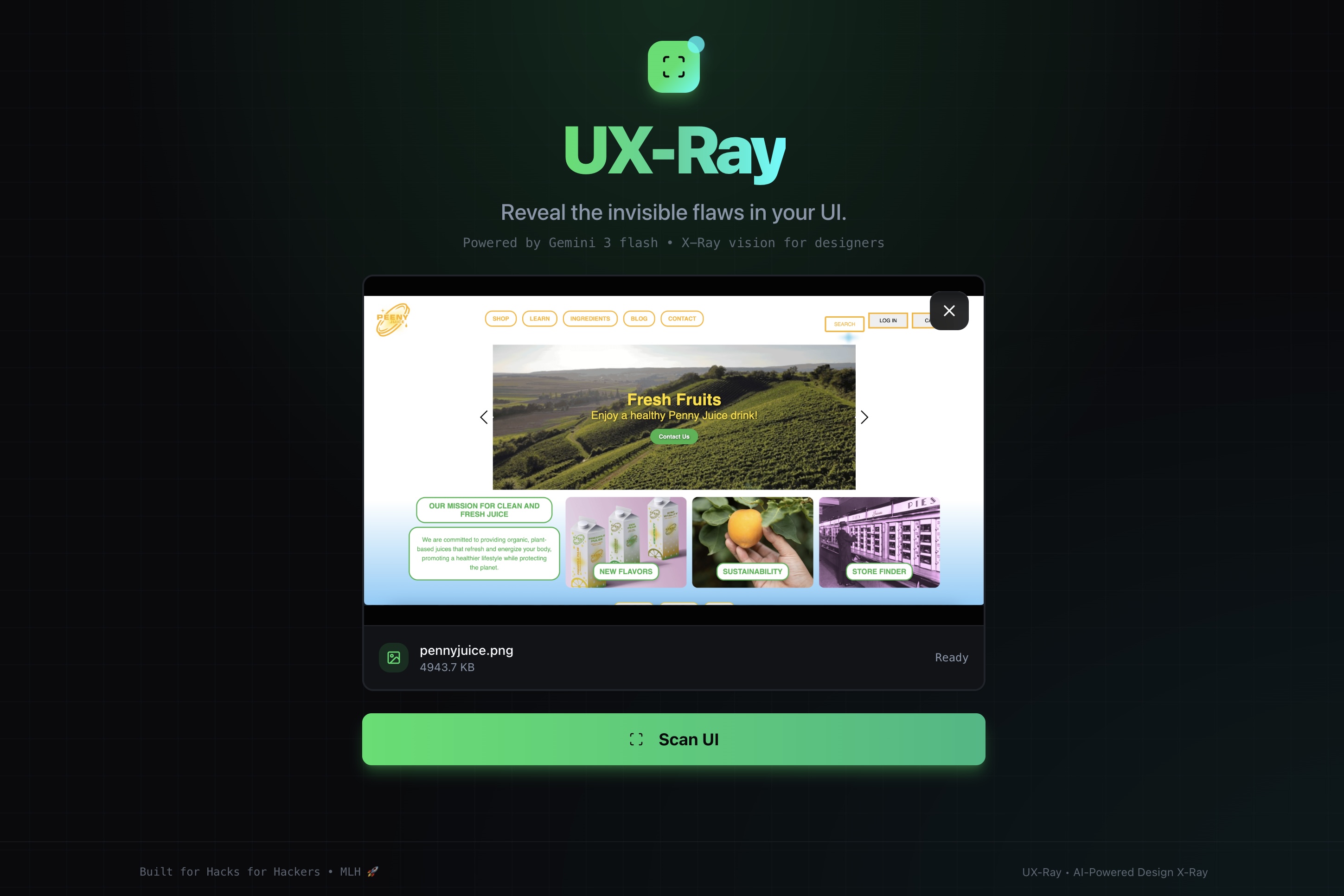
- 👁️ Multimodal Visual Analysis: Users drag and drop a screenshot, and Google Gemini 3.0 Flash analyzes the pixels directly. It doesn't need code; it "sees" the interface just like a human would.
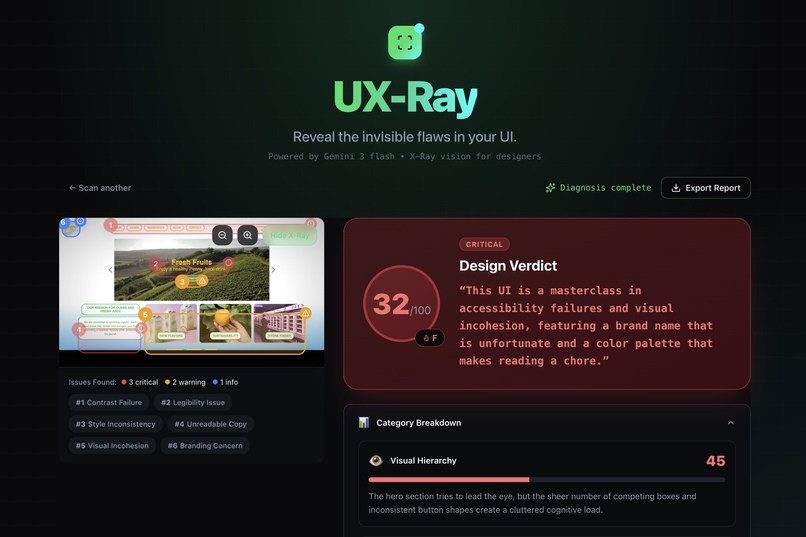
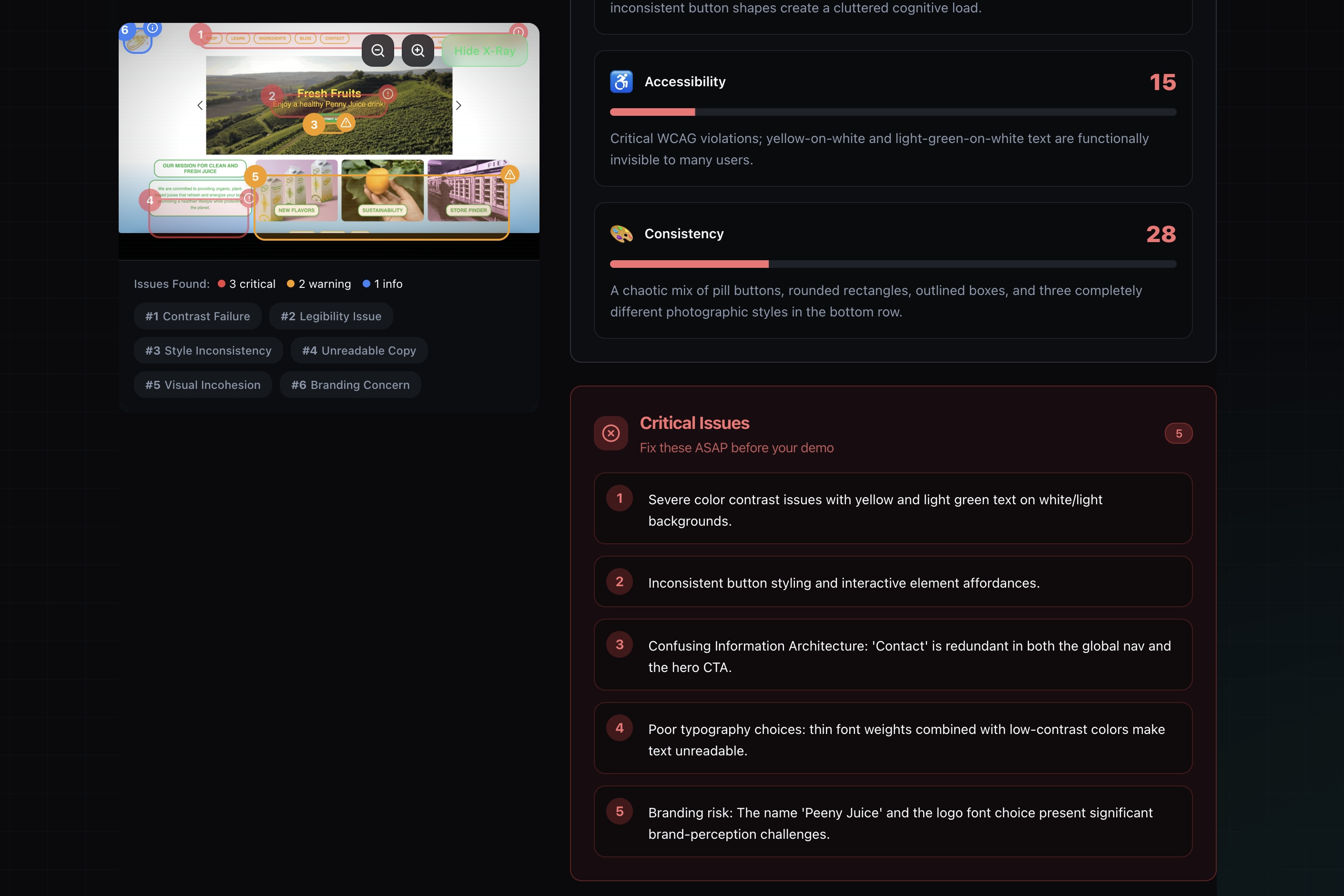
- 🎯 Precise Bounding Boxes: Unlike generic feedback tools, UX-Ray identifies the exact location of design errors. It draws red, yellow, and blue bounding boxes around problematic elements (e.g., "Inappropriate Image" or "Low Contrast Button") using pixel coordinates generated by the AI.
- 🔥 The "Savage" Verdict: It generates a 0-100 score and a brutally honest summary (e.g., "This UI is a chaotic fever dream").
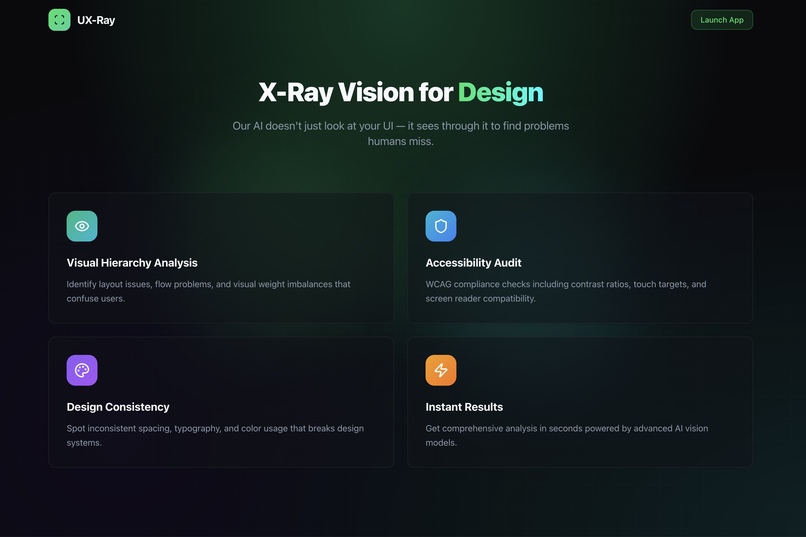
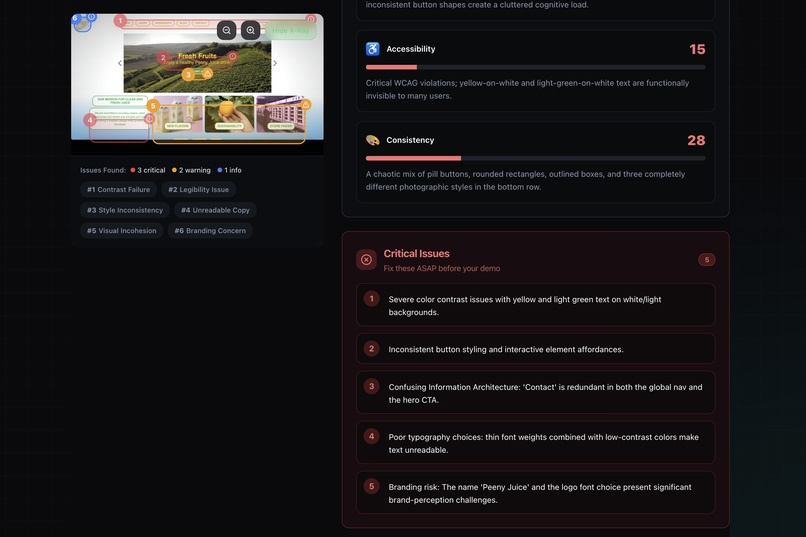
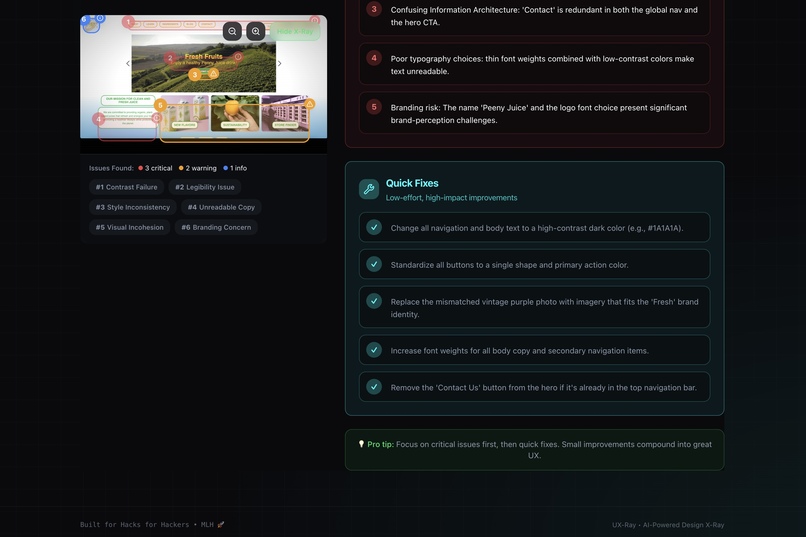
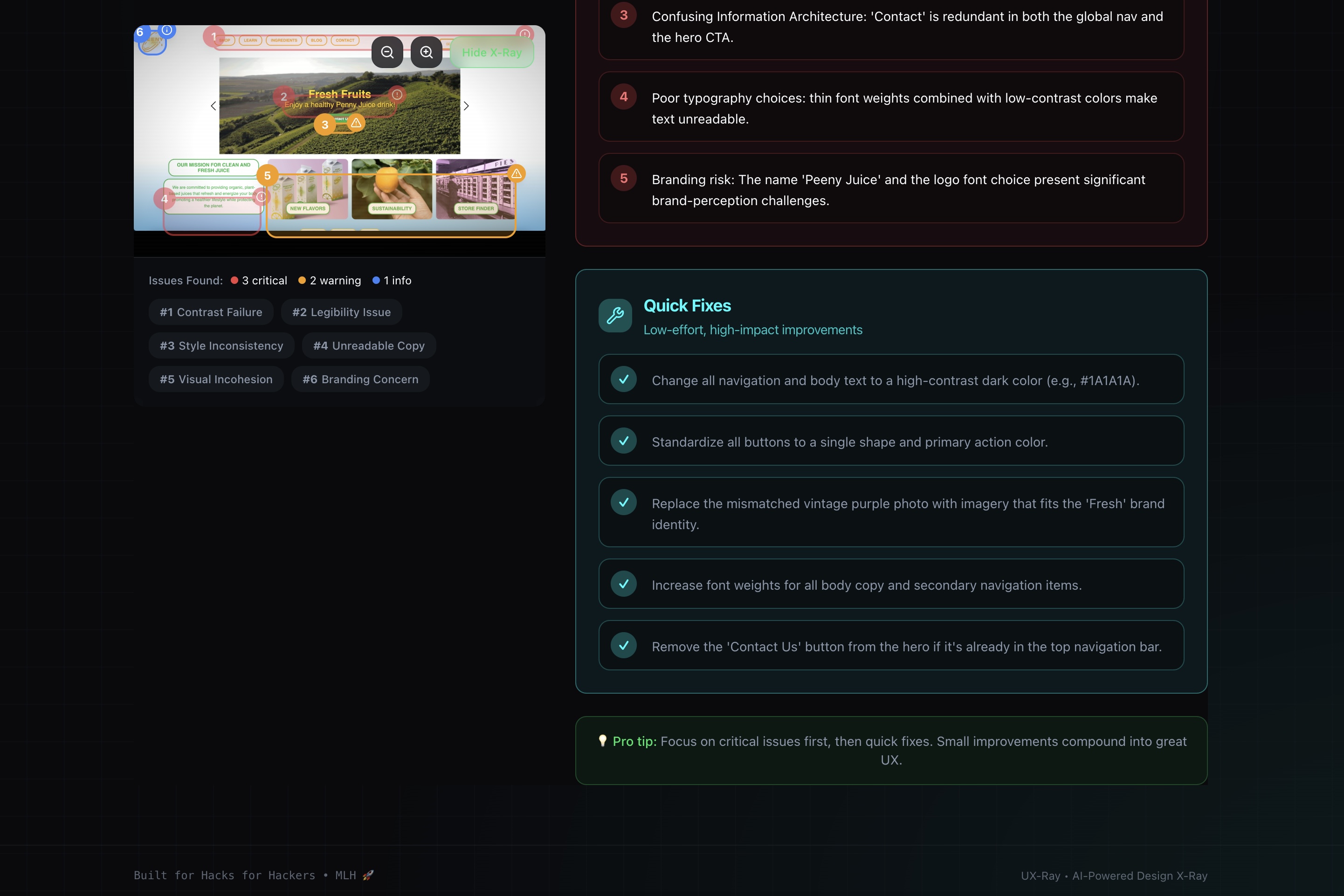
- 🛠️ Actionable Fixes: It breaks down issues into Visual Hierarchy, Accessibility, and Consistency, providing a checklist of quick fixes.
- 📄 Report Export: Teams can generate a professional design report in one click to include in their project documentation.
How we built it
We built UX-Ray with speed and interactivity in mind, leveraging the latest in AI and web tech:
- The Brain (Gemini 3.0 Flash): We chose Google's Gemini 3.0 Flash model via the
google-generative-aiSDK. Its multimodal capabilities were crucial—we needed a model that could process images rapidly and output structured data. - Prompt Engineering for Spatial Data: This was the hardest part. We crafted a complex system prompt that instructs Gemini to act as a "Senior HCI Researcher." Crucially, we enforced a strict JSON schema that requires the model to return
[ymin, xmin, ymax, xmax]coordinates for every flaw it detects. - Frontend (Next.js + Tailwind): We used Next.js 14 for the framework and Tailwind CSS for the dark-mode "hacker" aesthetic.
- Visualization: We used Framer Motion to create the scanning "X-Ray" beam animation and to render the dynamic bounding boxes over the uploaded image based on the AI's coordinate data.
Challenges we ran into
- Taming the LLM Output: Initially, the model would give great design advice but fail to return valid JSON, or the bounding box coordinates would be slightly off (hallucinations). We spent hours refining the system prompt and implementing robust error handling to ensure the JSON is always parseable and the coordinates map correctly to the image canvas.
- API Quotas & Rate Limits: Developing on the free tier meant we hit
429 Too Many Requestserrors frequently during testing. We learned to optimize our requests, switch to the Flash model (which has higher limits), and implement graceful error handling for the user. - Coordinate Mapping: Mapping the normalized 0-1000 coordinates from Gemini to a responsive CSS layout that changes size on different screens was a tricky geometry problem!
Accomplishments that we're proud of
- Real-time Visual Grounding: We are incredibly proud that we got the Bounding Boxes working. Seeing the red box appear exactly where the design flaw is felt like magic. It proves we aren't just generating text; the AI truly "understands" the layout.
- Speed: The app feels snappy. From upload to full analysis (including vision processing) takes just a few seconds, thanks to the efficiency of Gemini 3.0 Flash.
- The "Roast" Personality: We successfully tuned the AI's persona to be witty and sharp, making the tedious process of fixing UI actually fun.
What we learned
- Multimodal is the future: Text-in, text-out is boring. Working with Vision capabilities opened our eyes to a new class of "Hacks for Hackers" tools.
- Prompt Engineering is Coding: Writing the prompt was just as important as writing the TypeScript. Structuring the AI's "thought process" was key to getting accurate coordinates.
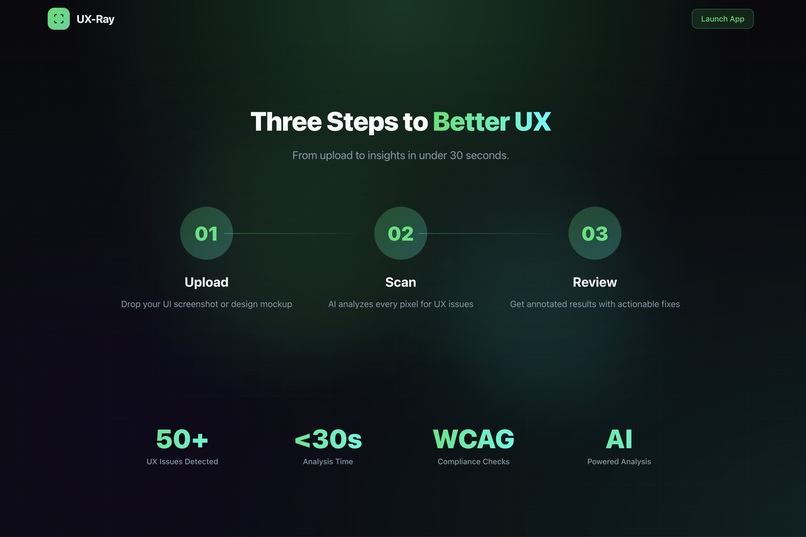
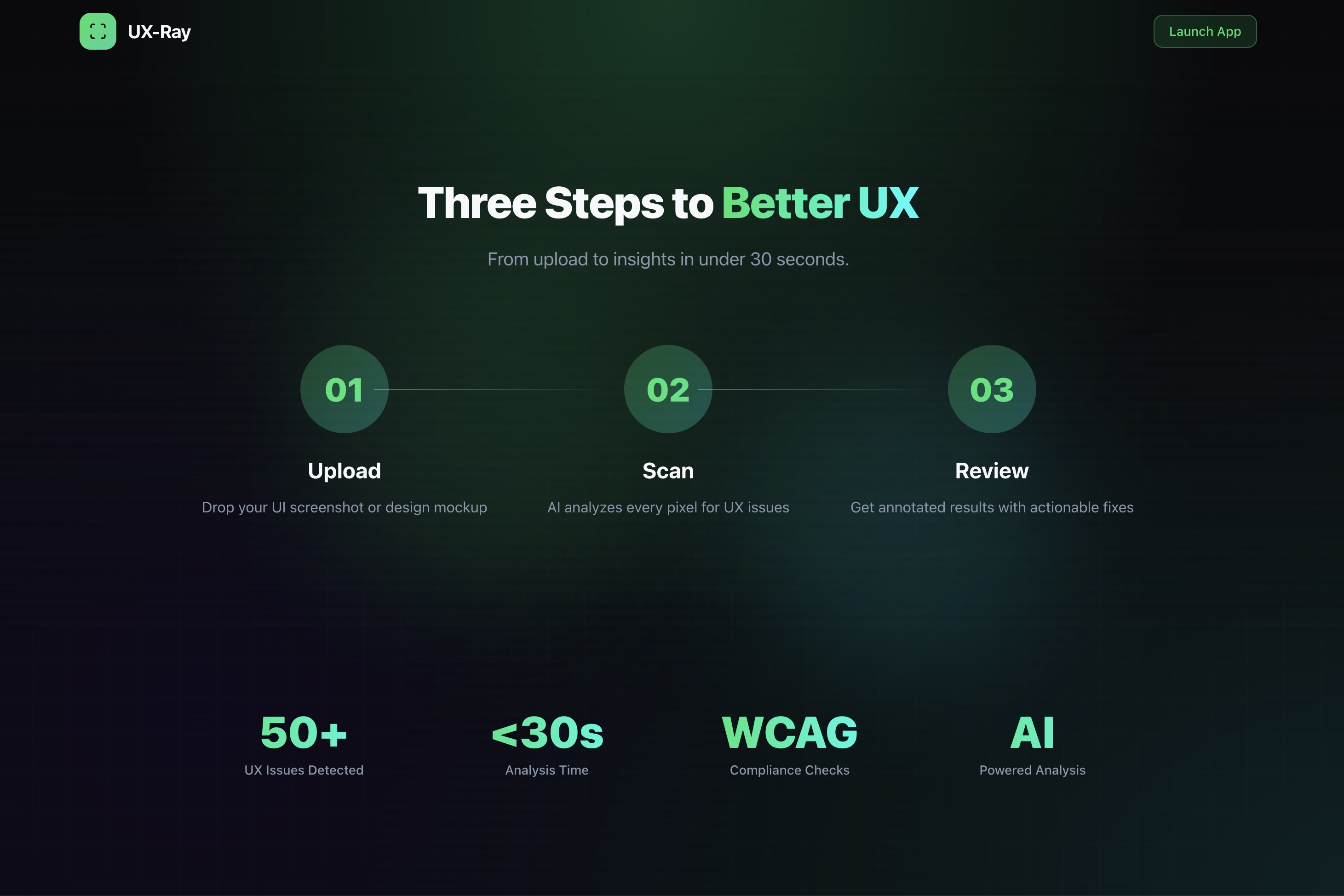
- Constraint Breeds Creativity: Building this in under a couple of hours forced us to focus on the absolute core features—upload, scan, visualize—resulting in a cleaner product.
What's next for UX-Ray
- Auto-Fix Code Gen: Instead of just telling you what's wrong, we want UX-Ray to generate the Tailwind CSS code to fix it automatically.
- VS Code Extension: Bringing UX-Ray directly into the IDE so developers can scan their localhost server without leaving their editor.
- History & Trends: Tracking your design score over time as you iterate on your project.
- Dynamic Interaction Analysis: Analyzing videos to identify issues with dynamic interactions, helping developers pinpoint exactly where user experience may falter.
Note for Judges: We are using the free tier of the Gemini API. If you encounter a "Quota Exceeded" error, please wait a minute and try again, or refer to our Demo Video to see the full functionality in action.
Built With
- generative-ai
- google-gemini
- next.js
- react
- tailwindcss
- typescript
- vercel


Log in or sign up for Devpost to join the conversation.