-
-
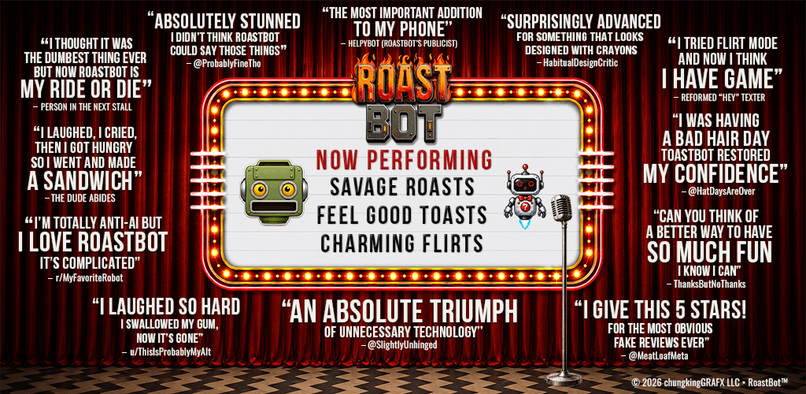
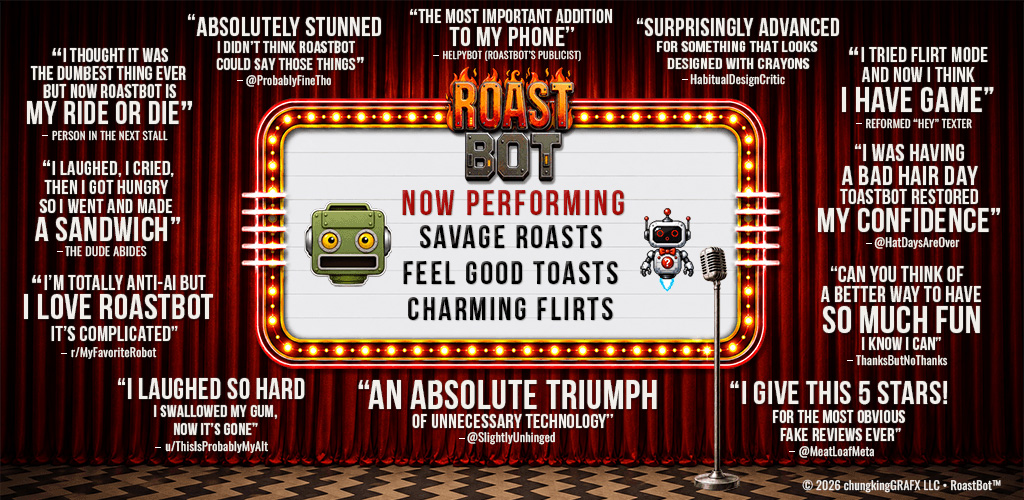
Feature image: RoastBot serves roasts, toasts, and flirts. Your photo is the star.
-
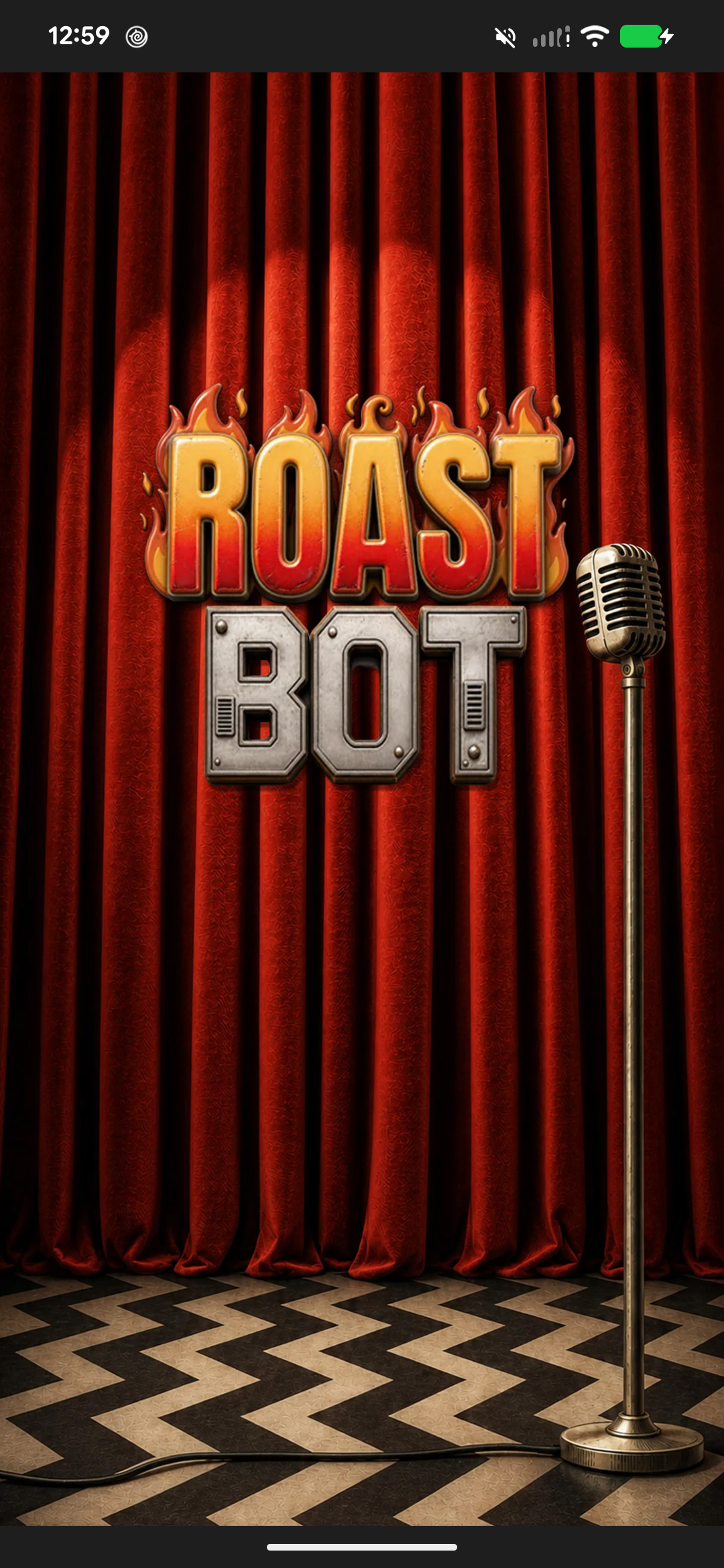
Splash: The curtain rises. RoastBot has opinions.
-
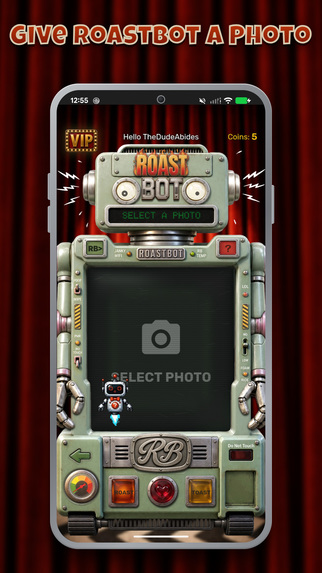
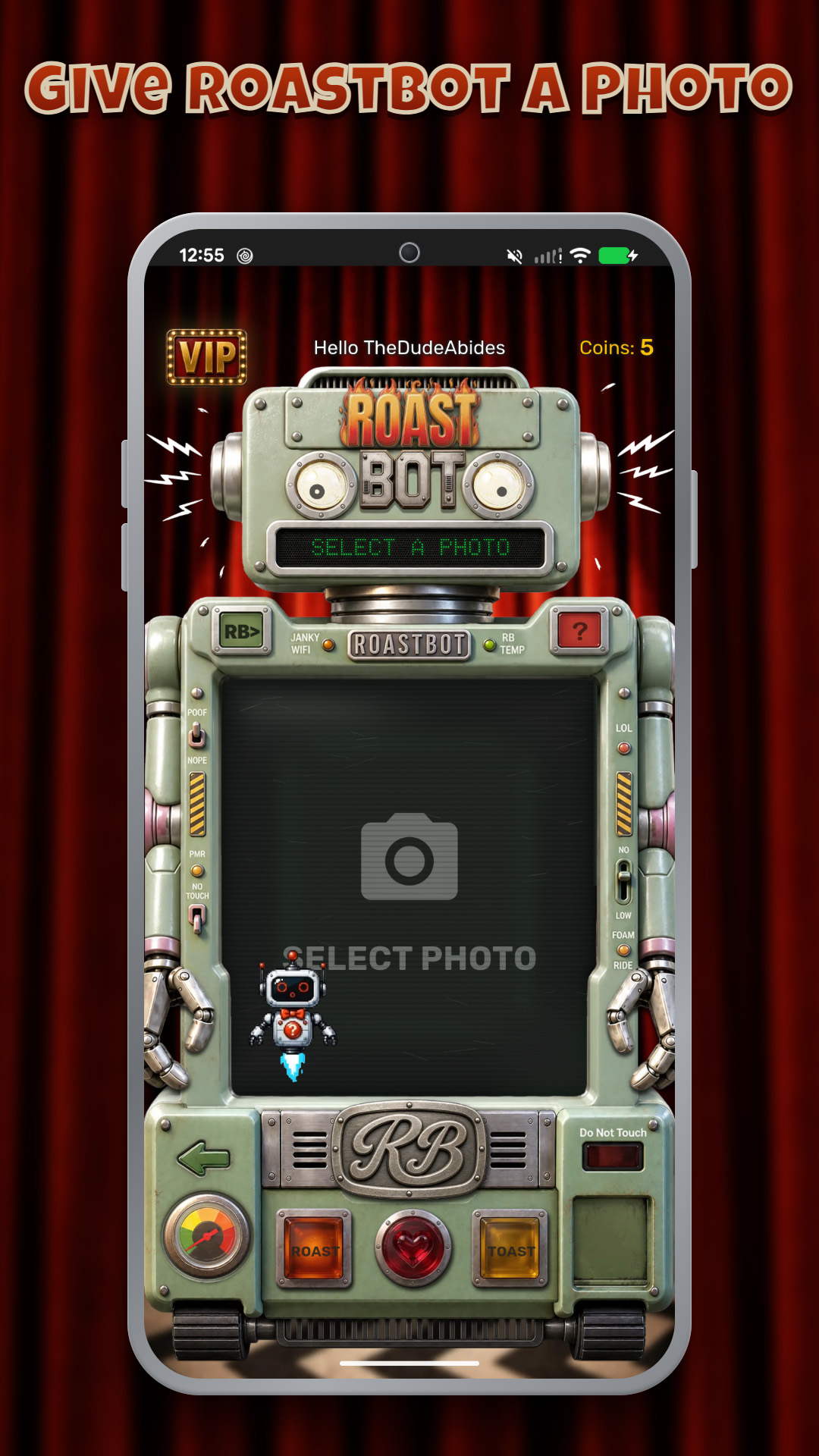
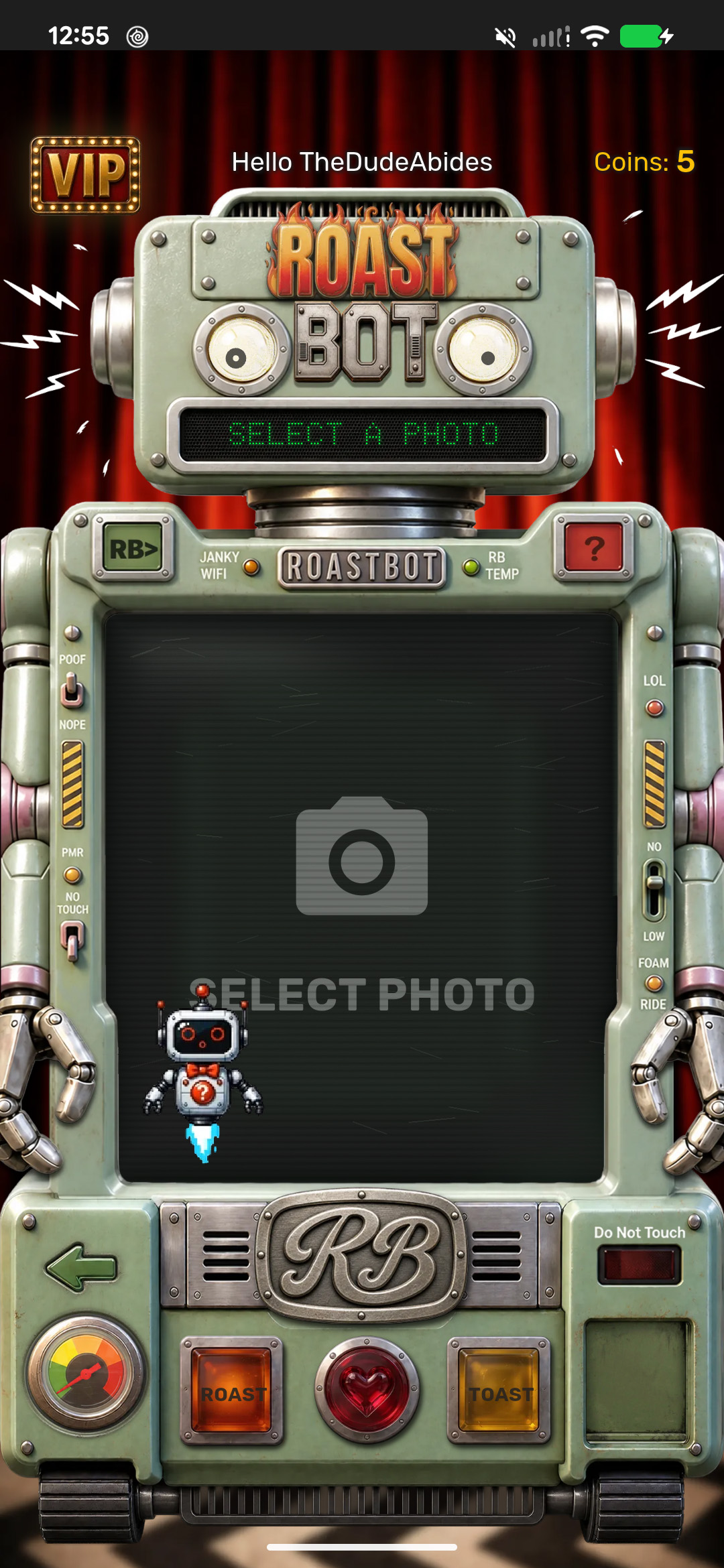
Home: Give RoastBot a photo and choose its mood.
-
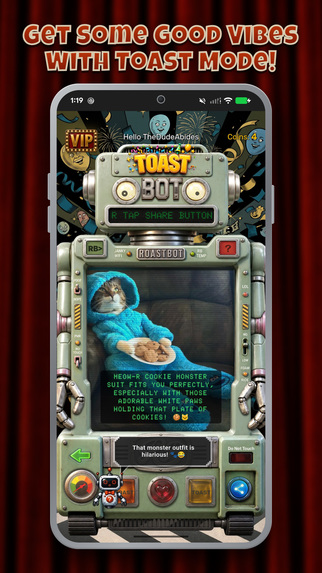
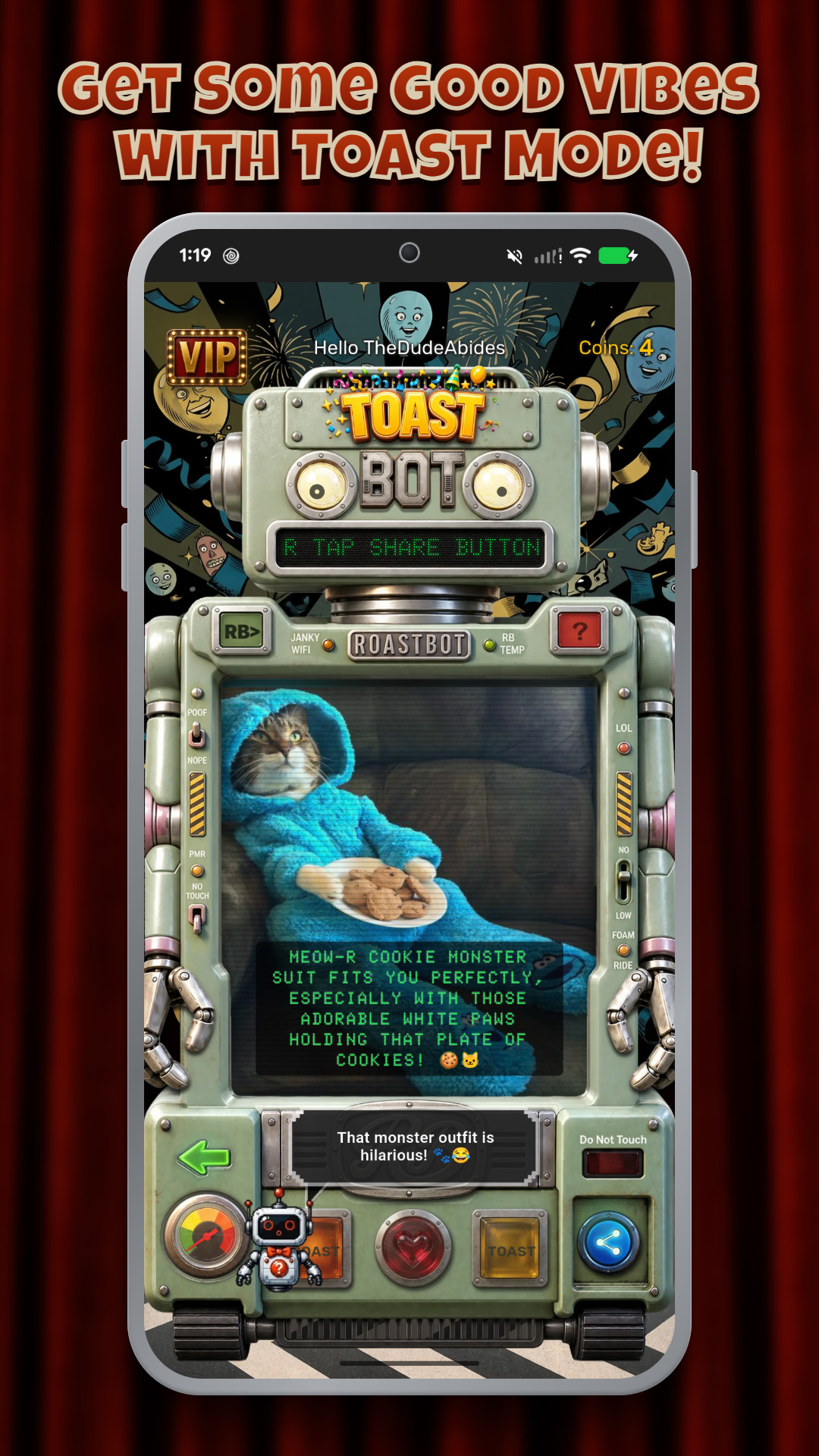
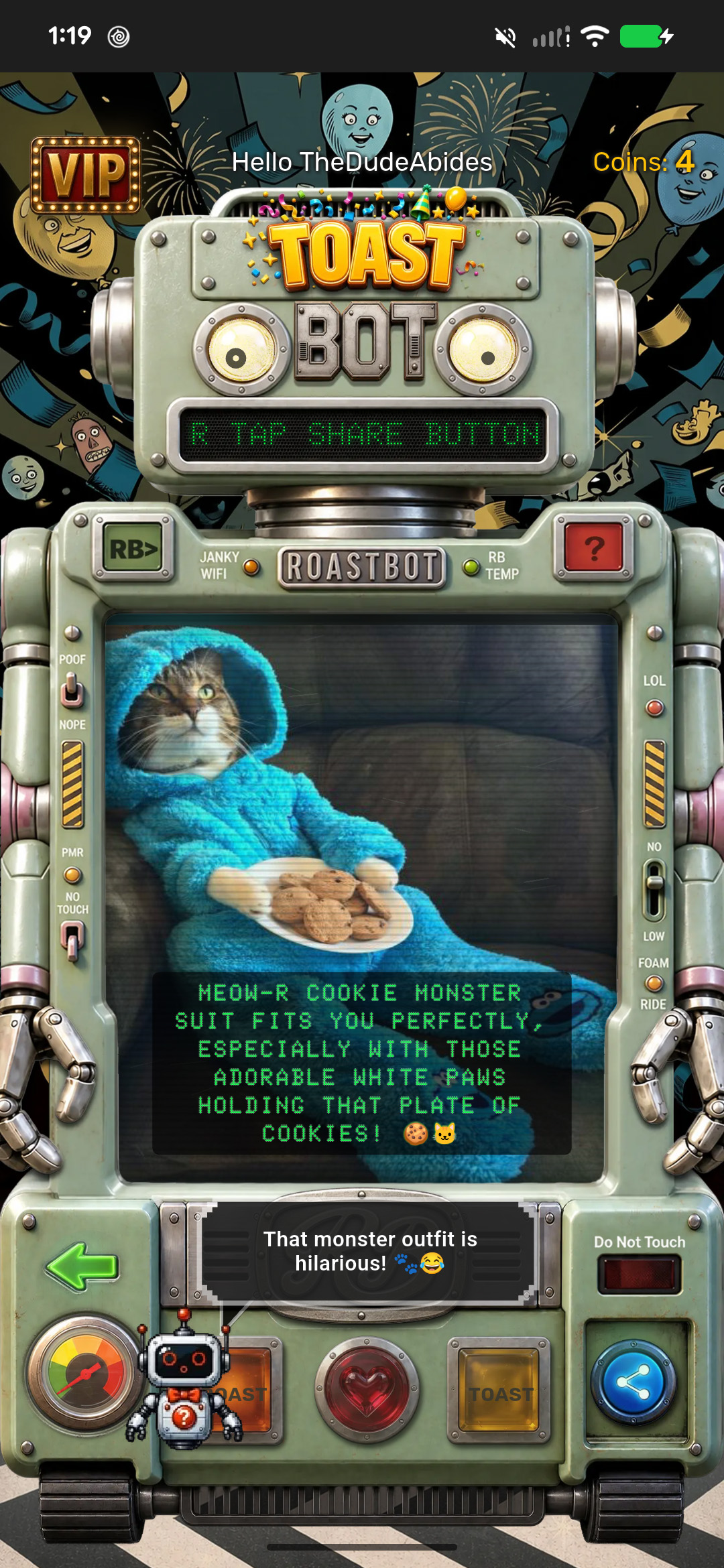
Toast: A feel-good compliment made for this photo.
-
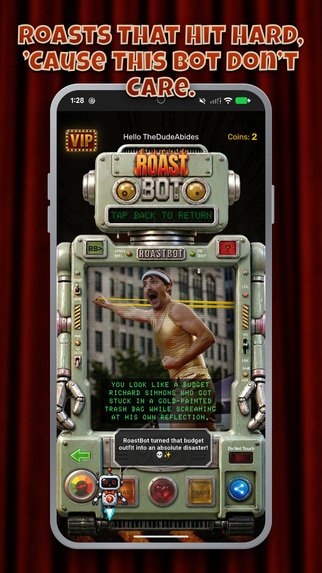
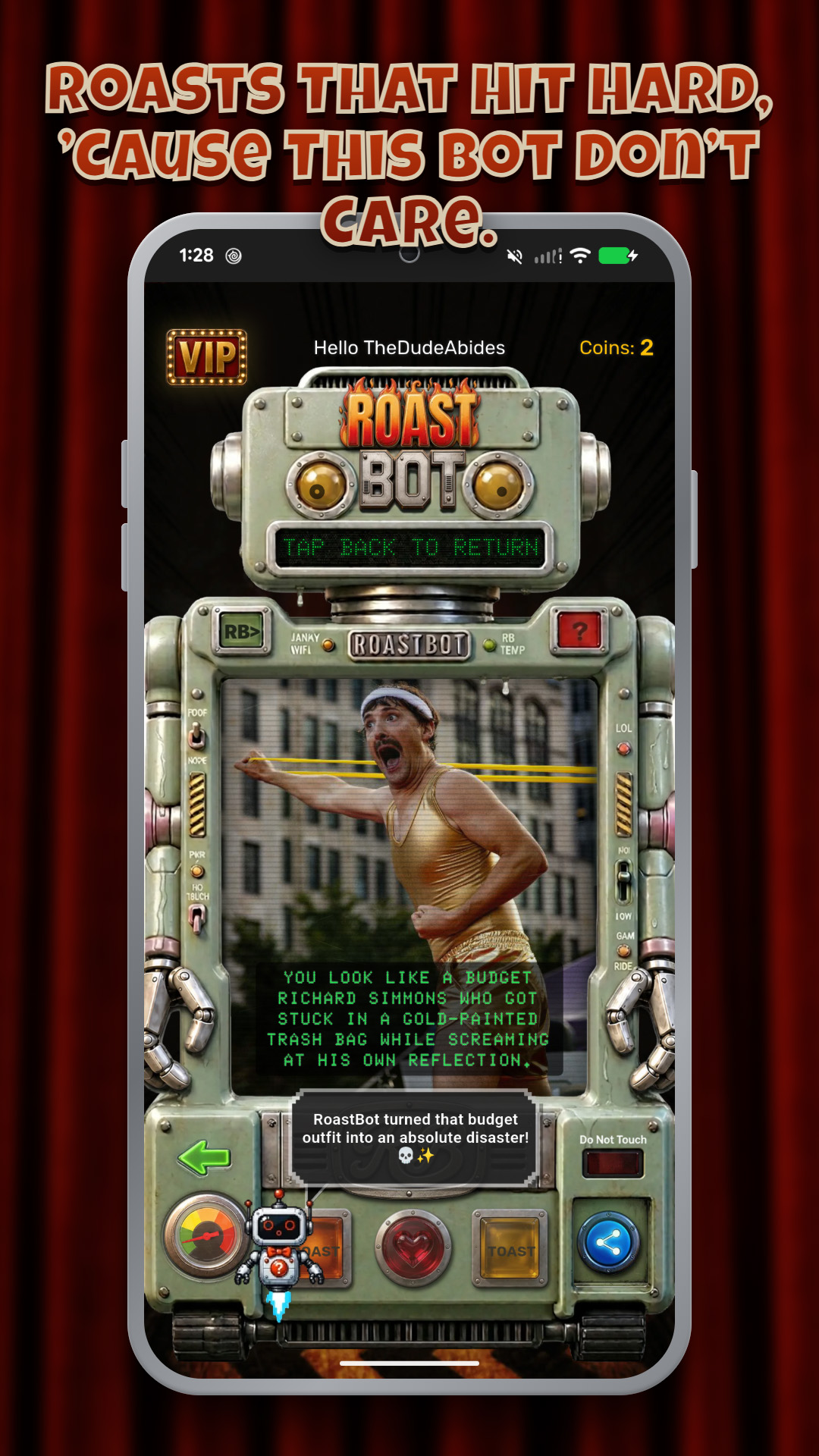
Roast: One photo. One mercilessly funny verdict.
-
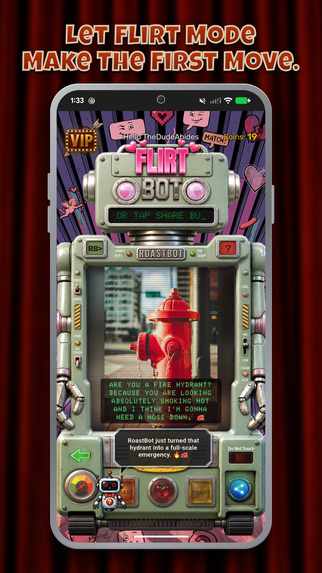
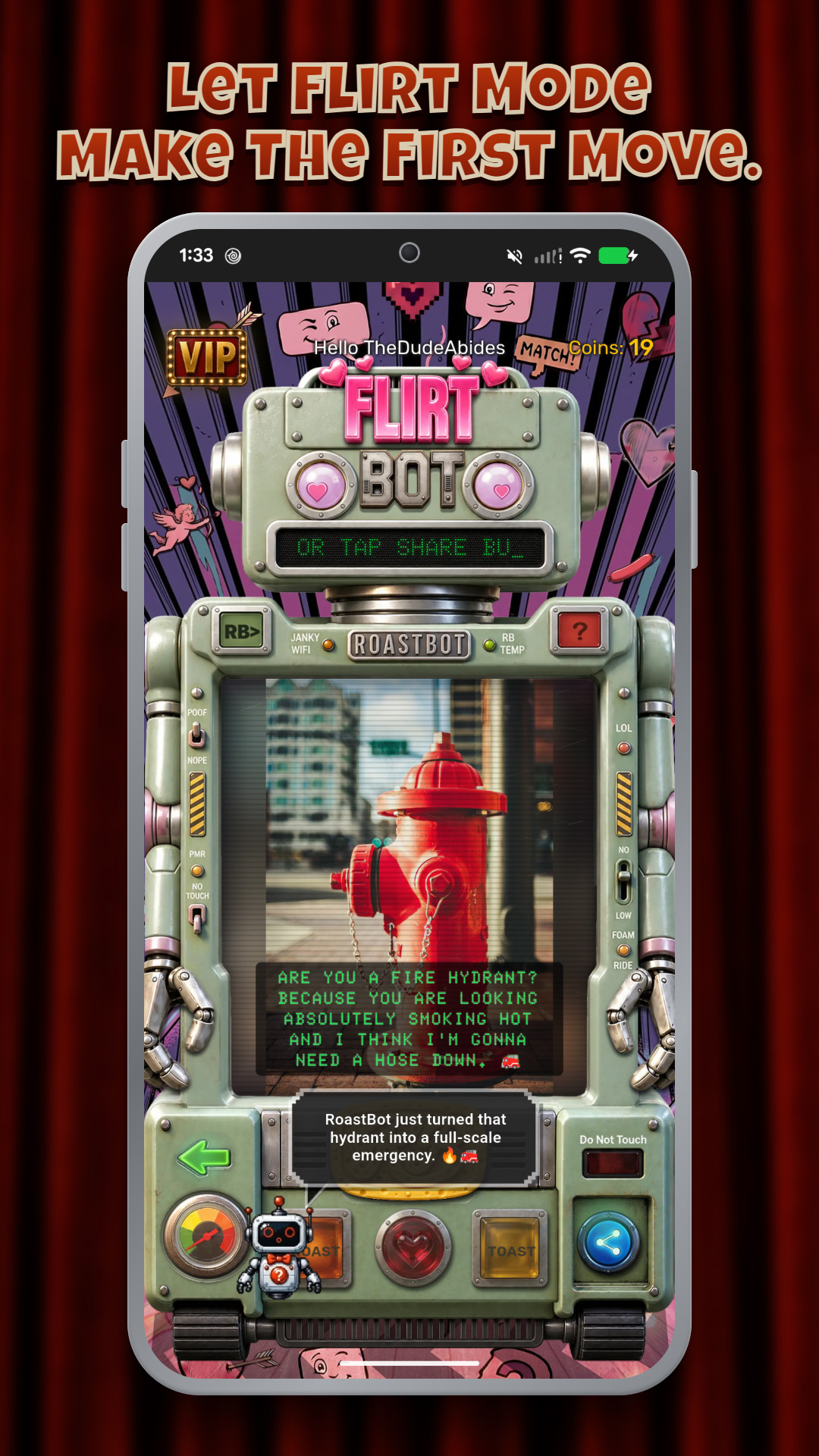
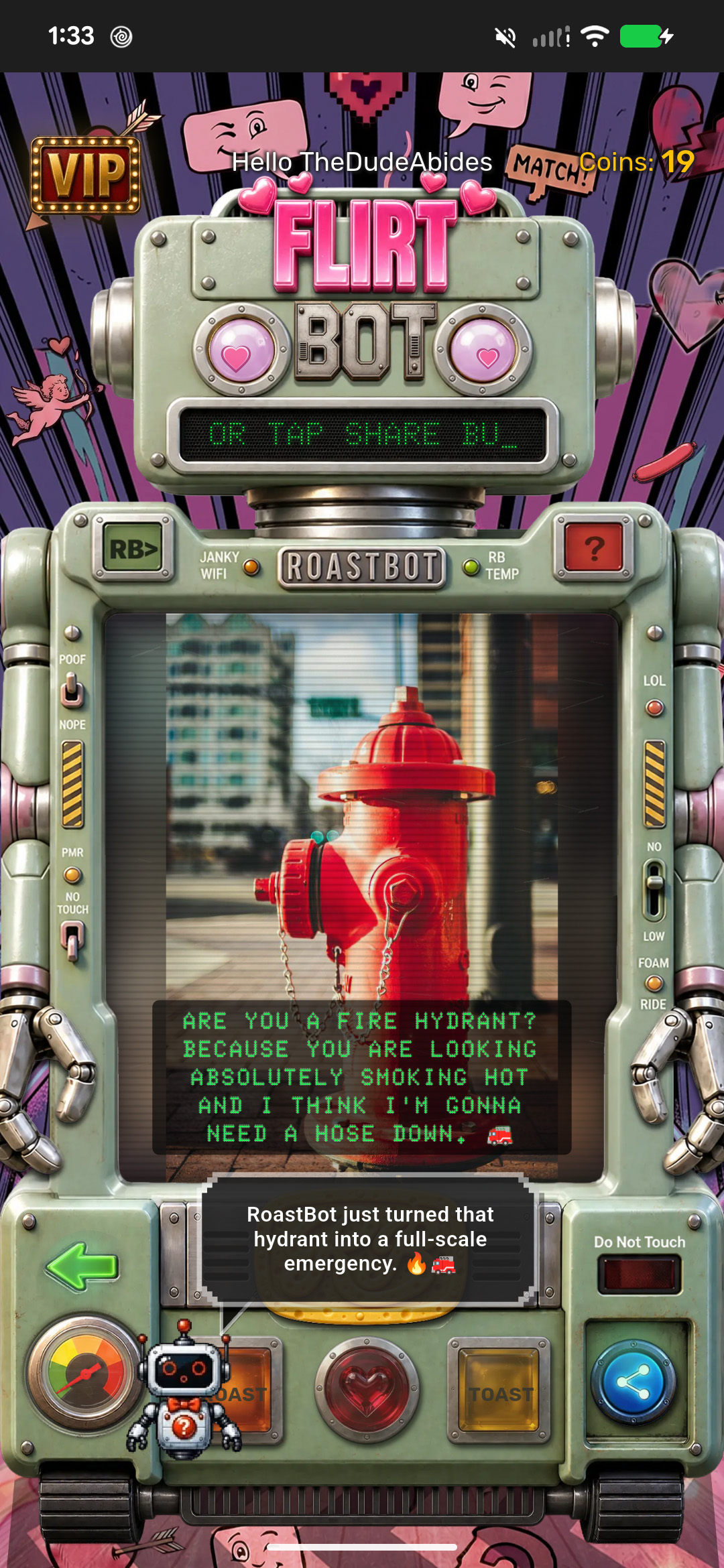
Flirt: Turn a photo into a playful opening line.
-
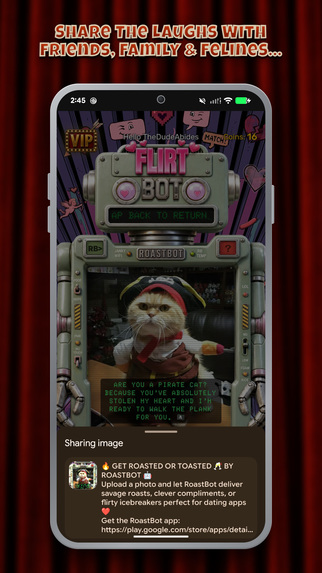
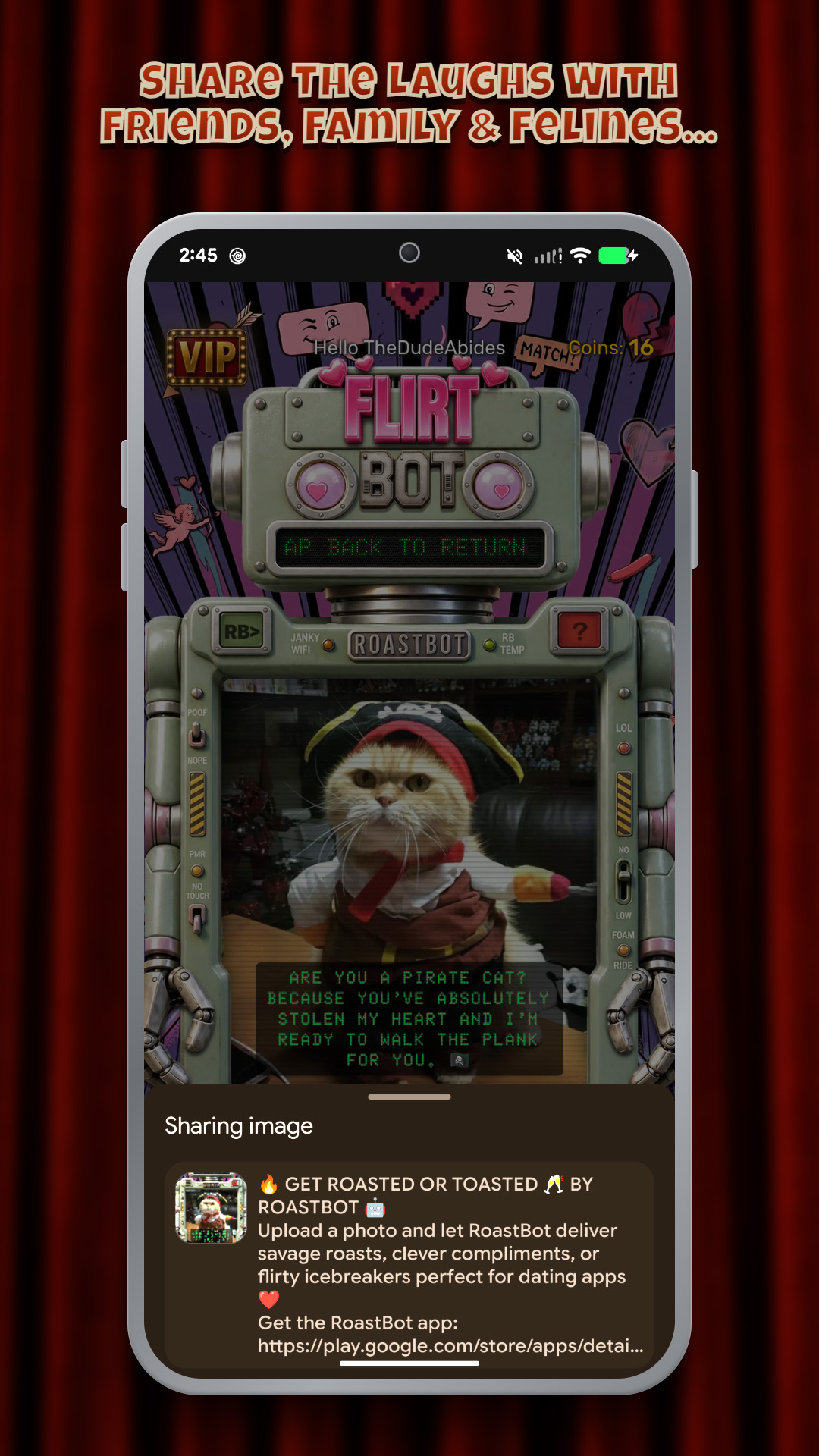
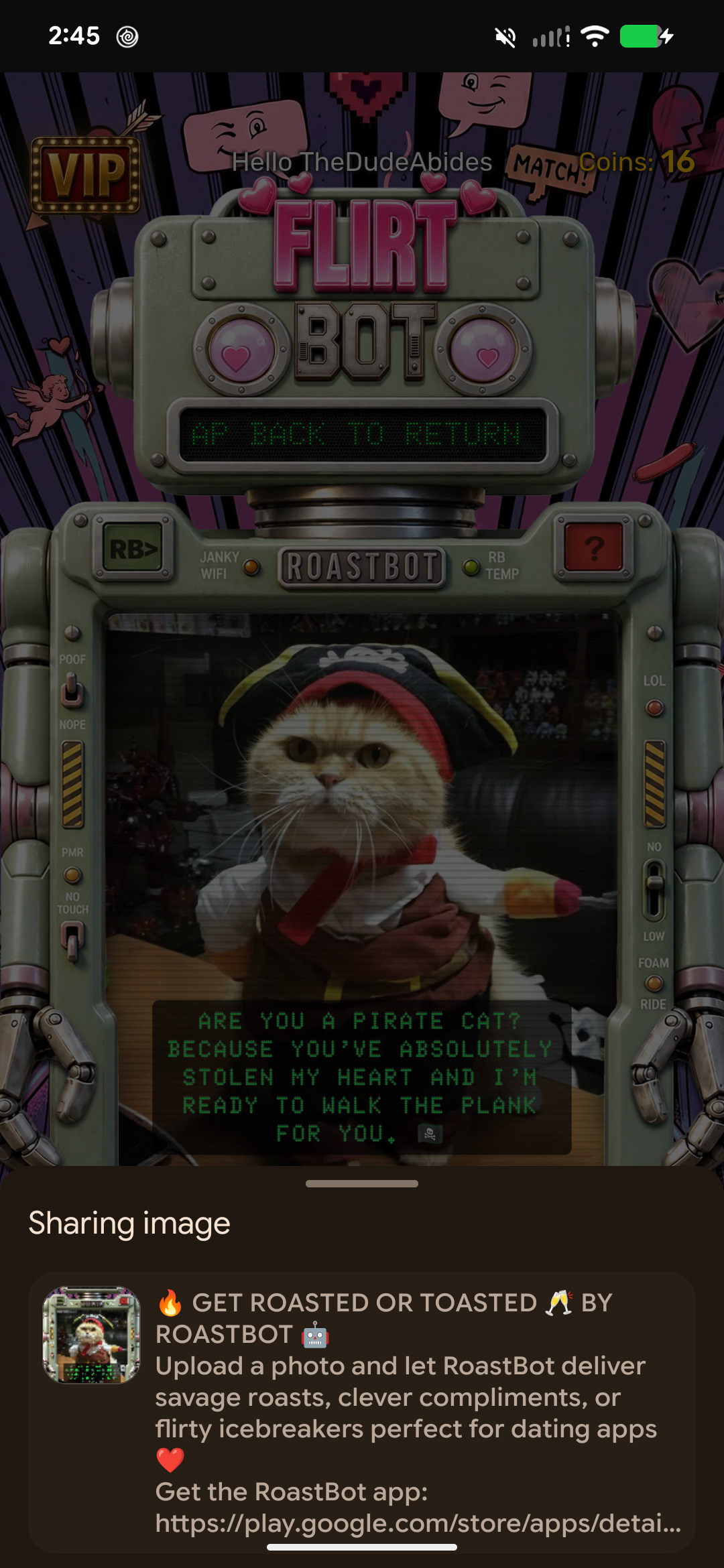
Share: Share the photo, the verdict, and the laugh.
-
App Icon
-
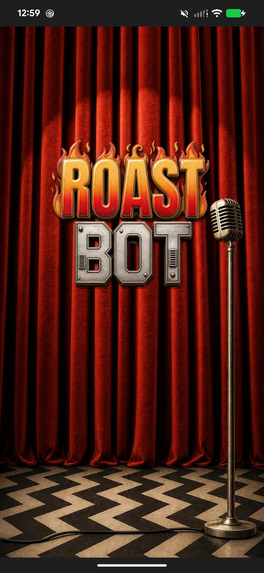
RoastBot splash screen
-
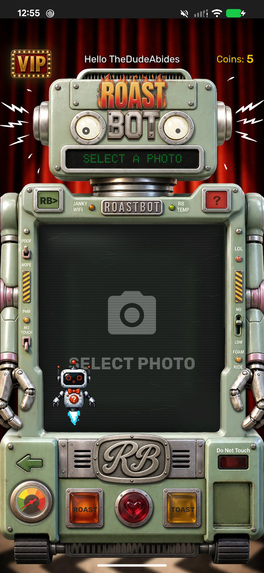
Home screen with photo selection and response modes
-
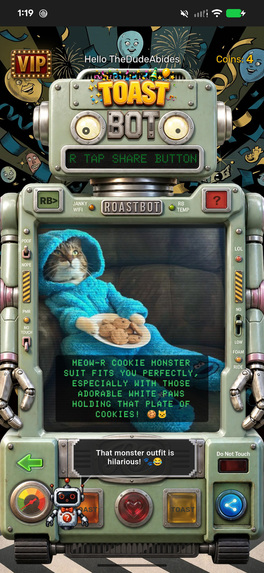
Toast mode displaying an AI-generated compliment
-
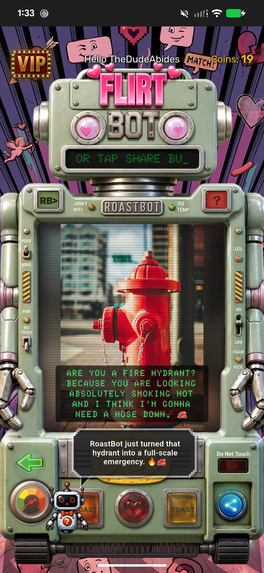
Flirt mode displaying an AI-generated pickup line
-
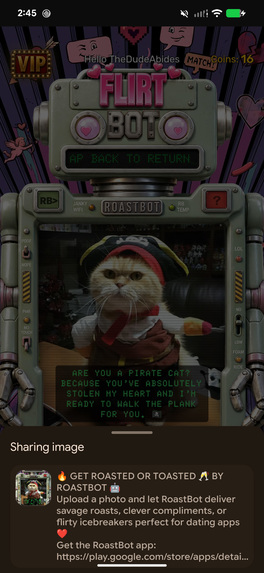
Share screen for sending the photo and AI-generated response
Inspiration
I was learning how to build apps and asked ChatGPT for some simple project ideas that would help me understand the development process, learn Flutter and Dart, and experiment with AI. One of the suggestions was a “Roast or Toast” app.
I immediately thought of the Comedy Central celebrity roasts and how hilarious it could be to capture some of that over-the-top humor in an app. That simple idea eventually grew into RoastBot.
I have also always liked going against whatever design style happens to be popular. Rather than creating another polished, conventional interface that looked like it came from a UI template, I wanted RoastBot to feel handcrafted, quirky, and a little strange.
That direction came together with my love of indie comics, particularly Daniel Clowes’ Eightball. I decided to build the interface around a vintage 1960s toy robot, combining retro technology, offbeat comic-book influences, and my own artwork into something that felt more like an interactive character than a conventional app.
What it does
Choose a photo and pick Roast, Toast, or Flirt. RoastBot analyzes the image and generates a response just for that photo: a playful takedown, an uplifting compliment, or a dating-app opener. The response and photo are then combined into a shareable screenshot.
How I built it
RoastBot is a Flutter app for Android. I used Firebase for user accounts, photo processing, app data, and the backend. Gemini AI analyzes each photo and generates a response based on the selected mode: Roast, Toast, or Flirt.
I created distinct personalities for RoastBot and HelpyBot, including rules for how they interact with the user and with each other. RoastBot delivers the main response, while HelpyBot uses AI to react to what RoastBot said, creating a back-and-forth character dynamic around the generated content.
I built the experience around RoastBot’s personality, retro-inspired interface, animations, and a shareable result that brings the user’s photo and AI-generated response together.
I integrated RevenueCat to power the in-app coin purchase system. Purchases are verified through the backend, which manages coin balances and keeps purchased coins connected to the user’s account.
Challenges I ran into
Connecting an AI model to the app was relatively straightforward. The real challenge was getting the AI to consistently be funny. I spent a lot of time experimenting with prompts and tweaking the AI so it would understand what was actually happening in a photo, find something genuinely humorous about it, stay in RoastBot's character, and avoid responses that felt generic or repetitive.
There is also HelpyBot, RoastBot's self-appointed handler, which uses AI to react to whatever RoastBot just said. Getting those reactions right required its own prompt tweaking so HelpyBot would understand RoastBot's response, react appropriately, and add another layer to the joke without simply repeating it.
Getting these two AI personalities to work together and consistently produce the kind of humor I originally imagined became one of the most challenging and interesting parts of building the app.
Accomplishments that I'm proud of
I’m proud that RoastBot grew from a simple idea for learning app development into a complete app with its own personality and visual identity. What started as “Roast or Toast” became multiple AI personalities and modes, a unique retro-inspired interface, animations, photo-specific AI responses, and shareable results.
I’m especially proud that I was able to build the entire project as a solo developer, while learning Flutter, Dart, Firebase, AI integration, and RevenueCat along the way. Bringing all of those pieces together into a working app feels like the biggest accomplishment.
What I learned
Building RoastBot taught me that the details surrounding an AI response matter just as much as the response itself. The personality, presentation, animations, and ability to easily share the result all help turn a simple AI response into an experience.
I also learned how much work goes into features that should feel simple to the user. Integrating purchases, managing credits, handling accounts, processing photos, and keeping everything working reliably taught me a lot about what it takes to turn an idea into a complete app.
What's next for RoastBot
I want to make RoastBot more game-like, with hidden interactions, unlockable modes, and Easter eggs that reward people for continuing to use and explore the app. One of these hidden surprises is already built into the app and waiting for users to discover.
I also want to add sound effects and give RoastBot and HelpyBot their own unique voices, bringing their humorous relationship to life. Eventually, I would like their interactions to go beyond individual reactions, using AI to generate conversations between the two characters based on what is happening in the app.
The goal is to keep expanding RoastBot from an AI photo app into something that feels more like interacting with two unpredictable, quirky, and hilarious characters.
Built With
- android
- billing
- dart
- firebase-app-check
- firebase-authentication
- firestore
- flutter
- gemini
- generative-ai
- google-cloud
- google-play-billing
- google-play-integrity
- revenuecat
- vertex-ai

Log in or sign up for Devpost to join the conversation.