-
-
-
API Frontend
-
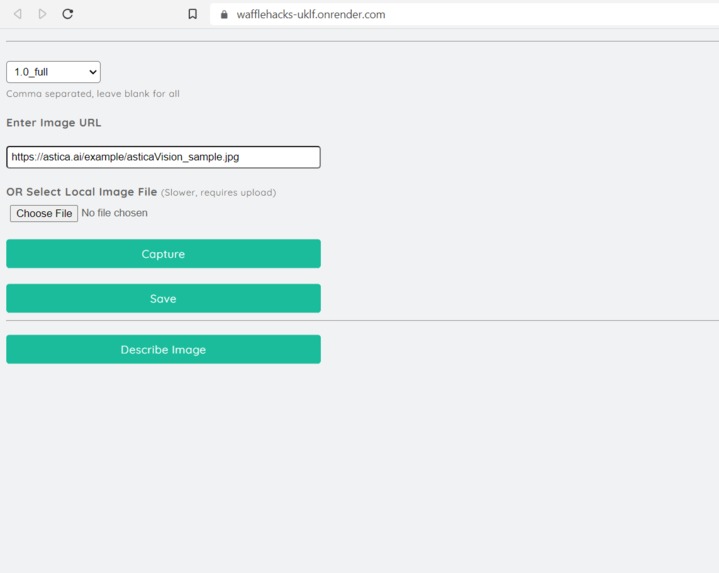
Image Options
-
API Result
API Video Link
Inspiration
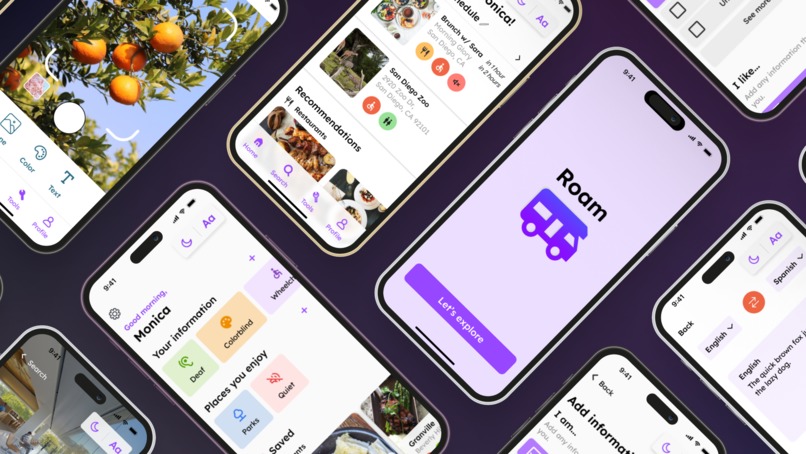
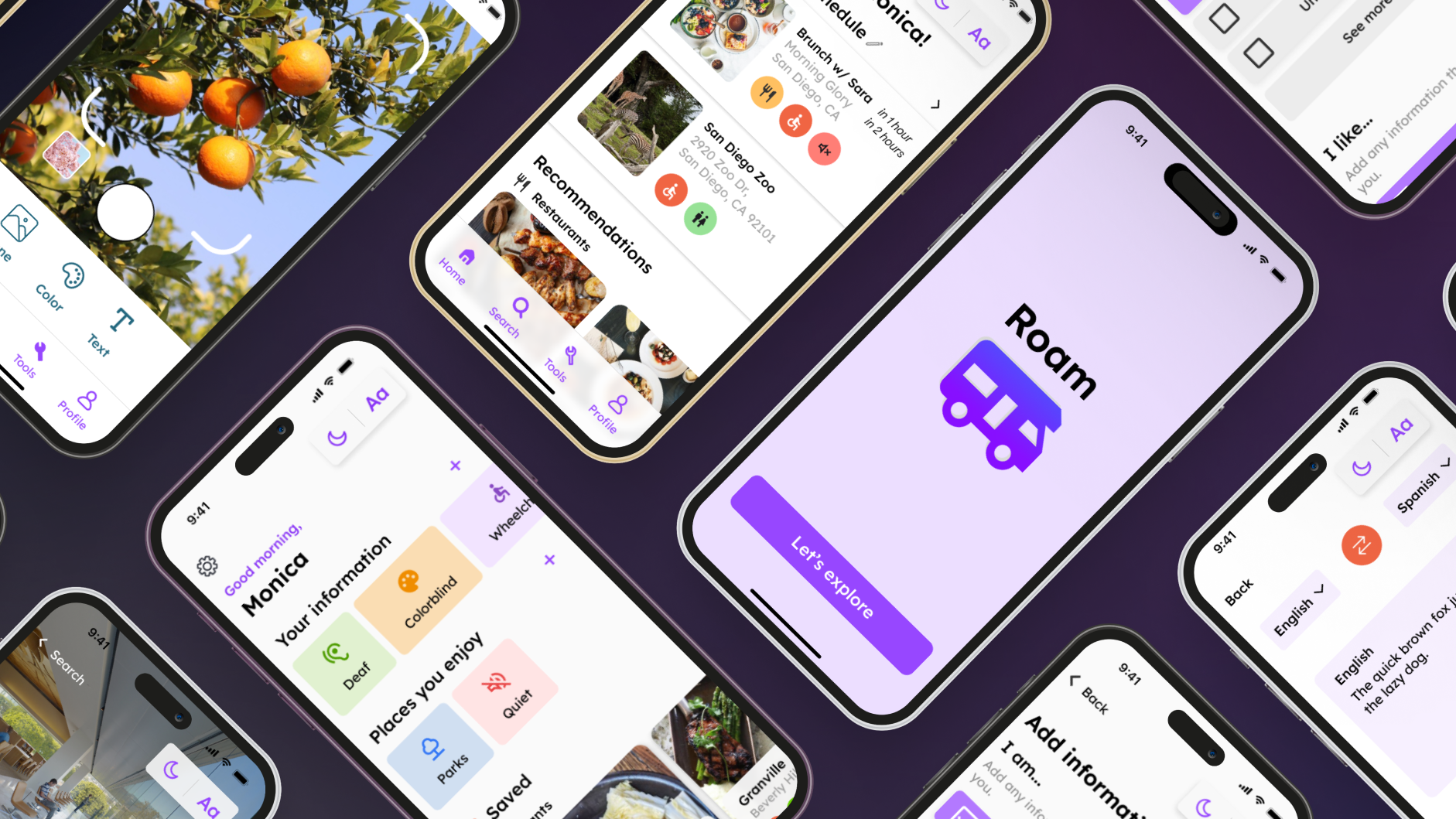
Roam is a mobile app that targets those with disabilities. Although there are many apps that aid those was disabilities, they typically focus on only one type of disability or have very limited features. In Roam, we combined multiple apps into one that provides those the opportunity to navigate through their everyday lives while being able to filter for places that offer accessibility services. This is not only targets those with visual or hearing impairments, but also those with communicative disorders. Users can plan out their day with our daily itinerary or read reviews from other users.
What it does
Roam caters to a variety of disabilities, such as visual impairments. For this disability, we implemented a Dark mode, a Larger text option, and added an AI tool that can describe anything the user points its camera to.
For those with communicative disorders, we added a tool to speak with a microphone, translate text, or plan out their day.
Some things we also paid attention to were color, font legibility, and the use of icons to convey information for varying types of disabilities.
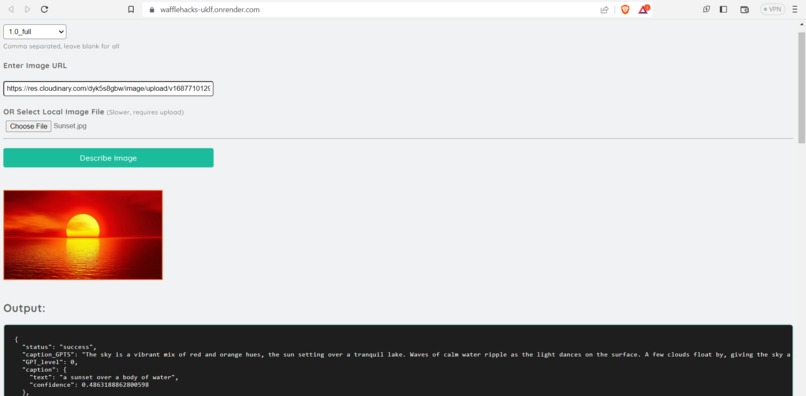
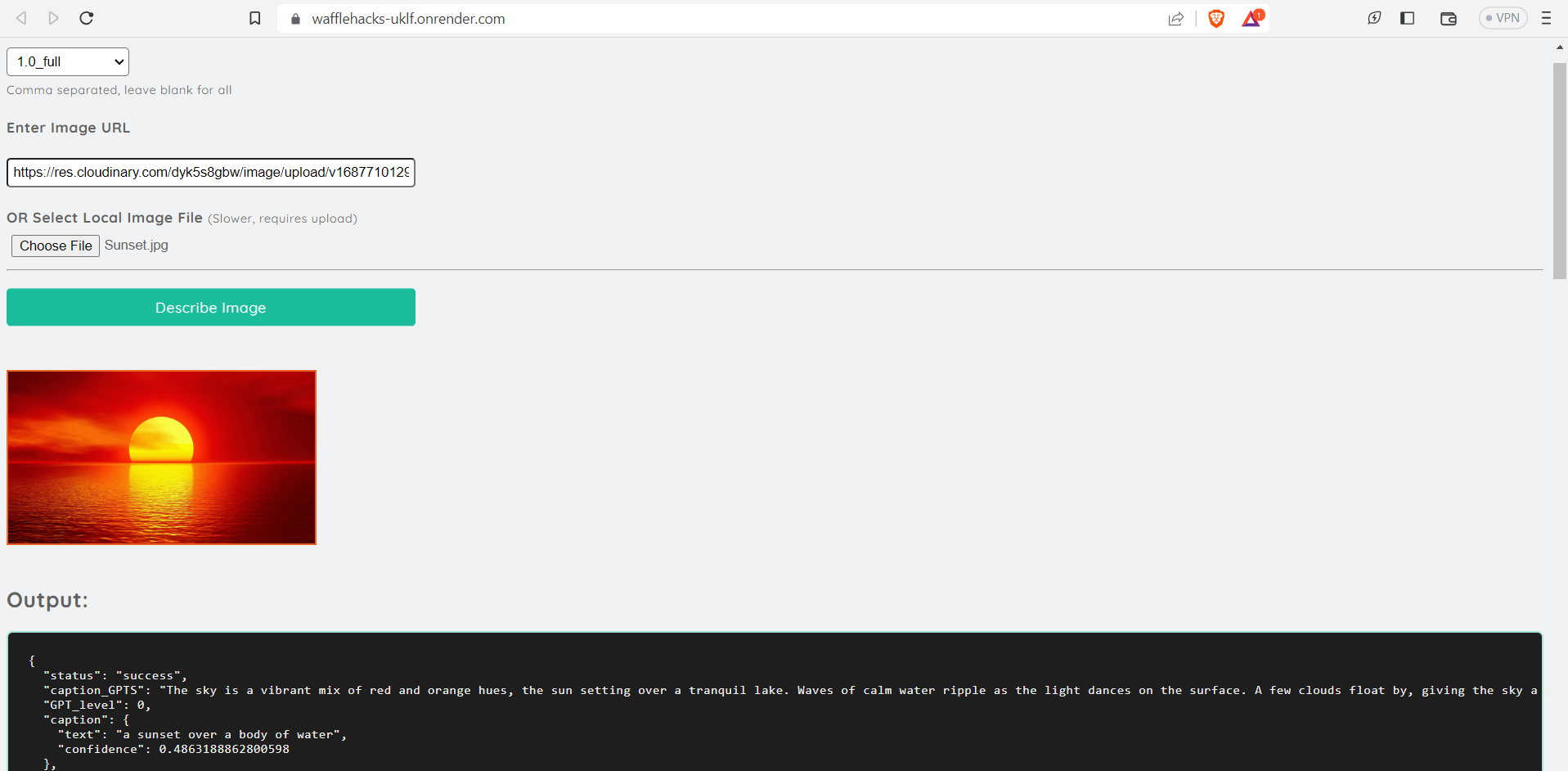
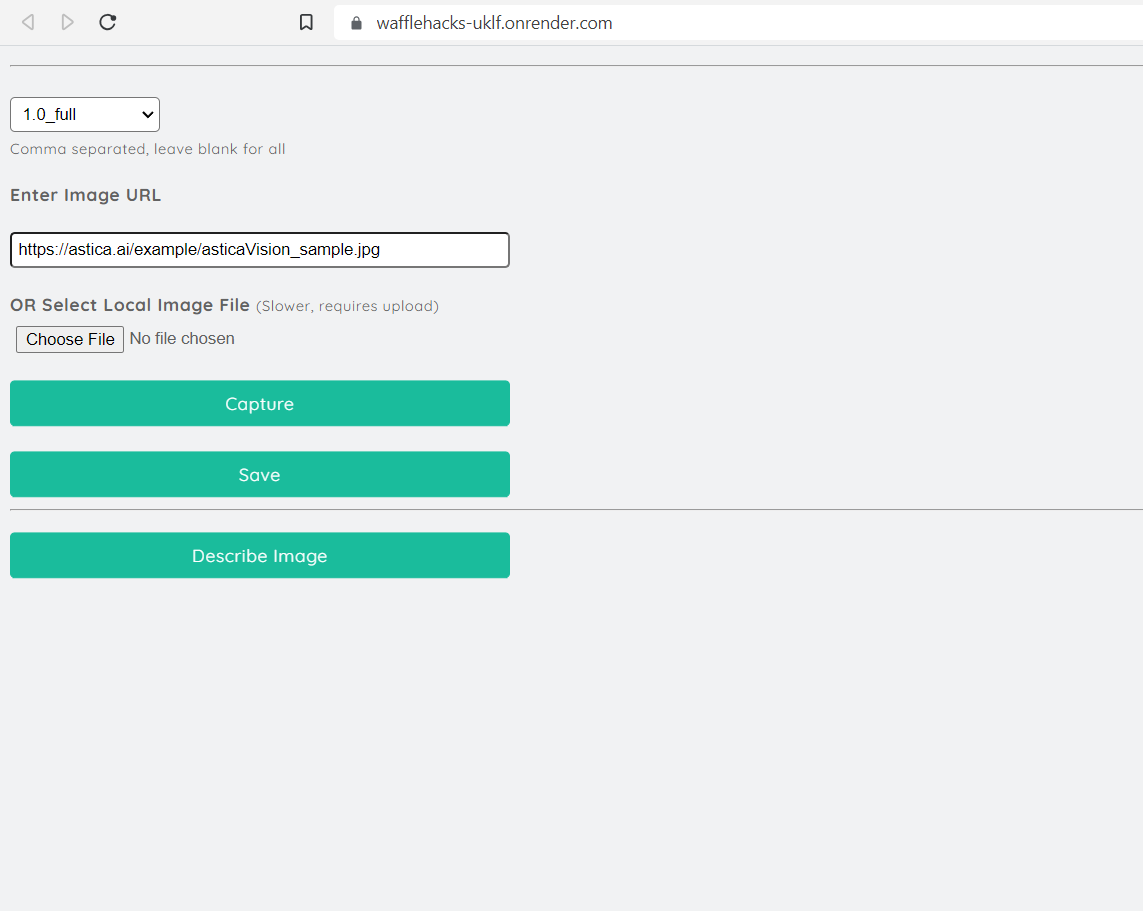
Our API built on Express.js offers users the flexibility to upload images from various sources, including their personal computer, a URL, or even directly from their camera. Regardless of the image's origin, our system ensures a seamless experience for the user.
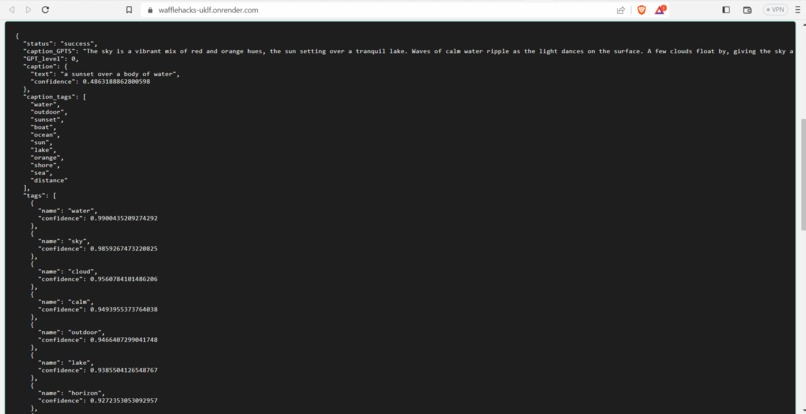
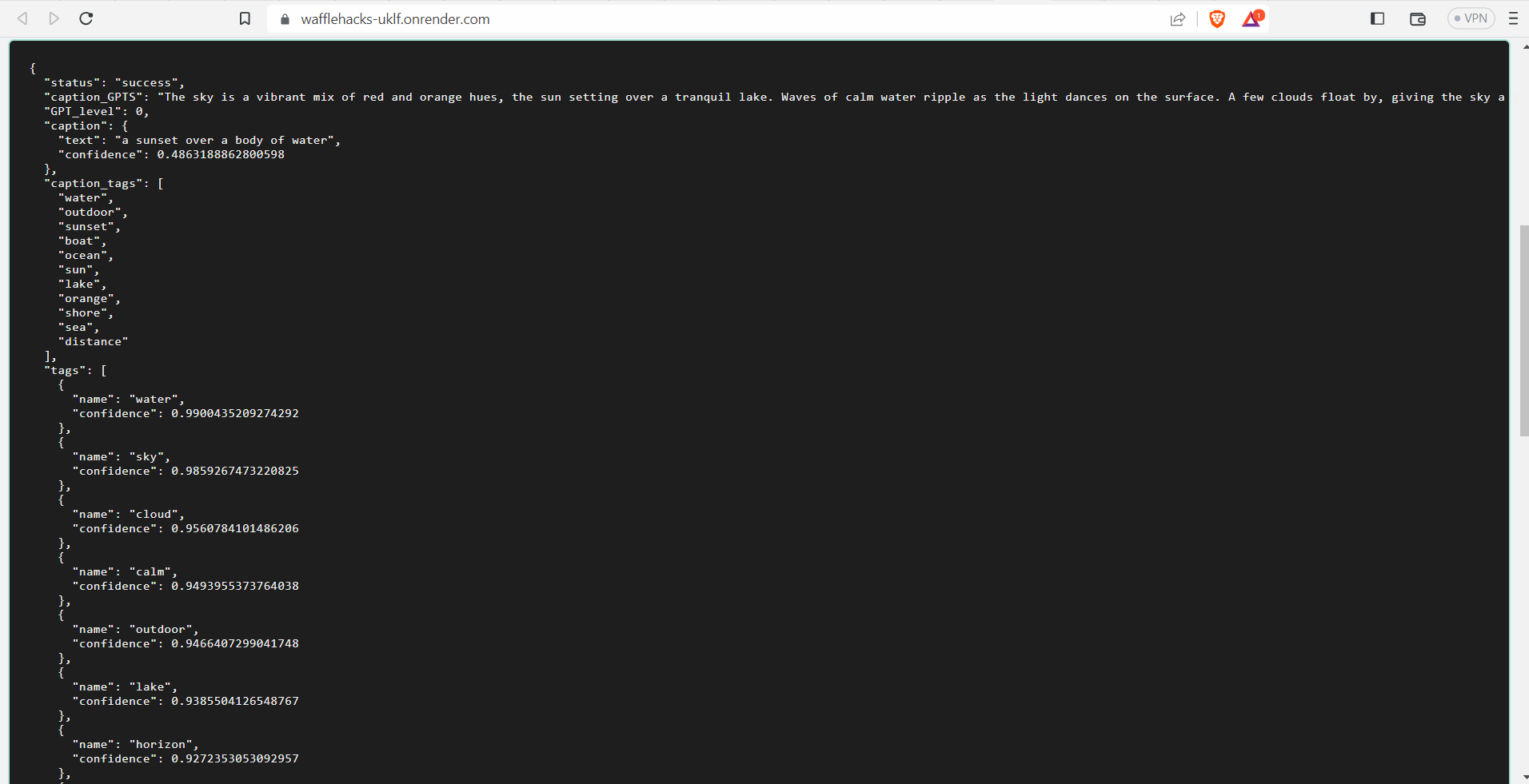
Once the image is obtained, our AI model kicks into action, to examine the visual content thoroughly. By analyzing the image's attributes, objects, scenes, and colors, the model generates a comprehensive and accurate description of what the image represents.
How we built it
We first built our project in Figma and worked collaboratively in Figjam to ideate possible solutions, competition, and develop user personas. From there, we designed sketches and eliminated certain features through low fidelity, mid fidelity, and high fidelity drafts.
To build a scenario description based on AI and incorporate it with Express.js, we utilized the power of AI models, such as computer vision algorithms, to analyze and understand images. Through the integration of third-party configuration, we were able to develop our own API that enables users to upload an image and receive a comprehensive description of its contents.
The process begins with the user uploading an image through our API endpoint. The Express.js framework handles the incoming request and passes the image to the AI model for analysis. Leveraging advanced computer vision techniques, the AI model processes the image and extracts relevant features and patterns.
Challenges we ran into
We initially struggled with our app concept, and how many features we wanted. Once we weighed the strengths and weaknesses, and took a step back to reflect on our app as a whole, we were able to minimize or cut certain elements. It was also challenging trying to build an accessible app, as our team do not have any disabilities. We conducted lots of research on how visual impairments affect color, for example. We also focused on making sure there were descriptions to aid color and icons, as well making buttons larger and more prominent.
Built With
- ai
- api
- ejs
- express.js
- figma


Log in or sign up for Devpost to join the conversation.