Inspiration
The Paradox of Choice, a theory proposed by Barry Schwartz, a researcher, argues that more is less. The theory says that having too much choice is overwhelming and limit's one's freedom. Having this in mind, our team thought to apply this theory to the process of planning a road trip.
What it does
On your first login, RoadTrips.ml will have you select your interests and how much you like them. Then you can plan a road trip with a start and end location and also provide how many stops you want to have. Then RoadTrips.ml will algorithmically provide a trip for you with stops at locations tailored to your interests. Using your data profile, RoadTrips.ml will also recommend activities you should try out with the help of our custom trained ML model!
How we built it

Frontend
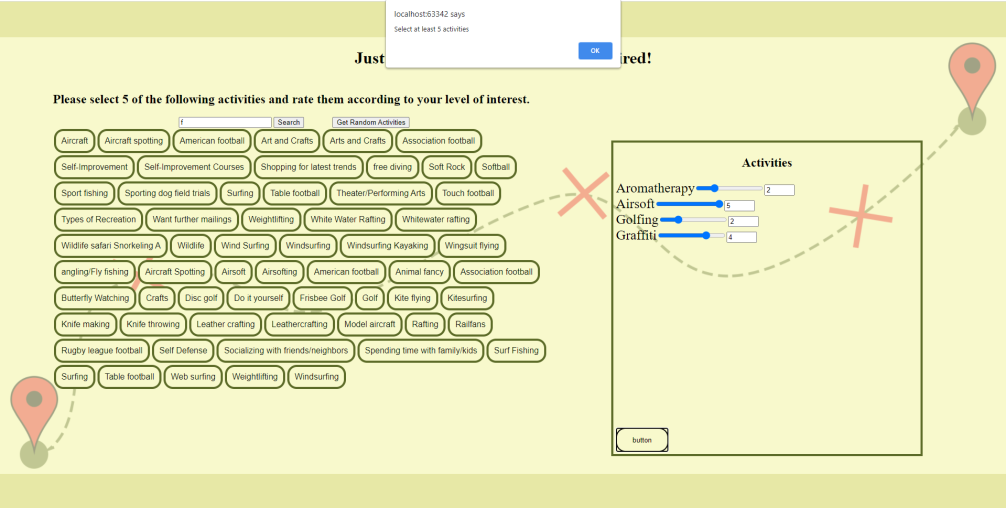
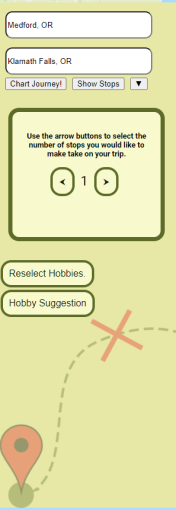
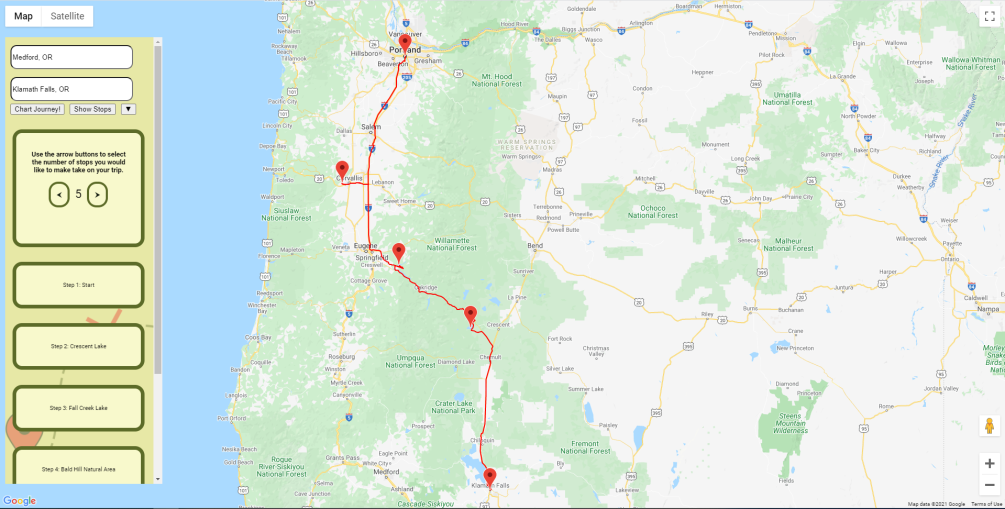
First, we designed the UI, we did this by creating a specification list for each page that contained the functionality of desired on each page. Using our lists, we then created an image mockup of what we thought each page should look like and then tested out our mockups with different colour schemes. After creating the mockups we decided it would be best to use HTML and javascript for the UI. We decided to create all the layouts first then implement the functionality for each page. These pages were the main page, the login page, the sign-in page, the hobbies page, and the map page. The functionality for the main page was just redirection to the login and signup pages. For the login and signup pages, we had to interface with our backend we did this using Heroku and javascript. For the hobbies page, we began by allowing users to select each hobby they wanted to rate and put them into a list. Then we allowed them to rate each hobby using a range of 1-5. After that, we worked on allowing the user to search for specific hobbies so you would not have to scroll through a long list of around 850 activities. We also added a function to give the user a list of random hobbies. we spruced up the UI for the hobby selection and then moved onto our map to chart out the trip. we set up Google Maps API to work with our project. After getting the map API set up, we worked on designing our UI overlay that overlays on top of the map. The last part was getting both the front end and backend to interact as intended. We added functionality to all of the map UI where we used similar strategies to the login page to communicate with the backend. The map allows you to enter an origin and a destination as well as get suggestions for other hobbies you might enjoy. When we draw the path on the map we use a polyline to show the roads to take and markers to show each stop. Each stop can also be shown in steps on our overlay.
Backend
Backend Generating Routes
We first started the development of our project by creating a function in Python that would allow for us to get a location that we think users would like to stop at at a given point on the map using Google's Places API. Since the API call returns multiple locations, we needed a way of determining the location that best fits what the user is interested in. For this, we created a basic score calculator that accounts for the price of the location, the rating of the location, and the amount that they are interested in for that type of location. Once we completed our algorithm for determining the best location for the user we needed a way to generate a route between our origin location and our destination. Along this route, we also needed to determine at what points we would need to generate a new location for the user to visit given the number of stops they wanted to make on the trip. To do this we used Google Maps' Directions API to generate a route and using the returned JSON file we could then get a polyline of the route. Using this polyline we could then find locations at a given interval to stop at for the user. Once these new locations were found we had to regenerate the original route to now include the locations that the user would stop at. We split these steps up into three functions. The first function is responsible for generating the original route with no stopping locations included. The second function generates the new route with the stopping locations spliced into the route, and the third function is used to calculate the distance between two coordinates of a poly point so that we are able to determine when we need to generate a new location to stop at. Our second function is responsible for calling the first function and then generating the final route based on the initial route. Our final route is returned in JSON format with all of the coordinates required to make a polyline as well as where each stopping location is with the name of each stopping location.
CockroachDB
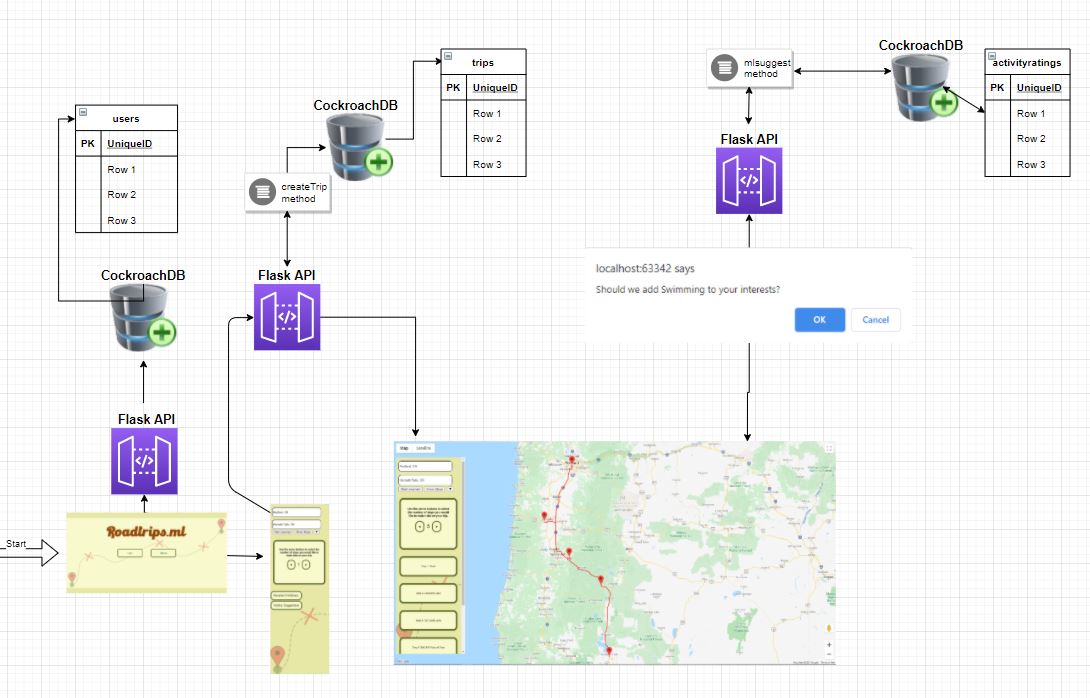
We utilized the Cockroach Cloud to store all of our data for this application. Because of the nature of a machine learning project, it was important for us to split our data up to ensure organization between tables. Our data was stored in the following tables:
Users - Storing username, hashed/salted password, and unique userID for the thousand users that were created for our data model Interests- A table to store the various interests a user can have Activityratings - A table to store what a user rated each activity to aid in learning Locations- Storing data on individual locations from the Google API Trips- Storing data on individual trips from the Google API
We utilized the Windows Cockroach CLI to interact with the Cockroach Cloud on a local machine. We then ran queries using Python Flask to communicate with the database remotely.
We utilized a Python Flask middleman hosted on Heroku to communicate between our CockroachCloud database and the client via HTTP methods. POST and GET methods were utilized to create and read data from the database. One notable method includes our hashing/salting of a user's password to ensure password security. Heroku also provided us with a free HTTPS certificate, so passwords are not sent over HTTP. Another notable method includes our createTrip method which queries the Google Places API alongside the Google Directions API to create a road trip based on a user's preferred preference. These preferences can change the more the user uses the app, as a user can rate different activities. We pass the activities that a user is most likely to enjoy using our data model to provide a great road trip experience.
Machine Learning
Data
The first step in our ML section was ensuring we had enough user data to train on. To do this, we used a service called Mockaroo to generate simulated data on user ratings. This proof of concept shows that we can apply machine learning techniques with more user data.
ML method
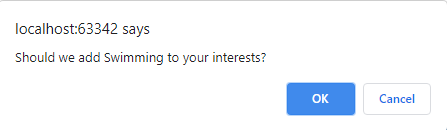
Our ML method follows a technique called model-based collaborative filtering. This essentially means that we train an ML model on all the user data profiles in our CockroachDB and when a new user signs up and rates certain activities/hobbies they like, we can use their data profile to suggest new interests that our model thinks they'll like. If they like the recommendations we make to them, that will be added to their data profile and used in the creation of their next trip.
Specifics of ML method
We used an ML model called Singular-Value Decomposition (SVD) from sk-learn's surprise framework. The first step we take is to reduce the dimensionality of the data frame (gotten from CockroachDB) into three columns: userid, activityid, rating. Leaving us with about 20,000 rows of user rating action. We then divide this data frame into an 80/20 train/test split, initialize our SVD model, fit the model to our trainset and test the model on the test split. The metric we used to evaluate our model is the Root Mean Squared Error (RMSE). It essentially tells us the +/- on average of the model's prediction. Our RMSE was ~1.4; this was expected because our data from Mackaroo is random and should in theory fit a bell curve. We believe that actual human data should have certain skews and patterns hence resulting in a lower RMSE. Now we simply call our ML model within the Flask API anytime we want to recommend a new activity/hobby for a user.
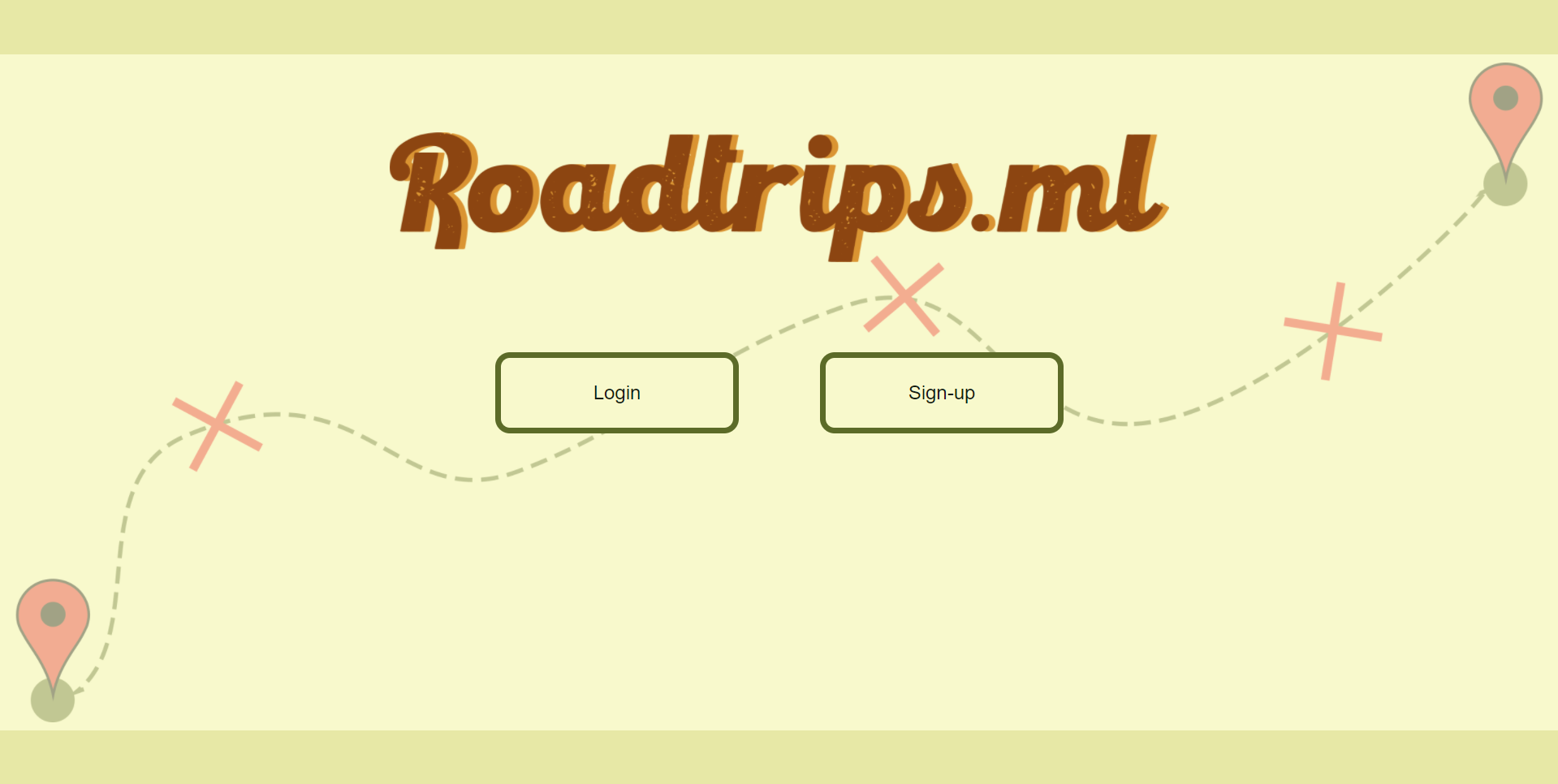
 Landing Page
 Sign Up Page
 Failure To Sign Up
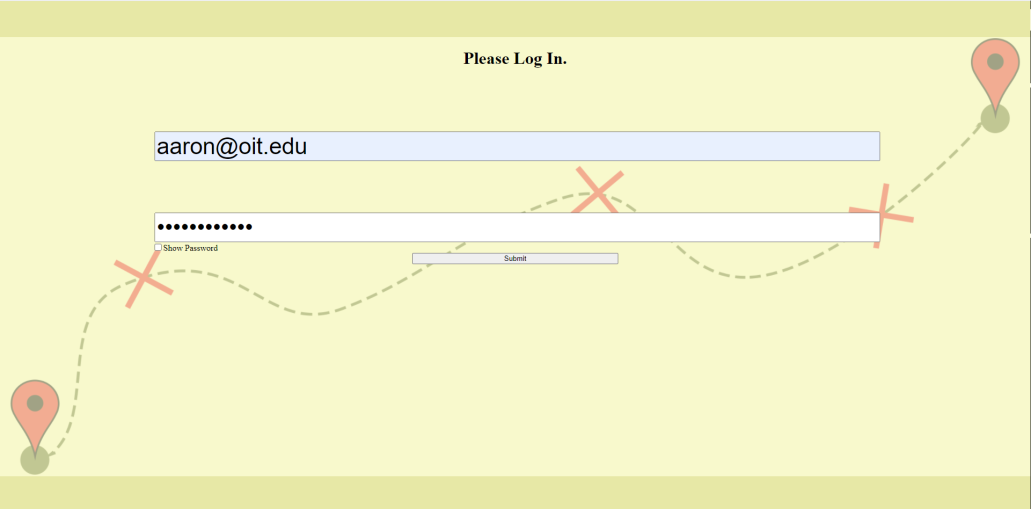
 Log In Page
 Failed to Log In
 Login Page Password Hidden
 Hobby Select Page
 Hobby Select Not Enough Hobbies
 Search For Hobby
 Machine Learning Suggesting A Hobby
 Final Map Screen
Challenges we ran into
Figuring out how to get data for our ML model. API calls from Javascript.
Accomplishments that we're proud of
Getting API's to communicate with the product!
What we learned
A whole lot!
Setting up a CockroachDB, populating and fetching data from it. API implementation in flask and calls from Python and Javascript. Cool CSS features.
....
What's next for RoadTrips.ml
A feature we started working on but couldn't implement in time is user-based trip recommendation where we use an ML clustering technique called KMeans clustering to group/cluster users and have direct recommendations.
We would also like to add features that help users know the right hotels to stay in and good food to get all tailored to their interests (data profile).
We will also explore suggesting things to buy and pack depending on the type of trip they are taking.
Lastly, we see Roadtrips.ml as a place where you can take road trips with other (verified) users on the platform that our ML model thinks would be a good travel buddy!
Built With
- cockroachdb
- css
- flask
- google-maps
- heroku
- html
- javascript
- python
- scikit-learn
- surprise

Log in or sign up for Devpost to join the conversation.