
Inspiration
We wanted to create a way that made donating to charities fun and interactive, which was our inspiration for creating RippleEffect. Oftentimes, when people buy items either online or in person, they're quick to refuse paying their extra cents to charitable efforts, and we hope that by gameifying the process, consumers will be more willing to round their change up and willingly donate to charities.
What it does
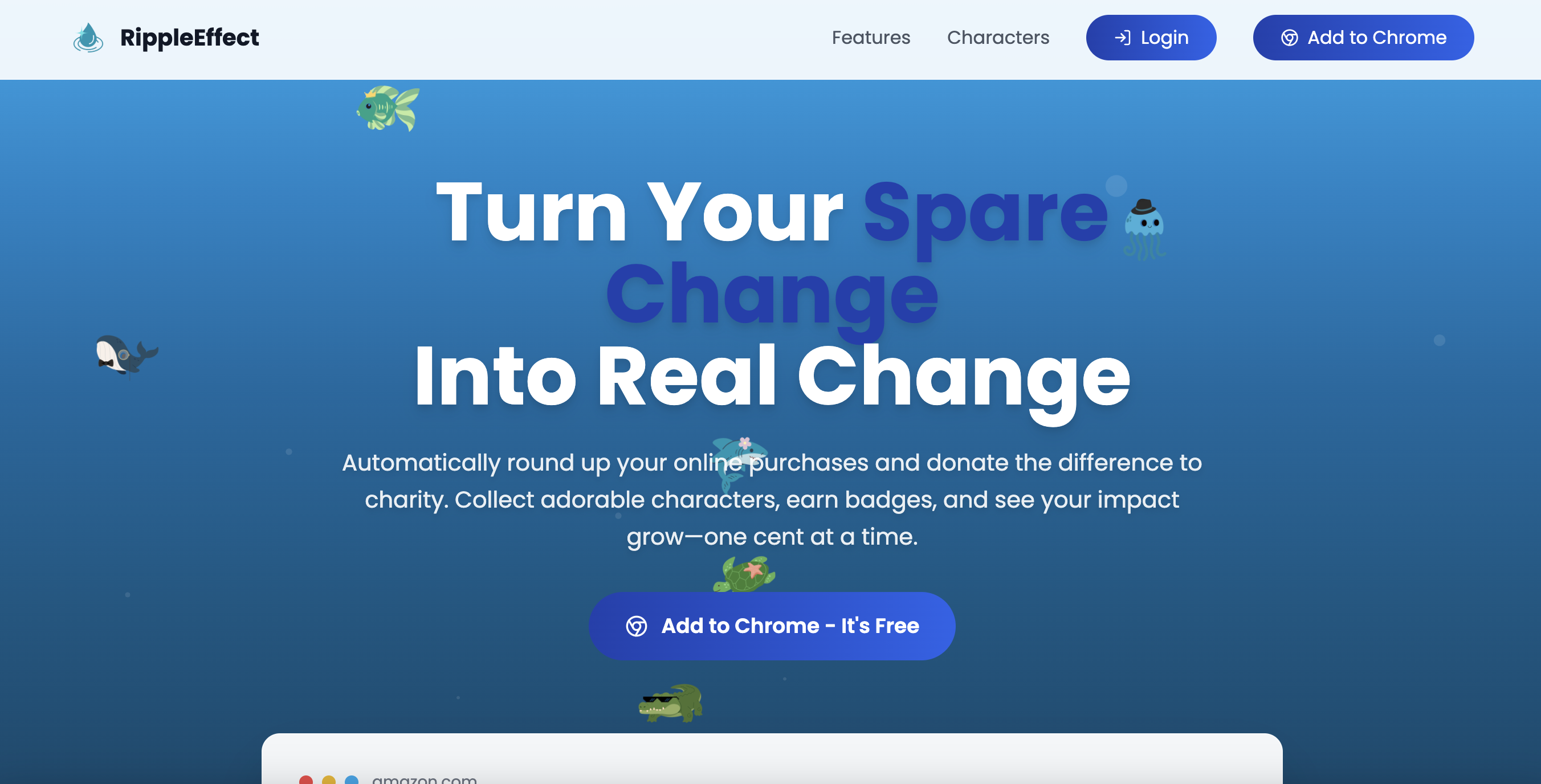
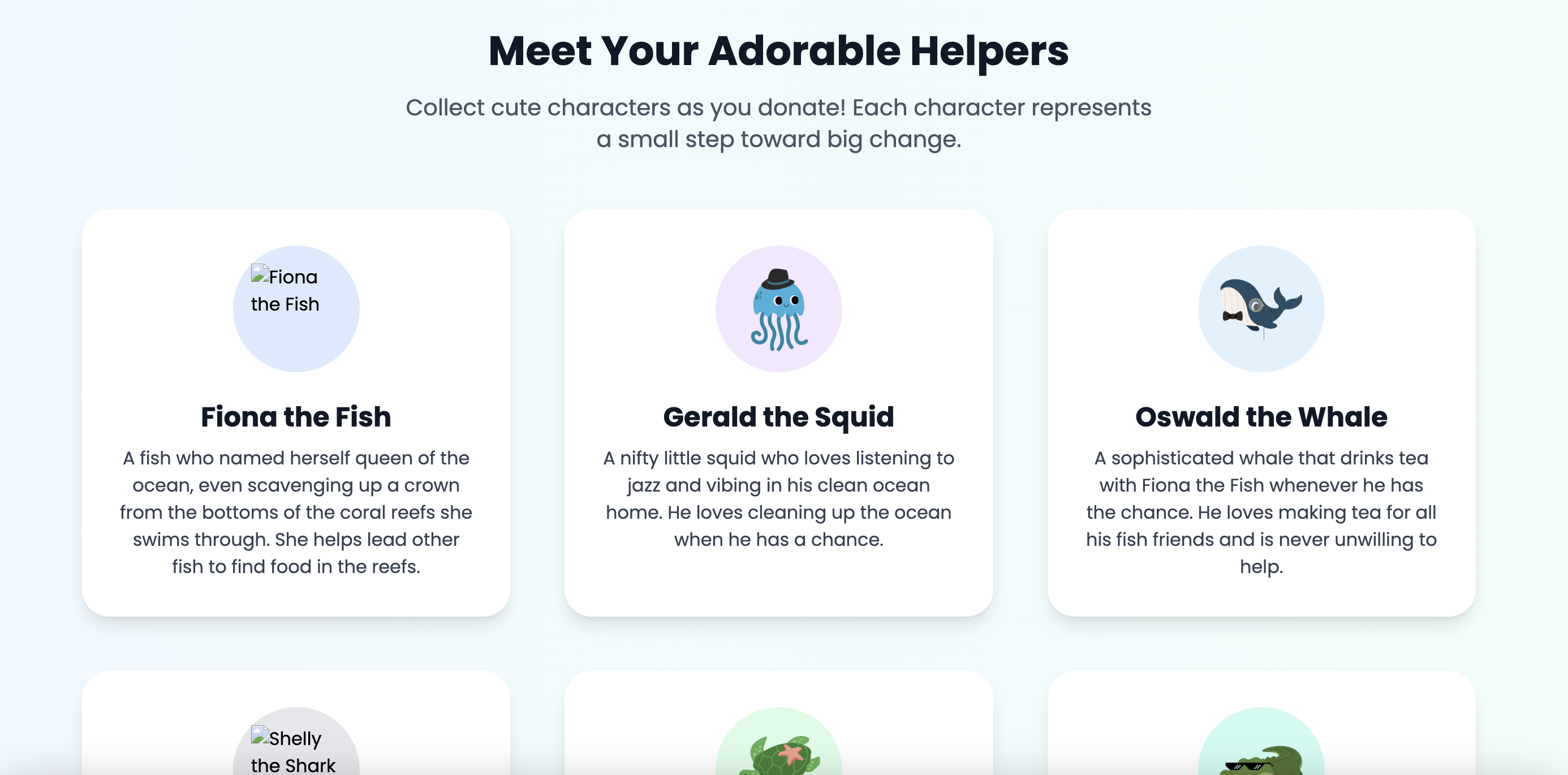
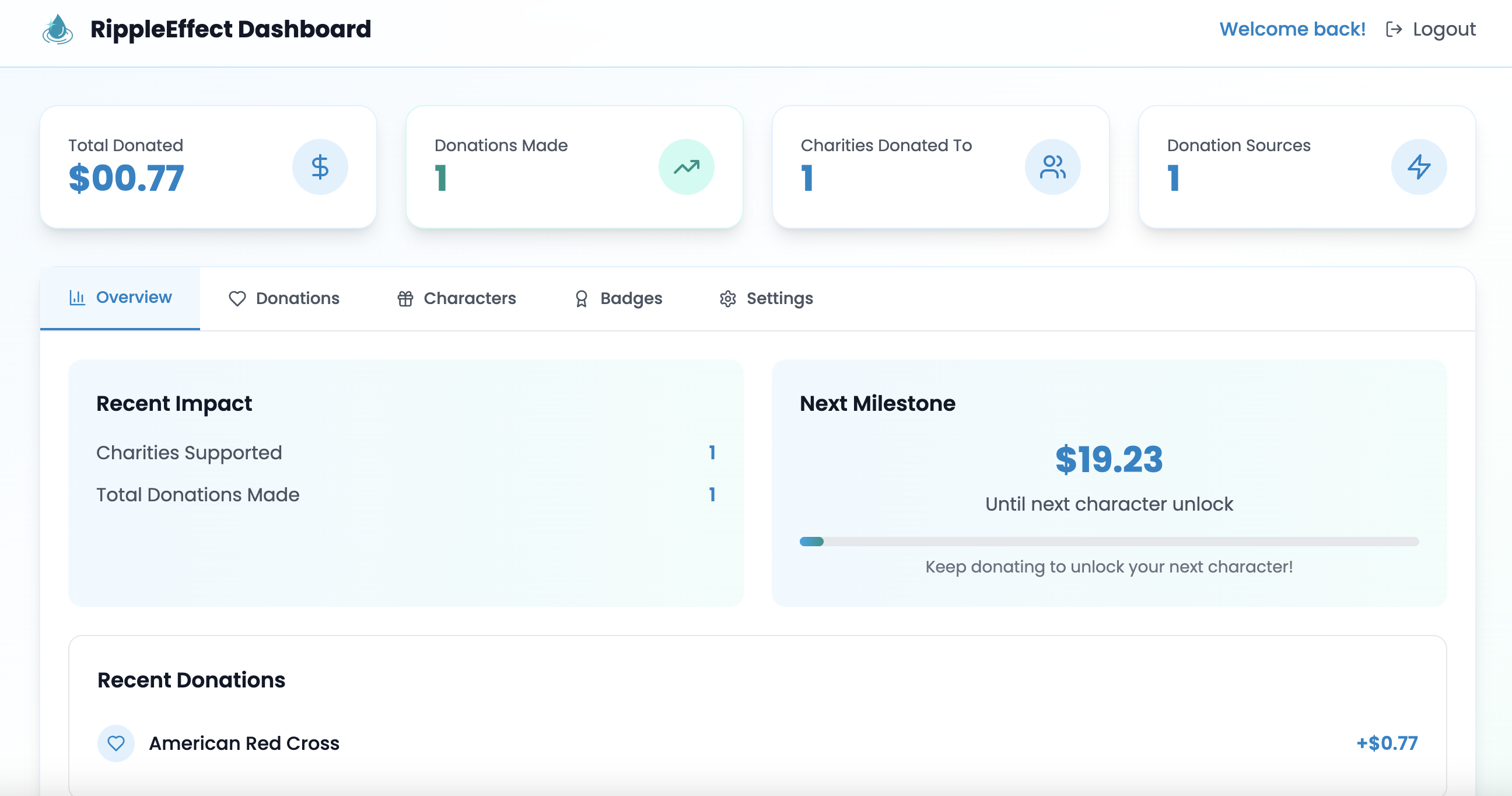
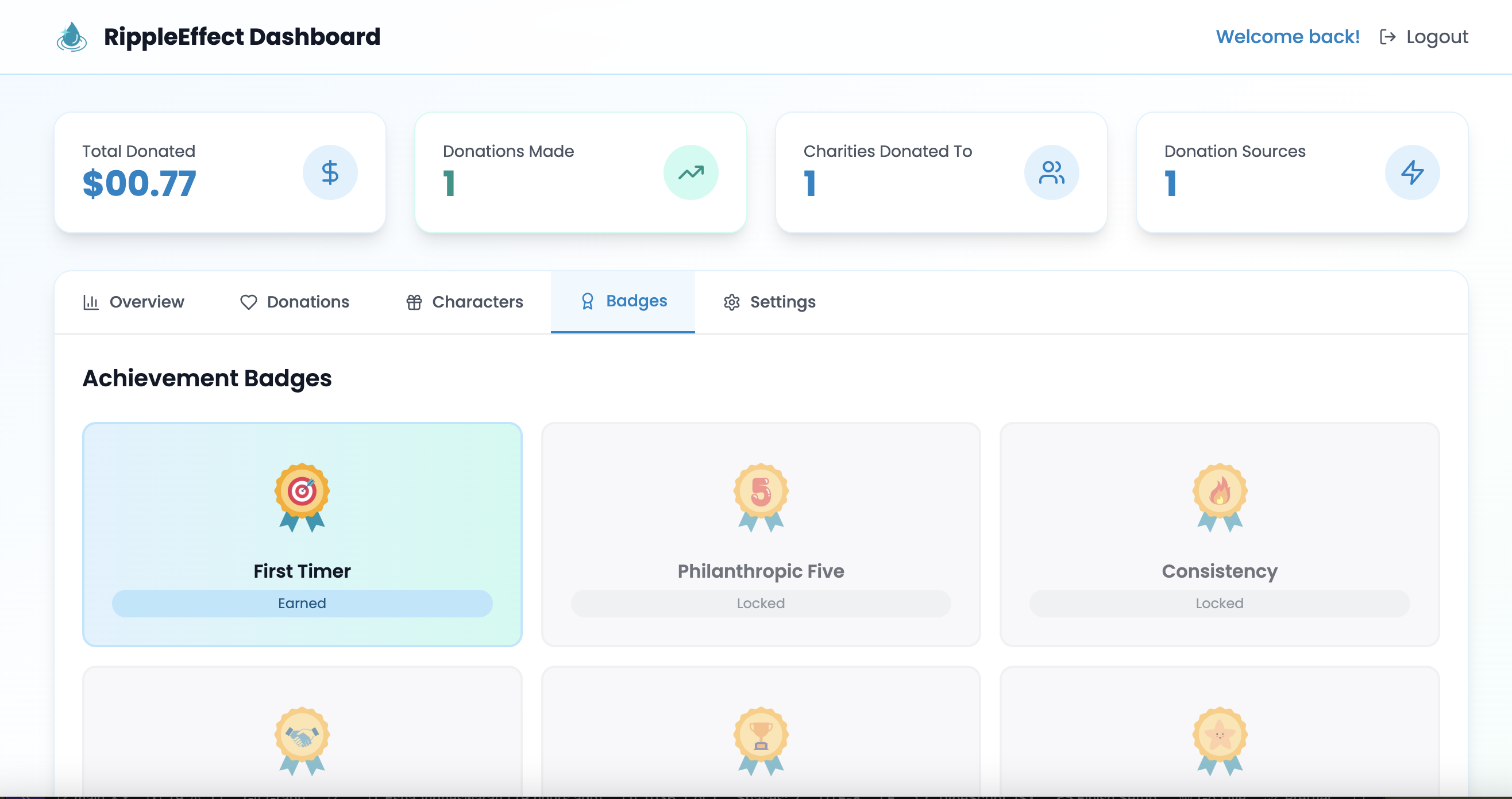
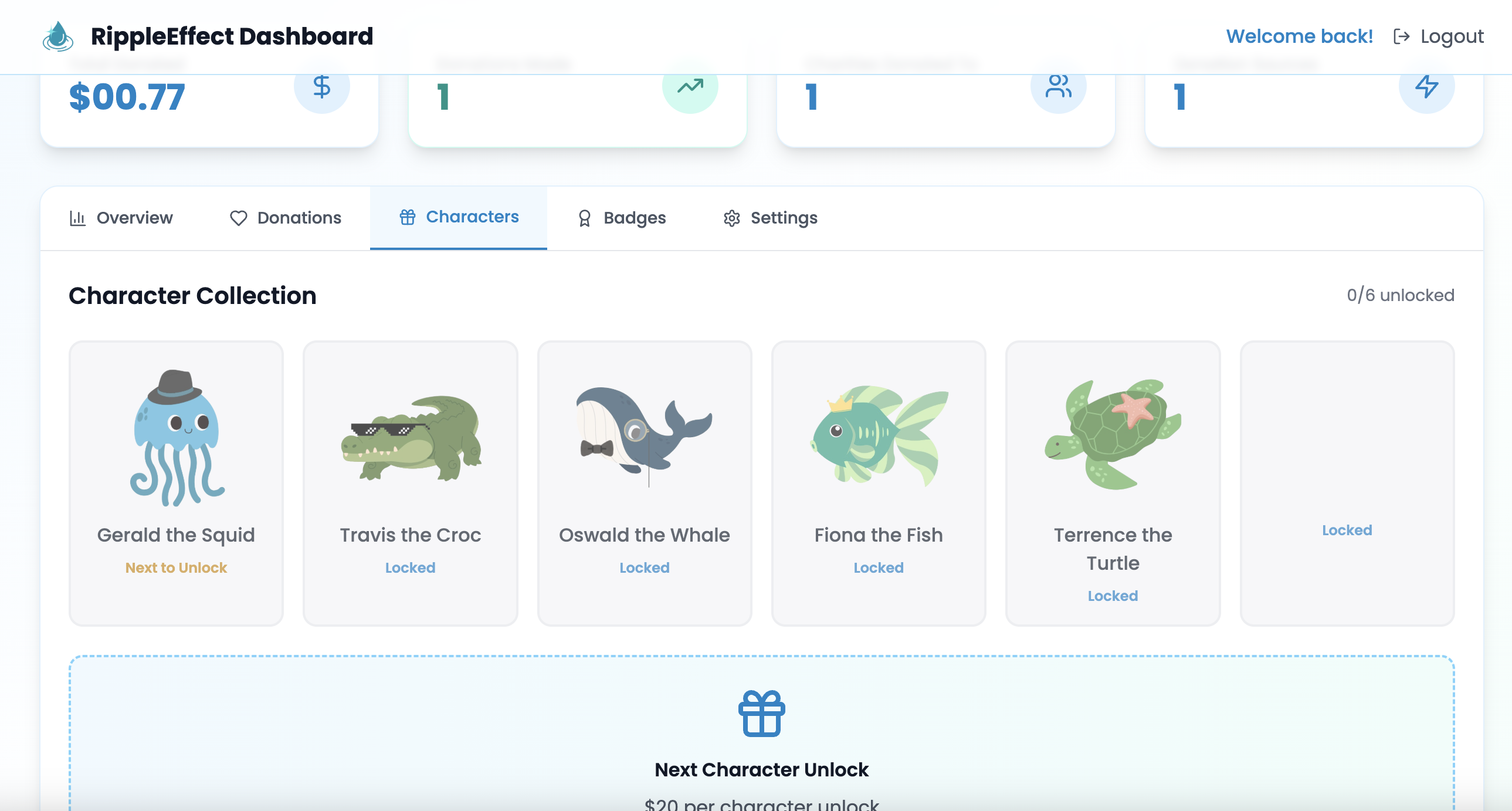
RippleEffect is a browser extension that accompanies the user to check out and allows them the chance to round up their change and donate to a charity of their choice. After reaching the landing page for the extension, the user will then be prompted to sign into their account and can access their dashboard to see how many charities they've donated to, how much they have donated in total, badges they've earned, characters they've unlocked, and more!
How we built it
In order to get the extension functioning, we had to create two separate repos, one for the landing page and dashboard, and one for the extension itself. The extension was built using React, Firebase, and Web Scraping. The implementation of getting the extension to process payments was handled by the Stripe API, which allowed us to connect both the repos along with the Firebase data. For our landing page and dashboard, we used React, Vite, TailwindCSS, and TypeScript for the front-end, which included functionality and styling, and then used Firebase to handle managing multiple users and data types. Along with this, the Gemini API was heavily used to filter our data, including making sure legitimate nonprofit names were used and finding nearby nonprofits based on user location. Additionally, Canva was used to make several of the icons seen throughout the project.
Challenges we ran into
The biggest challenge we ran into was using the Stripe API to finally connect our extension to the website itself. None of us has ever built a Chrome extension, and it was a fun and exciting challenge that we wanted to see through. It took several hours of us going through documentation and watching YouTube videos to finally understand it, and we were finally able to get it working with a few hiccups along the way. Another issue we ran into was issues with our Gemini API key, as it seemed to be going online and offline, but we finally were able to fix it after adjusting some issues in Google AI Studio. Getting Firebase to properly store data was also a hassle, as it was a few of our members' first times learning the software, and we were learning it as we went along.
Accomplishments that we're proud of
We are proud of the UI of our landing page, as we all believe it was one of the most aesthetically pleasing websites we've ever made. We are also proud of the final Chrome extension we made, even though it is fairly rudimentary, it is something that is a testament to the grueling hours of work we put into learning the Stripe API. Our dashboard is also something we are proud of, as it is one of the more complex pages we have ever made, especially with the Firebase backend fetching for every user.
What we learned
We learned about how to manage both frontend and backend, especially since most of our members had only been comfortable working in frontend. We also learned how to make a functioning Chrome extension, something no one on our team has done before. This also entailed us learning about the Stripe API, a tool we will be sure to use in future projects.
What's next for RippleEffect
We plan on cleaning up the dashboard to properly display all the characters and make sure all the badge data is displayed correctly. We are looking into adding a 3D Map to the dashboard to allow users to see where their donations are helping out based on where nonprofits are stationed. We hope to be able to deploy both the Chrome extension and website in the near future and get users hooked on donating to charity.
Built With
- chromeextension
- css
- firebase
- geminiapi
- html
- javascript
- react
- stripeapi
- tailwind
- typescript
- vite
- webscraping


Log in or sign up for Devpost to join the conversation.