-
-
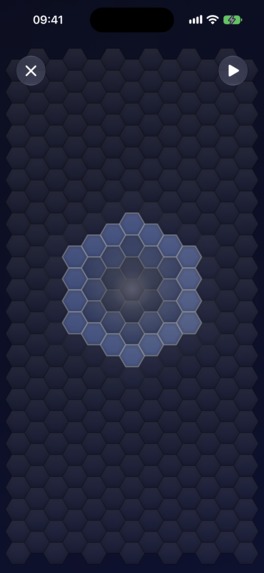
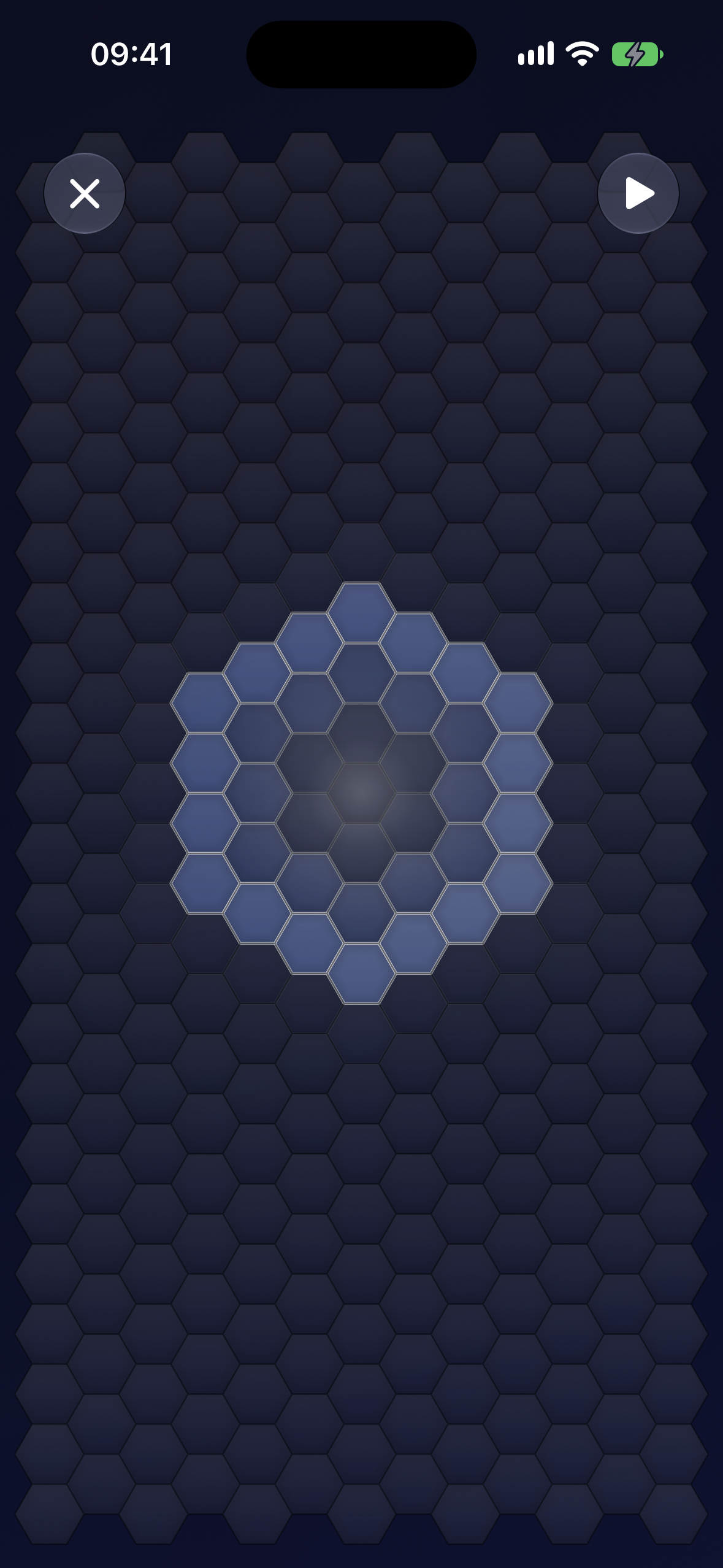
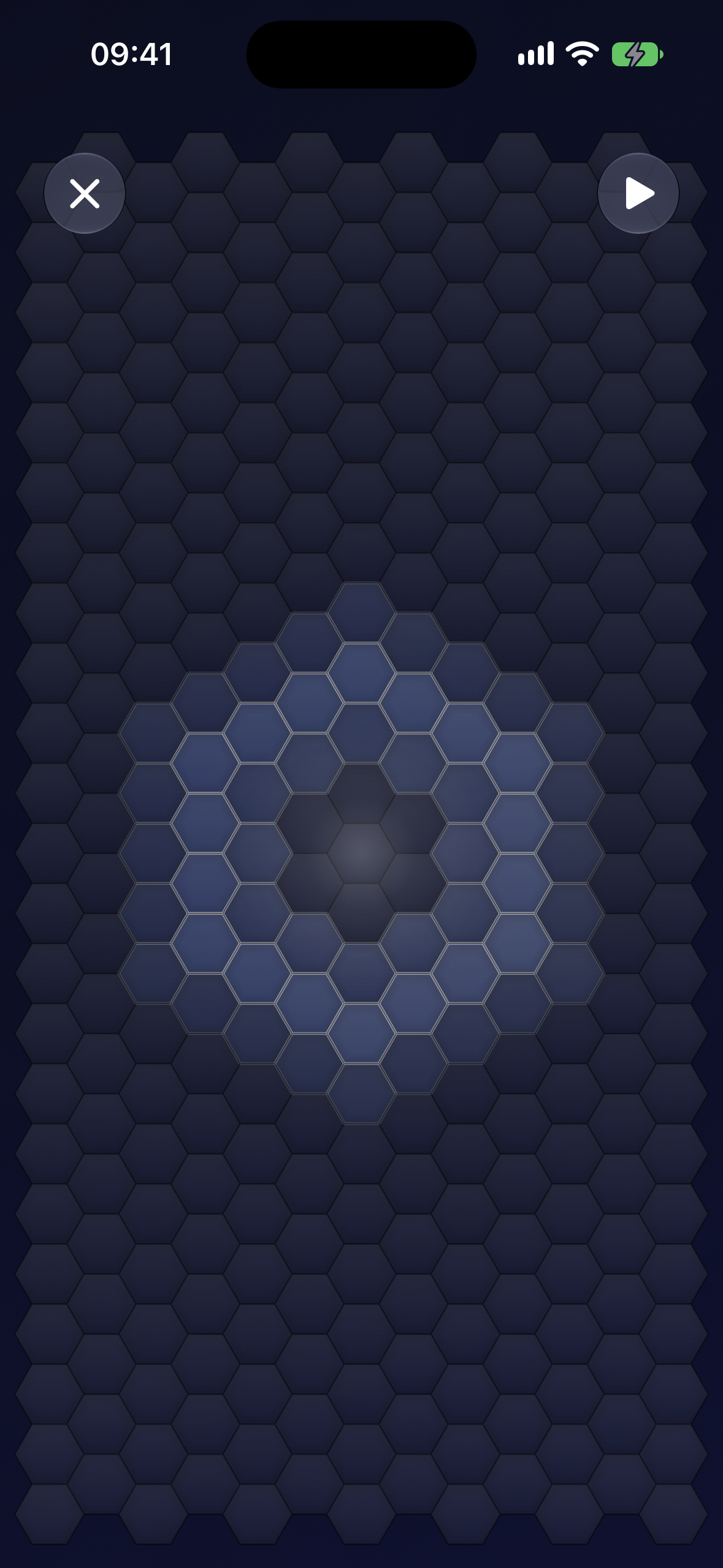
Bloom: Soft light, unhurried. Tap anywhere and the wave spreads outward through the grid, fading as it reaches the edge.
-
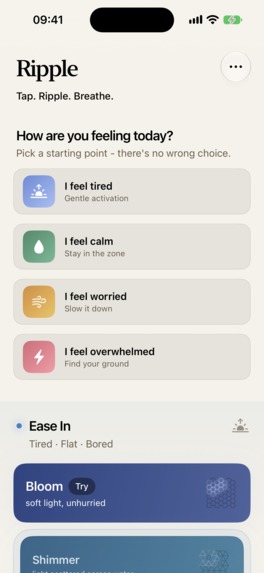
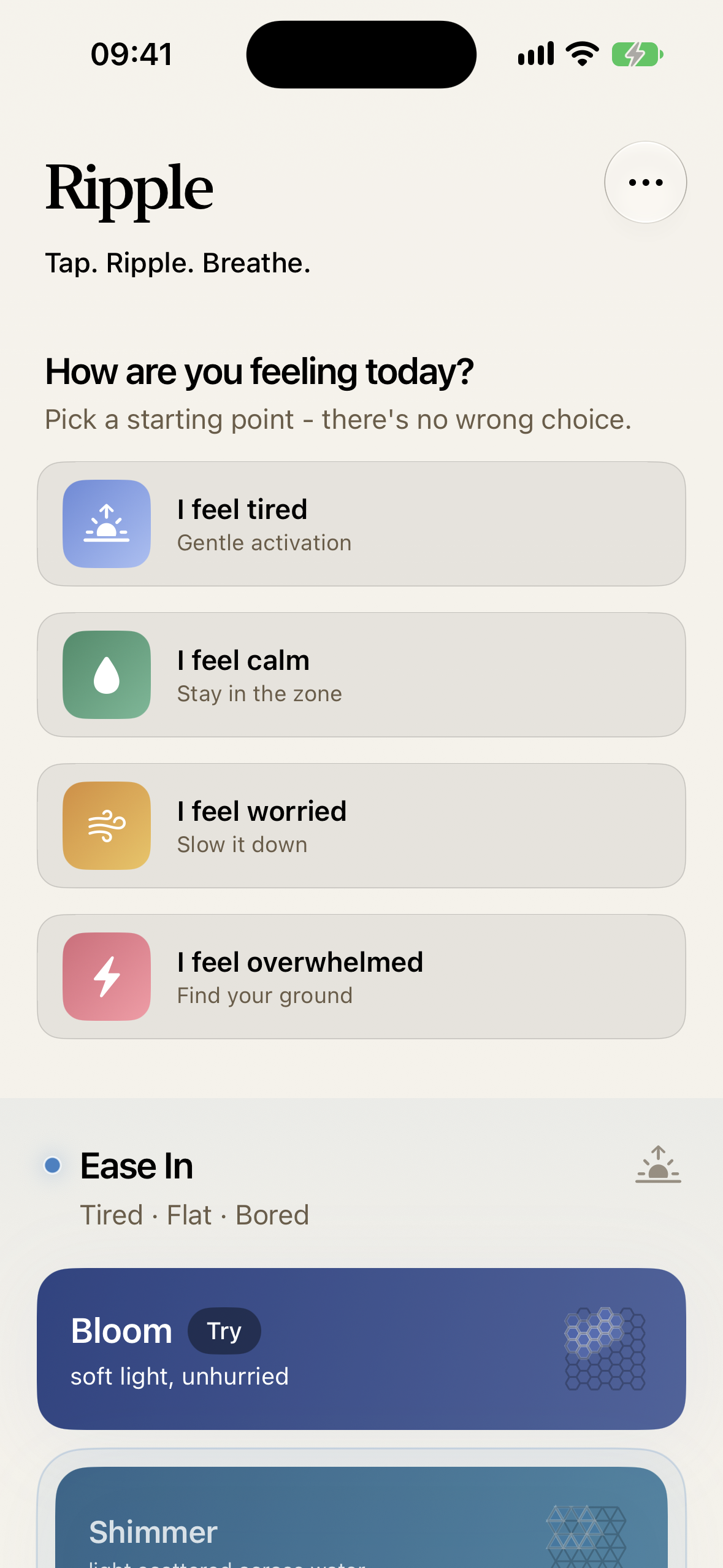
Home: How are you feeling today? Four Quick Starts for when choosing is itself too much, and twelve surfaces underneath.
-
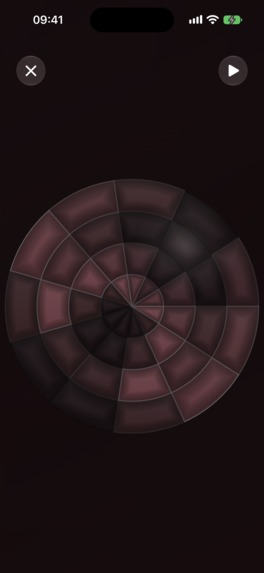
Still: Slow water, no edges. The calmest surface in the app, for moments of real overwhelm.
-
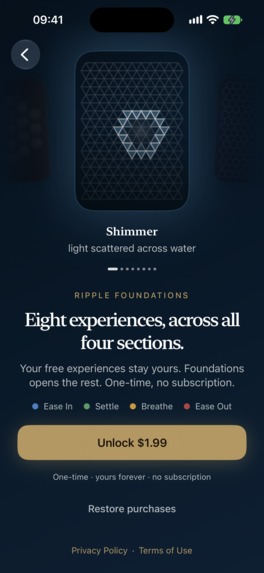
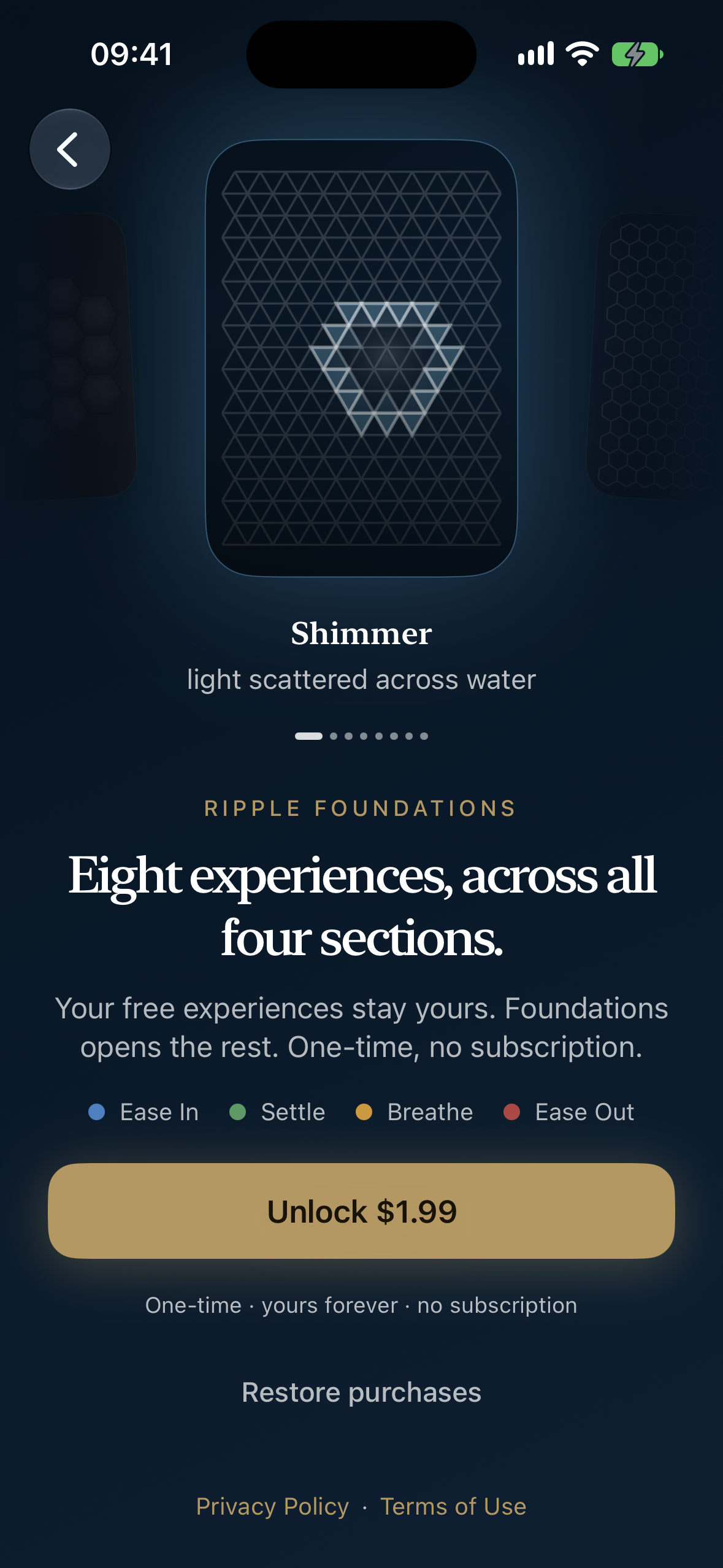
Paywall: Your free experiences stay yours. Foundations opens the rest. One-time, no subscription.
-
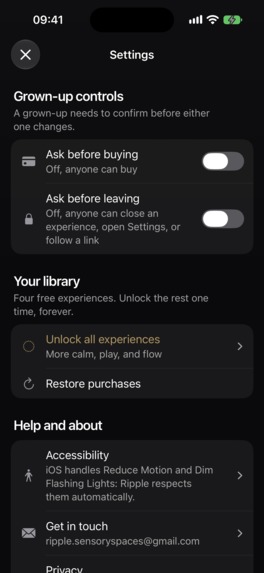
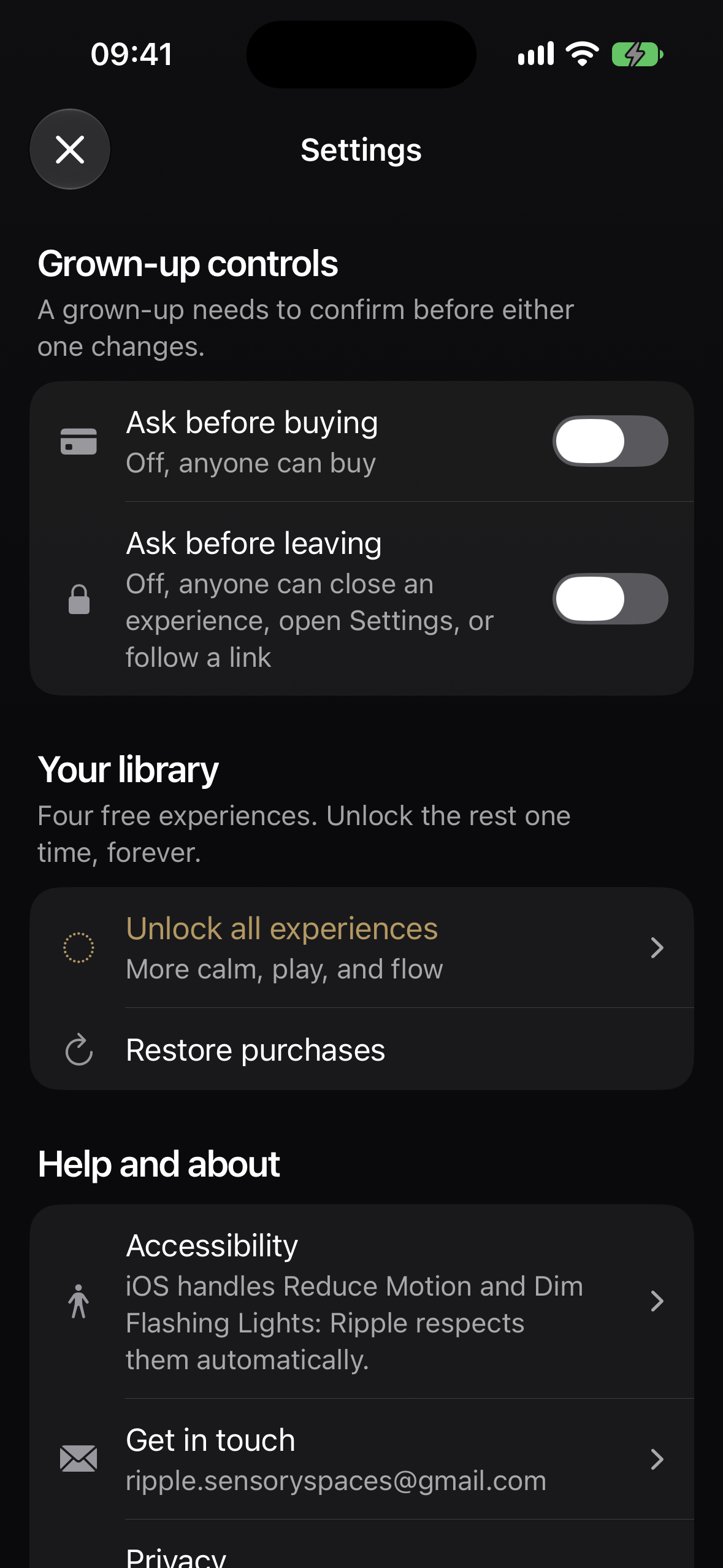
Settings: A grown-up can be asked to confirm before anything is bought, or before anyone leaves an experience.
-
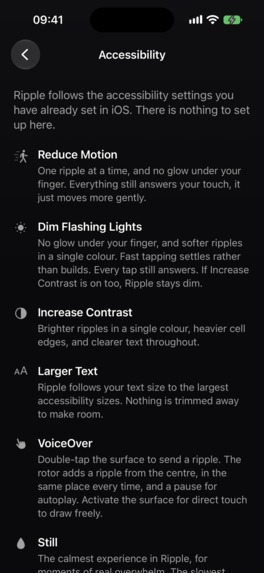
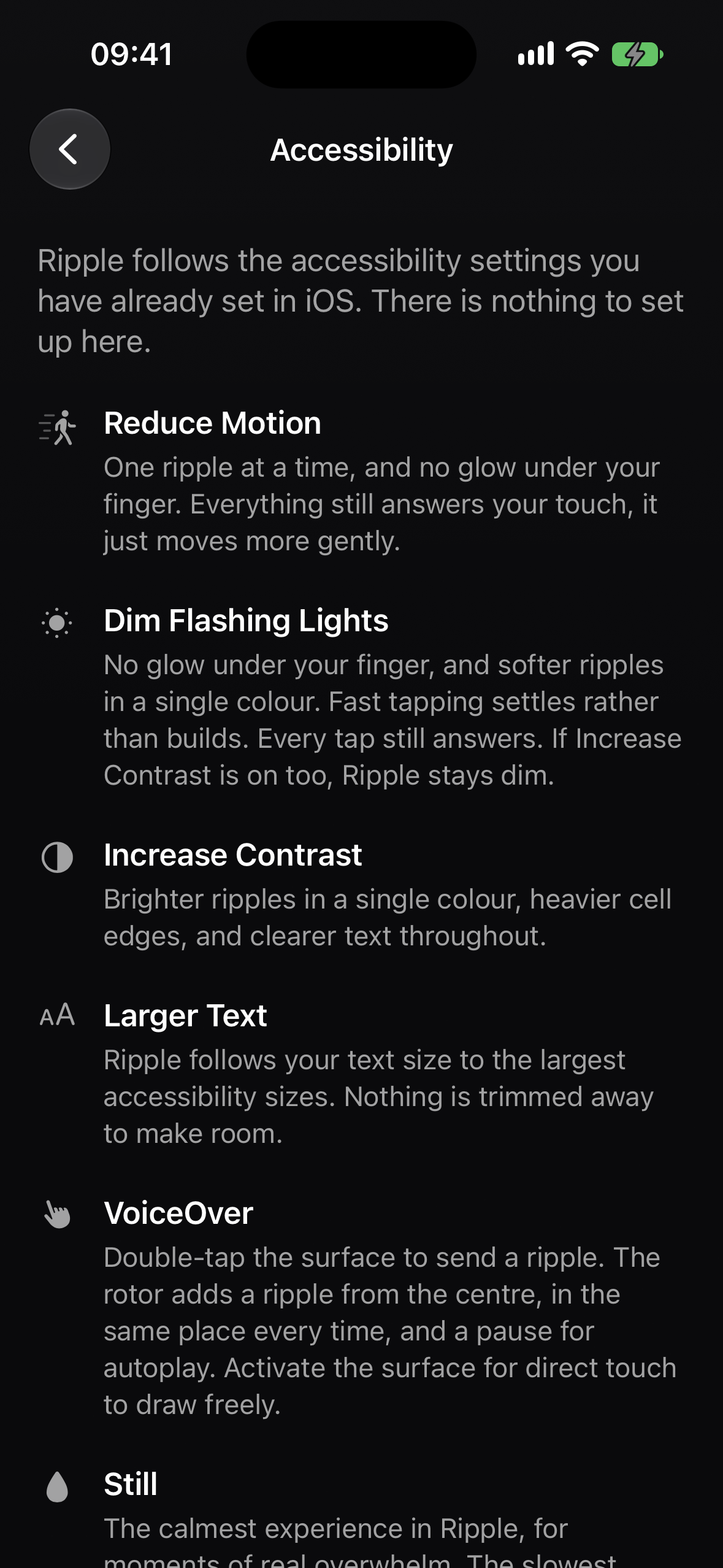
Accessibility: Ripple follows the accessibility settings you have already set in iOS. There is nothing to set up here.
-
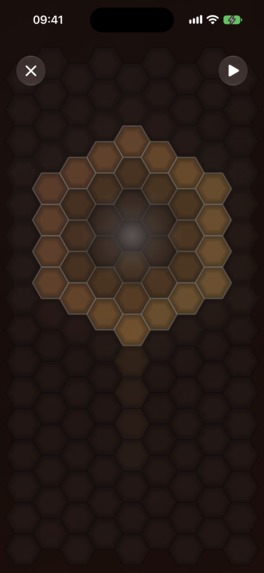
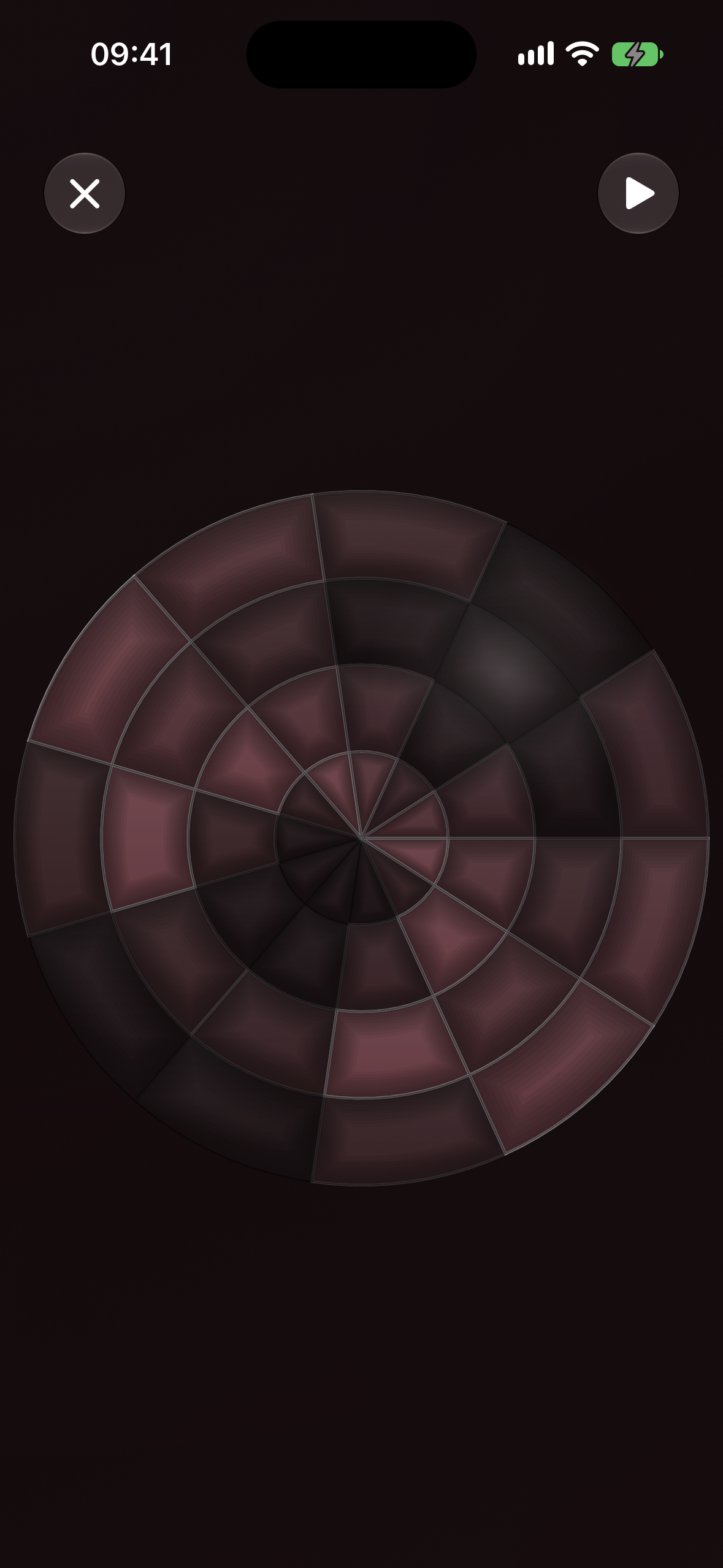
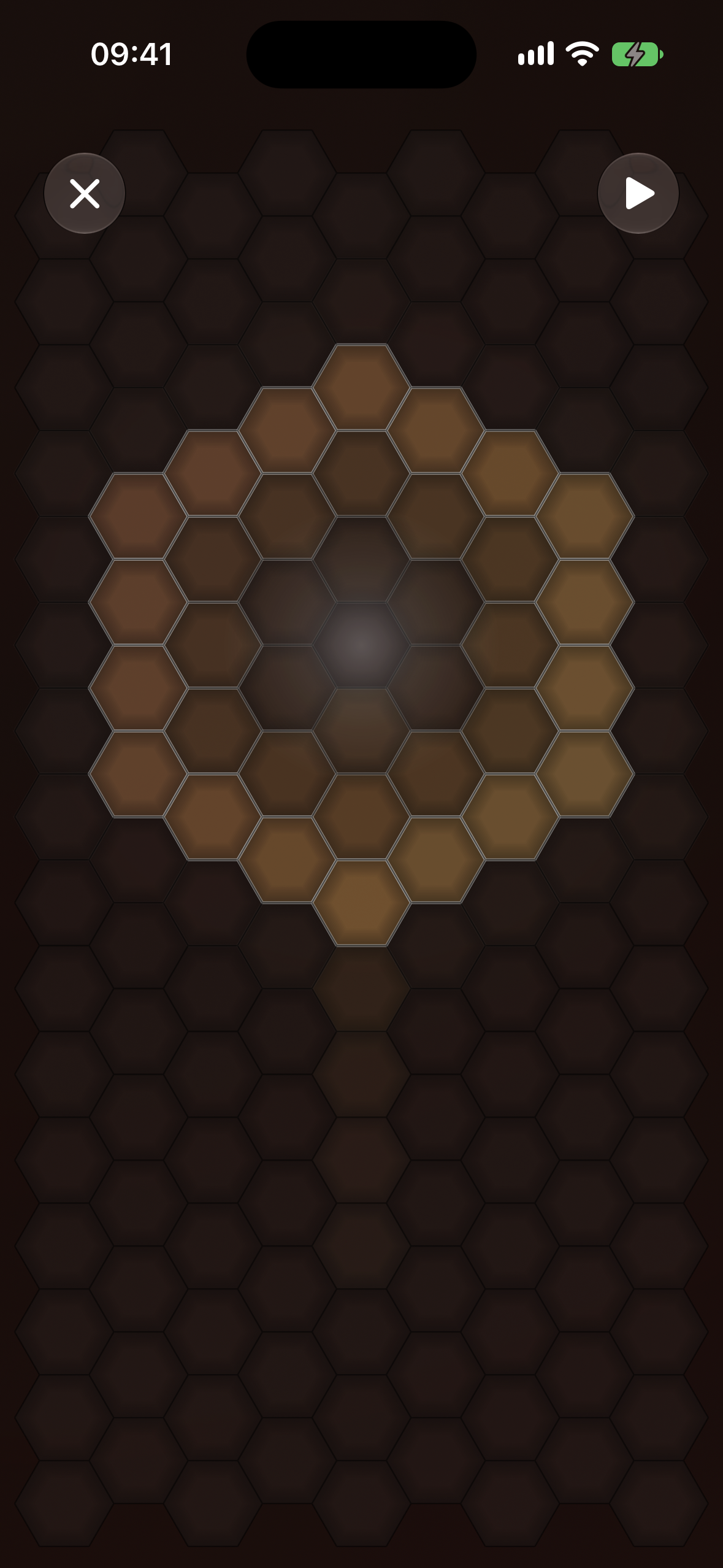
Blush: warmth without edges. Evenly timed ripples with long pauses, for when things are ramping up.
-
App Icon - 1024x1024
-
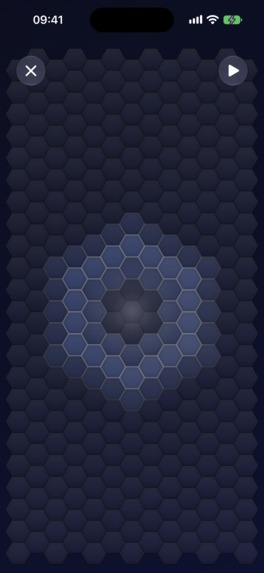
1179 x 2556
Awards I'm entering
- RevenueCat Design Award
- RevenueCat Peace Prize
- HAMM Award
- Grand Prize
Inspiration
Ripple started as a simple question: what if a phone could feel calming instead of demanding? So it does one thing. No goals, no scores, no streaks, and no timer measuring how long you managed.
The design draws on published work about sensory regulation and restorative attention - that rhythmic, repetitive input through touch, movement and light supports regulation of the nervous system. What struck me was how that nearly always gets built. Touch effects are continuous: a shader or a particle field spreading smoothly across pixels, free-form and unbounded. I wanted to know what a constrained one would feel like - a wave that had to travel cell by cell through a fixed grid, the way a real ripple crosses a real surface.
That turned out to be the whole product. It prioritises people who benefit from sensory regulation, but the surface is open to anyone who wants to feel a little calmer, and it never labels who it is for.
What it does
Tap, and a wave spreads outward through a grid of cells - lighting each one as it passes, fading as it reaches the edge. That's the whole app. There's nothing to learn and nothing to set up.
Twelve surfaces, grouped by the state someone arrives in rather than by effect:
- Ease In - flat, foggy, under-responsive. Brighter colour, more movement, to invite engagement.
- Settle - regulated and staying there. Steady rhythm, moderate density.
- Breathe - arousal climbing. Predictable, evenly timed ripples.
- Ease Out - overwhelm or shutdown. Slowest ripples, longest pauses, lowest contrast.
Each has its own grid, pace and colours. Shimmer is light scattered across water. Meadow is light through long grass. Still is slow water with no edges - the calmest in the app, for moments of real overwhelm.
Four Quick Starts sit above all of it, for when choosing is itself too much. I feel tired. I feel overwhelmed. I feel calm. I feel worried. Pick a starting point - there's no wrong choice.
Silent, works offline, and a light haptic answers every ripple - so it holds up on a bus, in a classroom, or on a shared iPad in a sensory corner.
How I built it
The wave travels through a grid, not across the screen. A tap picks a cell and the ripple expands by graph distance, as a breadth-first search through that cell's neighbours. Speed is set in cells per second; the ring is measured in cells wide. There are no pixels in the model at all.
That's what makes the geometry mean something. The same ripple reads completely differently across hexagons, triangles and concentric rings, because the neighbour relationships underneath are different - topology becomes a design instrument rather than a texture.
- SwiftUI throughout, iOS 17 minimum. No game engine, no third-party rendering.
- GridEngine - my own Swift package. Five cell shapes: hex, square, offset-square, triangle, polar.
- Five SwiftUI
Canvaslayers per surface, each with one job. The animated ones only join the stack when something is actually rippling. - RevenueCat for the purchase - one entitlement,
ripple.foundations, gating a single one-time unlock rather than a subscription.
Built and maintained by one person, in the UK.
Challenges I ran into
Every surface felt the same. Ripple parameters - speed, autoplay delay, travel distance - started out global, so twelve experiences shared one underlying feel and no amount of recolouring fixed it. Moving every parameter onto the Experience itself meant each could be designed as a whole rather than skinned. Then came the real work: tuning twelve of them by hand inside very narrow bands. Shimmer is for boredom, which is under-arousal with an active quality, so it gets the most directionally interesting geometry, the richest cell count and the highest jitter - if the pattern becomes predictable, a bored mind drifts. Still is the opposite in every single parameter. Getting all twelve to sit right took considerably longer than building the engine that draws them.
Naming them. The name is the only thing a person has to choose from before they have felt the surface, so it has to carry how the thing moves rather than what colour it is. Palettes and experiences started out sharing one label, which meant the colour always won. Splitting them into two was the fix: Still is the experience, Mulberry is the palette underneath it, and only one of those is a choice anyone has to make. Some names then landed as behaviour, which is what I was after - Still, Drift, Flow, Hush. Others stayed as an image, because the picture carried the feeling better than any verb could: Shore, Ember, Grove.
Keeping a few hundred cells smooth. Ripple does real per-frame work across the whole grid at once, and a stuttering calm app is worse than no calm app. Cell size scales with the screen rather than staying fixed, so a smaller device renders a lighter grid instead of running the same grid more slowly. The expensive part was the keycap relief, which ran a full per-cell gradient pass every frame for a texture that never changed. Baking it once to a UIImage turned display into a single texture blit and took the surface from 38fps to 60fps.
Accomplishments that I'm proud of
- It follows the accessibility settings you have already set in iOS, so there is nothing to set up here, and it meets Apple's bar for declaring support in six categories. There is more I want to do to make it even better.
- Four of twelve surfaces free forever, one per group, chosen because they're good rather than because they're samples.
- Someone used it and said it was genuinely relaxing. One person, unprompted. That is not data, but for an app whose entire claim is how it feels, it is the only kind of evidence that counts, and it is the first time I knew the thing worked outside my own head.
What I learned
Calm and engaging pull in opposite directions. A surface too still gets ignored; one too lively stops being calm. Every parameter sits in a deliberately narrow band - ripple speed clamped between 3 and 8, autoplay delay between 0.8 and 8 seconds - because the range that works is small and the failure modes are just outside it on both sides.
Getting it working was the fast part. The first version came together quickly: a grid, a wave, a tap. It felt like most of the work was already done.
Polish is where the time actually went. Tuning the twelve surfaces, chasing the frame rate, getting the names right. The distance between something that works and something that is exactly how you want it turned out to be far longer than the distance to working at all.
What's next for Ripple: Sensory Spaces
The roadmap belongs to the people using it. The most valuable thing now is getting it into people's hands and hearing what they reach for, what they leave alone, and what's missing.
There's no shortage of ideas:
- More surfaces and more grid topologies - the most natural extension, given the engine already handles five.
- Directional play patterns like rain and snow, which control where autoplay ripples start.
- Physics modifiers like gravity and wind, which change how a trail moves.
- An Apple Watch version, where a haptic on the wrist might do more than anything on a screen.
- A Builder for assembling your own surface.

Log in or sign up for Devpost to join the conversation.