-
-
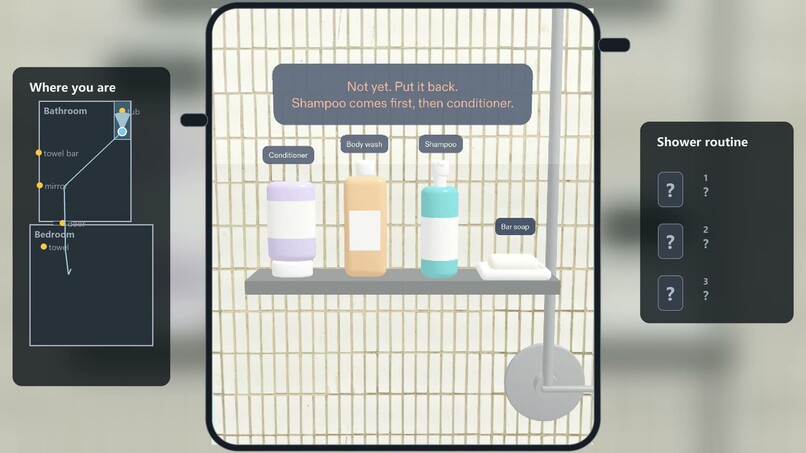
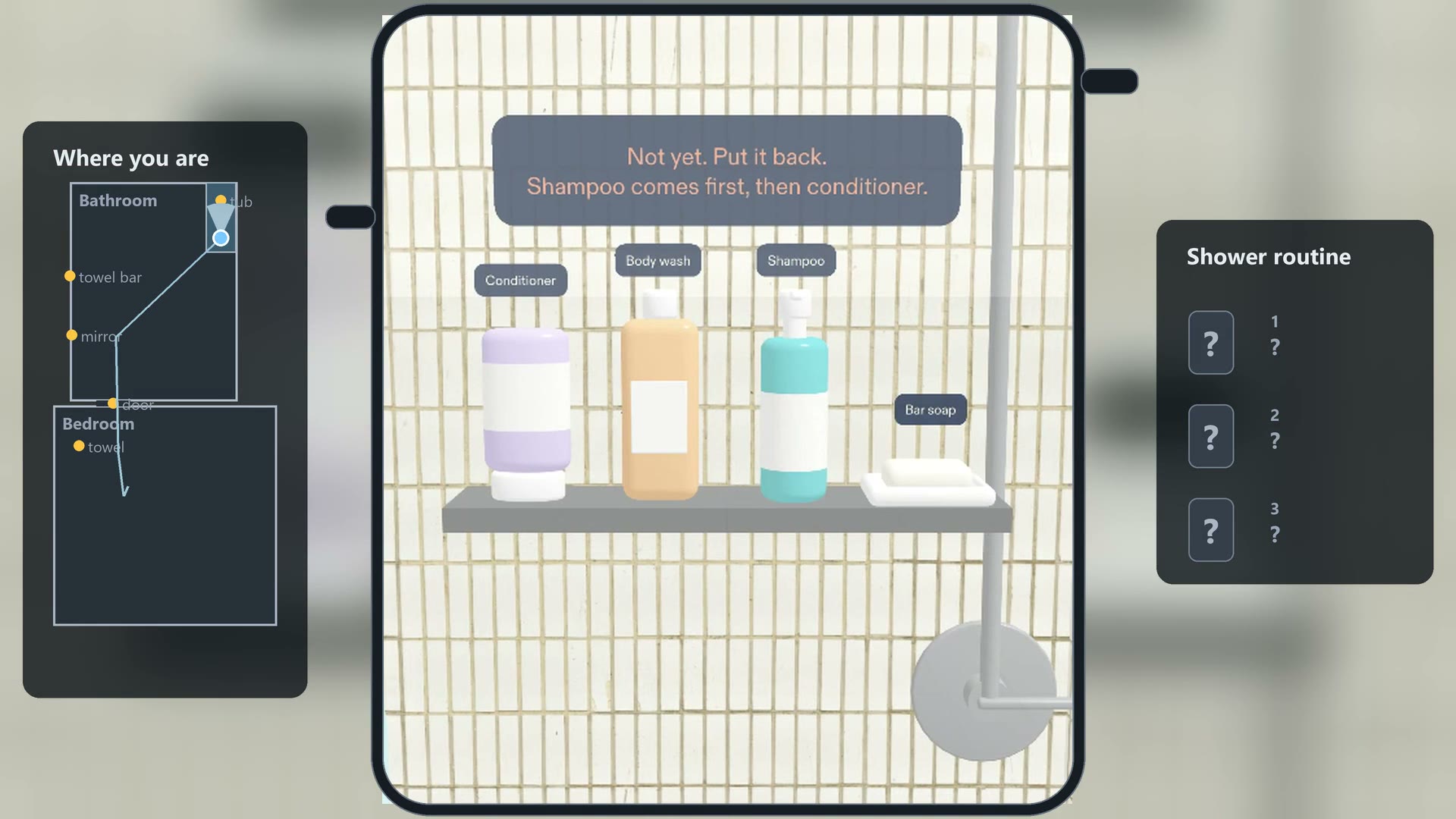
A wrong pick says "Not yet" and explains why.
-
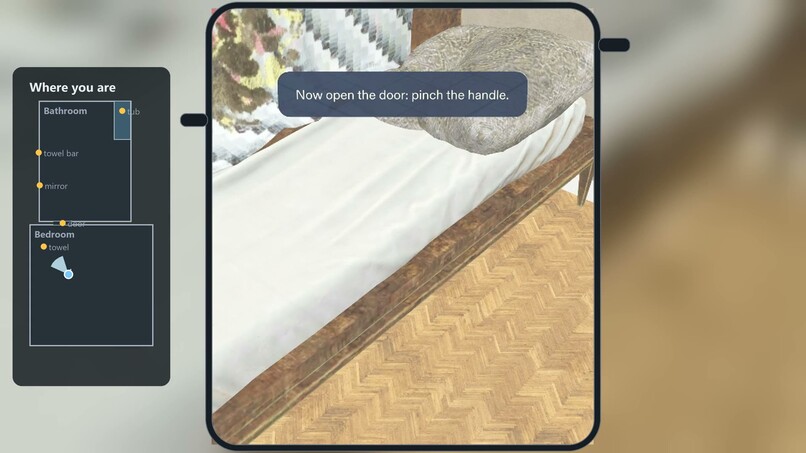
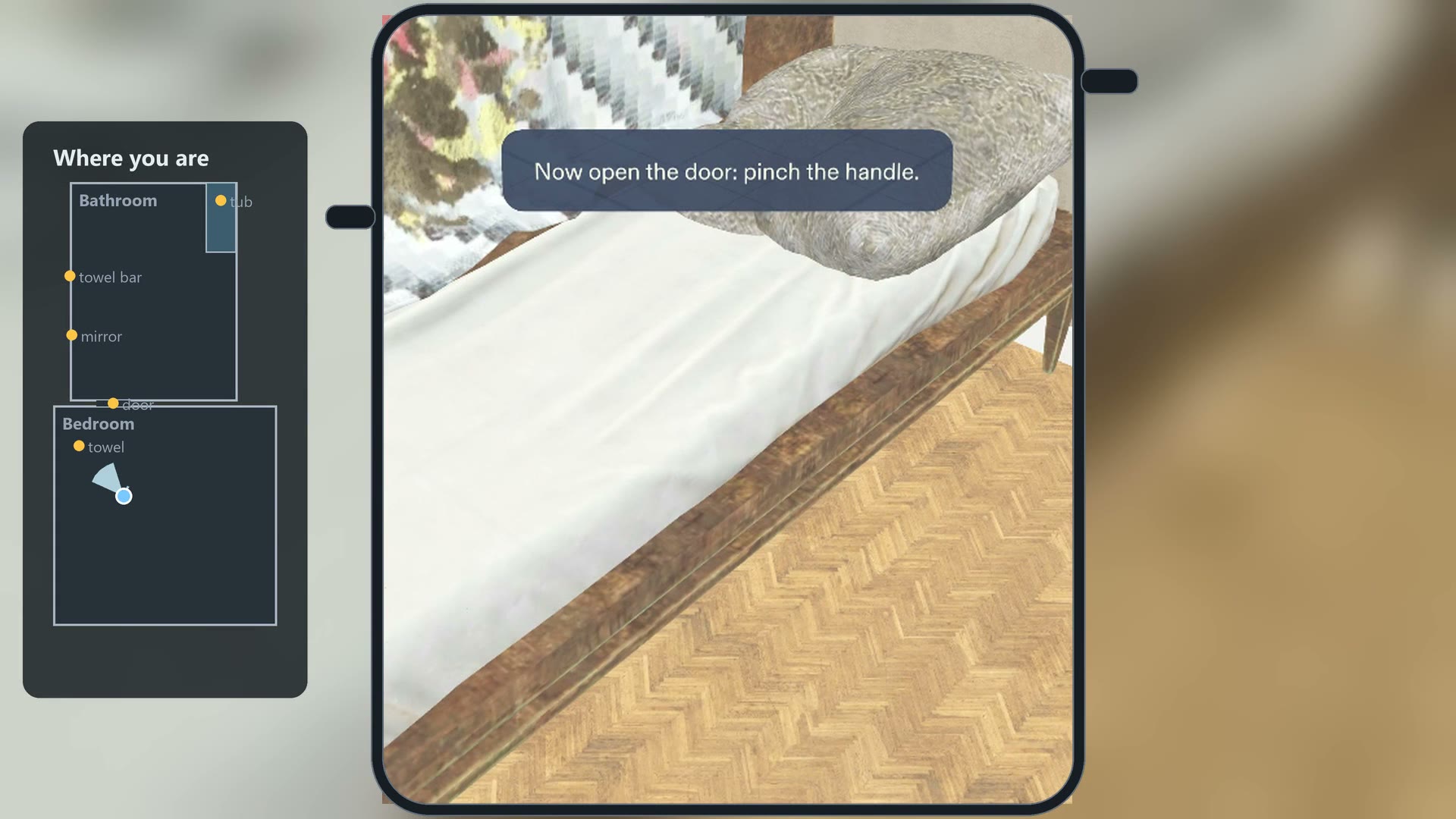
Towel in hand: the floating guide says to open the door.
-
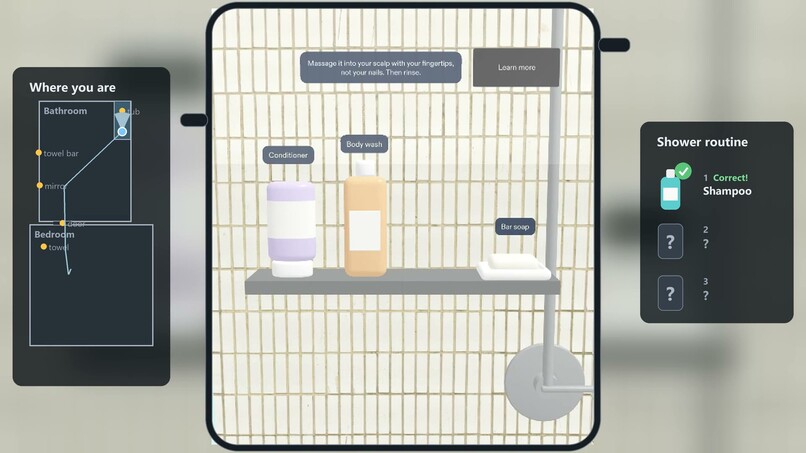
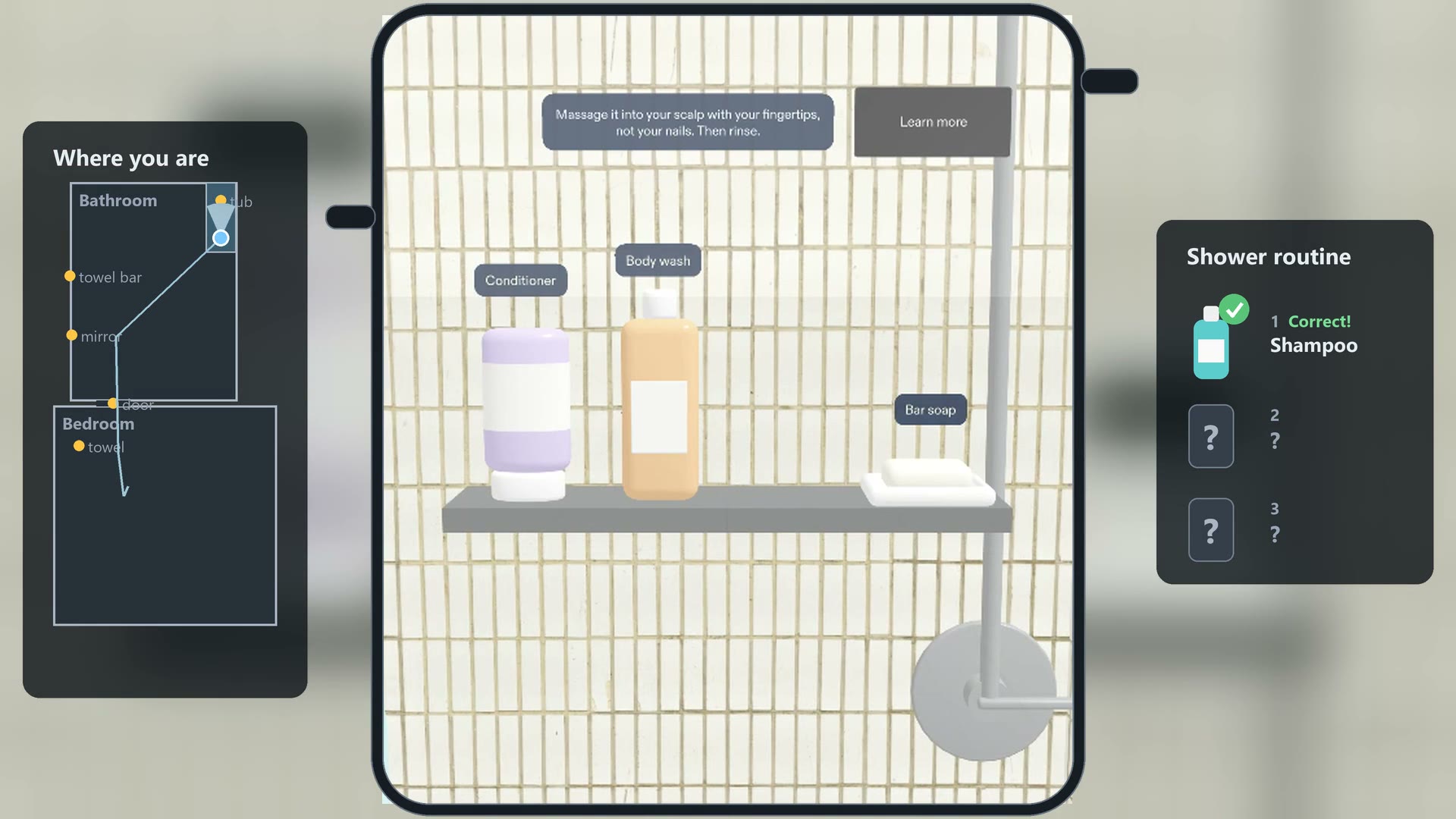
Shampoo used: a quick tip, with Learn more for details.
-
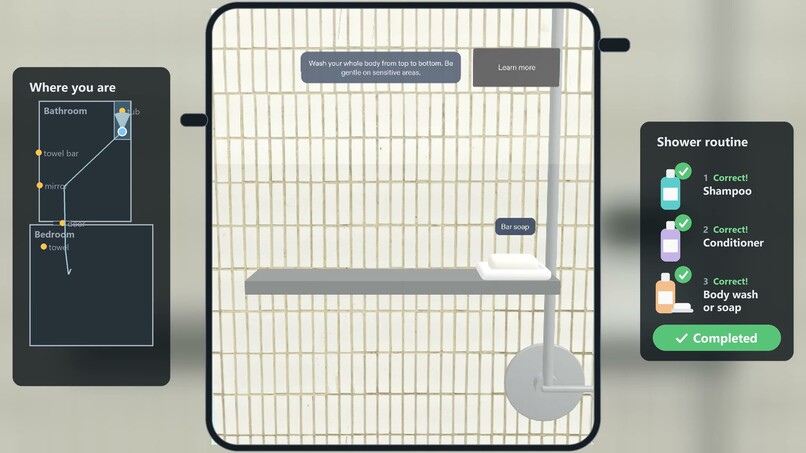
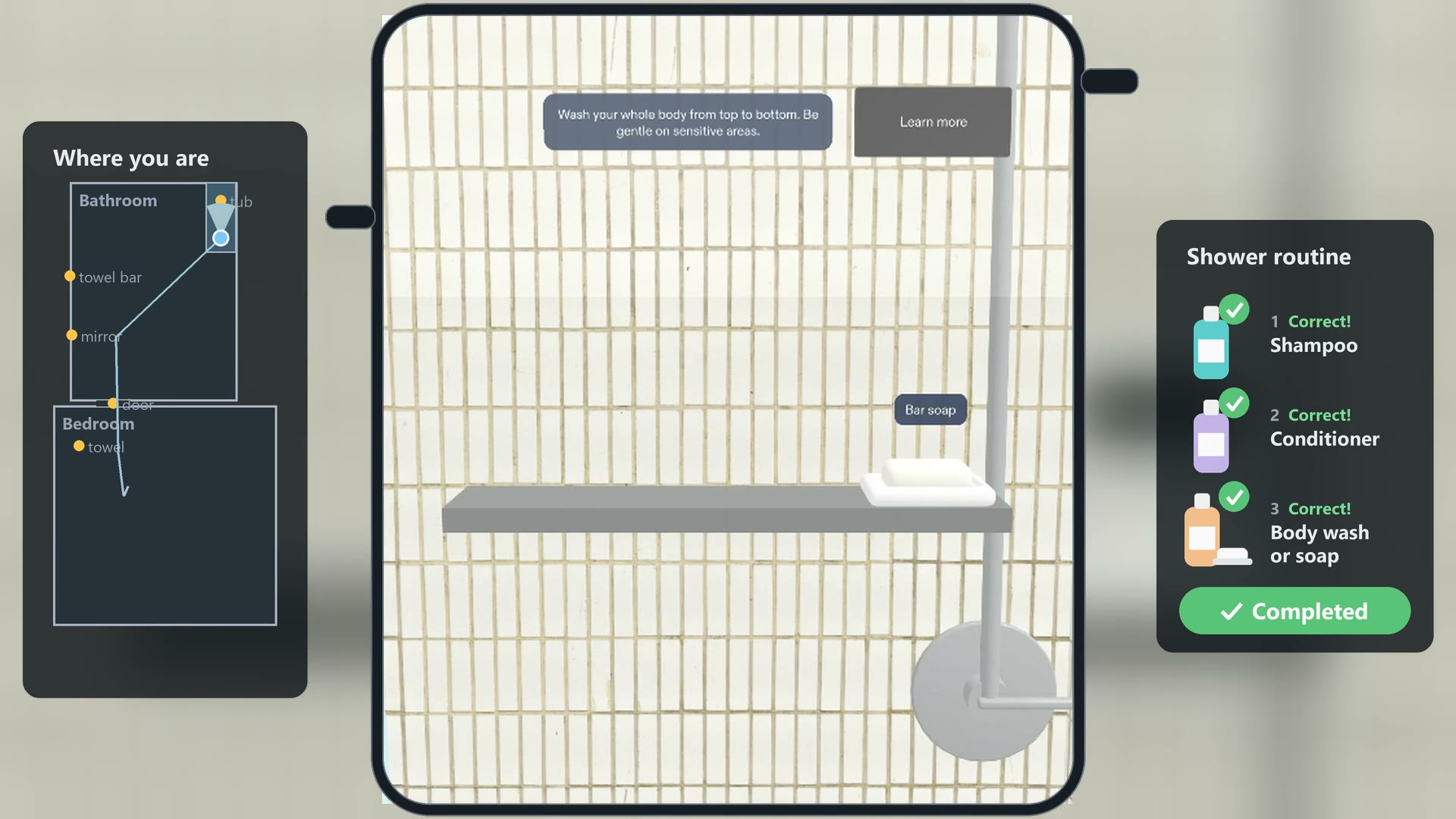
Last step: body wash or bar soap. Routine completed.
-
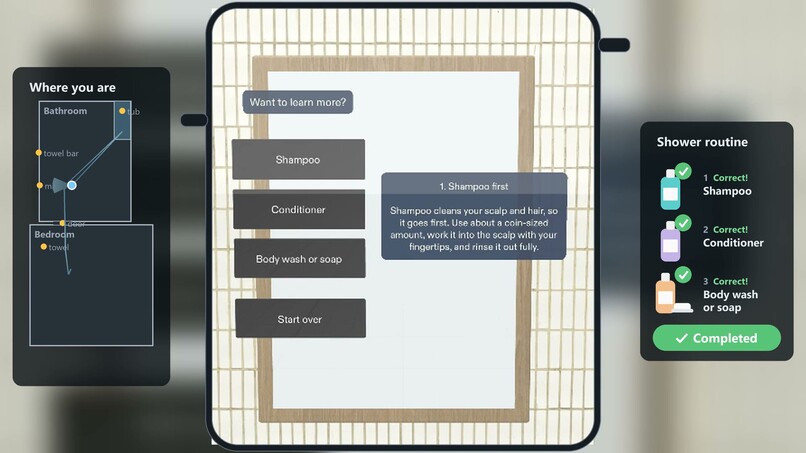
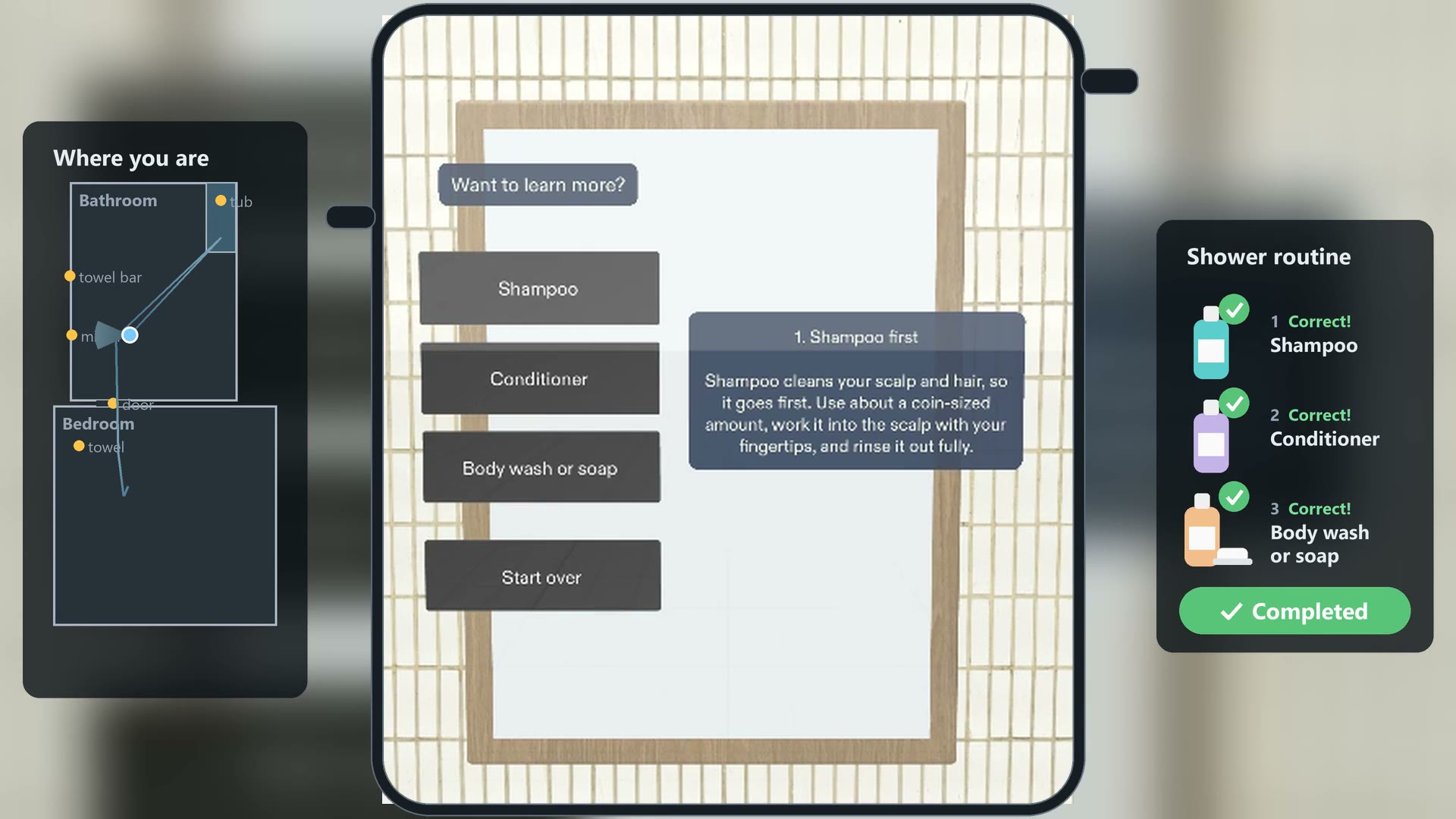
The mirror menu: read about each product or start over.
-
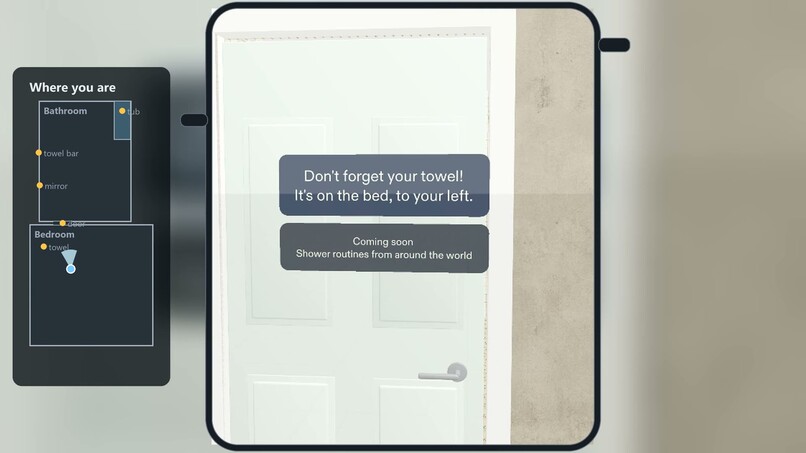
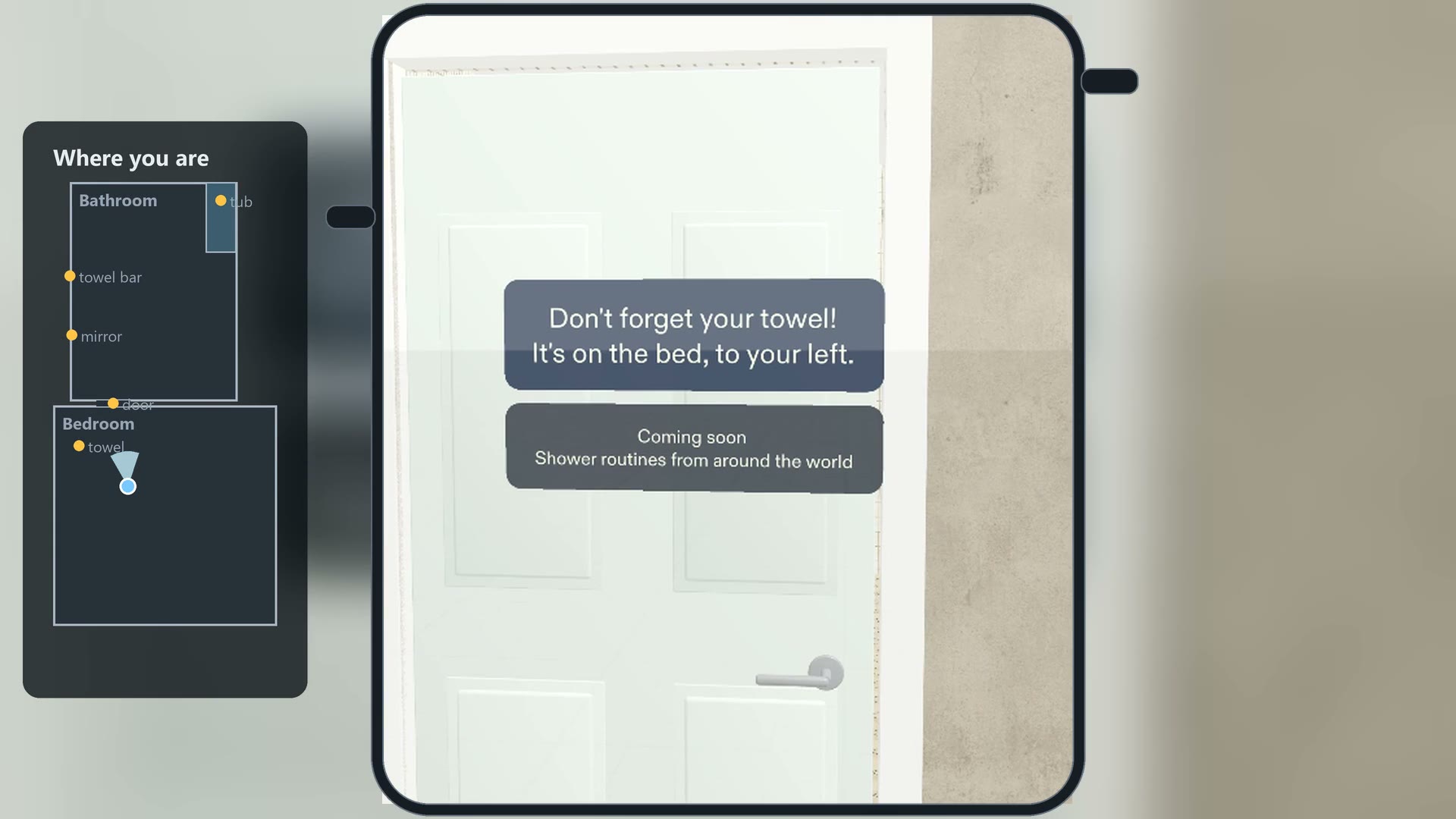
Start over brings back the towel sign, with a coming-soon note.
Inspiration
A shower routine is something you learn by doing, not by watching. On a phone you watch someone else; on glasses you can stand in a life-size bathroom, pick up real-sized bottles and practise the order you will use at home, with feedback on every choice.
What it does
Rinse & Repeat teaches the order of a shower routine: shampoo, then conditioner, then body wash or bar soap.
- Bedroom. A sign reminds you to take your towel from the bed. A glowing ring marks it.
- Door. The handle glows; pinch it and the lever turns, the door swings open and a bright light reveals the bathroom.
- Towel bar. Hang your towel, then step into the tub.
- Lesson. Pick a product from the shelf. A wrong pick says "Not yet" and explains why. The right one shows a glowing ring: lift it in and it glides to your head (or chest for body wash and soap) with a splash and a short tip. Each tip has a Learn more panel.
- Mirror. Read more about each product, or Start over. A "coming soon" note previews the next idea: shower routines from around the world.
A floating guide panel always shows the next step and drifts back into view when you turn away. If you walk through a wall, the view fades and tells you which way to turn to get back inside.
How I built it
- Planned with the Learn AR skill pack's
plan-lensinterview, which produced a design brief. - Built with the CLAD plugin, Lens Studio 5.24.1 and the Lens Studio MCP, driven by a coding agent.
- One TypeScript controller runs the whole flow, using Spectacles Interaction Kit and UI Kit for every interaction, so it works with the mouse in Interactive Preview.
- A Blender script generates the bathroom props and both room shells; a few models and textures are CC0 from Poly Haven.
- Sound effects and the ambient music are synthesized with the CLAD audio generators (no samples).
- Seven LEAF scenarios test the full flow in the preview: door, towel bar, wrong picks, using each product, Learn more, the mirror menu, staying inside the rooms, and an IK arm reaching the shampoo.
Challenges
- A narrow field of view. Specs show about 32° by 42°, so each task has to fit in view: the shelf height, the door distance, a guide panel that follows your gaze, and large text on the mirror menu.
- Using a bottle with a mouse. A mouse drag keeps objects at a fixed distance, so bringing a bottle to your face is hard in the preview. The glowing "use ring" above each product solves it, and bringing the bottle up to eye level also works.
- Testing grabs. LEAF 2.0.2's drag did not move objects with this Interaction Kit version, so the tests use a small helper that holds the grab and moves the pointer itself.
What I learned
Designing for glasses means designing for a small window: every prompt, label and target has to sit where the eyes already are. Automated tests in the preview made it safe to keep changing the layout late.
What's next
- Shower routines from around the world.
- Testing on real Spectacles (it has only run in the Lens Studio preview).
- Hair and skin-type advice.
Pre-existing work and credits
Snap's packages (Spectacles Interaction Kit, UI Kit, LEAF, Bitmoji 3D) and CC0 models and textures from Poly Haven. Everything else was made during the hackathon: the generated props and rooms, the sound effects and music, the scripts and the tests.
Built With
- blender
- clad
- lens-studio
- lens-studio-mcp
- snap-leaf
- spectacles
- spectacles-interaction-kit
- typescript
