Rinse: before/after photos, ready to send
Live app: rinse-weld-kappa.vercel.app/?demo=1 · Client link: rinse-weld-kappa.vercel.app/g/iO3CCoUAEW0 · Code: github.com/iYANSEN/rinse
A pressure-washing crew finishes a driveway, takes thirty photos on a phone, and then either sends them one by one over WhatsApp or pays more per month for a photo tool than some of the jobs are worth. Rinse closes that gap: shoot the before, wash, shoot the after, and the app pairs them, captions them and gives the client one link they can slide through — from a phone that may not have a signal at all.
Where the idea came from
I found the problem on r/AppIdeas. A pressure-washing owner had written out exactly what he needed, in his own words: group the photos by job, make before/after obvious instead of two separate albums, give the client something that looks professional, keep working when the signal drops, and push the finished gallery into his CRM. He also said why: 20–40 photos per job, and the established tools cost more per month than some jobs bring in.
Every app I had built before this one was for me. Designing for a stranger changed the requirements in a way I did not expect. A friend will tell you it looks nice; a stranger with money on the line tells you it is useless if the slider is hard to drag. His five asks became the scope, and every screen had to answer one of them or get cut.
What Rinse does
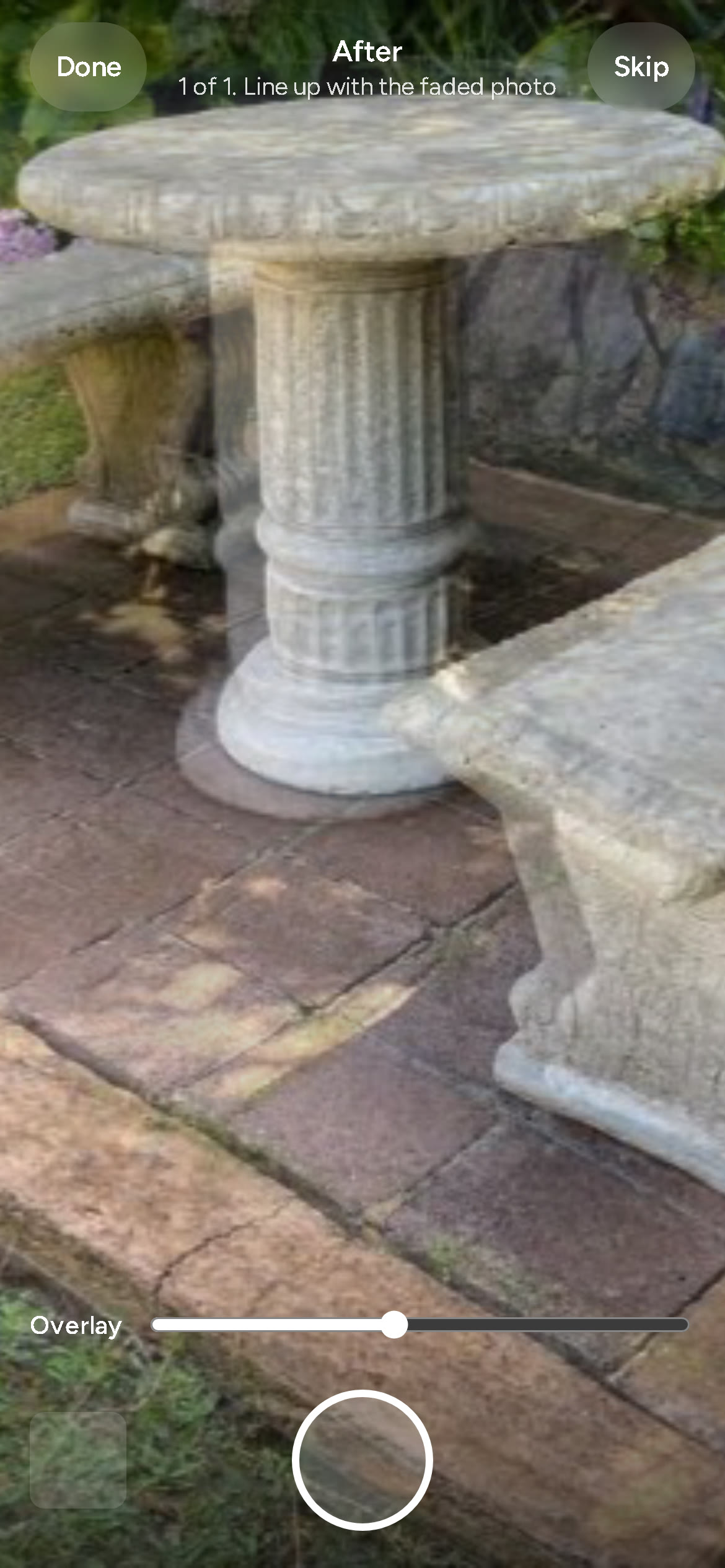
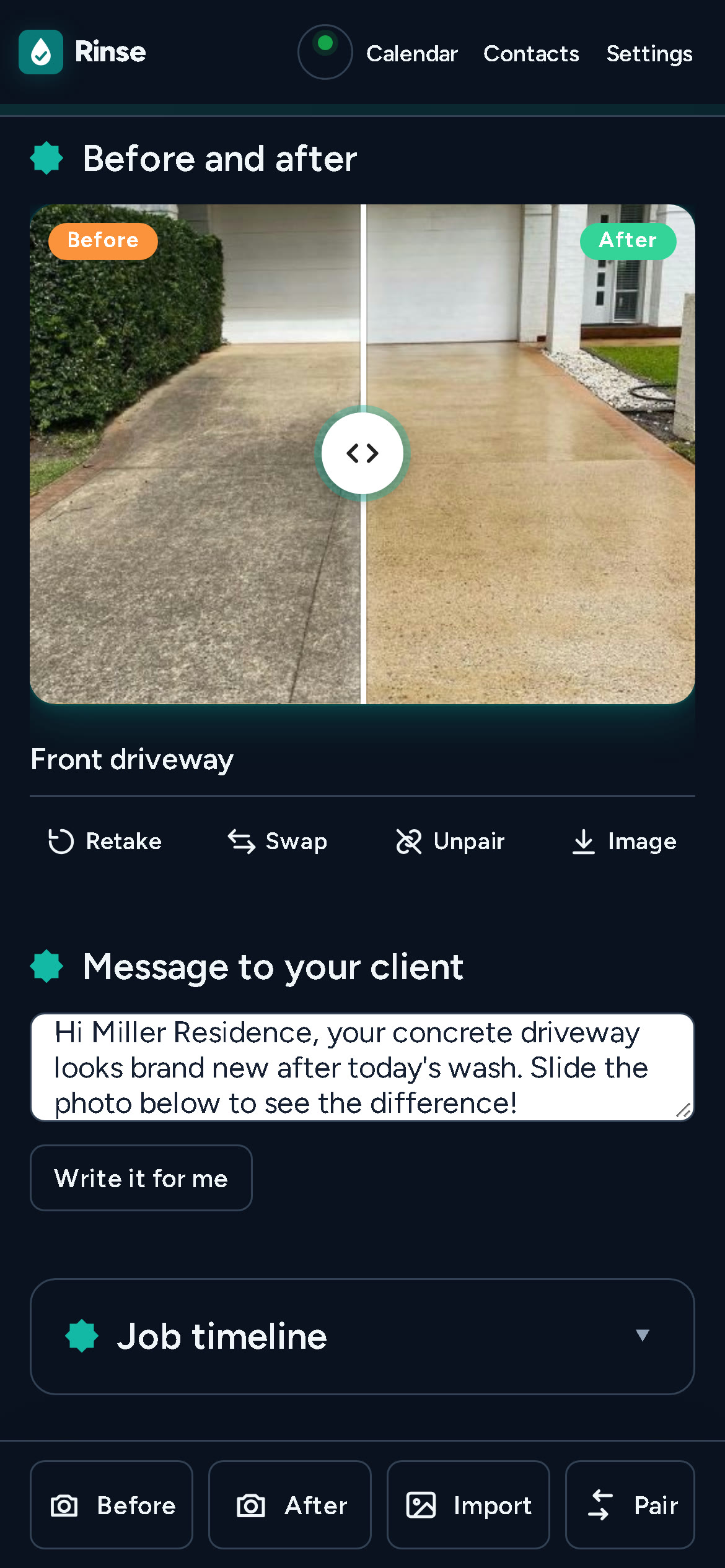
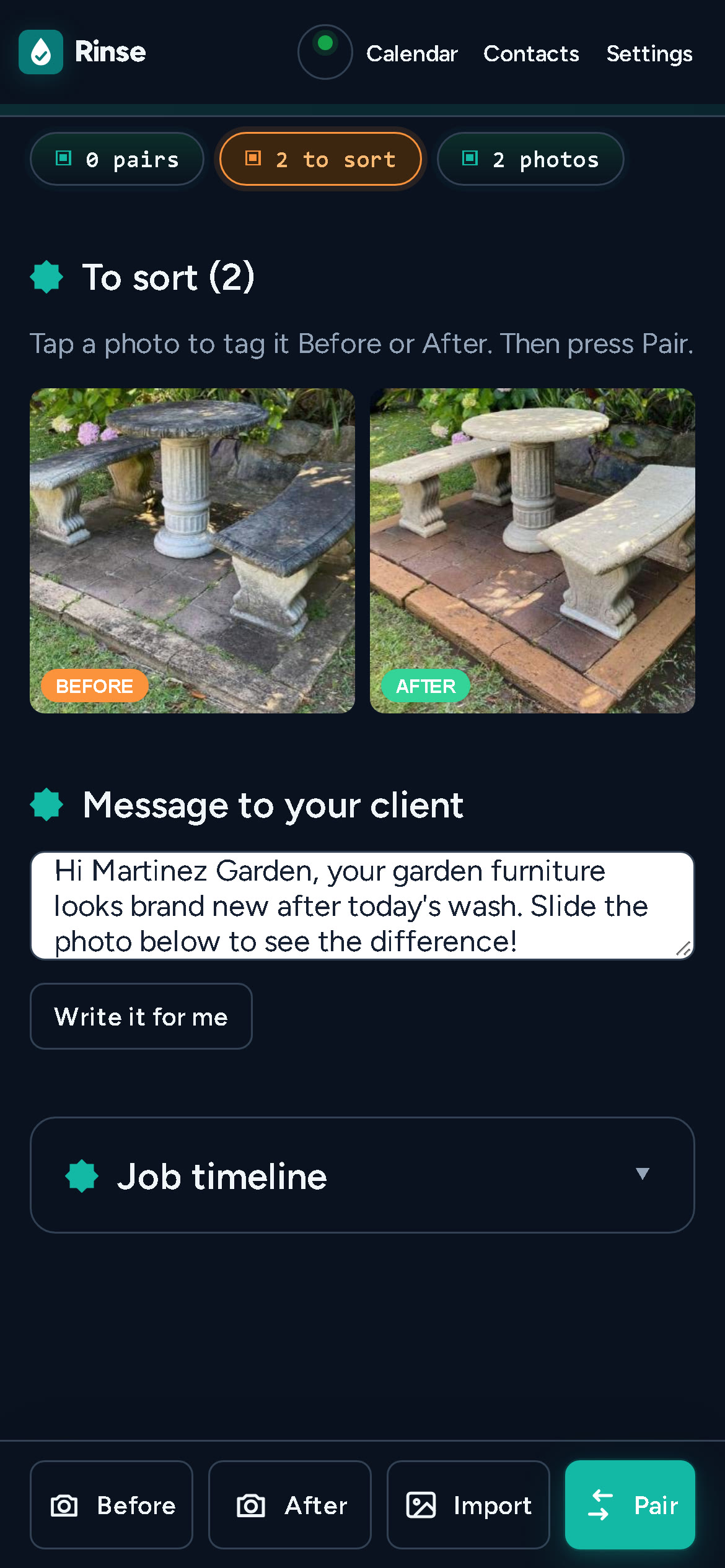
Shoot. Open a job and take a Before. Wash the surface, then take an After — a faded copy of the before sits over the viewfinder, so the second photo lines up and pairs itself. Photos can also come from the camera roll in bulk: resized on the device, EXIF-aware, nothing uploaded.
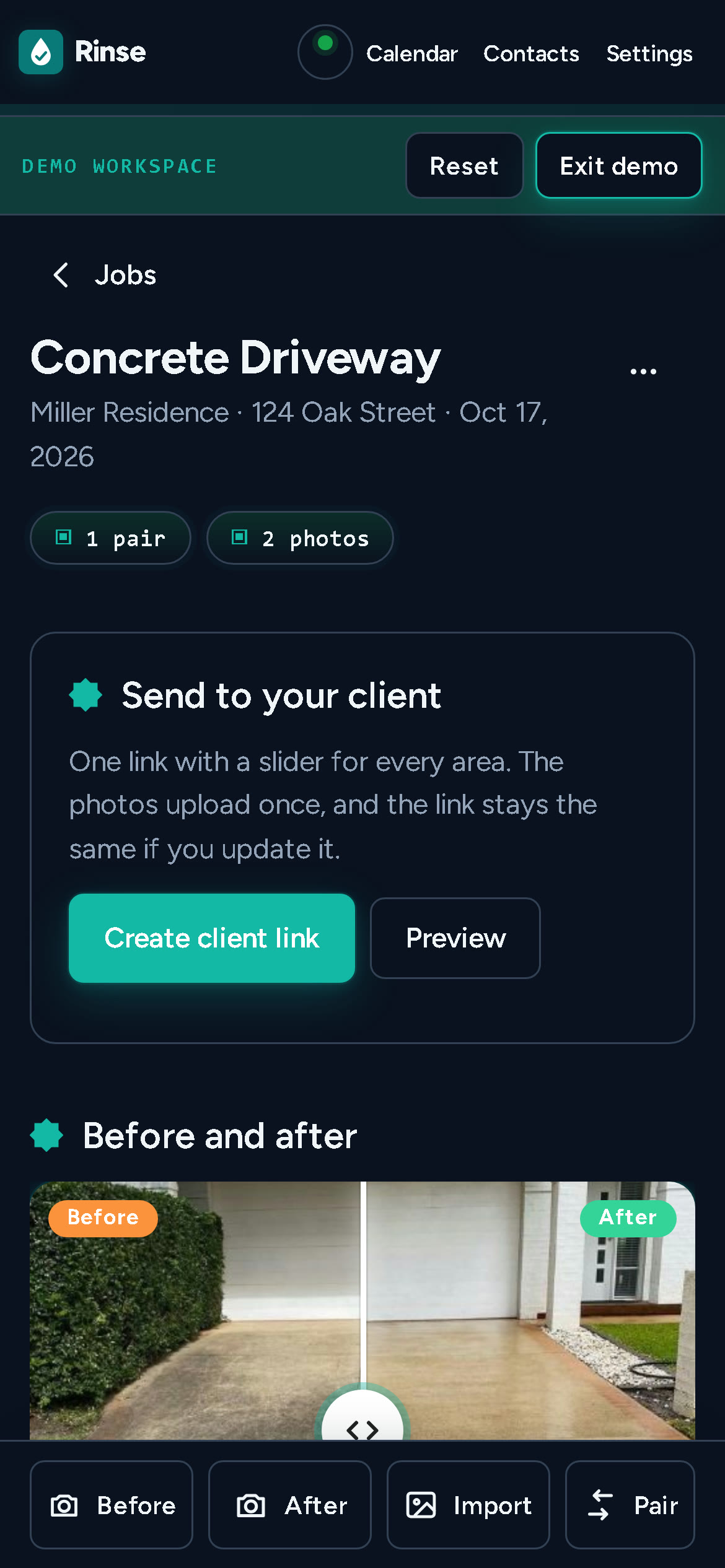
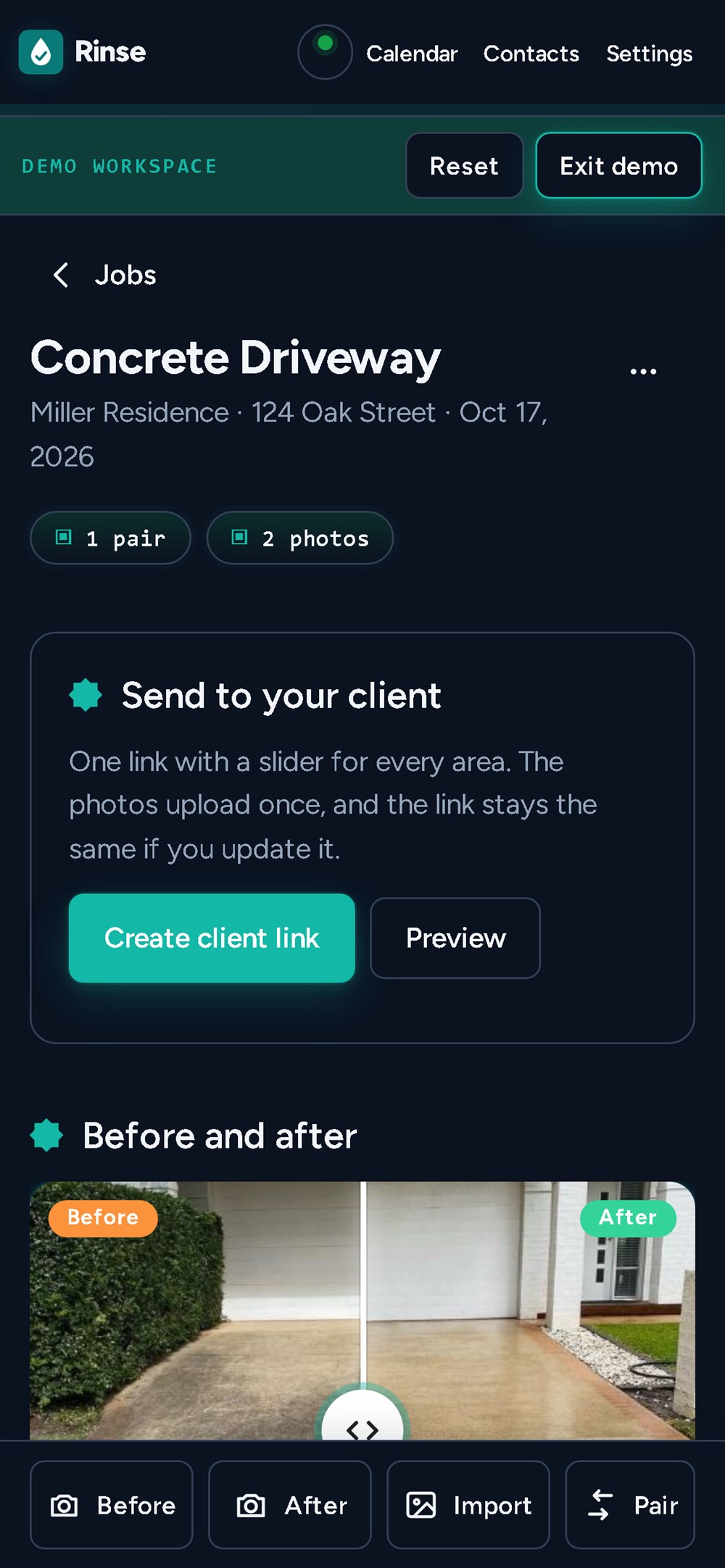
Review. The job page puts the client link first, then the sliders, because that is the moment the job is actually finished. Areas can be re-captioned, unpaired photos can be paired by hand, and the bookkeeping — notes, message, timeline — is collapsed underneath where it does not get in the way.
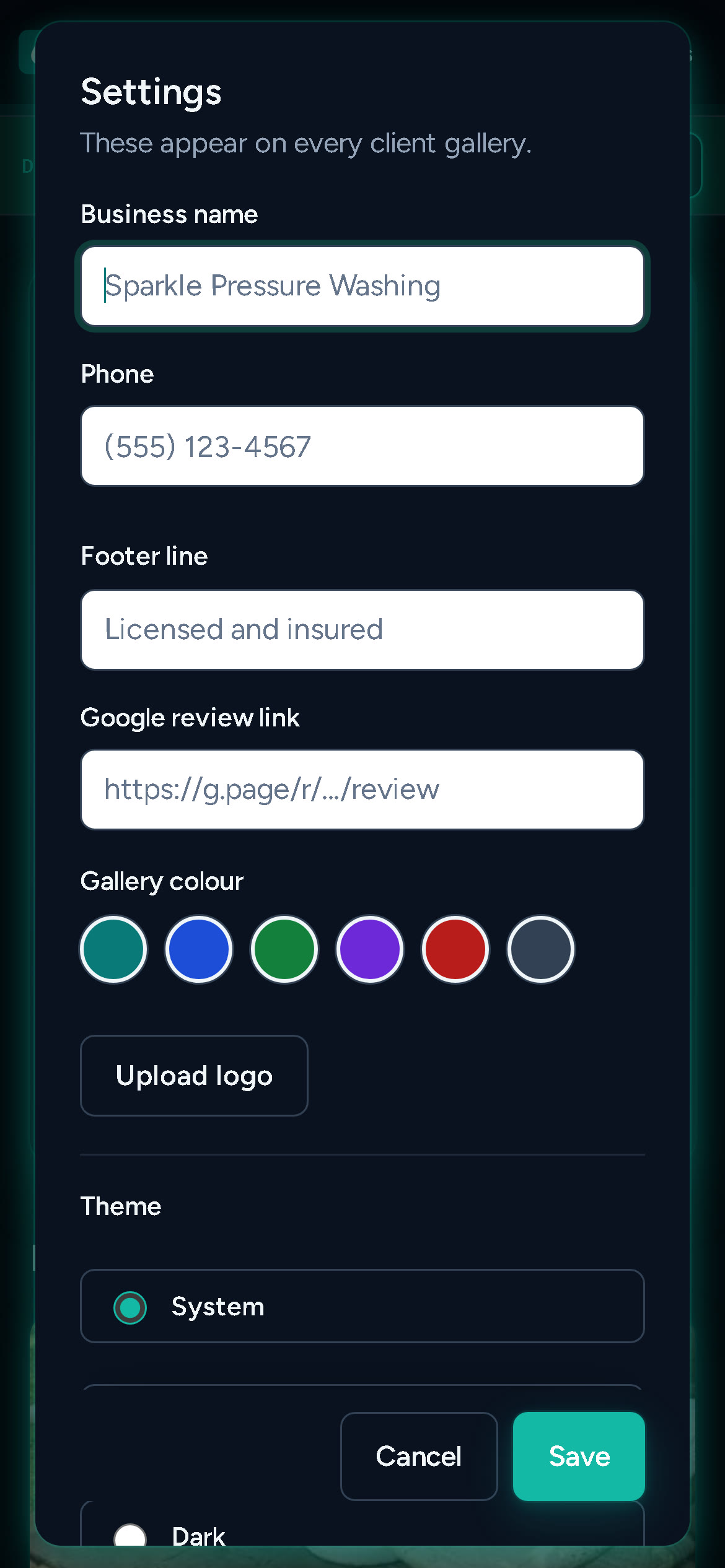
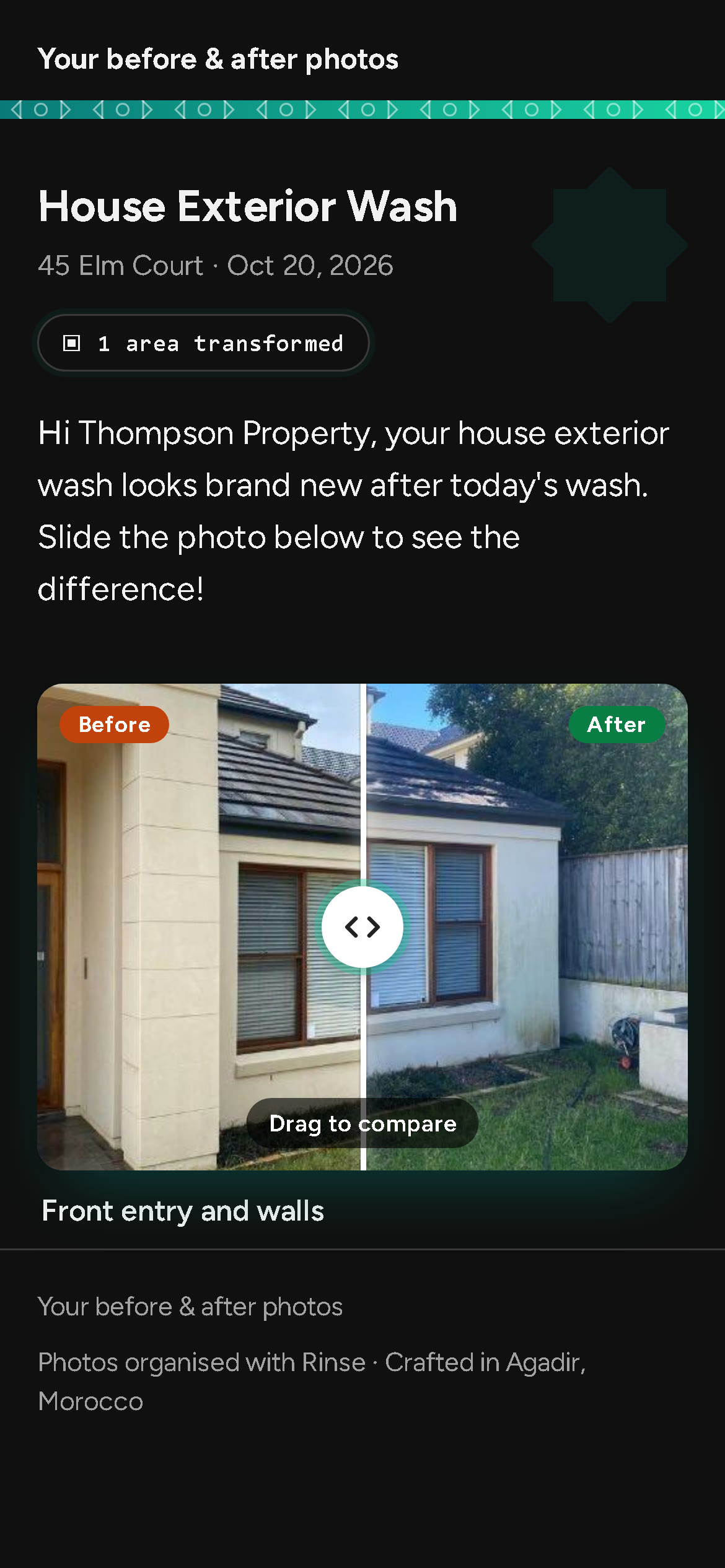
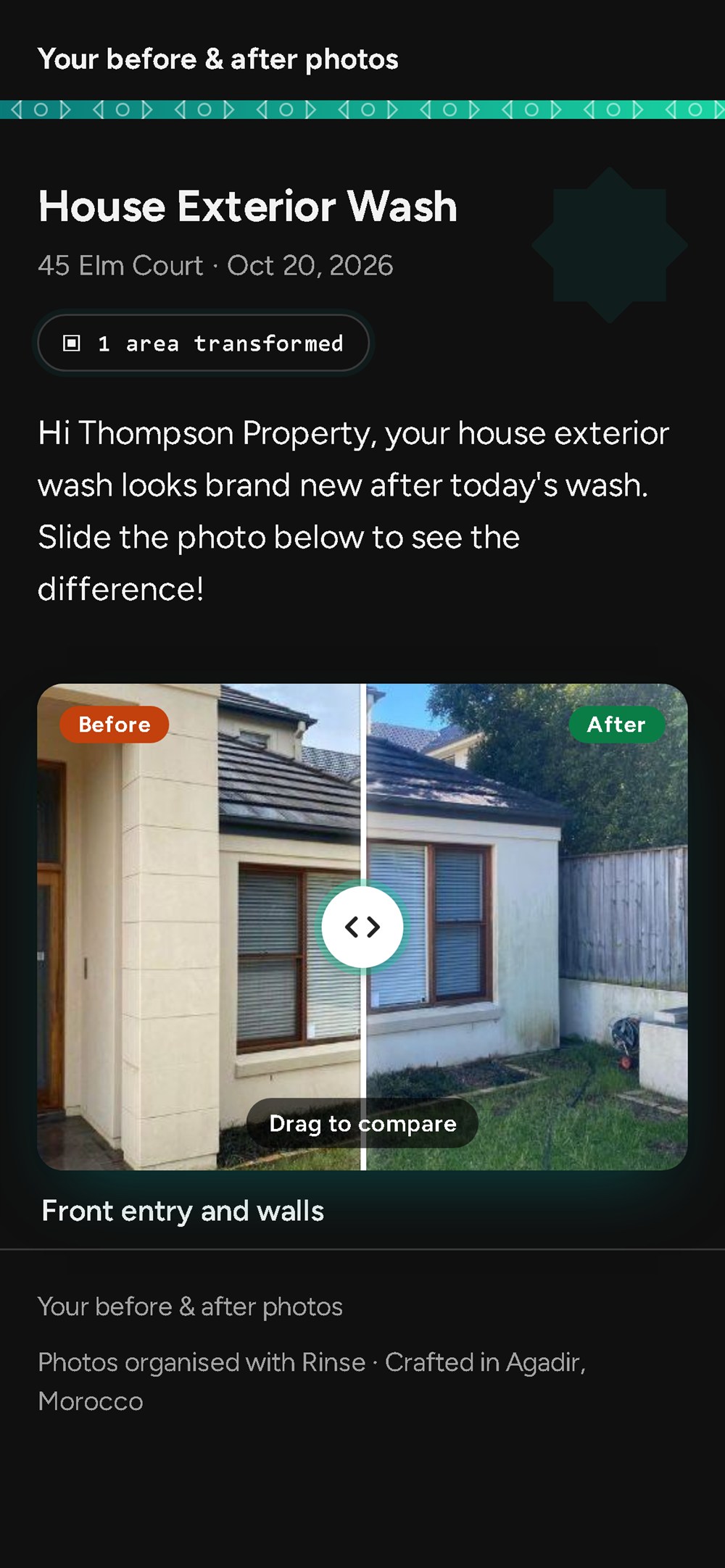
Send. One hosted link with a slider per area, your own colour, logo and phone number, a review button, a call button and a proper text-message preview. Publishing again keeps the same URL, so a link already sitting in a client's messages never rots.
A demo of real states
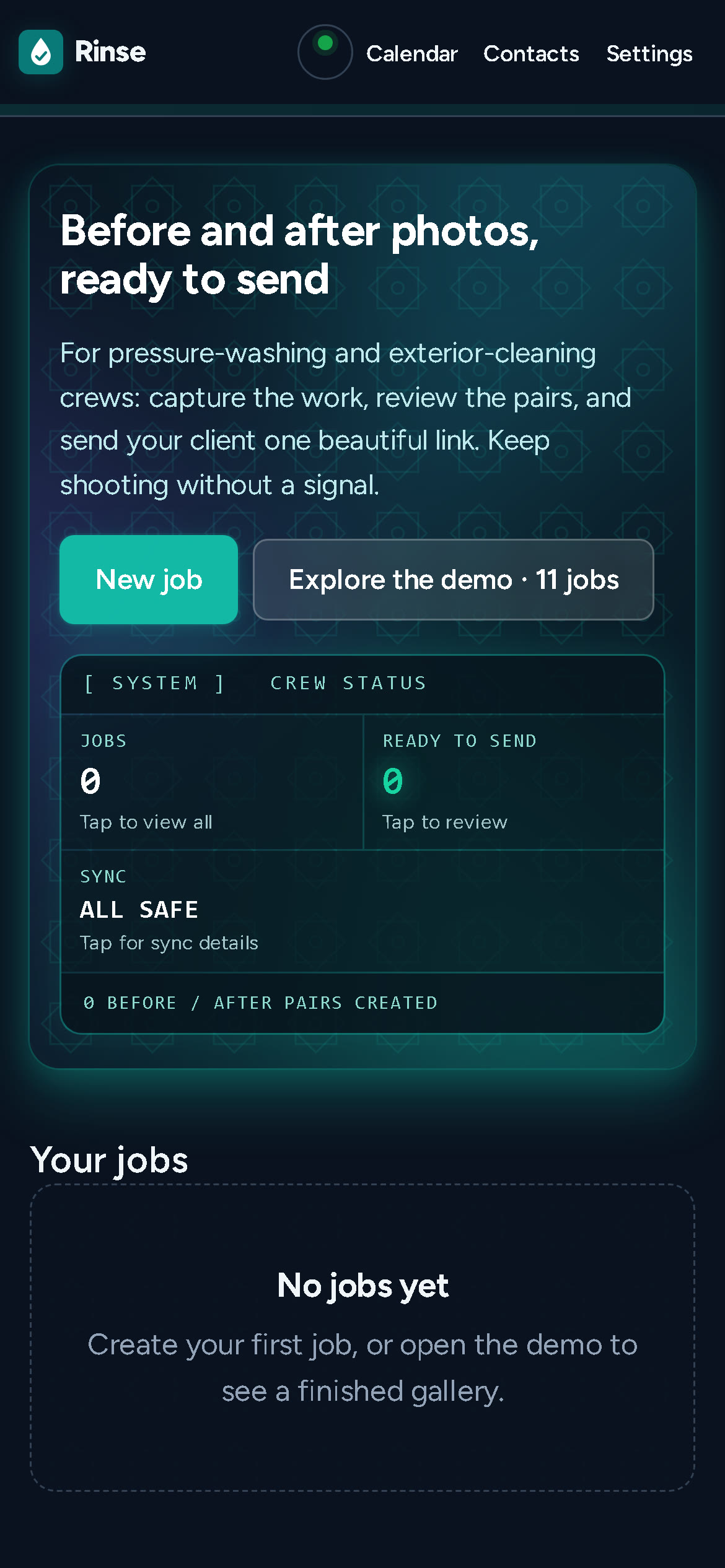
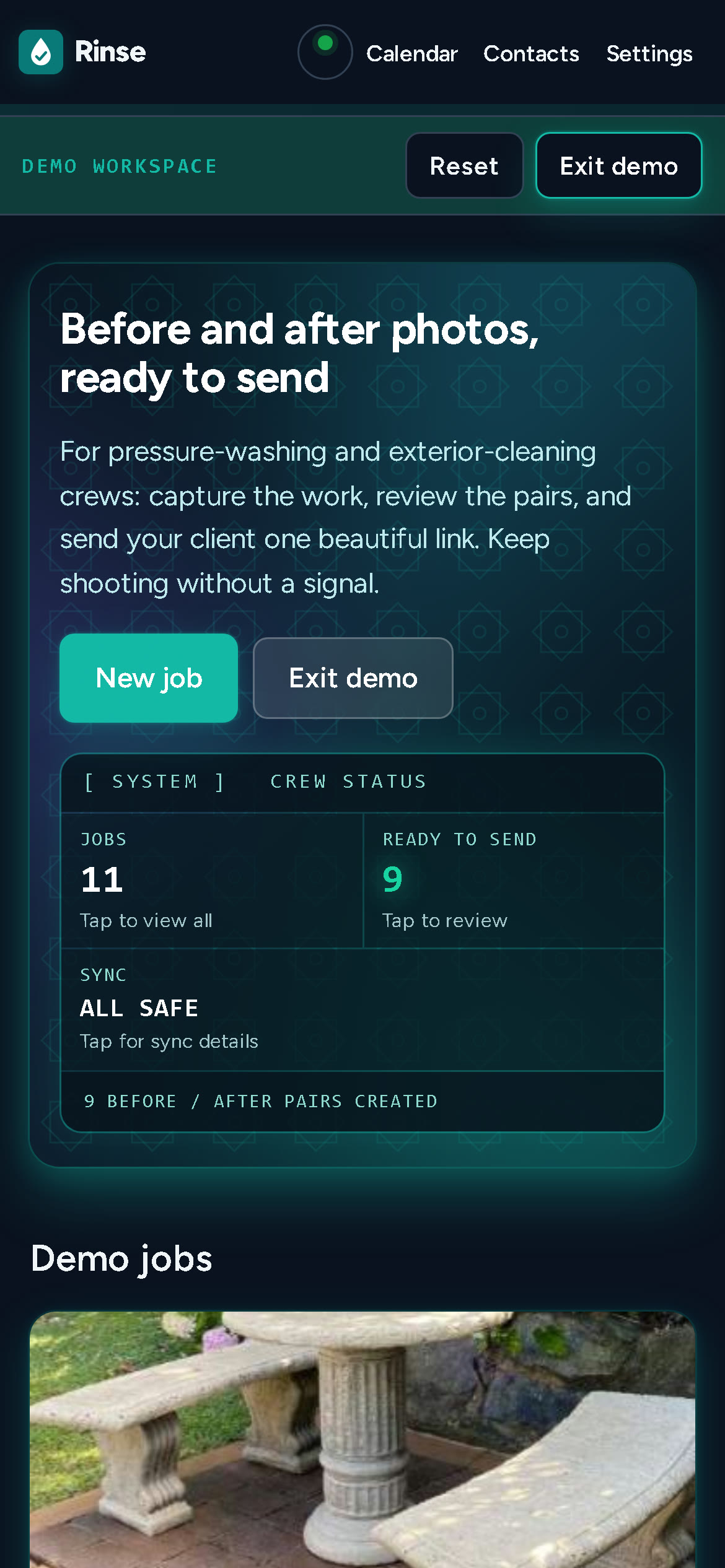
The app you open is empty; the samples live in a separate workspace behind ?demo=1. It holds 11 jobs and 21 photographs — a concrete driveway, a balcony, house siding, a brick walkway, front steps — taken from a working pressure-washing business's own before/after portfolio. Real surfaces, real dirt, not stock renderings, and not my jobs; the sample workspace says so.
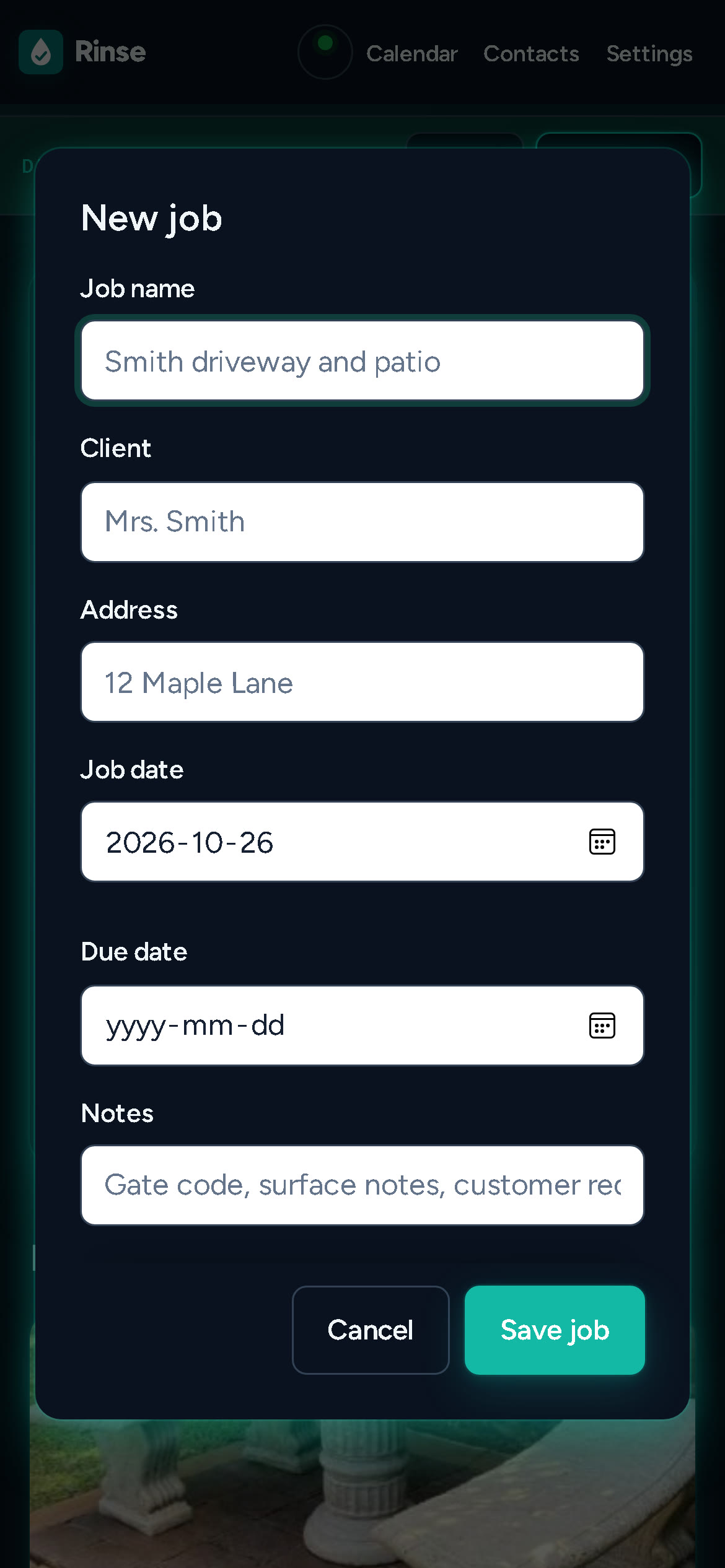
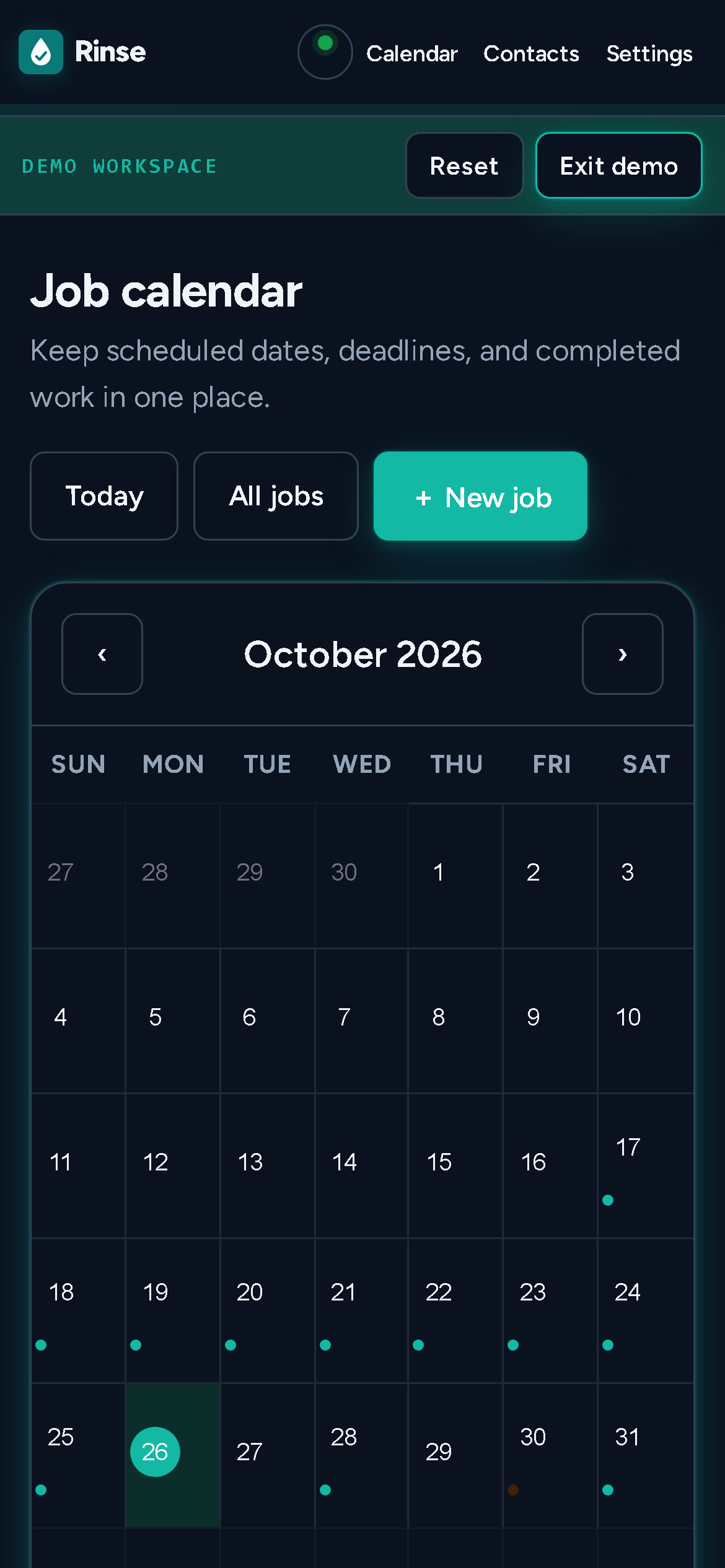
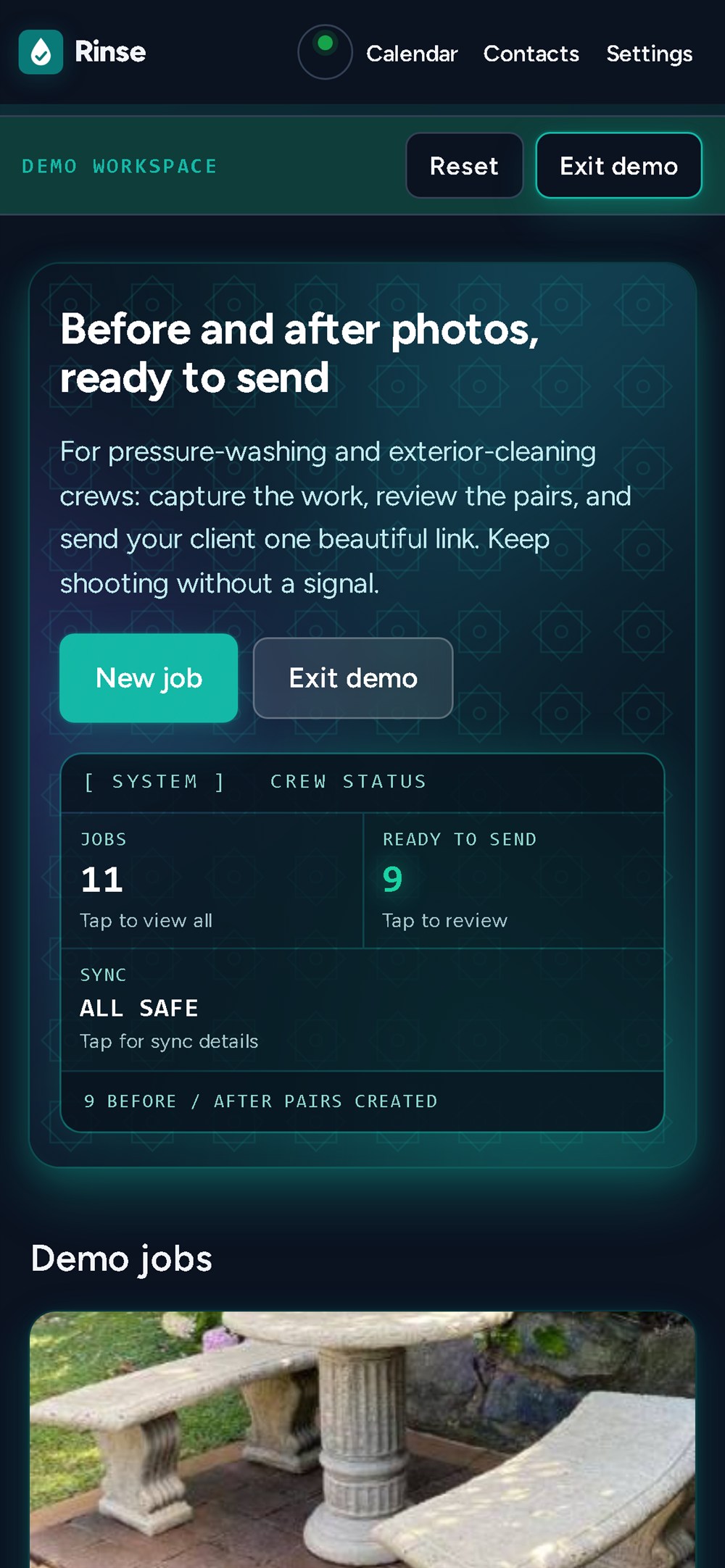
Nine jobs are finished pairs, one is still waiting for its after photo, one is unpaired. The dates run across nine days with two jobs upcoming on the calendar, because a demo where every card is perfect hides exactly the states a new user has to learn. A banner marks the sample workspace and offers Reset and Exit demo, and the two databases never mix.
What the competitor research changed
The obvious comparison is CompanyCam, the tool crews name when they say this software is too expensive. Its published plans sit somewhere in the range of $60–$80 a month for a single user on annual billing, with a higher month-to-month price and a per-seat charge on top — third-party trackers disagree on the exact figures, so check them before quoting me. The research also turned up smaller, sharper tools: GalaRay and Proofly both sell guided before/after capture with shareable gallery links, QuoteIQ comes at pressure washing from quoting, and Jobber covers the rest of the business.
That crowded field changed my strategy more than any feature list:
- The ghost-overlay camera is the thing crews say keeps them on CompanyCam, so it is the first thing you do in a job, not a setting.
- The client link is the product, not an export. It has to look better than a WhatsApp album, because that is what it competes with.
- Offline is table stakes. A driveway has no signal, and a tool that needs one is a tool you quietly stop using.
- Everything else the incumbents carry — team management, project tracking, dashboards — is what makes them heavy. Leaving it out is the feature.
- Don't fight the CRM. Rinse posts the finished gallery to Zapier or Make and stays out of the invoicing business.
The same review killed a feature I had already shipped. My first dashboard had a gamified rank — a letter grade and a "reach the next rank" line. It looked good in a screenshot and told the owner nothing. It is now Ready to send: a count of finished galleries that have not gone out yet, and tapping it filters to those jobs. A metric that does not tell you what to do next is decoration.
The constraints that shaped the design
Offline-first is the architecture, not a feature. Photos are written straight into IndexedDB. Link creation and CRM webhooks queue in an outbox and drain when the connection returns. The app itself is a service-worker shell, so it opens and works with the network completely off.
The AI is optional, on purpose. Pairing runs in two layers: a deterministic matcher using a 32×24 image fingerprint plus capture order, and an optional language-model pass that can also write area captions and the client message. The deterministic layer means the product still works with no key, no network and no cost — the model makes it nicer, never load-bearing. When the model is there, it is called from a serverless function so the key never touches the browser. And it is never allowed near the photographs themselves: an AI-generated "after" is not evidence of work.
One link, many versions. The gallery is a versioned snapshot: updating replaces the content and keeps the URL, so "the client already has the link" is not a reason to avoid fixing a caption.
A phone held in one hand. Everything is built at 360–390 px first: a status dot instead of a crowded header, the client link above the fold, calendar dots instead of clipped labels, 16 px inputs so iOS does not zoom when you tap one.
How it is built
Vanilla JavaScript, no framework and no build step — one page, one service worker, one IndexedDB database per workspace. Photos are downscaled with canvas to 1600 px plus a 384 px thumbnail, and a 32×24 fingerprint is computed at capture time for pairing. The client gallery is server-side HTML: self-contained, inline CSS, escaped user text, real <input type="range"> sliders so it works with a keyboard and a screen reader. Hosted links live in a private Blob store behind a small serverless function on Vercel; there is no framework on either side, and the deployment is a static site plus that one function.
The whole thing ships as a PWA: installable, cached, and it reloads offline. I verified that by disabling the network in a real browser and reloading the demo — 11 jobs and their photos still render.
The interface follows a written design system (DESIGN.md): structure from VoltAgent/awesome-design-md, a photo-first base from its "Airbnb" system, and a rule borrowed from marvkr/better-design. The first pass failed contrast checks — the teal and green left white text at roughly 3:1 — so both were darkened until the primary colour reached 5.2:1.
How the planning documents drove the build
I ran the Devpost Learn Skill Pack in order, and each step changed what got built.
1-start wrote my learner profile, so later steps matched how I actually work. 2-scope forced the cut: the pitch was "before/after photo management for small crews", and it made me name what was out — accounts, team sync, PDF reports, AI-generated afters — and what "working" meant for the proof of concept.
3-prd turned that into a product: the core journey, every screen, and the states that actually bite — empty, offline, link out of date, a server with no database. 4-spec is where the technical decisions got written down and then defended: vanilla JS with no build step, IndexedDB, two isolated workspaces, deterministic pairing with the model as an optional layer.
Flipped interaction is what made those documents mine instead of a template. The agent proposed; I decided. I chose the offline-first constraint, the demo split, and — when time got short — the scope call to finish and polish the demo instead of adding calendar sync or new AI features. 5-build then worked the spec in ordered steps, verifying and committing each one, and 6-ship is where this text comes from.
The documents live in the repo root (scope.md, prd.md, spec.md, plus BUILD_LOG.md) and are kept in sync with the code on purpose, not as decoration.
Challenges
Offline-first is a hundred small decisions. Storing photos is easy. The hard part is everything that quietly assumes a network: creating a link, encoding a share image, retrying a failed upload, telling the user something is waiting.
Making AI optional. An AI feature that is required turns every outage into a broken demo. The deterministic matcher came first; the model sits beside it and can be switched off without changing the product. The pairing test also taught me the difference between a demo and a feature: one mis-paired photo makes the whole gallery look wrong, so "usually right" was not good enough and the matcher had to be predictable rather than clever.
Two workspaces, one app. The demo had to be rich enough to judge and impossible to confuse with real work. Separate databases, fixed sample IDs so seeding is idempotent, and a purge on the live workspace solved it.
The phone is the product, and the phone is the hardest target. The camera only opens on HTTPS, the first load of 21 photos used to block the whole app, and a driveway with one bar of signal is not an emulator. I did most of my verification at 390×844 and 360×800, but a desktop browser with a fake camera cannot tell you how iOS Safari behaves, and I say so rather than claim otherwise.
Keeping the documents true. Mid-build I made three decisions that changed the architecture — two databases instead of one, Blob storage instead of local disk, AI pushed from required to optional — and each one left the planning documents describing an app that no longer existed. I caught it only by re-reading the spec before submitting. If I could change one thing about the skill pack, it would be an explicit "docs versus build" reconciliation step before shipping.
What I learned
- Offline-first is not storage, it is a way of thinking about failure.
- A plan you can test beats a plan you can admire. Every acceptance criterion I wrote down got tested; the features I only "felt good about" got cut.
- AI is most useful in this product where it is least visible: pairing the hard cases and writing the caption, not touching the photo.
- A metric that does not tell the user what to do next is decoration — that one cost me a rebuild of the home screen.
- Shipping is a skill separate from building, and it is the one I had been avoiding.
What is next
Accounts and a small team — two phones on one job — then cross-device sync, timestamp and GPS stamps on photos, PDF reports for property managers, link expiry and revocation, and a real two-way CRM integration instead of a webhook. The photographing half is done; the crew half is next.
What this build does not do
No accounts, no teams, no cross-device sync: photos live in the browser on the device that took them. The CRM step is fire-and-forget — the browser cannot confirm that Zapier finished the job. Hosted links need the Blob store to be configured; without it the app warns instead of pretending the link is permanent. And I have not run it on a real phone camera, only in an emulated phone viewport, so that is the first thing I would test with a crew.

Log in or sign up for Devpost to join the conversation.