-
-
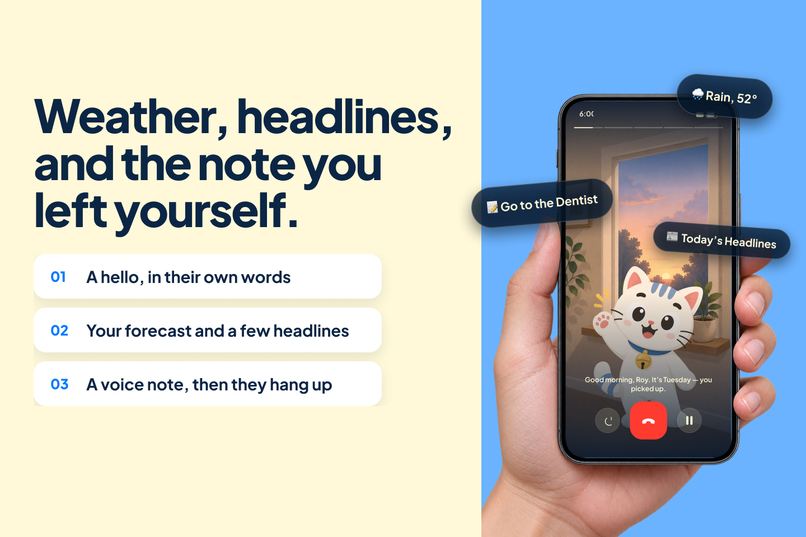
Fifi tells you what your day looks like.
-
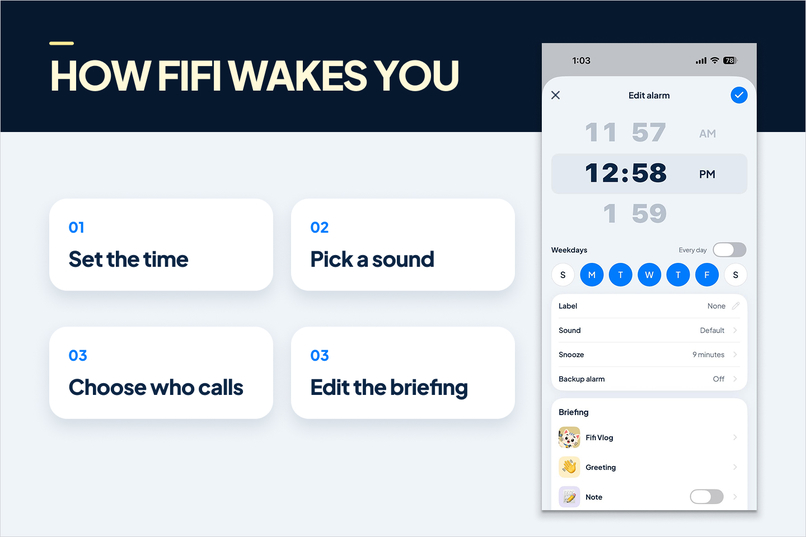
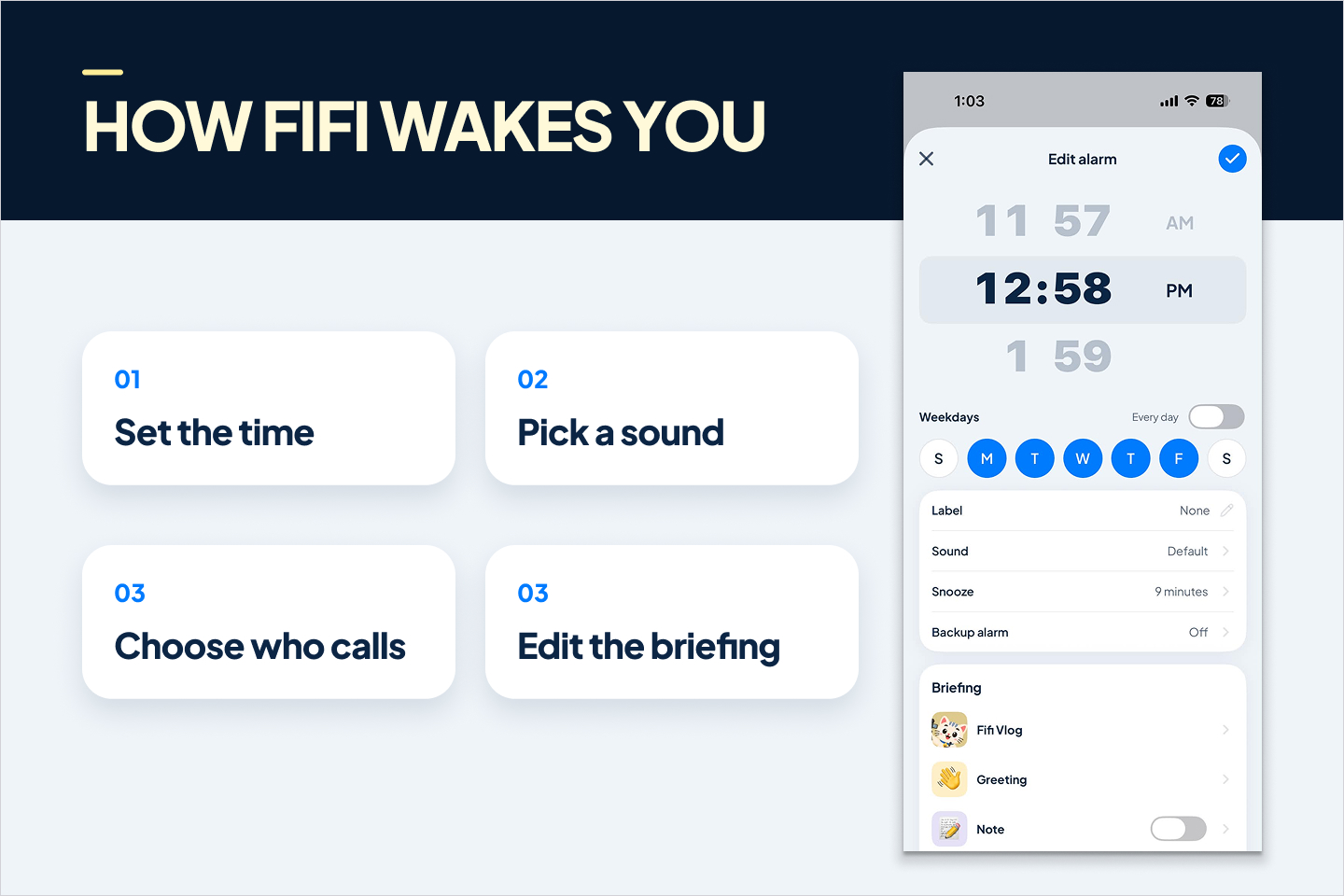
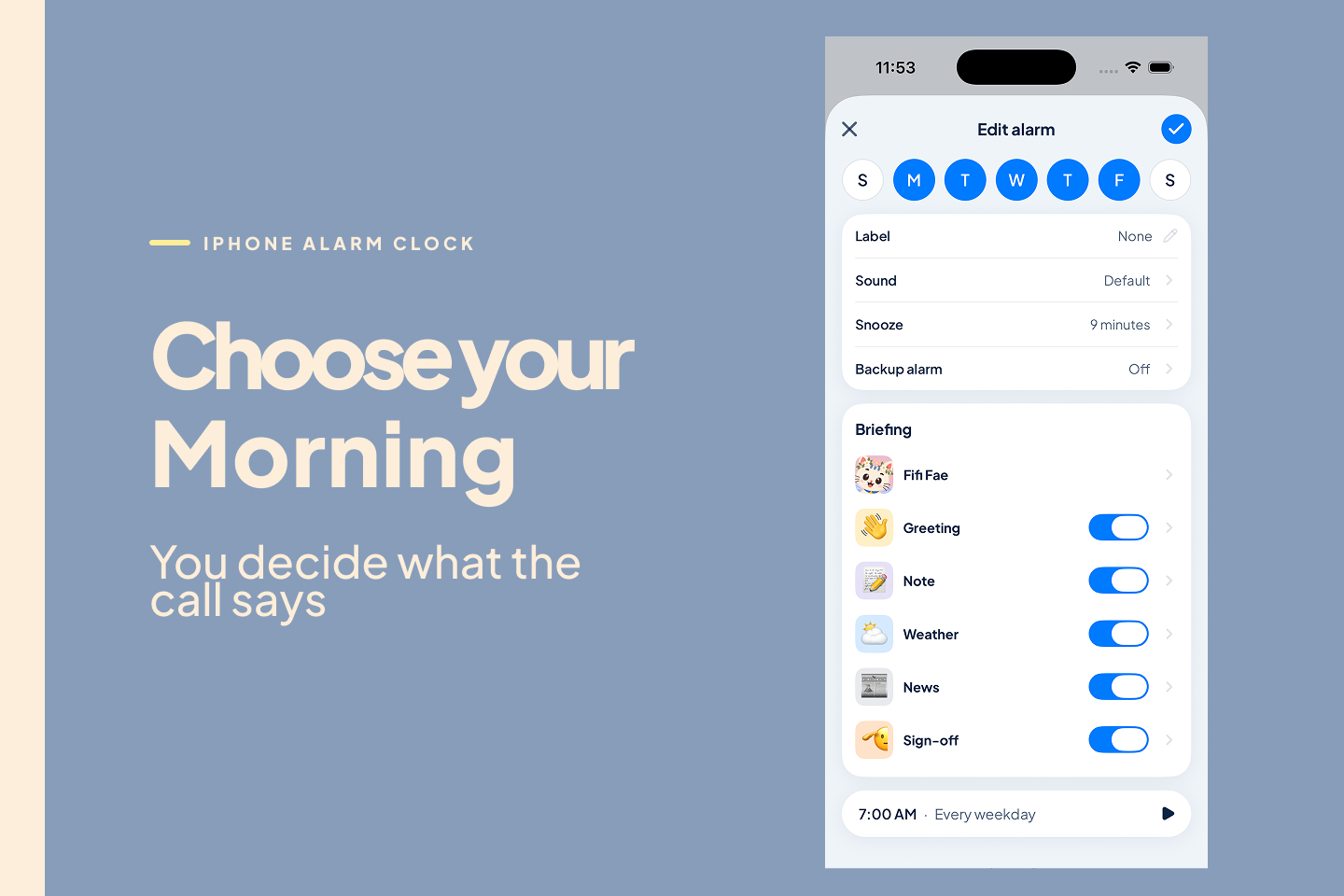
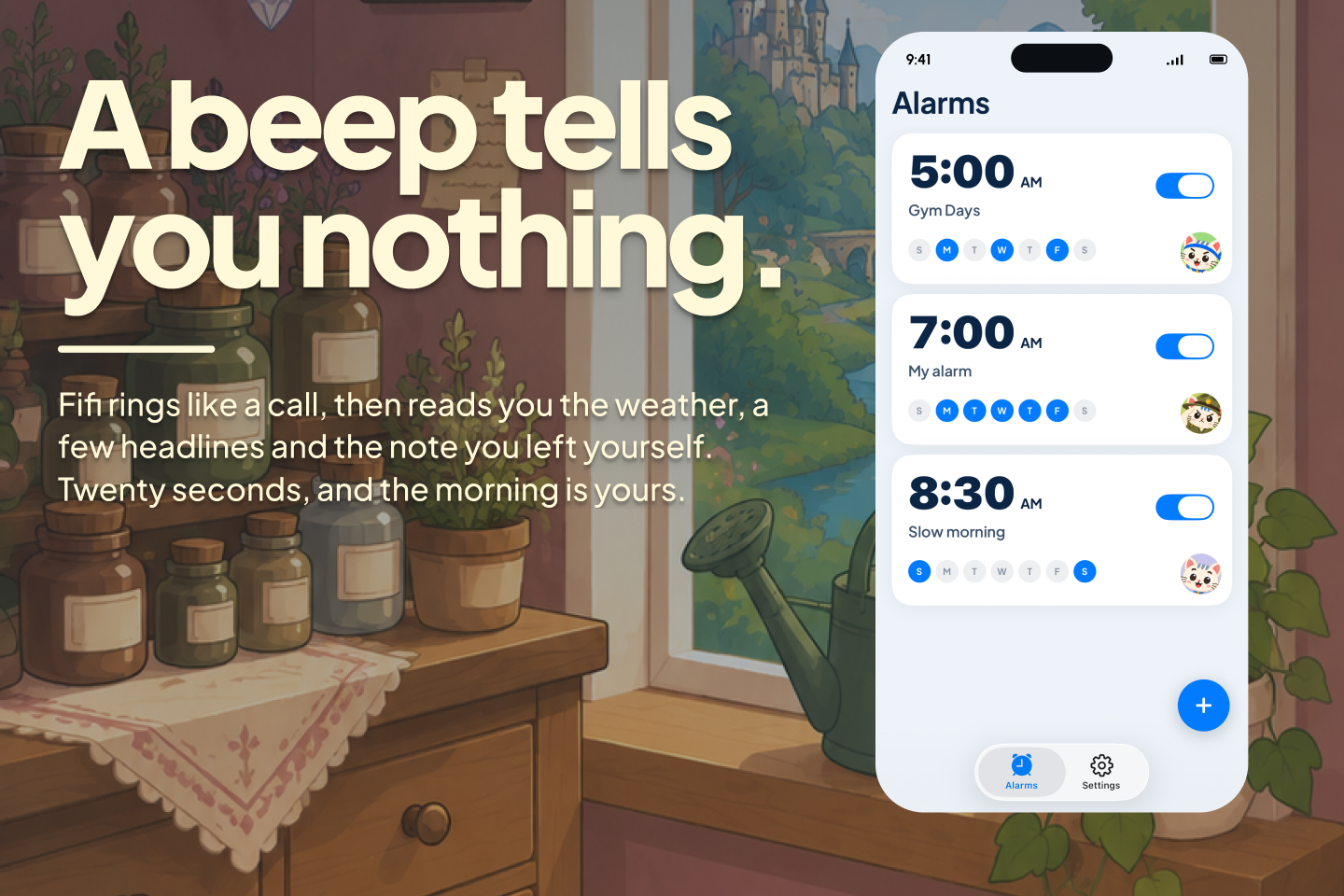
Set it like a normal alarm with more capabilities.
-
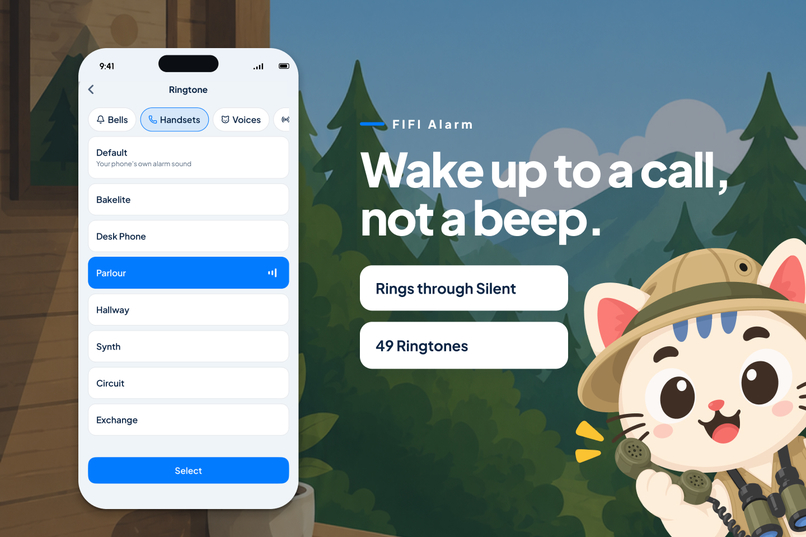
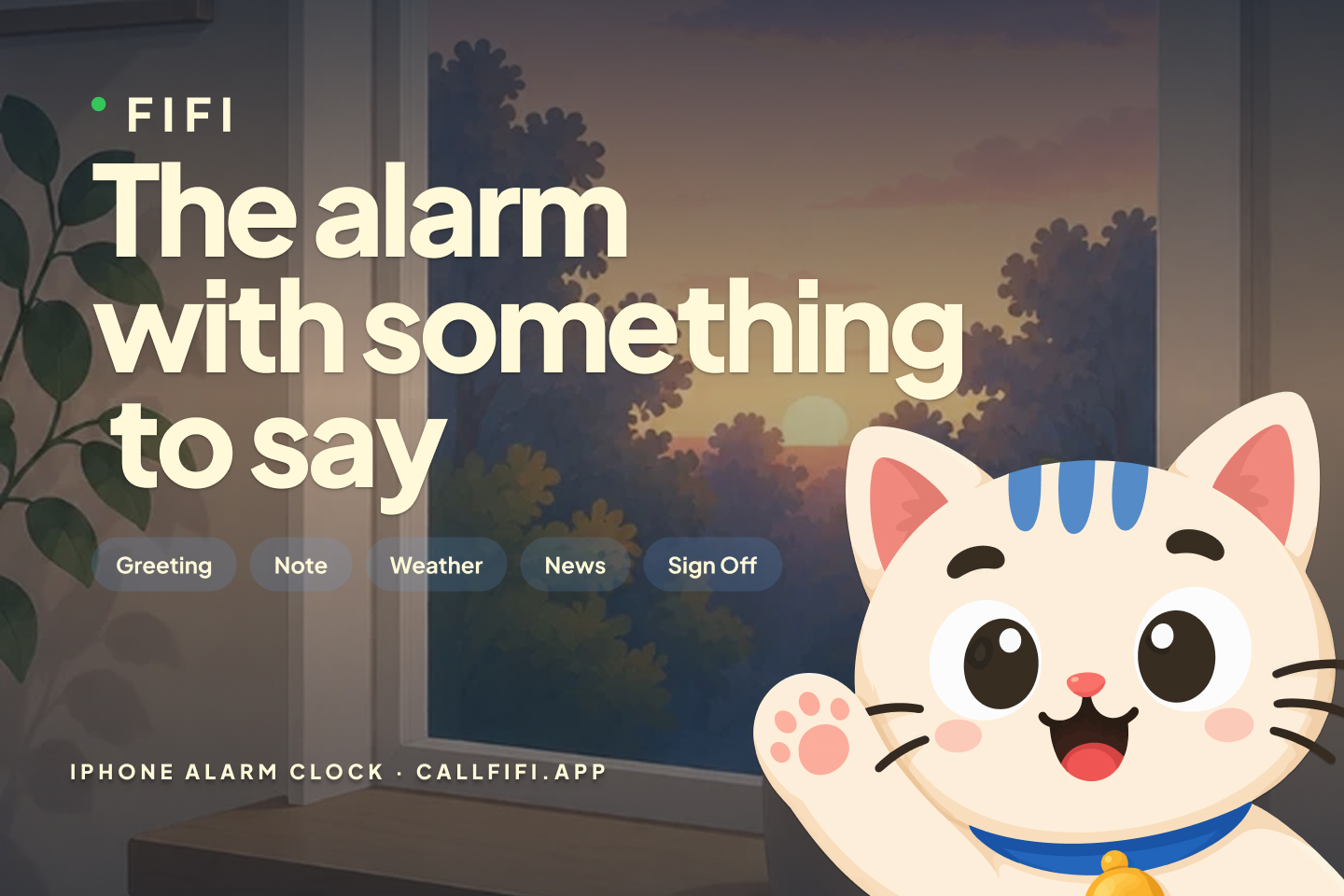
An alarm you answer instead of silencing.
-
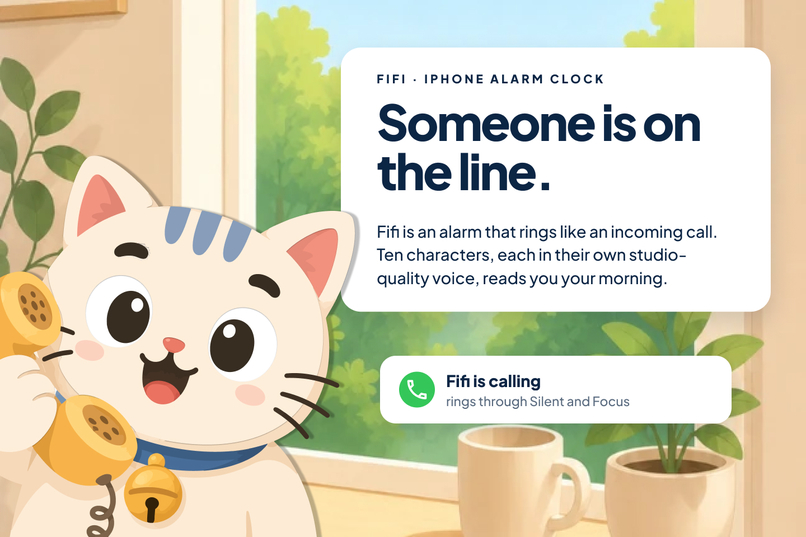
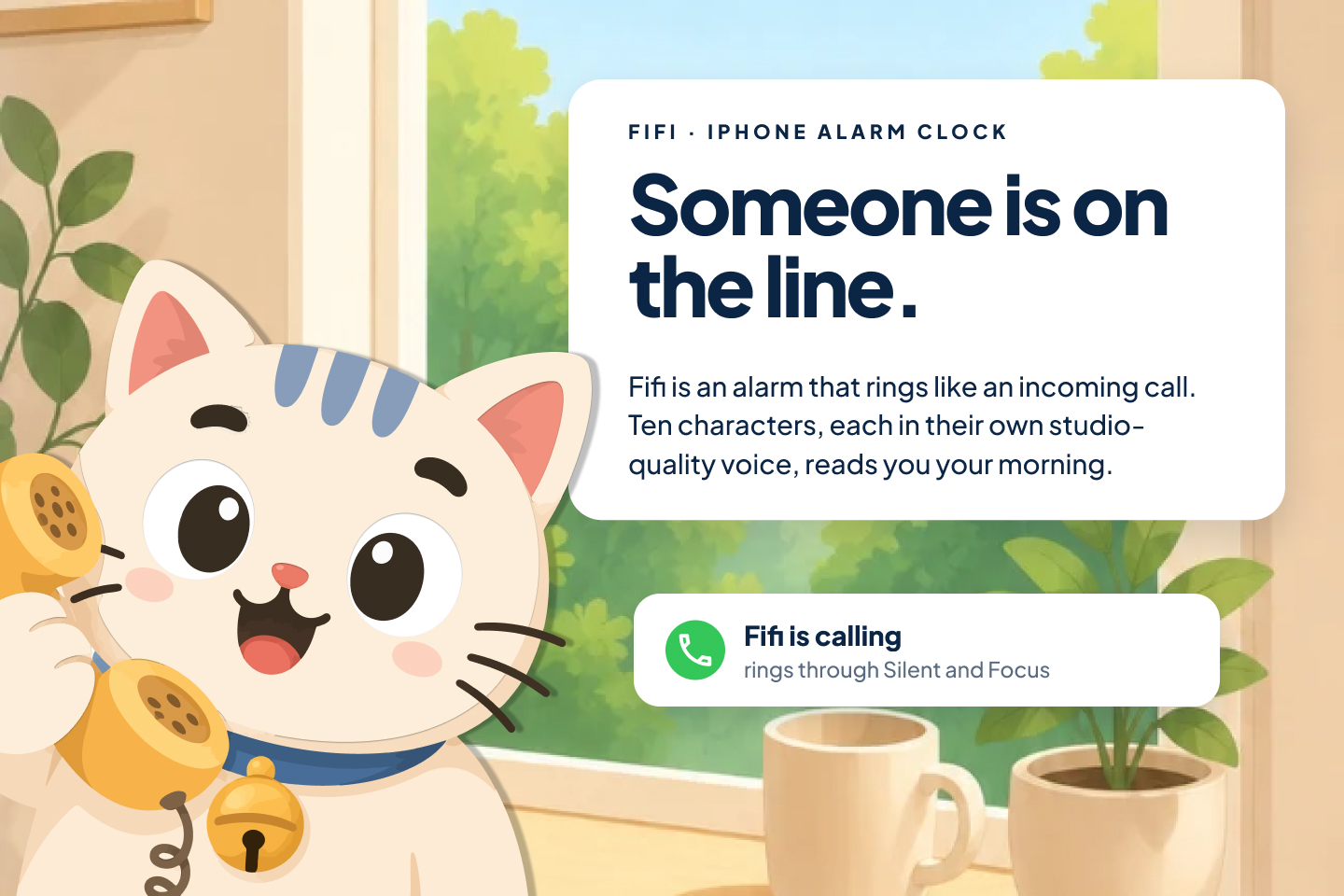
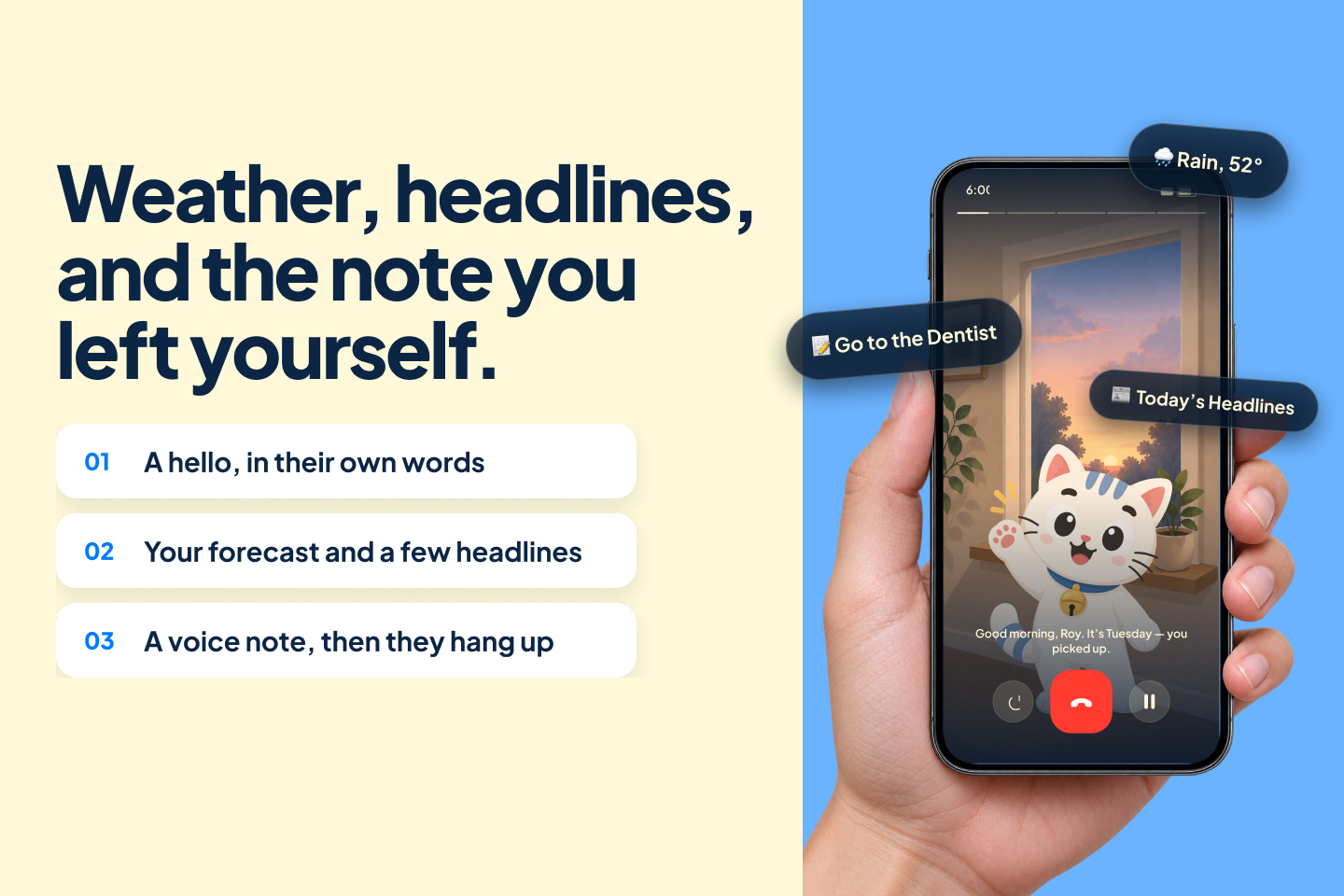
An alarm that rings like an incoming call. Someone is on the line, and they read you your morning.
-
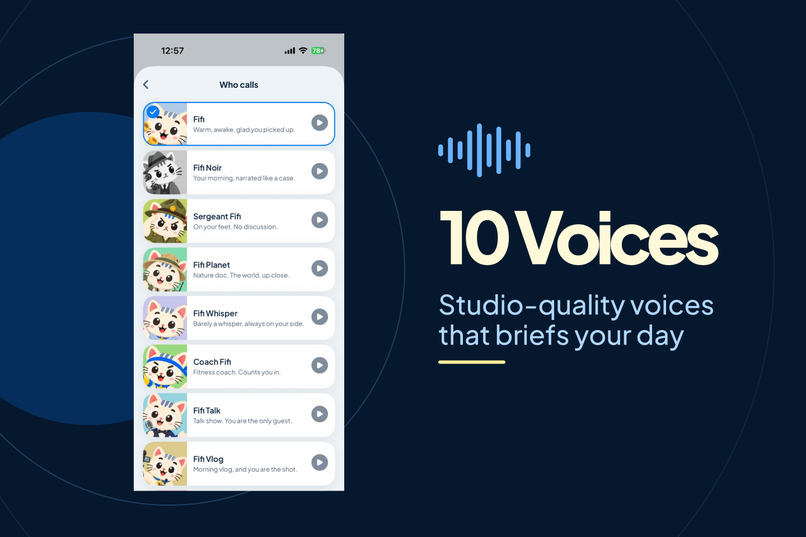
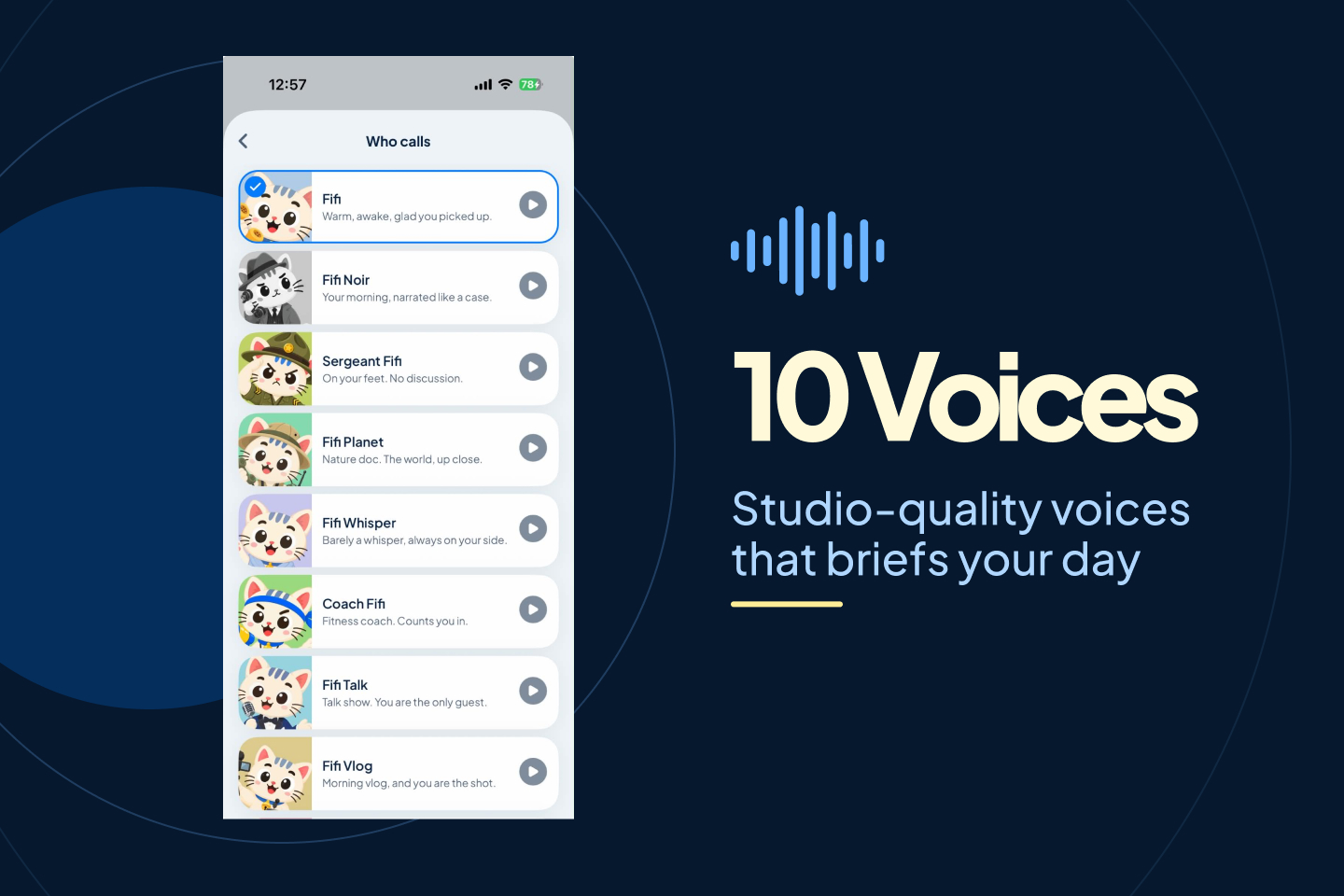
10 Studio-quality voices that briefs your day
-
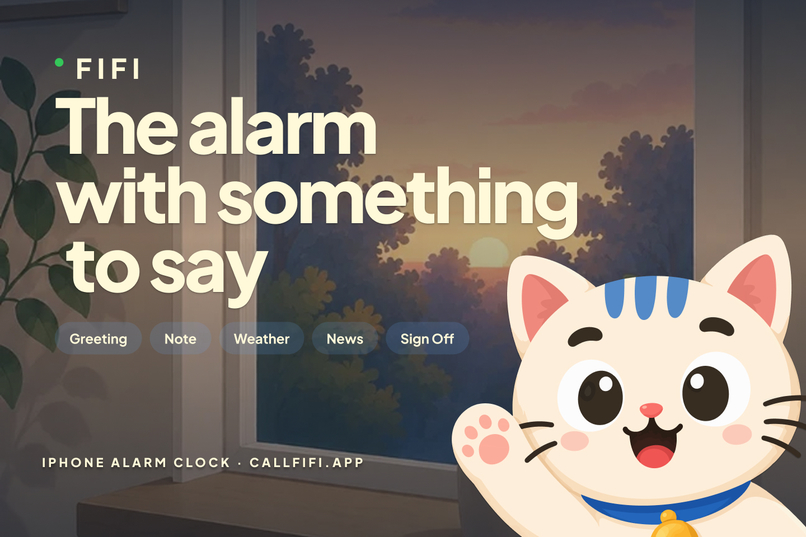
Not a tone you switch off. A voice already mid-sentence about your day
-
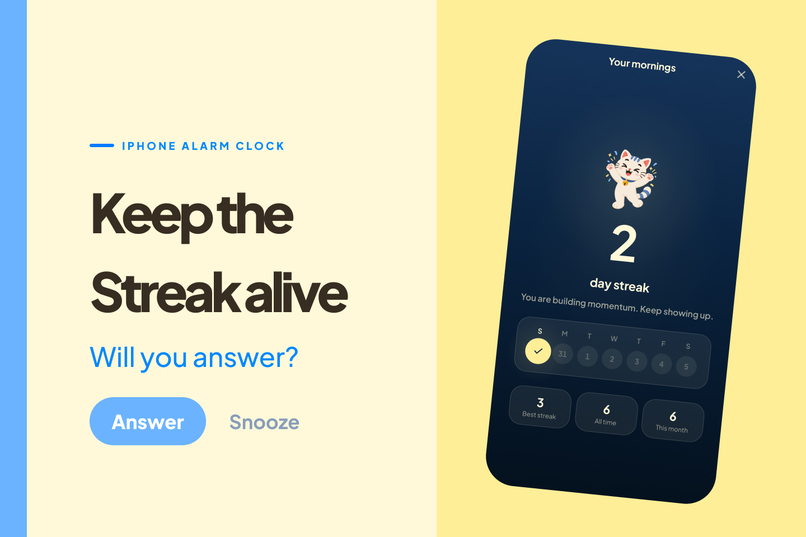
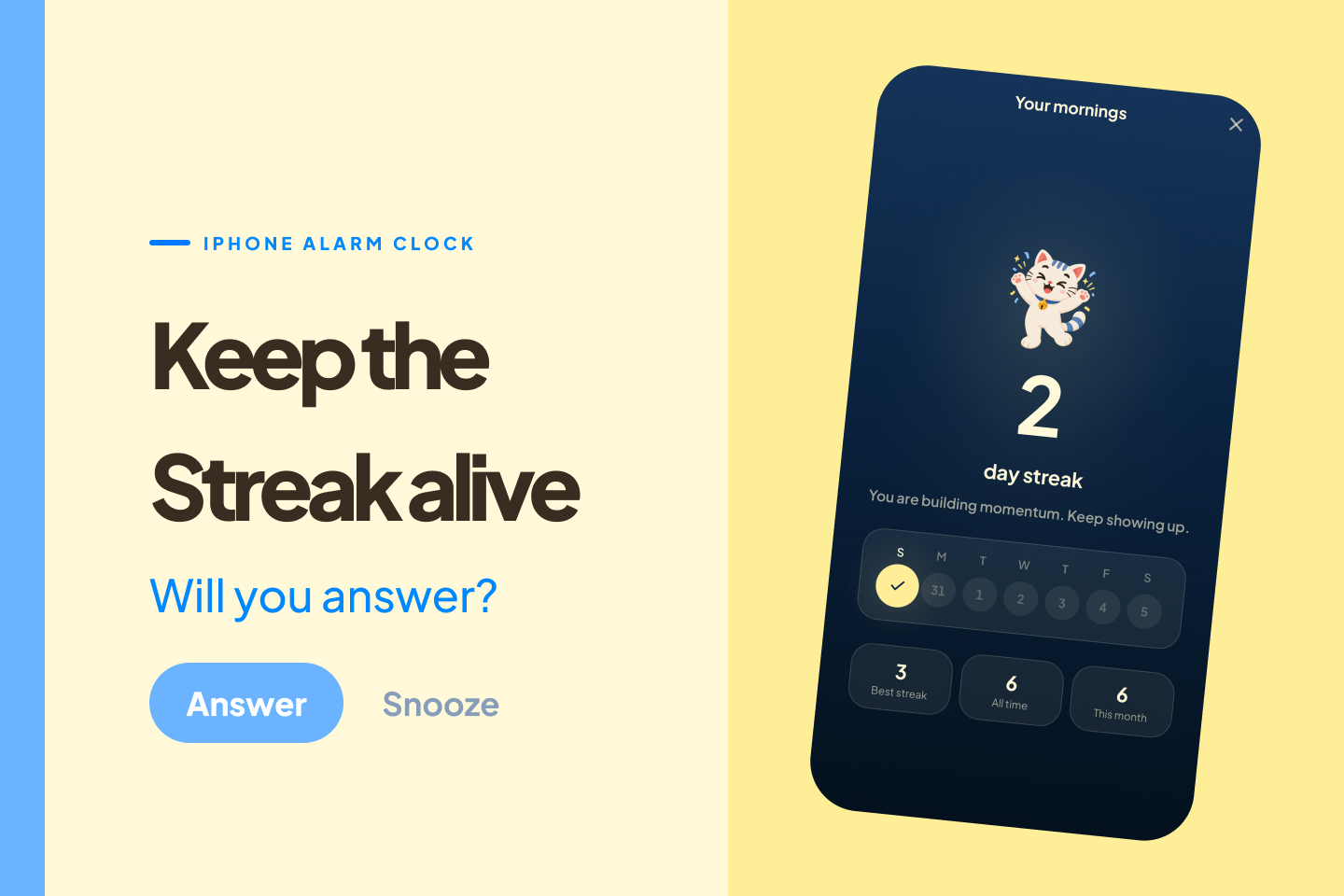
Keep the streak alive
-
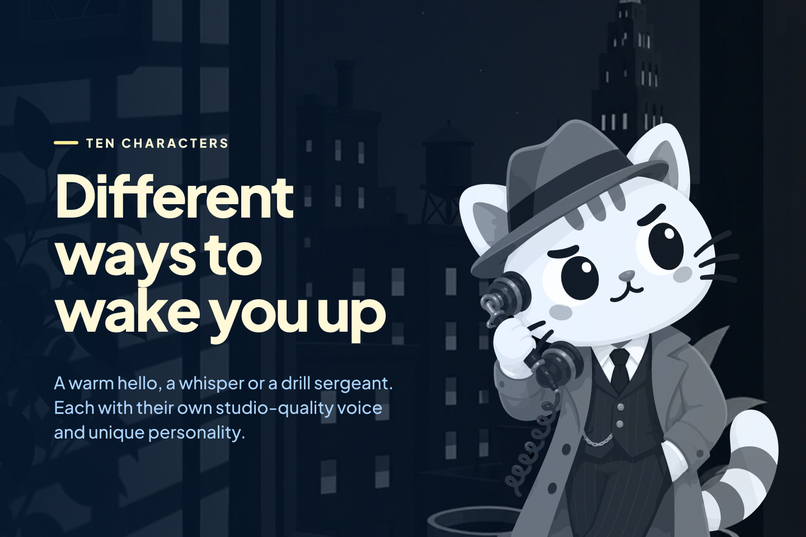
Some of them are nicer than others.
-
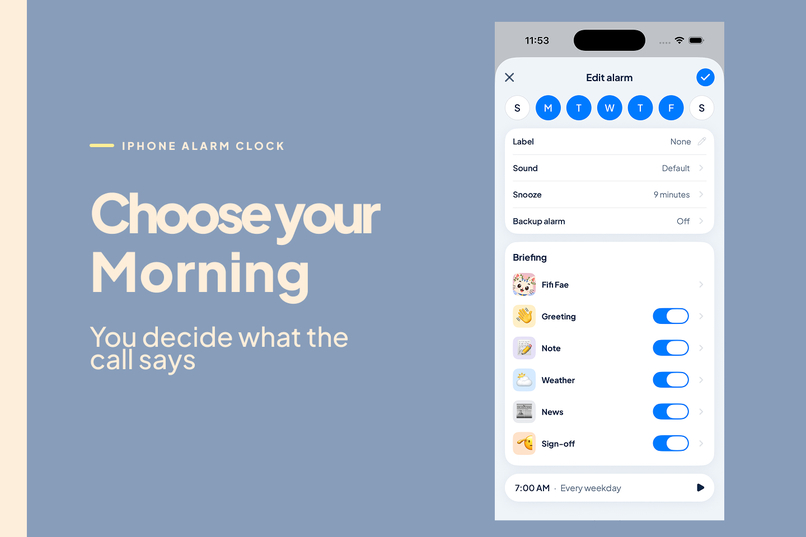
Toggle them on or off, customize the briefing to your liking.
-
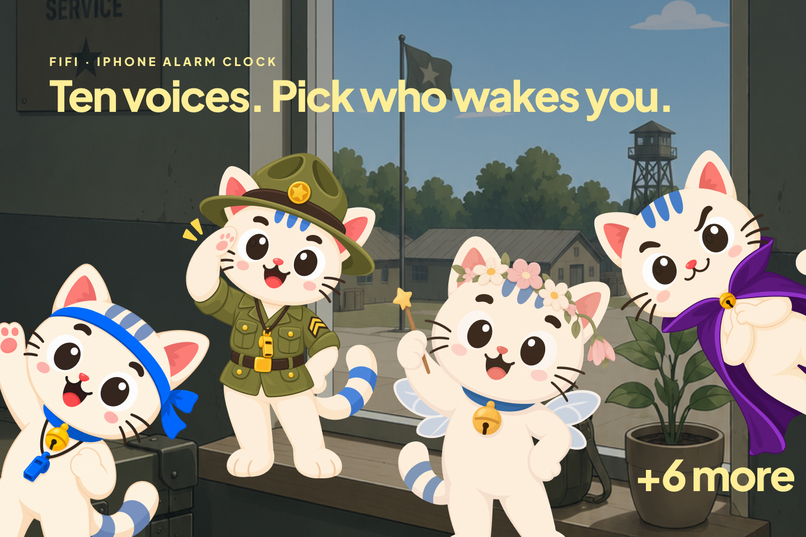
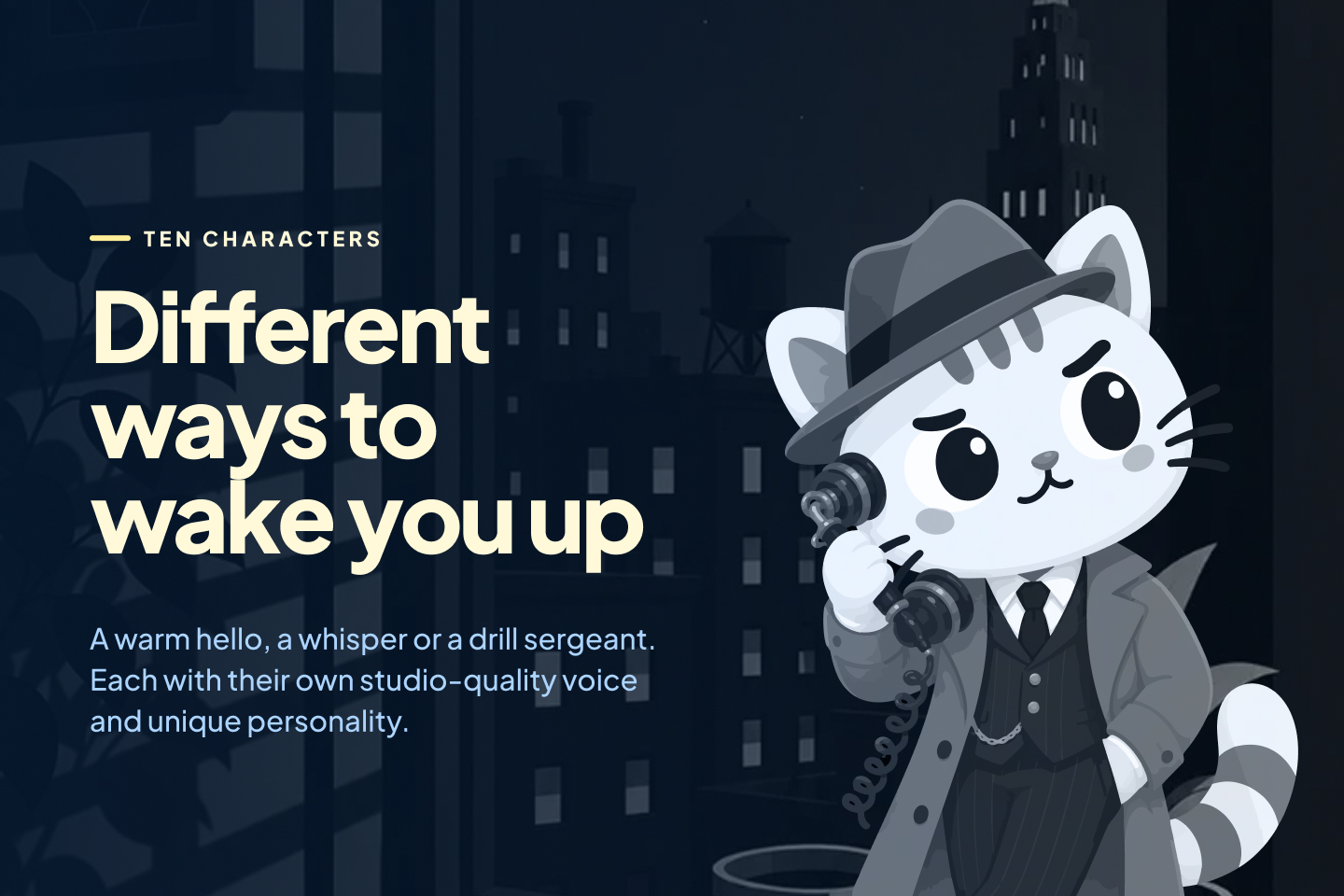
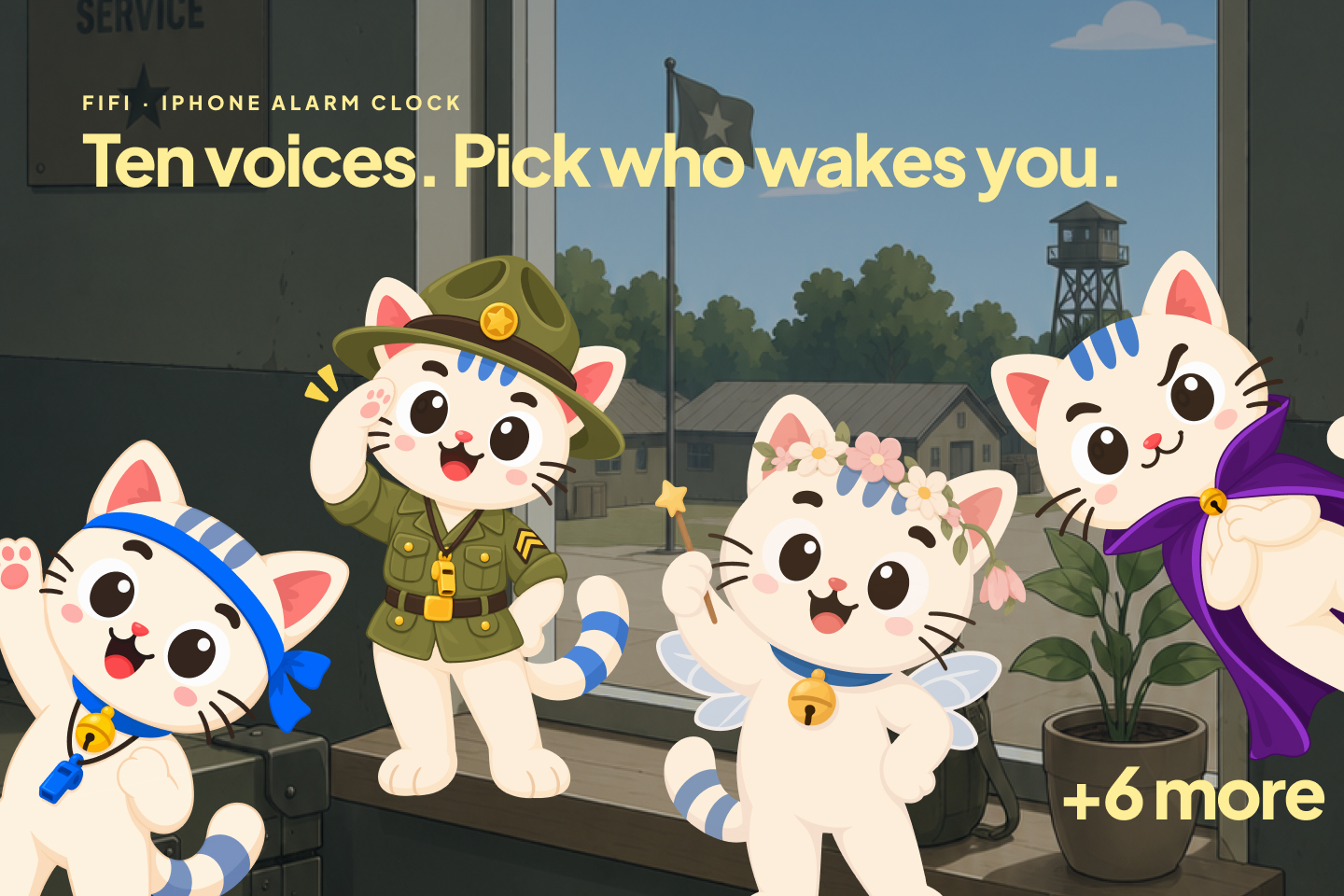
Ten characters, each with their own voice.
-
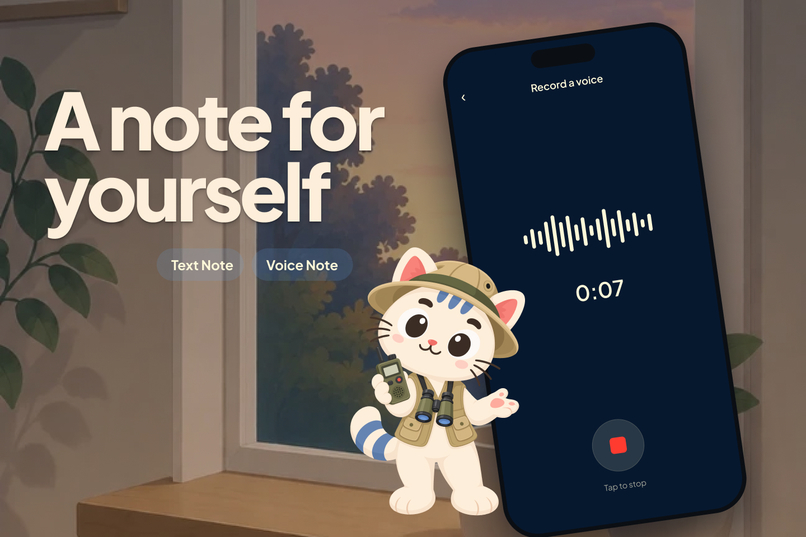
Get reminded of what's important first thing in the morning.
-
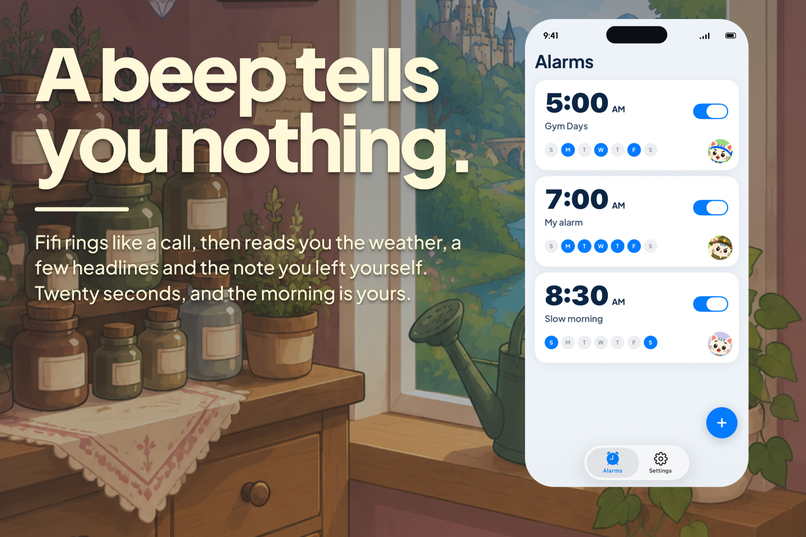
It rings like a call Through Silent and Focus. Stop it, and somebody starts talking.
-
app icon
Inspiration
Every alarm app I have used treats waking up as a fight. The category leader markets itself as the world's most annoying alarm clock, and its reviews carry the same two complaints over and over: it sometimes fails silently, and it shows ads to people who have just opened their eyes.
The bigger problem is what happens in the ten seconds after the alarm stops. You silence it, you are still horizontal, and you start scrolling. The first moment of the day goes to nothing.
I wanted the opposite of an aggressive alarm, something that uses that exact moment for something useful. The idea landed when I thought about how I actually get woken up most mornings, which is by my cat. So Fifi does not beep at you. It calls you, and when you answer, there is someone on the line who has your day.
What it does
At your wake time Fifi rings through Silent mode, through a Focus, and on low battery.
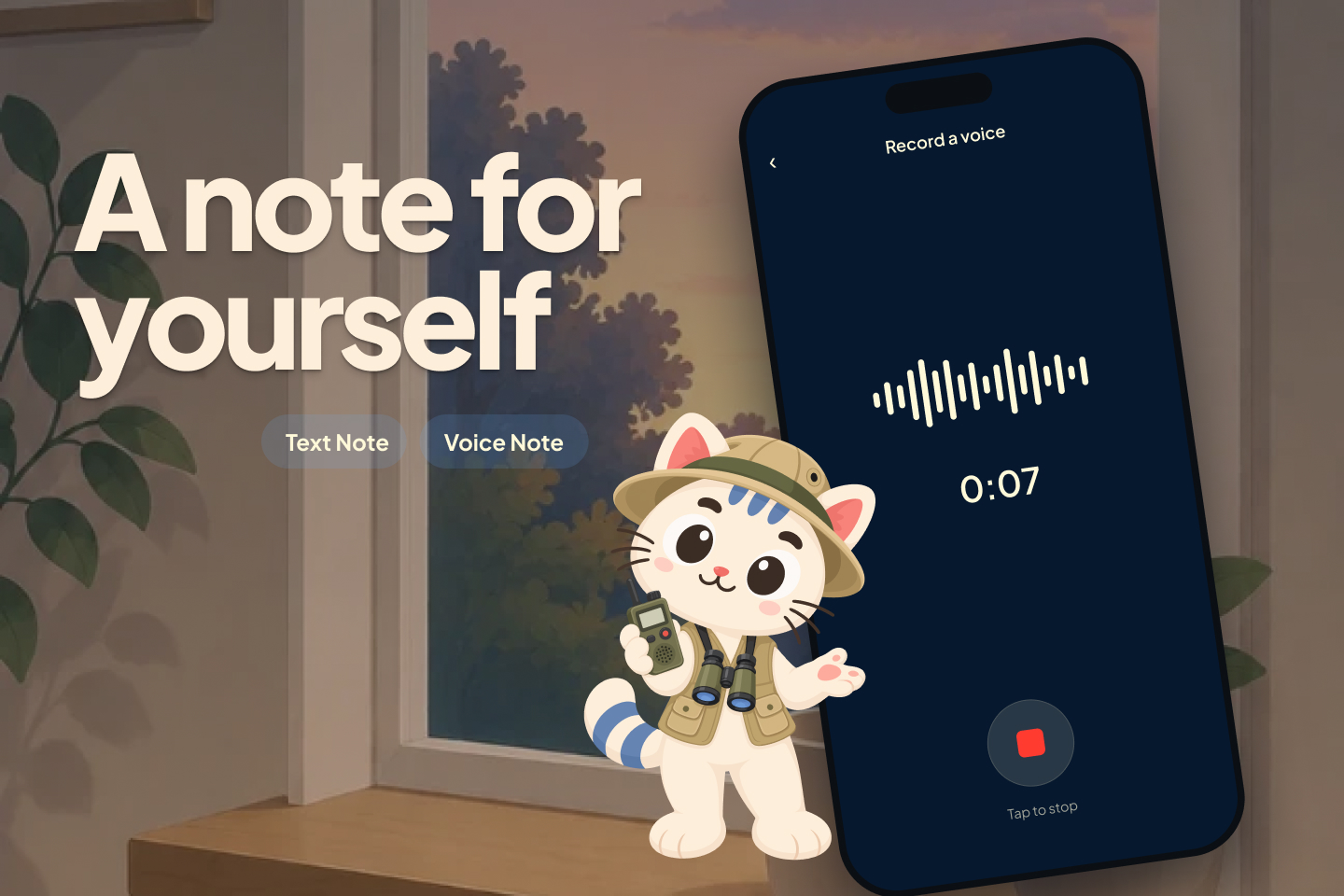
You answer and you get a spoken briefing: a hello in the caller's own words, the note you left yourself last night, your local forecast, a few headlines in the category and country you chose, then their goodbye. Every one of those is a switch, so the call is only as long as your morning actually is, and the same character never opens the same way twice.
Who calls you is the product. There are ten characters — an ASMR whisper, a film-noir detective narrating your day as a case, a nature documentary that treats you as the specimen, a late-night host doing a monologue about your Tuesday, a drill sergeant, a pantomime baroness, a fairy godmother who enchants your day and then admits it is still your day. Each has their own voice and their own script. They are all Fifi in a different costume, so it is one friend in ten moods rather than ten strangers.
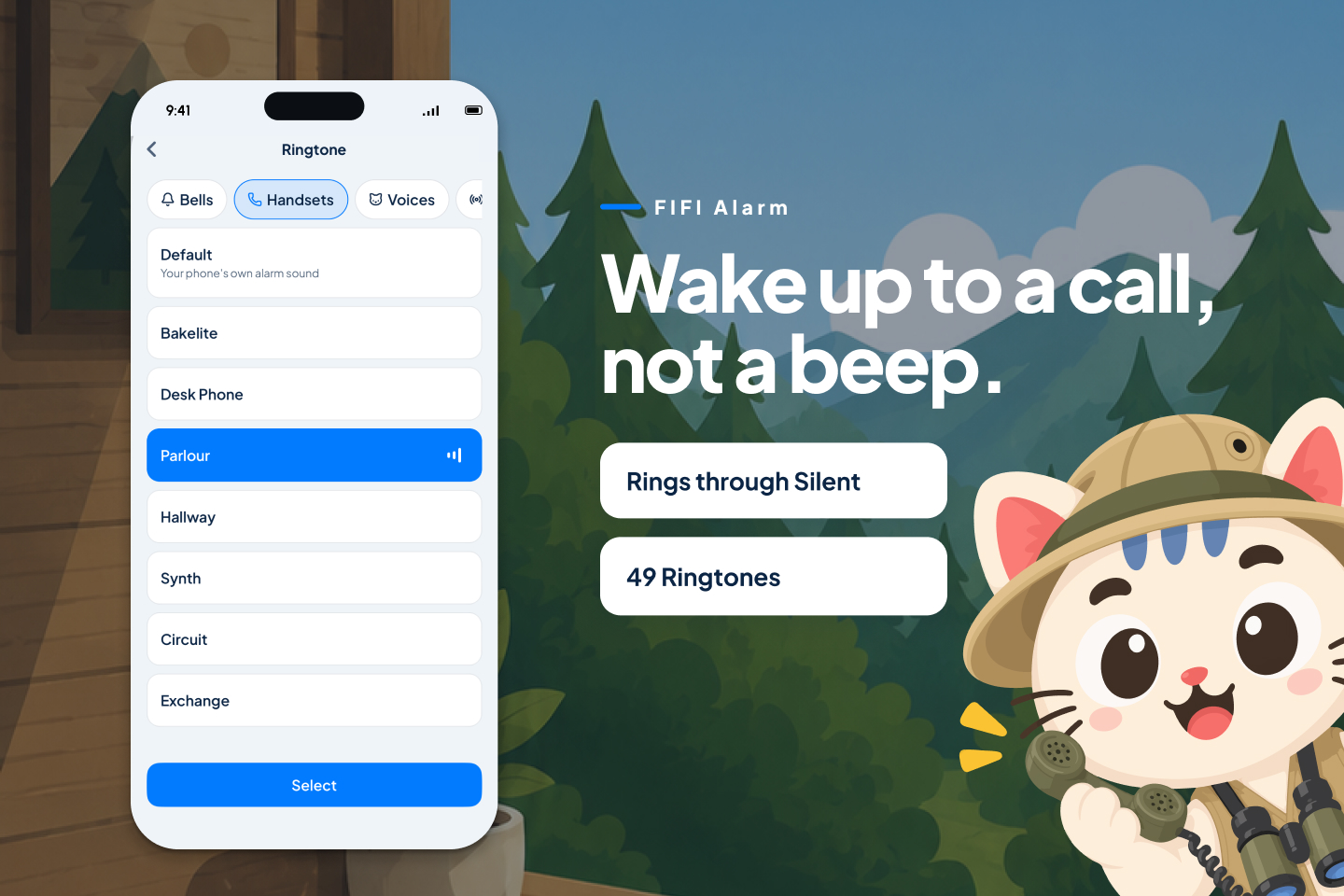
Around that: thirty-nine ringtones grouped by what a phone actually sounds like from modern handsets, old bakelite bells, office desk phones, buzzers or your character ringing you in their own voice, so you know who is calling before you open your eyes. A backup call that lands however long after the first you choose, no matter how many times you snoozed. And a streak counting the mornings you answered. The second morning is the hard one.
How I built it
React Native and Expo SDK 54, with Swift where iOS requires it.
The alarm runs on AlarmKit, Apple's iOS 26 framework that gives third-party apps the same alarm privileges as the built-in Clock app. There was no off-the-shelf way to reach it from React Native that I trusted, so I wrote my own Expo native module in Swift wrapping authorization, scheduling, cancellation, and an App Intent that launches the app when you answer. The Lock Screen caller is SwiftUI over ActivityKit.
The briefing text is assembled on the phone. Everything that needs a network or a billed key goes
through my own Firebase Cloud Functions proxy, so no vendor key ever ships inside the app: Apple
WeatherKit for the forecast, a news API for the headlines, Gemini for the language pass that
writes each character's lines, and Cartesia and ElevenLabs for the studio voices, split by
character. The proxy sits behind Firebase anonymous auth and App Check with a server-side
per-device spend counter, because the failure mode of a public AI endpoint is somebody else's
bill. Rendered audio is cached on the device and shared server-side, and Apple's on-device
AVSpeechSynthesizer is the fallback for when a clip does not arrive in time.
Subscriptions run on RevenueCat, analytics on PostHog, crash reporting on Sentry.
Challenges I ran into
iOS has never really let third-party apps set alarms. Before iOS 26 the only viable approach was keeping an inaudible audio session playing all night so the app stayed resident in the background, which is what the big alarm apps actually do. It dies if you swipe the app away, if the phone reboots, or if the system reclaims memory. That fragility is the direct cause of every silent-failure complaint in the category, and I did not want to ship it.
CallKit looked like the perfect answer and was a trap. It gives you Apple's real incoming-call UI, which is exactly the experience I was describing. But your app is not running at 6am, so the only way to trigger it is a VoIP push from a server. That means the alarm fails whenever the phone is offline or on bad wifi. An alarm that needs a network connection is not an alarm. I cut it.
AlarmKit solved reliability and cost me the call screen. The alert it shows when firing is laid out by the system, so I cannot draw a full-screen call UI at the moment of ringing. I redesigned around it: so answering launches the app into the real call screen. Reliability was worth more than five seconds of visual.
Voice is the only part of this with real marginal cost, and latency picked the vendor, not quality. The language model is effectively free per briefing; voicing it is not. Gemini's text-to-speech took 19-27 seconds to return a briefing against a 10-second client abort. Cartesia returned the same text in about five. That decided it, and the cast later split across two vendors because no single library had a castable voice for all ten characters. Cost shaped the product too: stock lines are pre-rendered and cached, and only the personalised parts get a live call.
Casting from descriptions is the mistake, and I made it twice. Choosing voices by reading their blurbs produced a shortlist that was entirely warm and then I made the same mistake one level up, locking a roster of ten characters before knowing whether any of them could be cast at all. The fix was listening to roughly eighty candidates end to end. Five of the ten did not survive that audition.
Eight weeks meant cutting things I liked. Calendar integration, voice-recorded dream capture with AI interpretation, and wake-to-music all went to phase two.
What I learned
As of iOS 26, alarm reliability is no longer a moat. AlarmKit hands it to every competitor for free. That reframed the whole project: if the alarm working is table stakes, then the product has to be the caller, not the clock.
Most of an app is plumbing. Reusing the paywall, entitlement handling, onboarding and AI-proxy patterns from a previous app of mine saved close to two weeks, and all of it was in the least interesting parts.
What's next
Voice-recorded dream capture with transcription, because dream recall fades within minutes of waking and this app already owns that exact moment. Calendar integration. Wake to music. More characters, since the roster is the product and adding one is now a script and a voice rather than a build. Android, once AlarmManager parity is worked out.
Built With
- activitykit
- alarmkit
- app-intents
- cartesia
- cloud-functions
- elevenlabs
- expo.io
- firebase
- firestore
- gemini
- ios
- nativewind
- node.js
- posthog
- react-native
- reanimated
- revenuecat
- sentry
- swift
- swiftui
- tailwind
- typescript
- weatherkit
- xcode


Log in or sign up for Devpost to join the conversation.