Inspiration
I live in Trinidad and Tobago, where violent crime is part of everyday life. Homes are invaded and businesses are robbed, and afterwards the CCTV footage goes up on social media and the news. I've watched a lot of that footage. The cameras catch everything, but nobody sees it until the crime is over.
That's what bothered me. The camera was there and recording the whole time, but the people inside had no safe way to ask for help. Reaching for a phone or pressing a panic button can be dangerous when someone is standing over you. If a trusted person had known while it was happening, the police could have been called within minutes, and they would have had a much better chance of catching the people responsible.
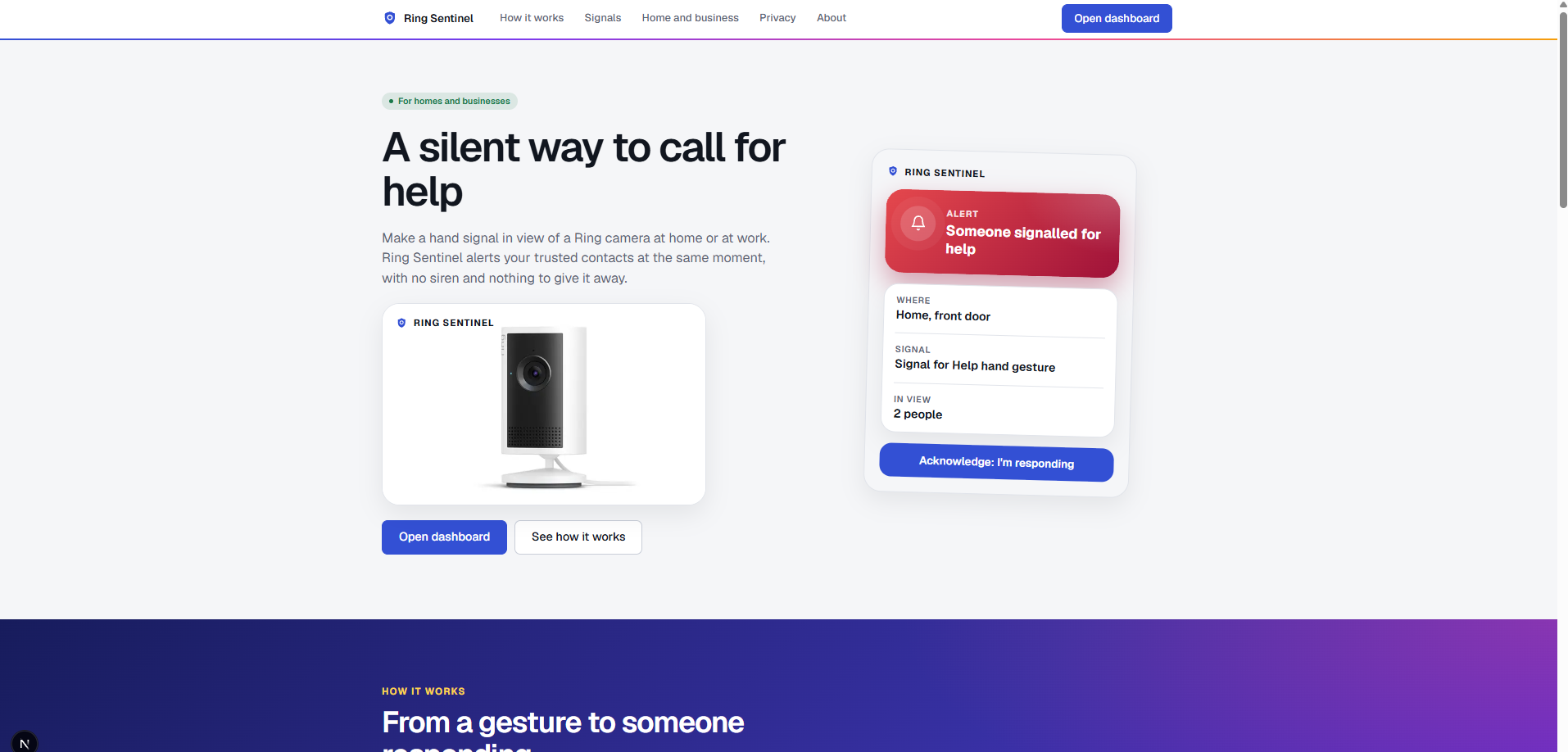
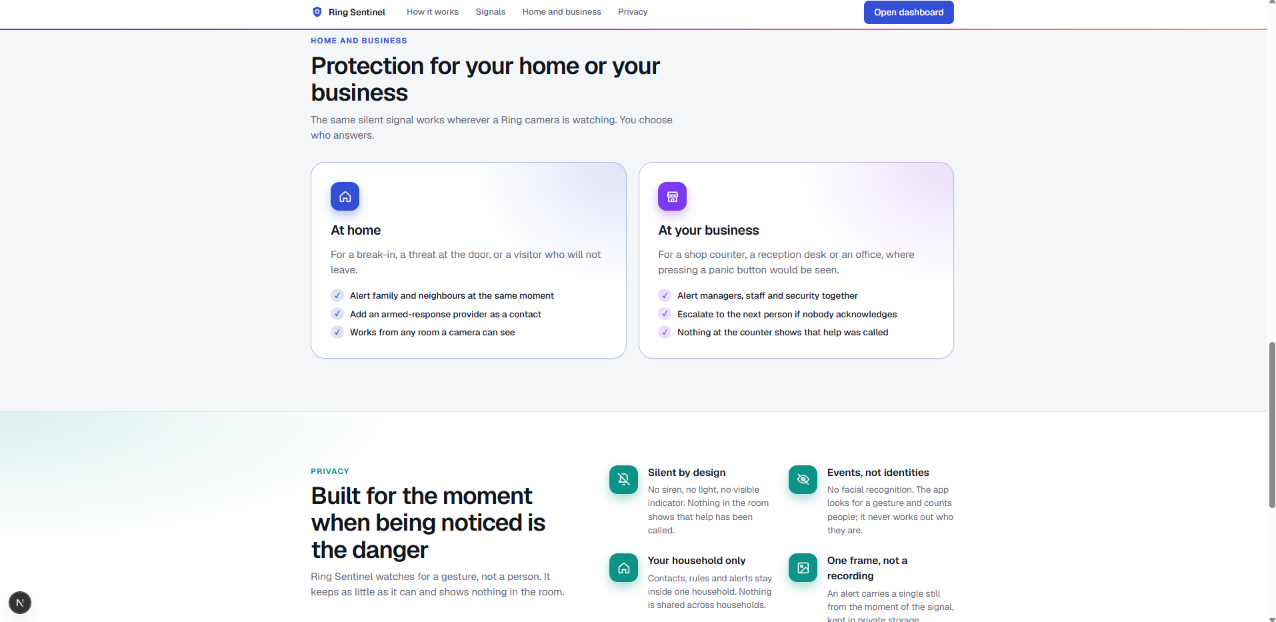
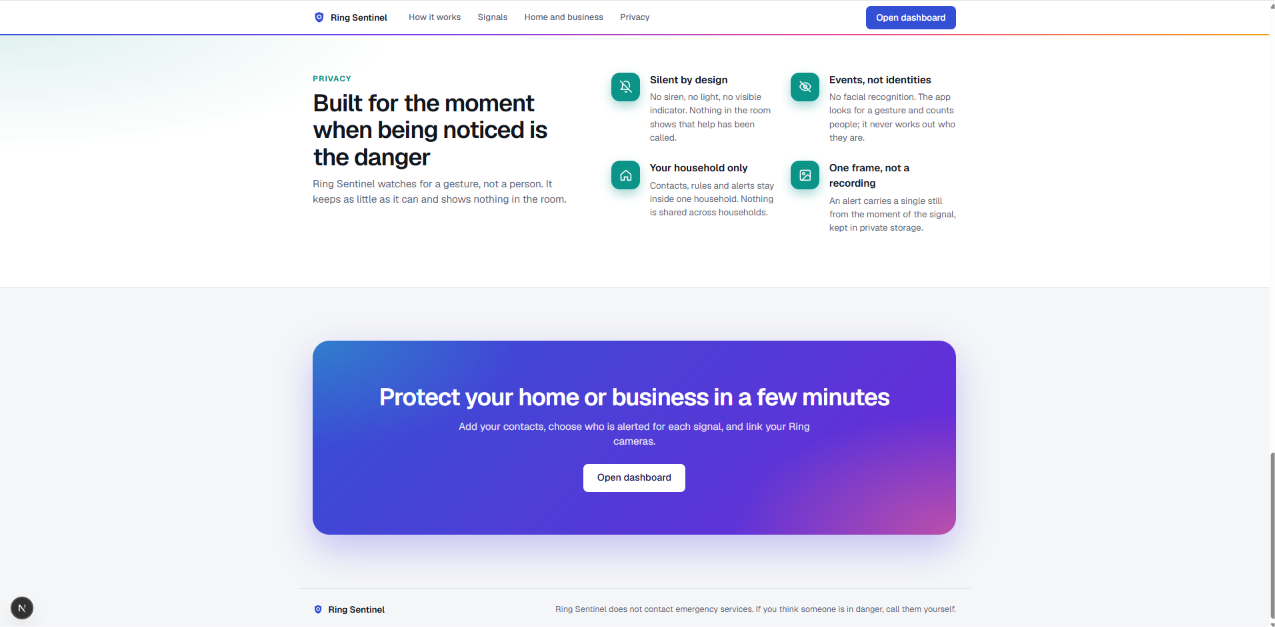
Ring Sentinel comes from that. Plenty of homes and shops already have a Ring camera, so I wanted it to do more than record. A hand signal, a few spoken words, or simply being ordered to the floor should be enough to quietly tell someone you trust that you need help, while it's still happening.
This is a real problem where I live, and I don't plan to stop at the hackathon. I want to turn Ring Sentinel into a business that helps people get help during a crime and makes criminals think twice.
What it does
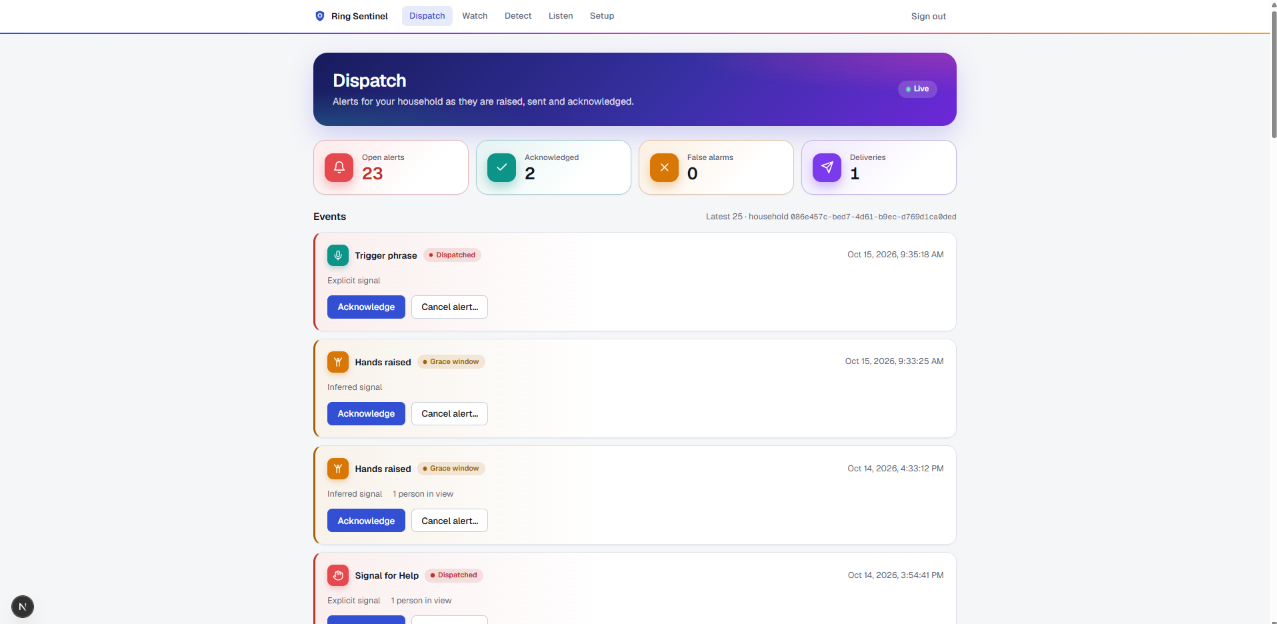
Make a signal in view of a Ring camera, at home or at work, and Ring Sentinel alerts your trusted contacts at the same moment. There's no siren and nothing to give it away. Each alert comes with a still frame from the camera, how many people are in view, and a warning if the camera sees a weapon.
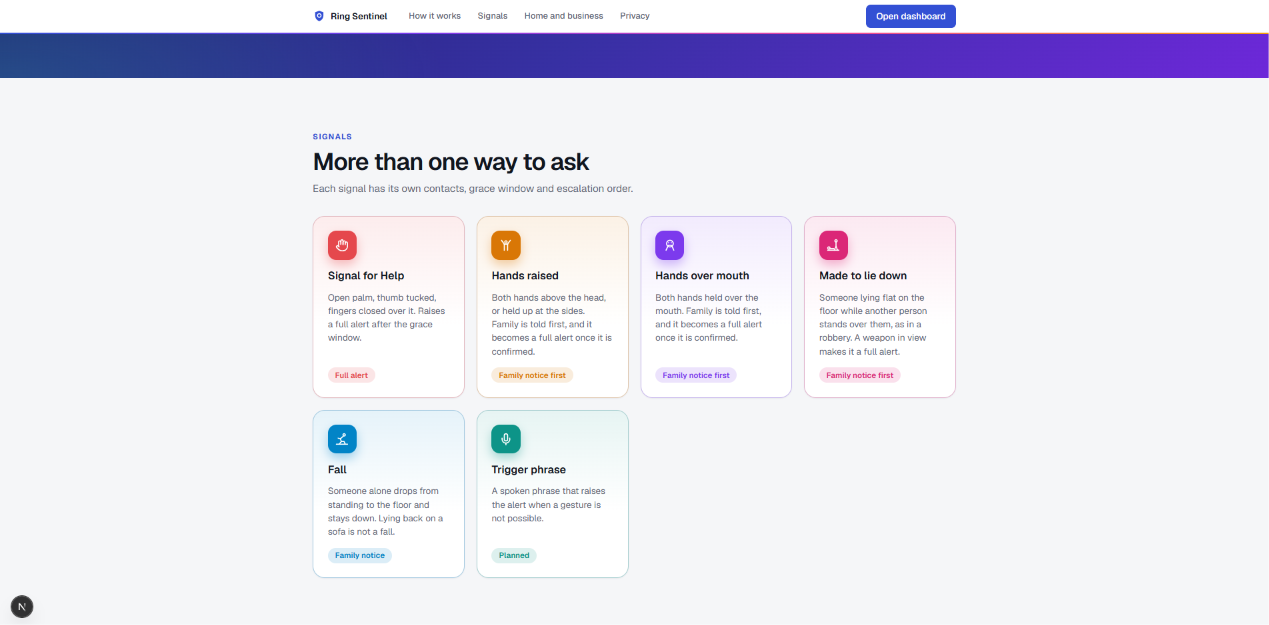
There are six signals built in:
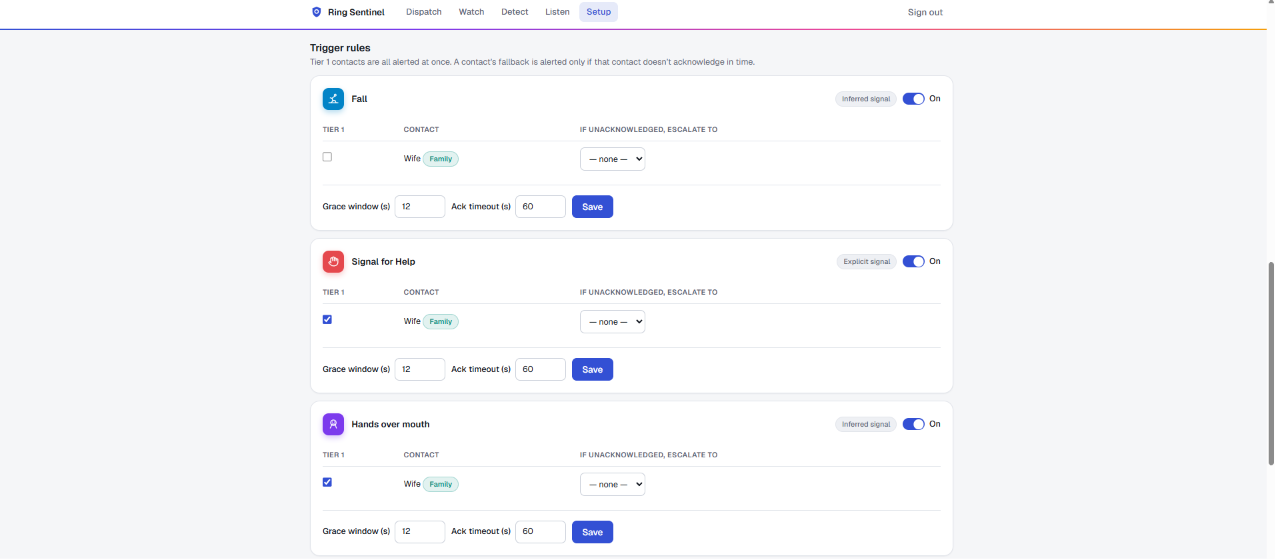
- Signal for Help: open palm, thumb tucked, fingers closed over it. This raises a full alert after a short grace window, during which the homeowner can cancel a false alarm.
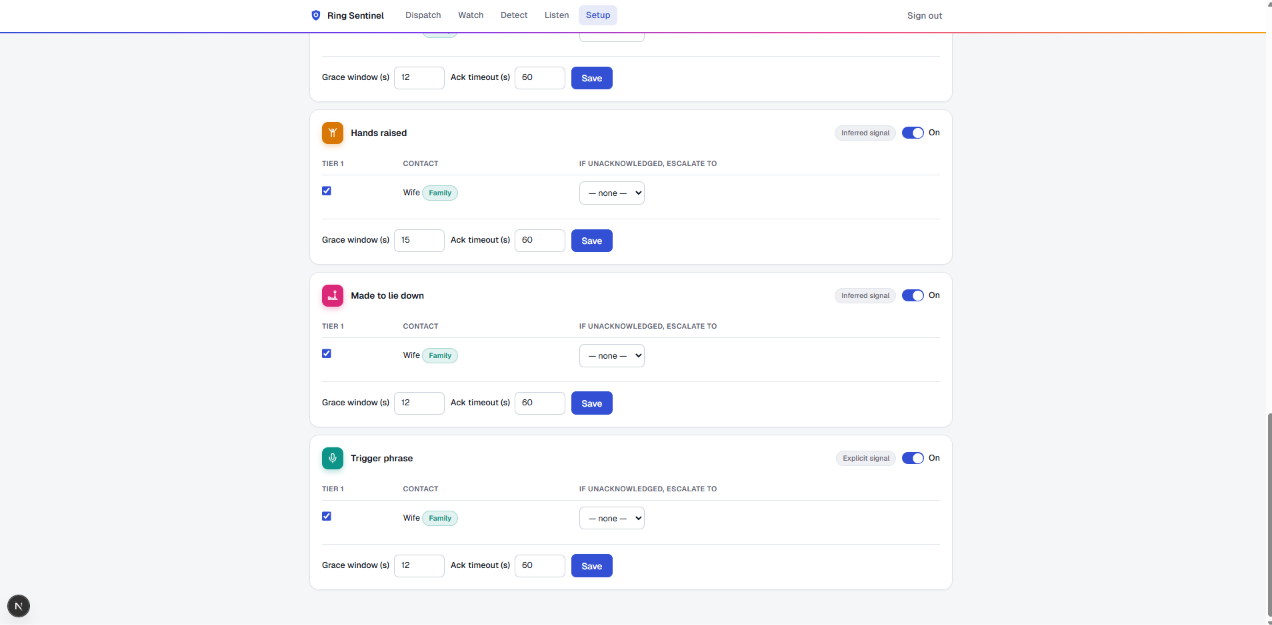
- Hands raised: both hands above the head, or held up at the sides.
- Hands over mouth: both hands held over the mouth.
- Made to lie down: someone lying on the floor while another person stands over them, as when a robber orders people to the ground.
- Fall: someone alone suddenly drops to the floor and stays down. Lying back on a sofa doesn't count.
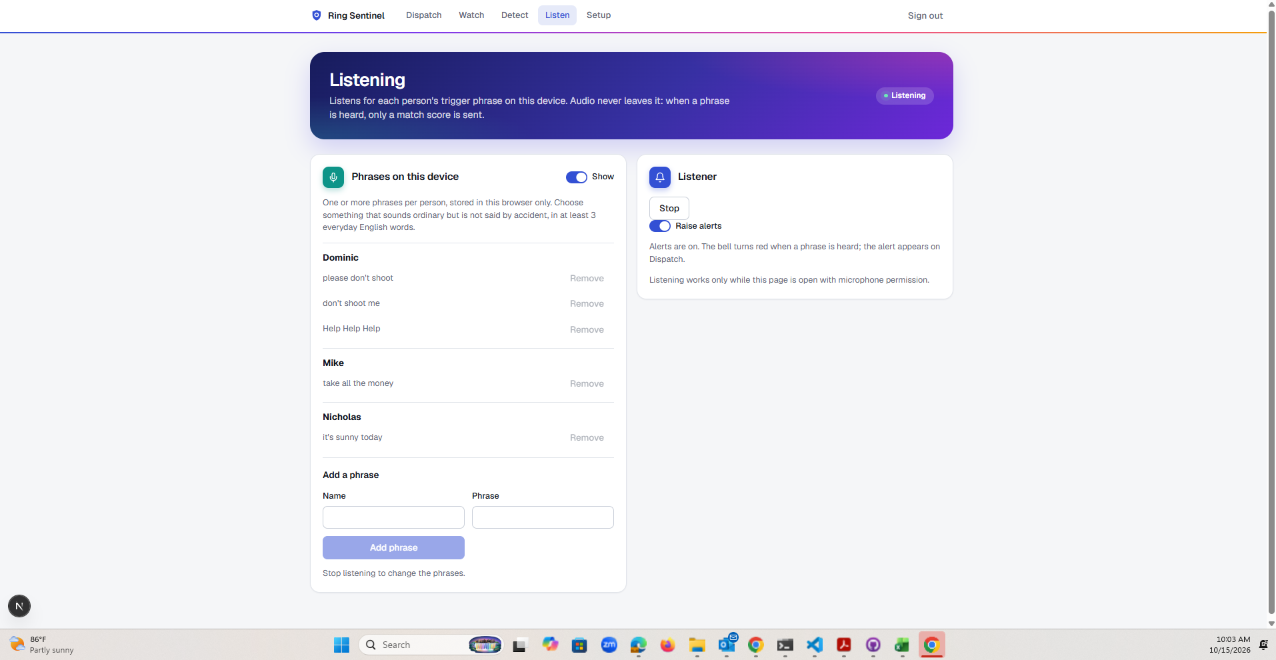
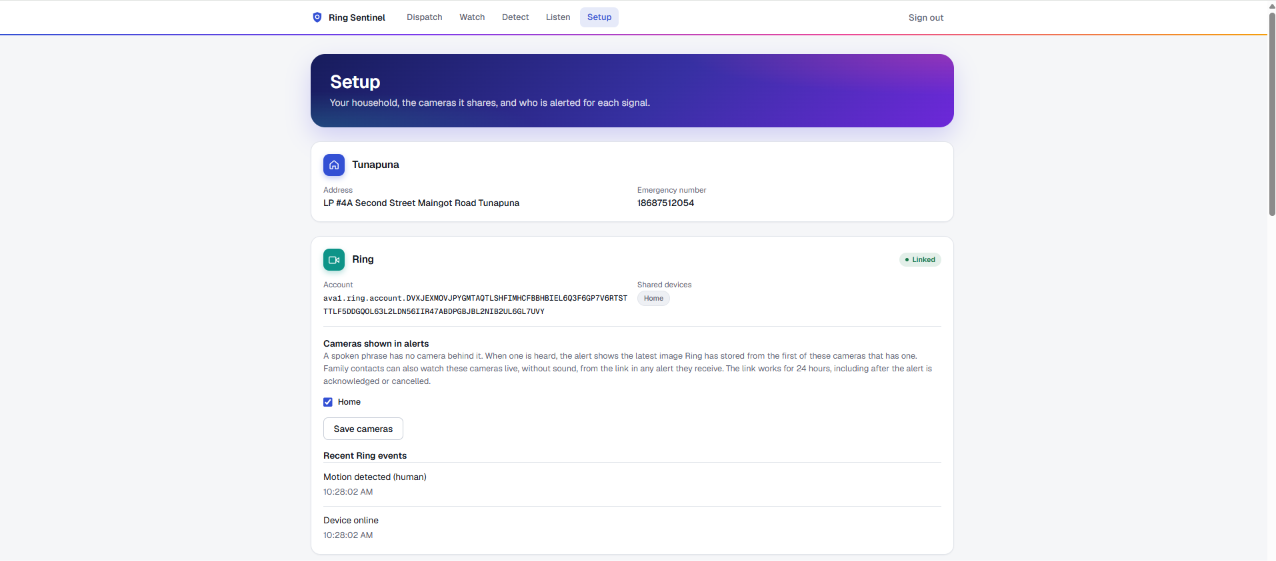
- Trigger phrase: a spoken phrase for when a gesture isn't possible. It's heard by the app on a phone or other device in the home, not by the camera, and the audio never leaves that device. The alert shows a frame from the household's chosen cameras.
How we built it
- Ring API: motion events, recorded clips, live view and still frames
- Ring Indoor Cam (2K)
- Next.js: web app
- Node.js (Express): server and alert pipeline
- Python with MediaPipe: detection worker
- Amazon Rekognition: person count and weapon, violence and injury flags
- Supabase: database
- ntfy: push notifications
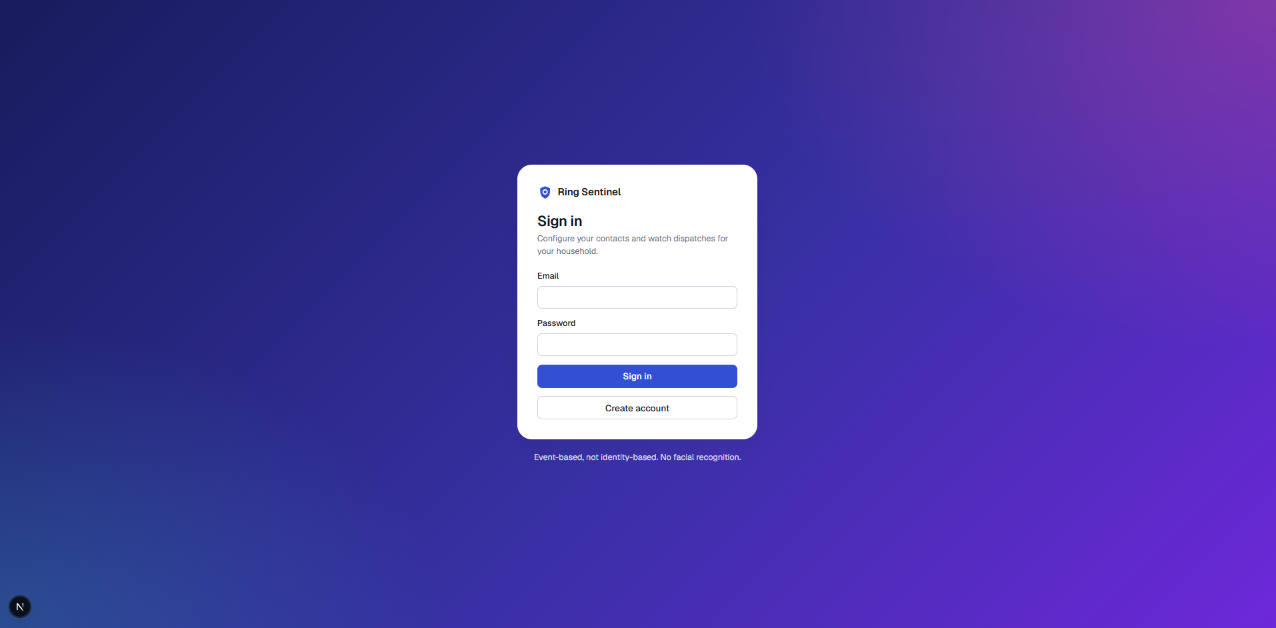
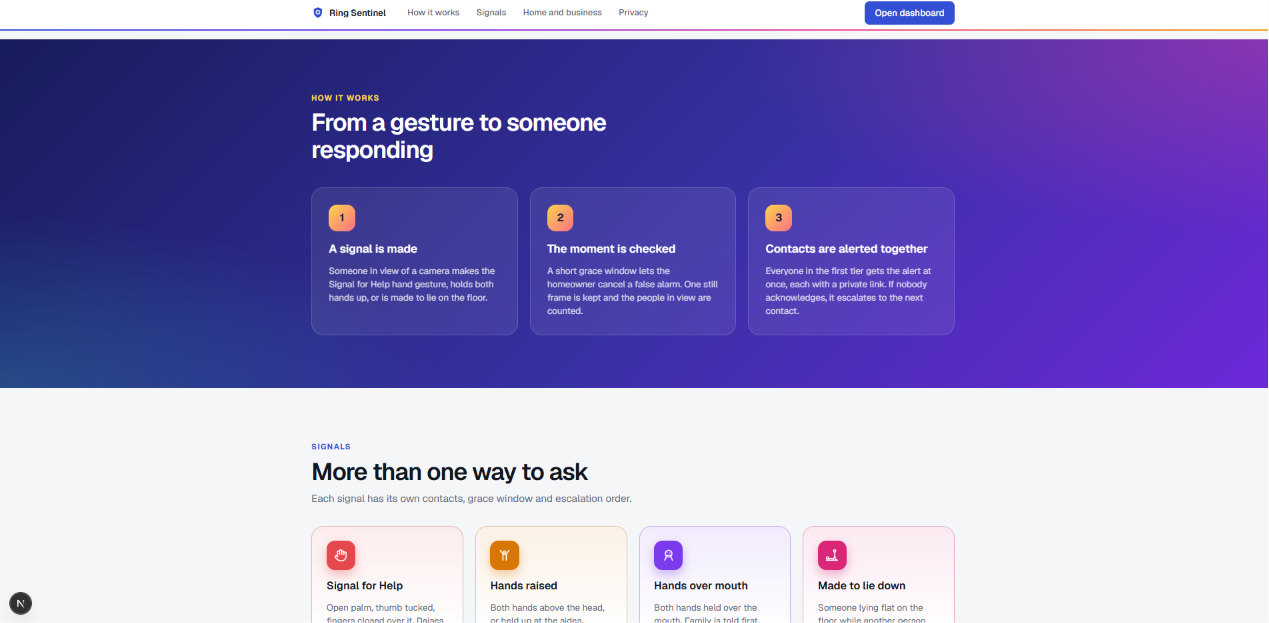
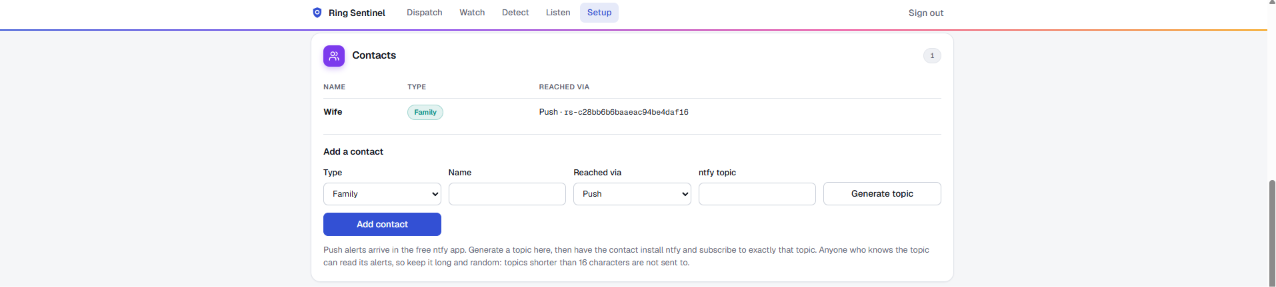
Ring Sentinel connects to a Ring Indoor Cam (2K) through the Ring API. When the camera detects motion, a Python worker pulls the recorded clip and opens a live view. It then runs MediaPipe pose and hand models to spot the Signal for Help gesture, raised hands or a covered mouth. Alerts go to a Node.js (Express) server, which uses Amazon Rekognition on a still frame to count the people in view and flag a weapon, violence or injury. The server stores the event in Supabase and sends family a push alert through ntfy. The Next.js web app is where people set up contacts and trigger phrases, listen for spoken phrases, review alerts and dispatch help.
Challenges we ran into
This was surprisingly easy. I attempted to use the simulator but the available video for testing wasn't adequate for my testing. I had to order a real ring device to do testing. I was concerned that since I wasn't in the US that I wouldn't be able to test on the real device because the app store wasn't in my area. But I was able to integrate my app and connect it to the console and test without issues.
Accomplishments that we're proud of
Ring Sentinel works end to end on a real Ring camera, not a mock-up. A person at the door can make the Signal for Help gesture or say a code phrase, and in seconds their family gets a push alert with a still frame, how many people are in view, and a warning if the camera saw a weapon. The same gesture rules run in the browser and in the Python worker, so a signal is caught both in Ring's recorded clip and on the live view. We also kept privacy in mind from the start: there is no face recognition, and family can respond and dispatch help from a single alert page.
What we learned
I learned how easy it is to build for Ring. The Ring API and the Ring app store made it simple to get motion events, recorded clips and a live view from a real camera. I also learned how powerful AWS is for a developer: Amazon Rekognition took a few lines of code to add person counting and weapon detection. Testing with real camera frames taught me something too. A small object like a knife can be missed in a wide doorbell view, so cropping to each person before checking made detection noticeably better.
What's next for Ring Sentinel
Ring Sentinel is a practical answer to a real problem: someone in danger at home often can't make a phone call, but they can make a hand signal or say a phrase near their camera. I plan to keep developing it and build a business around it. Next steps are:
- Use Amazon Bedrock vision models for more reliable scene understanding, such as spotting a small weapon.
- Send a follow-up alert when new details come in after the first notice.
- Support multiple cameras and households.
- Launch on the Ring app store.
Built With
- mediapipe
- nextjs
- node.js
- ntfy
- phython
- rekognition
- ring
- supabase

Log in or sign up for Devpost to join the conversation.