RightTrack Financial Planning
Inspiration
The inspiration for RightTrack came from years of listening to podcasts, reading self-help books, and wanting to take control of my own financial future. I’ve always been someone who likes to plan ahead and make sure I’m on the path I actually want to be on. One quote I hold onto is, “What is measured is managed.” Another is, “How can you know if you’re on the right track?” — which is exactly where the name came from.
A big spark came from reading The Millionaire Fastlane, where the author explains how most people have no idea that their current path will never lead them to their goals. I realised that while books do a great job explaining this, an interactive tool could make people visualise it even more clearly. So I built a simple way for people to see where they’re really heading based on real numbers, and make changes before it’s too late.
What it does
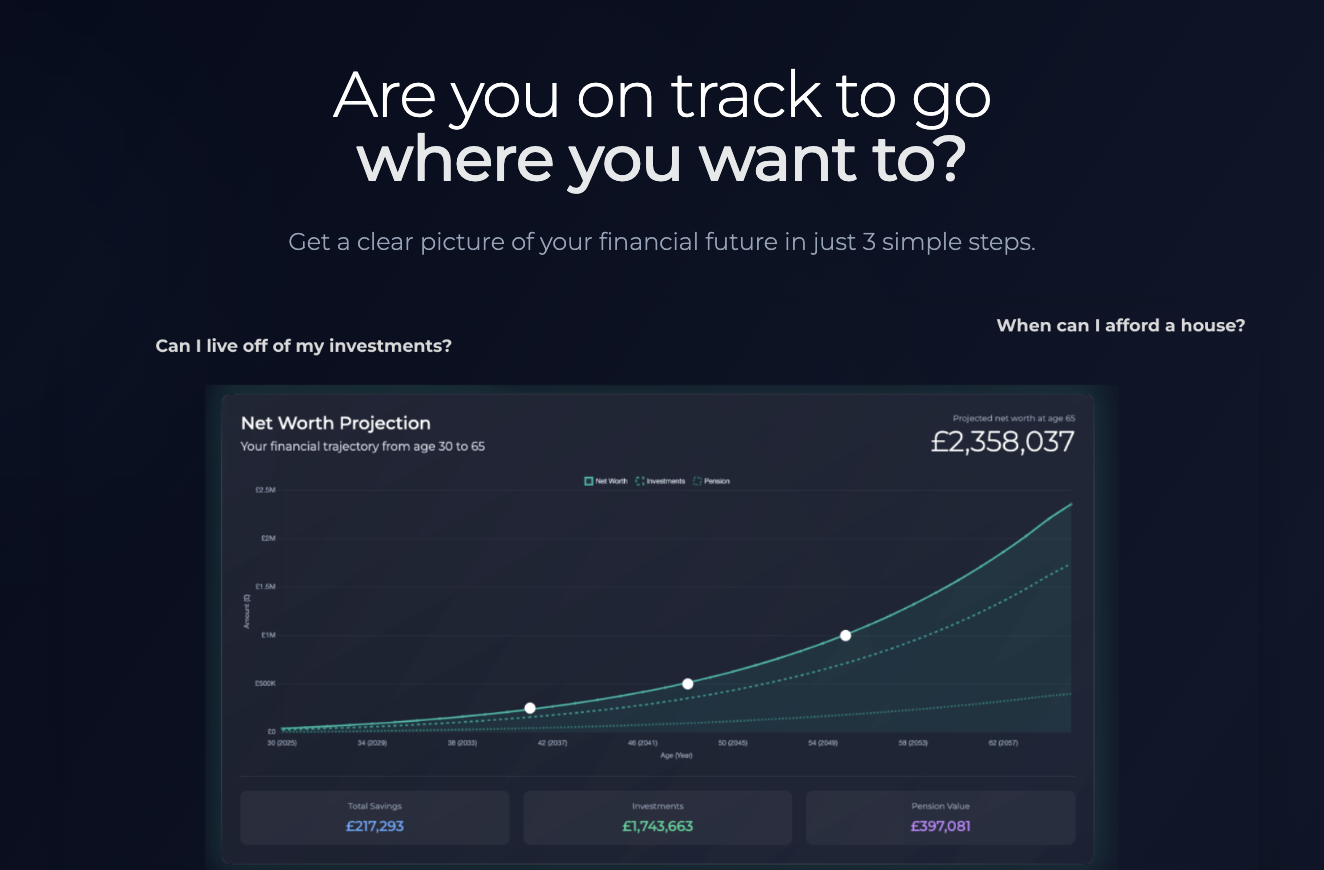
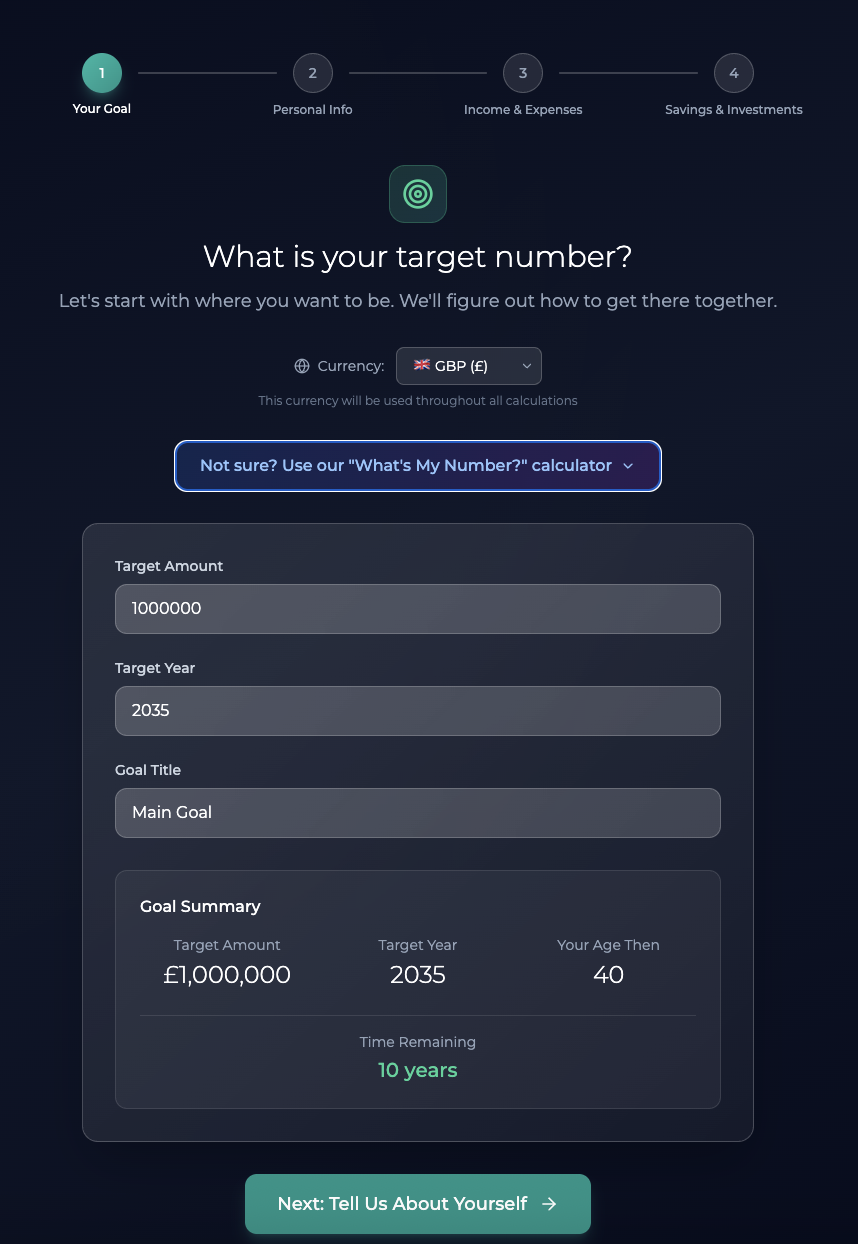
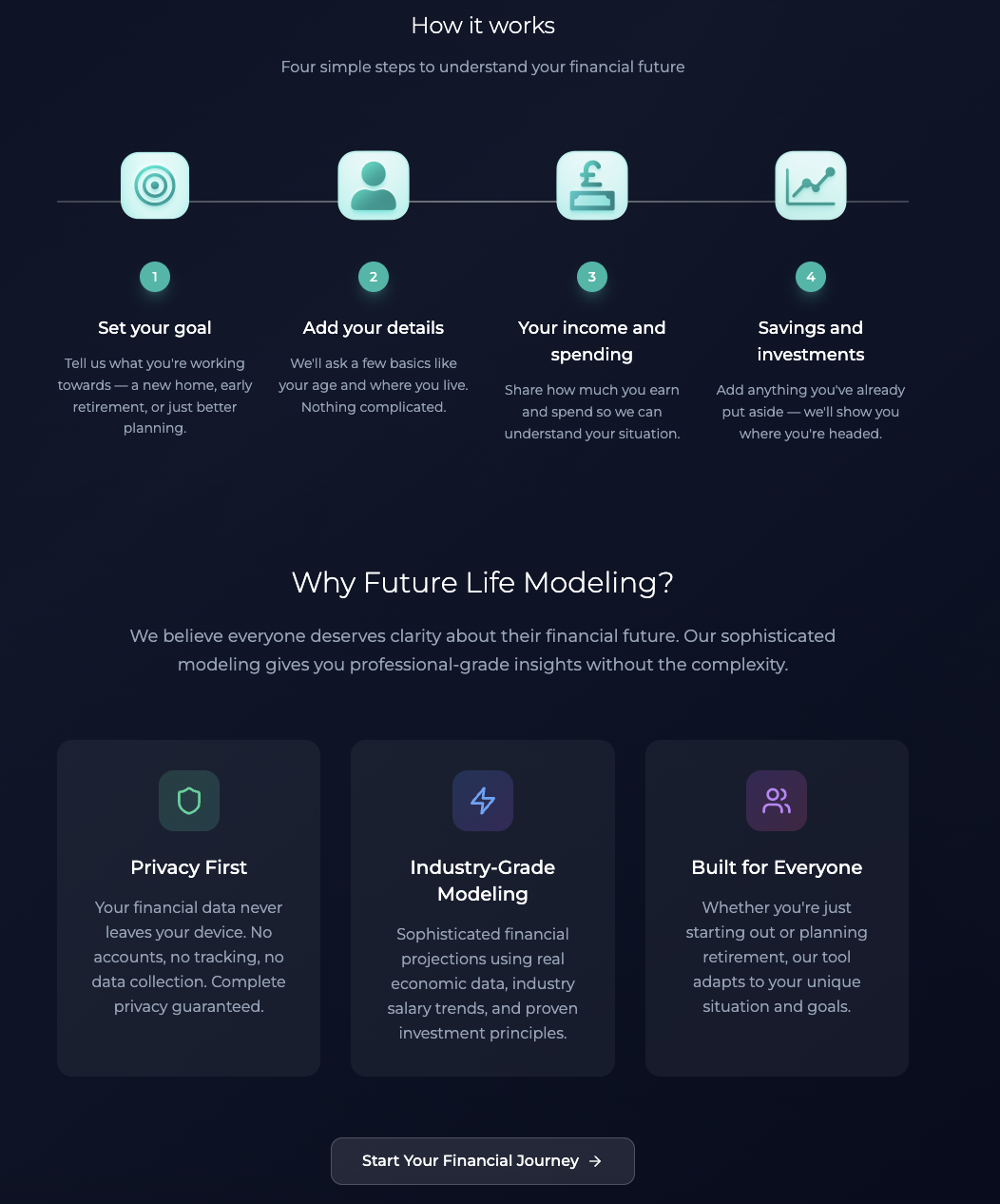
RightTrack is an advanced yet simple-to-use financial projection tool. You input basic things like income, expenses, and where you live, but you can also go deeper — estimating how expenses might grow, how your career might change, and more. In the end, you see a clear graph of your projected net worth over time — whether you’re 30, 50, or 70 — so you know if you’re on track to reach your goals, or if it’s time to adjust.
How we built it
I built RightTrack almost entirely on Bolt. I started with the core features and added more as I realised what would make the tool more flexible and realistic. Sometimes I didn’t know exactly how something should look, but Bolt made it easy to experiment until it felt right. I also drew from years of notes I’d taken while reading and learning about financial planning, but this is the first time I’ve been able to turn those ideas into something real and useful.
Challenges we ran into
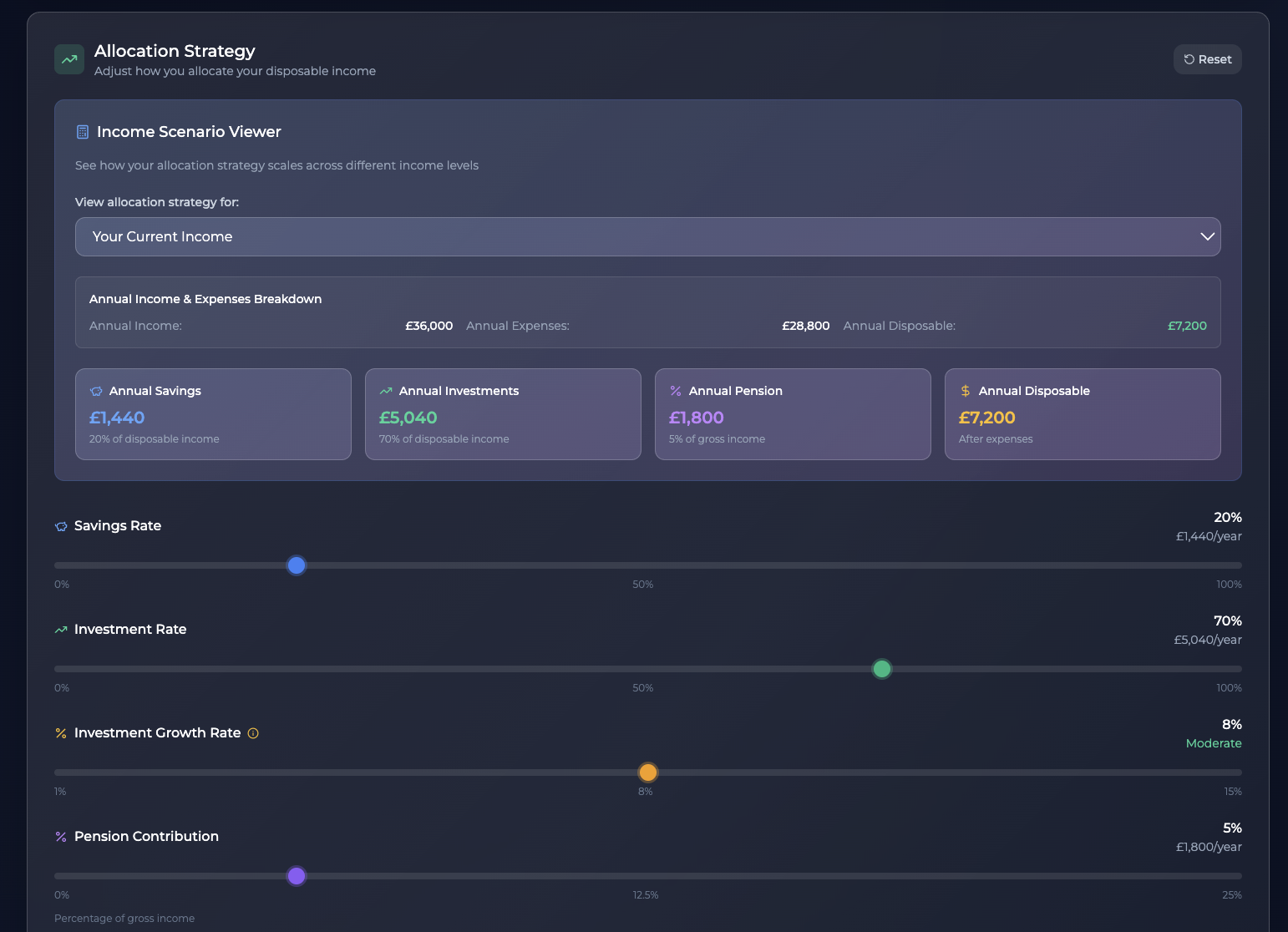
One big challenge was balancing simplicity with depth. It’s easy to make an app that spits out numbers, but making it both understandable and genuinely useful took a lot of iteration. I also ran into the classic trap of giving people too many options — more is not always better when it comes to usability. On the technical side, I learned a bit of coding to fix small issues myself, which was both challenging and rewarding.
Accomplishments that we're proud of
I’m proud of how sleek and clear the final version feels. I expected this project to stay as a rough spreadsheet or script, but Bolt made it possible to turn it into a proper tool with a clean design. As someone who’s not a professional coder or designer, seeing it come to life like this is something I’m genuinely proud of.
What we learned
I learned that people have wildly different needs when it comes to planning their future — and that you can’t please everyone with a single tool. It’s better to keep it focused, clear, and actionable. I also realised how important visualisation is: seeing your financial path laid out makes all the difference.
What's next for RightTrack Financial Planning
Next up, I want to share RightTrack with friends and get more feedback. I’d like to expand its features based on real-life use, and eventually make it available to more people who want to take control of their future. I’d love to integrate it into communities and resources where people already go to plan their finances — and maybe offer detailed reports to help users make real, informed changes.
Built With
- api
- autoprefixer
- chart.js
- context
- css
- css)
- eslint
- hot
- html
- html2pdf.js
- javascript
- lucide
- node.js
- npm
- postcss
- react
- react-chartjs-2
- tailwind
- toast
- typescript
- uuid
- vite

Log in or sign up for Devpost to join the conversation.