-
-
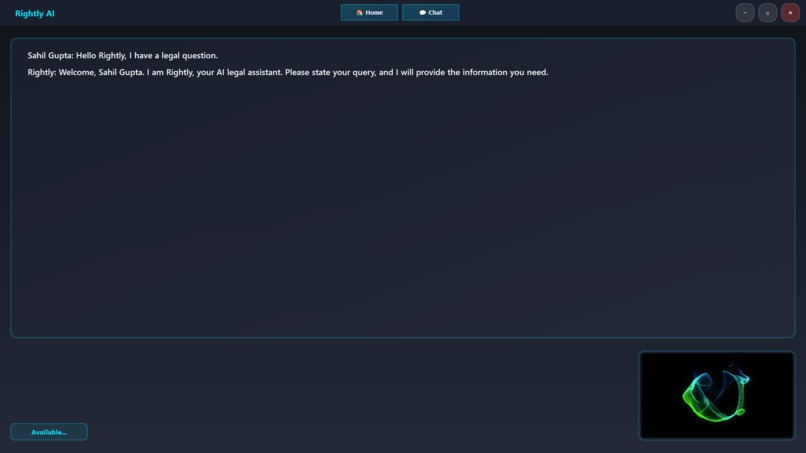
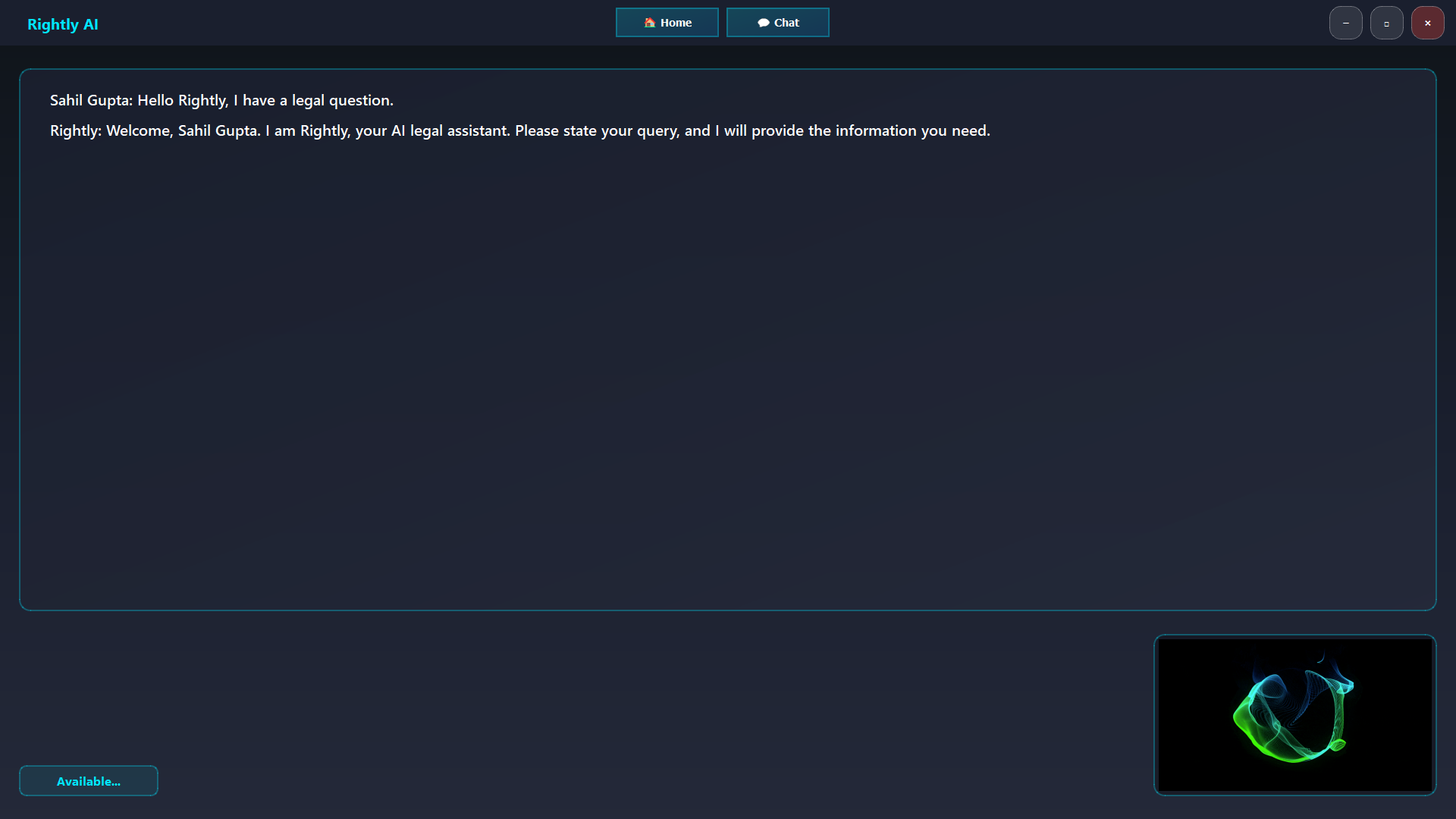
Chat screen
-
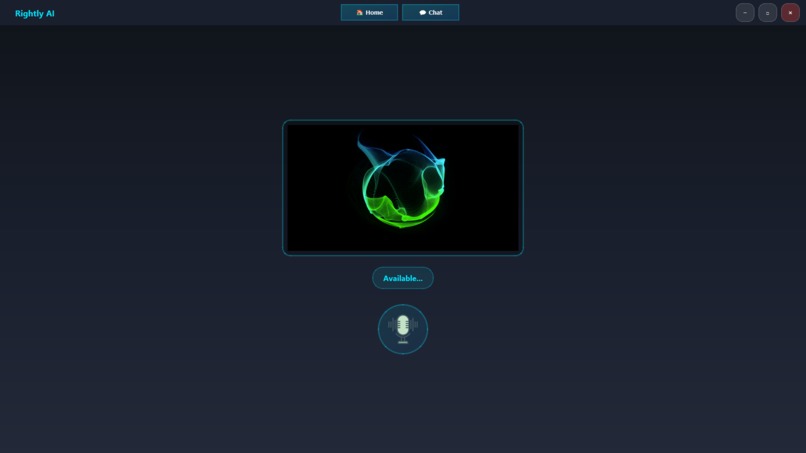
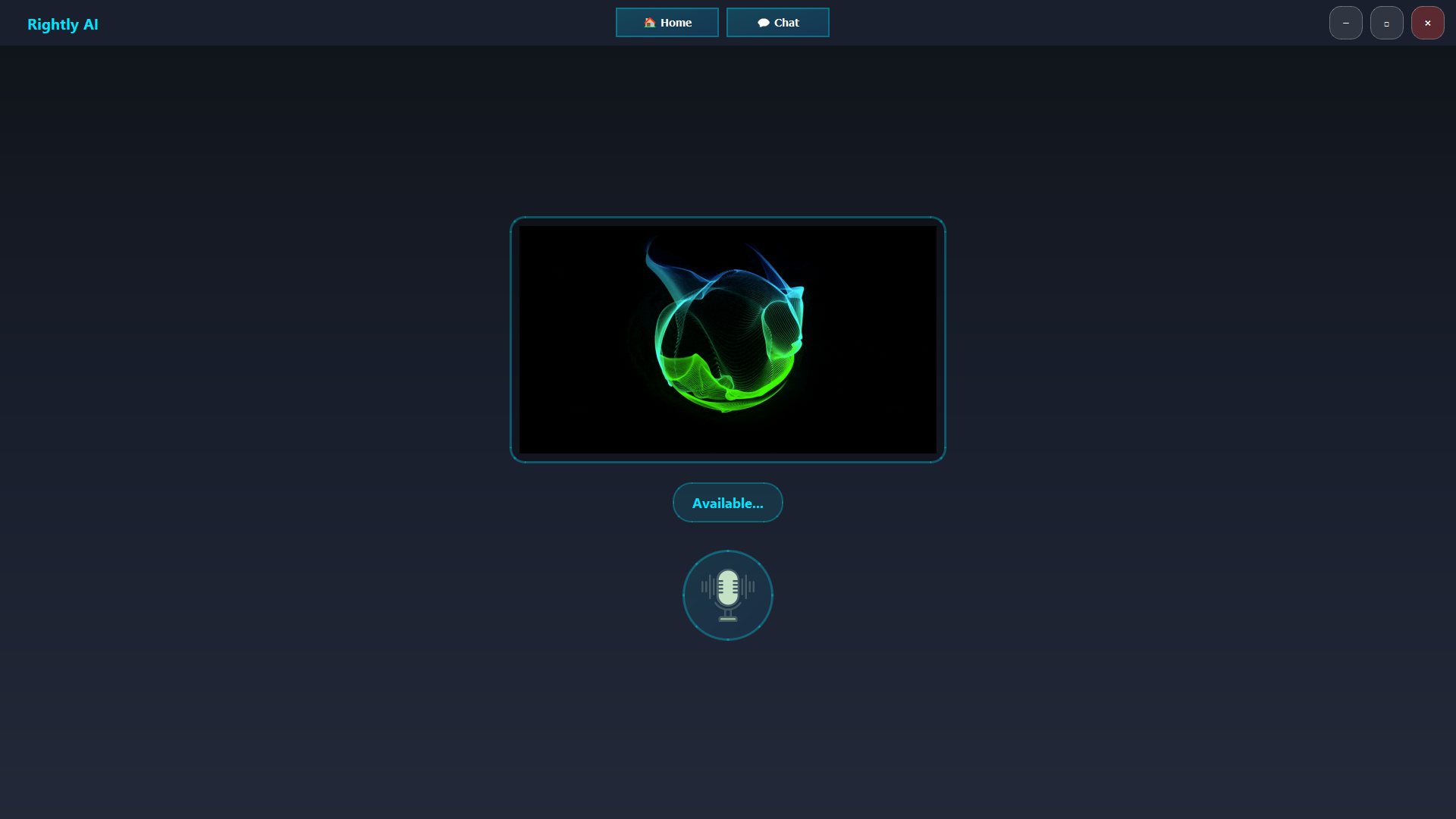
Home screen
Rightly - Your AI Legal Assistant
Inspiration
Legal information is overwhelmingly complex and intimidating for most people—even students and entrepreneurs. The rapid evolution of large AI models inspired me to create something friendlier: an assistant that could bridge this gap by translating jargon into everyday language, with clarity and creativity. My goal was to make learning law accessible, engaging, and free for everyone.
What it does
Rightly is a multi-modal desktop AI assistant that answers legal questions using voice. It understands natural language, conducts real-time web searches, and generates images to visually explain abstract concepts. Users interact via a clean, responsive desktop GUI. All conversations are logged, and Rightly can automate common desktop tasks based on voice input.
How we built it
- Languages: Python (main backend & automation)
- Frameworks/Libraries: PyQt5 (GUI), SpeechRecognition (speech-to-text), win32com.client (Windows TTS), Pillow (image handling), Requests & BeautifulSoup (web search), python-dotenv, threading, asyncio, subprocess
- AI/ML & APIs:
- Groq API for fast LLM-based chat (GPT-OSS-120b)
- Cohere API for NLP-powered understanding and semantic search
- Hugging Face API for image generation (Stable Diffusion and variants)
- Automation: AppOpener, keyboard, pywhatkit, googlesearch-python
- Data Storage: JSON conversation log, .env for configs
- Cloud/Platforms: Groq & Cohere APIs (cloud), Hugging Face API for generative image tasks
- Additional: Rich (for styled output), custom backend logic for decision-making and multi-modal orchestration
Challenges I ran into
- AI hallucination risks: Ensuring answers were accurate, especially when providing legal explanations.
- Legal and ethical boundaries: Making sure Rightly does not cross into giving formal legal advice, and is clear about its educational intent.
- Data privacy: Protecting user queries and chat logs while integrating cloud APIs.
- Speech and audio integration: Synchronizing real-time speech recognition and TTS with GUI responsiveness, minimizing lags.
- Image generation API limits: Managing Hugging Face rate limits and ensuring fast, relevant output.
Accomplishments that we're proud of
- Building a conversational legal assistant that actually explains complex legal ideas in a human way.
- Seamlessly integrating speech, text, images and open applications in a unified desktop app.
- Achieving reliable real-time responses, even when bouncing between multiple cloud APIs.
- Logging Q&A automatically for user reference and transparency.
What we learned
- Legal AI projects must balance accuracy, explainability, and ethics. Human review of outputs is crucial.
- Multi-modal design (text, voice, image, opening application) greatly improves user engagement.
- Carefully managing API keys, quotas, and cloud integration is critical for reliability.
- User feedback and iterative testing are invaluable to bridge legal tech and real human needs.
What's next for Rightly
- Add citations and references to every legal answer.
- Allow uploading contracts for automatic summarization and clause explanation.
- Fine-tune the gpt-oss model on a curated dataset of legal documents and case law to improve the accuracy and reliability of its answers.
- Document Analysis: Implement a feature where users can upload a document (like a contract) and have Rightly summarize and explain key clauses in plain English.
- Expand platform support (cross-OS, mobile) and improve accessibility.
Rightly is an educational tool, not formal legal advice. Consult a legal professional for real-world decisions.
Built With
- beautifulsoup-gui-pyqt5-speech-&-audio-speechrecognition
- cohere-(nlp)
- cohere-api-(cloud)
- googlesearch-python-data-storage-json
- hugging-face-(image-generation
- hugging-face-api-(cloud)
- keyboard
- languages-python-ml/ai-models-/-apis-groq-(llm-for-chat)
- openai/gpt-oss-120b
- pillow
- python
- python-dotenv-cloud/platforms-groq-api
- pywhatkit
- requests
- speechrecognition
- stable-diffusion-and-variants)-frameworks/libraries-pyqt5
- win32com.client
- win32com.client-(windows-sapi)-automation-appopener
- windows


Log in or sign up for Devpost to join the conversation.