-
-
-
-
-
-
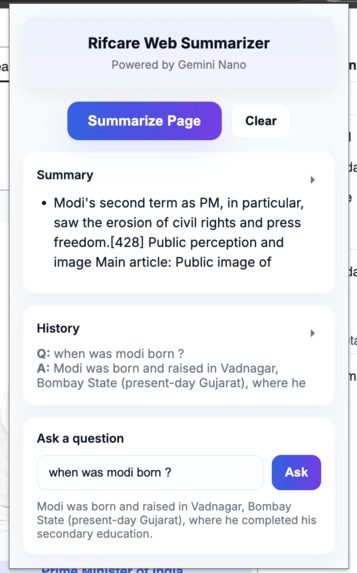
-
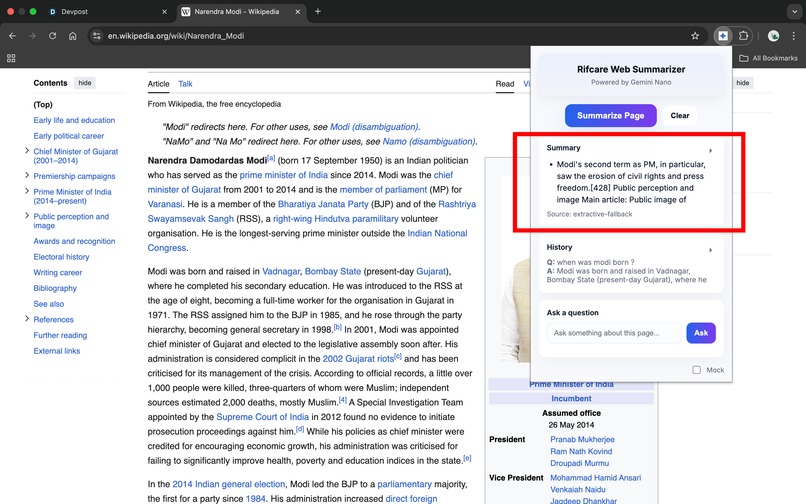
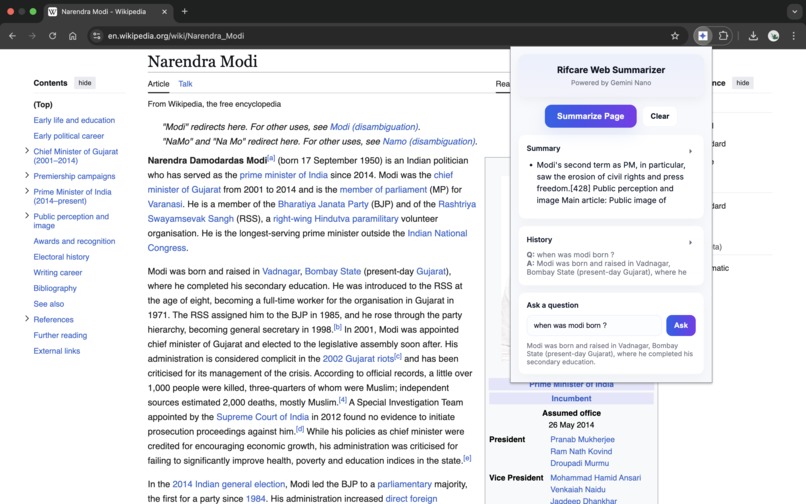
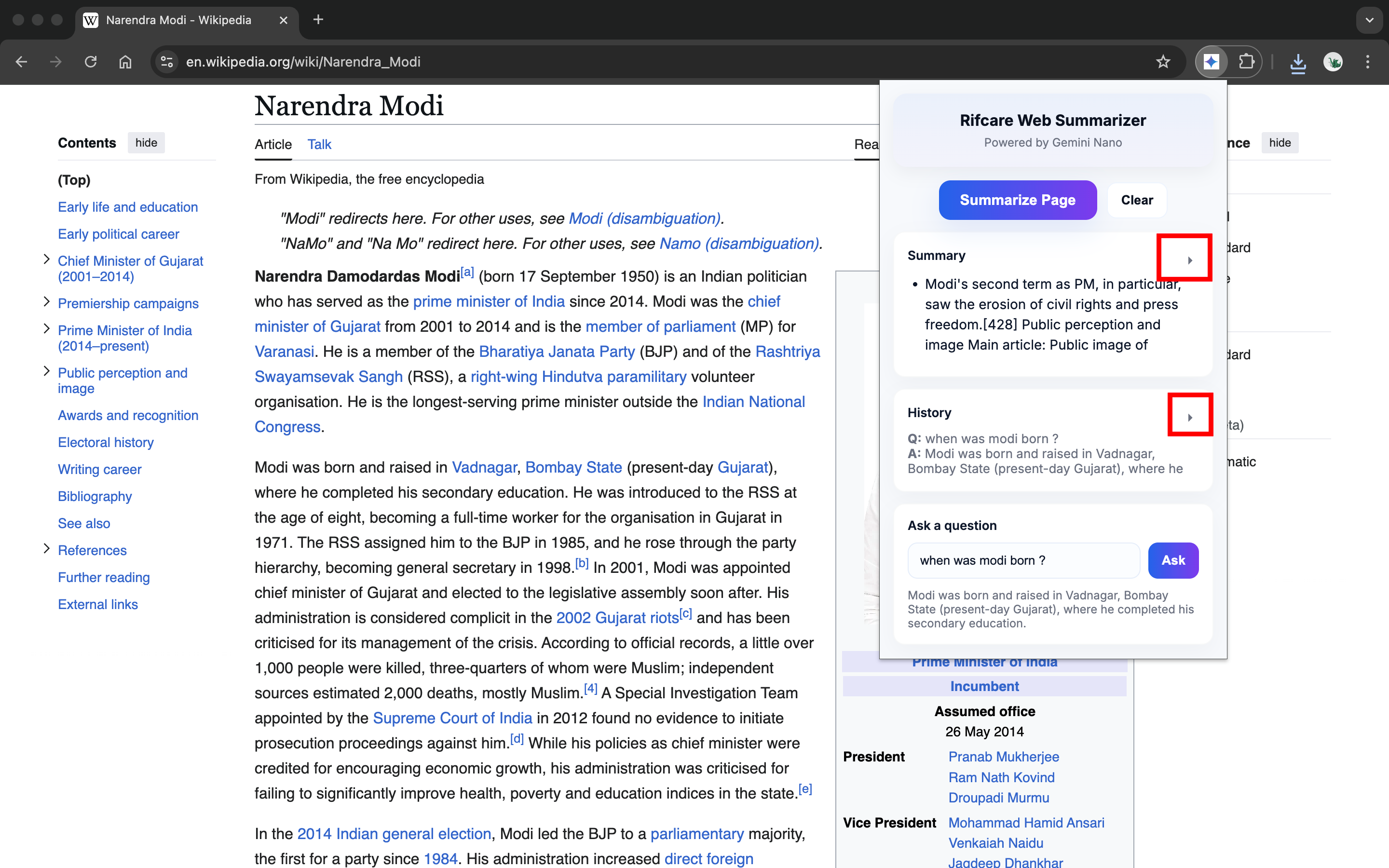
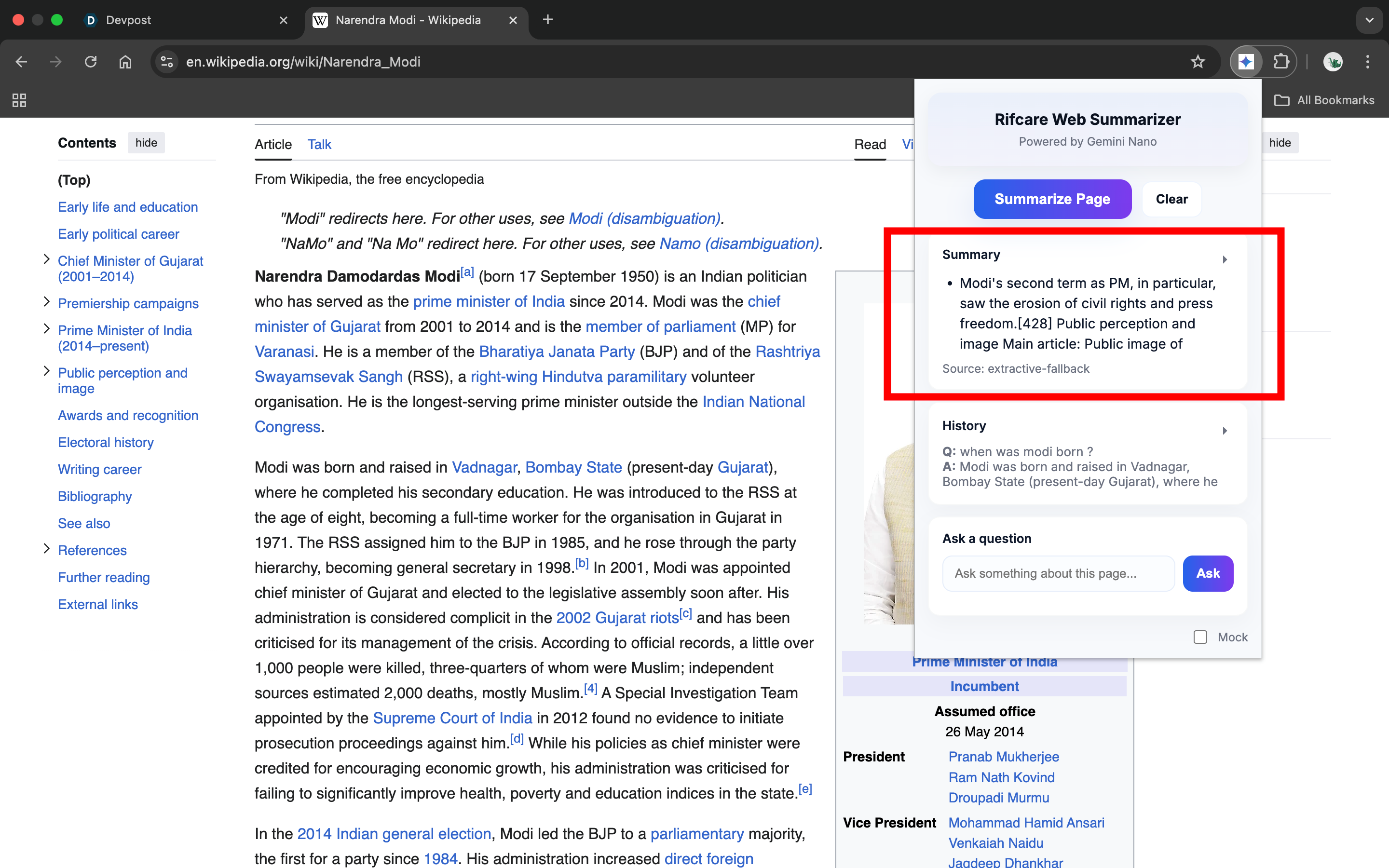
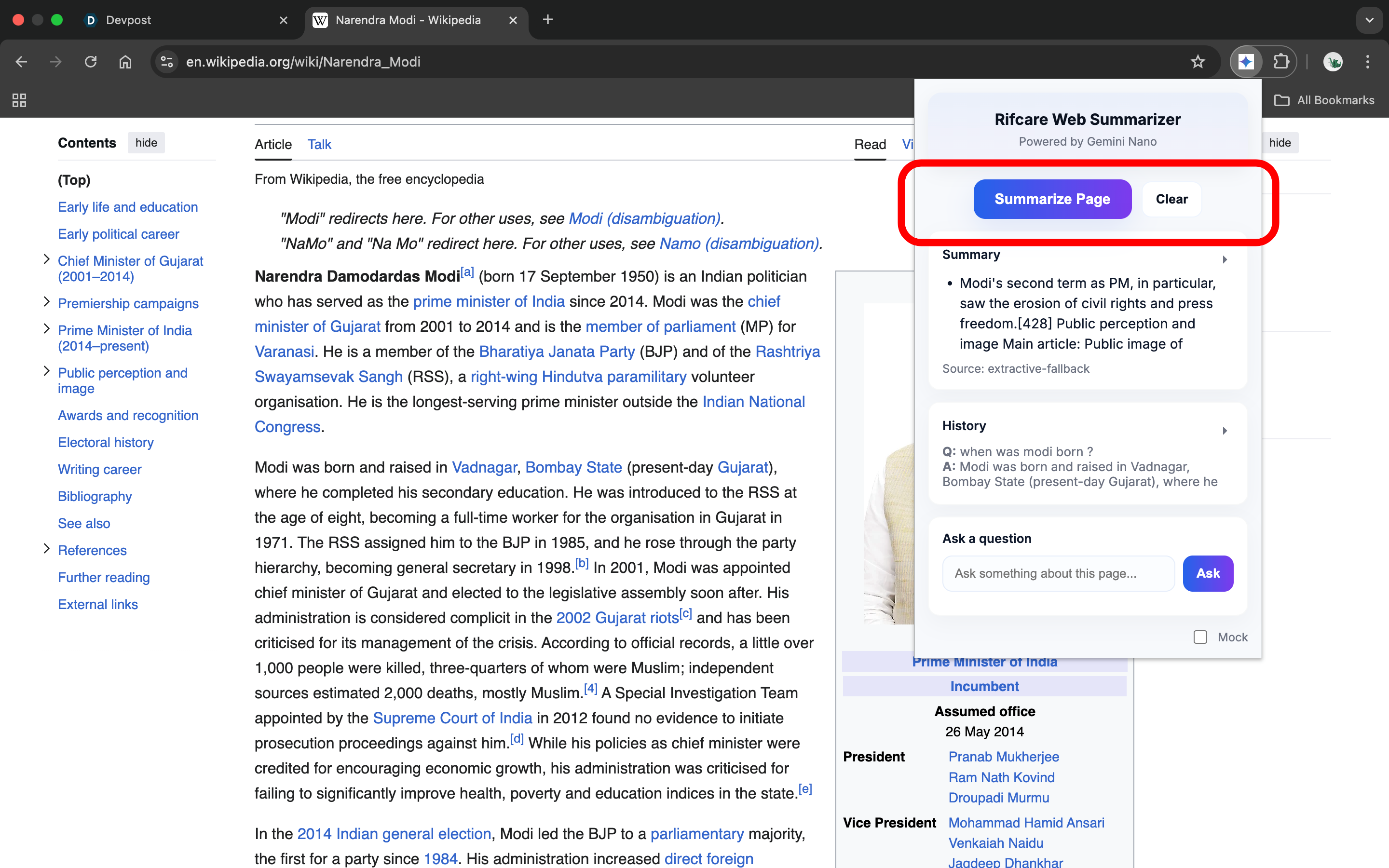
summarise the page
-
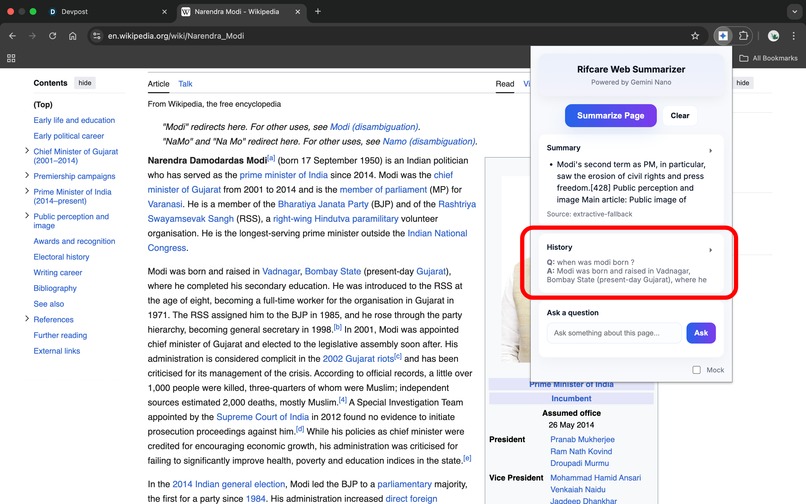
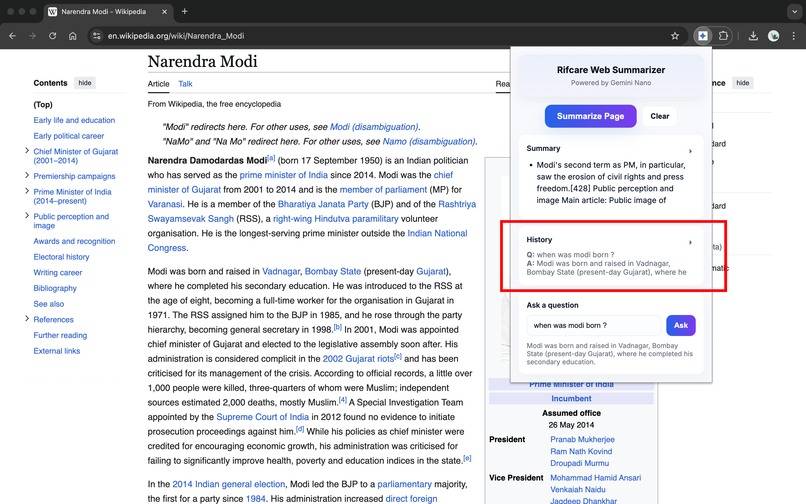
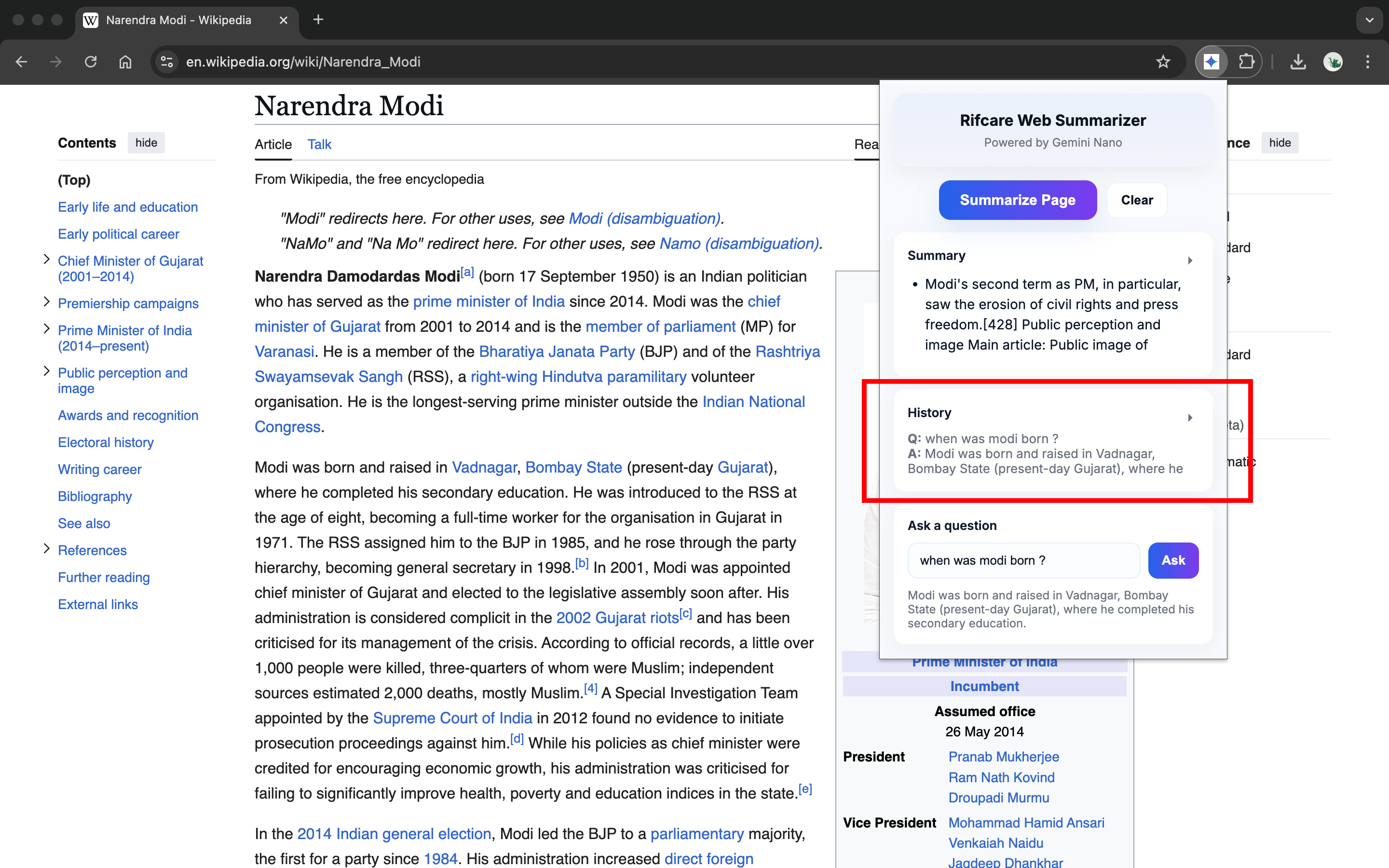
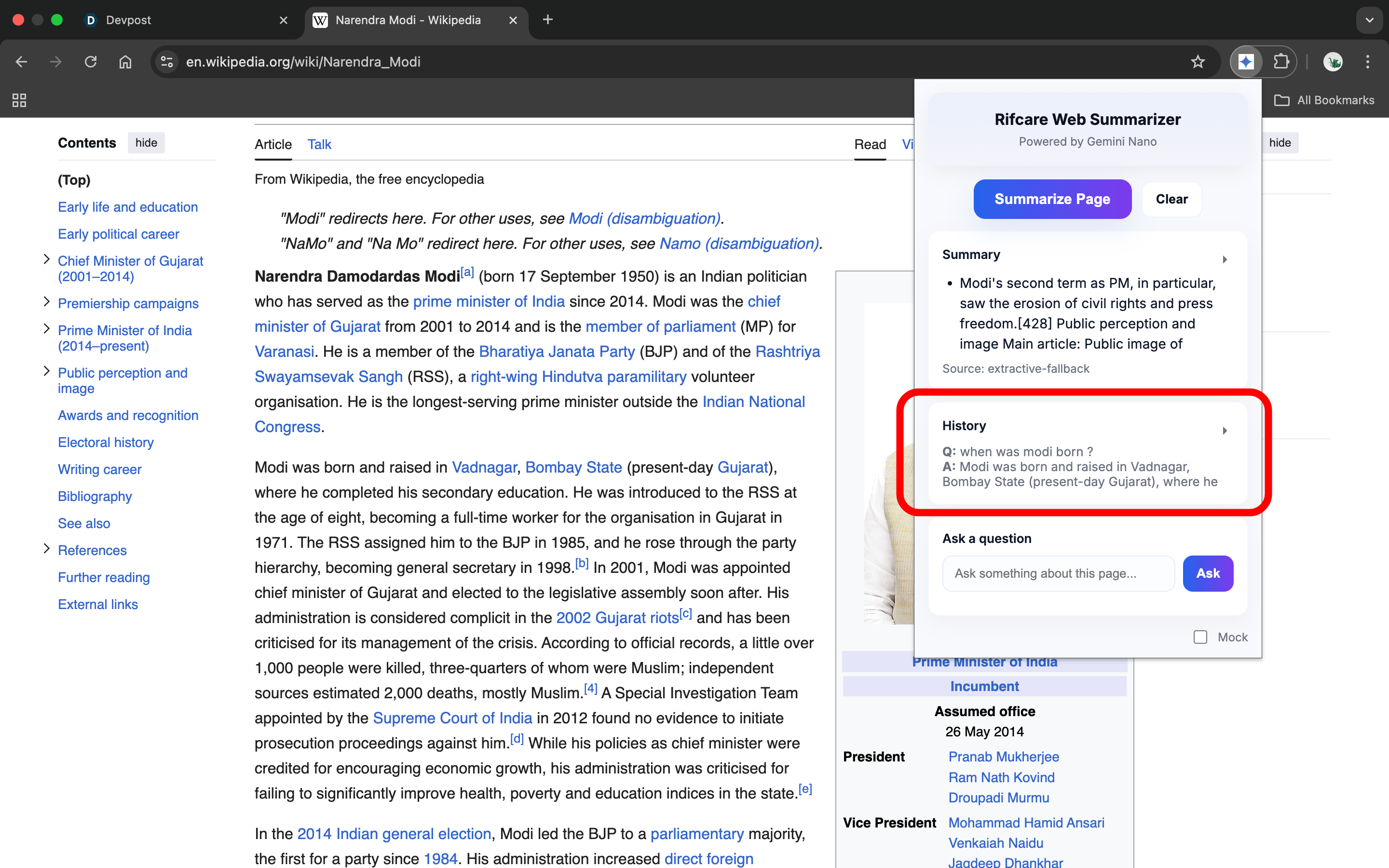
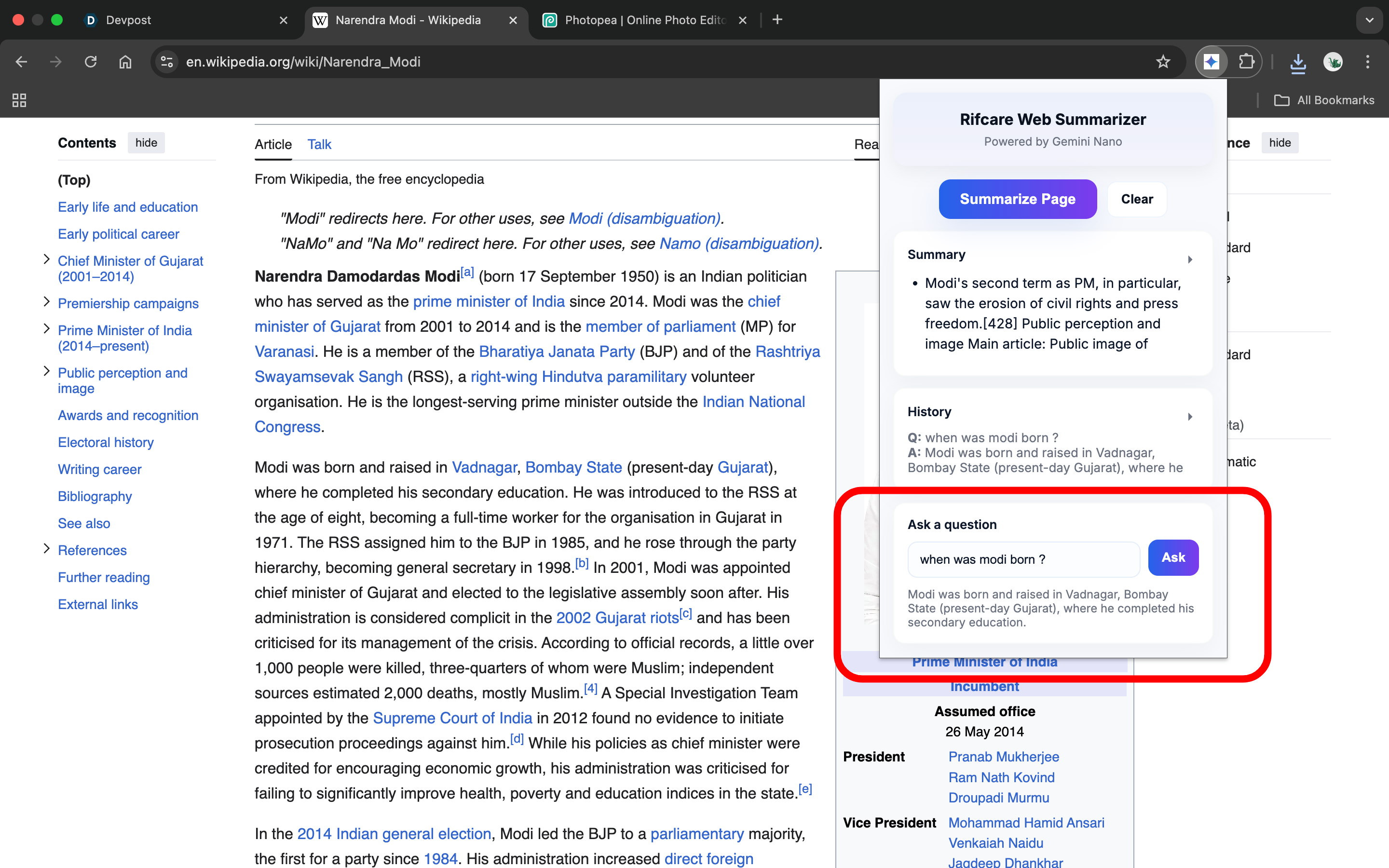
history of ask questions
-
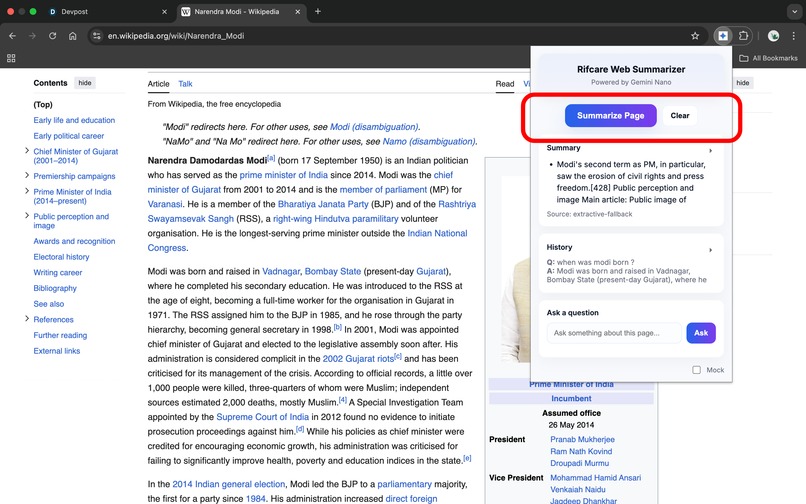
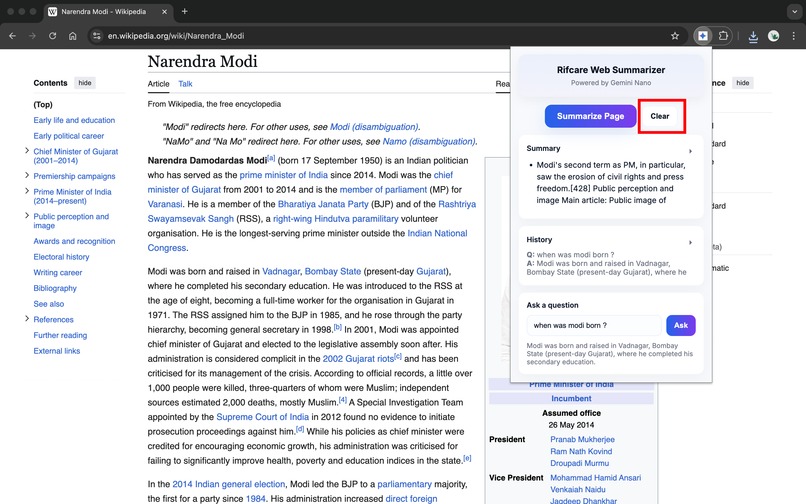
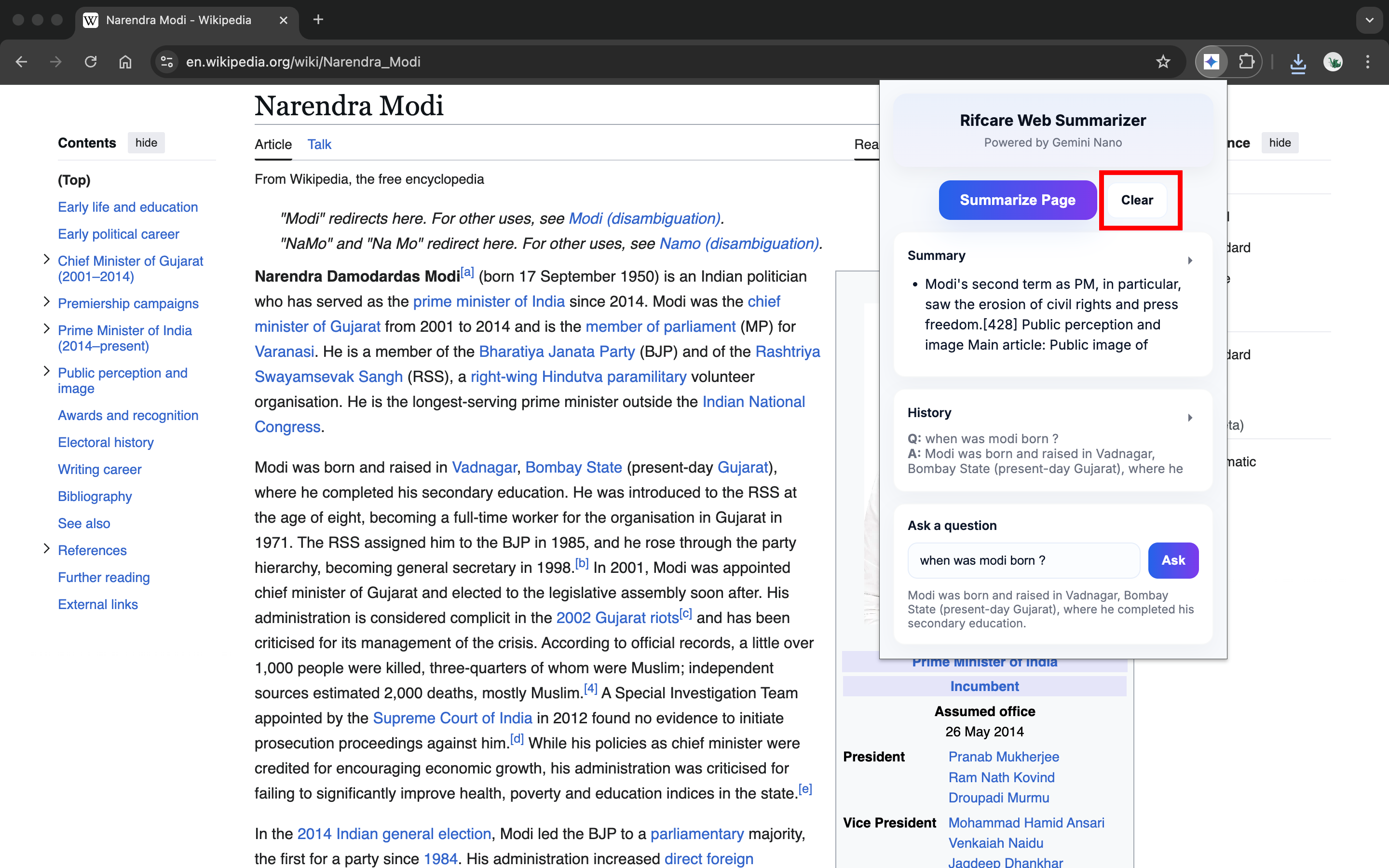
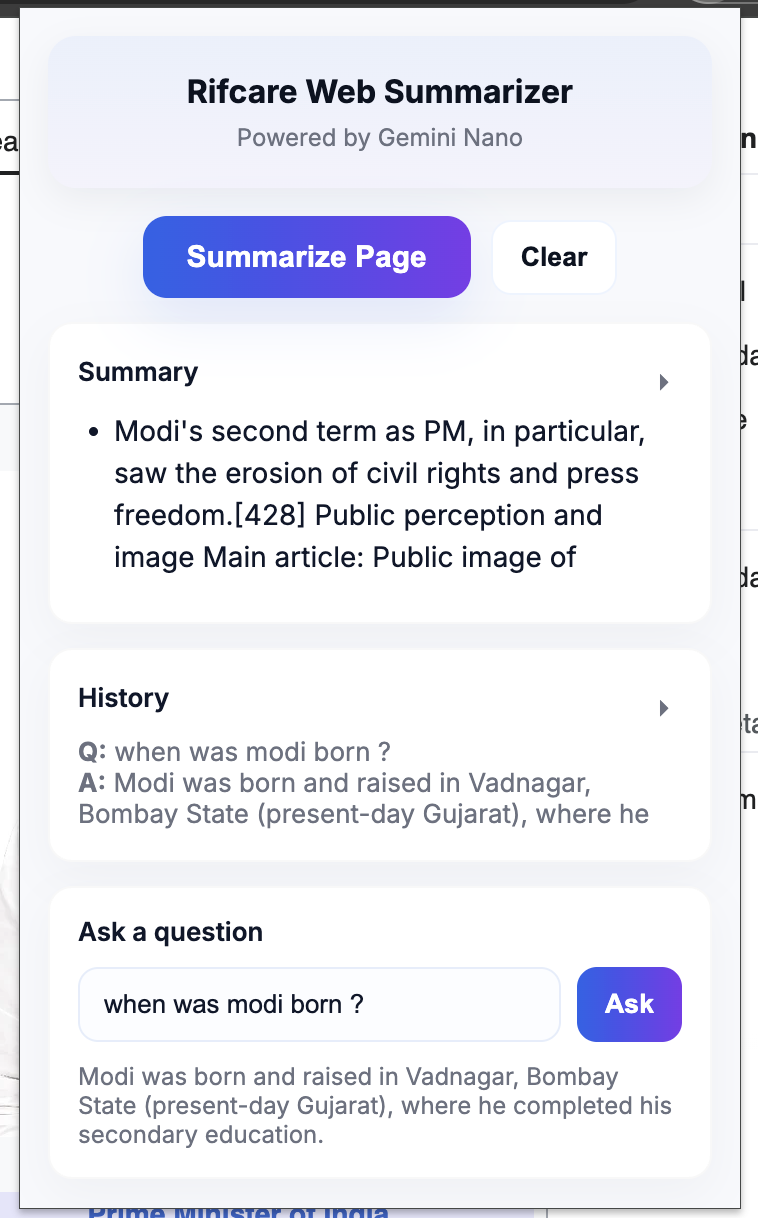
summarize button and clear button
-
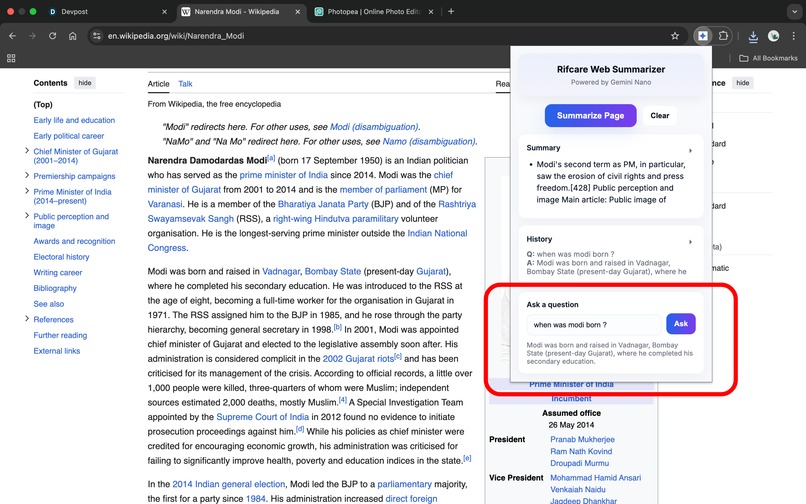
ask any question from the current page
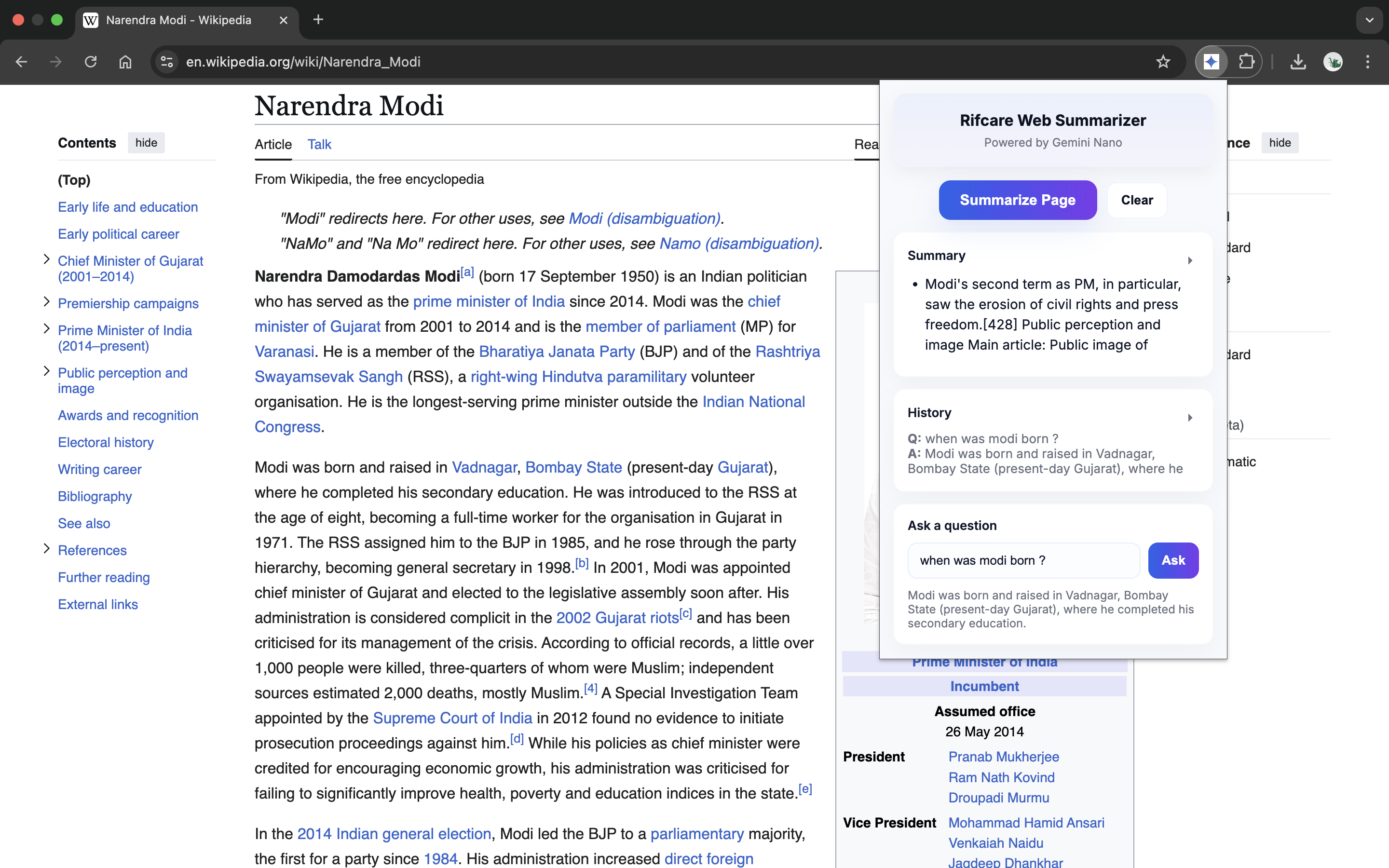
Rifcare Web Summarizer – Chrome Extension
Inspiration
I was inspired to build Rifcare Web Summarizer after noticing how much time is wasted reading long articles, research papers, product pages, and documentation. I wanted a tool that could instantly summarize content and answer questions contextually, all on-device for speed, privacy, and convenience.
What it does
Rifcare Web Summarizer lets users:
- Summarize any webpage into 3–8 concise bullet points.
- Ask contextual questions about the page content and get AI-powered answers.
- Highlight key sentences directly on the page for easier reading.
- Maintain history per page so summaries and Q&A are stored for future reference.
It works on news articles, research papers, product pages, API docs, forums, and landing pages.
How we built it
The extension has three main components:
Popup UI (
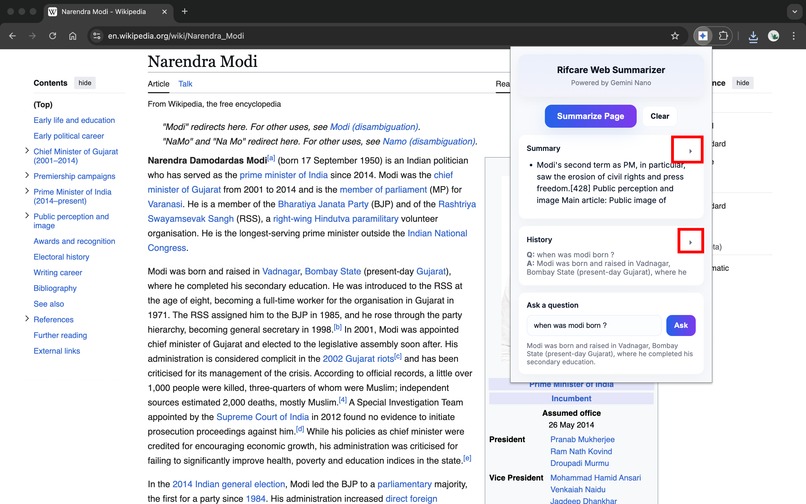
popup.html+popup.js)- Buttons for Summarize, Ask, Clear, with collapsible summary and history sections.
- Includes a mock mode for testing without live AI calls.
- Buttons for Summarize, Ask, Clear, with collapsible summary and history sections.
Background Service Worker (
background.js)- Handles AI calls via Gemini Nano or fallback to injected
window.ai. - Persists summaries and Q&A history in
chrome.storage.local. - Routes messages between popup and content script.
- Handles AI calls via Gemini Nano or fallback to injected
Content Script (
content_script.js)- Extracts visible text from web pages.
- Highlights key sentences and removes highlights when cleared.
- Provides fallback extractive summarizer and QA if AI is unavailable.
- Extracts visible text from web pages.
AI Flow:
[
\text{User Request} \rightarrow \text{Popup} \rightarrow \text{Background AI Call} \rightarrow \text{Content Script Highlights} \rightarrow \text{Summary Display}
]
Challenges we ran into
- CSP & JS-heavy pages: Some websites block script injection, requiring careful fallback.
- AI availability: Gemini Nano isn’t always accessible in the background; implemented
window.aiand mock fallback. - Persistent storage: Storing summaries and Q&A per-URL without collisions was tricky.
- UX considerations: Fast response and clean highlighting across different page layouts required iterative refinement.
Accomplishments that we're proud of
- Can summarize long-form articles, research papers, product pages, forums, and docs in seconds.
- Accurate contextual Q&A directly on the page.
- On-device AI integration with fallback strategies for reliability.
- Clean UI with collapsible summary/history and persistent storage per page.
What we learned
- Mastered Chrome Extension APIs:
chrome.storage,chrome.scripting,chrome.runtime. - Learned on-device AI integration and fallback strategies.
- Gained experience in text extraction, summarization, and QA pipelines.
- Improved UX design for browser extensions, balancing functionality and minimalism.
What's next for Rifcare Web Summarizer
- Add multi-language support for summaries and Q&A.
- Implement customizable summarization length and style.
- Enhance AI reasoning for cross-page synthesis.
- Introduce context-aware recommendations based on previously summarized pages.
- Explore integration with note-taking apps to export summaries and Q&A.
Built With
- ai
- chrome
- chromeai
- chromeextension
- css
- gemini
- html
- javascript
- v3
- window.ai

Log in or sign up for Devpost to join the conversation.