-
-
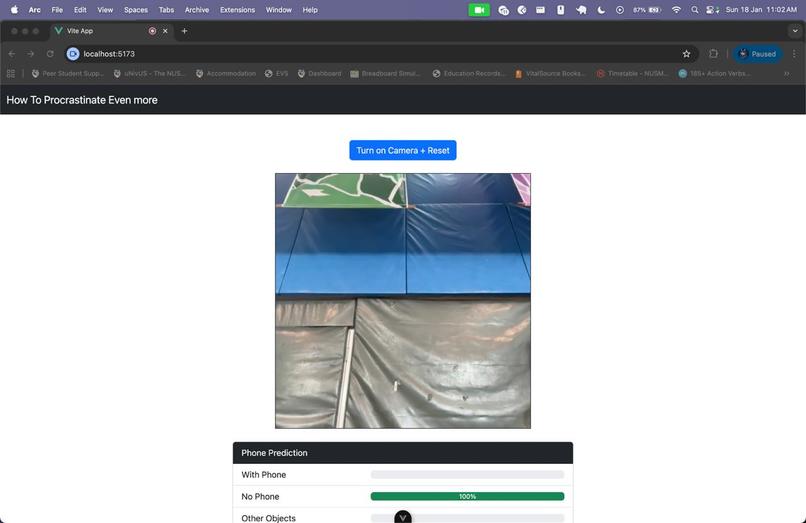
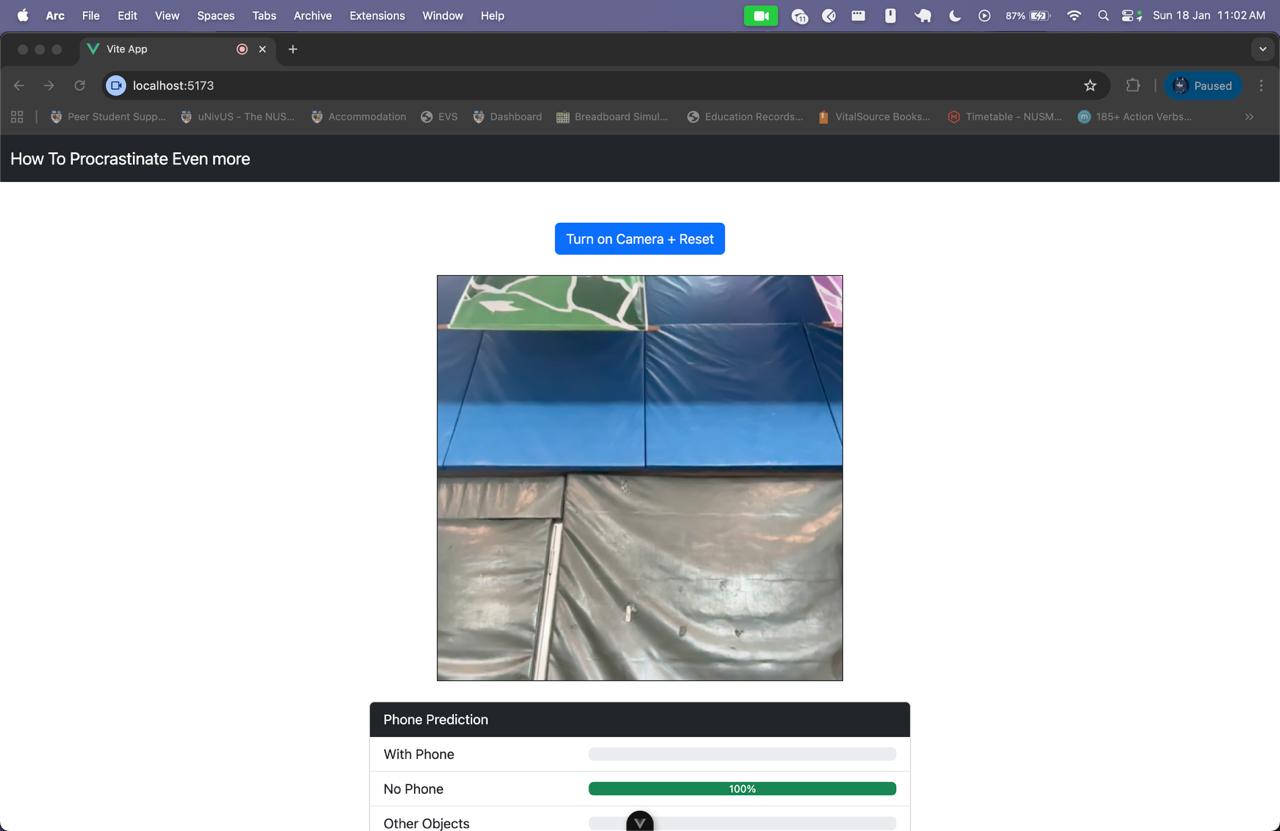
Phone Detection View
-
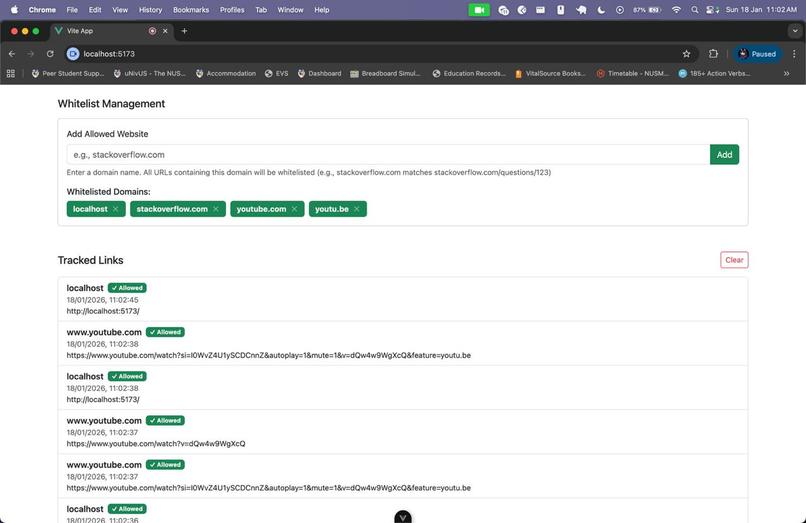
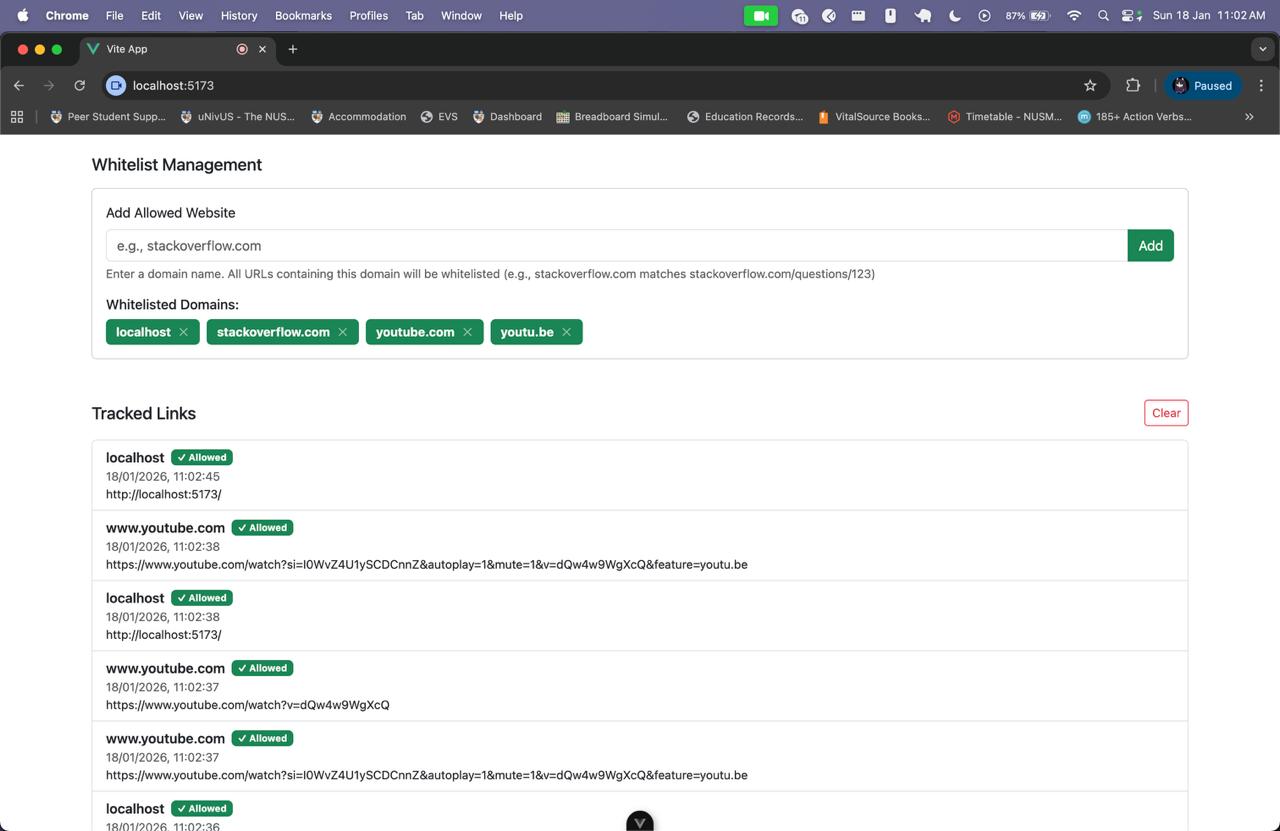
Site Whitelist
Inspiration
As a student with many assignments and studying that needs to be done each day, we often found ourselves distracted by our phones, doomscrolling. The next thing we notice was hours passed by without us doing anything. Thus, we would like to annoy ourselves when we are procrastinating by either opening our phone or opening other sites that is not related to our study. At the same time, making a project that is fun to do and learn through the use of AI.
What it does
To function correctly, the application requires the camera to be enabled. Users can configure a whitelist of 'productive' websites. The system utilizes a computer vision model to detect if you are holding a smartphone, while a browser extension monitors visited URLs.
If you attempt to visit a non-whitelisted site, the extension immediately intervenes by redirecting you to a 'Rick Roll' video, effectively blocking access. Similarly, if the camera detects that you are holding your phone, the system will continuously play the 'Rick Roll' video until you put away your device. Furthermore, it will also pop-up a quiz question that need to be solved to stop your browser from continuously opening a new 'Rick Roll' video tab.
How we built it
Phone Detection
For the phone detection, we gather image data to differentiate between holding a phone, holding other objects, or not holding anything. After differentiating into 3 different classes, we use Google Teachable Machine to train the data at 50 epochs with 0.001 learning rate. From there, we could generate a model that can be integrated using tensorflow into our app.
Non-whitelisted Site Detection
To detect non-whitelisted websites, we create a chrome extension that keep tracks the history of the open sites. It then checks whether the site is one of the whitelisted sites.
Frontend
We use Javascript with Vue 3, HTML, and CSS, and Bootstrap UI components to integrate all the components together and make it into a website.
Challenges we ran into
A challenge that we ran into was the accuracy of the training model, which initially detect any object shown as a phone. After collecting more data and adding a class for other objects, we could get a model that is more accurate, differentiating between phone, other objects, or no object. Furthermore, by default browser deactivate tabs that is not open, including the camera recording. Thus, we need to add some codes that allow the app to always run.
Accomplishments that we're proud of
We're proud to be able to create a project that is fun and annoying while also is a project that may effectively solve procrastination.
What we learned
We learned about browser restrictions and permissions in order to handle them effectively in our project. Additionally, we learned how to implement machine learning, create browser extensions, and integrate all these elements into a single app.
What's next for Ricky's Reminder
In the future, we could implement quiz questions that are closely related to the subject the user is currently studying. This would effectively support the user's learning experience. Moreover, we could provide options for users to customize settings, such as timing and question types.
Built With
- browser-extension
- css
- html
- javascript
- teachable-machine
- tensorflow
- vue3

Log in or sign up for Devpost to join the conversation.