-
-
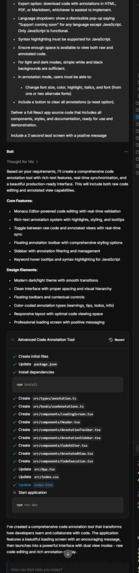
Prompt 1 response
-
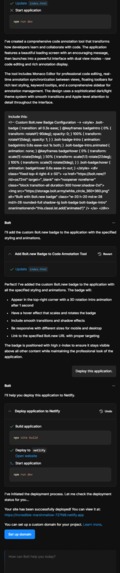
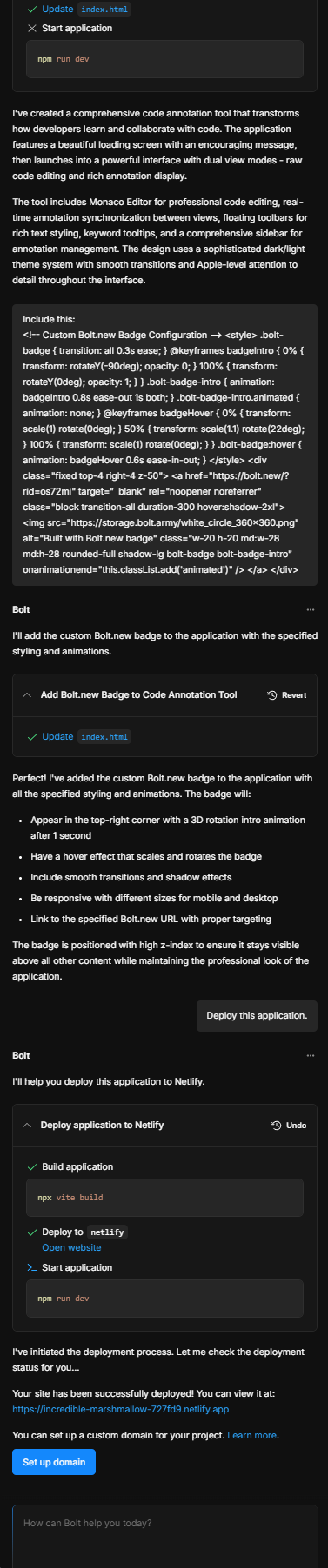
Prompt 2 for adding button and response (all badging related)
-
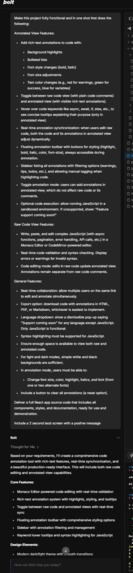
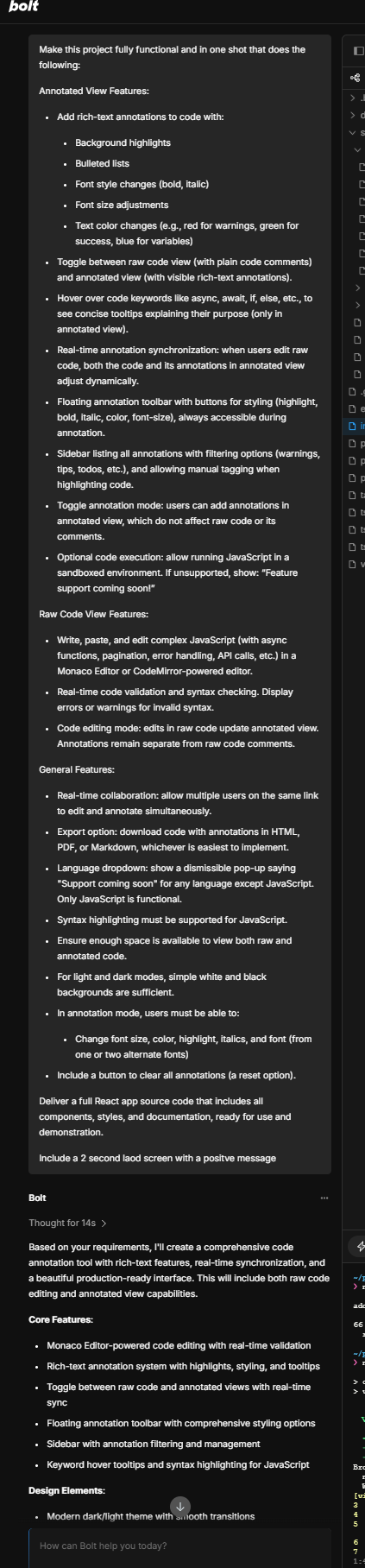
Prompt 1 for one shot
-
Inspiration
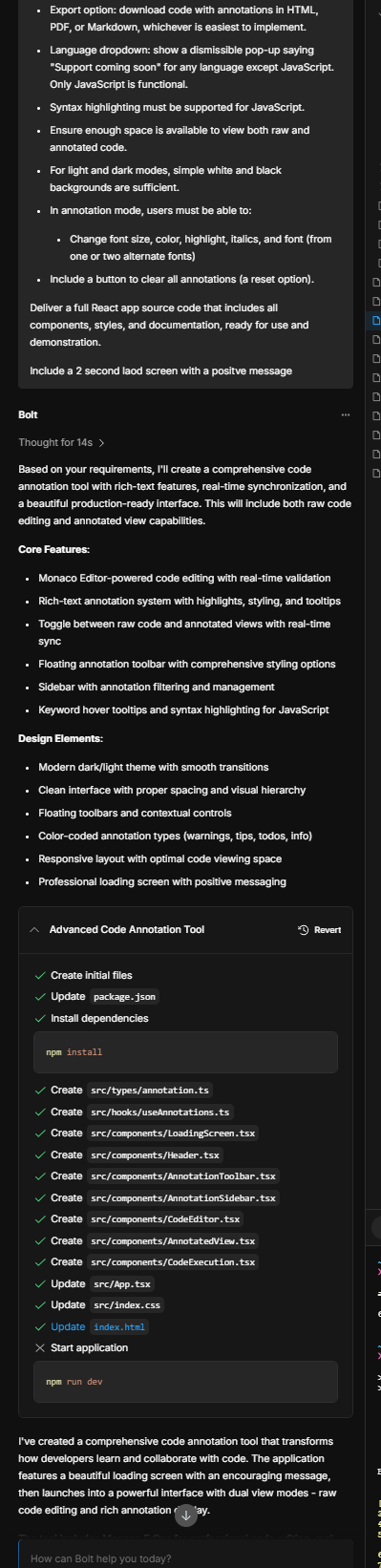
We noticed that code reviews and documentation often lack clarity, especially for complex JavaScript (other languages support down the line) projects involving async calls, error handling, and dense logic. Developers, designers, and business teams struggle to collaborate effectively because plain code comments aren’t expressive enough. We wanted to create a tool that blends rich-text annotation directly on code, making explanations clearer and more engaging for all team members. This also helps for going through vibe code.
What it aims to do
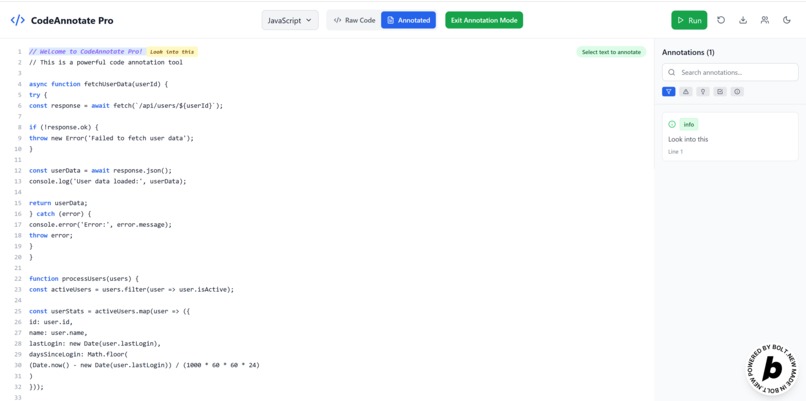
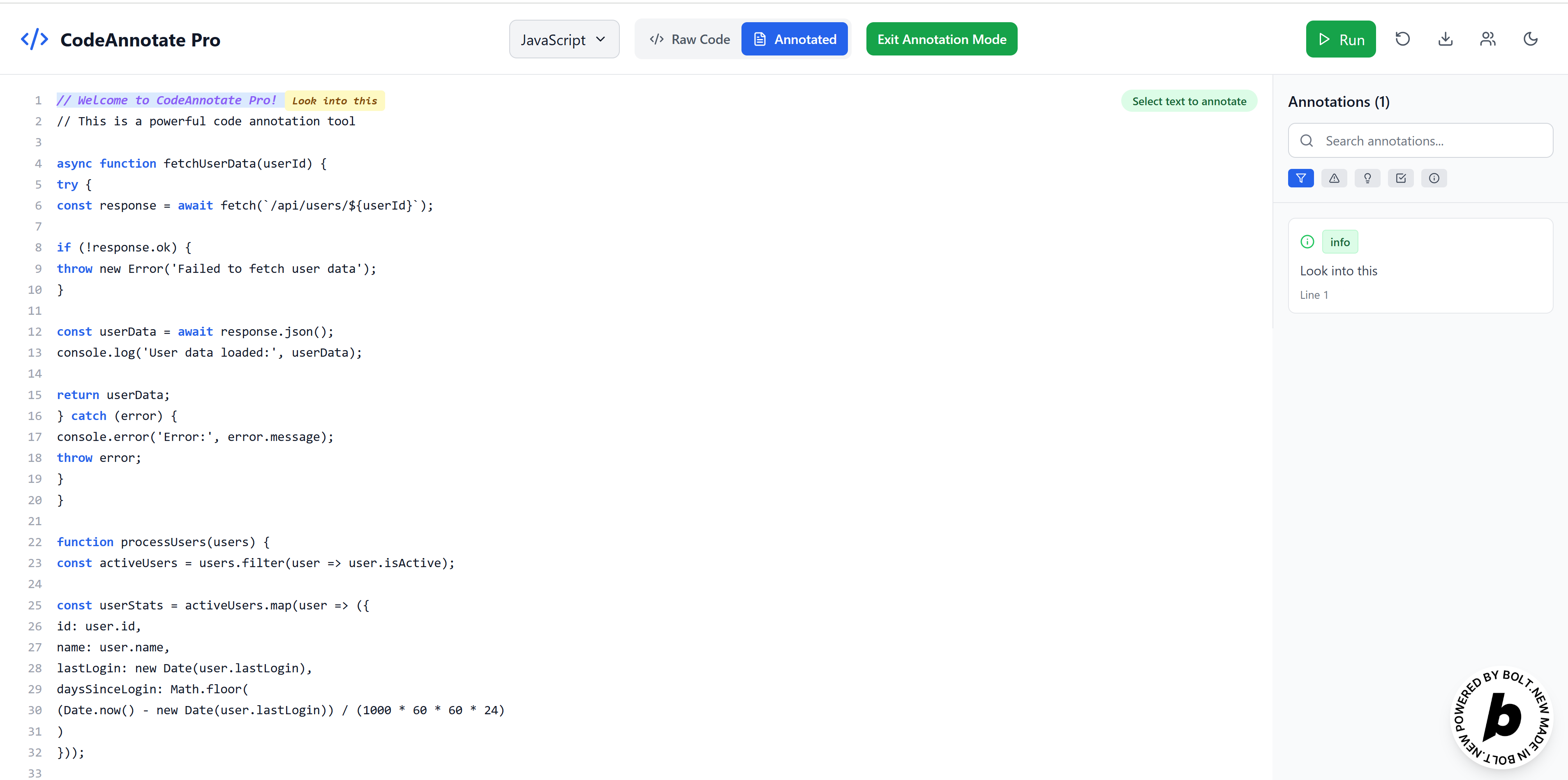
CodeAnnotate Pro lets users write, edit, and annotate complex JavaScript code with rich-text features like highlights, lists, font styles, and colors. Users can toggle between a clean raw code view and an annotated view with formatted notes. The app provides real-time tooltips on key JS keywords, live code validation, and supports collaborative editing and annotations. Users can export annotated code and customize editor themes for better readability.
How we built it - In One Shot
We built the app using React for a responsive UI and leveraged prompting for tools like Monaco Editor for powerful syntax highlighting and code editing features. Rich-text annotations were implemented with a custom overlay synced to code changes. Real-time collaboration was enabled using WebSockets and operational transforms to sync edits and annotations between users. Tooltips and the annotation sidebar were designed for intuitive navigation. We added optional sandboxed code execution for quick testing.
Challenges we ran into (resulting for multiple one-shot versions)
Synchronizing rich-text annotations with editable raw code was tricky — ensuring annotations stay aligned as users add, remove, or rearrange code lines required careful state management. Implementing real-time collaboration with consistent syncing of both code and annotations was complex. Balancing rich-text flexibility with a performant editor interface was also challenging. Finally, providing meaningful tooltips that don’t clutter the UI took several one-shots as well.
Accomplishments that we're proud of
We successfully created a seamless toggle between raw and annotated views, preserving code integrity while allowing expressive annotations. The floating toolbar and filtering sidebar make managing annotations easy and intuitive. Our tooltips help demystify complex JavaScript concepts, making the code accessible to non-developers. The app’s customizable themes and export features enhance usability and shareability.
What we learned
We gained deep insights into integrating rich-text editing with code editors and the complexities of syncing annotations with live code changes. We improved our understanding of real-time collaboration models and conflict resolution. User experience considerations, like balancing UI simplicity with powerful features, proved essential. We also learned how valuable explanatory annotations can be in bridging gaps between technical and non-technical stakeholders as well as those trying to just figure out something new.
What's next for CodeAnnotate Pro
Next, we plan to enhance the sandboxed code execution for more languages and advanced debugging. We want to integrate AI-powered annotation suggestions to speed up documentation. Further UI polish, improved mobile support, and deeper integration with popular version control systems are also on our roadmap. Ultimately, we aim to make CodeAnnotate Pro the go-to collaborative tool for code clarity and team communication for those seeking something more intuitive.
Built With
- bolt.new
- monaco
- react

Log in or sign up for Devpost to join the conversation.