-
-
Ribbons App Icon
-
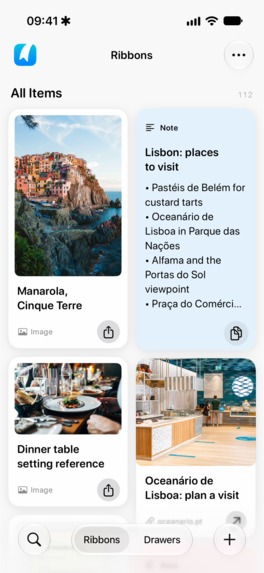
All your Ribbons, together.
-
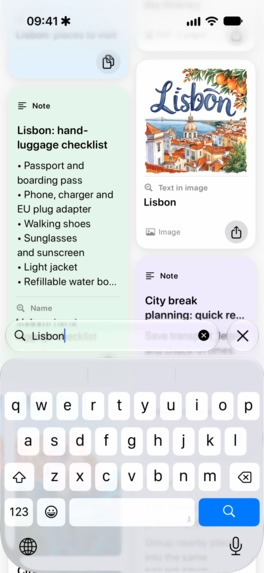
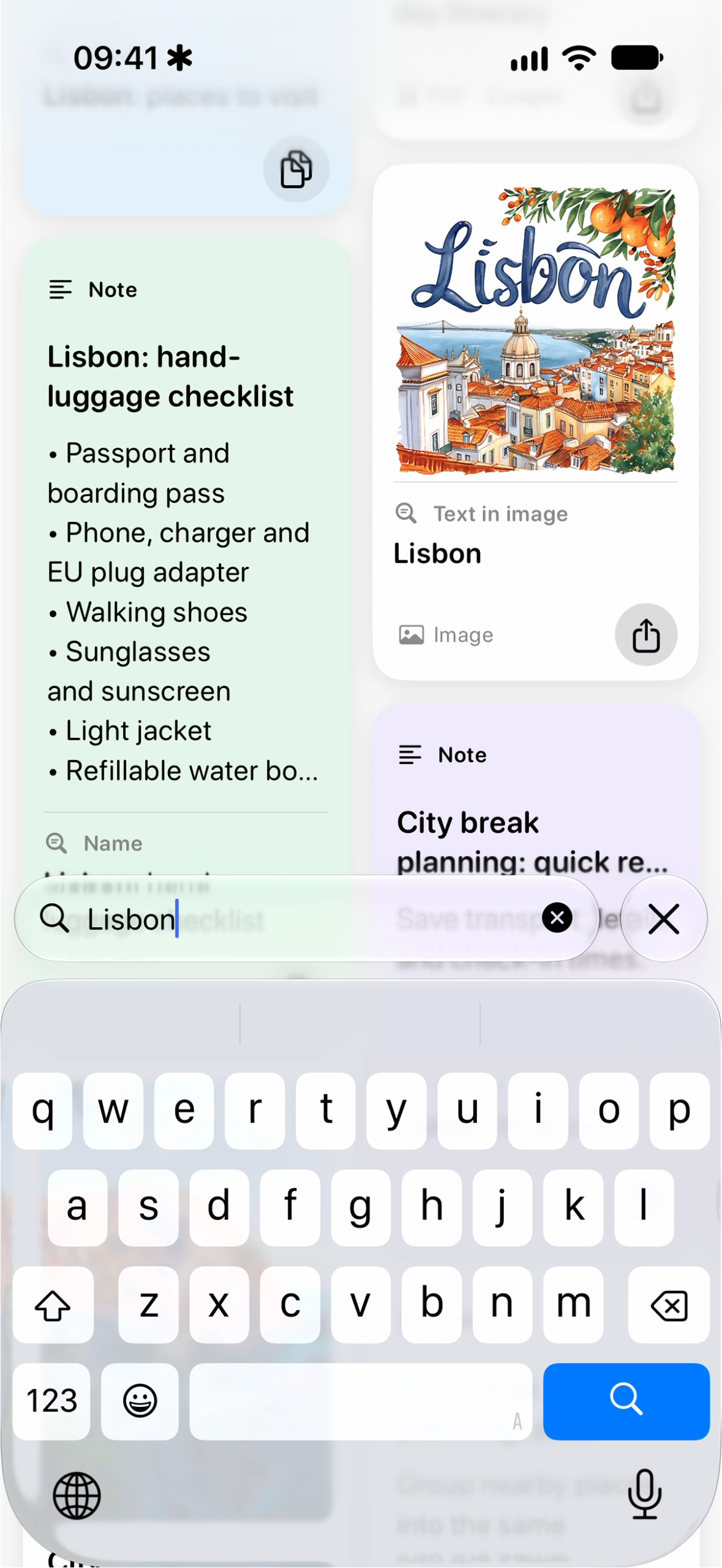
Find anything with Deep Recall.
-
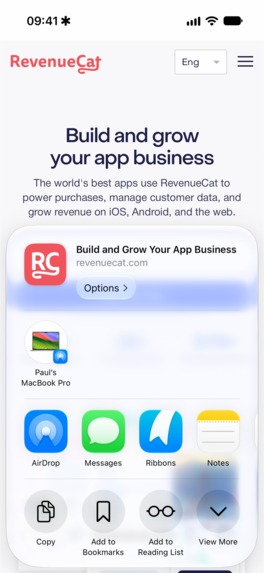
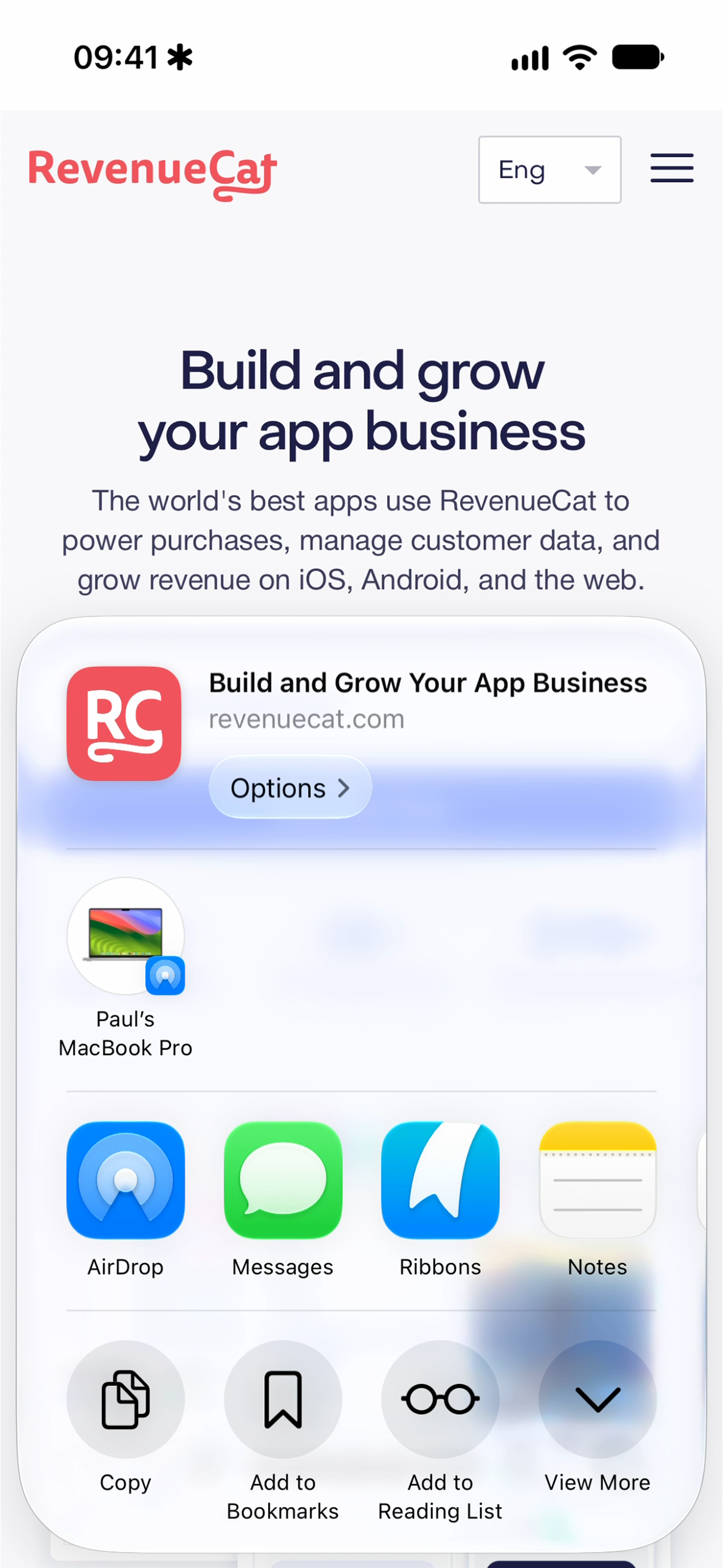
Save from anywhere with Share Sheet.
-
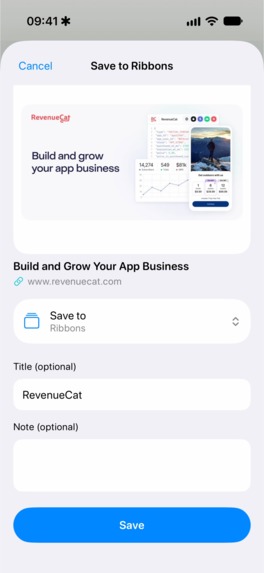
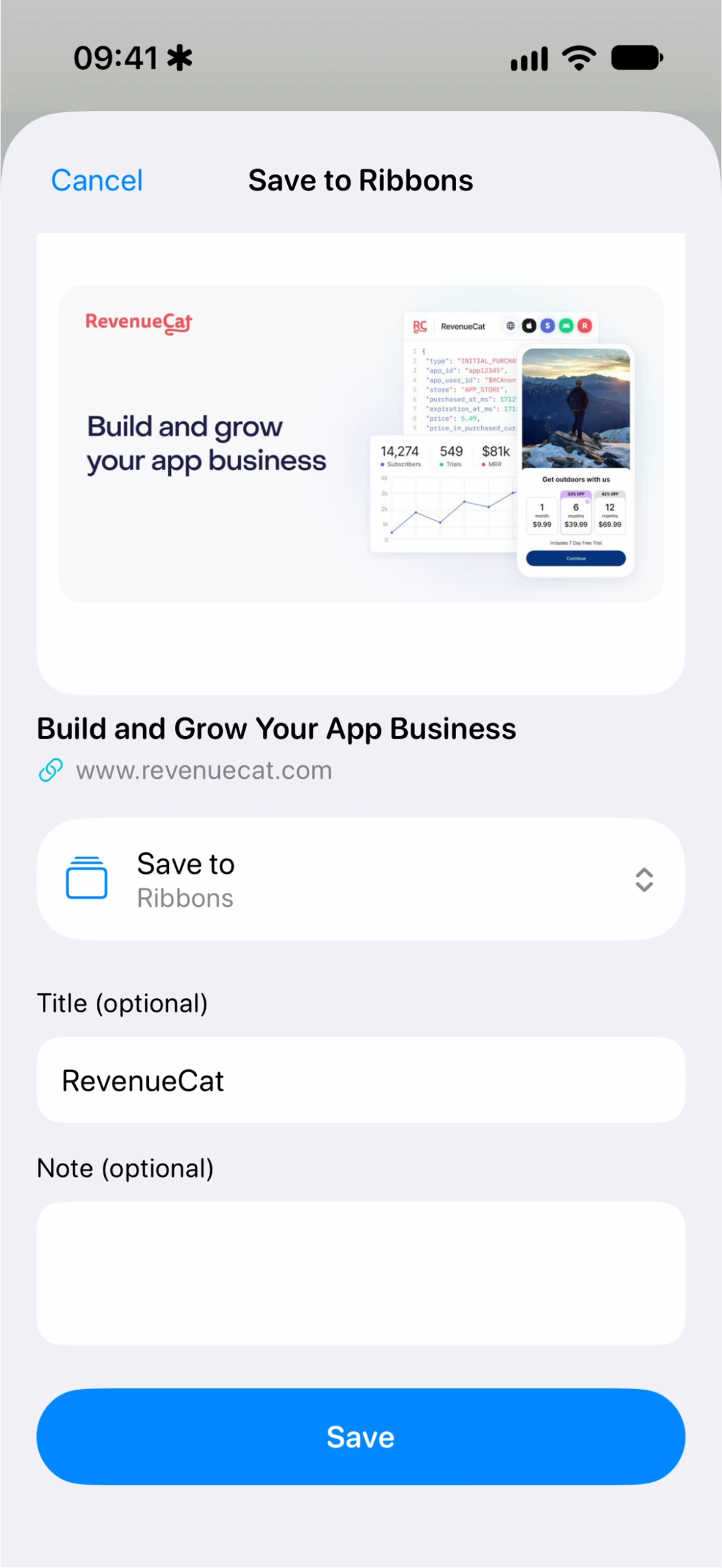
Choose where your Ribbon belongs.
-
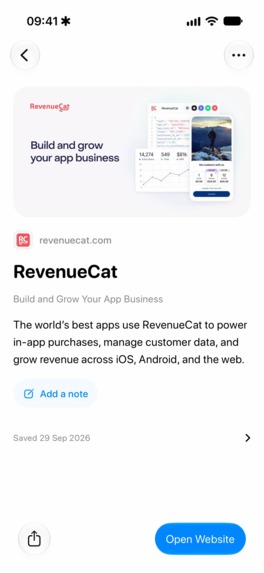
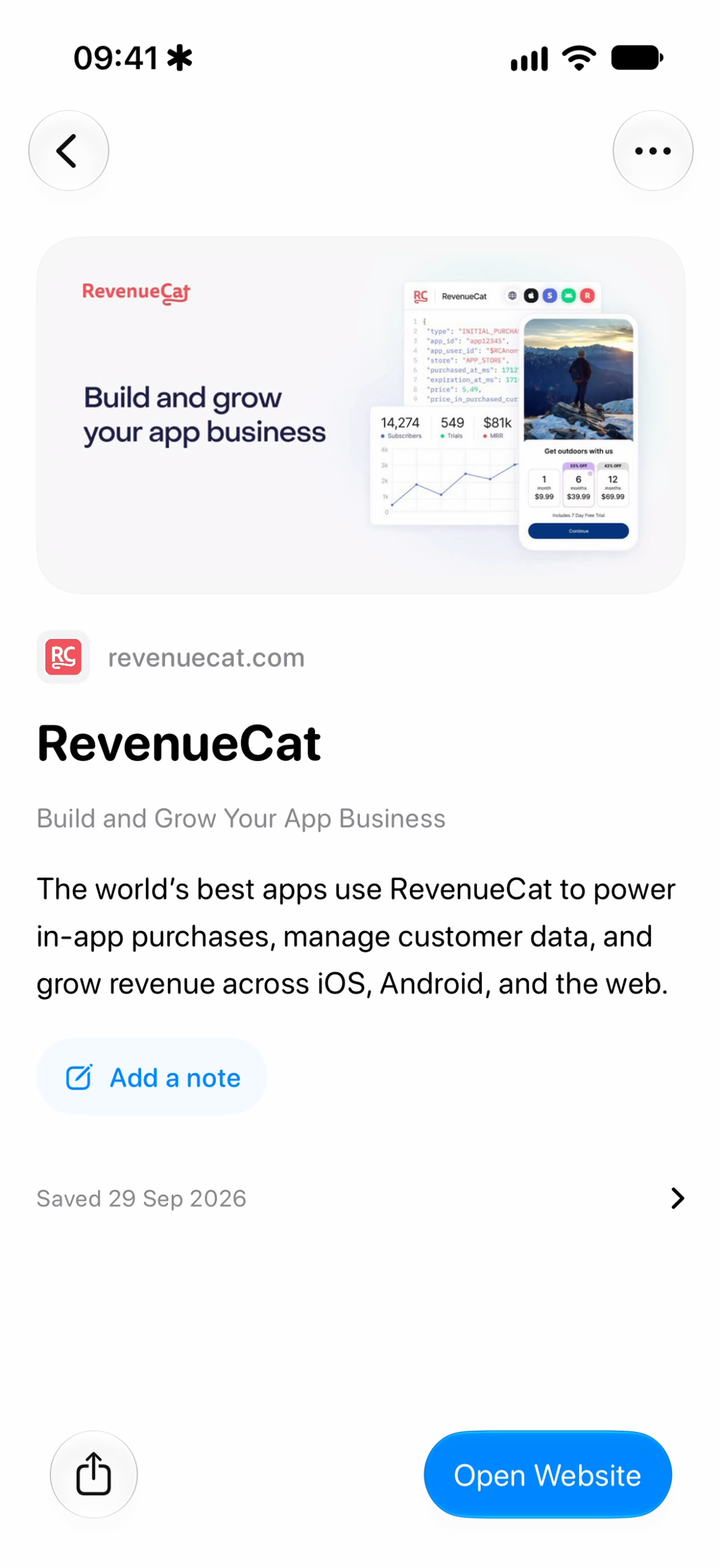
Web links, saved for later.
-
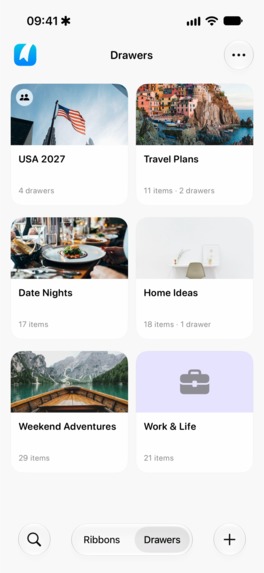
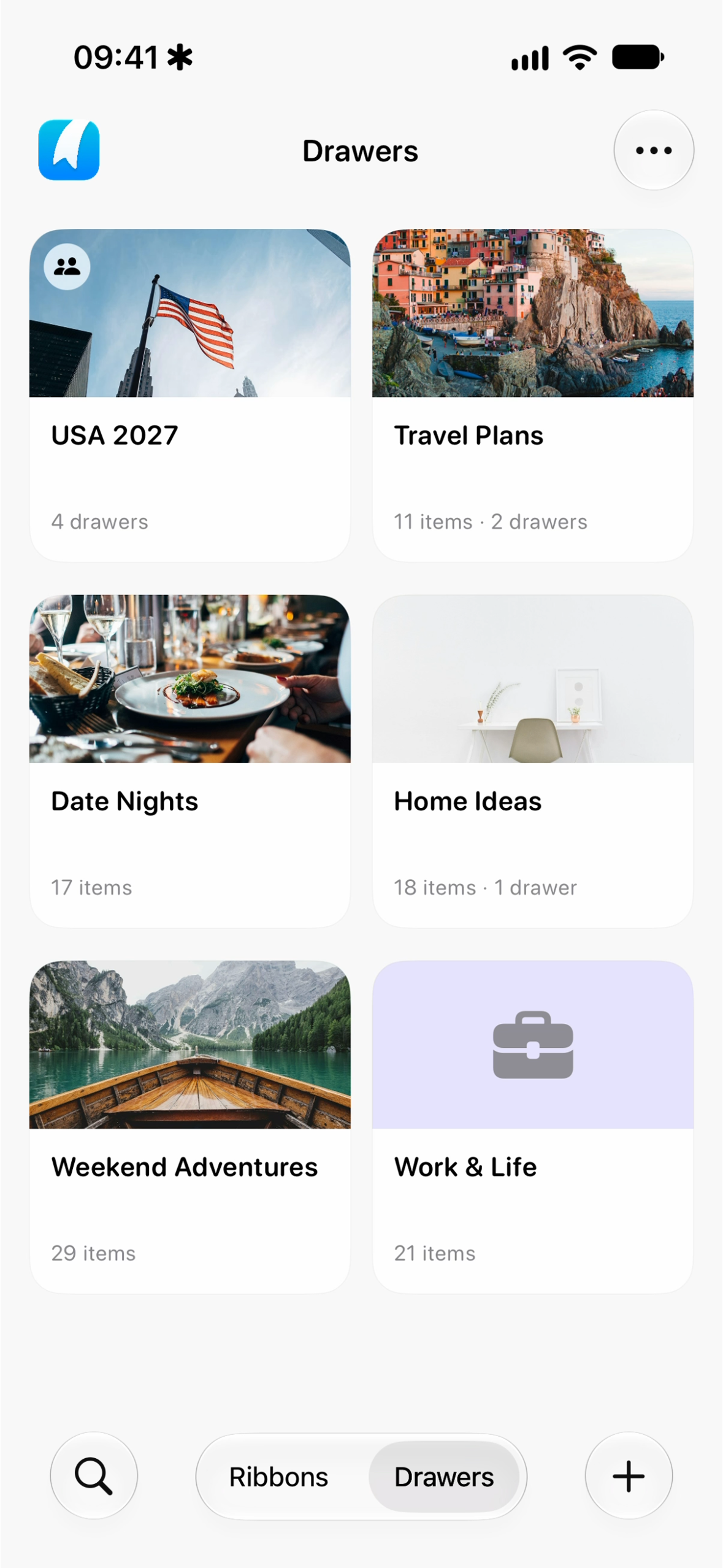
Organise everything into Drawers.
-
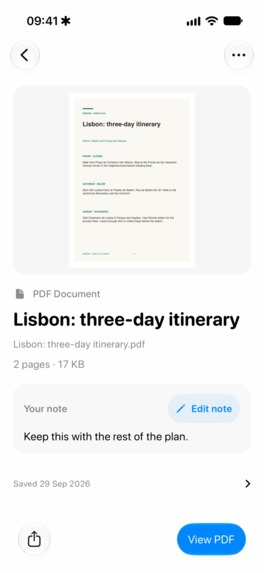
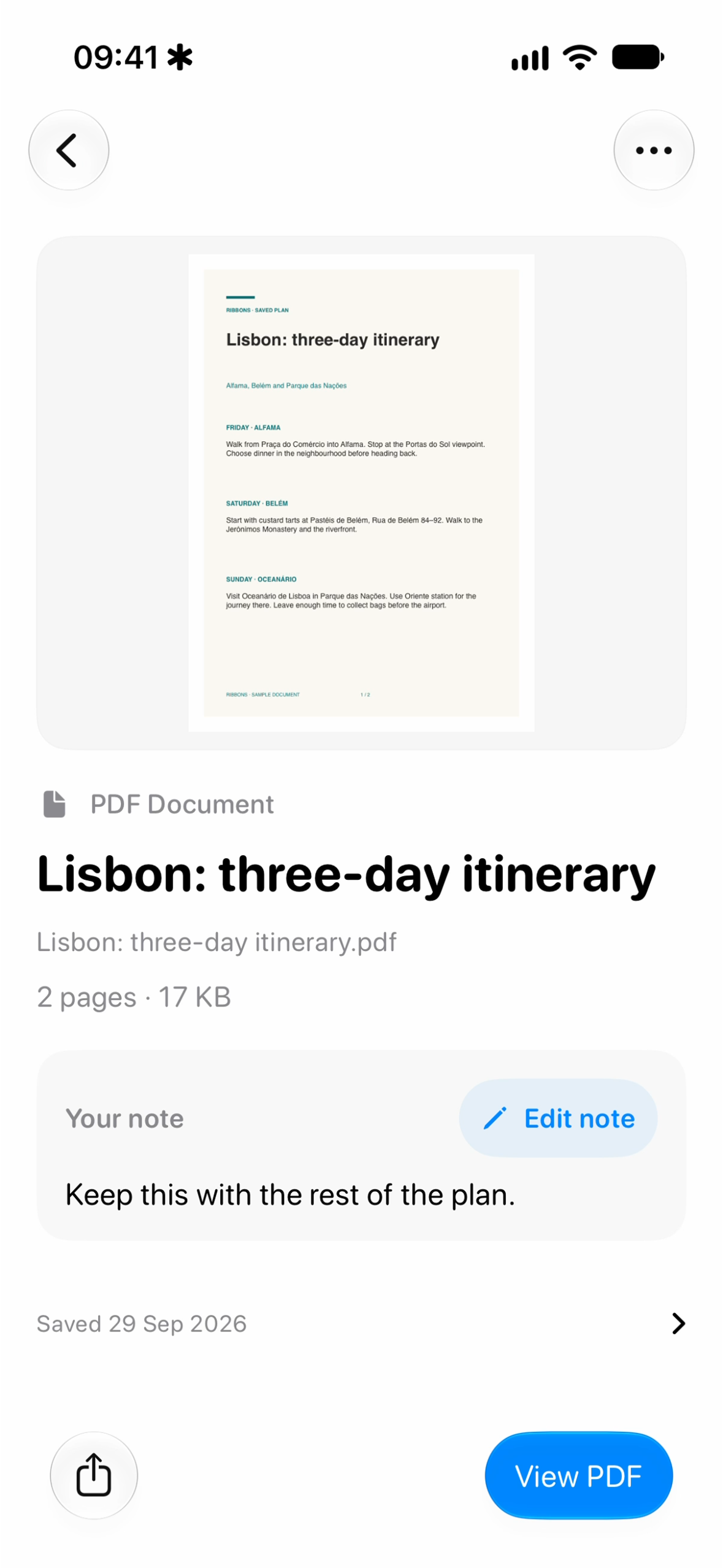
Keep important documents close.
-

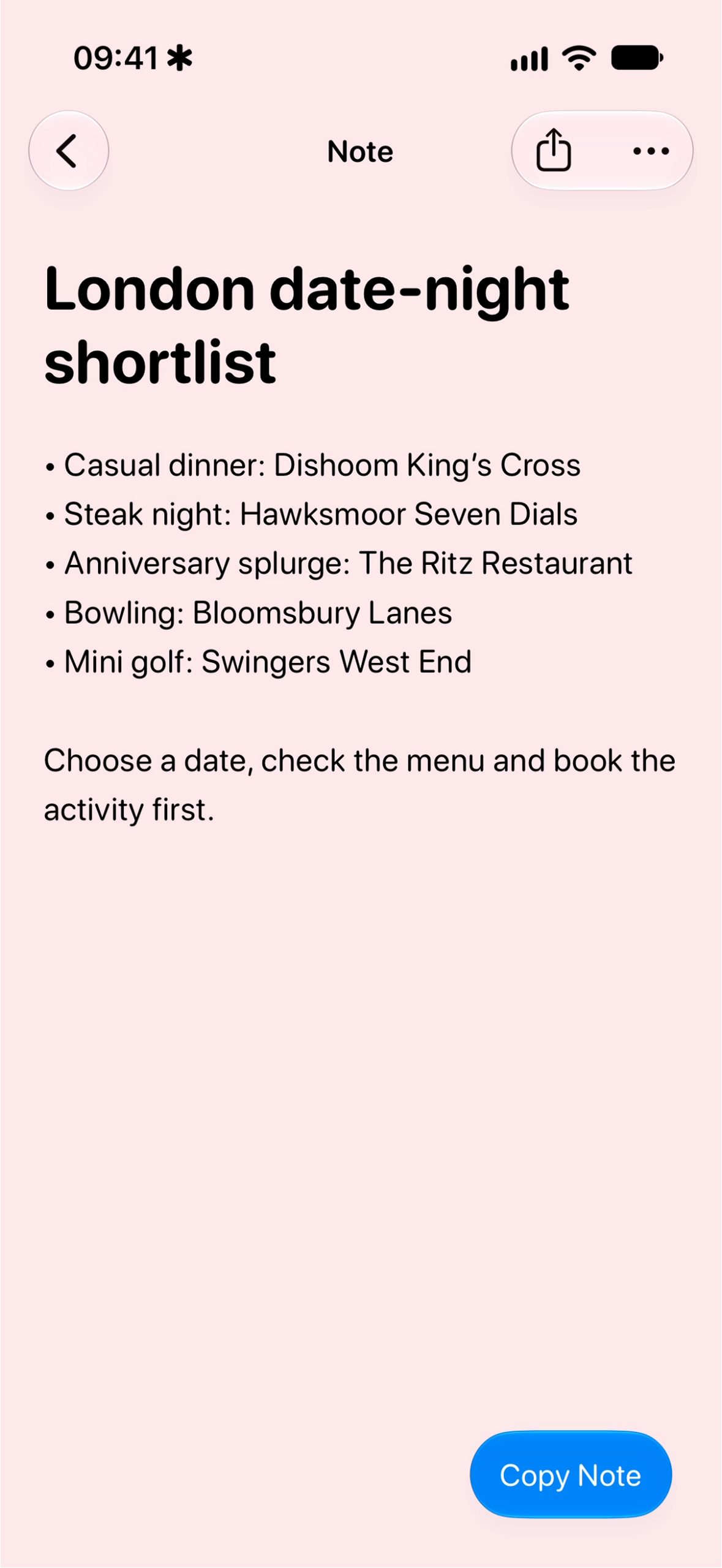
Keep useful text ready to copy.
-
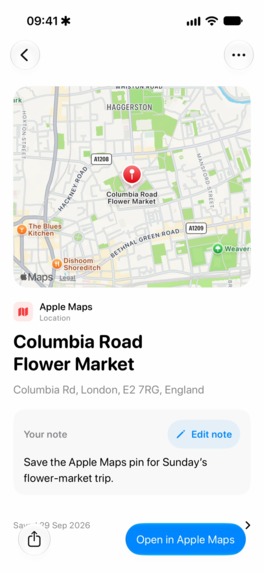
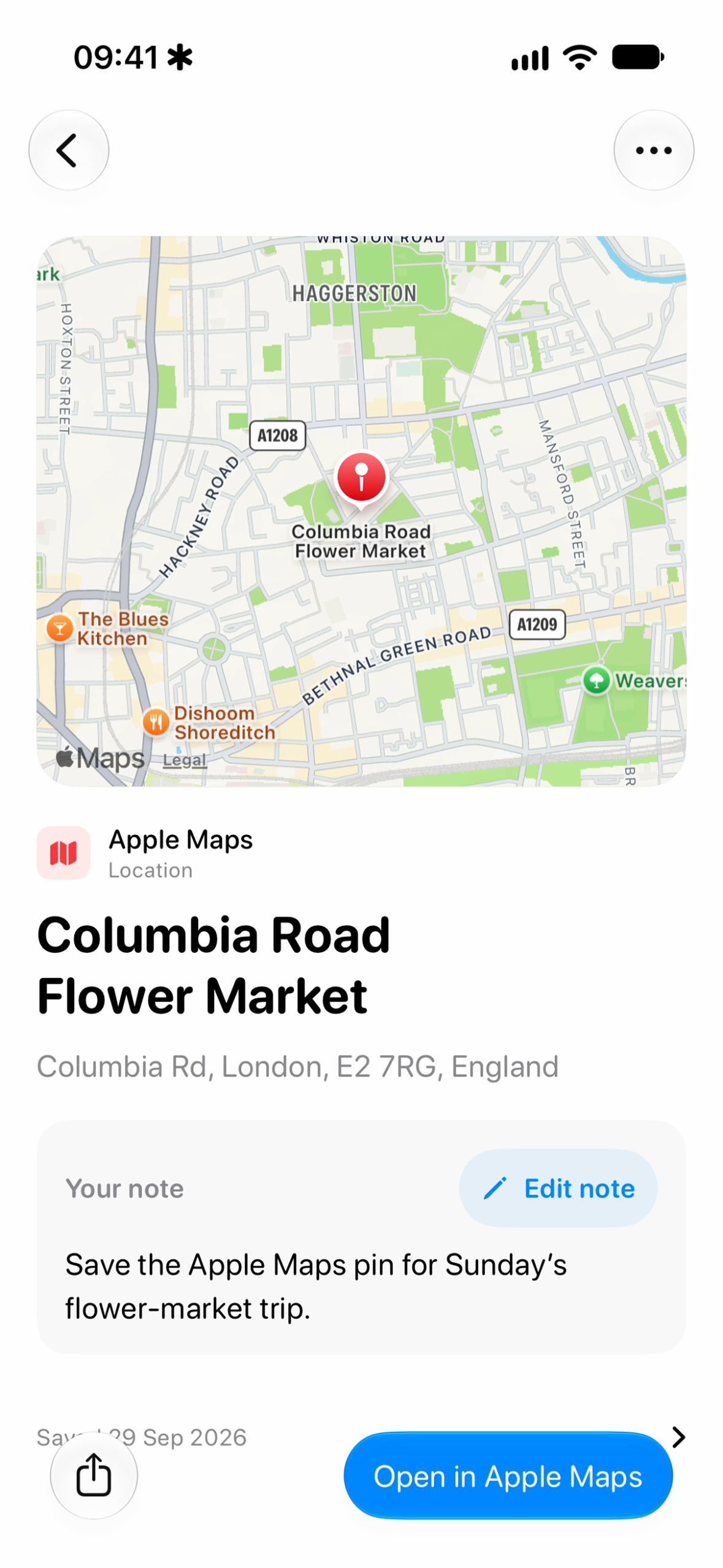
Save locations straight from Maps.
-
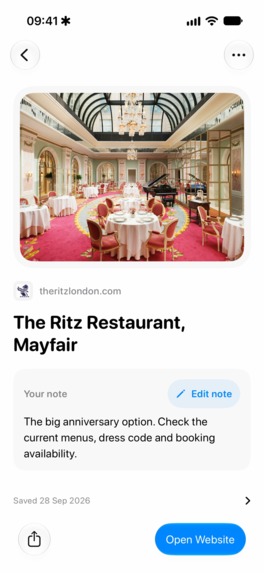
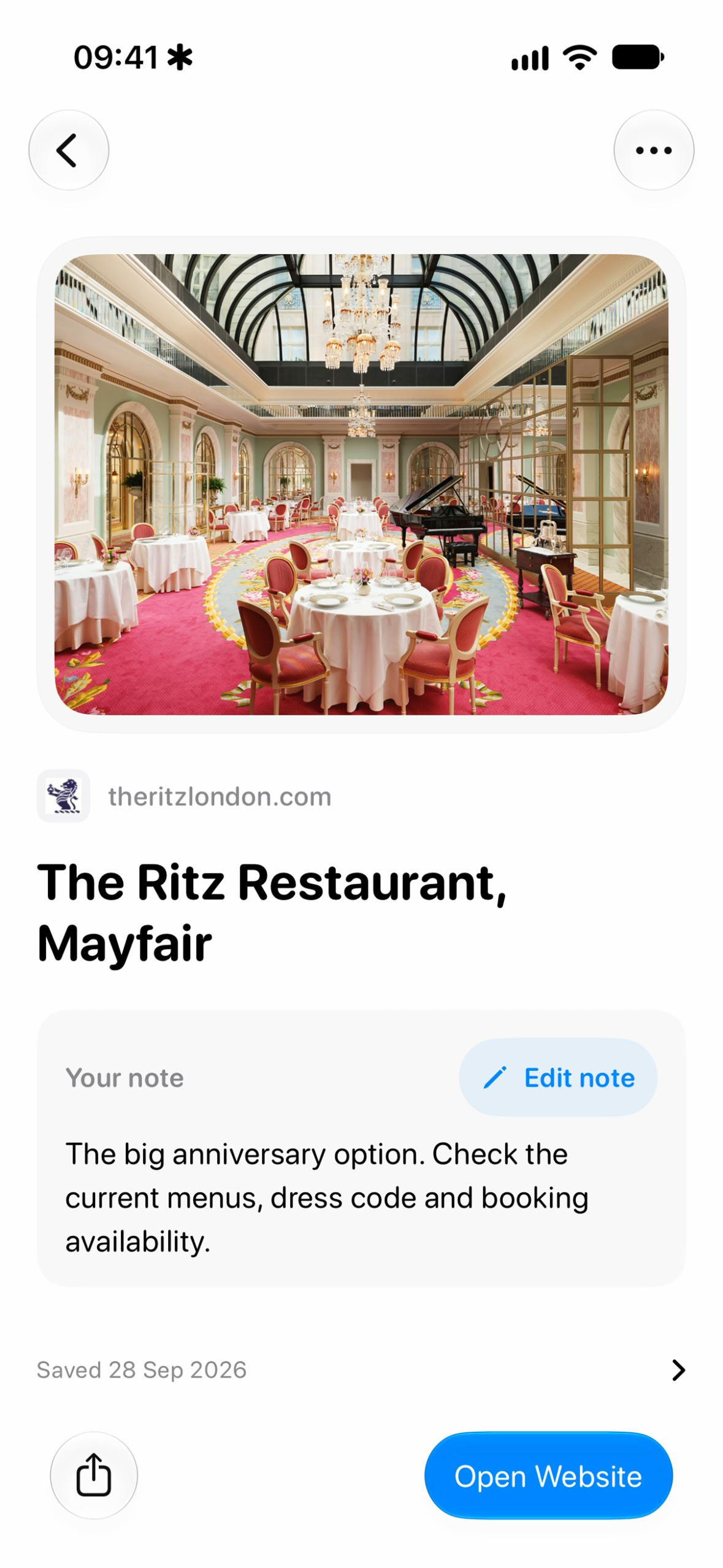
Keep restaurants you want to try.
-
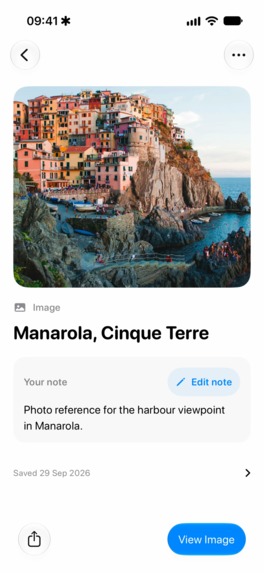
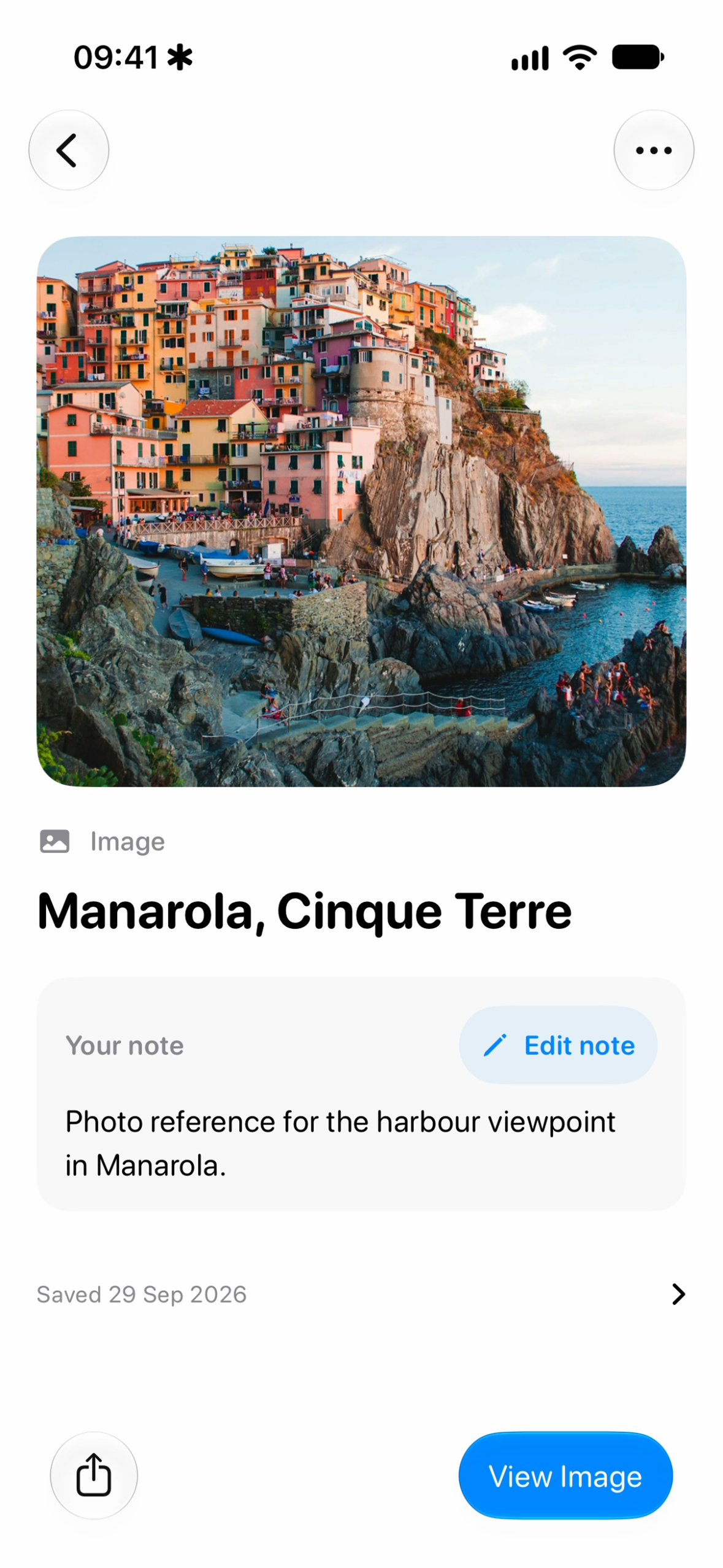
Keep places worth remembering.
-
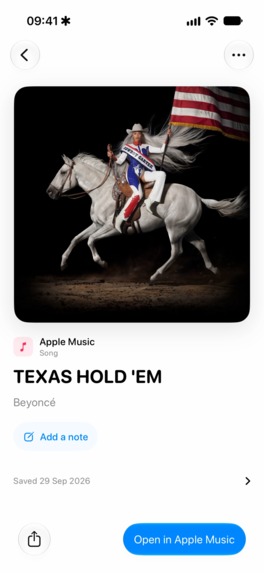
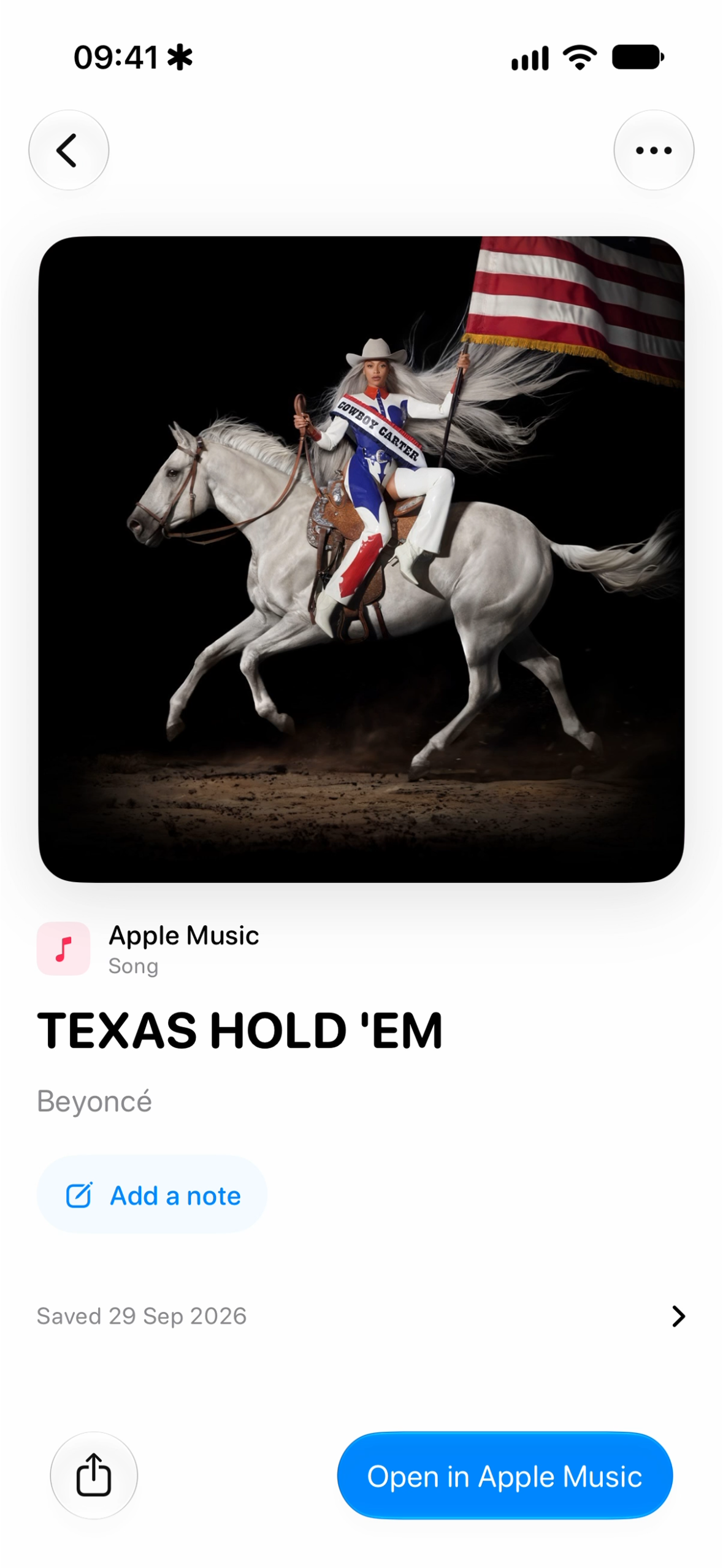
Save music you love.
-
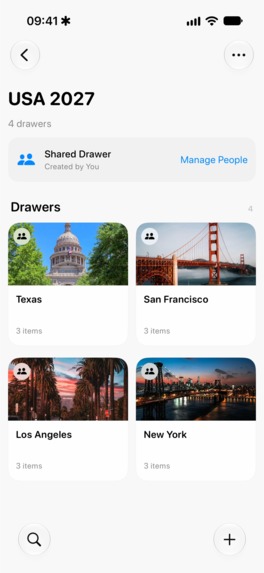
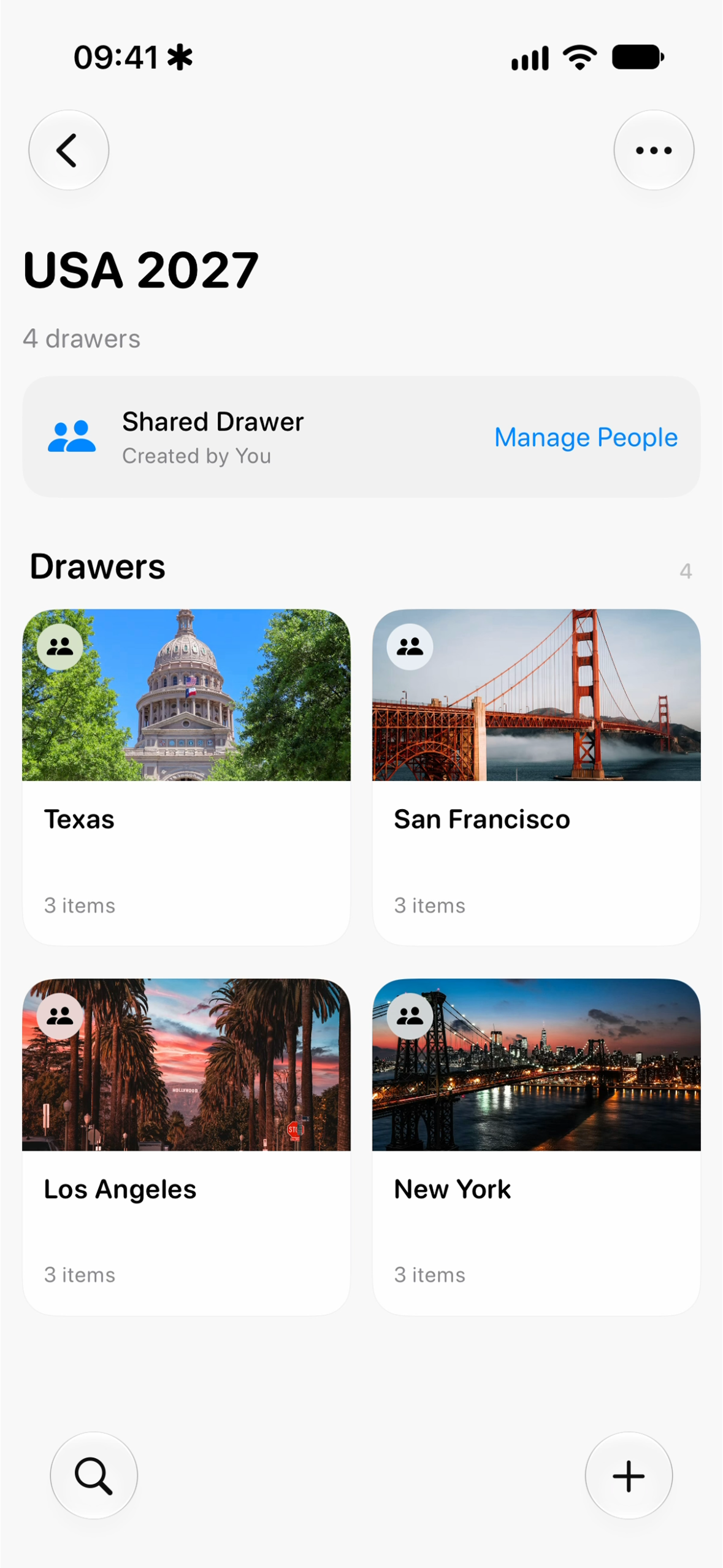
Plan together with shared Drawers.
-
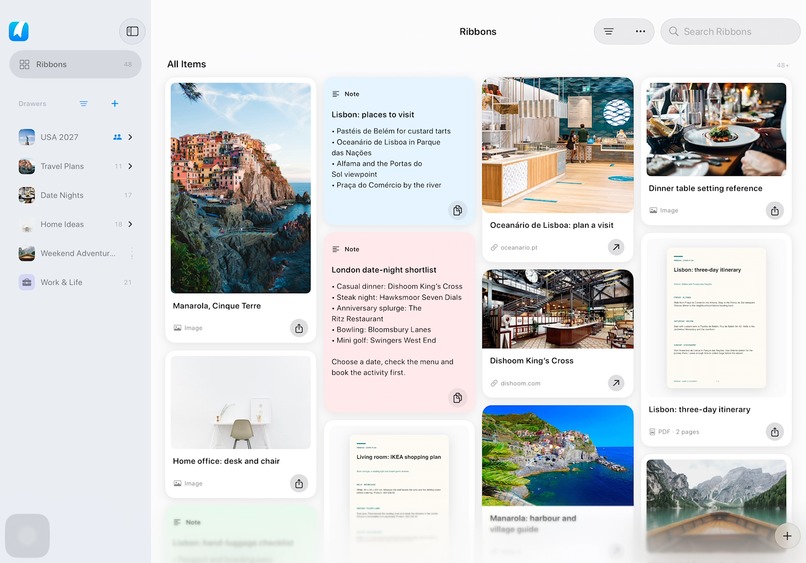
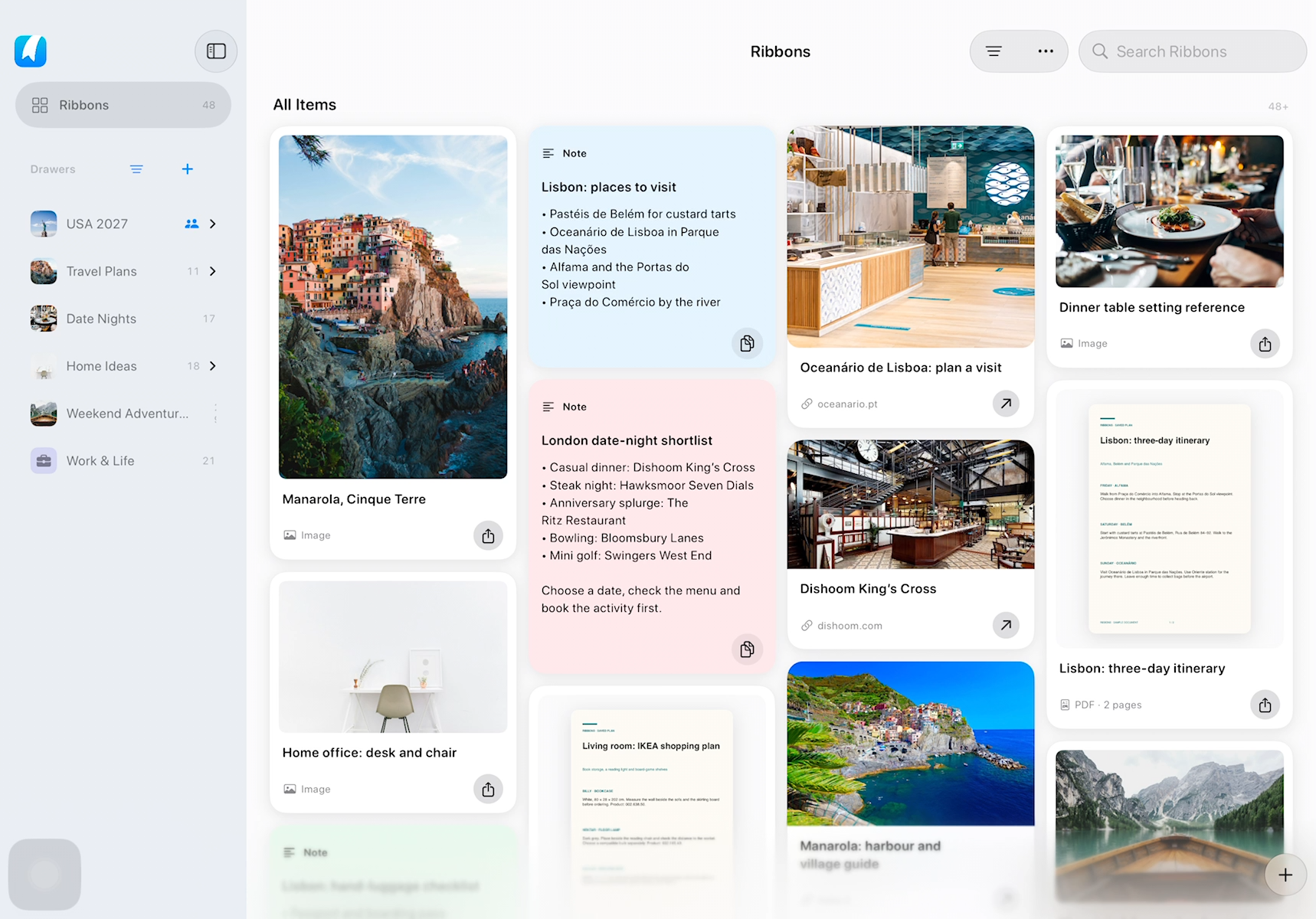
Ribbons captured on iPadOS.
Inspiration
My wife is a travel agent and travel content creator and one of the frustrations I kept seeing was how hard it was for her to reuse photos she'd already taken. When she saved a photo back into her library, it went back to the date it was taken - not to recent photos. So if she couldn't remember when she took it, she had to scroll back through months of photos just to find it again.
When I watched Christopher Lawley's Shipaton prompt, that problem clicked. Christopher and his audience had spotted the same gap: useful content ends up scattered across snippet apps, file apps, photos and other tools, with no one simple place to keep it and get back to it quickly.
What it does
Ribbons is one place to save the things you know you'll need again. That includes text, images, PDFs, documents, scans, web links, Apple Maps locations and music.
Most things get in through the Share Sheet. If I'm looking at a website, a document in Mail, a photo or a location in Maps, I tap Share and send it to Ribbons. Before saving, I can rename it, add a description and choose where it goes. There's also a Safari extension on iPhone, iPad and Mac.
Each thing you save is a Ribbon, and related Ribbons are organised into Drawers. My wife and I have a Drawer for our trip to Kenya. If I search "Kenya", everything comes up: boarding passes, hotels, tour and dinner bookings. It works the same for client contracts, or for "IKEA bedroom" while we're doing up our home. Drawers can be shared, so other people can join and add things too.
The part I'm most proud of is Deep Recall. Ribbons doesn't just search titles, it searches the text inside images and PDFs as well. If I remember a word from a screenshot, I can find it again, and it takes me to the page or part of the image where the match is. It works offline too.
You don't have to open Ribbons first to find something. Once Spotlight is enabled in Ribbons, saved content can appear in system search on your iPhone, iPad or Mac, including matches from text inside images and PDFs. If I'm looking for a booking confirmation, I can search from wherever I normally search my device and open the saved item directly.
I can also ask Siri to find a document in Ribbons. On supported devices with Siri AI enabled, including iOS 27, that request goes straight into the app's search. If there's one match, Ribbons opens it; if there are several, it shows the results so I can choose. It's another way of solving the same problem: getting back to something I saved without having to remember where I put it.
Everything syncs privately through iCloud across iPhone, iPad and Mac, with no Ribbons account to create.
How we built it
Ribbons is built natively in SwiftUI and runs on iPhone, iPad and Mac.
The core is CloudKit and iCloud. I didn't want people's documents and photos sitting in a database that I own, so each library lives in the user's own iCloud account. CloudKit also gave me sync, offline support and shared Drawers without needing a separate Ribbons account.
Most of my engineering time went into Deep Recall. Images are read on-device with Apple Vision. PDFs use PDFKit when they already contain text, and Vision for scanned pages. The text is then indexed locally with SQLite FTS5 through GRDB, which is why search is fast and works offline. The extracted text can also sync through CloudKit, so if my iPhone has already processed a PDF, my Mac can reuse that work.
I've measured how fast search is. These times are for the search itself, not the full time from typing to seeing results, and the bigger tests use synthetic data:
- 100,000 items with 1 million searchable passages: 34.7 ms (95th percentile)
- On a real iPhone with 10,000 items: about 14–17 ms per page
- The very first search after launch takes about a second, because it also sets up the index
I also used Core Spotlight to make saved content searchable outside the app, and App Intents to connect Ribbons with Siri and Shortcuts, including the newer Siri AI in-app search integration. These use the same saved content and search foundation as the app. Spotlight is optional on each device, and people can exclude individual items.
RevenueCat powers Ribbons Pro, and I'm using it to answer a business question I don't know the answer to. Having reviewed a lot of apps, the thing I always want is to experience an app properly before I pay. But I don't know if that helps build a business, so I'm running three RevenueCat Experiments:
- A hard paywall with a seven-day trial
- Three free saves, then the same trial
- A hard paywall with no trial
I expect the three-free-saves version to do best, but it's early and I don't have enough data to say yet.
I also built a referral programme using RevenueCat webhooks and a small TypeScript backend. Every user gets a code, and the person who invited someone is only rewarded once that person becomes a paying subscriber. Invite 1 person for 20% off a yearly plan, 3 for 50% off, or 10 for a free year. Getting people to download an app is hard, and getting them to pay is even harder, and this rewards both. I think the 3-person tier will be the most popular because more people know three people than ten. RevenueCat's webhooks made the backend simple. It listens for a referred person subscribing and gives the reward automatically, and the user just claims it in the app.
The paywall is custom-built in SwiftUI so it still feels like part of Ribbons, and PostHog handles analytics.
Challenges we ran into
The trickiest problem was sync. At one point, things I saved on my iPhone were taking 30 seconds, sometimes minutes, to show up on my Mac. One production log showed a conflict on my iPad while saving search data, but the CloudKit request itself only took 37 ms, so the server wasn't the slow part. The problem was in how I handled conflicts.
When two devices extracted search data for the same item, they both tried to create the same record. CloudKit sent back the existing record, but without its attached file. My app tried to check that incomplete record, failed, and then waited 30 seconds or more before trying again. I changed it to fetch and check the file before accepting the record, and wrote tests that failed with the old behaviour and pass now. That fixes a delay I could reproduce, but I can't say it explains every slow sync I saw.
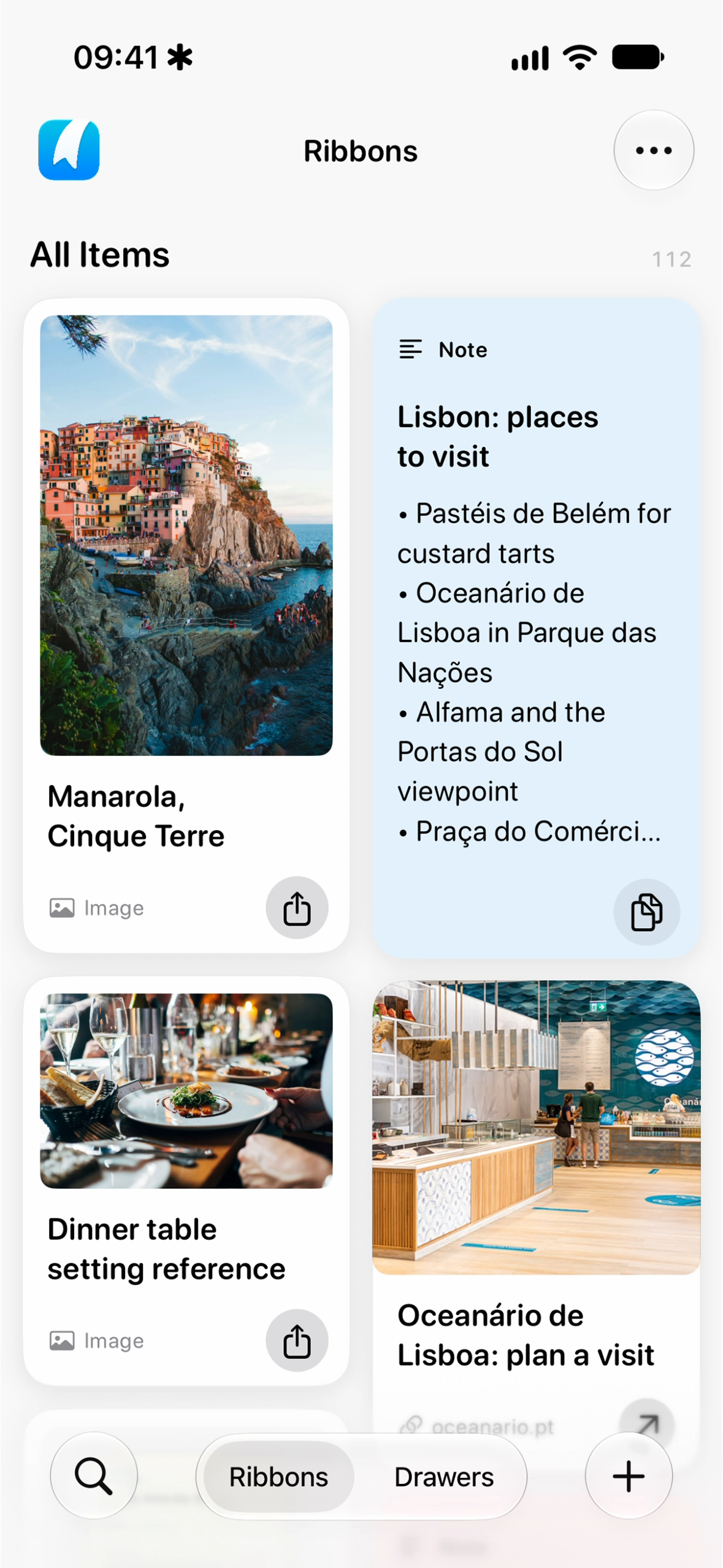
The other big challenge was the design. Ribbons has to hold very different things, like photos, links, documents and notes, while still feeling simple. I tried a long list, but there was too much scrolling to find anything. I tried a bottom sheet, but that meant extra taps. I kept a small tab bar with two tabs, Ribbons and Drawers, and landed on a masonry grid for the content. It's two columns on iPhone and three to five on iPad and Mac. My wife already knew grids from Photos, and they simply looked better. I kept a list option for anyone who prefers it.
And right now, my biggest challenge is getting feedback. A few people have installed the app since approval, and I'm working on getting them to tell me what they think.
Accomplishments that we're proud of
I built Ribbons entirely by myself in under three weeks, from starting on August 30 to App Store approval on September 17, with roughly 77 TestFlight builds along the way.
The first version, where you save text, documents and images and it syncs across devices, came together quite quickly. But it felt like it was missing something, and that's why I built Deep Recall, which is where most of my time went. I'm proud that search works across text, PDFs and images, it's fast, and it works offline.
I'm also proud of what I chose not to build. I wanted smarter search, so that typing "dog" shows photos of your dog, and I wanted an Android version. I knew neither would fit in the time, so I left them out to keep the app simple, powerful and finished.
The moment that meant the most was watching my wife use it for the exact problem that inspired it. She needed around a hundred travel photos for her website. Instead of fighting with shared albums and AirDrop, she organised them in Ribbons and opened them on her Mac. She now has a Drawer for each blog post: Japan, Greece, New York etc.
I also demoed it to around 40 people at a Shipaton meetup in London.
What we learned
Simplicity is the polish. When I look at beautifully designed apps, it's easy to think mine needs more screens and more animations. But everyone I showed Ribbons to, my wife included, kept saying how easy it was to understand.
I also learned that once saving something is easy, you find uses everywhere. My wife and I now have shared Drawers for date-night ideas, a Christmas wishlist and our Kenya trip. I didn't plan any of those. They came naturally once we had one place we both trusted.
What's next for Ribbons
First, a web version. I recently needed a form I'd downloaded while I was on a Windows machine, with no Apple device nearby. I want to sign in with Apple in a browser and get to everything I've saved, with the same principle: your data stays in your own iCloud.
After that, I want to make Deep Recall smarter, so searching "cars" shows actual photos of cars. It will only use Apple Intelligence or on-device models, and always ask for consent, so the privacy promise stays the same.
Built With
- app-intents
- cloudkit
- grdb
- pdfkit
- railway
- revenuecat
- sqlite
- swift
- swiftui
- typescript
- vision

Log in or sign up for Devpost to join the conversation.