💡 Inspiration
I was watching the news about recent extreme weather events and realized something frustrating: we always wait until after a disaster to say "we should have built better drainage" or "we should have warned people sooner." I thought, what if we didn't have to wait for the next disaster to learn those lessons? What if we could take an event that already happened, "rewind" time, and simulate how different infrastructure choices could have actually saved lives? That was the birth of RewindAI.
⚙️ What it does
RewindAI is a counterfactual climate intelligence engine—basically, a time machine for environmental disasters.
Instead of just showing boring charts, the app lets you:
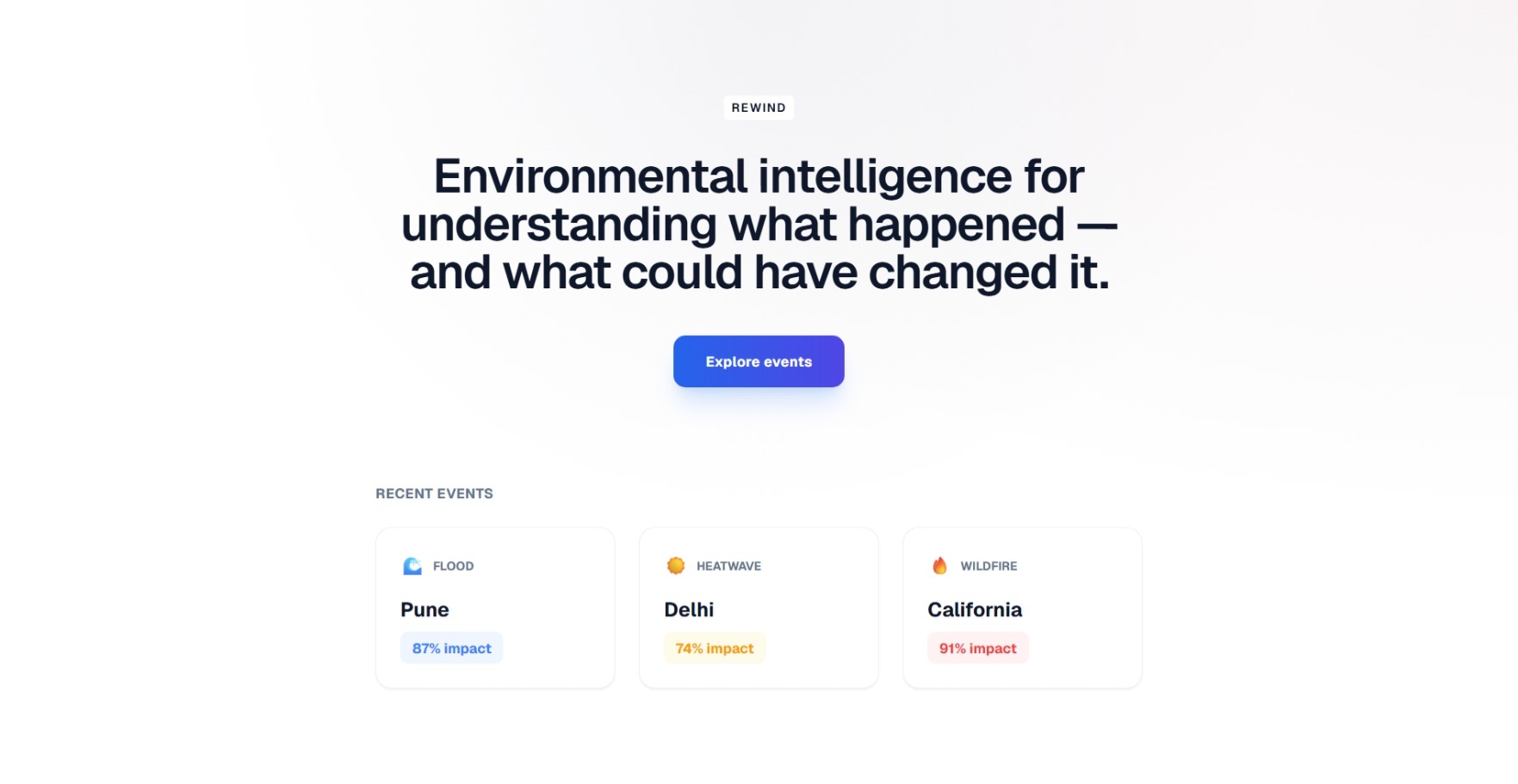
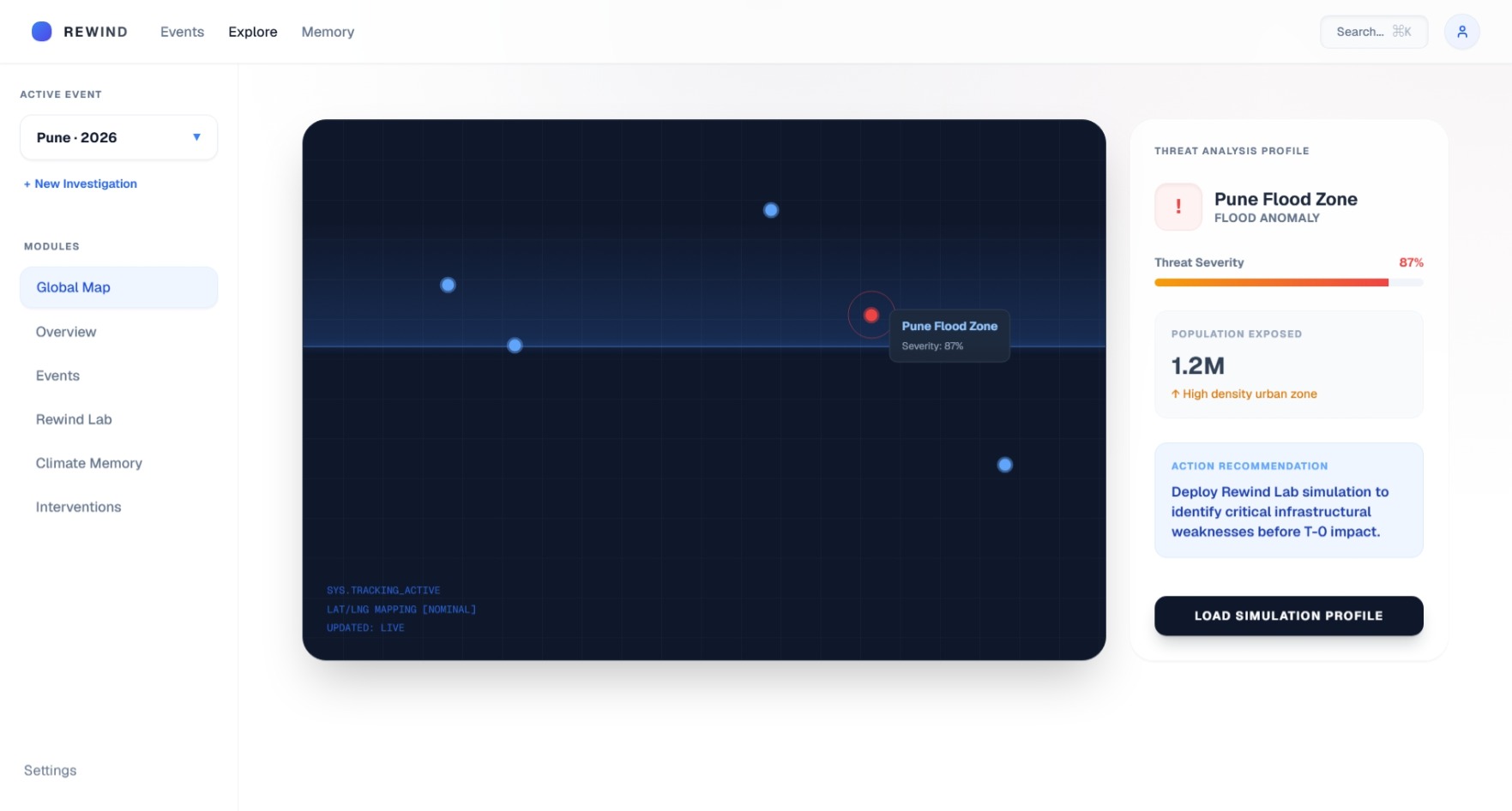
- Explore past environmental events (like a major flood in Pune).
- Understand exactly what went wrong using an AI Investigator that translates complex data into simple English.
- Rewind the event in the "Rewind Lab" and adjust parameters like Drainage Capacity, Vegetation levels, and Warning Time.
- Simulate the new outcome to see exactly how much human exposure we could have prevented if those systems were in place.
🛠️ How we built it
I built this as a full-stack web application to make sure it was fast, beautiful, and fully functional.
- The Frontend is built using React and Vite. I focused heavily on the UI/UX, using a sleek glassmorphism design with Tailwind CSS and Framer Motion for smooth, satisfying animations.
- The Backend is powered by Python and FastAPI. This is where the actual physics-informed simulation engine lives. It takes the parameters sent from the frontend, recalculates the physical impact and human exposure, and returns the new forecasted trajectory.
- Deployment: The entire stack is deployed live on Render (Node.js for the static frontend, and a Python environment for the API).
🚧 Challenges we ran into
One of the biggest challenges was getting the frontend and backend to talk to each other properly once deployed to the internet. During local development it worked perfectly, but dealing with CORS issues, proper API routing in production, and managing Vite environment variables (VITE_API_URL) took a lot of debugging to get right!
I also spent a lot of time wrestling with TypeScript errors to make sure the build process was 100% clean and production-ready.
🎉 Accomplishments that we're proud of
I am incredibly proud of the UI. I wanted to build something that didn't just look like a "student hackathon project," but actually looked like a premium, enterprise-grade software product. The "Active Event" interactive dropdown, the animated settings modal, and the 24-hour predictive area charts all came together beautifully.
I'm also really proud that I actually shipped it! It's fully deployed and usable right now.
📚 What we learned
I learned a ton about deploying full-stack applications. Getting a Python backend to perfectly sync with a React frontend in a live production environment taught me a lot about networking and environment variables. I also learned how to use Framer Motion to make user interfaces feel "alive" without being overwhelming.
🚀 What's next for RewindAI
In the future, I want to connect the backend directly to live, real-world climate APIs (like NOAA or Copernicus) so it can pull in real historical data on-the-fly. I also want to expand the "Climate Memory" database so users can search through thousands of global weather events and run simulations on all of them.
Built With
- fastapi
- framer-motion
- python
- react
- recharts
- tailwind-css
- typescript
- vite

Log in or sign up for Devpost to join the conversation.