-
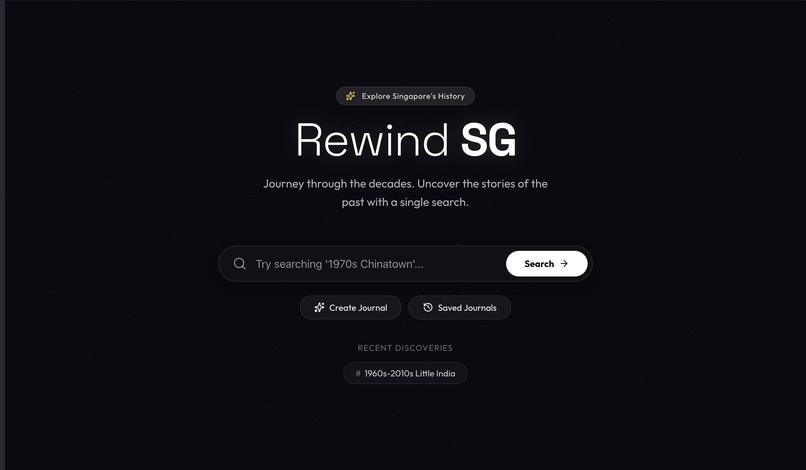
Landing Page
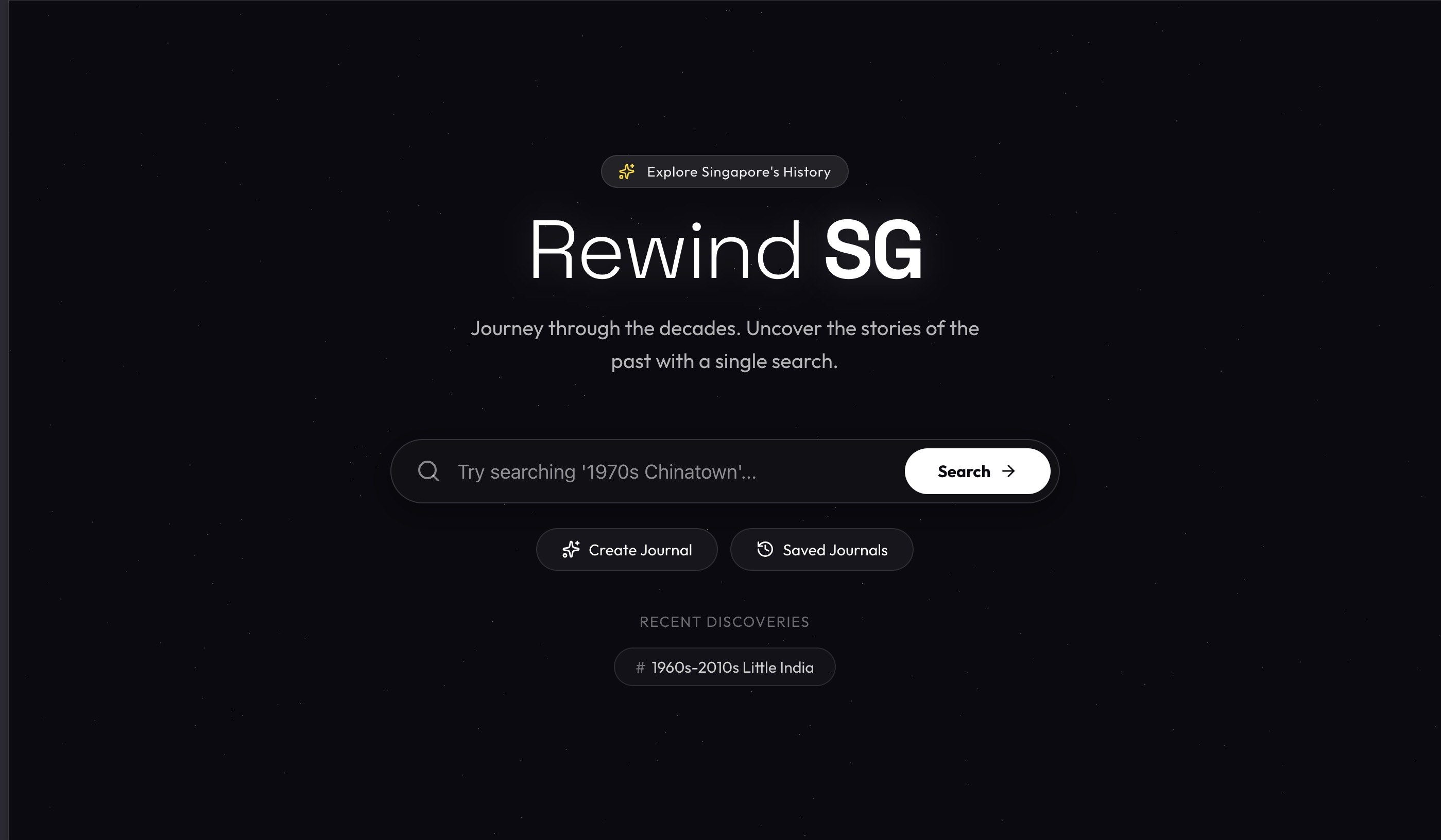
Rewind: Interactive 3D Journey
Rewind is an immersive 3D web application that allows users to explore the rich history of Singapore through an interactive virtual environment. By combining modern web technologies, AI-powered storytelling, and archival data, we bring the past to life.
Inspiration
This project bridges the generational gap:
- For the Elderly: A nostalgic platform to relive memories. Users can upload old black-and-white photos, which are automatically colorized and narrated, helping them see their past in a new light.
- For the Youth: An engaging, gamified way to learn history, moving away from static textbooks to an interactive 3D world where curiosity is visually rewarded.
Features
🌍 Immersive Exploration
- 3D Gaussian Splats: Navigate through photorealistic 3D recreations of historical scenes using Spark and React Three Fiber.
- Interactive Discovery: Experience history in a spatial environment, where every image tells a story.
🕰️ Time Travel Tools
- Smart Search: Explore history by natural language (e.g., "1970s Chinatown", "Post-war Raffles Hotel"). The timeframe is automatically inferred from your query using Gemini 2.5 Flash Lite.
- AI-Powered Narrator: Every image comes with a story. We use Exa.ai to find rich historical context and Gemini 2.5 Flash Lite to synthesize it into a compelling narrative.
- Audio Guide: Listen to the stories with natural-sounding voiceovers generated by OpenAI TTS.
🎨 Visual Restoration
- Auto-Colorization & Upscaling: Instantly restore black-and-white archival photos to vibrant color and high resolution (1080p) using Gemini 2.5 Flash Image.
- Compare Mode: A seamless slider lets you toggle between the original archival image and the AI-restored version.
📖 Personal Scrapbook
- Create Your Journal: A lovingly designed "scrapbook" interface allows users to upload their own photos to preserve family memories.
- Automatic Enhancement: Uploaded photos are automatically upscaled and colorized seamlessly.
- Voice Notes: The AI analyzes your uploaded photos and generates a personalized voiceover description.
Tech Stack
Frontend
- Framework: React 19 + Vite
- 3D Rendering: Spark (Gaussian Splats), React Three Fiber, Drei.
- Styling: Vanilla CSS with Glassmorphism and Scrapbook aesthetics.
- Animations: Framer Motion for smooth transitions.
- Icons: Lucide React.
Backend
- Server: Node.js & Express.
- Scraping: Custom scraper for the National Archives of Singapore using
axios&cheerio. - Database: Supabase for persisting journeys and archival records.
- Storage: Cloudflare R2 for robust hosting of processed images and audio.
Artificial Intelligence
- Search Intent Parsing: Gemini 2.5 Flash Lite extracts dates and keywords from natural language queries.
- Visual Restoration: Gemini 2.5 Flash Image automagically upscales and colorizes old photos.
- Historical Context: Exa.ai performs semantic search to find deep background information on archival images.
- Storytelling: Gemini 2.5 Flash Lite synthesizes context into a cohesive story.
- Text-to-Speech: OpenAI TTS (model
tts-1) generates high-quality audio narrations.
Getting Started
Prerequisites
- Node.js (v18+)
- Supabase account & URL/Key
- Cloudflare R2 Bucket & Keys
- API Keys: Google Gemini, OpenAI, Exa.ai
Installation
Clone the repository
git clone https://github.com/SY-Chai/HacknRoll2026.git
cd HacknRoll2026
Install dependencies
# Install server dependencies
cd server
npm install

# Install client dependencies
cd ../client
npm install
Environment Setup Create
.envfiles in bothclientandserverdirectories.Server
.env:PORT=3000 # AI Keys OPENAI_API_KEY=sk-... GEMINI_API_KEY=... EXA_API_KEY=... # Database SUPABASE_URL=... SUPABASE_KEY=... # Storage (Cloudflare R2) R2_ACCOUNT_ID=... R2_ACCESS_KEY_ID=... R2_SECRET_ACCESS_KEY=... R2_BUCKET_NAME_IMAGES=... R2_BUCKET_NAME_AUDIO=... # R2 Public Domains (for serving content) R2_DOMAIN_IMAGES=... R2_DOMAIN_AUDIO=...Run the Application You need to run both the client and server concurrently.
# Terminal 1: Start Backend
cd server
npm run dev

# Terminal 2: Start Frontend
cd client
npm run dev
Open in Browser Visit
http://localhost:5173to start your journey.
Controls
- Navigation:
- Search: Enter a topic (e.g., "1960s Satay Club") to generate a curated journey.
- Review: Browse "Saved Journals" to revisit past queries.
- Journey View:
- Arrow Keys / Buttons: Flip through the chronological memories.
- Click Image: Enter Lightbox mode. In this mode, use the slider to compare original vs. restored versions.
- Play Button: Listen to the AI narration.
- 3D View (If available): Some scenes offer a "View in 3D" toggle to explore the space spatially.


Log in or sign up for Devpost to join the conversation.