What Base44 gives you (so your “Campus Connect” is possible)
Using Base44 means:
You don’t need to write code manually — you just describe what you want (in natural language), and Base44 generates backend + frontend + database + authentication + hosting automatically. Base44 +2 noloco.io +2
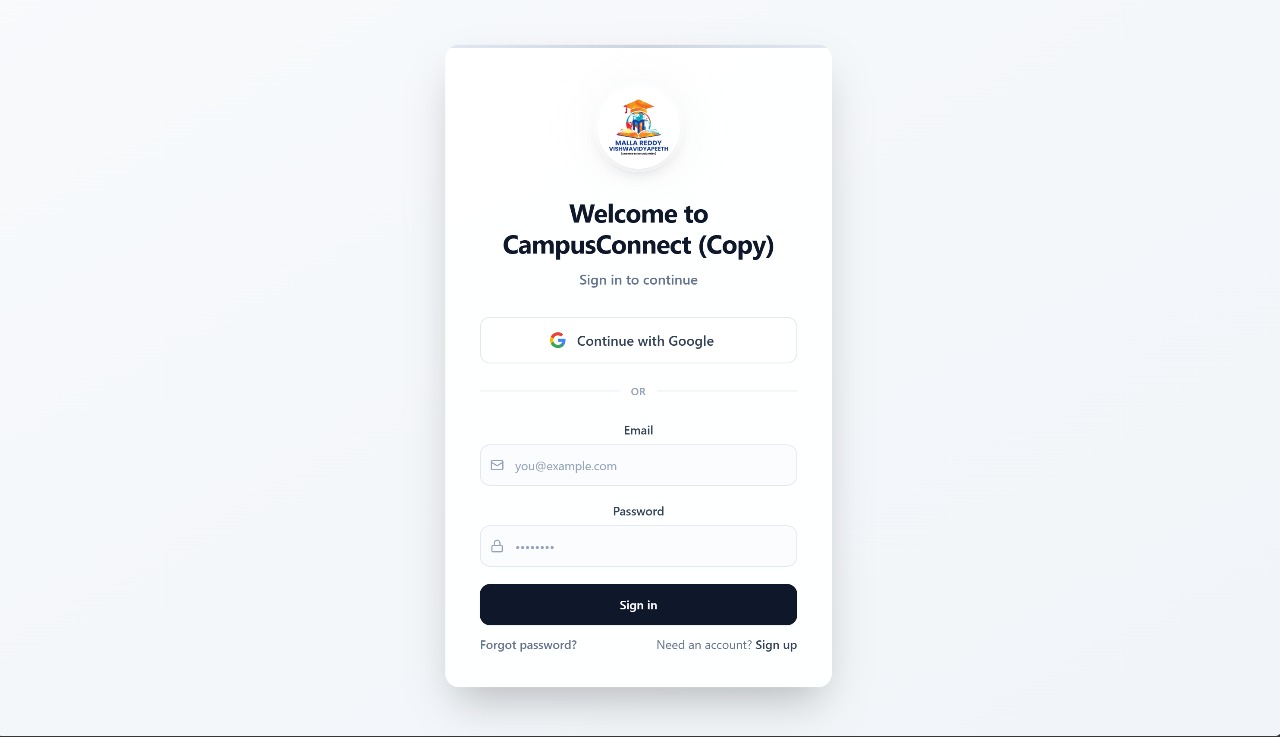
It takes care of infrastructure: user login/signup, data storage, APIs, file storage (if you want to upload images or documents), and hosting — so you don’t need to manually manage servers. Base44 +1
You get a ready-to-use web app quickly — ideal for prototypes, MVPs (minimum viable products), or small/medium-sized community apps. Base44 +1
You can refine layout, design (colors, fonts, UI), and data structure using visual editor or chat-style builder in Base44 after the initial build. nocode.mba +1
Because of these, building a “campus-community / connect” kind of app via Base44 is practical and efficient — no heavy backend work required, and you get to focus on what the app should do, instead of how to build it.
🌐 What Your “Campus Connect” App Likely Is / Offers — Given the URL & Context
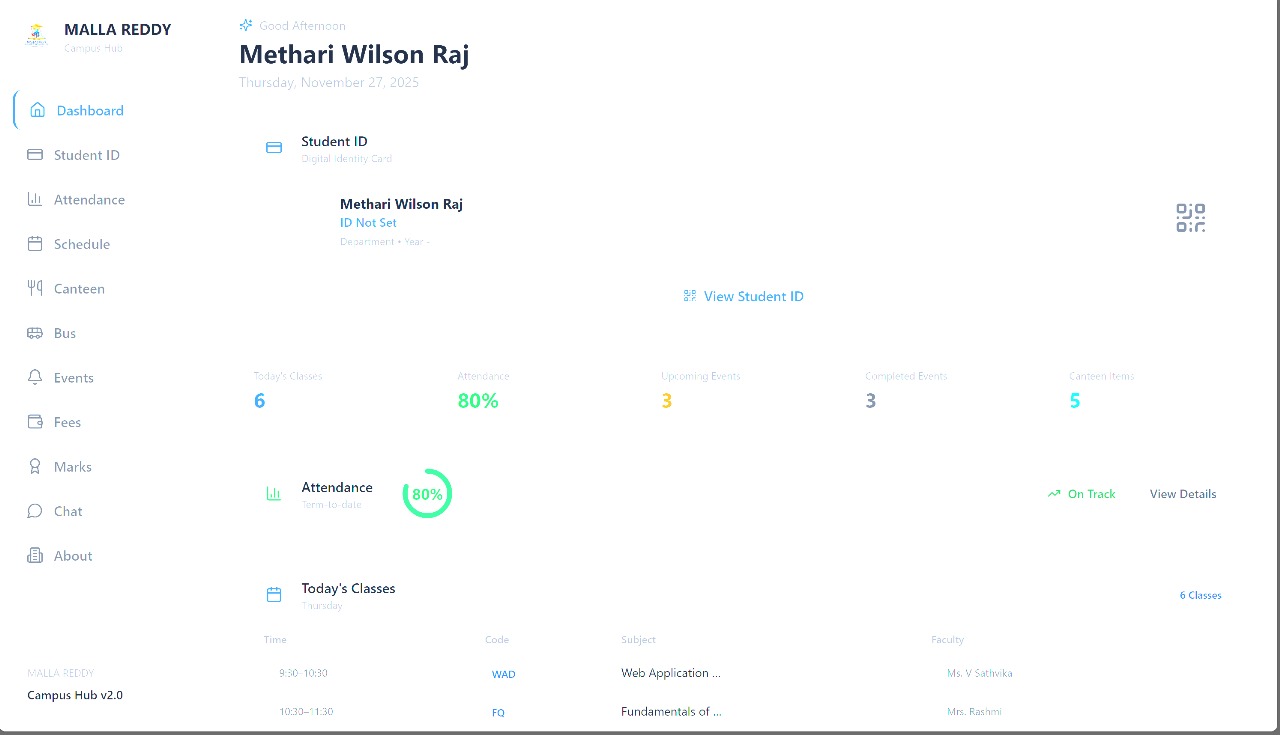
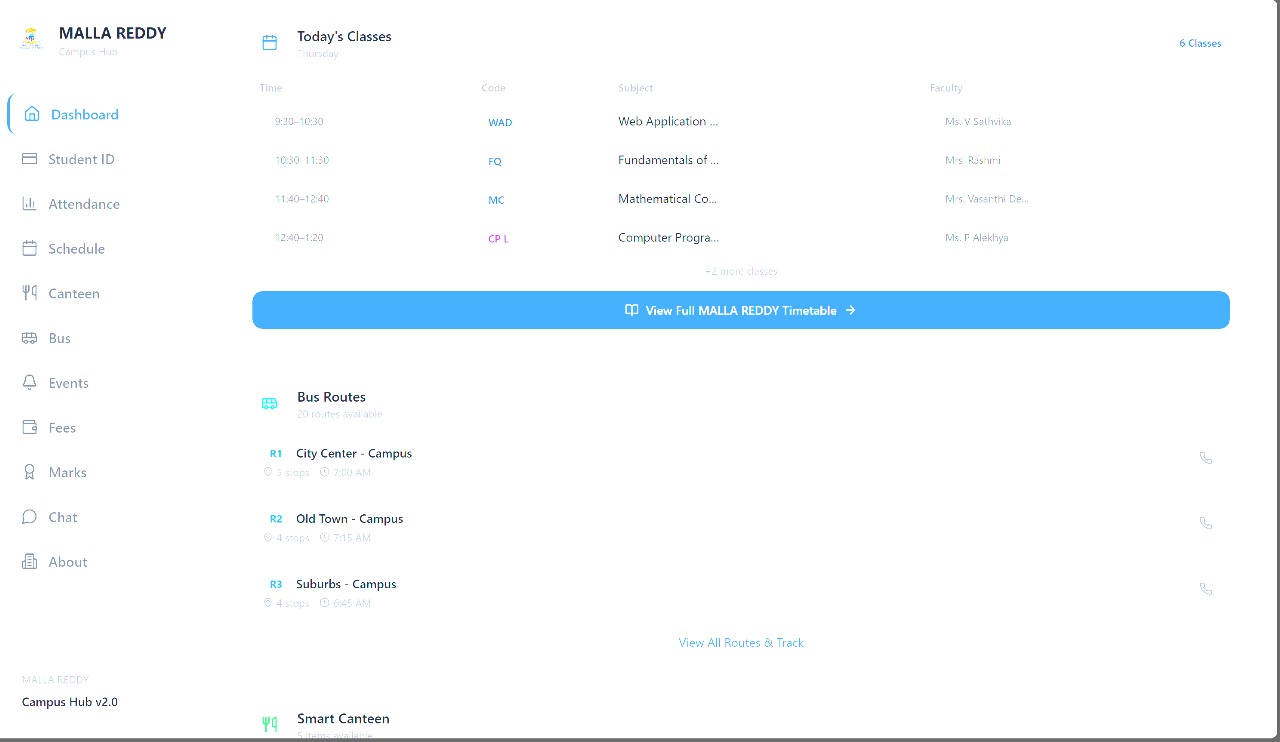
Given the name and that you used Base44, here’s what I imagine your app (“Campus Connect Copy — the version at that link”) is or aims to be:
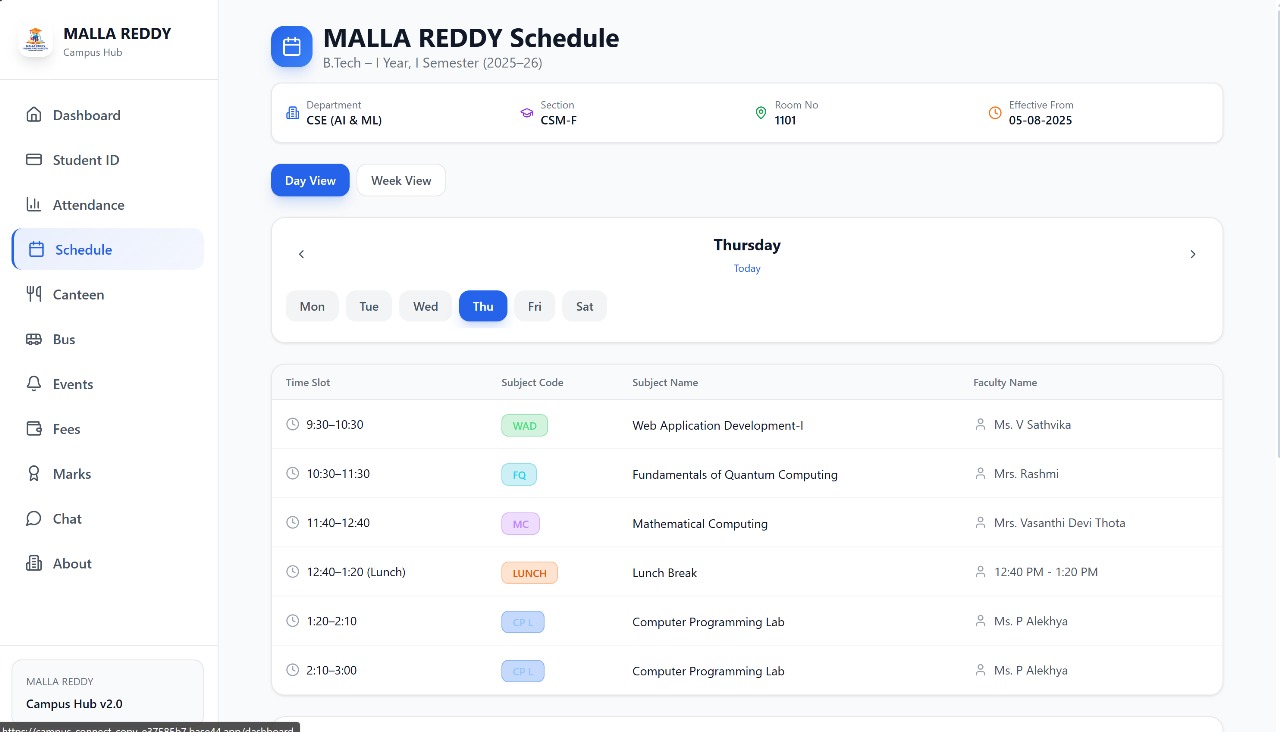
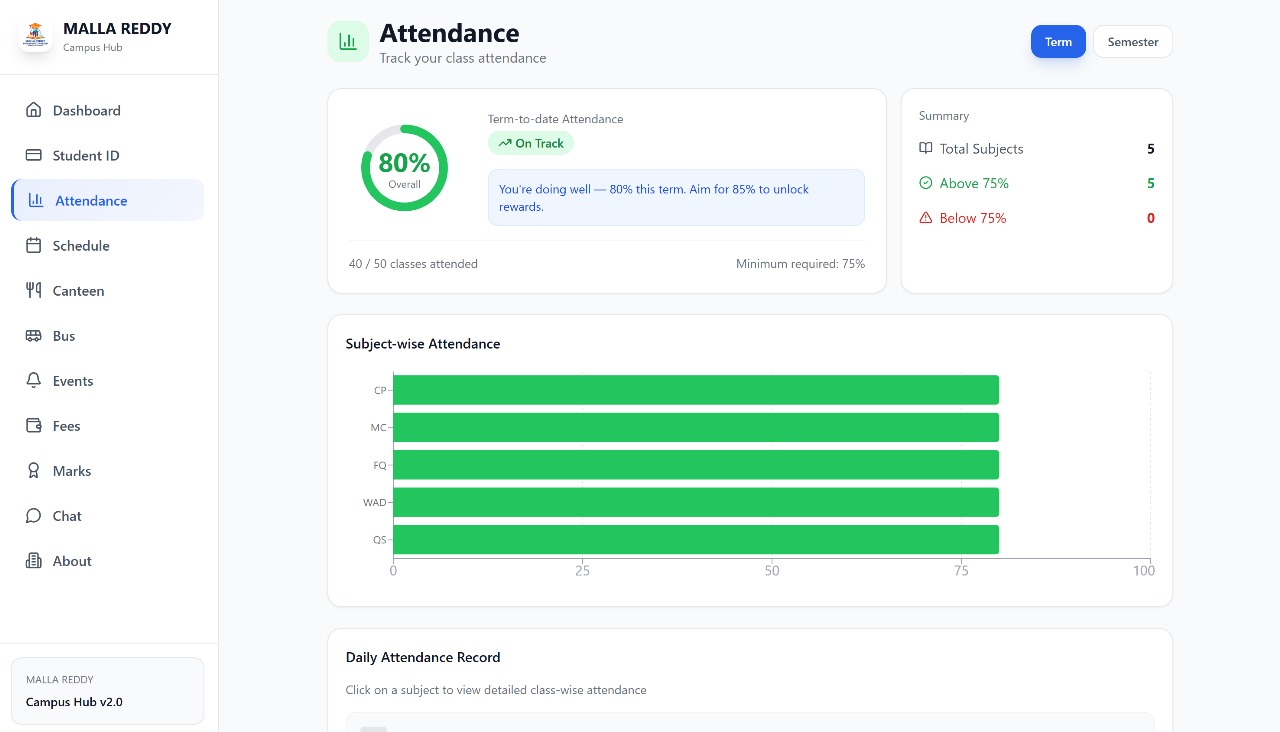
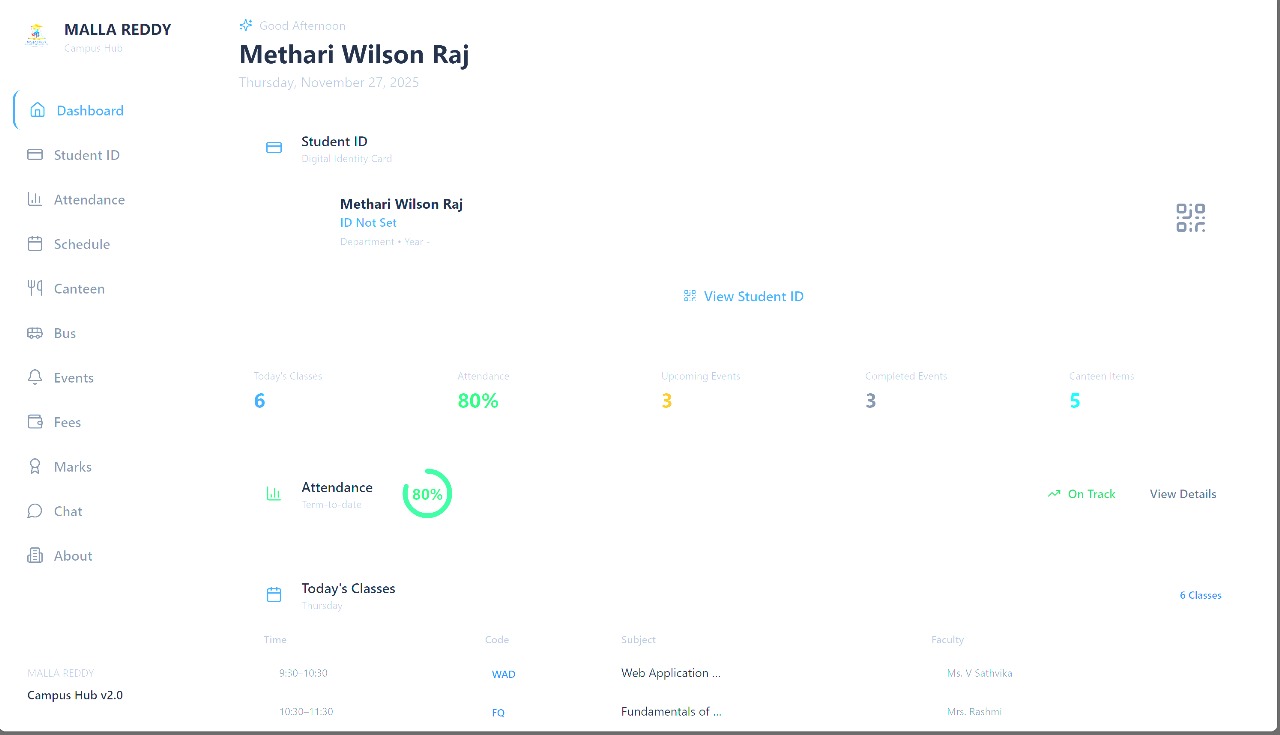
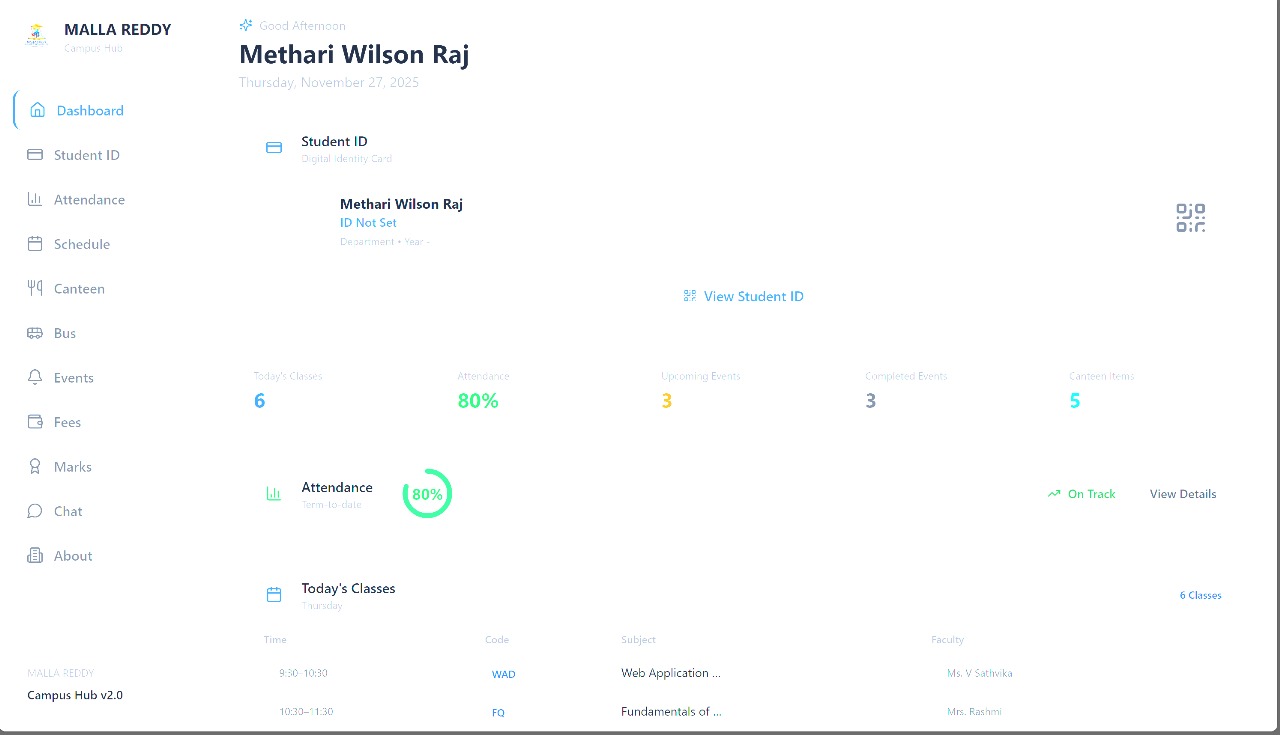
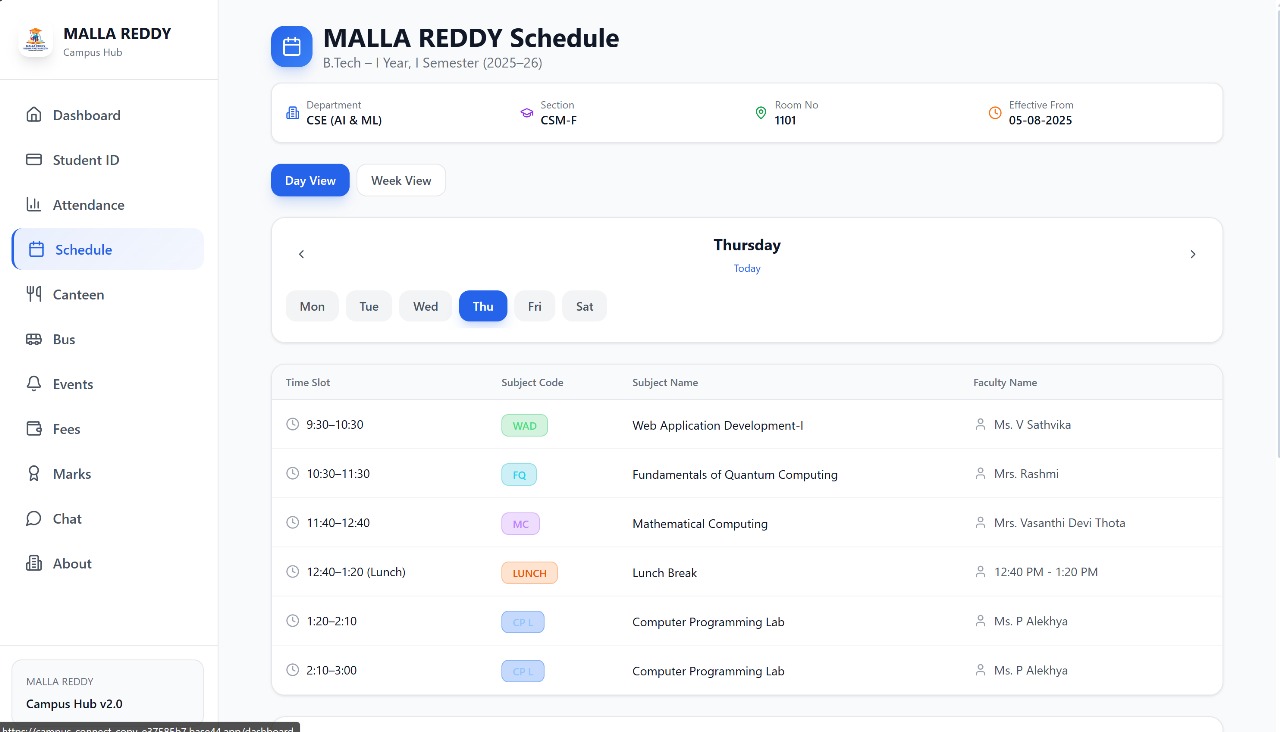
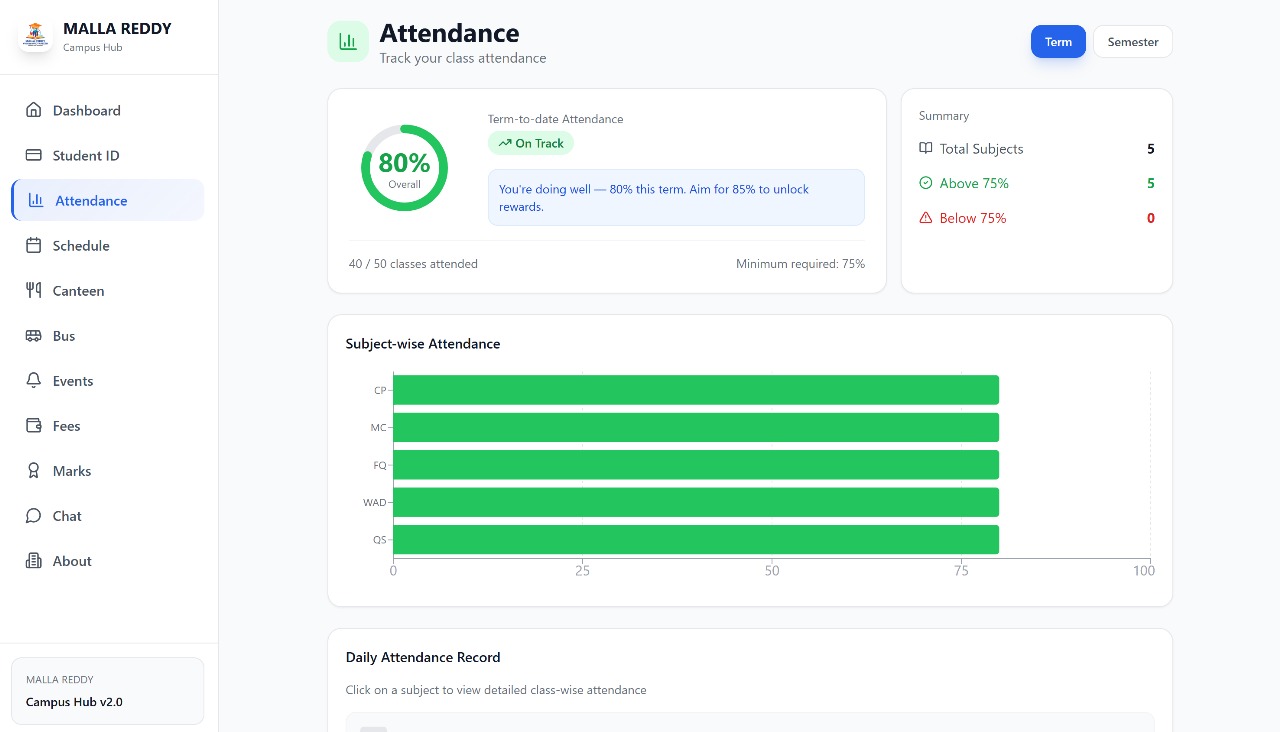
A portal / platform for “campus community” — e.g. for students/colleagues at a college/university to connect, share information, maybe manage events or resources.
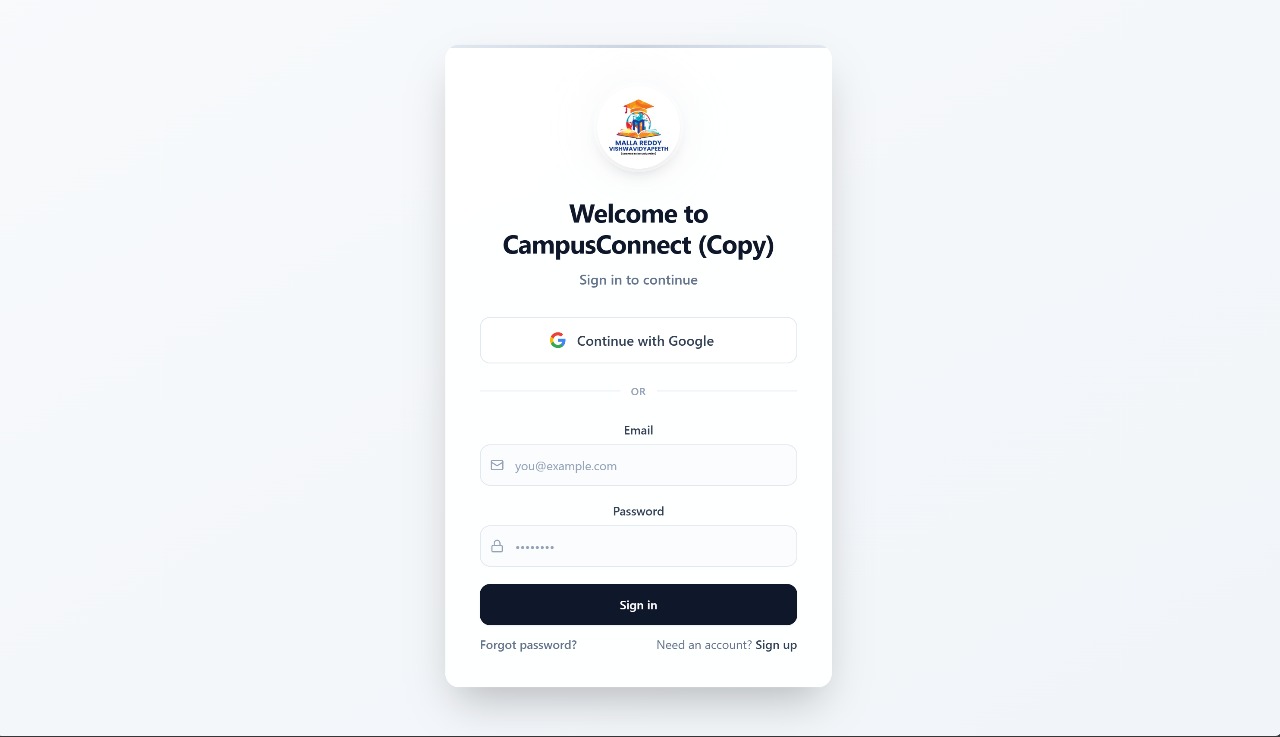
User authentication & user profiles — People can sign up / log in (thanks to Base44's built-in auth), maybe set up a profile (name, batch/department, role, contact, etc.).
Some kind of directory or network — A way for campus members to browse other members, maybe see who’s in which department/year; helpful for connecting seniors, juniors, classmates, etc.
Content or resource sharing — Possibly ability to post notices, announcements, events (seminars, workshops, social gatherings), or share resources (notes, documents, links). Base44 supports data + file storage if needed.
Communication / announcements / bulletin-board style — Maybe a feed or section where campus-wide announcements, group notices, events are posted; participants can view.
Groups or community subsets (optional) — Maybe there are clubs/sections: e.g. coding club, cultural club, department group — to help organize by interests or affiliation.
Simple UI, quick launch — Since built on Base44, the interface may not be super heavily customized (unless you spent time designing), but functional and workable — enough to test the idea or let early users access.
In short: your app is likely a “mini social-network / community portal / campus directory & noticeboard” tailored for a college/university environment.
🎯 How I Would Think of It — If I Built It
If I were the builder/owner of this app, here’s how I’d think about the goals and uses:
As a “starting point”: Use this as a lightweight campus-community tool, just to see if students/staff are interested. Because Base44 lets me build fast, I don’t waste time or money — I can test the idea quickly.
As a hub for communication & resources: Many campuses don’t have a unified portal for events, notices, student networking, etc. This app could fill that gap: one place for notices, events, member-directory, resource sharing.
As a network/connection tool: Help juniors find seniors, classmates in other departments, form study groups, clubs, interest-based groups easily — better than scattered WhatsApp groups or paper notices.
As a flexible MVP: Since Base44 handles backend and hosting, I can iterate — add features (like chat, file upload, club pages, event RSVP, etc.) over time if users like it.
As a low-risk project: If no one uses it, no big loss — because infrastructure setup was minimal (thanks to Base44), and no heavy code maintenance burden.
⚠ What I (as “you/building”) Should Keep in Mind / What’s the Tradeoff
Building with Base44 (and using the app as described) is great — but there are some tradeoffs or challenges, which I’d anticipate:
Scalability & complexity limits: Very big campuses or many simultaneous users might hit limitations — Base44 is great for MVPs or small-medium use, but maybe not ideal if you scale to thousands or want very complex logic. knack.com +1
Customization tradeoffs: While you can tweak UI and data model, highly custom or complex features (like advanced permissions, real-time chat, heavy file management) may be hard or limited compared to “proper coding + backend.”
Dependence on Base44’s infrastructure: Since backend, auth, hosting — everything is managed by Base44. If Base44 changes policy/pricing, or if you need features beyond what they support, you could be stuck or need to migrate.
Possible user/privacy/data limitations: For campus data (student info, uploads, etc.) — need to think about data privacy, access control (who sees what), security of data — ensure only authorized users access certain data.
But even with these tradeoffs, for a campus-level “connect & community” app — this approach is often “good enough to start,” and helps you learn what works, what features people care about.
✅ In Short — What “Campus Connect (this link)” Means to Me (as Builder)
It’s a functional campus-community web app, combining directory, community, and resource-sharing, built with minimal coding effort.
Built quickly thanks to Base44, with everything from backend to hosting handled — so it serves as a light-weight, practical “first version” to launch and test.
It’s a starting platform — good for early feedback, gathering campus community interest, and later evolving if people start using it.
Built With
- base44


Log in or sign up for Devpost to join the conversation.