-
-

core team
-
Interface
-
About

Inspiration
Most Indian households don't struggle for lack of fancy charts. They struggle because everyday expenses, recurring bills, shared flatmate costs, and surprise emergencies are scattered across different places. One missed due date or one unplanned expense can quietly eat into the money set aside for rent or groceries.
That's why we built Tinku, around a simple philosophy: "Less thinking, less clicking, more clarity." Instead of behaving like heavy accounting software, Tinku answers the questions people actually ask when they open their phone:
- How much cash do I have right now?
- What stays free after this week's bills?
- Would my essentials survive if my income were delayed?
What it does
Tinku brings daily spending, recurring bills, safety-capped AutoPay, shared splits, and emergency readiness together in one INR-first household workspace.
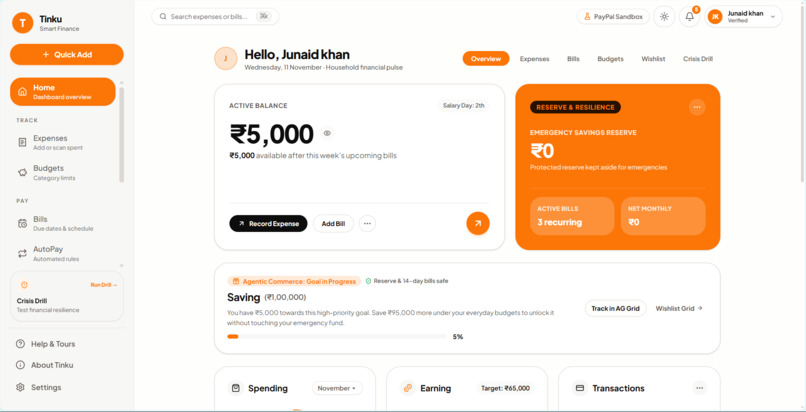
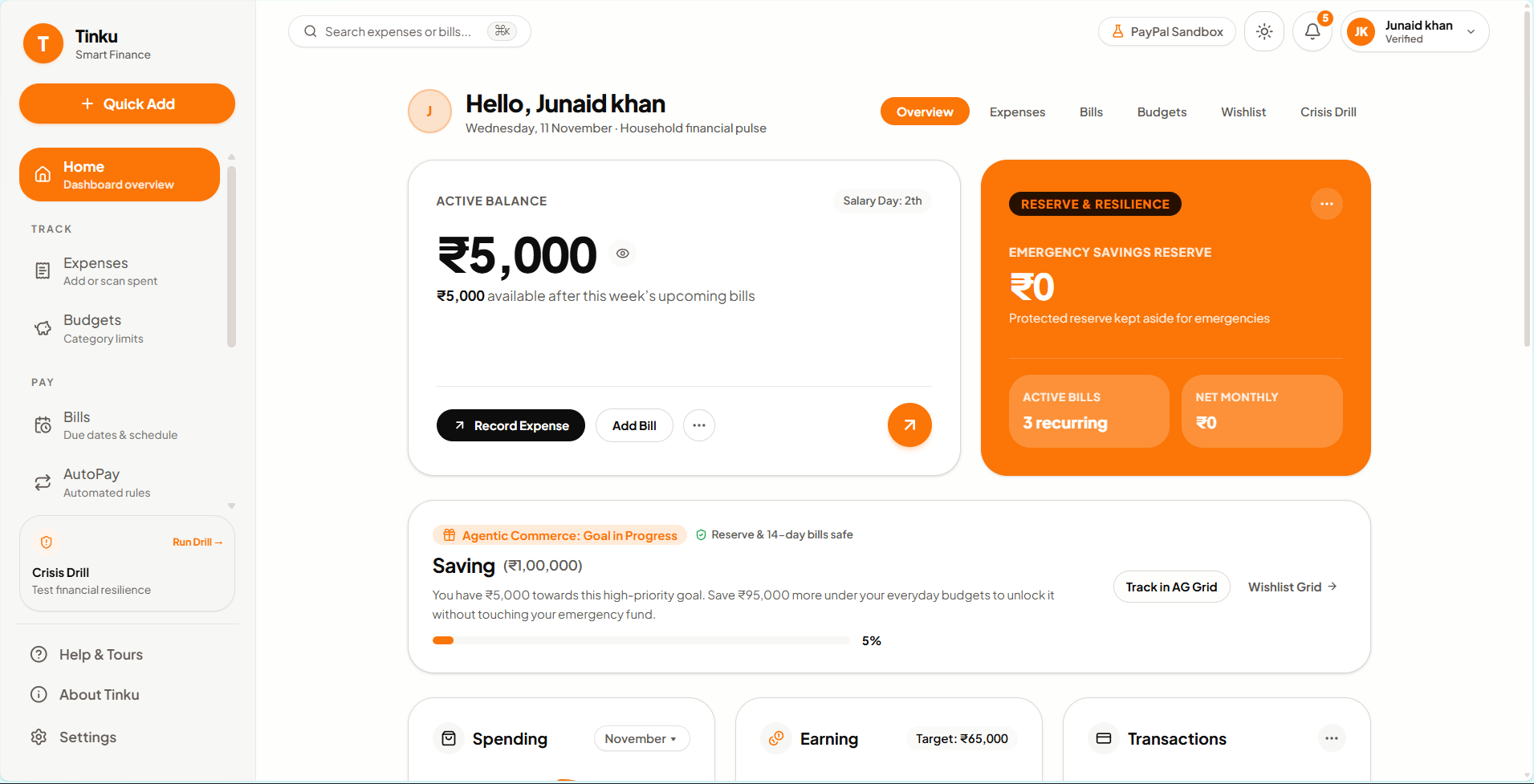
- Bento Financial Dashboard (
/): One glance shows your Active Balance, the cash left after the next 7 days of bills, your Emergency Reserve and latest Crisis Drill health score, the monthly spending breakdown, income vs. obligations pace, and pending bill approvals. A 6-month Monthly Spending Trend chart includes an All expenses / Excl. bills toggle. - Expenses & Receipt Scanning (
/expenses): Browse day-to-day and bill-sourced spending month by month, in a grouped daily List view or a sortable AG Grid spreadsheet view. Filter by keyword or category chips, and add expenses manually or by uploading a receipt photo. - Essential vs. Flexible Budgets (
/budgets): All 12 household categories (Groceries, Rent, Utilities, Health, Transport, Education, Insurance, Food & dining, Shopping, Entertainment, Subscriptions, Other) are split into protected Essential budgets and discretionary Flexible spending, with a warning at 80% and an alert past 100%. - Bills, Consented AutoPay & Audit History (
/bills,/autopay,/history): Three transparent payment modes: Reminder, Manual approval, and AutoPay with user-defined per-payment caps and expiry dates. You can also postpone or skip bills, pay through PayPal Sandbox or a simulated checkout, and review a full transaction ledger. - Crisis Drill (
/drill): An emergency stress test (salary delay, medical emergency, major expense, income cut, or job loss) run against your real balance, bills, reserve, and budgets. It shows how trimming flexible categories protects essential bills. - Wishlist & Groups (
/wishlist,/groups): Wishlist goals are tracked strictly against safe leftover surplus, keeping emergency reserves and the next 14 days of bills untouched. Households or friends can split shared expenses and track net balances. - Guided Onboarding, Category Explorer & Help (
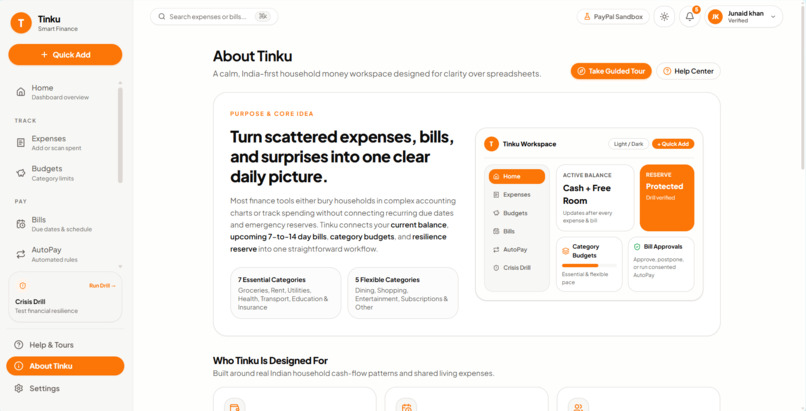
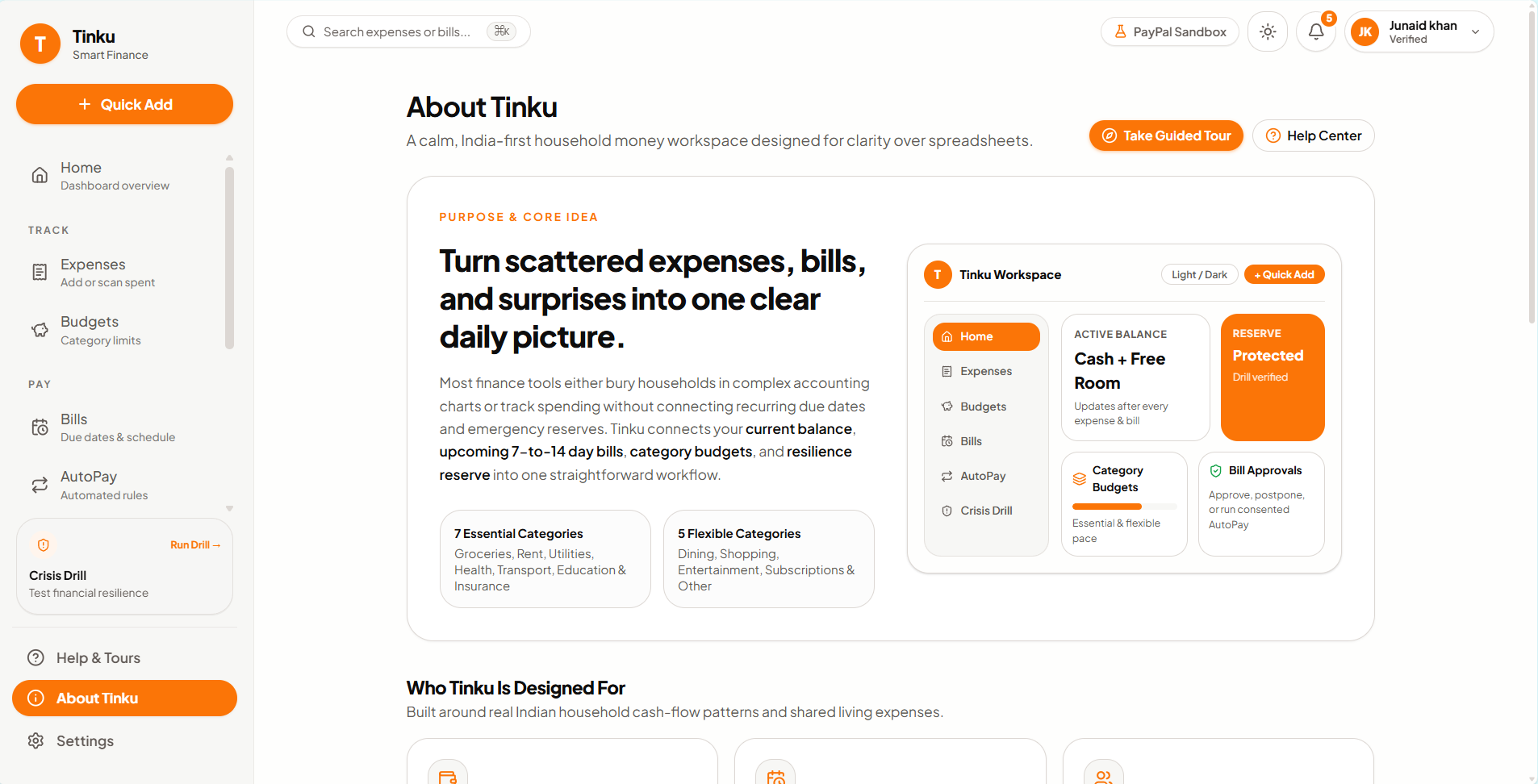
/help,/about): First-time visitors are guided feature by feature, with an interactive 12-category explorer, responsive Light and Dark themes, and an About overview, so anyone can understand every workflow within minutes.
How we built it
- Framework & UI: Tinku is built with Next.js 16 (App Router), React 19, TypeScript, and Tailwind CSS v4. Accessible primitives come from Base UI (
@base-ui/react), icons from Lucide, and tabular expense and payment ledgers use AG Grid (ag-grid-react).next-themeshandles Light/Dark/System switching, powered by centralized semantic CSS variables. - Data, Auth & Validation: Schemas are validated with Zod. Passwords are hashed with
scryptand sessions use HTTP-only cookies, with optional Google Sign-In. Persistence is pluggable across Upstash Redis, local file storage, or a temporary fallback, and guests get a read-only Sample Household mode. - Payments, OCR & Automation: We integrated PayPal Sandbox checkout with signature-verified webhooks, backed by a clearly labelled payment simulator fallback. Receipts are extracted server-side with a manual fallback, and Zapier webhooks deliver upcoming-bill reminders with retry handling.
- Zero-Dependency Tour & Category Engine: A lightweight, portal-based SVG spotlight tour (
TourProvider,WelcomeModal,TourOverlay) stays in sync with Next.js App Router state, persists progress inlocalStorage, and supports keyboard navigation (ArrowRight,ArrowLeft,Escape).
Challenges we ran into
- Keeping numbers consistent across financial views: Early on,
/expensessummed every monthly entry, includingBill paymententries like Rent, while the dashboard trend graph filtered outsource === 'bill'. This created confusing apparent mismatches. We fixed it by making the dashboard trend default to total monthly spending, matching/expenses, and adding an inline All expenses / Excl. bills toggle plus a day-to-day vs. bill breakdown in tooltips. - Responsive guided tours on small screens: On narrow mobile viewports, standard centered tooltips covered the very card they were explaining. We redesigned
TourOverlayfor screens under 640px to calculate scroll clearance below the sticky header and dock compact guide sheets to the top or bottom edge, opposite the spotlighted target. - Designing safe AutoPay and honest demo states: AutoPay mandates had to enforce explicit limits and expiry dates and stop on failed charges instead of silently retrying. Clearly separating guest sample households from personal accounts took disciplined state modeling across server actions and UI banners.
Accomplishments that we're proud of
- We built a complete end-to-end personal and household finance app spanning 45 Next.js App Router routes, with unified Light and Dark orange design tokens.
- We connected everyday money tracking directly to Crisis Drill resilience planning and surplus-safe Wishlist goals, all without ever touching protected essentials or reserves.
- We shipped a clean, per-feature progressive onboarding flow, a live Category Discovery explorer, and a Help & About experience that adapts gracefully from desktop Bento grids down to mobile screens.
What we learned
- Financial apps succeed on trust and predictability. Small discrepancies between summary widgets, unclear payment states, or cluttered navigation quickly erode user confidence.
- Progressive, page-by-page onboarding works far better than front-loading every feature, because it teaches users each tool right when they open it.
- Explicit user boundaries, such as essential vs. flexible categories, per-mandate AutoPay caps, and clear sandbox labels, make automated money workflows feel safe rather than opaque.
What's next for Tinku – Smart Expenses & Bill Payments App
- Automated Bank & UPI Statement Imports: Parse CSV/PDF monthly statements straight into Tinku's 12-category ledger to cut manual entry even further.
- Real-Time Group Settlements: Link Group net balances to instant split-settlement links and scheduled reminders.
- Custom Household Categories & Multi-Currency Travel Mode: Let families define sub-categories while preserving Essential vs. Flexible Crisis Drill rules, with automatic INR conversion for international trips.
- Expanded Recurring Rule Insights: Surface month-over-month changes in utilities and subscriptions to catch quiet bill creep before due dates arrive.
Built With
- aggrid
- next.js
- paypal
- typescript
- upstash


