-
-
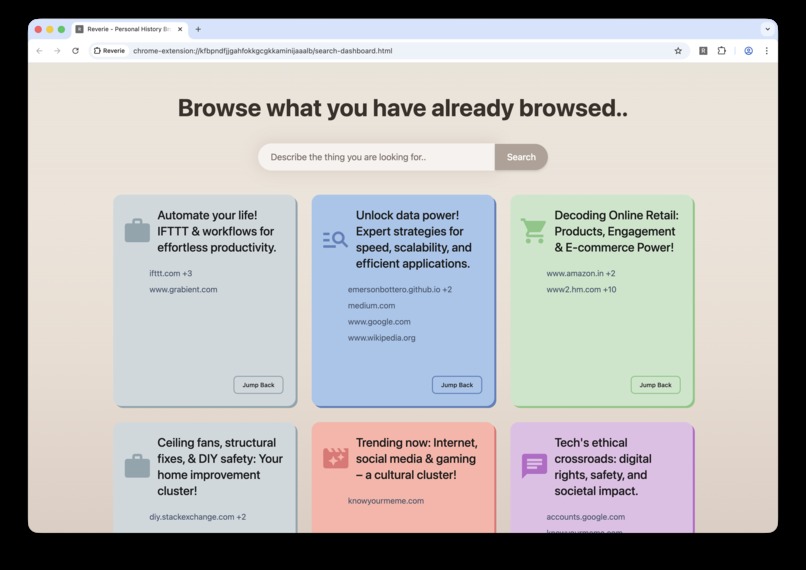
Collections of webpages from history to quickly jump back in
-
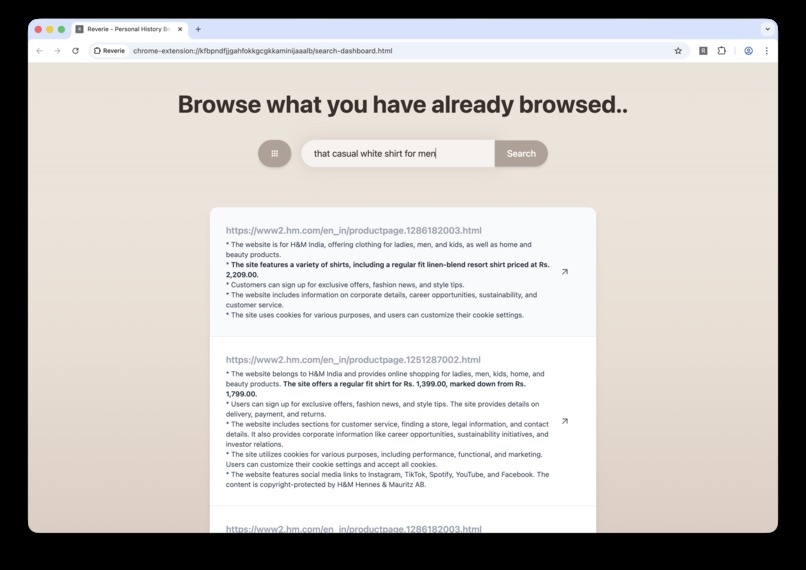
Contexual Search in History
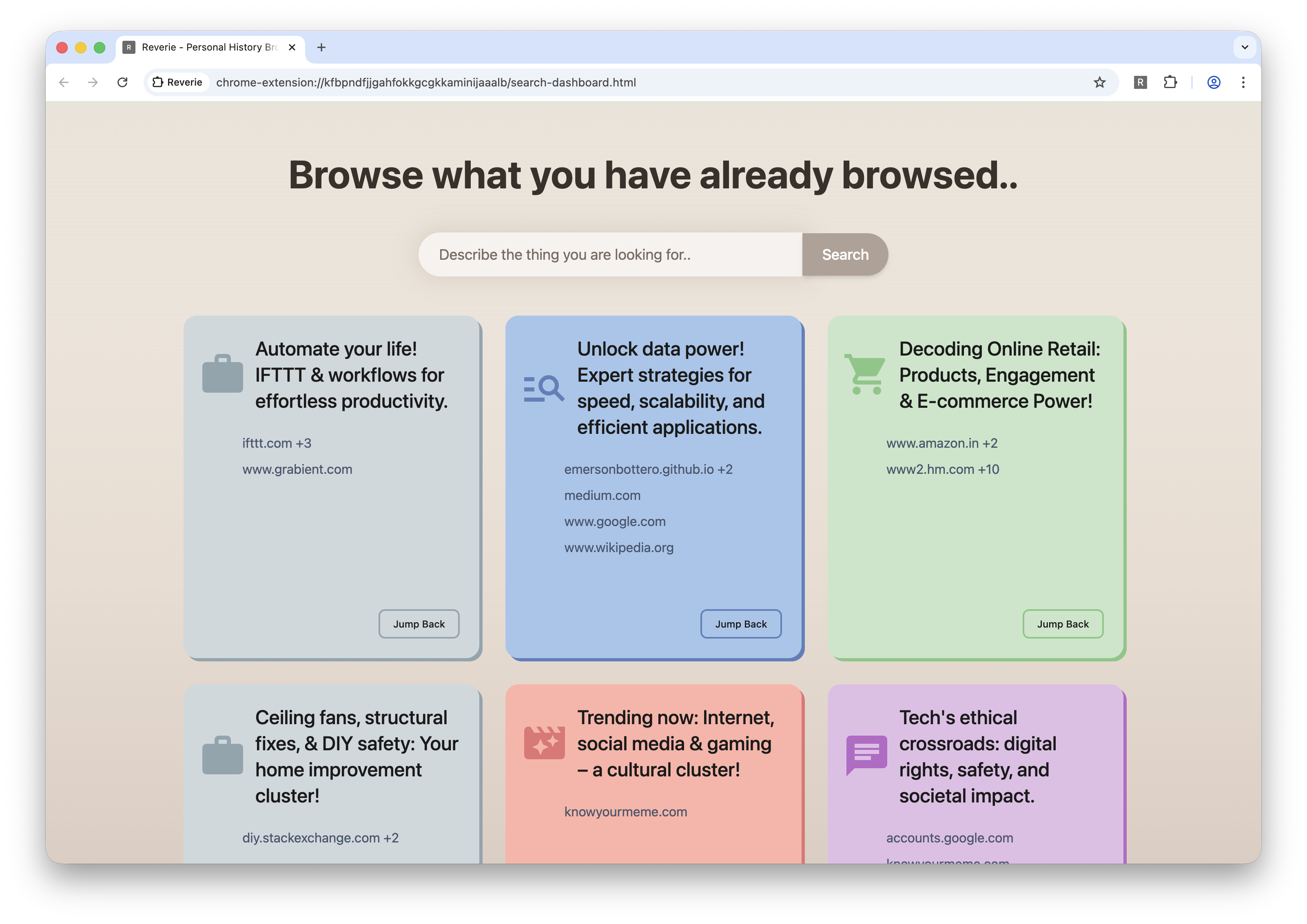
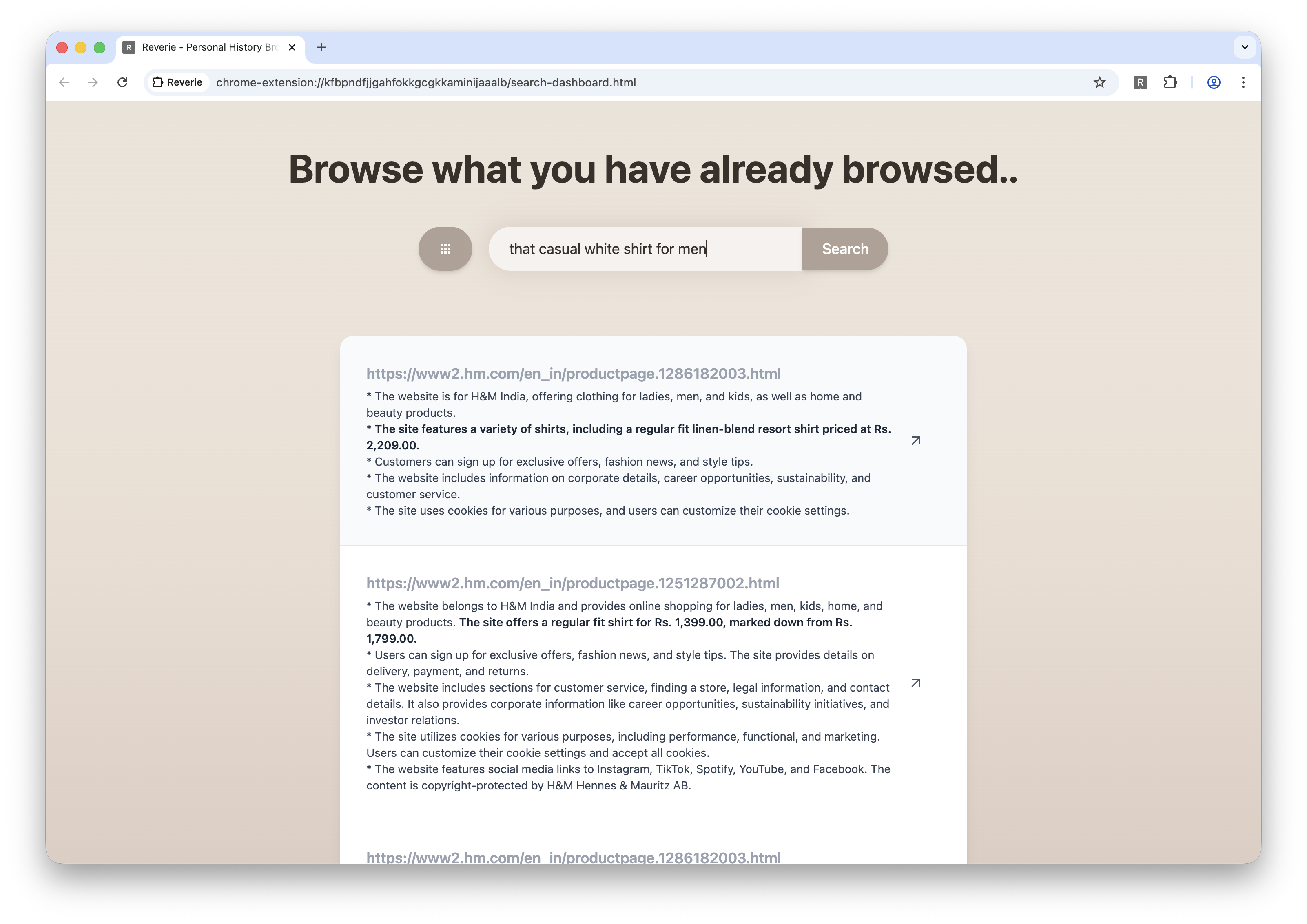
Reverie
Everyone spends many hours a day on the internet—learning something new, finding their next outfit to buy, or diving deep into a topic. But over time, we forget the websites we've visited and often struggle to recall the exact URLs. We live amidst a vast ocean of information on the web.
Reverie is an extension designed to help you rediscover lost webpages. It organizes your browsing history into a beautiful, personalized collection, ready for you to revisit anytime. With Reverie, that unfinished project you abandoned months ago can be revived and completed.
Why did I build this?
I spend a lot of time online—reading articles, researching topics I've heard about, shopping for new outfits, or exploring DIY projects. Whenever I come across something insightful, I usually bookmark it right away. However, this approach has limitations: sometimes I forget to bookmark a page because it doesn’t seem important at the moment, or I end up with an overwhelming list of bookmarks that makes finding anything difficult.
Reverie is my solution to the inconvenience of losing valuable information.
With Chrome's built-in AI capabilities, Reverie analyzes my browsing activity and builds personalized collections of websites into categorized groups that I can revisit anytime.
Often, I vaguely remember reading something online but can’t find it again because browser history search works only by domain or title—not by content. Reverie solves this problem with contextual history search.
Reverie and Local AI
The advent of GenAI has opened a world of possibilities—but often at the cost of privacy and rising API expenses. Reverie is built on a foundation that prioritizes user privacy above all. With Chrome's built-in AI capabilities, Reverie can function entirely locally, ensuring that users remain in complete control of their browsing data.
Reverie leverages the Prompt API and Summarization API to understand the websites you visit, identify common themes, and categorize them into meaningful collections. Its contextual search, powered by the Prompt API, allows you to semantically search your browser history.
Challenges
Running local AI is computationally intensive. When users browse websites, Reverie triggers a prompt-chaining pipeline that can momentarily increase system load. However, Chrome's internals efficiently manage rendering and LLM inference to maintain a smooth experience.
To optimize performance, all heavy computation is offloaded to background workers that gradually process your browsing data and cache results.
Accomplishments we're proud of
I firmly believe in protecting user privacy. Many AI products rely on centralized inference models, which can compromise this principle. Reverie demonstrates that it is possible to build privacy-focused, AI-powered software using 100% local AI. This achievement delivers true peace of mind to users and sets an example for privacy-conscious innovation.
What we learned
Chrome's built-in AI provides well-designed and powerful APIs for developing AI-driven products. With structured JSON schemas and purpose-built endpoints, these tools are inspiring me to create more products that leverage local AI capabilities.
What's next for Reverie
There is still much room for improvement. One key area is visual content, since humans are highly visual and often remember images better than text. Reverie aims to incorporate multimodal capabilities through the Prompt API—indexing not only text but also visual elements from webpages. This will allow users to search for a webpage simply by describing something they remember seeing.
Built With
- chrome
- genai
- react
- redux
- redux-saga
- rsbuild
- typescript
- webmachinelearning

Log in or sign up for Devpost to join the conversation.