-
-
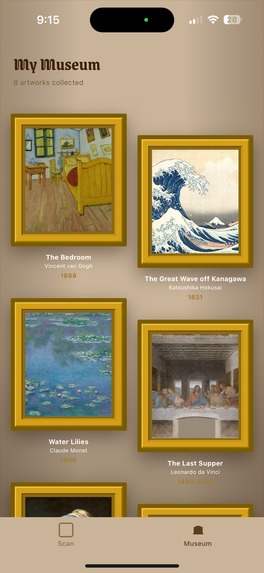
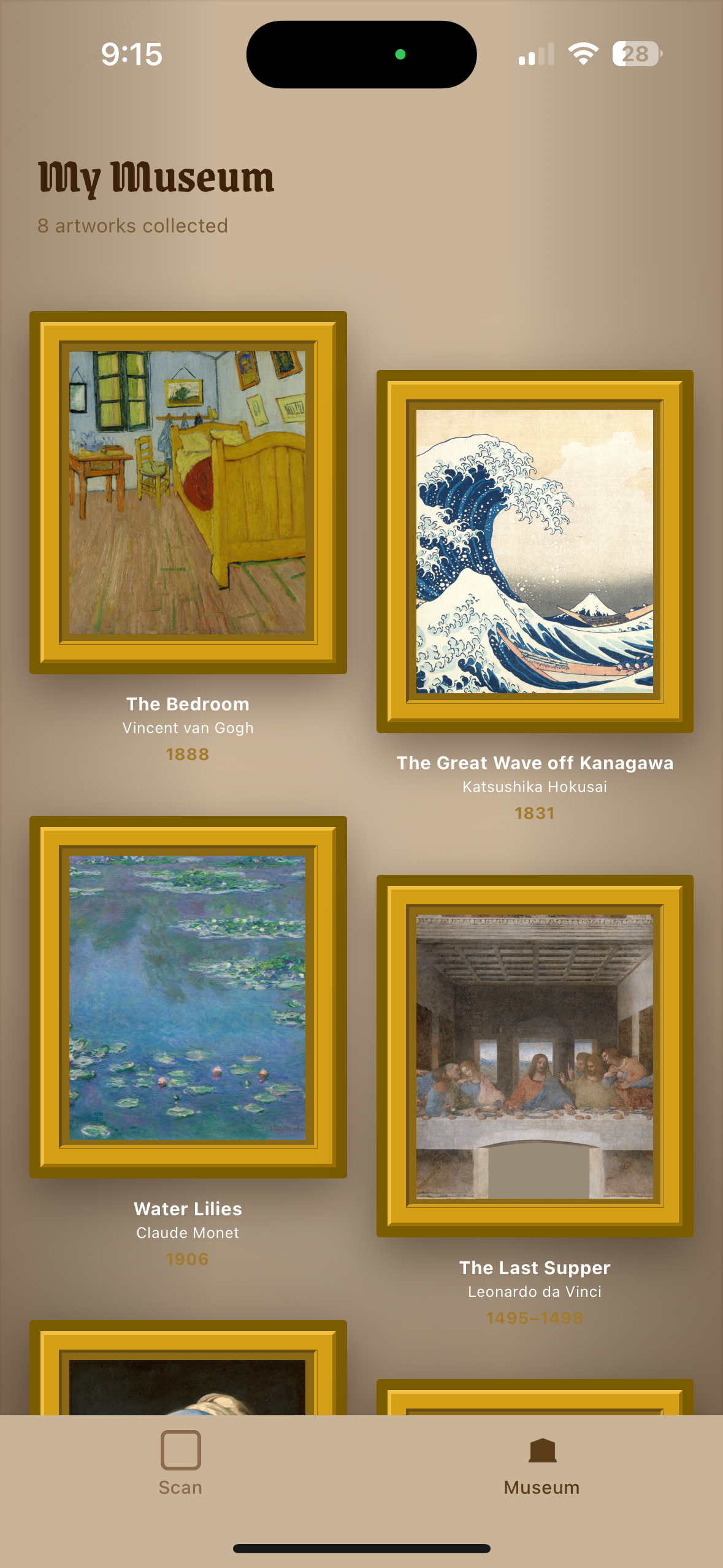
Museum Passport View 1
-
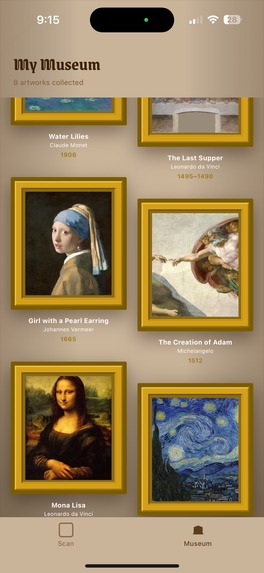
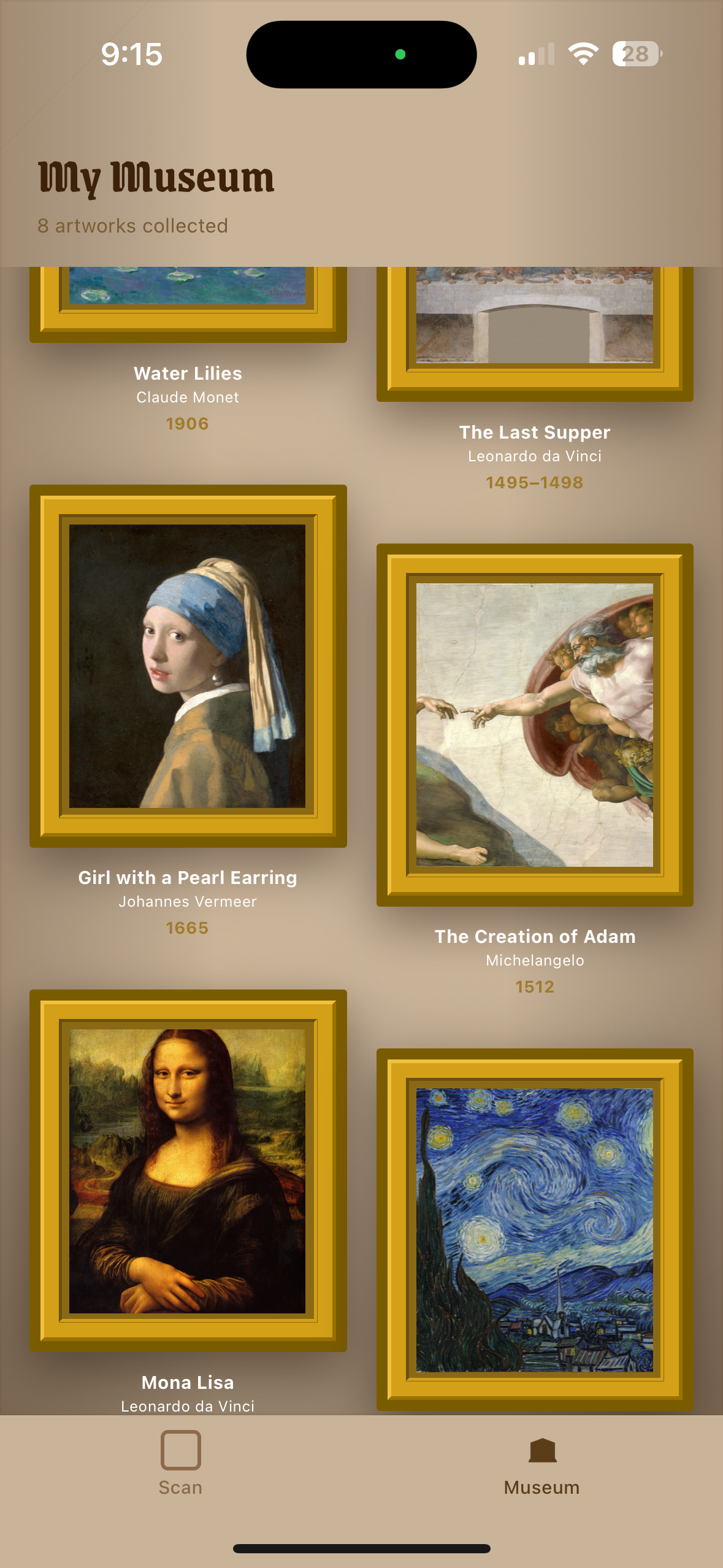
Museum Passport View 2
-
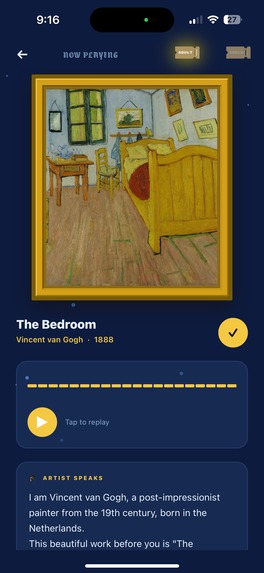
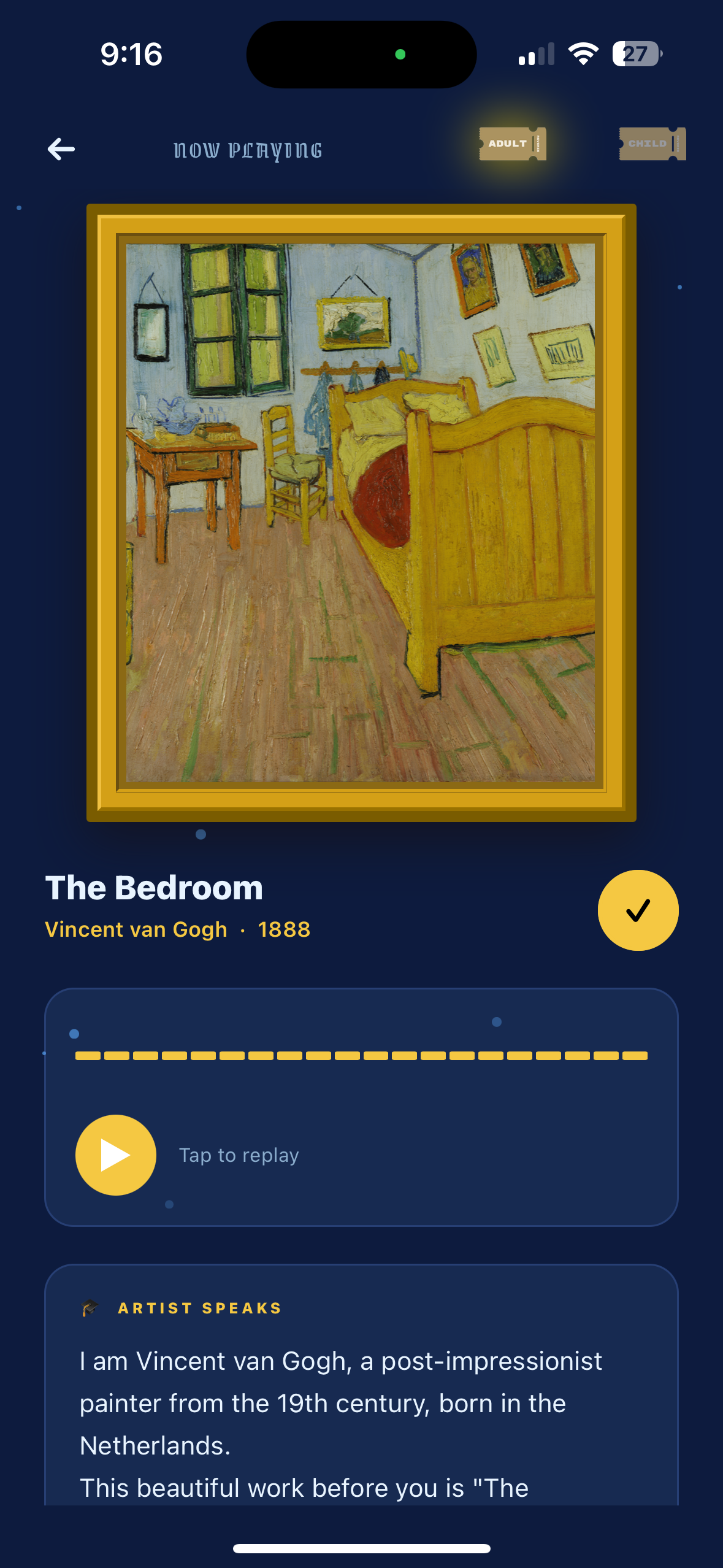
Narration View
-
Reverie Logo
-

Adult Ticket Button Graphic
-

Child Ticket Button Graphic
-

Museum Passport Button Graphic
-
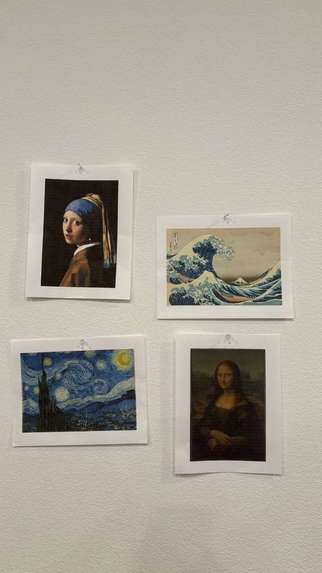
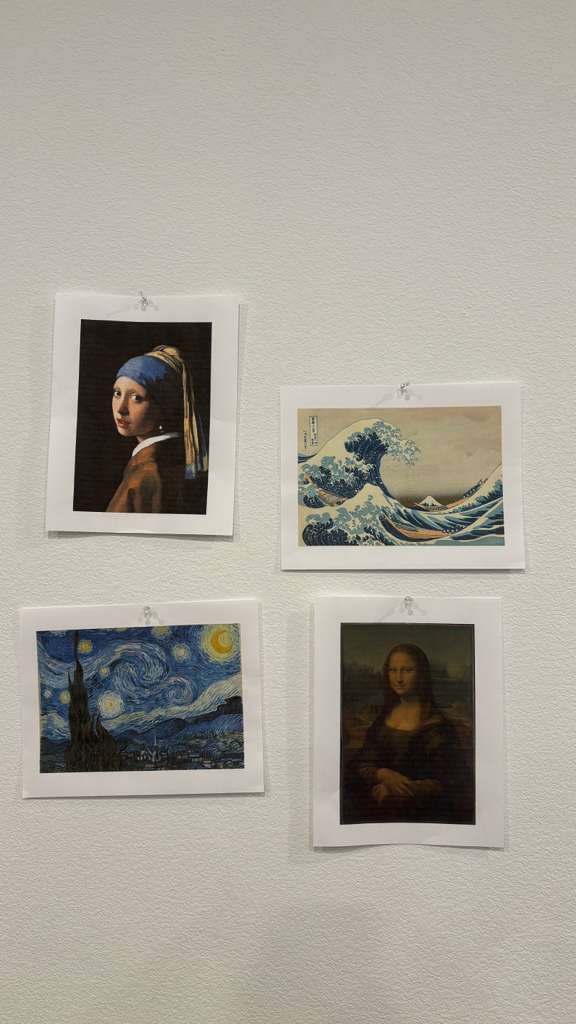
Practice Museum Gallery
-
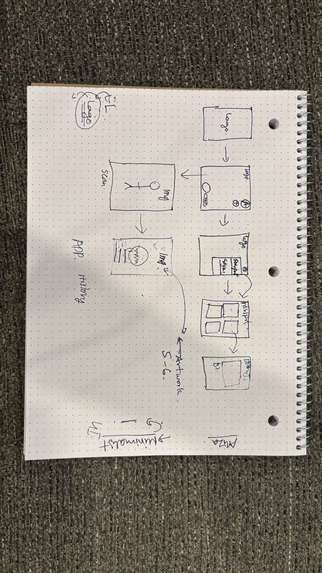
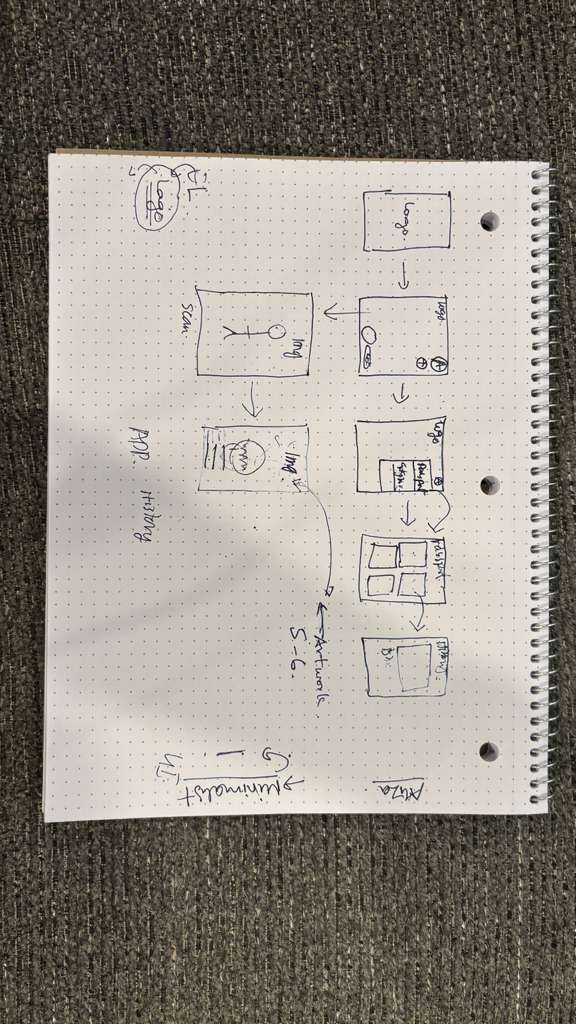
Initial Ideation



Inspiration
After rewatching Night at the Museum 2 and stepping into a museum-themed hackathon, the idea felt almost inevitable.
We’ve always loved art, but we’ve also noticed something honest: most people don’t go beyond just looking.
Not because they don’t care but because engaging deeply with art takes effort in a moment that’s meant to feel natural.
Museums ask you to pause, read, interpret, and imagine but most people are moving, distracted, or unsure where to start.
That gap—between seeing something and connecting with it—became the starting point for us.
What it does
Reverie is an AI-powered museum companion that turns artworks into storytellers.
Users point their phone at a painting and instantly hear a first-person narration generated in the voice of the artist—bringing the artwork to life in real time.
The experience is designed to feel seamless:
- No searching
- No reading long descriptions
- No breaking the moment
We built two adaptive modes:
- Kid Mode → playful, imaginative storytelling
- Scholar Mode → historically rich, first-person narration
This allows the same artwork to feel accessible to a child and meaningful to an adult—without overwhelming either.
In addition, users can save artworks into a personal Museum Passport, creating a memory of what they’ve explored.
How we built it
We built Reverie as a mobile-first AI system using React Native and Expo, combining multiple layers into a real-time pipeline:
Vision AI (Groq + Llama 4 Scout)
Identifies artworks from camera input using a multimodal modelVerification Layer
Compares the scanned image with a known reference image to improve accuracy and reduce misidentificationNarration Generation (Llama 3.3)
Generates first-person storytelling grounded in structured artwork metadata (artist, year, medium, historical context)Text-to-Speech (ElevenLabs)
Converts narration into expressive audio, giving the impression that the artwork is speakingFrontend System (Expo + TypeScript)
Handles camera input, state management, and real-time UI updates
We designed the architecture to feel instant and invisible, even though multiple AI processes are happening behind the scenes.
Challenges we ran into
Artwork recognition accuracy
Vision models can misidentify visually similar paintings. We solved this by introducing a verification step using reference image comparison.AI hallucination in storytelling
Generating first-person narratives risks introducing incorrect information. We constrained outputs by grounding prompts strictly in curated metadata.Latency in real-time experience
Running multiple AI steps (scan → identify → verify → narrate → speak) required optimization to keep the experience smooth.Designing for multiple audiences
Balancing a playful experience for kids and a meaningful one for adults without compromising either required careful UX decisions.
Accomplishments that we're proud of
- Built a complete end-to-end AI pipeline running on a mobile app
- Successfully combined vision, language, and audio models into one seamless experience
- Designed a dual-mode system adaptable to different users
- Created an experience that feels natural and immersive, not technical
Most importantly, we turned a traditionally passive activity into something interactive and emotionally engaging.
What we learned
- Accuracy matters just as much as creativity when generating content
- Real-time systems require careful tradeoffs between speed and reliability
- Designing for emotion and accessibility is just as important as technical execution
What's next for Reverie
We see Reverie evolving into a platform for interactive cultural experiences.
Next steps include:
- Expanding the artwork registry beyond the initial 26 pieces
- Improving recognition accuracy and response speed
- Personalizing narration based on user preferences
- Exploring AR and multilingual support
Our goal is to make art, history, and culture feel alive—anywhere, for anyone.
Built With
- asyncstorage
- claude
- elevenlabs
- expo-av
- expo-camera
- expo-routerv4
- expo-sdk54
- expo.io
- groq
- javascript
- react-native
- typescript

Log in or sign up for Devpost to join the conversation.