-
-
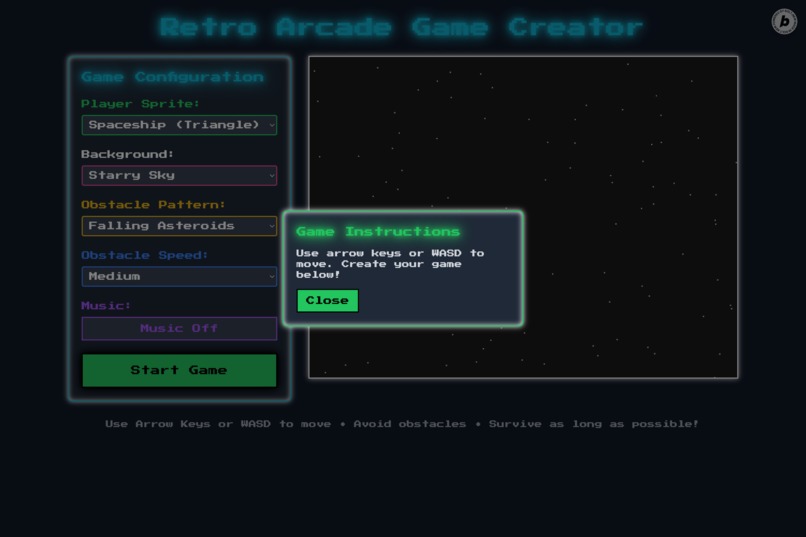
Start and Instructions
-
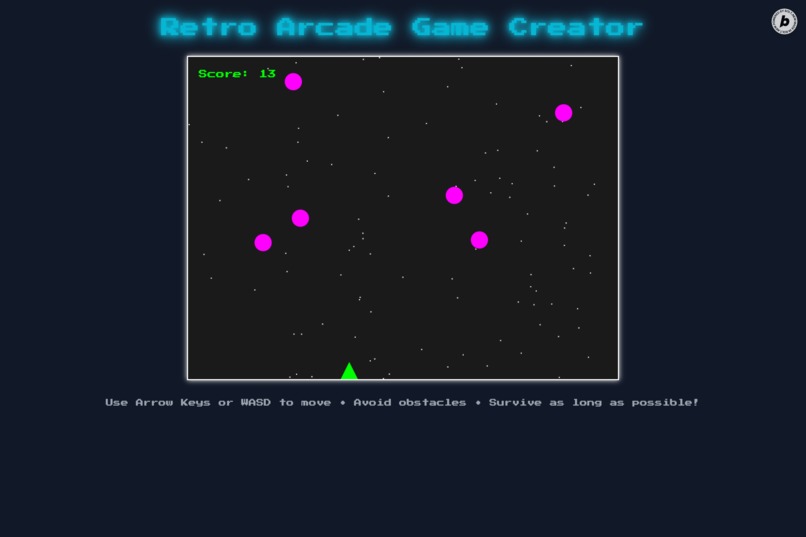
Game Play
-
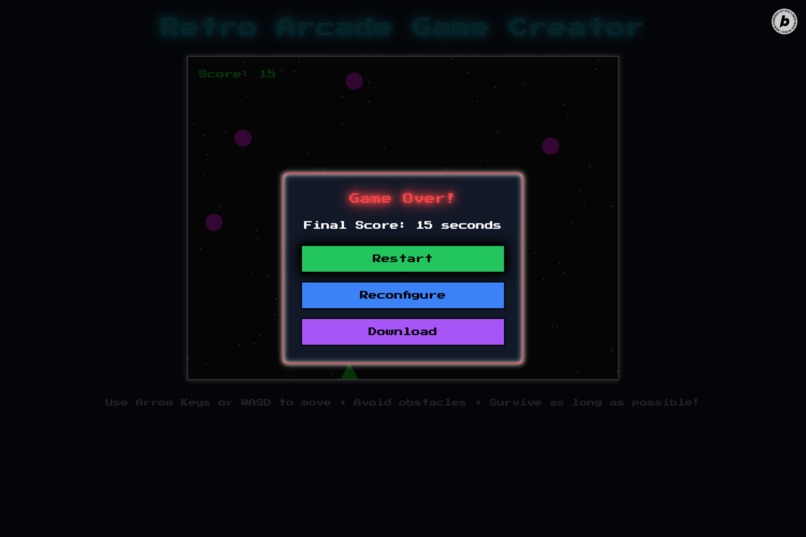
Game Over
-
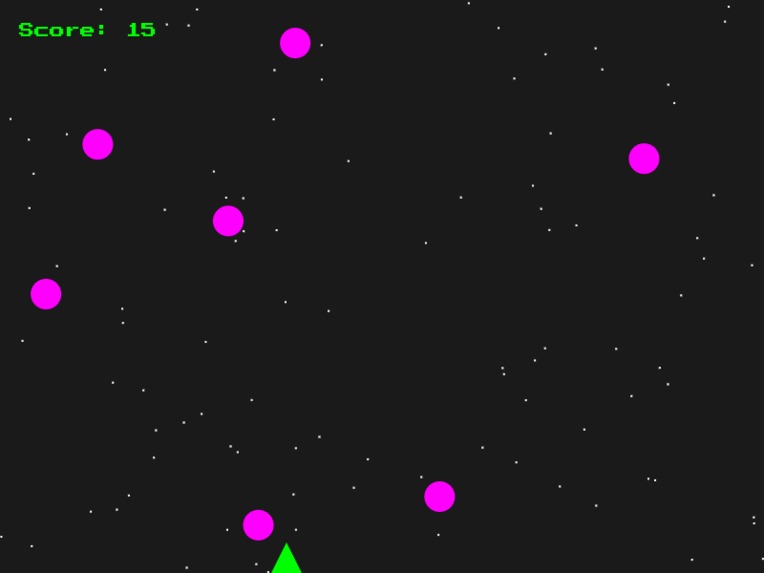
Download Game Screen with Score
Inspiration
Our inspiration for the Retro Arcade Game Creator came from our love for the nostalgic charm of 1980s arcade games like Asteroids, Space Invaders, and Flappy Bird. The vibrant neon colors, pixelated sprites, and catchy chiptune sounds of these classics evoke a sense of joy and simplicity that we wanted to recreate in a modern web app. We envisioned a platform where anyone—gamers, hobbyists, or casual users—could design their own arcade-style game in seconds and jump straight into playing it, no coding or complex setup required. The challenge of building a fully functional, visually stunning app using a single AI prompt further fueled our creativity, pushing us to explore the limits of client-side web development with Next.js, React, and Tailwind CSS. We aimed to blend retro aesthetics with modern interactivity, creating a fun, accessible experience that celebrates the golden age of arcade gaming.
What it does
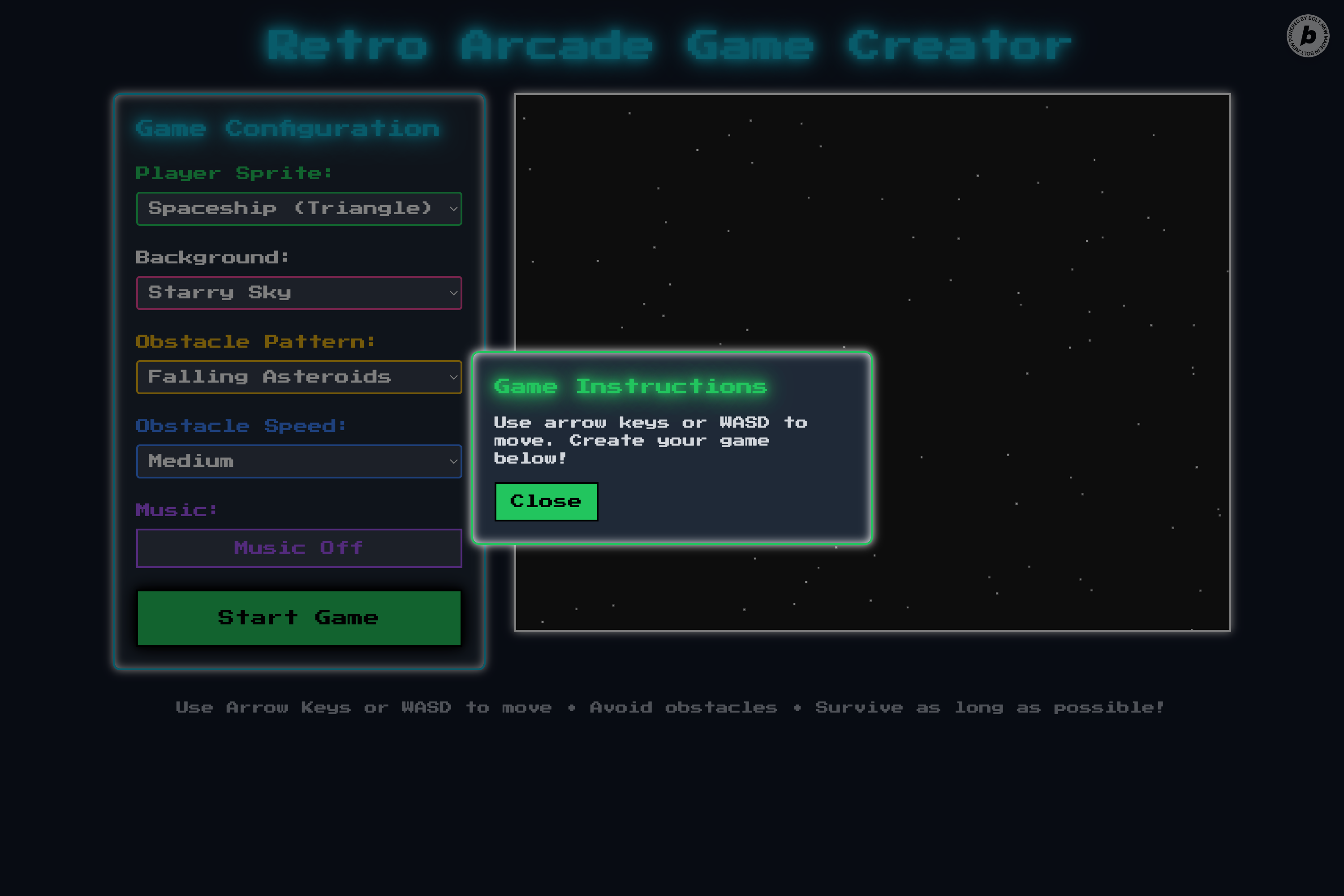
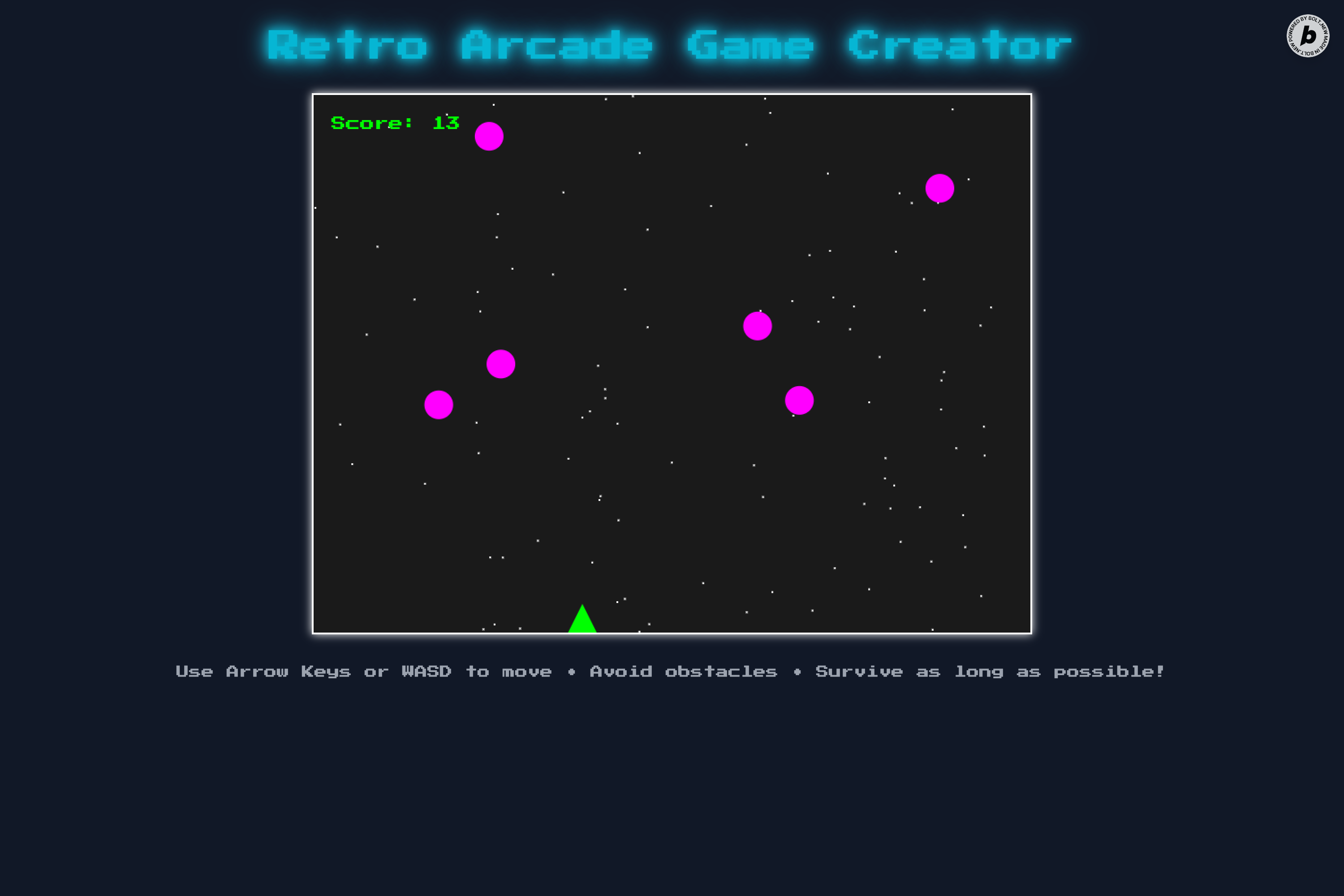
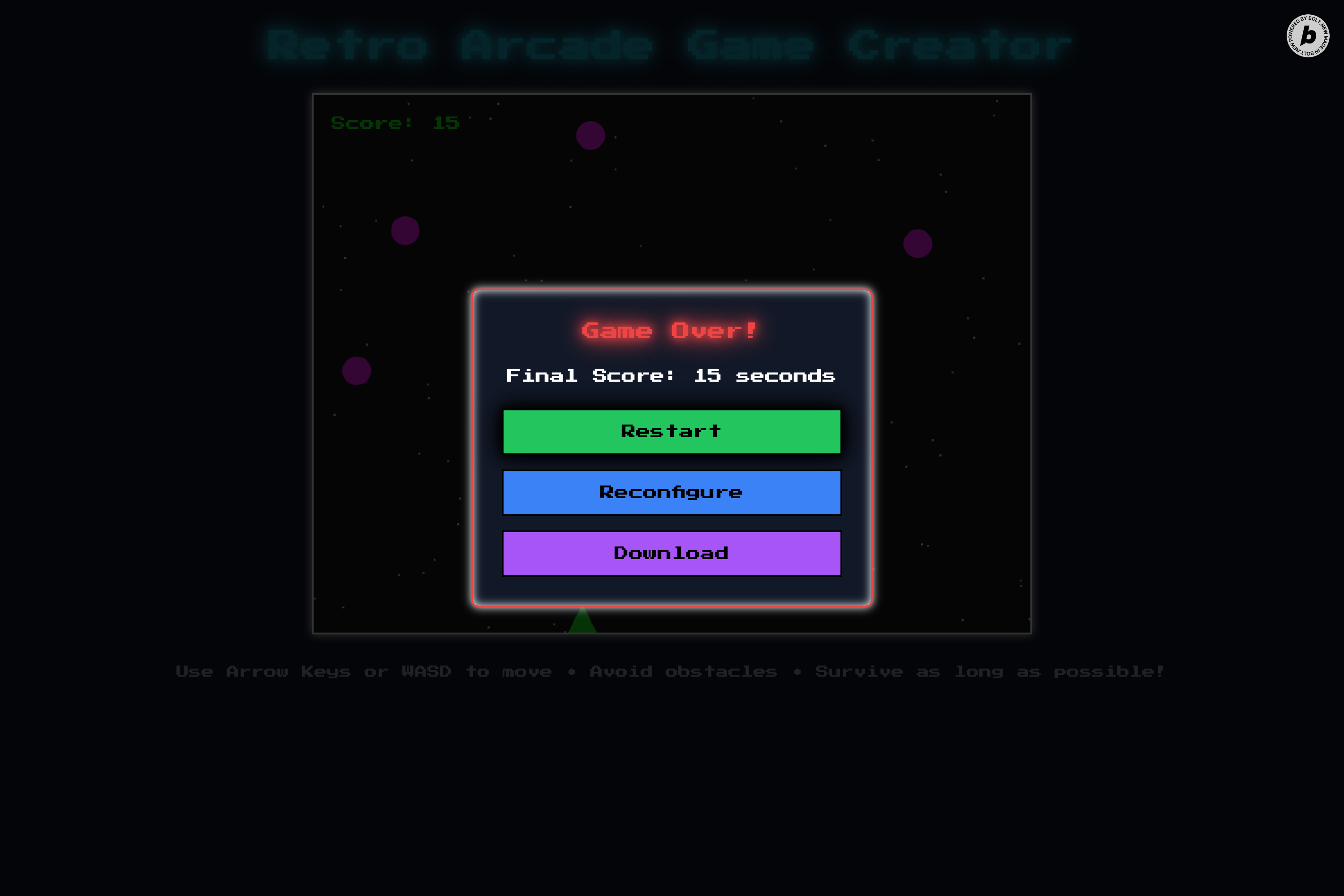
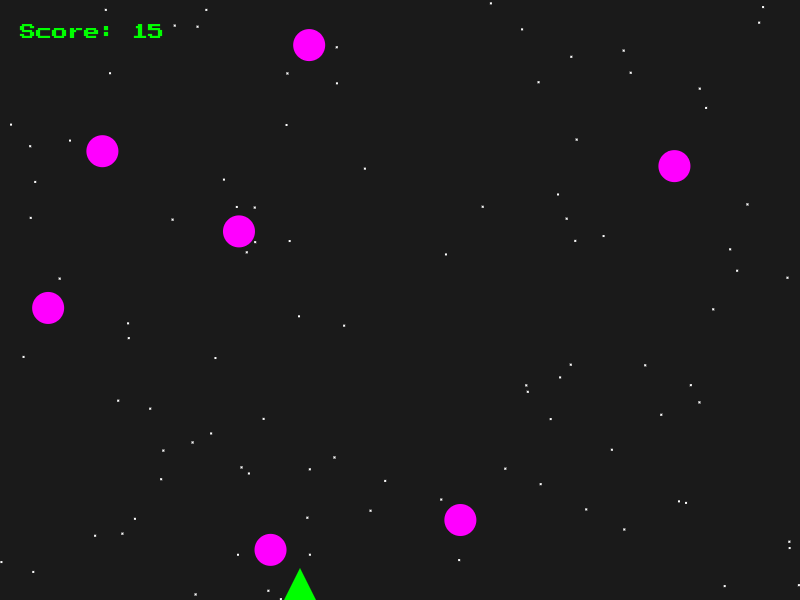
The Retro Arcade Game Creator is a single-page, client-side web app that lets users design and play their own 2D arcade-style game in a browser. Users customize their game through an intuitive interface, choosing a player sprite (spaceship, bird, or robot), a retro background (starry sky, pixel city, or neon grid), an obstacle pattern (falling asteroids, horizontal walls, or random blocks), and obstacle speed (slow, medium, or fast). Once configured, the game launches on an HTML5 Canvas, where players use arrow keys or WASD to dodge obstacles, with collisions triggering a game over. The app features a retro aesthetic with neon colors (#00FF00, #FF00FF, #00FFFF), pixelated borders, and Web Audio API-generated chiptune sounds (blips for movement, booms for collisions). A game over modal displays the score (time survived), offering options to restart with the same settings, reconfigure with prefilled settings, or download the canvas as a PNG. Users can also share their game configs via URL query params (e.g., ?sprite=spaceship&bg=stars). The app is fully responsive, ensuring a seamless experience on desktop and mobile.
How we built it
We built the Retro Arcade Game Creator using Next.js (v14) for a fast, static single-page app, Reactready
React for component-based architecture and state management (using useState and useEffect), and Tailwind CSS (v3) for styling. Here’s the breakdown:
- Structure: A single Next.js page (
pages/index.js) with React components:GameCanvasfor gameplay,GameConfigPanelfor customization (dropdowns and slider),GameOverModalfor score and actions, andInstructionsfor a dismissible guide. - Gameplay Mechanics:
- The game runs on an 800x600px Canvas (
w-full max-w-[800px]), with the player sprite (32x32px SVG: triangle, circle, or square) starting at bottom-center (x: 384px, y: 568px). - Players move left/right (10px/frame, bounded x: 0–768px) using arrow keys/WASD, with a blip sound (440Hz) per move.
- Obstacles (SVGs or Canvas shapes) spawn per pattern:
- Asteroids: 5–10 circles (16px radius) drop from random x-positions, respawn at top.
- Walls: 2–3 rectangles (200x50px) move horizontally with 100px gaps.
- Blocks: 8–12 squares (20x20px) spawn randomly, move downward.
- Collisions trigger a boom sound (220Hz) and game over. Score (seconds survived) updates per frame (60fps).
- The game runs on an 800x600px Canvas (
- Styling: Tailwind CSS with neon colors, pixelated borders (
border-2 border-black), glow effects (shadow-lg), and “Press Start 2P” font (Google Fonts). - Assets: Inline SVGs for sprites/backgrounds (dots for stars, rectangles for city, lines for grid) to avoid external dependencies.
- Audio: Web Audio API for blip, boom, and toggleable chiptune music.
- Features:
- Restart: Resets player, obstacles, and score, resuming gameplay with same settings and a start chirp (880Hz).
- Reconfigure: Pauses game, shows config panel with prefilled settings for tweaking.
- Shareable URL: Next.js
useRouterencodes settings (e.g.,?sprite=spaceship&bg=stars). - Responsive: Tailwind classes ensure mobile-friendly UI and canvas scaling.
- Development: We crafted a single AI prompt to generate all code, tested with
npm run devfor smooth performance.
Challenges we ran into
- Single-Prompt Constraint: Writing a concise yet detailed prompt to generate a complete app (UI, logic, assets) was tough. We refined it to balance specificity (e.g., sprite sizes, obstacle patterns) with clarity to avoid AI misinterpretation.
- Canvas Game Logic: Ensuring 60fps animations with
requestAnimationFrameand accurate collision detection for diverse obstacle patterns (e.g., walls with gaps) required extensive debugging. - Retro Aesthetic: Achieving an 8-bit look with Tailwind involved experimenting with custom classes for pixelated borders and neon glows while maintaining responsiveness.
- Web Audio API: Tuning oscillators for authentic retro sounds (blip, boom, chiptune) without external files took trial and error.
- Responsive Design: Adapting the canvas and UI for mobile using Tailwind’s responsive classes required rigorous testing across screen sizes.
- Restart vs. Reconfigure: Differentiating restart (immediate gameplay, same settings) and reconfigure (pause, prefill settings) demanded careful state management to ensure smooth transitions and no state-related bugs.
Accomplishments that we're proud of
- Seamless Single-Prompt Generation: We successfully generated a fully functional app with one AI prompt, including UI, game logic, and inline assets, showcasing our ability to craft precise instructions.
- Authentic Retro Aesthetic: The app’s neon colors, pixelated sprites, and chiptune sounds perfectly capture the 80s arcade vibe, creating an immersive experience.
- Smooth Gameplay: Achieving 60fps animations, responsive controls, and accurate collision detection for a polished game feel.
- Responsive Design: The app works flawlessly on both desktop and mobile, with a clean, intuitive UI that enhances user engagement.
- Shareable Configs: Implementing URL query params for sharing custom game settings, adding a social element without a backend.
- Lightweight Assets: Using inline SVGs and Web Audio API ensured a self-contained app with no external dependencies.
What we learned
- Next.js and React: Mastered Next.js for performant SPAs and React hooks for dynamic state management (e.g., game settings, player position).
- Canvas Programming: Learned to leverage HTML5 Canvas for real-time 2D games, including animation loops and collision logic.
- Tailwind CSS: Gained expertise in utility-first styling for rapid, responsive, and visually consistent UI design.
- Web Audio API: Discovered how to generate retro sounds dynamically, enhancing immersion without external files.
- Prompt Engineering: Developed skills in writing clear, detailed AI prompts to produce complex apps in one go, balancing specificity and flexibility.
- User Experience: Learned to prioritize intuitive interfaces and smooth state transitions (e.g., restart vs. reconfigure) for a seamless user flow.
What's next for Retro Arcade Game Creator
- Touch Controls: Add swipe-based controls for mobile users to enhance accessibility.
- More Customization: Expand options with additional sprites (e.g., alien, car), backgrounds (e.g., desert, ocean), and patterns (e.g., zig-zag obstacles).
- Leaderboards: Introduce a client-side high-score system using local storage, allowing users to track personal bests.
- Visual Themes: Offer new aesthetic themes (e.g., cyberpunk, monochrome) alongside the retro style for variety.
- Game Modes: Add modes like “Survival” (endless obstacles) or “Timed Challenge” (max obstacles dodged in 60 seconds).
- Animations and Effects: Enhance visuals with particle effects (e.g., explosion sparks on collision) or animated backgrounds for extra polish.
- Community Features: Explore ways to share user-created games more broadly, like a gallery of popular configs stored locally.
Built With
- nextjs
- react
- tailwind


Log in or sign up for Devpost to join the conversation.