-
-
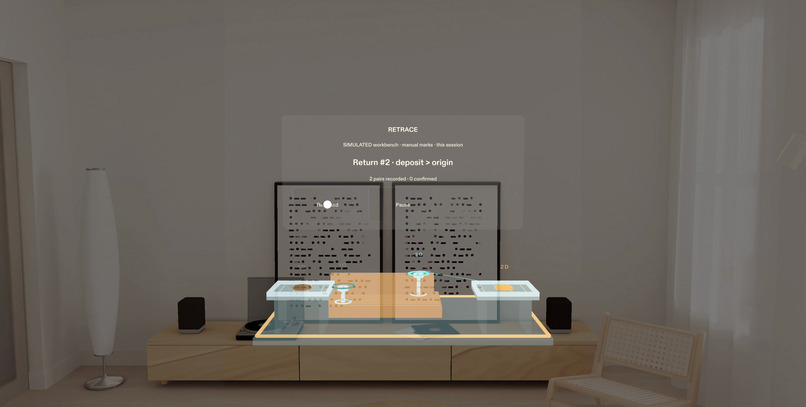
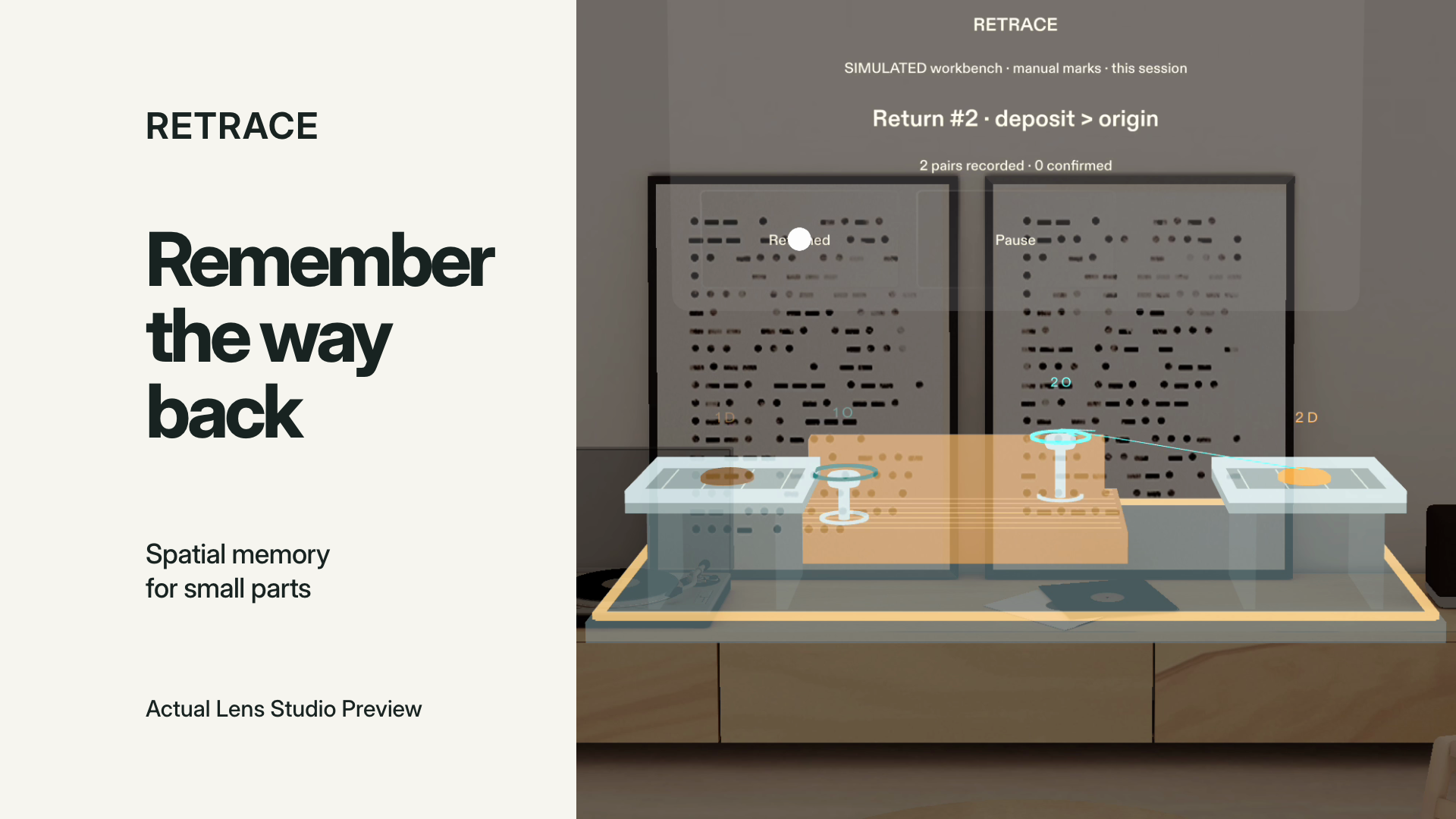
Return newest first. The active route connects the deposit to its origin; confirmation and Undo stay under your control.
-
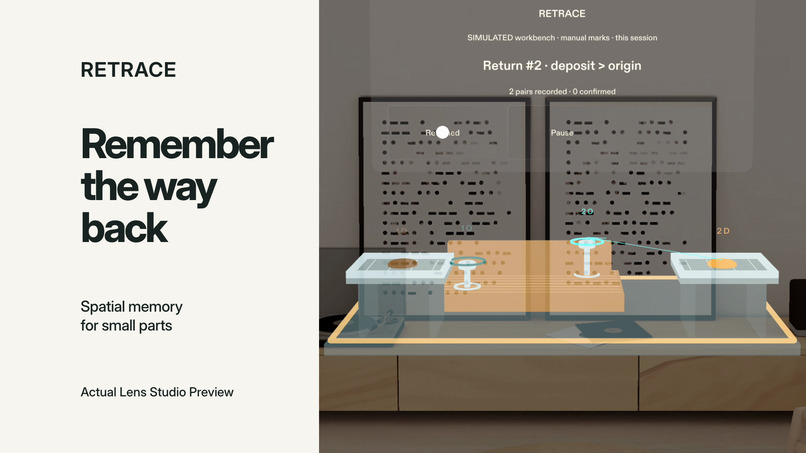
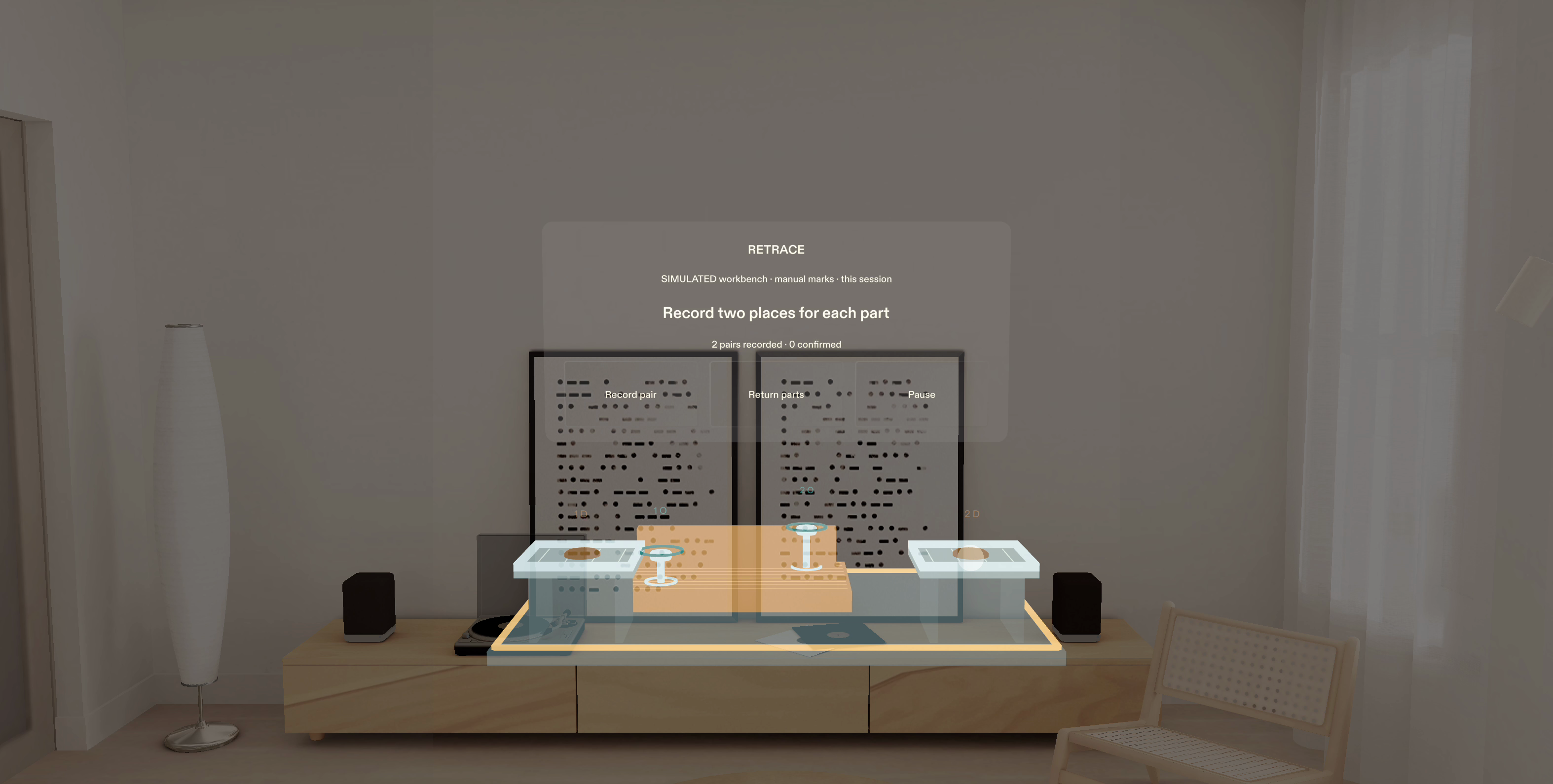
RETRACE: remember the way back. Working Lens Studio Preview, with manual marks on a simulated workbench.
-
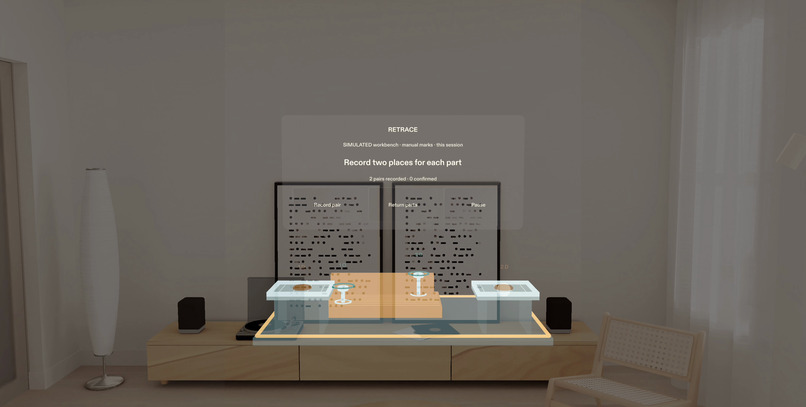
Two committed pairs. A pair is saved only after selecting both its origin and its temporary deposit.
Inspiration
Two fasteners can look almost identical. The difficult moment often comes after an interruption, when both are on the tray and you can no longer remember which position each one came from.
RETRACE explores a spatial memory aid for simple tabletop disassembly. The idea is to keep the relationship between a part's origin and its temporary location beside the work itself, with a clear path back when it is time to reassemble.
What it does
Start with an empty session and place the simulated workbench. For each part, manually mark where it came from and where you put it. RETRACE creates a numbered pair only after both selections are complete.
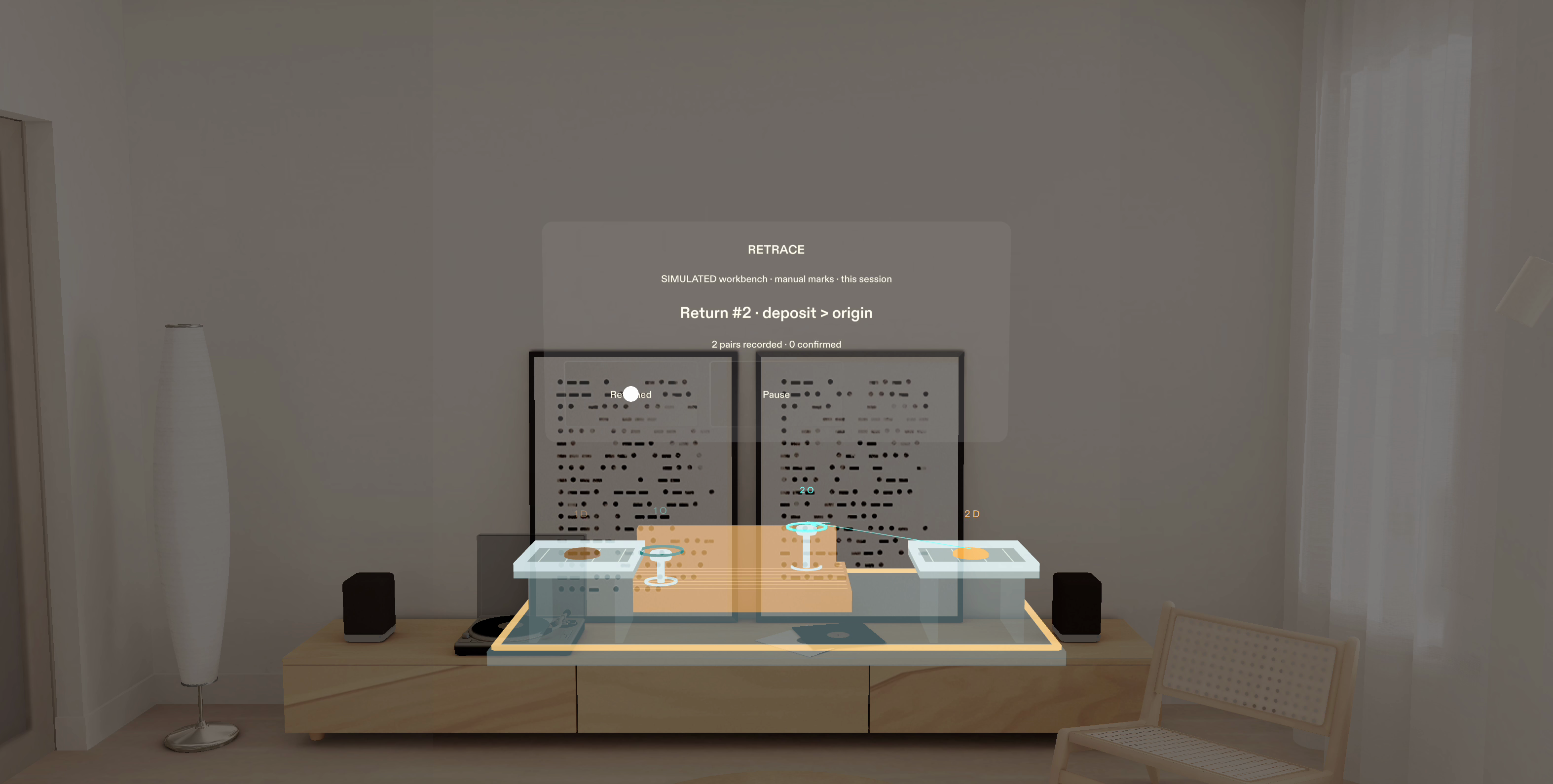
Choose Return parts to work through the pairs in reverse order. The active deposit badge points back to its origin ring. You confirm each return yourself, and Undo restores the exact preceding step if you confirm too soon. Cancel discards an unfinished pair. Pause preserves the map while blocking changes. If the controls leave your field of view, they can recover without moving the workbench or its recorded marks.
How I built it
RETRACE was planned with the official Devpost Learn skill pack and built with Codex through CLAD, Lens Studio and the Lens Studio MCP. It uses TypeScript, Spectacles Interaction Kit and Spectacles UI Kit. Original parametric MeshBuilder geometry supplies the fixture, fasteners, trays and marks. Two sample-free synthesized cues acknowledge actions.
A pure state machine owns the ledger. Scene components render its state and emit intent. Each gesture consumes a latched action before the interface changes, preventing one release from activating a newly reused button slot. Workbench placement is deliberate, and saved endpoints remain fixed for the session.
Challenges
The interface has to protect the user's mental map. An early automatic placement could leave the workbench outside the operating view, so placement became an explicit action. An angle-only recovery rule could leave controls off-screen, so recovery now checks their actual camera projection while preserving the saved map.
Testing also exposed a mismatch between the visible tray floor and the marking plane. Raising the tray on supports aligned the surface people see with the surface they select. The corrected fixture passed a fresh visible-centre selection check and the complete ordinary-input flow.
The additive SPECS display simulation shaped the visual design: luminous hierarchy, readable labels and a native task backing, with the room remaining visible.
What testing revealed
A marker appearing in space is only the beginning. A useful capture needs a clear start, safe cancellation and an exact way back from a mistaken confirmation. Geometry, input transactions and recovery have to agree on the same coordinate system.
The canonical Lens passed Place, two manual pairs, partial Cancel, Pause and viewpoint recovery, newest-first return, exact Undo and completion. A separate source extraction restored the official dependencies, compiled and passed a minimum ordinary-input flow. The demonstration shows the working Lens Studio Preview with my English narration and subtitles.
Scope and next steps
Marks are placed manually on a fixed workbench plane; the app does not automatically recognize objects or surfaces. The workbench is simulated, the ledger lasts for the current session, and a confirmation does not verify a physical assembly.
Physical glasses, real hand tracking and repair benefits remain to be tested. The next step is to study the manual marking effort in real workspaces. Persistence and free-form three-dimensional marking are future work.
Built with
TypeScript, Lens Studio, CLAD, Lens Studio MCP, Codex, Spectacles Interaction Kit, Spectacles UI Kit, LEAF and MeshBuilder.
Pre-existing work and credits
Official SDKs, templates, verification tools, adapted CLAD helpers, rendering resources and the Sunlit Room Preview environment retain their original terms. RETRACE-specific application logic, geometry and synthesized UI cues were created for this project. The repository includes THIRD_PARTY_NOTICES.md and the applicable notices.
Music in the demonstration:
"Wallpaper" Kevin MacLeod (incompetech.com) Licensed under Creative Commons: By Attribution 4.0 License https://creativecommons.org/licenses/by/4.0/ Changes: excerpted, volume adjusted beneath narration, and faded in and out.
Built With
- clad
- codex
- lens-studio
- typescript
