Inspiration
As a professional in the financial space, I saw friends and colleagues struggle to visualize their retirement goals—no single tool combined savings forecasting, investment tracking, and lifestyle planning in a trustworthy, intuitive way. I wanted to build something that felt premium (like the tools financial advisors use) but accessible to everyday adults, with a design that prioritized clarity and calm over overwhelming data.
What it does
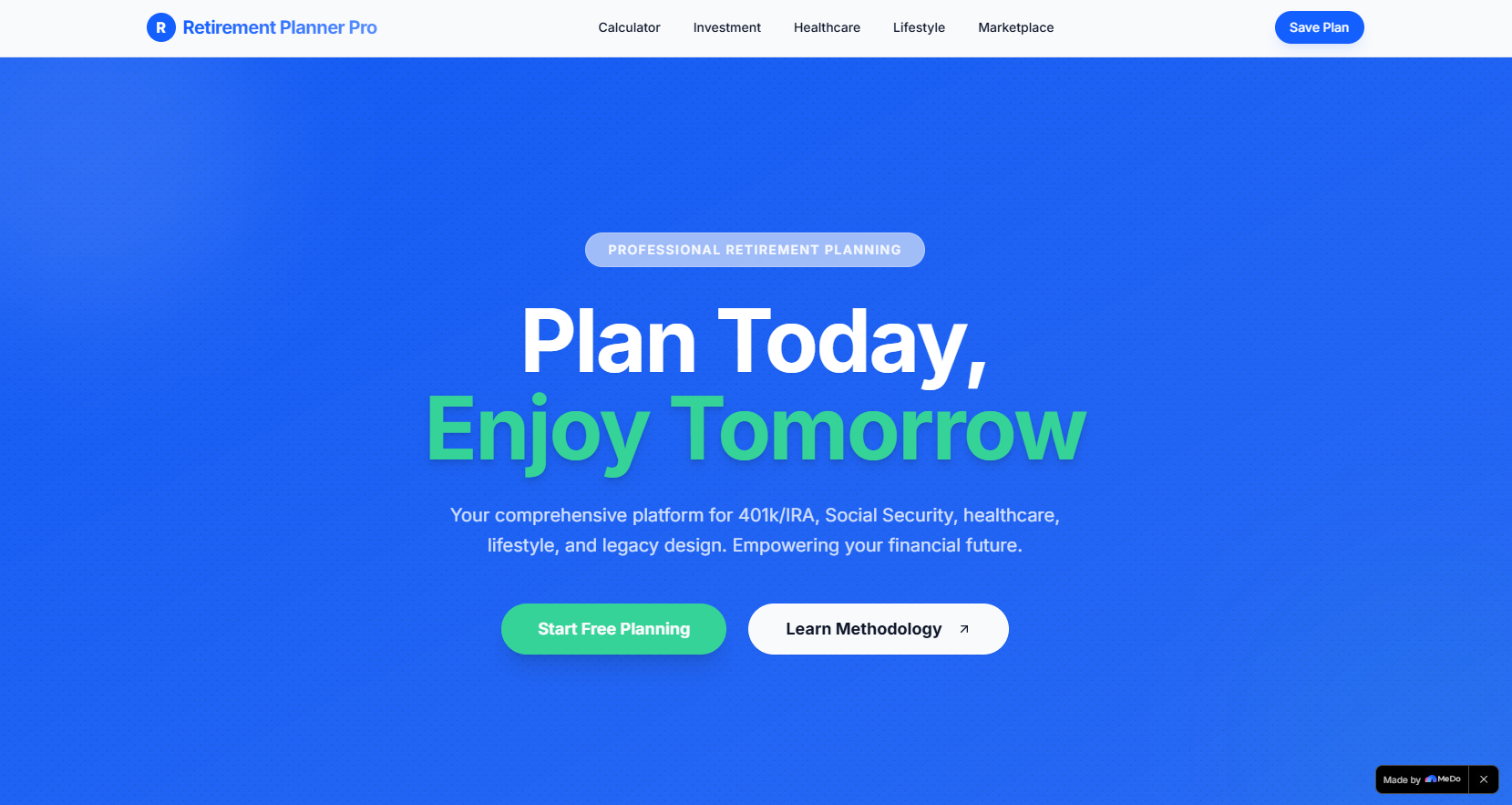
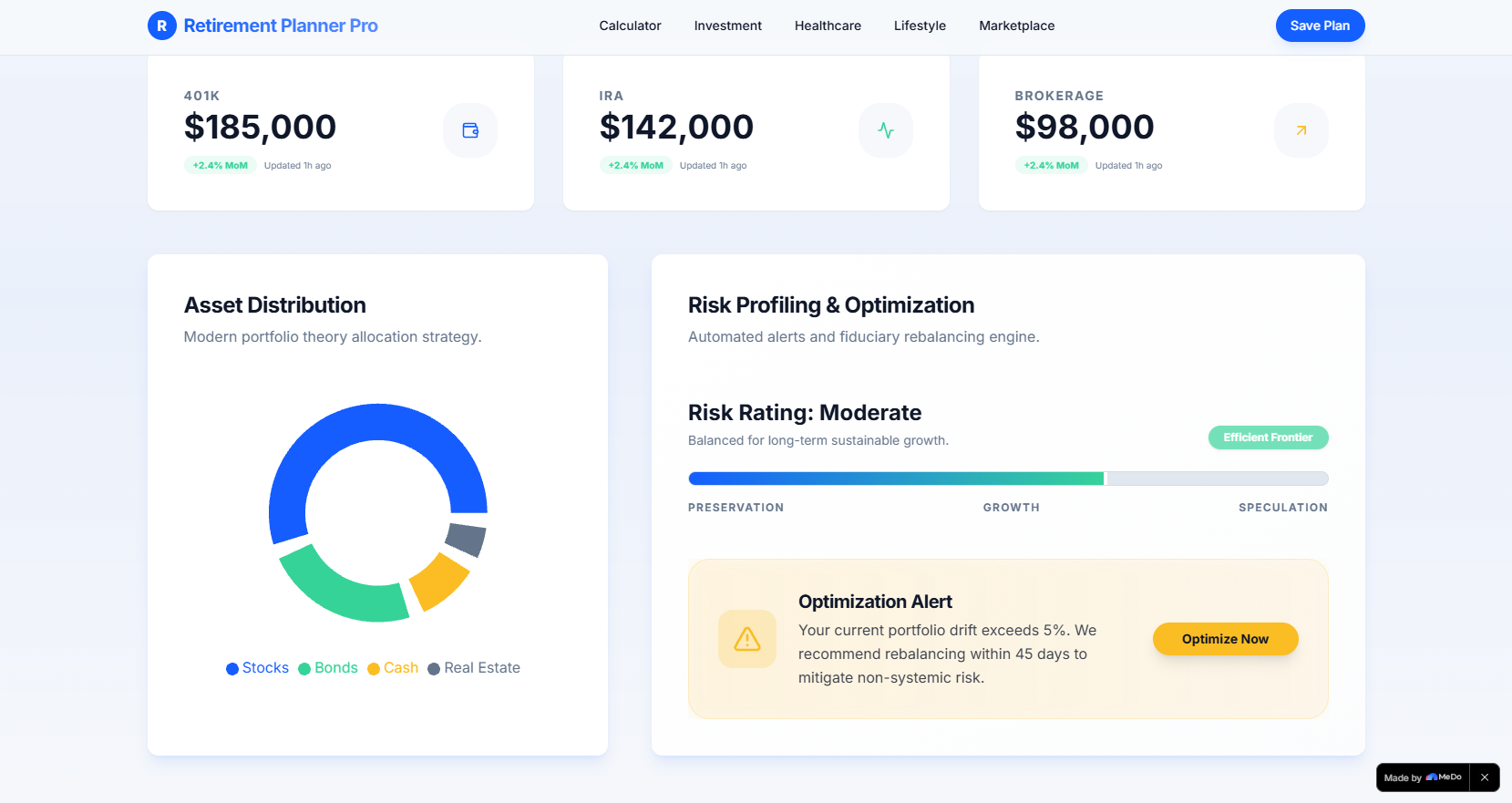
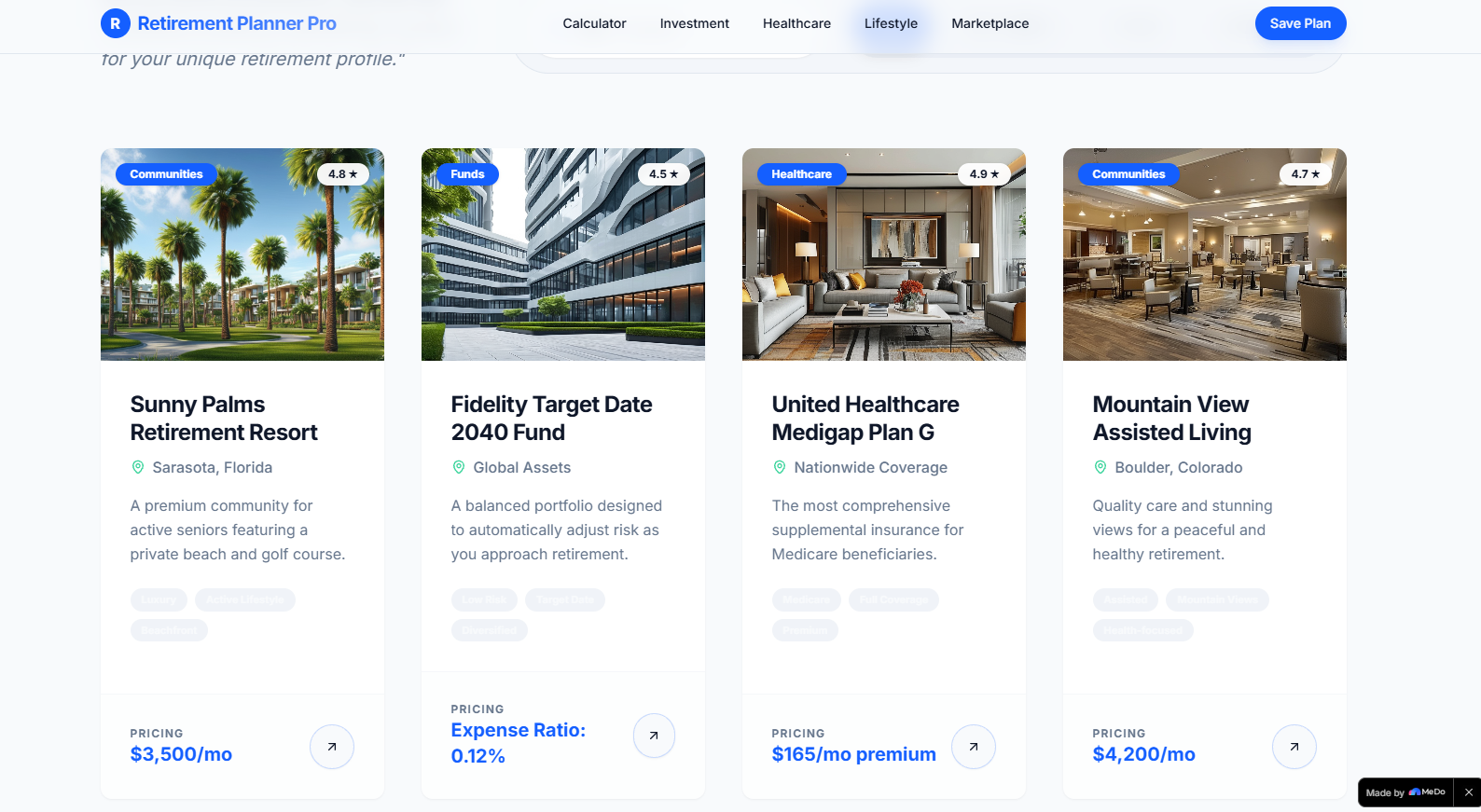
Retirement Planner Pro is a web-based platform that helps users estimate retirement savings goals, track investment portfolios, project healthcare costs (including Medicare and long-term care), and design their ideal retirement lifestyle—all through interactive, visually intuitive charts and personalized summary cards.
How we built it
I started with defining a premium UI system (color palette, typography, microinteractions) in Figma, then built the frontend with React and TypeScript. I used TailwindCSS for responsive styling, Chart.js for custom line/donut/bar charts, and Intersection Observer to trigger scroll animations. All calculations are structured to reflect real-world retirement planning logic, with validation for user inputs.
Challenges we ran into
The biggest hurdle was balancing visual polish with performance—scroll-triggered animations (chart loads, number counters) risked jank, so I optimized Intersection Observer logic to lazy-load only visible elements. Designing the retirement savings formula to feel realistic (while keeping it frontend-focused) also required iterating on the math to align with standard financial planning principles.
Accomplishments that we're proud of
Creating a UI that feels both professional and approachable—users comment on how the glassmorphism cards and gradient styling convey trust without feeling sterile. The scroll-triggered animations make data feel dynamic without being distracting, and the input validation ensures a frustration-free experience for all user entries.
What we learned
I deepened my understanding of financial planning logic (translating industry standards into frontend calculations) and mastered performance optimization for scroll-based animations. I also learned that "premium" design isn’t about complexity—it’s about intentional spacing, consistent typography, and microinteractions that make users feel in control.
What's next for this project
I plan to add support for Social Security benefit modeling, integrate real-time investment allocation benchmarks, and build a mobile-optimized layout (while keeping the desktop-first focus). Long-term, I want to add exportable retirement plans and connect to secure financial account aggregators for live portfolio data.
Built With
- chart.js
- react
- tailwindcss
- typescript

Log in or sign up for Devpost to join the conversation.