-
-
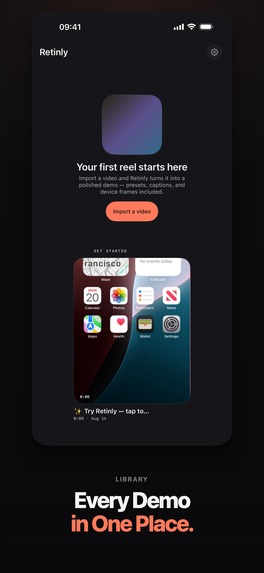
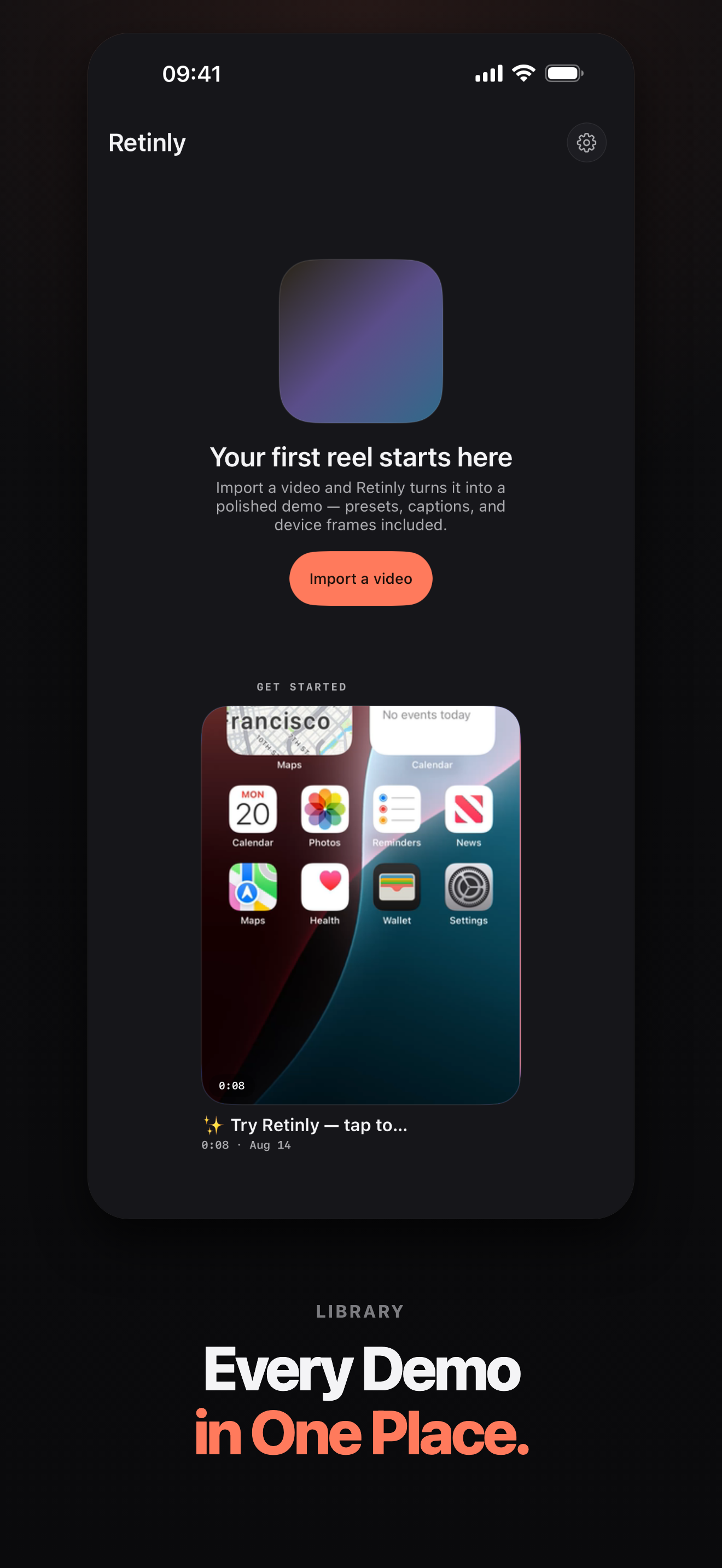
Projects, kept on the phone
-
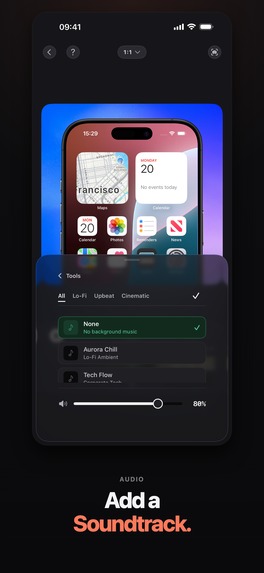
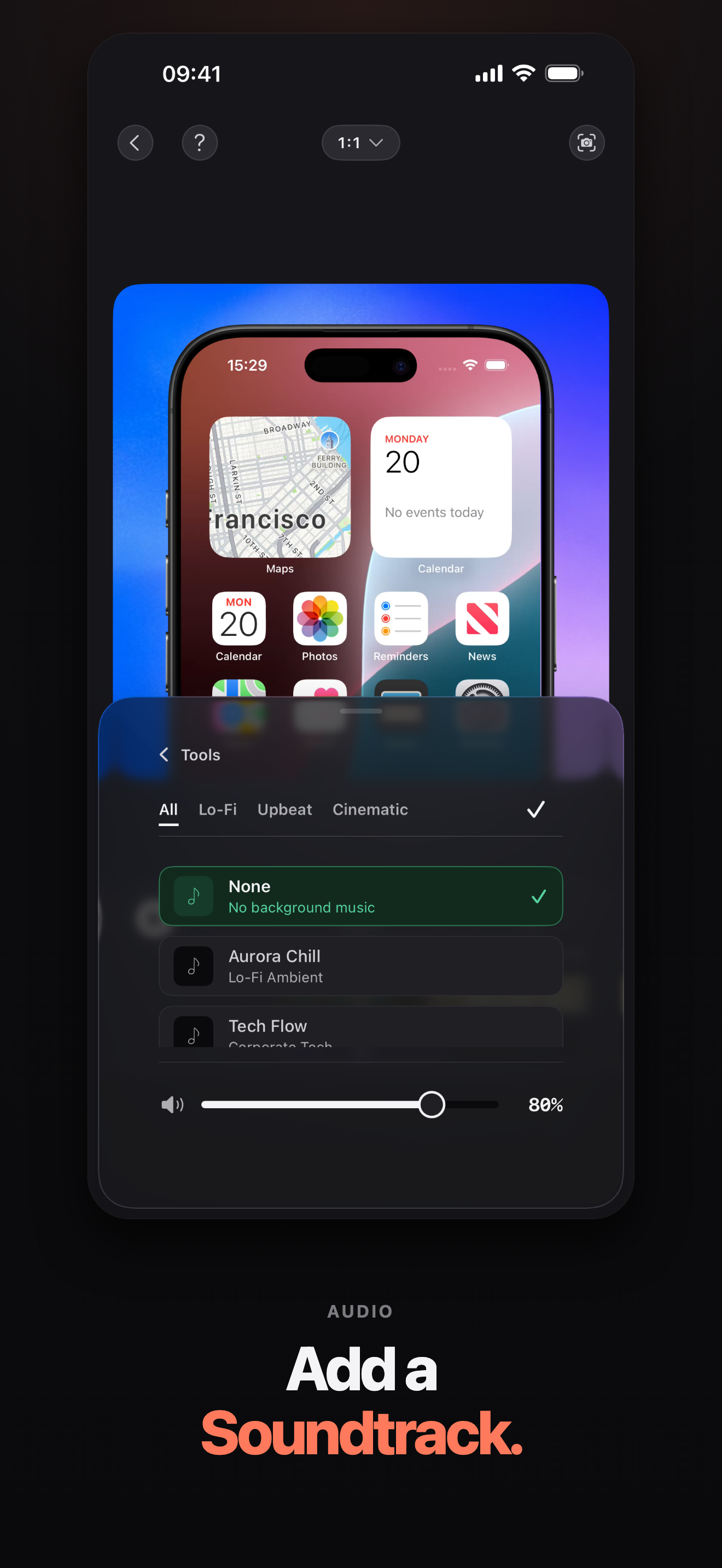
Soundtrack, or the recording's own audio
-
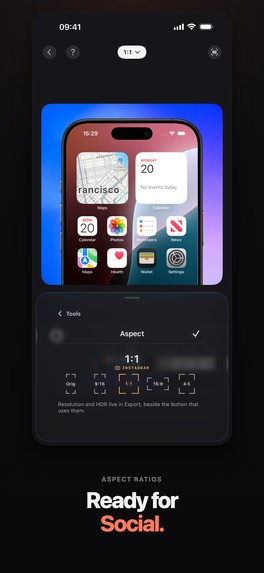
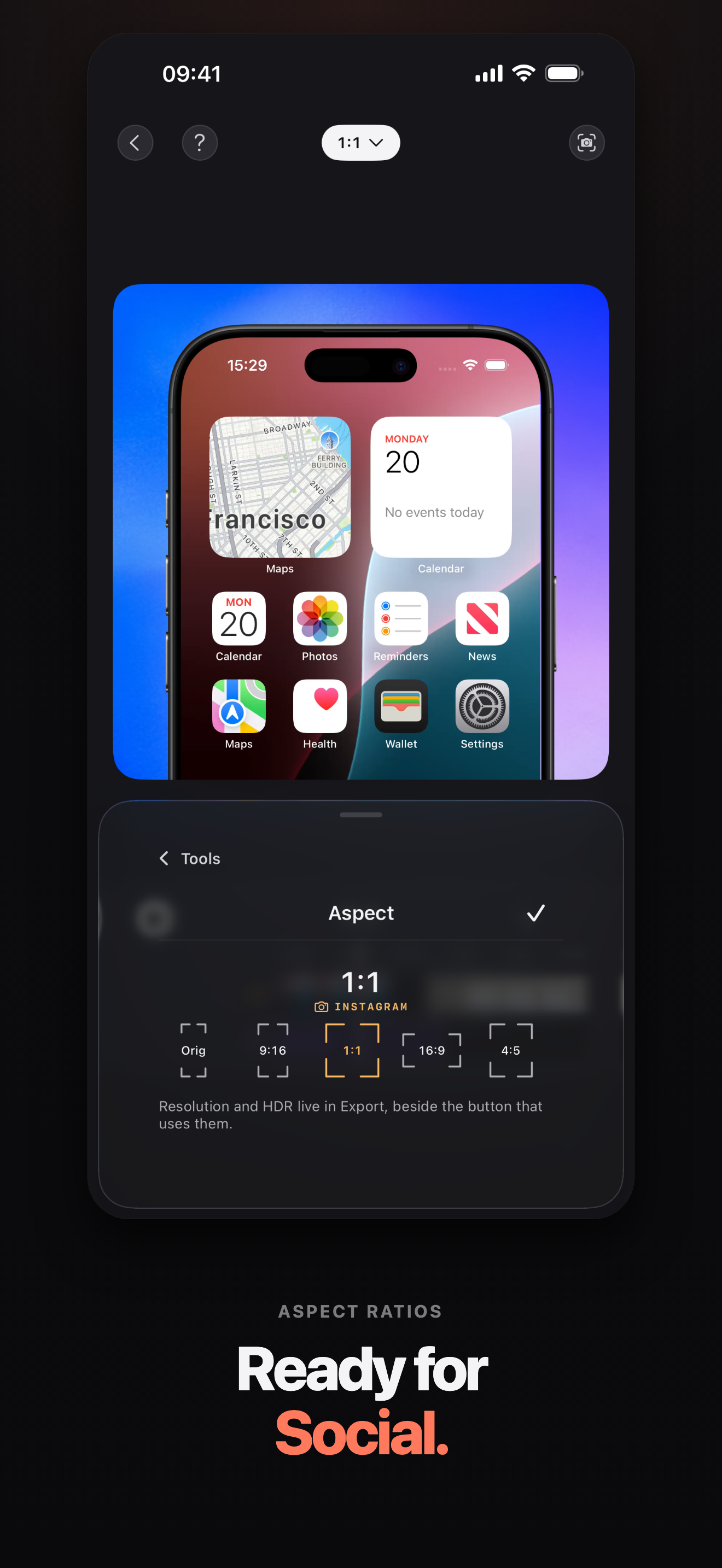
Every aspect ratio the demo has to fit
-
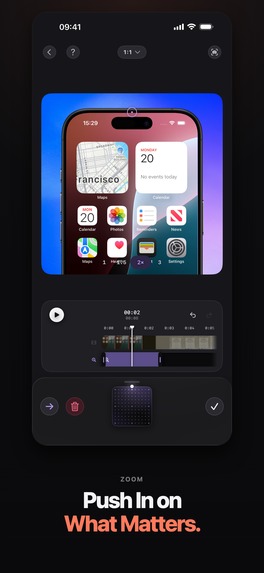
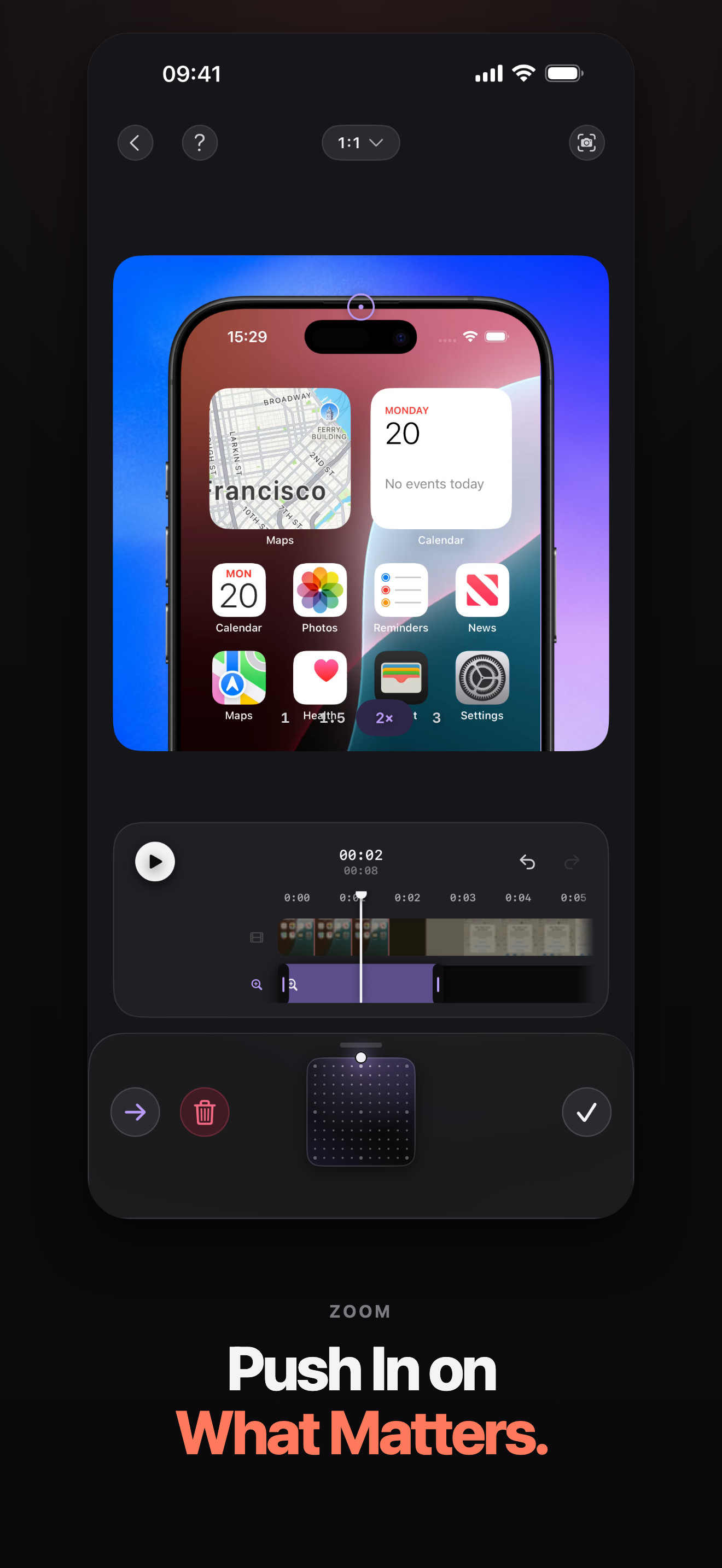
A zoom block pushes into what matters
-
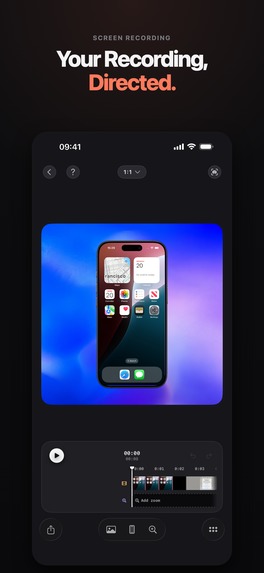
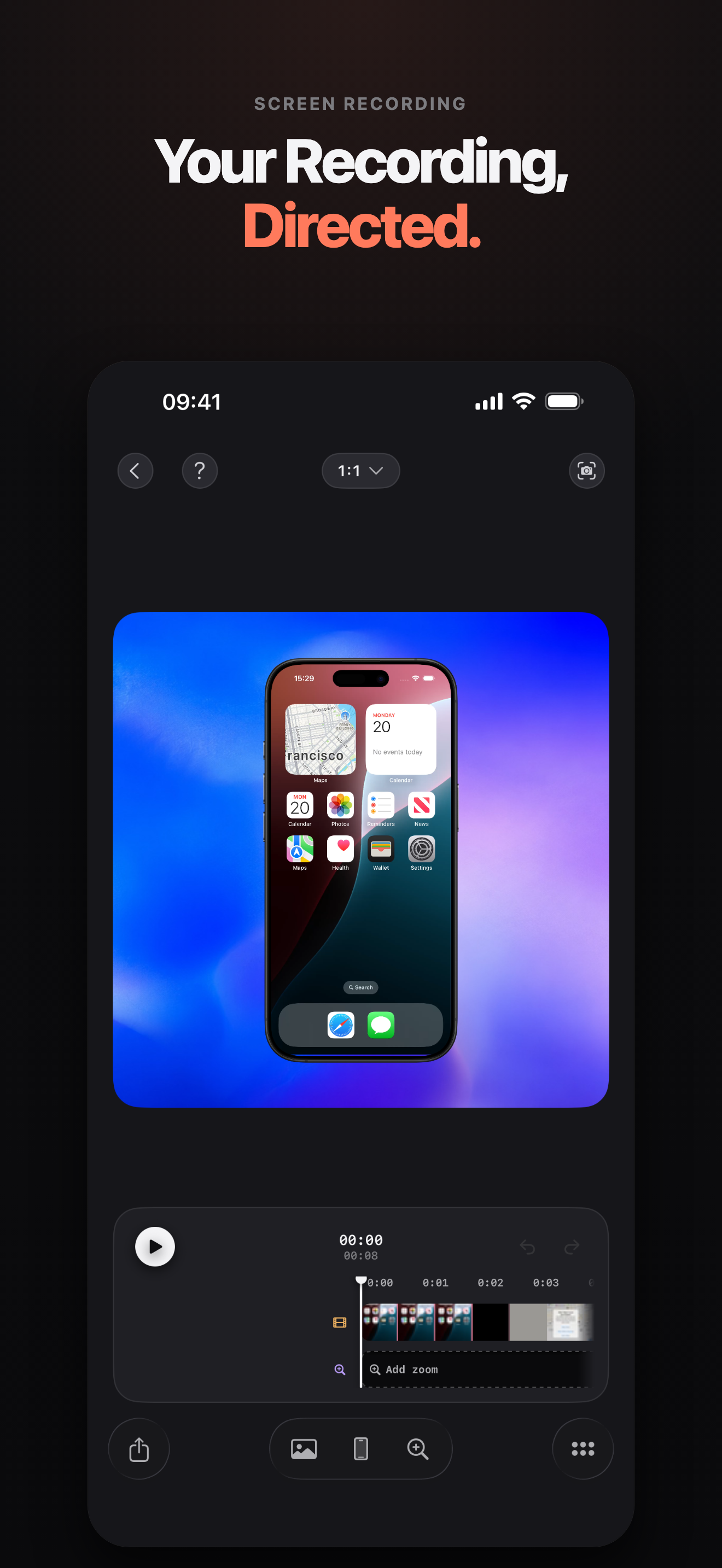
The editor: one recording, framed, on a live preview
-
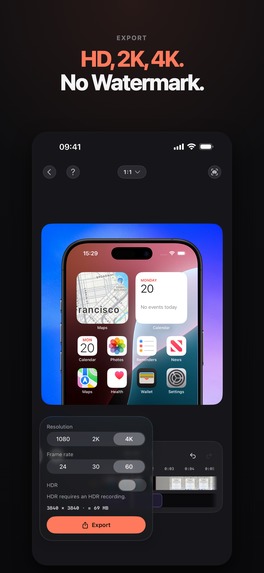
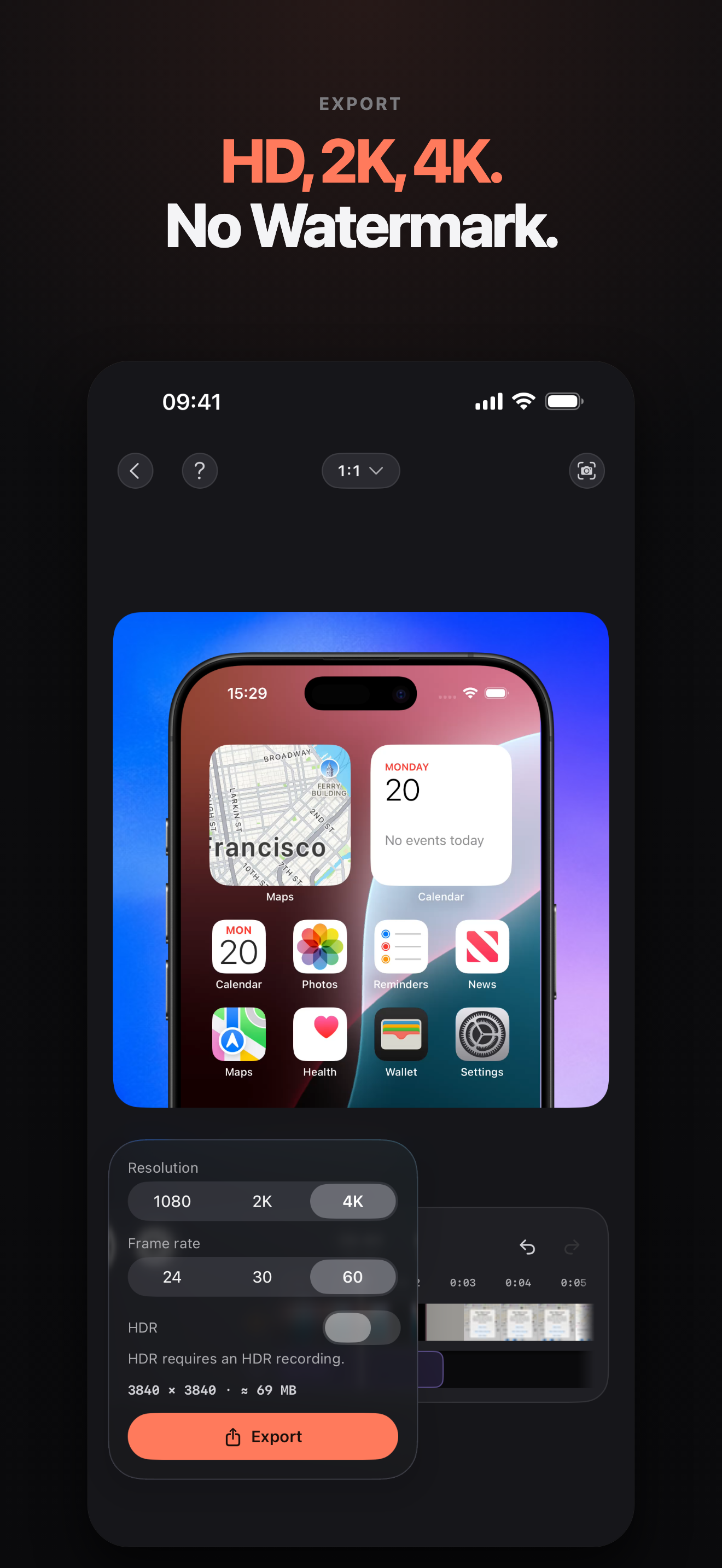
1080p, 2K or 4K — no watermark on any tier
-
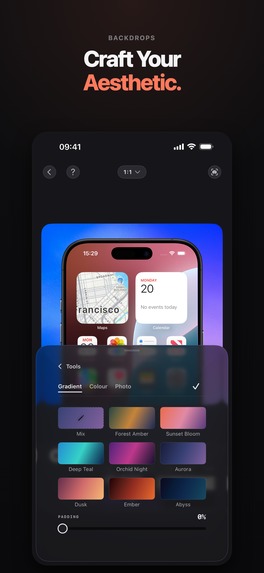
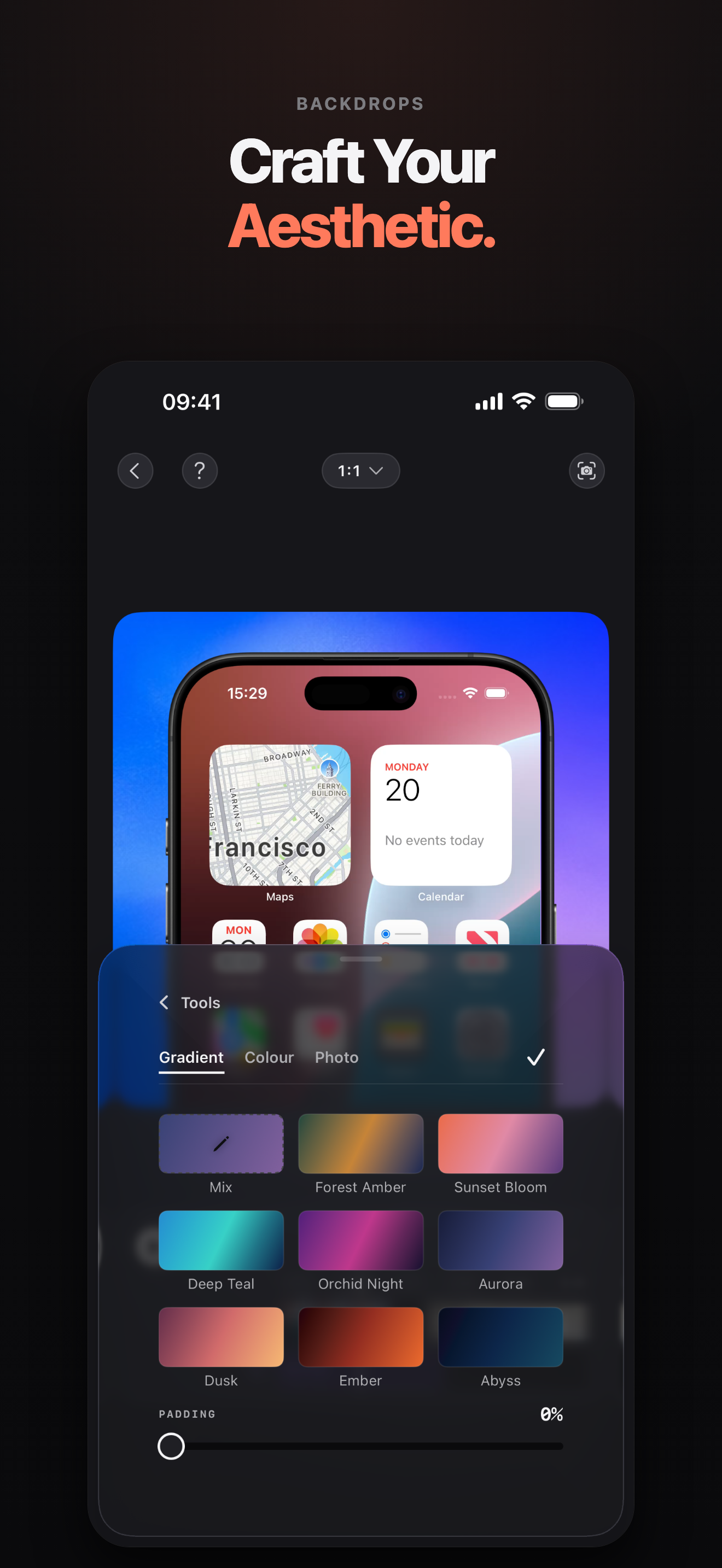
Backdrops, including colours pulled out of your own footage
Inspiration
Every indie developer ships the same bad demo: a raw screen recording, cropped by whatever app they posted it to, with a status bar that says 19:49 and 8% battery. The good ones — the demos that make you stop scrolling — are a device frame, a backdrop, and a camera that pushes into the thing the developer wants you to look at. That is twenty minutes in After Effects, or an afternoon in a tool you have to learn first, and it has to happen again for the next build.
Retinly is that afternoon, done on the phone that took the recording, in a few taps.
What it does
You pick a screen recording out of Photos. Retinly puts it inside one of 20 real iPhone bezels, on one of 18 gradients — or a wallpaper, a solid colour, your own photo, or a colour sampled straight out of your own footage. You drag a dial to add a zoom that pushes into the action, and a second focal point if you want the camera to travel while it is in there. Captions, a logo, a soundtrack, trims, speed. Then it exports at 1080p, 2K or 4K, or hands you a single frame as a PNG for the App Store.
There is no watermark on any tier, including free.
How we built it
SwiftUI for everything on screen, and no third-party UI framework at all. The
editor's preview is SwiftUI over an AVPlayerLayer; the export is a custom
AVVideoCompositing compositing Core Image. Those are two entirely separate
renderers, which is the central problem the whole architecture is built around:
what you judge in the preview has to be what comes out of the file.
Nothing is shared between the two pipelines except one model in the middle. The
zoom curve is a single function both sides call. The device geometry is one
type, BezelMetrics, which reads each bezel PNG's alpha channel at runtime to
find where the glass actually is — the artwork is the source of truth, not a
table of numbers somebody typed. Both renderers ask it the same question and get
the same answer.
Parity is then held down by tests rather than by discipline. There is a tripwire that encodes the settings model and fails when a new visual field appears in it, with a message telling you to go work out which renderer reads it and add a parity test before you carry on. It has caught every field added since it was written. The suite is 823 XCTest cases and runs in about 15 seconds.
Monetization is RevenueCat. Retinly Pro is a one-time non-consumable that unlocks exactly two things — HDR export and the iPhone Air frame — and the whole of the rest of the app is free. No account, no sign-in: RevenueCat's anonymous app user ID is the only identifier the app has, and it is the only reason the app makes a network request at all. Recordings never leave the device.
Challenges we ran into
The picture would not sit in the phone. Three separate bugs, all of them one or two pixels, all of them the first thing anyone sees. The preview scaled the recording to fit the glass while the export scaled it to fill, so a capture whose shape did not match the frame showed backdrop through the gap — and the file did not match the preview it was judged on. Then the picture and the frame art met on a shared edge, and sub-pixel layout put a one-pixel bright line of backdrop in the seam, which the zoom magnified into a glowing rule around the screen. The picture is now drawn a hair under the frame art in both pipelines.
The third one was the most interesting. BezelMetrics measured the glass
rectangle off the artwork honestly, but the corner radius of that glass was a
hardcoded 7.5% of the width for all twenty frames — when the art actually turns
between 11.5% and 15.3%. A corner drawn that square is invisible on its own,
because the surplus hides under the rail; it only became visible once the
picture was deliberately drawn past the aperture, which pushed those square
corners out beyond the frame's own silhouette. The result was a one-to-two point
wedge of raw recording at each of the four corners — but only on the thin-railed
models, so it read as a defect in specific iPhones rather than as geometry. The
fix probes the 45° diagonal of each corner in the alpha channel: a rounded
corner of radius R meets that diagonal at R·(1 − 1/√2), so you invert it and get
the radius the artwork actually has.
A gesture that was right for Camera and wrong for this. Presets were briefly browsed by swiping the picture itself, the way Camera browses photographic styles. It shipped and came back out: Camera's styles all share one frame, so a swipe there only ever changes colour, while these templates change the aspect ratio — the same gesture reshaped the canvas five times in seven steps and twice flipped it between landscape and portrait mid-drag.
Touch and paint are not the same rectangle. With the playhead inside a zoom block, nothing in the top bar answered a tap. The stage is scaled by the zoom, and the clip that shapes it masks paint without narrowing the touch area, so at 2× the canvas was quietly answering touches over the chrome above it.
Accomplishments that we're proud of
The preview and the file agree, and that is enforced rather than hoped for. A still frame is not a second drawing of the video — it is one frame of the same composition, through the same compositor, with the same plan object.
And the frames are honest. Twenty bezels, CC BY 4.0, credited to their author in an Acknowledgements screen inside the app rather than in a file nobody installs — because that is what the licence actually asks for.
What we learned
Measure the artwork instead of describing it. Every number in this app that was typed by a human eventually disagreed with the picture it was supposed to describe, and every number read off the alpha channel at runtime has stayed right through twenty frames and four device generations. The corner bug survived several releases precisely because it was the one measurement that had been guessed.
And that a parity guarantee is a test, not an intention. Two renderers will drift the week after you stop looking; a test that fails when a new setting appears is the only thing that has kept them together.
What's next for Retinly
A 9:41 status bar drawn on the glass, so a demo does not ship with the recording timer in the corner — built, tested, and waiting on a branch for the 1.0 review to clear. Then iPad frames, and a Mac version of the same idea.
Built With
- coreimage
- swift
- swiftui

Log in or sign up for Devpost to join the conversation.