-
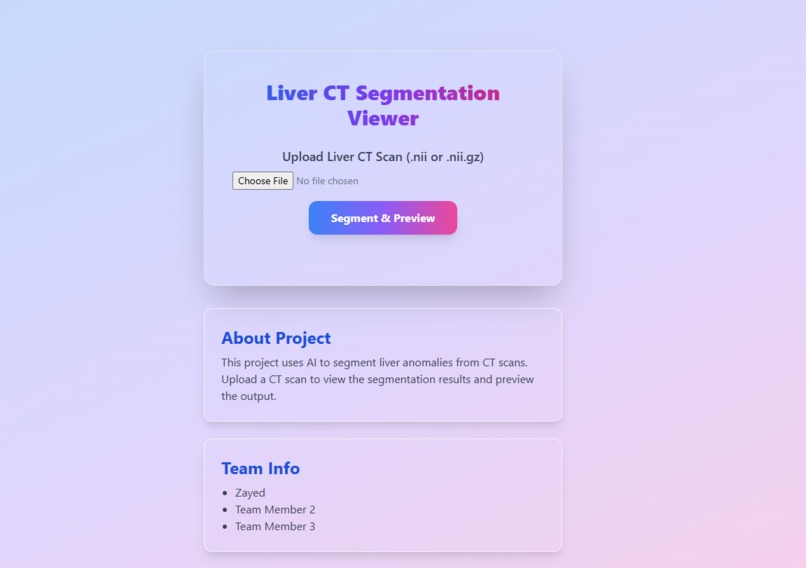
main page
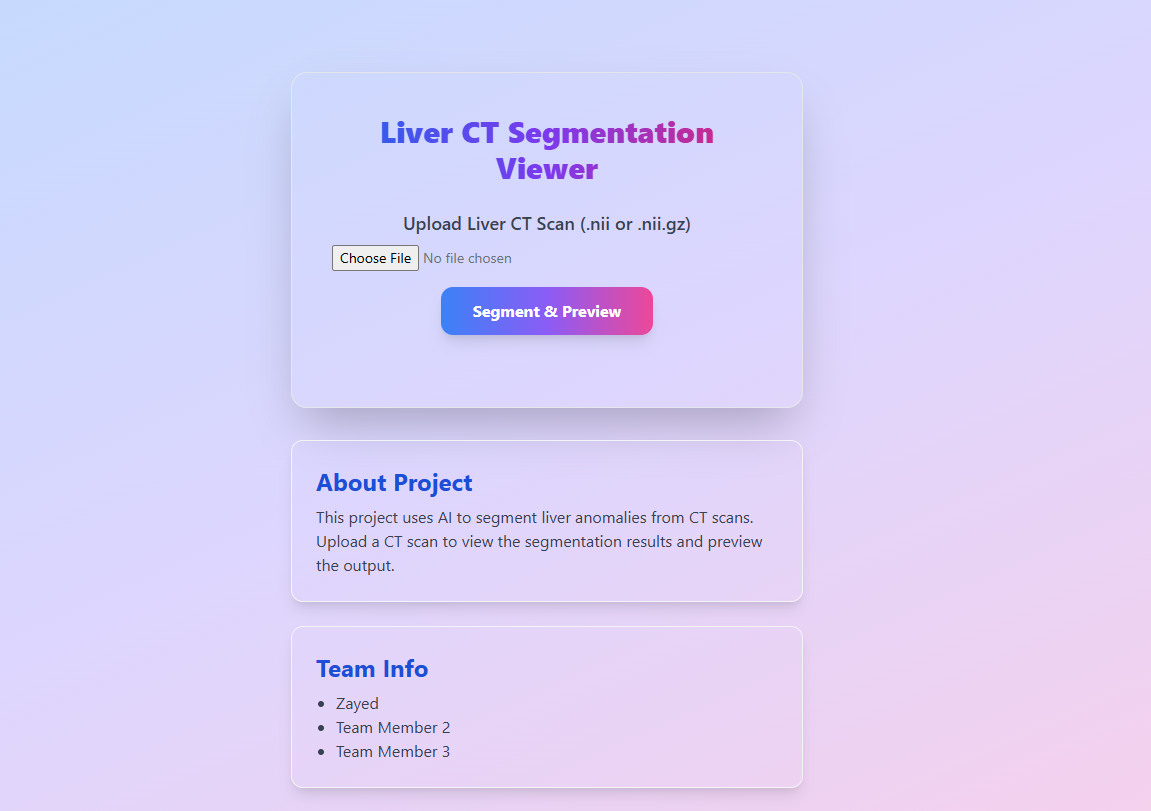
Liver CT Segmentation Viewer
A web application for segmenting liver anomalies from CT scans using AI. Upload a CT scan to view segmentation results and preview the output.
Features
- Upload CT scans in
.niior.nii.gzformat - AI-based segmentation (UNet, PyTorch Lightning, TorchIO)
- Segmentation preview in browser
- Gradio interface for interactive exploration
- Modern UI with Tailwind CSS
Project Structure
app.py           # Flask backend (API endpoint for segmentation)
index.html       # Frontend UI
main.js          # Handles upload and preview logic
model.py         # AI model, training, and Gradio app
Setup Instructions
1. Python Environment
- Python 3.8+
- Recommended: Create a virtual environment
2. Install Dependencies
pip install flask flask-cors nibabel gradio matplotlib numpy celluloid torch torchio pytorch-lightning
3. Run the Backend
python app.py
- The Flask server will start at
http://127.0.0.1:5000
4. Open the Frontend
- Open
index.htmlin your browser - Upload a CT scan and click "Segment & Preview"
5. Gradio Demo (Optional)
python model.py
- Launches an interactive Gradio app for segmentation
API
POST /predict
- Request: Multipart form with
ct_scanfile - Response:
{ "preview": "data:image/png;base64,..." }(if implemented){ "message": "CT scan uploaded successfully. No AI processing performed." }(default)
Team
- Zayed
- Gaayathri Ganesh
License
MIT
Built With
- api
- code
- github
- google-cloud-vertex-ai
- javascript
- javascript-**frameworks-&-libraries:**-tensorflow
- jupyter-notebook
- kaggle
- kaggle-(datasets)
- opencv-**cloud-&-platforms:**-google-cloud-(vertex-ai)
- python
- scikit-learn
- streamlit/react-(frontend-demo)-**databases:**-firebase-/-firestore-(user-data-&-logs)-**apis:**-google-vision-api-(optional-baseline-for-image-analysis)-**tools:**-jupyter-notebook
- tensorflow
- tensorflow.js
- vision
- vs


Log in or sign up for Devpost to join the conversation.