-
-
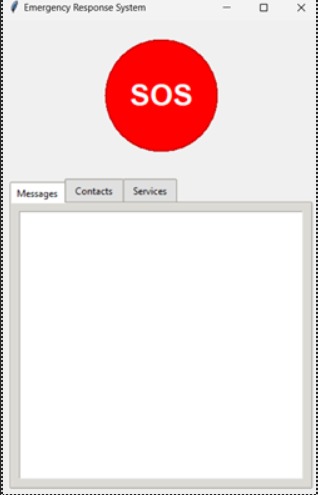
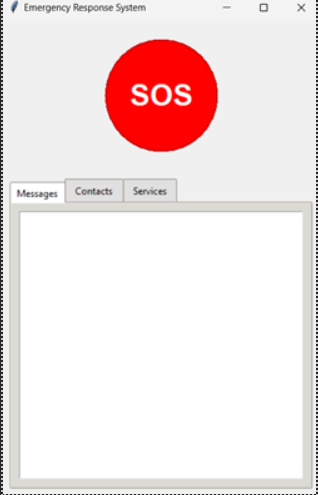
Main Screen
-
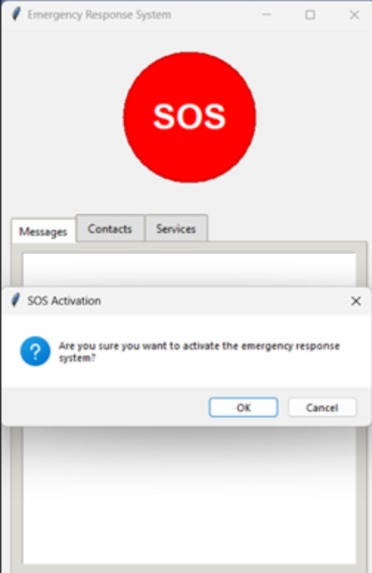
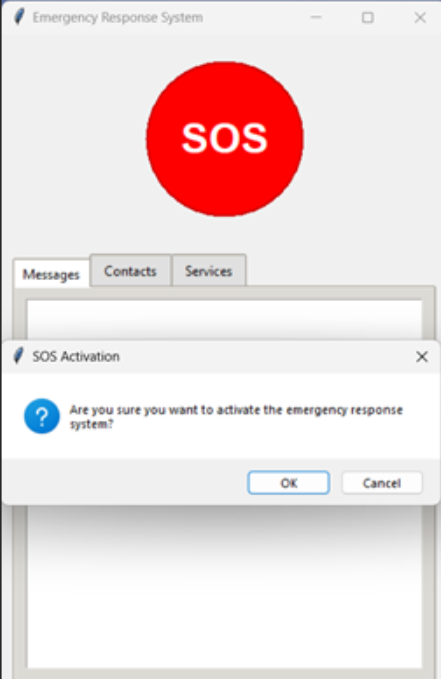
Confirmation message before sending alert
-
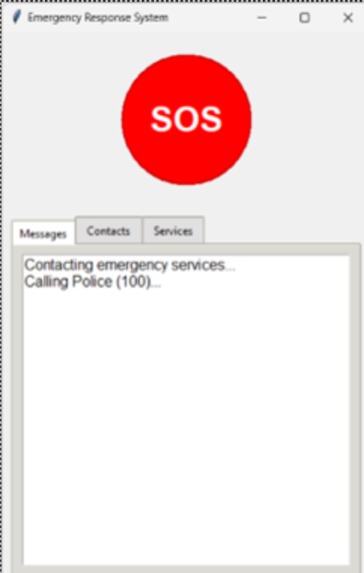
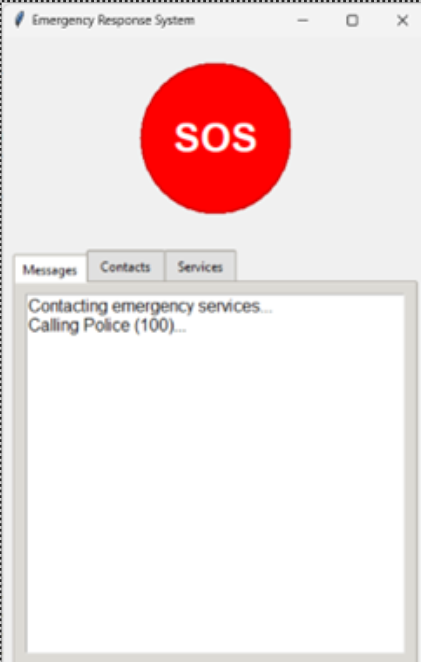
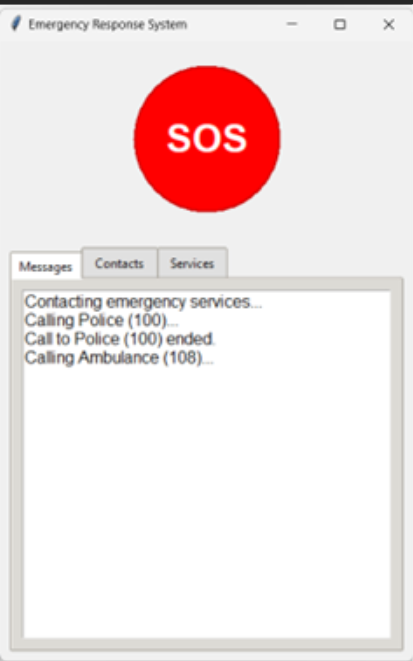
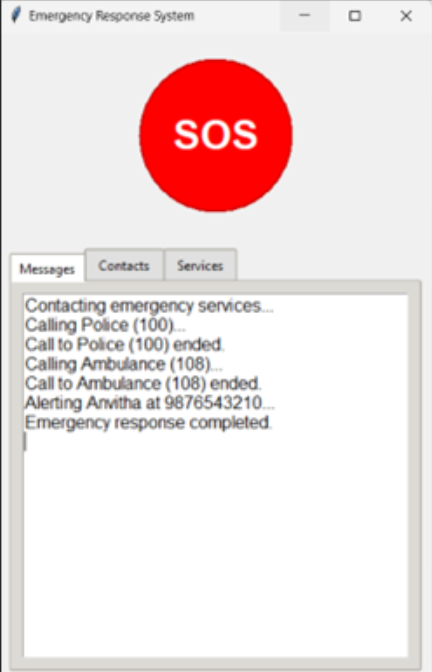
Contacting services
-
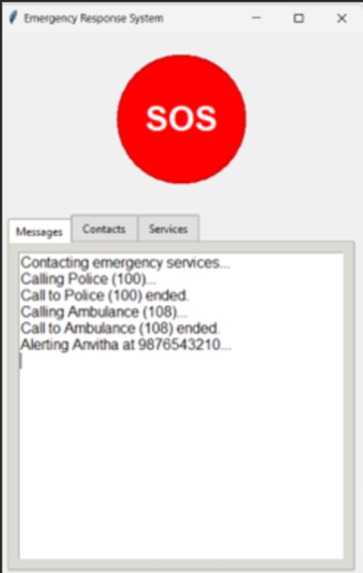
Contacting emergency contacts as well
-
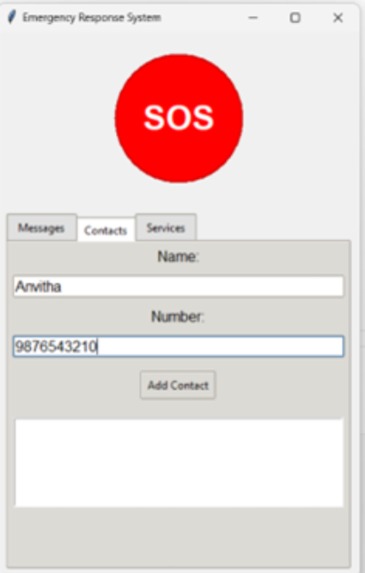
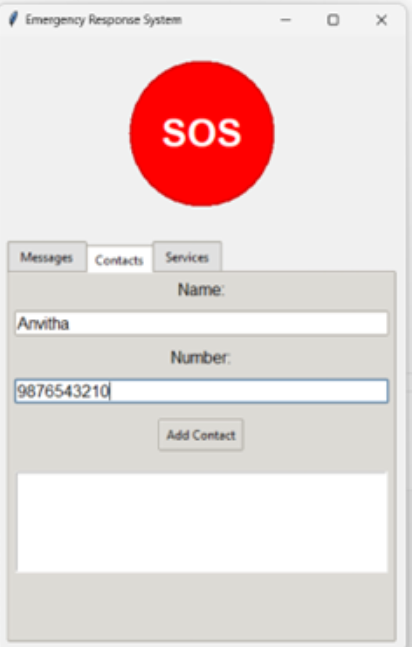
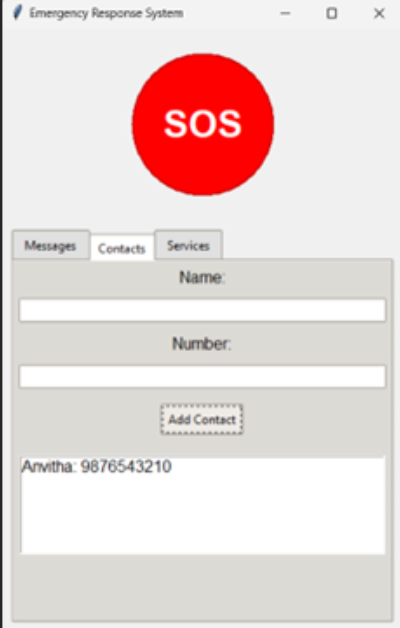
Adding contact
-
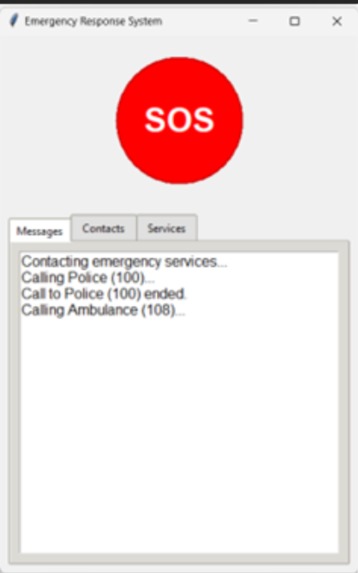
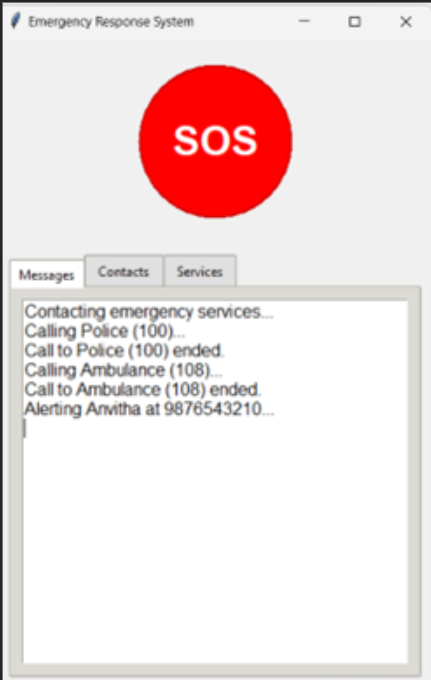
Confirmation of alert sent
-
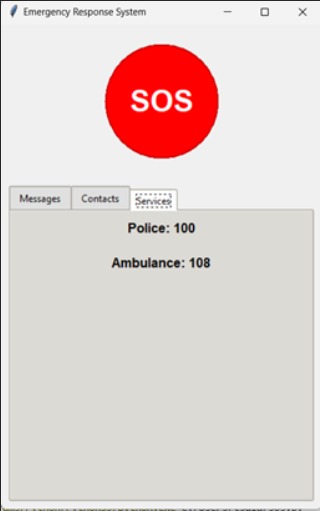
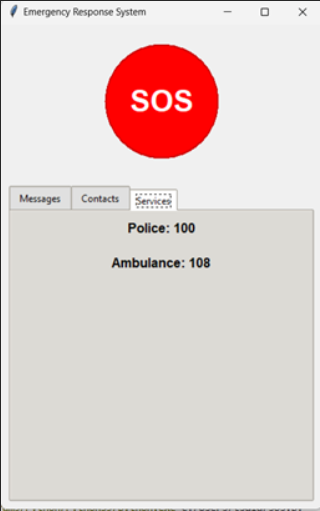
Emergency services contact
-
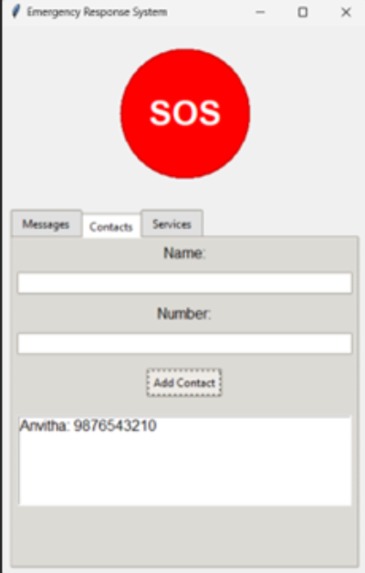
Adding user contact tab
-
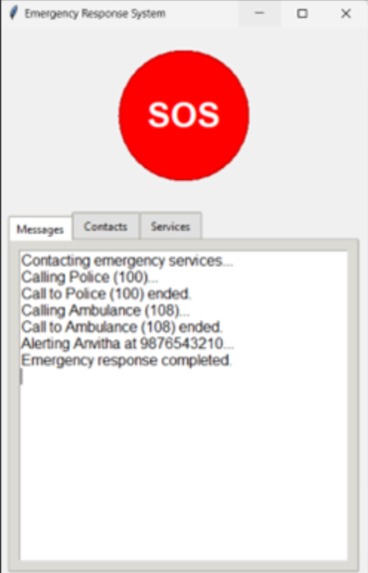
Completion of emergency response sent
Inspiration
This project was inspired by a similar initiative taken by the TN government to help women with emergency response system.
What it does
The response system is built on the idea to locate the user to provide immediate emergency services. Let's consider the elderly, disabled who may be living alone with no one near to assist or call for help when in need or a person has suffered an accident in a remote area where there's not much people present around. This system can come in hand. All the user has to do is add their emergency contact numbers in the beginning and the system saves it. Following this when they require immediate assistance which may be regarding health or other issues, they can press the SOS button present on the main screen. This will send an alert to the concerned services such as ambulance, emergency helpline, the police and so including their saved contact. What if they press it by mistake you ask? Not a problem, the system asks for confirmation to send the alerts when button is pressed so that no false alarms are triggered. Once contacted the system shall also communicate the location of the user for better timely and accurate response to the emergency by the services.
How we built it
This emergency response system is built using Python's Tkinter library for creating a graphical user interface. The main window features a prominent red SOS button and three tabs organized in a notebook-style layout: Messages, Contacts, and Services. The system simulates GPS tracking in the background using a separate thread that updates the user's location periodically. When the SOS button is activated, it triggers a sequence that simulates contacting emergency services (like Police at 100 and Ambulance at 108) and notifying pre-configured emergency contacts. The contact management system allows users to add and store emergency contact details (name and phone number) which are displayed in a list. The Messages tab keeps a log of all system actions and notifications. The interface is designed with a clean, user-friendly layout using a light gray background scheme, with careful attention to button styling and visual feedback.
Challenges we ran into
The challenges face were mainly building the connections between different interfaces and to manage the contacts entered by the user to alert them
Accomplishments that we're proud of
The system is mainly focused on helping more people and providing them with a better response such that it may save their lives one day and we're proud to be taking a step towards building a solution for this.
What we learned
We have learned more regarding the situations that cause delayed responses to emergencies, faults in present systems that we look to improve and provide better interface to manage a solution for this
What's next for Resurgere
In the future, we look to build a more scalable system which can be more accessible to the larger public with newer safety measures added.
Built With
- os
- python
- random
- sys
- threading
- tkinter


Log in or sign up for Devpost to join the conversation.