Inspiration 💡
We were tired of the repetitive grind of filling out job applications, so our team decided to tackle a problem we all faced firsthand. Two of our members even made a bet: apply to at least five jobs and complete a LeetCode problem daily—or owe the other $10.
The monotony of entering the same information across various job sites inspired us to create Resume Raccoon. Just as raccoons are experts at scavenging, our tool is here to help you scavenge for jobs effortlessly. 🦝
What it does 🚀
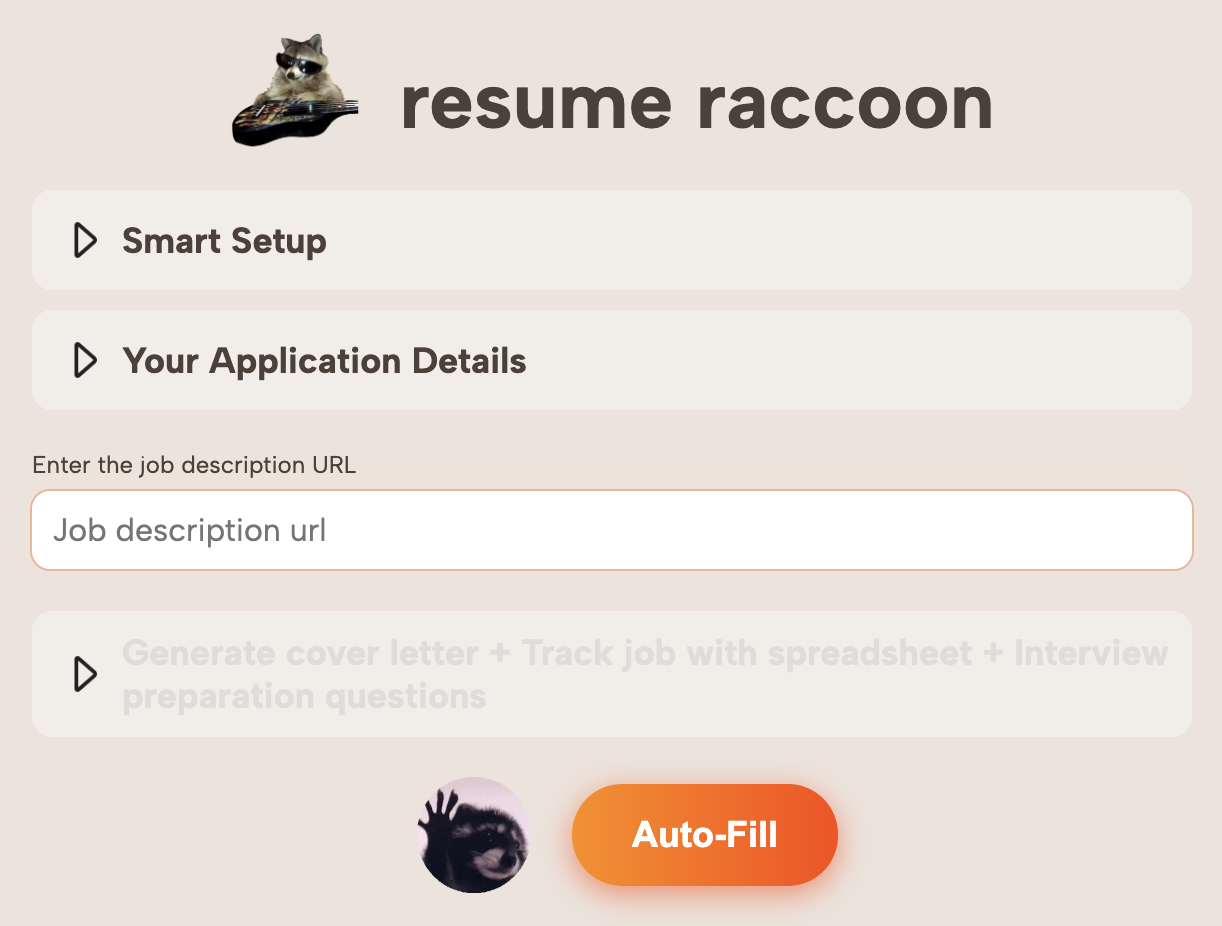
Resume Raccoon is your personal job application assistant, automating tedious processes and streamlining your job hunt. Here's what it can do:
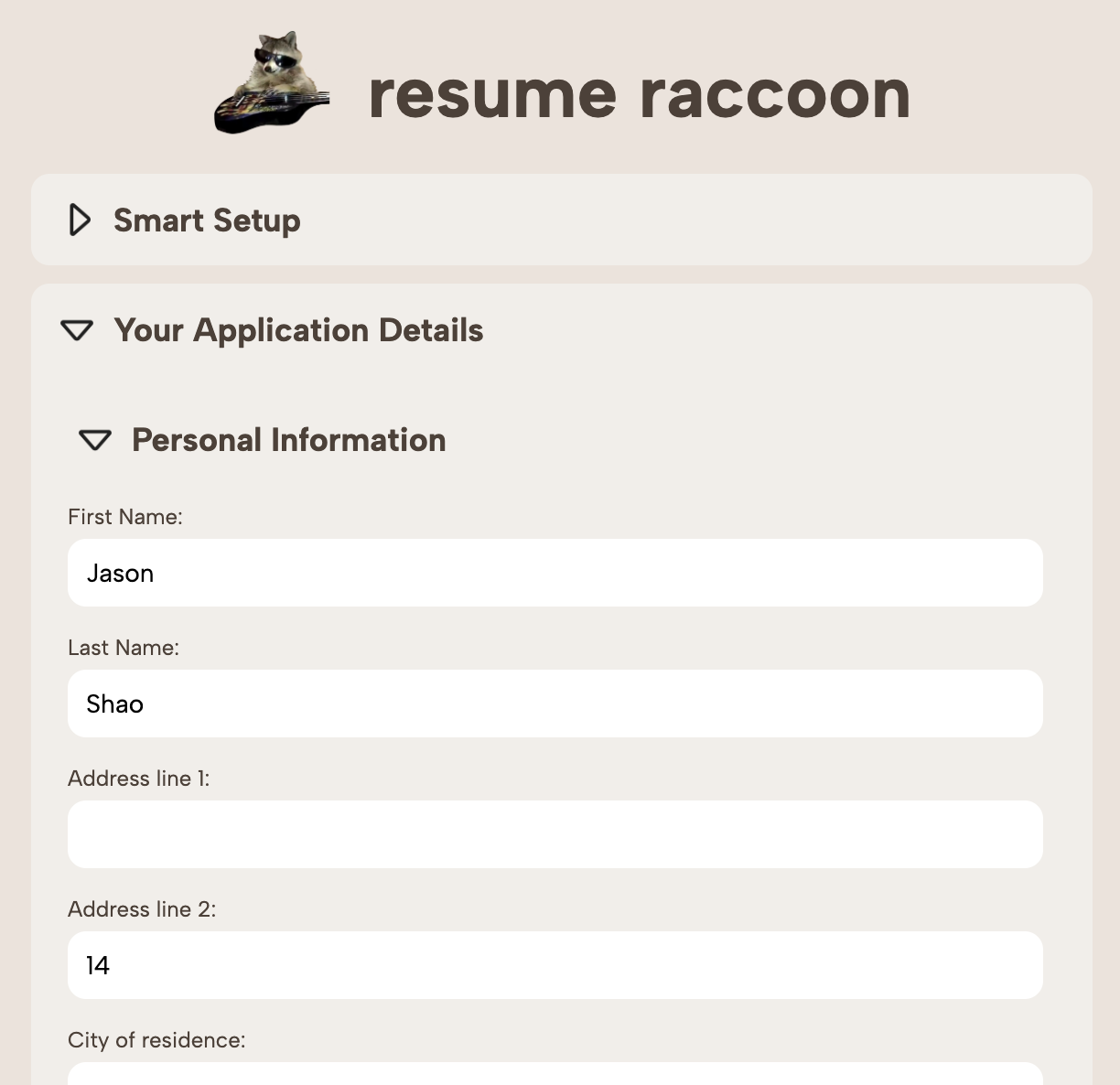
- Smart Setup 🧠: Upload your resume to automatically populate your Raccoon Profile with your contact info, work experience, education, and more.
- Manual Input (Just Once!) ✏️: Manually add details about your education, legal status, and other info, and we’ll save it for all future applications.
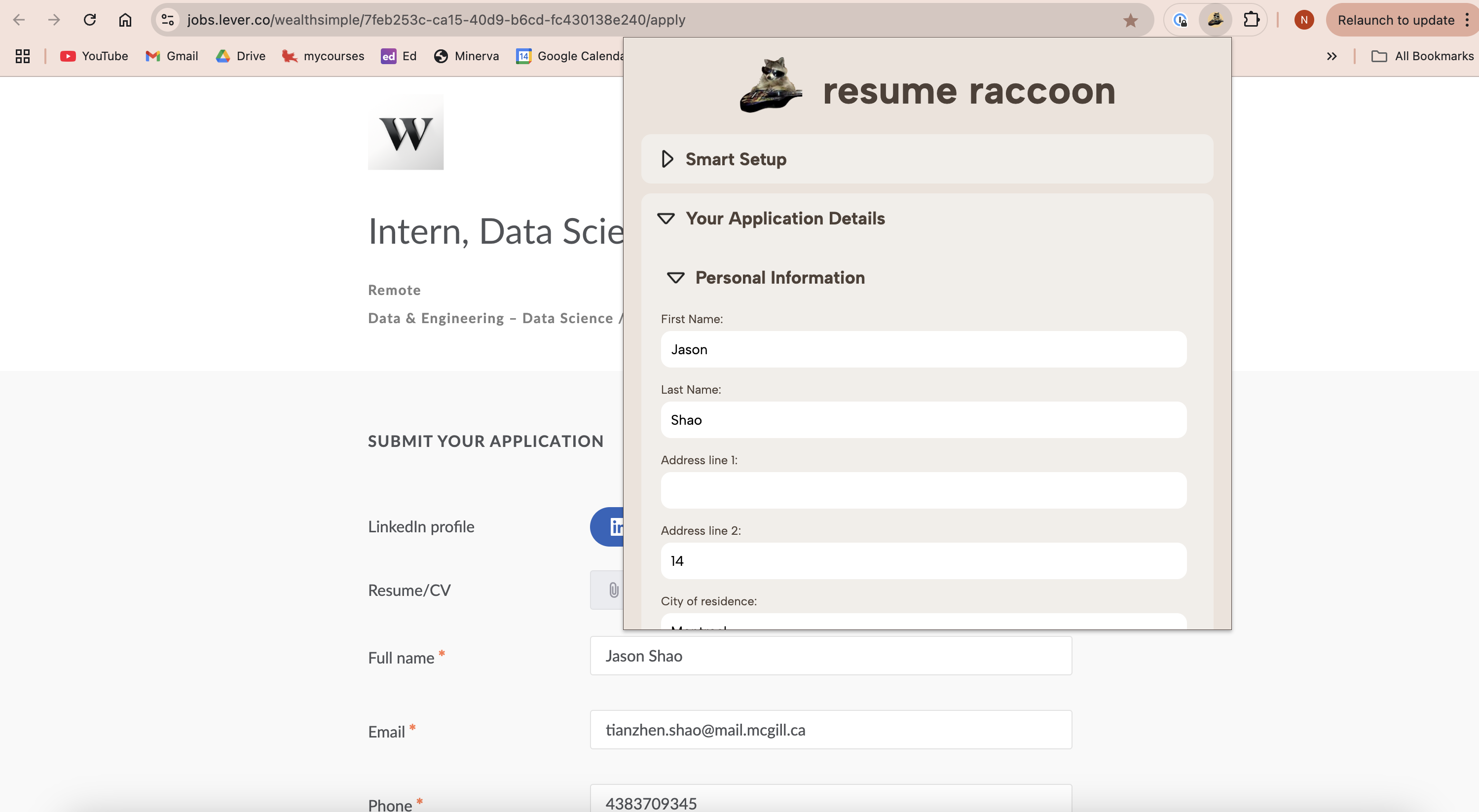
- Autofill Job Applications ✨: Automatically fill out any job application site with your Raccoon profile details, including contact info, work experience, and diversity data.
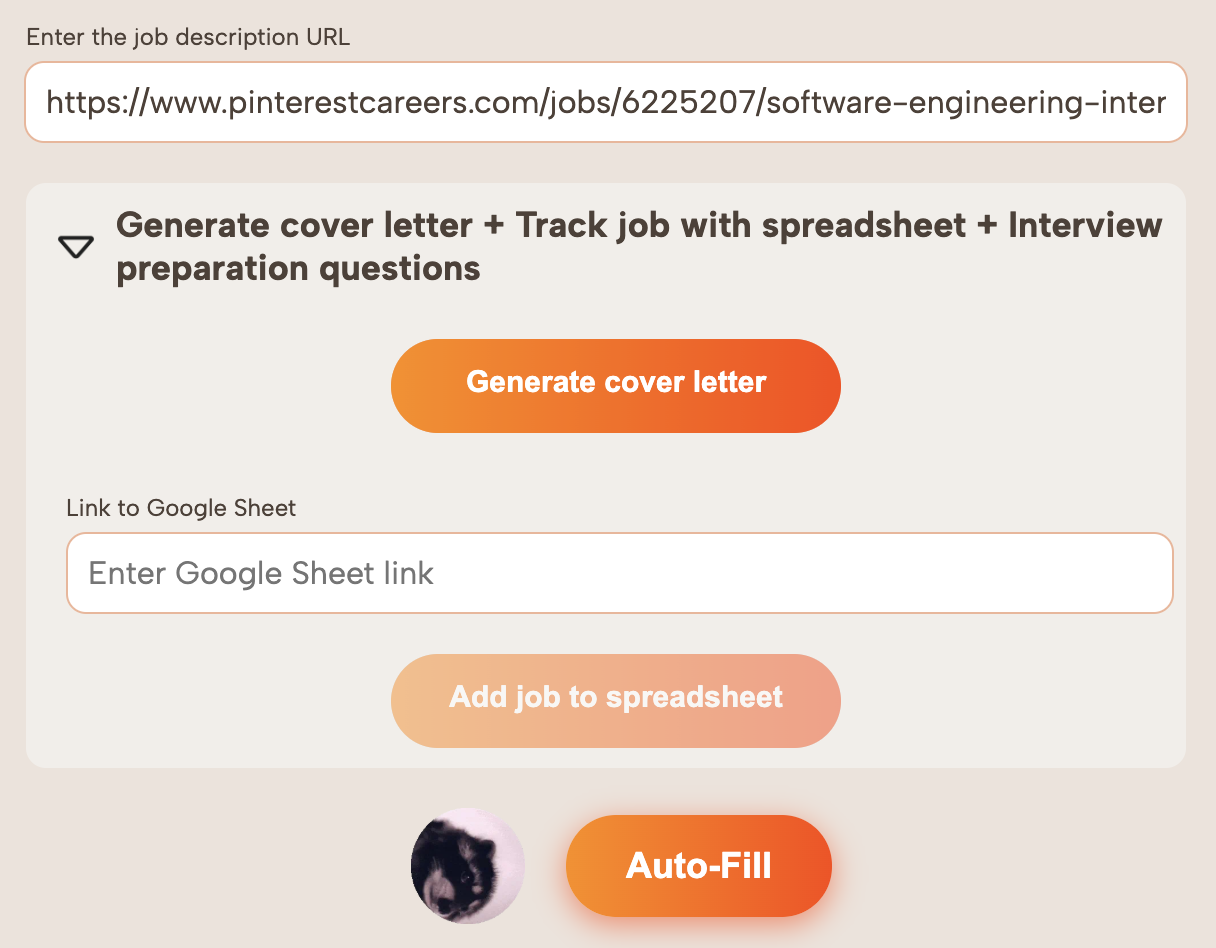
- Generate Cover Letters 🤖: Add the job description URL, and Resume Raccoon will generate tailored cover letters based on your profile.
- Job Tracker Integration 📊: Save job postings directly to a Google Sheets tracker, logging details like company name, position, application date, and interview preparation materials.
- Interview Prep 🎯: Generate company-specific technical (for SWE roles) and behavioral questions to help you ace interviews.
How we built it 🛠️
- Autofilling: Using regular expressions and DFS traversals, we identify and match fields on job application sites with user profile data. Custom scripts handle complex input scenarios, like dynamically created fields (e.g., "Add Experience").
- AI Features: Leveraging Gumloop's API, we process resume and LinkedIn data to populate user profiles and generate cover letters.
- Tracking: Job URLs are processed via Gumloop workflows to populate a Google Sheets tracker with all relevant details, including tailored interview prep questions.
Challenges we ran into 🚧
- Workday Compatibility: Standard scraping methods didn't work for Workday applications. We developed custom event triggers and introduced delays to simulate user behavior and ensure input fields loaded correctly.
- Dynamic Elements: Some application sites dynamically created input fields (e.g., “Add Experience”). We had to simulate user interactions, like clicks, to load these elements before filling them.
- State Management: Buttons like "Save and Continue" on Workday didn't refresh the DOM or URL, so we implemented custom event handlers to monitor changes and execute scripts dynamically.
Accomplishments that we're proud of 🏆
- Developed a fully functional Chrome extension within 24 hours that works across all job application platforms.
- Successfully implemented autofill features even for complex sites like Workday, overcoming significant technical challenges.
- Seamlessly integrated AI to generate personalized cover letters and streamline application workflows.
What we learned 📚
- Advanced web scraping techniques, including handling dynamically loaded elements and triggering artificial events.
- The intricacies of integrating multiple scripts into a Chrome extension.
- Improved our front-end development and gained valuable experience with APIs like Gumloop.
What's next for Resume Raccoon 🔮
- Enhanced Features: Add support for radio buttons, multi-select dropdowns, and other complex form elements.
- Mobile Compatibility 📱: Develop a mobile-friendly version of the extension.
- Expanded AI Capabilities 🧠: Incorporate more advanced AI for resume reviews and deeper interview prep insights.
- User Feedback 🗣️: Gather feedback to refine and expand our feature set based on user needs.
Built With
- css
- gumloop
- html
- javascript
- scraping


Log in or sign up for Devpost to join the conversation.