-
-
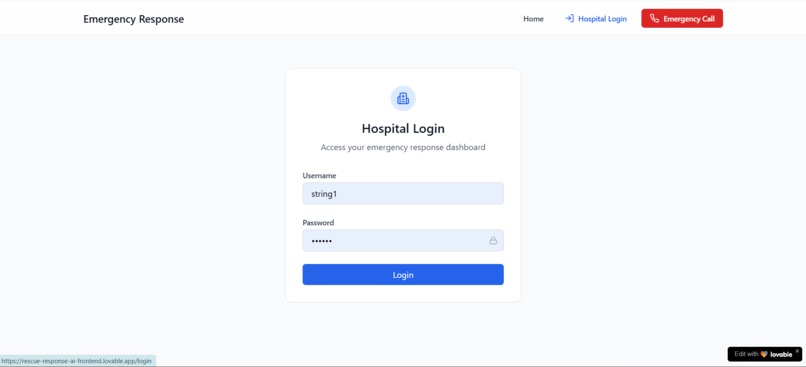
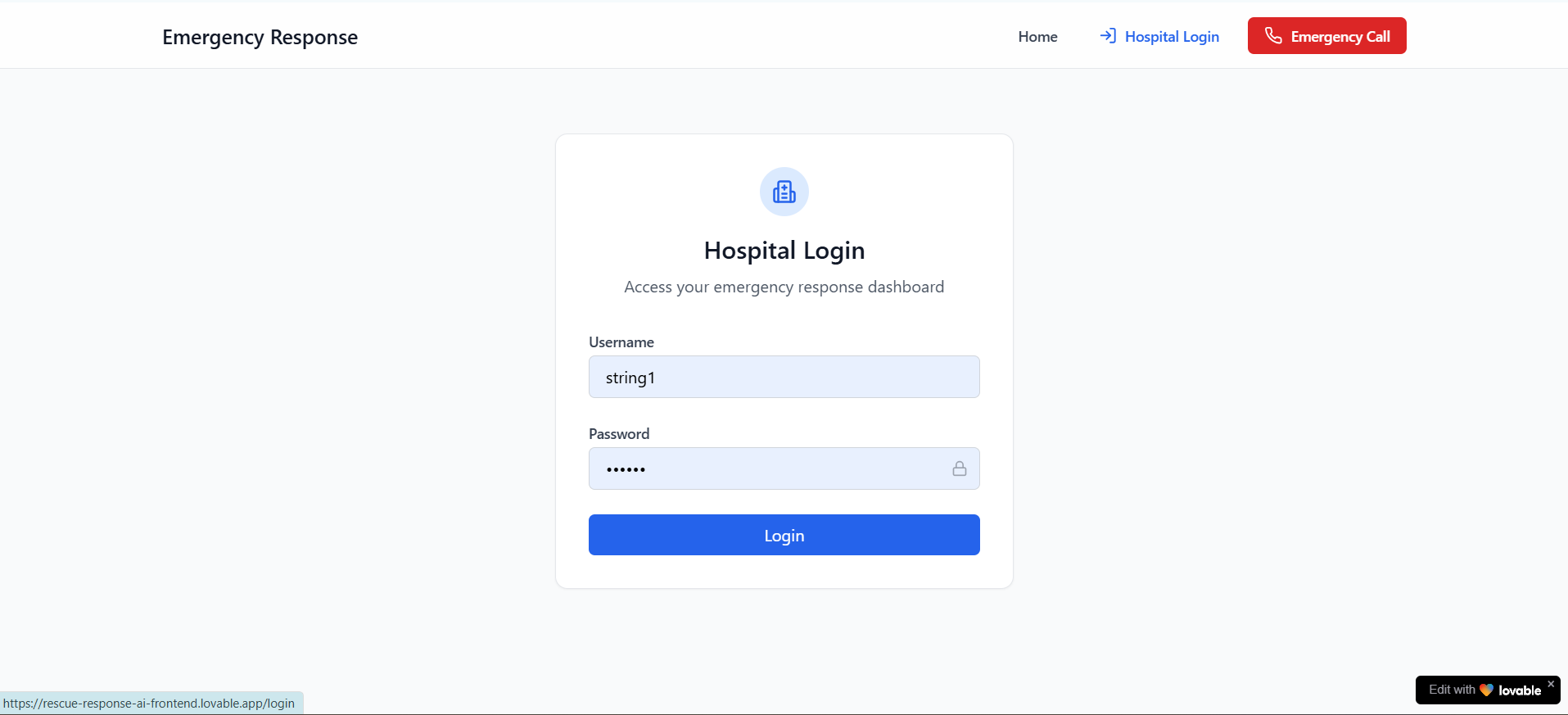
Login
-
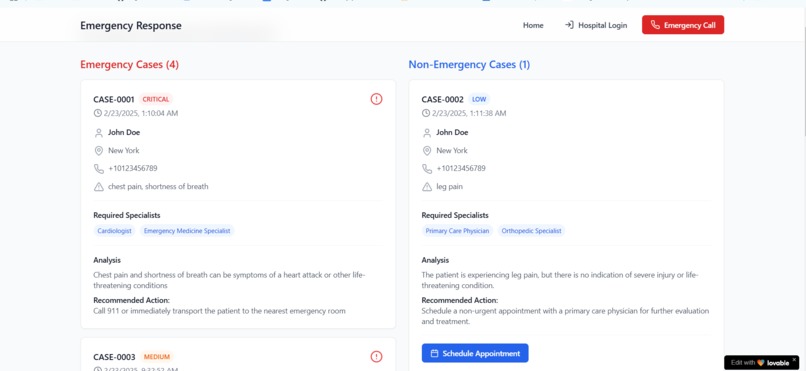
Dashboard
-
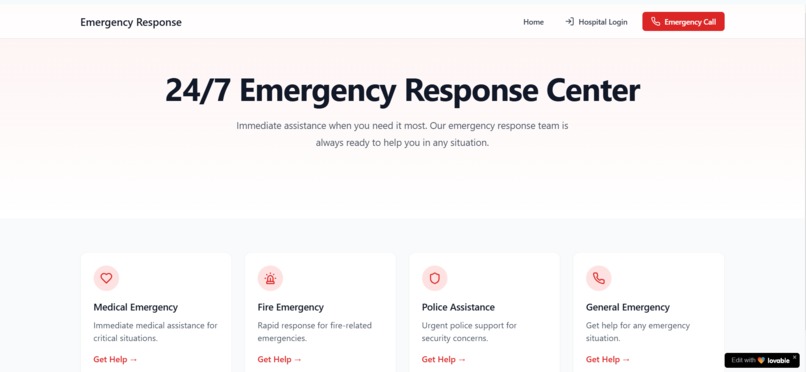
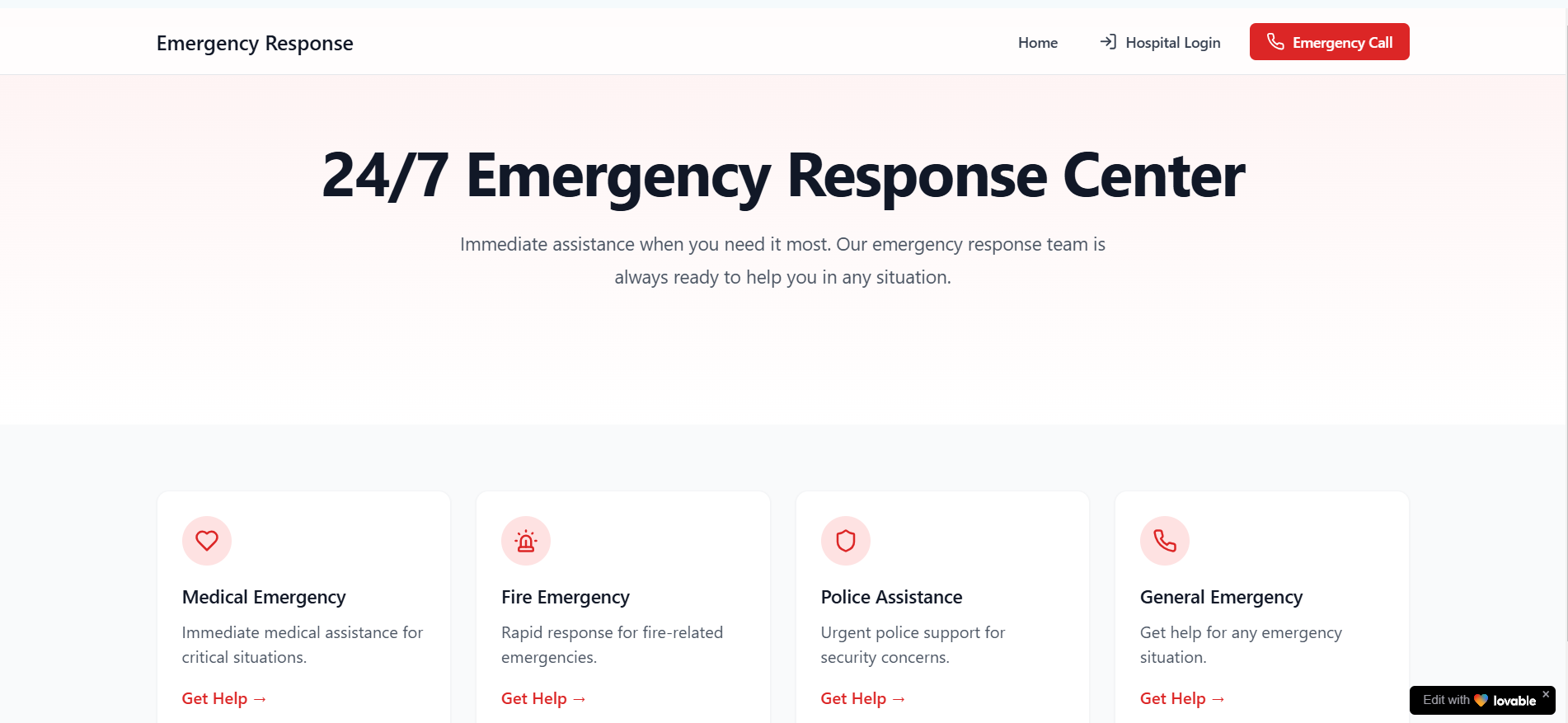
Home Page

Inspiration
The inspiration for Rescue-Response-AI stemmed from the urgent need to improve emergency healthcare response times and accuracy. Witnessing the challenges faced by medical professionals in triaging patients quickly, especially during high-pressure situations, sparked the idea to leverage AI and automation. We aimed to create a tool that bridges the gap between incoming patient data and actionable emergency responses, reducing delays and potentially saving lives.
What it Does
Rescue-Response-AI is a FastAPI-based application designed to:
- Capture Medical Data: Receives patient data (e.g., symptoms, location, contact info) via a webhook from various sources.
- Analyze Emergencies: Uses an AI model (Grok from xAI) to assess the severity of medical cases, identifying emergencies like heart attacks or severe injuries.
- Trigger Notifications: Integrates with the Bolna API to initiate phone calls to responders for urgent cases, providing critical details instantly.
- Store and Display Data: Saves all cases and notifications in a PostgreSQL database and offers two views: an HTML dashboard for human monitoring and a JSON API for programmatic access.
- User Management: Includes simple signup and login functionality to manage access (currently basic, with plain text passwords for demo purposes).
It’s a seamless system that automates emergency detection and response while keeping healthcare providers informed in real time.
How We Built It
- Backend: Built with FastAPI for its async capabilities and automatic Swagger UI documentation.
- Database: Used SQLAlchemy with PostgreSQL to persistently store user accounts, medical cases, and notification logs.
- AI Integration: Leveraged Grok (via the xAI API) to analyze incoming medical data and classify emergencies based on severity.
- Notification System: Integrated the Bolna API for outbound calls, passing patient details to responders.
- Modular Design: Split the application into routers (
auth,webhook,call,display) for maintainability, with shared utilities indatabase.py,models.py, andschemas.py. - CORS: Added middleware to enable frontend compatibility.
- Deployment: Hosted on Render, ensuring scalability and accessibility.
Challenges We Ran Into
- Database Schema Mismatch: Encountered issues where the
userstable had ahashed_passwordcolumn from an earlier version, while the code expectedpassword. This required manual schema updates or code adjustments. - AI Response Parsing: Ensuring Grok’s JSON responses were consistent and correctly parsed for emergency classification took some trial and error.
- Asynchronous Integration: Balancing async calls to external APIs (Grok and Bolna) with synchronous database operations posed initial hurdles, requiring careful dependency management.
- Plain Text Passwords: Opting for simplicity in the demo led to security trade-offs, which we had to consciously address in documentation to avoid misuse in production.
- Deployment on Render: Configuring environment variables and debugging logs remotely via Render’s CLI was a learning curve.
Accomplishments That We're Proud Of
- Functional AI Triage: Successfully integrated Grok to accurately classify emergencies, providing a proof-of-concept for AI-driven healthcare.
- Real-Time Notifications: Achieved seamless integration with Bolna for instant call notifications, a critical feature for emergency response.
- Dual Display Modes: Built both an intuitive HTML dashboard and a JSON API endpoint, catering to both human operators and automated systems.
- Modular Architecture: Organized the codebase into reusable modules, making it easy to extend or maintain.
- Swagger UI Customization: Enhanced the API docs with examples and branding, improving usability for testing and demo purposes.
What We Learned
- FastAPI’s Power: Gained deep insights into FastAPI’s async capabilities, dependency injection, and automatic OpenAPI generation.
- Database Management: Learned to handle schema mismatches and the importance of migrations (e.g., Alembic) for production environments.
- AI Integration: Understood how to work with AI APIs like Grok, including prompt engineering and response handling.
- Deployment Challenges: Mastered debugging and logging in a cloud environment like Render, emphasizing the need for robust error handling.
- Security Trade-offs: Realized the risks of plain text passwords and the importance of planning authentication strategies early.
What's Next for Rescue-Response-AI
- Enhanced Security: Implement password hashing (e.g.,
bcrypt) and JWT-based authentication to secure user access and protect endpoints. - Automated Notifications: Expand the notification system to auto-trigger calls for emergencies within the webhook flow, reducing manual intervention.
- Frontend Development: Build a dedicated frontend (e.g., with React or Vue.js) to replace the HTML dashboard, offering a more interactive experience.
- Database Migrations: Integrate Alembic for seamless schema updates without manual intervention.
- Scalability: Add load balancing and caching (e.g., Redis) to handle higher volumes of webhook data and calls.
- Advanced Analytics: Incorporate real-time analytics and reporting features to provide insights into emergency trends and response times.
- Multi-Channel Alerts: Extend notifications to include SMS, email, or push notifications alongside phone calls.
Built With
- bolna
- fastapi
- groq
- lovable
- postgresql
- python
- react
- render


Log in or sign up for Devpost to join the conversation.