Inspiration
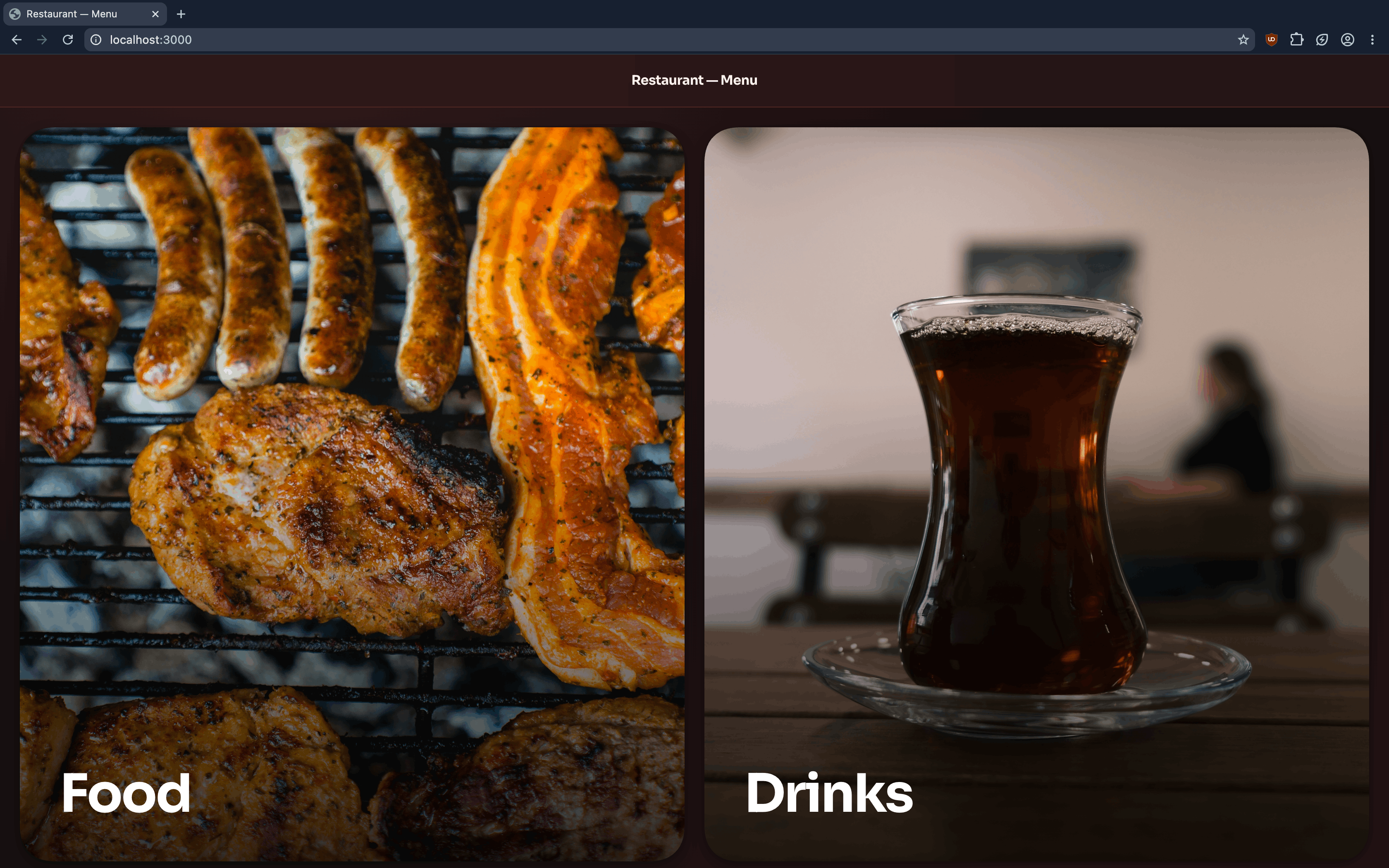
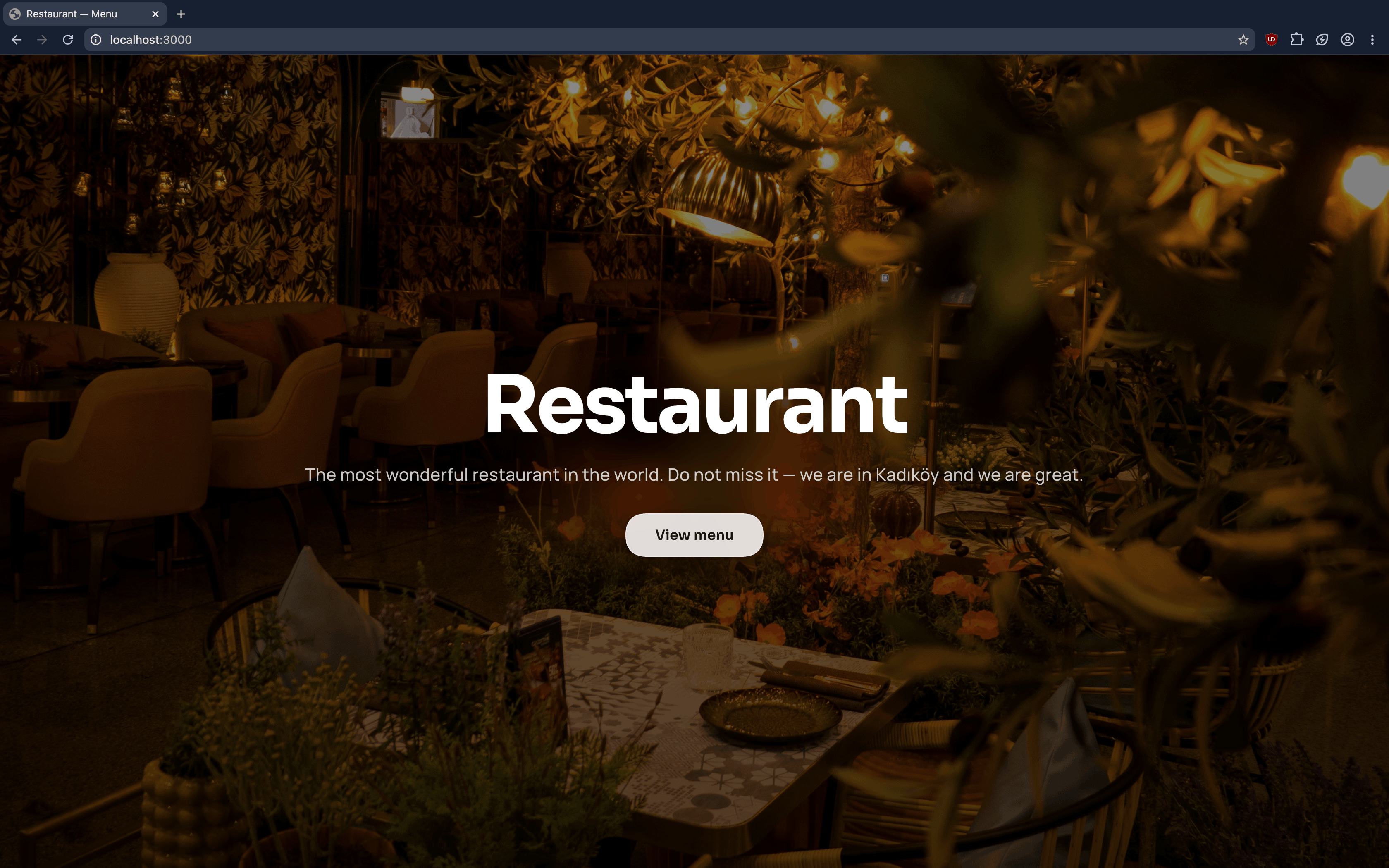
Most QR menus simply replace paper with a PDF. They still feel slow, difficult to navigate on a phone, and painful for restaurant owners to update. I wanted to build a digital menu that feels like part of the restaurant’s brand while remaining easy to manage without touching code.
What It Does
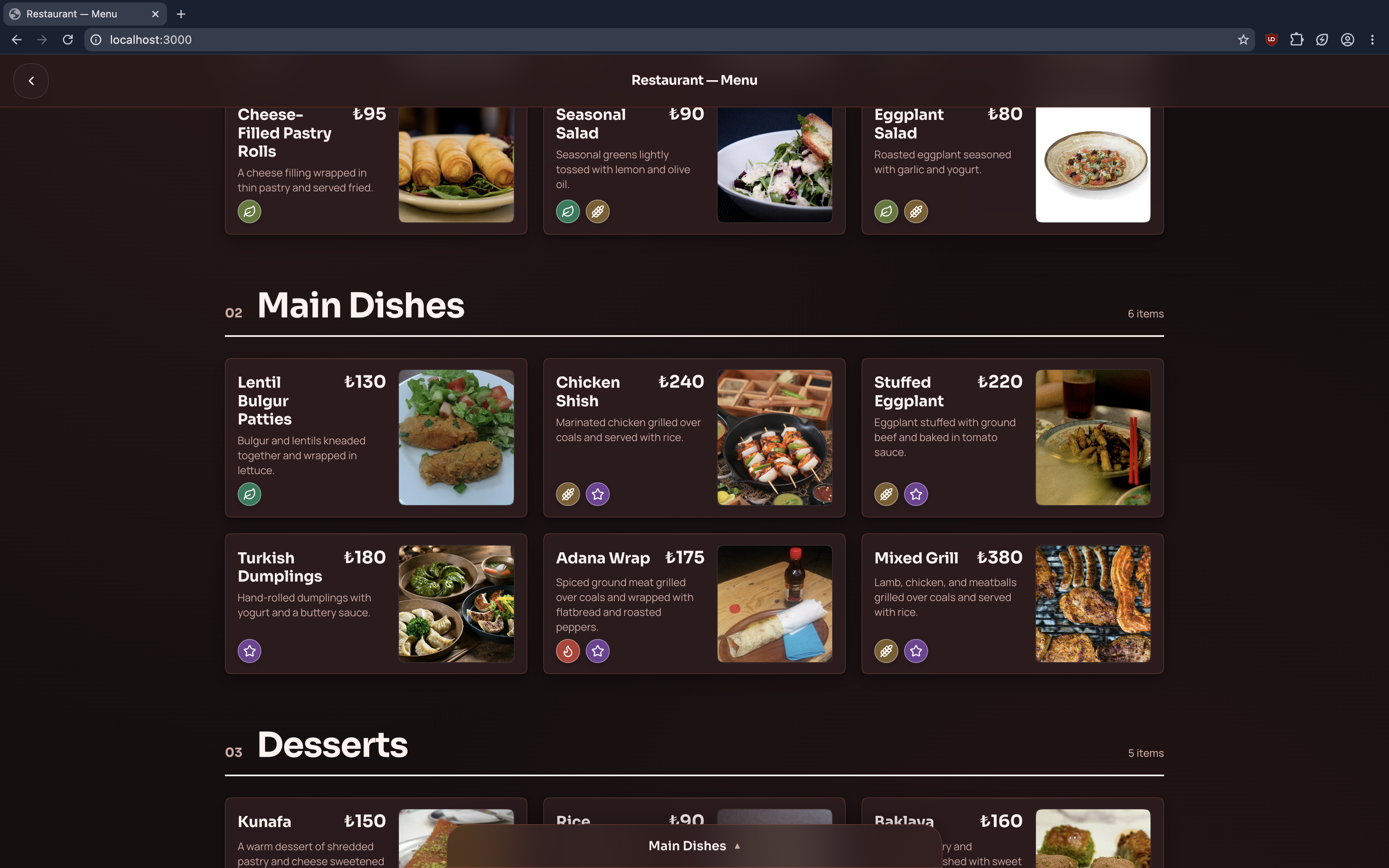
The project delivers a mobile-first digital restaurant menu with:
- Main categories, subcategories, and product detail views
- Dietary, allergen, and popular-item tags
- Optional calorie information
- Responsive light and dark themes
- Custom colors and typography
- An accessible, touch-friendly interface
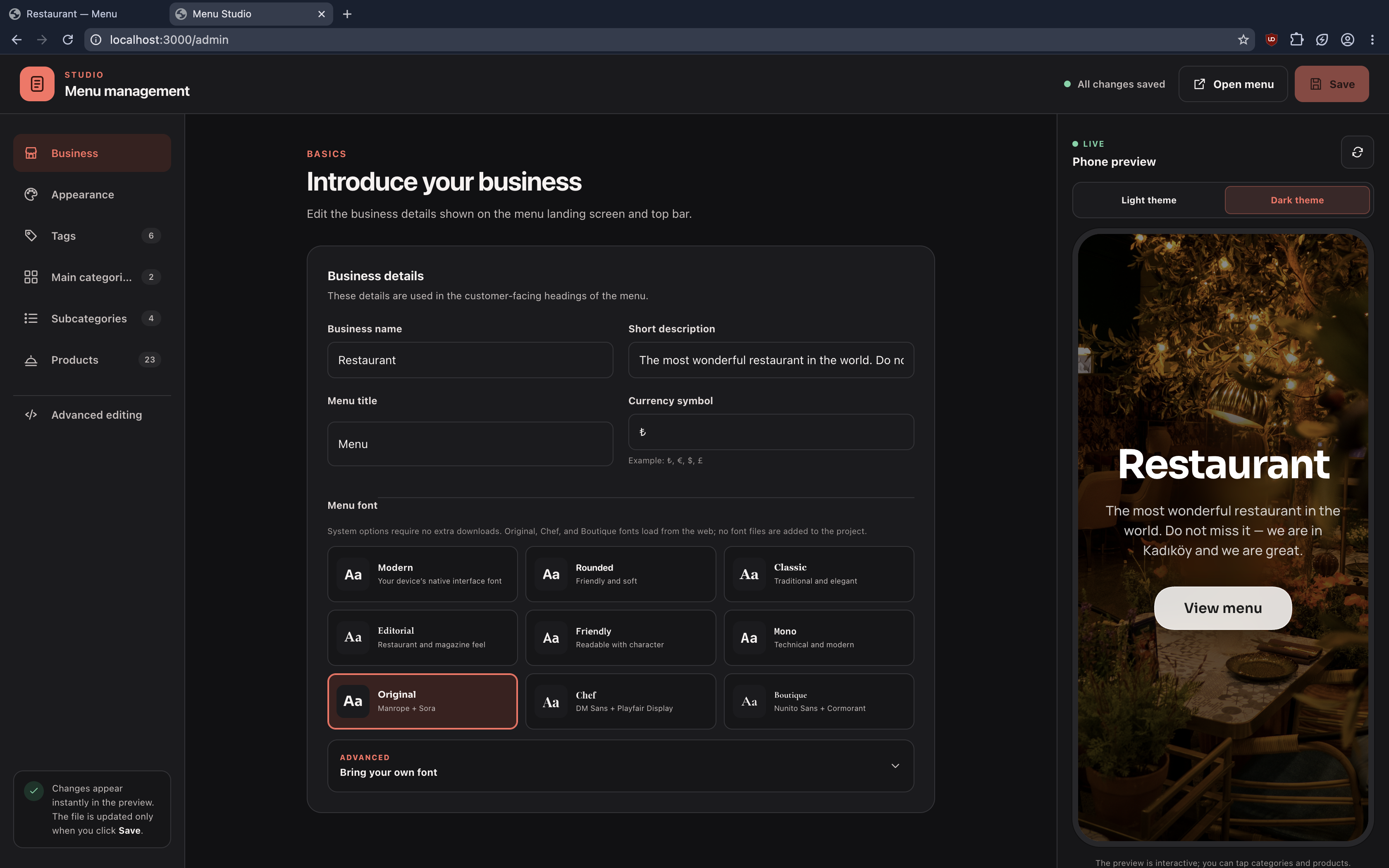
A separate admin studio allows restaurant owners to manage business information, themes, fonts, tags, categories, and products. Every change appears instantly in a live phone preview and is saved only when the user explicitly chooses to save.
How I Built It
I used Bun as the runtime, development server, package manager, and test runner. The customer-facing menu and admin studio are built with vanilla HTML, CSS, and JavaScript to keep the experience lightweight and fast.
The complete menu is driven by a single structured JSON document. A Bun server provides static files and a small GET/PUT API for reading and updating this data.
For live previews, the admin studio sends its unsaved state to the real menu interface through postMessage. This means the preview uses the same renderer customers see instead of maintaining a second, potentially inconsistent implementation.
Before saving, the server validates product prices, category relationships, tag references, image URLs, fonts, icons, and other menu fields. Valid data is written to a temporary file and then renamed atomically, reducing the risk of leaving a corrupted menu behind.
The project also includes 36 Bun tests with 329 assertions covering menu navigation, editing behavior, validation, themes, typography, responsive layouts, and accessibility.
Challenges I Faced
One of the biggest challenges was preserving relationships while data was edited. Deleting or changing a category can affect many products, so the editor needed to keep references consistent instead of producing silently broken data.
Another challenge was combining deep visual customization with safety. Restaurant owners can control colors, fonts, images, and icons, but user-controlled content still needs strict validation and escaping before it reaches the public menu.
Building a live preview without saving every keystroke also required a clear separation between temporary editor state and persisted data.
Finally, making the interface both visually polished and accessible took careful work. Dialog focus, keyboard navigation, screen-reader announcements, responsive category layouts, and reduced-motion preferences all had to work alongside the animations and mobile interactions.
What I Learned
I learned that a strong data model can make both the customer experience and the management interface much simpler. When categories, tags, themes, and products share one validated structure, the same data can power editing, previewing, rendering, and testing.
I also learned that validation must happen at the server boundary even when the interface already validates inputs. Client-side checks improve usability; server-side checks protect the data.
Most importantly, I learned that accessibility and performance are easiest to achieve when they are treated as core product requirements from the beginning.
What’s Next
The next step is turning the prototype into a multi-tenant SaaS platform with authentication, restaurant workspaces, draft and published menu versions, revision history, rollback, image storage, and CDN-backed public menus.
Published menus will be separated from the management system so that a restaurant’s last successful menu remains fast and available even if the admin service is temporarily unavailable.

Log in or sign up for Devpost to join the conversation.