Inspiration
Earthquakes were the big inspiration for our project; we decided to branch out and do more scenarios, including wildfires and floods. We were nervous after reading about the alarming possibilities of other powerful earthquakes in the future. Learning more did not calm our nerves. We learned that whole structures could collapse and crumble on top of you in an instant. Fires caused by burst gas pipes, moreover, could be extremely dangerous due to smoke inhalation.
The impending prospect of a cataclysmic natural disaster like this prompts us to consider whether the lives lost will be on the scale of the devastating damages of 1906 and 1989: the San Francisco Earthquake and the Loma Prieta Earthquake, respectively.
But we have to wonder: just how much will the losses be mitigated by AI and other advanced technologies? Consider if an earthquake happened in San Francisco in 2030. We are confident that with our app, more people will survive. Rescue efforts will become safer and more successful.
What it does
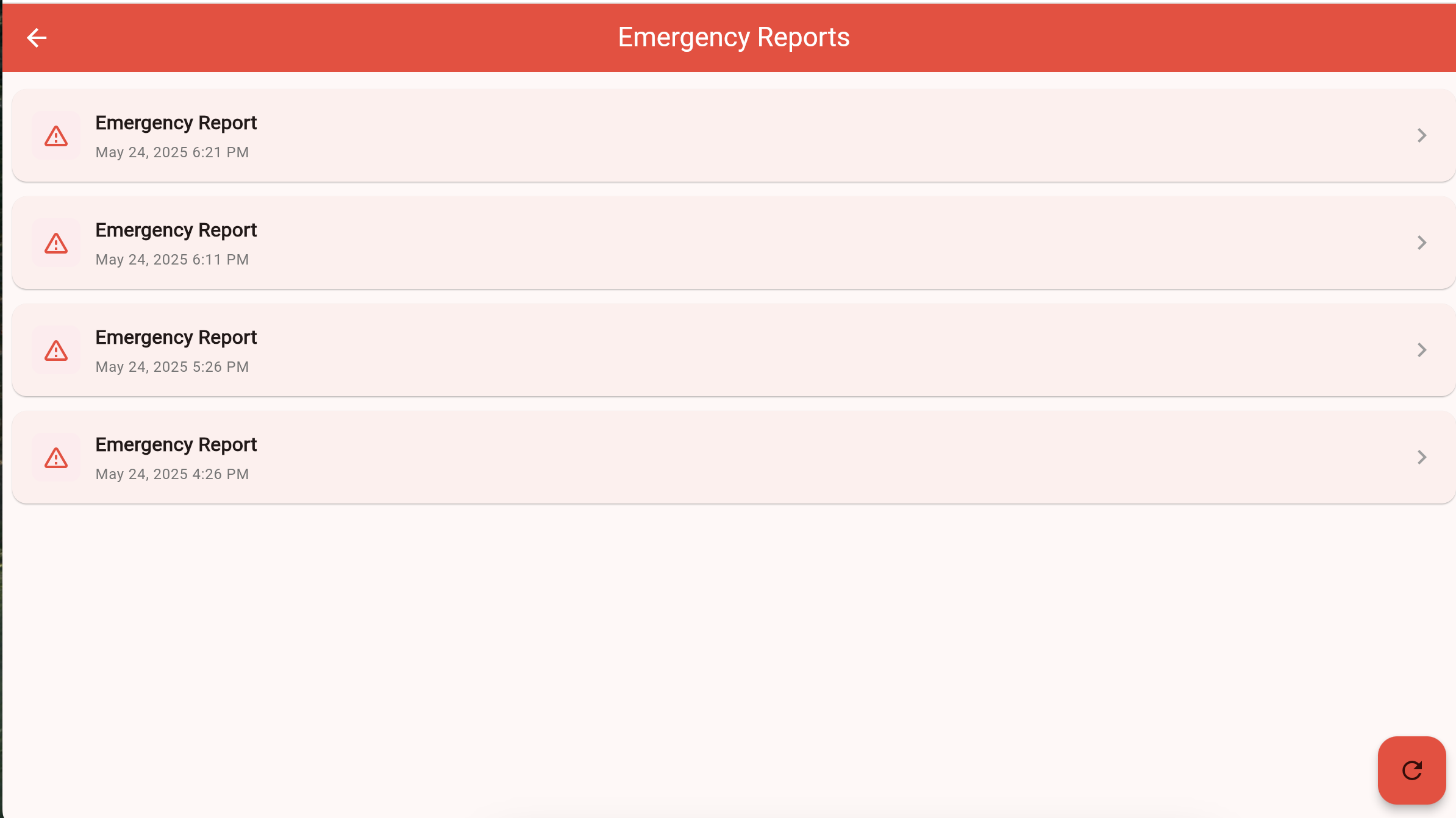
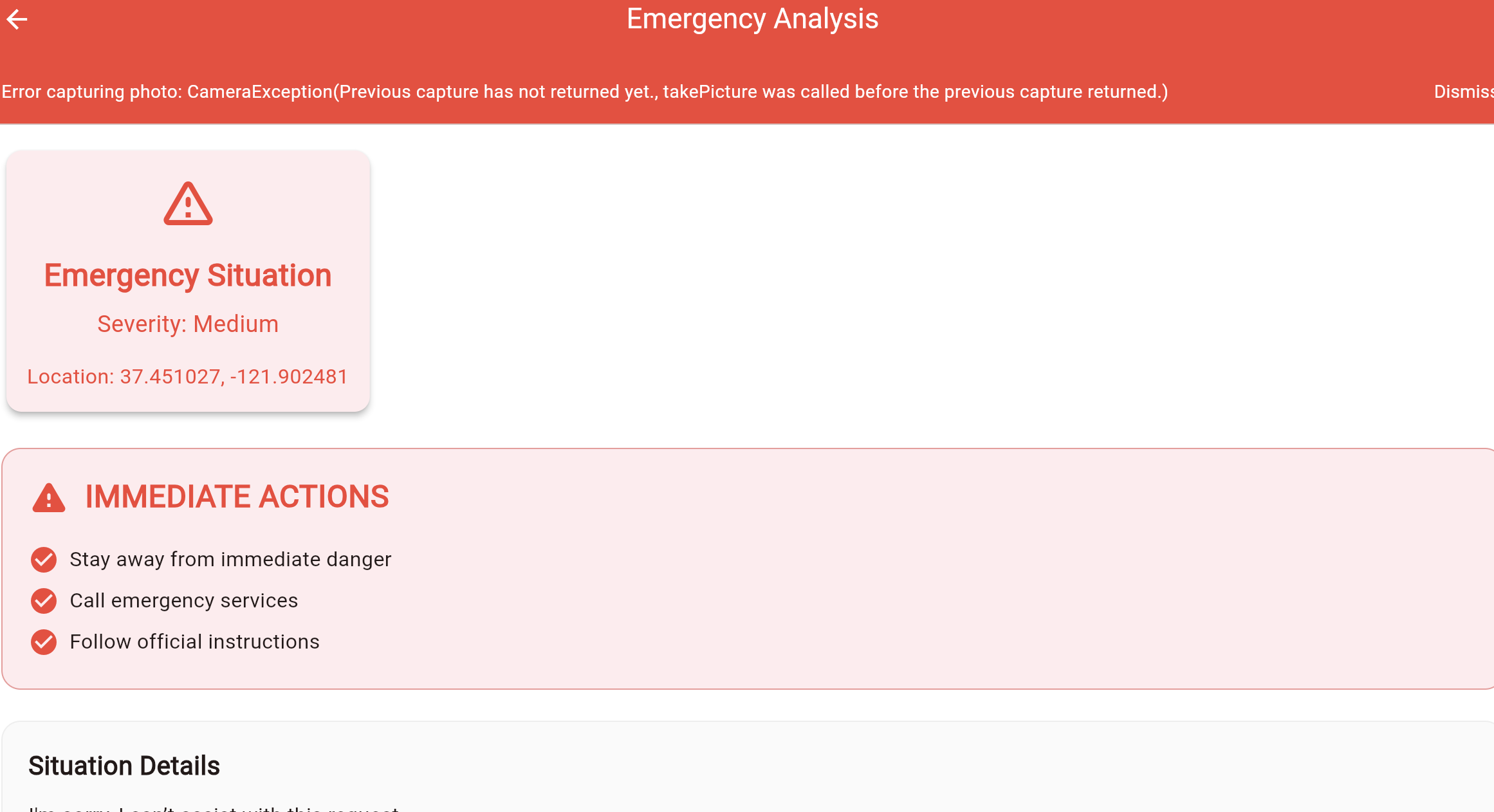
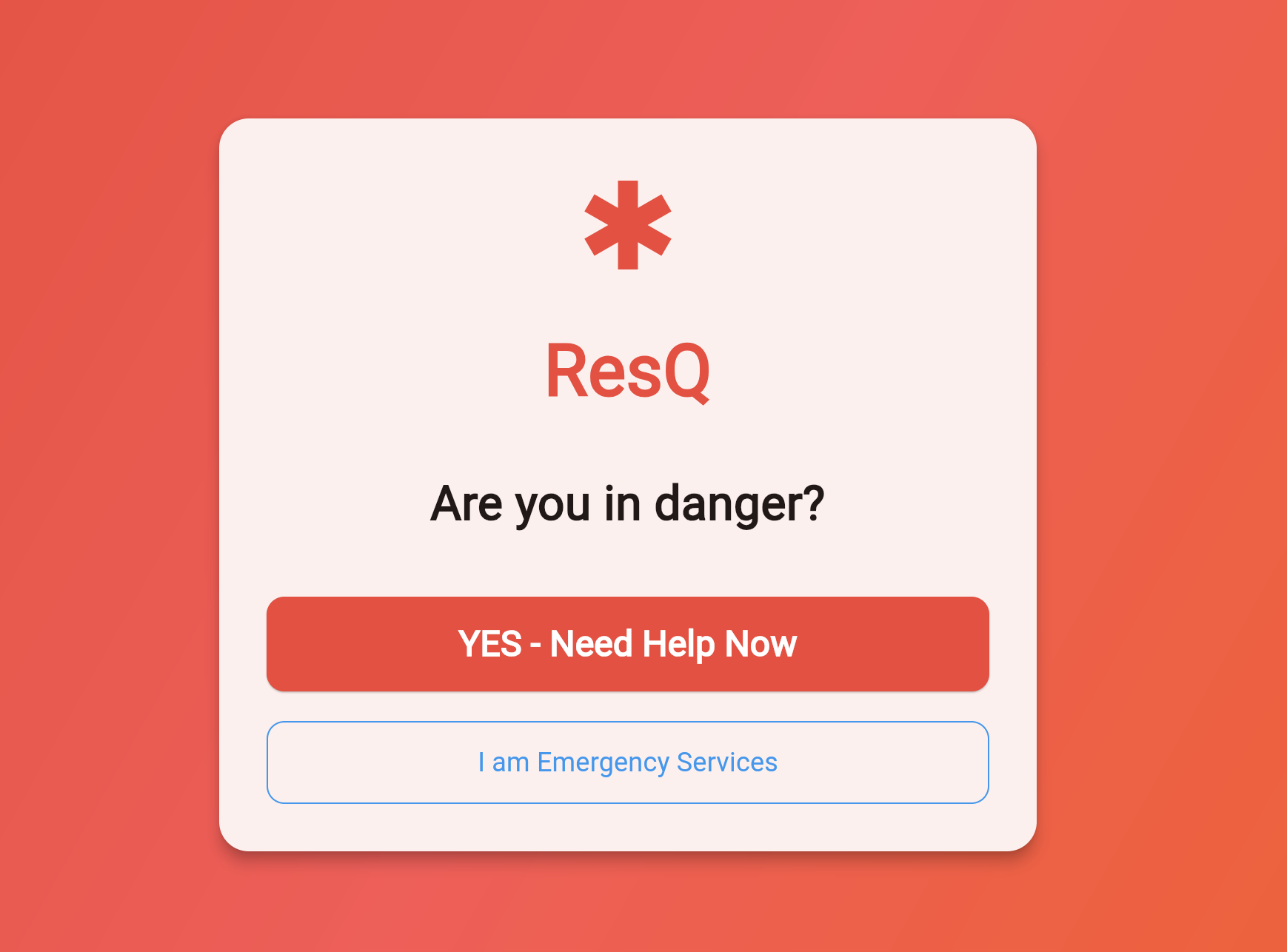
It utilizes the camera and OpenAI as well as some other thing to communicate with people. There are two functionalities: one for victims of natural disasters and one for rescue workers. For victims, the process is something like this: they use the video/audio-recording function, which is the first feature we implemented, to take images of their present situation and share it with emergency workers. Moreover, the AI gives advice on next steps and how to stay safe, and assesses the danger of the situation. The rescue workers can view emergency reports that were reported by victims.
How we built it
We used Flutter for the frontend and a Flask-RESTful for a small python backend. We leveraged OpenAI for our API calls, both its vision capabilities and its ability to use its LLM processing powers to think of good answers.
Challenges we ran into
The expected (and very annoying) Github merge failures. Thinking of features to implement at the beginning. Also, running the app took an estimated 2 and a half hours. Of course, only one team member was running it at a time, which meant it didn't take too long. But it was annoying for all involved. Ultimately, the permissions for Aryan's iPhone resulted in us using Chrome instead.
Accomplishments that we're proud of
We made the frontend and it was pretty polished. The feature where we could actually call a phone number using our app was also pretty impressive. The rescue worker screen.
What we learned
How to use apis to find out addresses from coordinates we gave (though we did not use this in the final app, it didn't work out). How to use tools to get the current coordinate of the computer. How to work as a team.
What's next for resQ
To make it even more useful and effective, we will use Flutter's built in capabilities to make it a mobile app once we have figured out how to use Xcode correctly. We will also train our AI using HuggingFace or any other method to make the responses even more detailed and specific, instead of simply relying on ChatGPT 4o's database and specific prompts.

Log in or sign up for Devpost to join the conversation.