
Inspiration
Education | Reading Engagement | Physical experiences | Human-Computer Interaction | Interactive and Immersive Storytelling
What it does
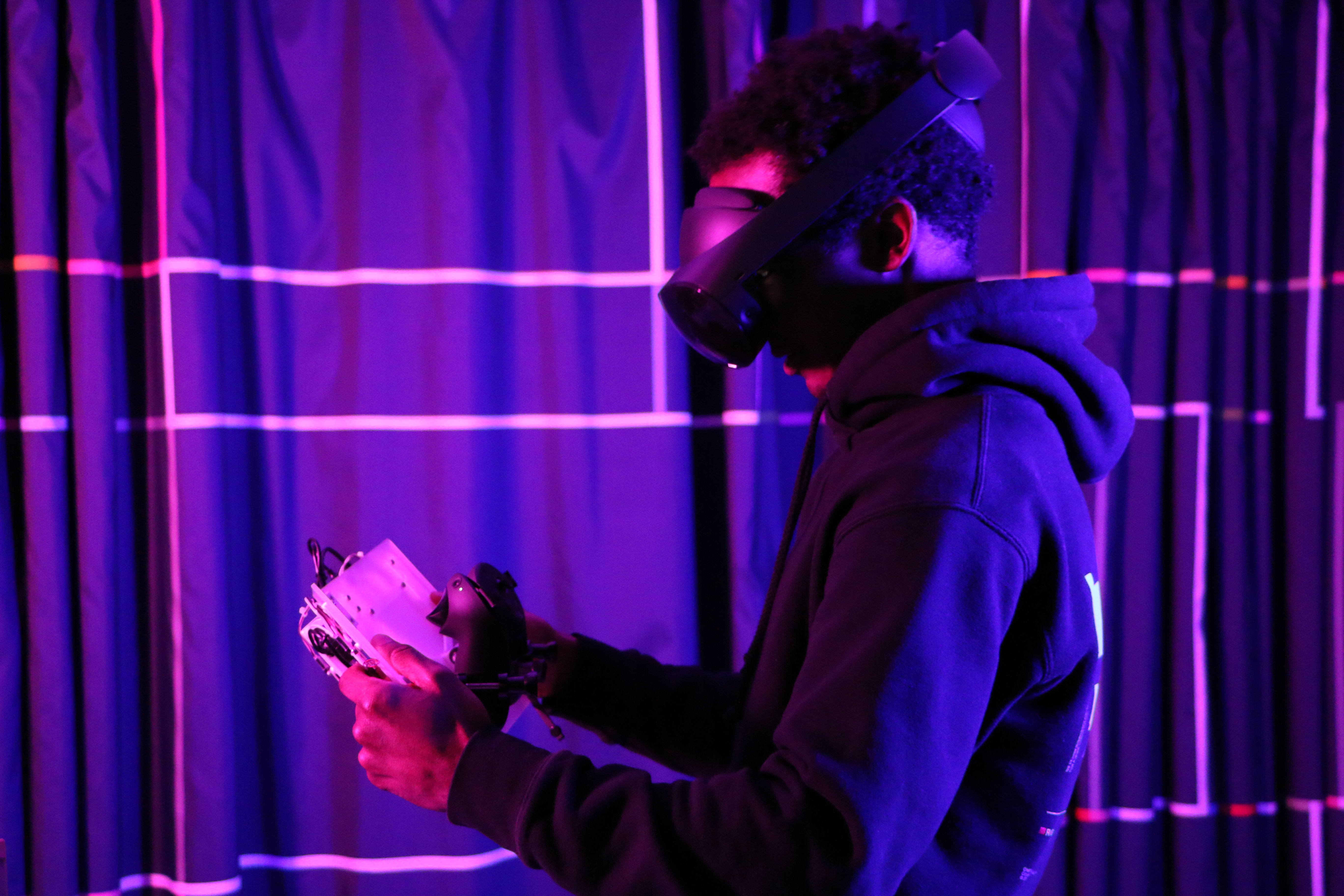
Responsive Tale uses Oculus Quest Pro's pass-through AR functionality to display a digital layer on top of stories and books. Using text analysis and image recognition, haptic feedback and audio-visuals are generated to guide the user through key scenes and important elements of the story.
How we built it
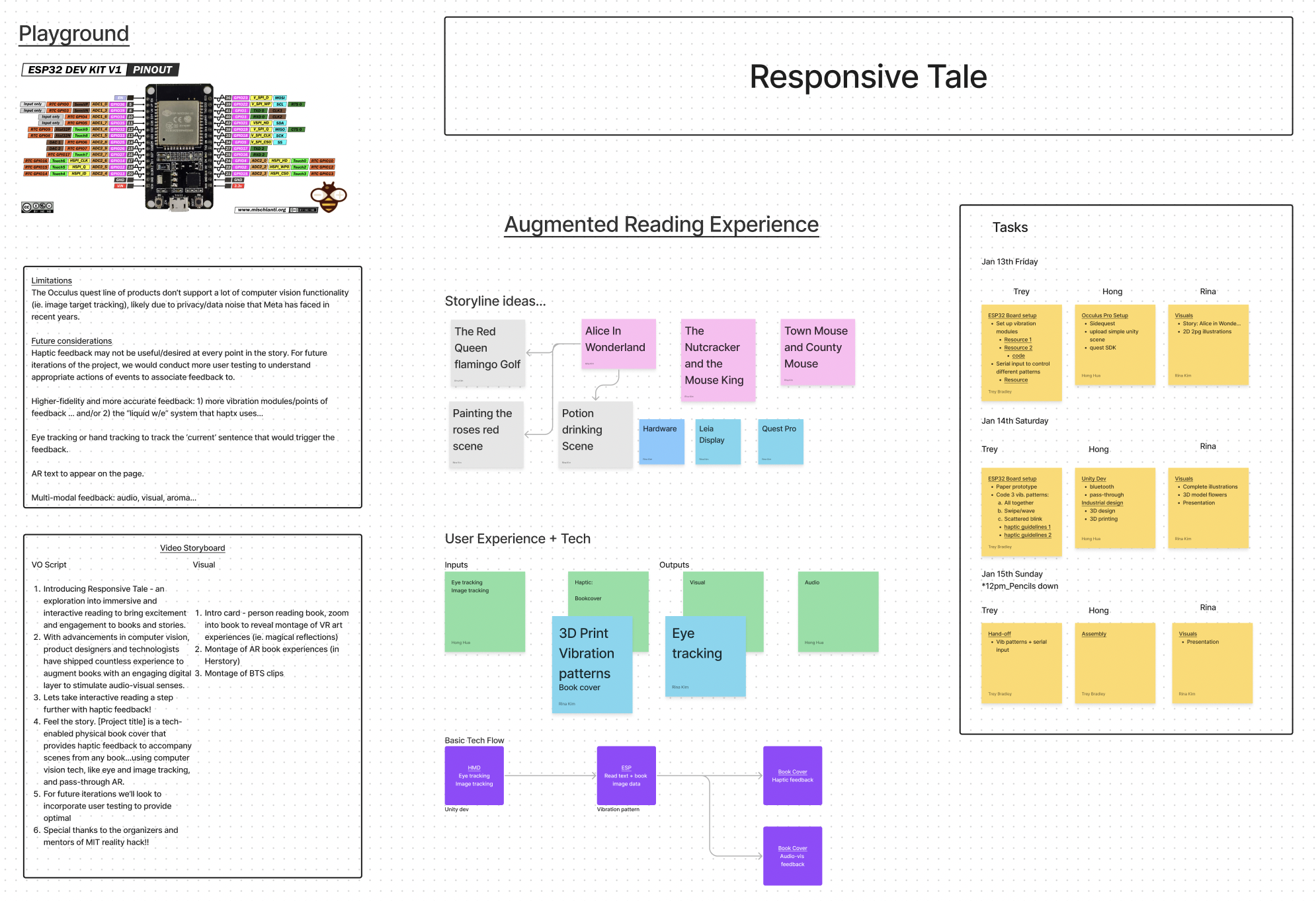
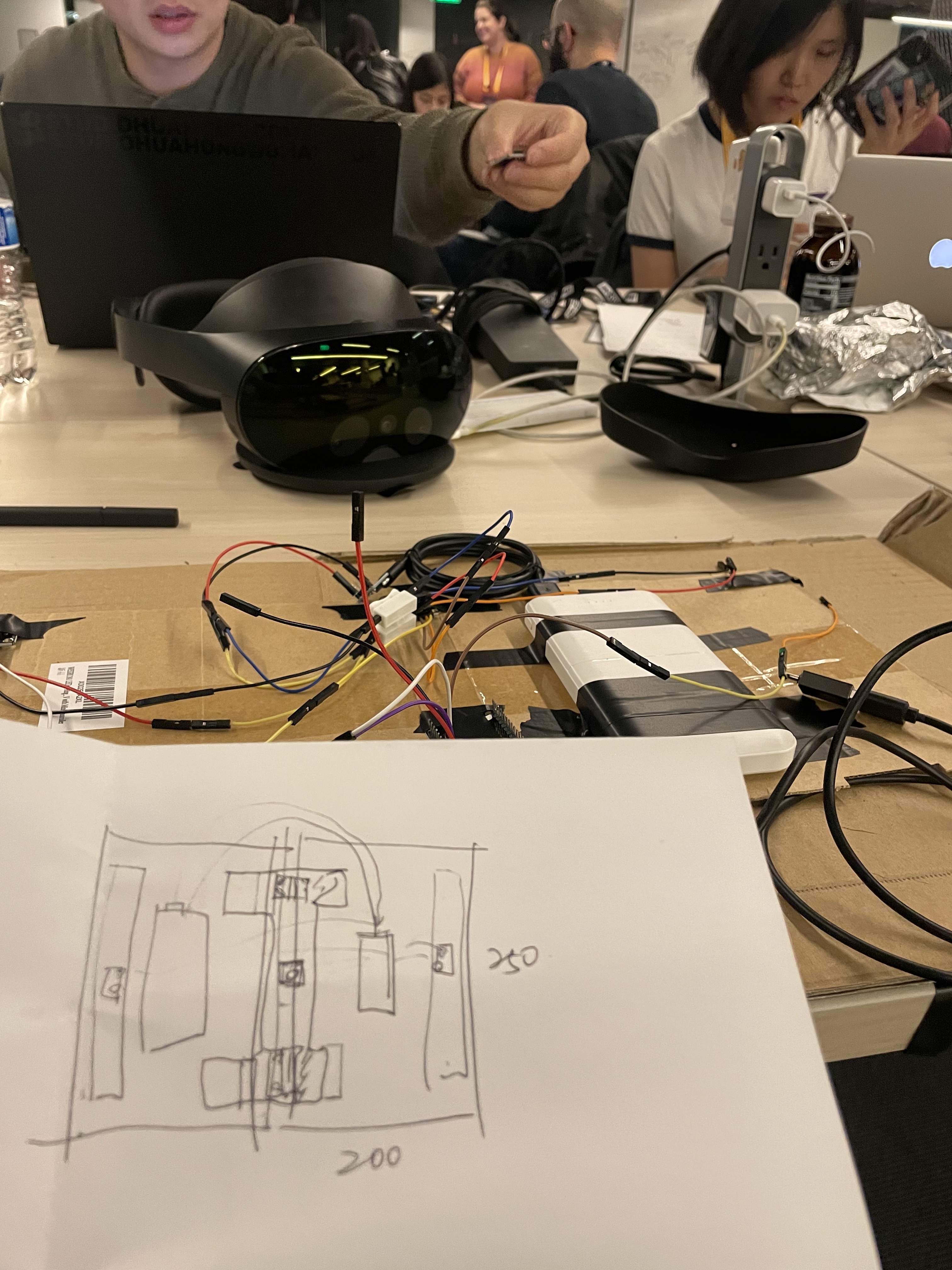
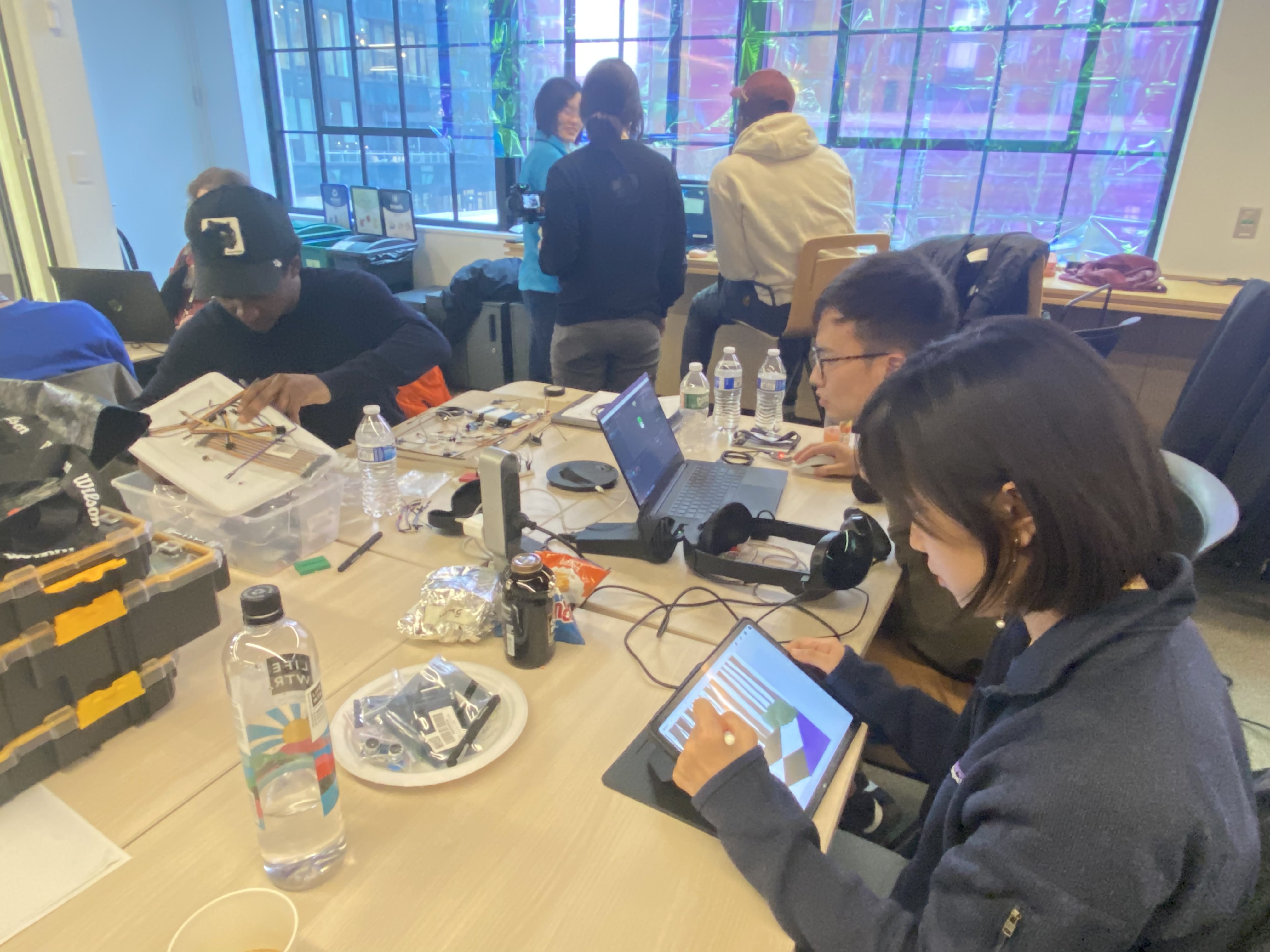
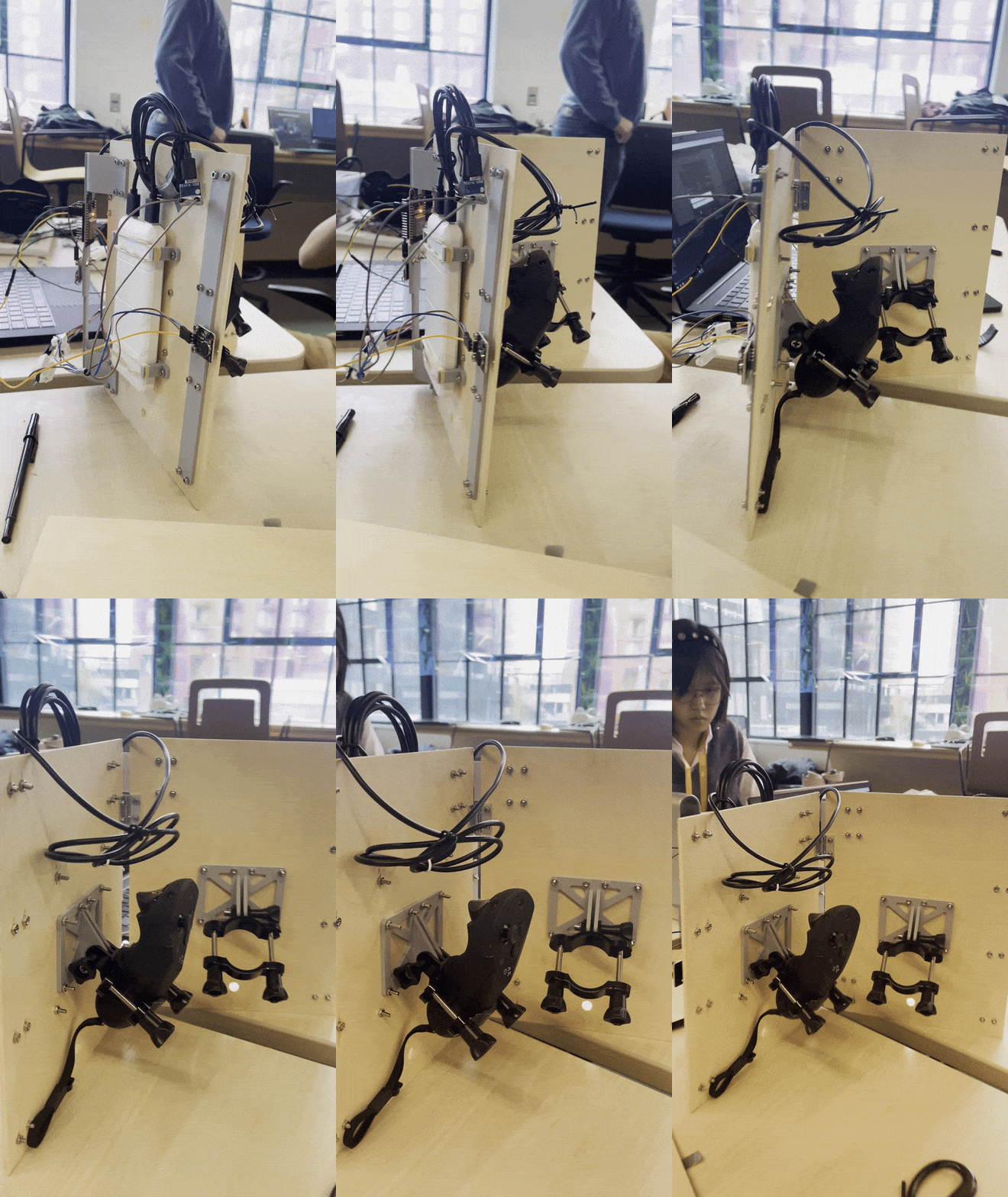
UI/UX: Figma 3D Digital: Maya Industrial design: Rhino, 3D printer AR Dev: Unity/C#, singularity (custom bluetooth package) Haptic Feedback: Arduino IDE, ESP32 microcontroller, vibration motor
Challenges we ran into
The Oculus quest line of products don’t support a lot of computer vision functionality (ie. image target tracking), likely due to privacy/data noise that Meta has faced in recent years.
Accomplishments that we're proud of
Industrial design, bluetooth integration to communicate information between hardware and software components.
What we learned
Electronics, hardware, bluetooth communications. How to prioritize features and pivot when we run into functionality challenges.
What's next for Responsive Tale
Going forward, we'd like to conduct more user and market research to understand when haptic feedback would be most appropriate in a story (ie. which moments/actions/scenes should trigger feedback). Additionally, we'd like to explore higher-fidelity and more accurate haptic feedback (ie. more vibration modules/points of feedback, more complex vibration patterns, and other hardware components).
We'd also like to implement text analysis, eye tracking and/or hand tracking to track the ‘current’ sentence that the user is reading, which would trigger the corresponding feedback.
Finally, thinking about elevating the reading and storytelling experience, we'd like to explore other senses, like smell and live-generated scents that could be added into the feedback layer.


Log in or sign up for Devpost to join the conversation.